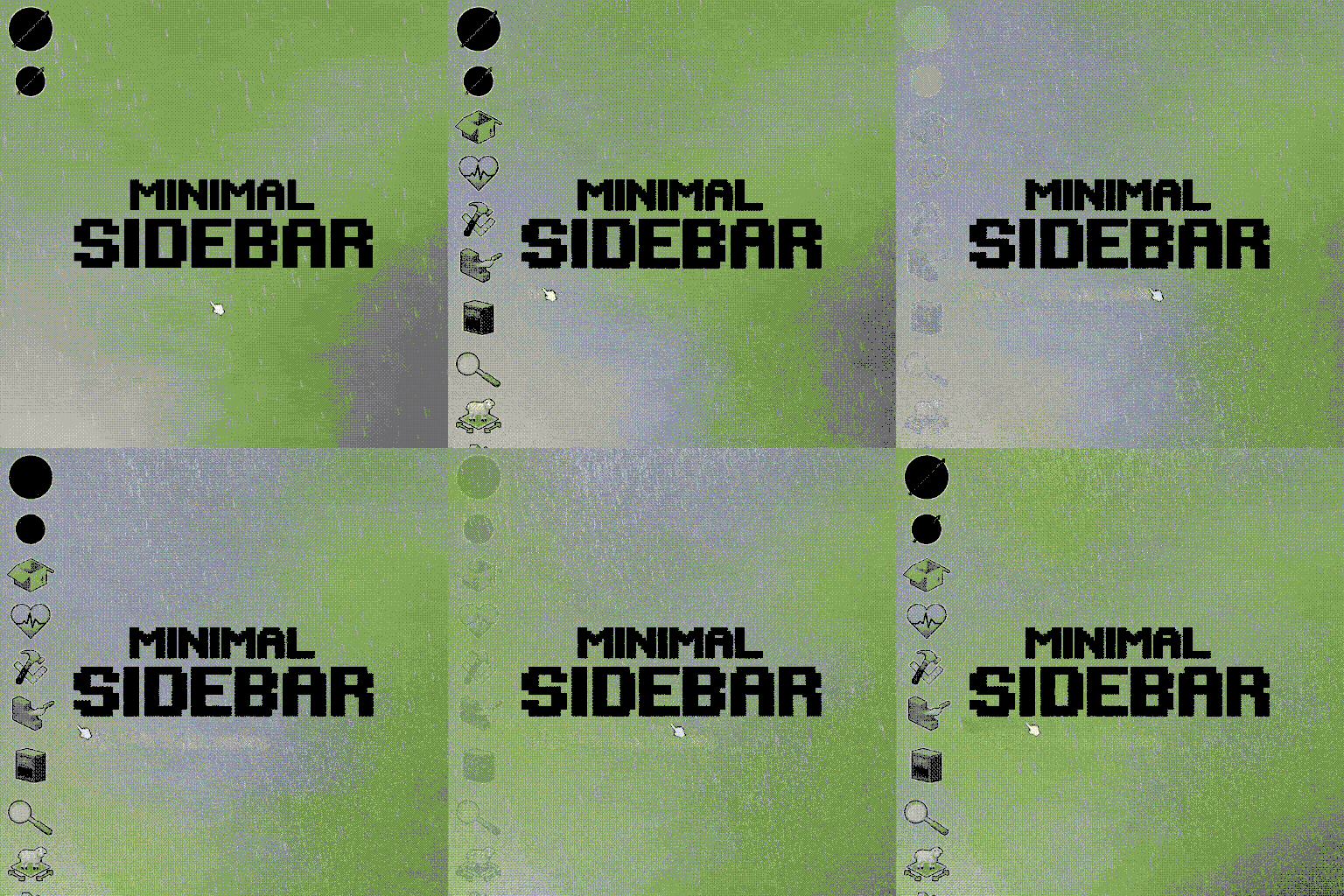

Minimal Sidebar makes the Project Zomboid interface cleaner by automatically hiding unused sidebar buttons. Shortcuts reappear when you hover over the panel, while equipped items remain visible. Features smooth animations, customizable transition speed, a damage indicator and compatibility with Build 41 and Build 42.
Contents
Minimal Sidebar is a lightweight interface modification for Project Zomboid that automatically hides unused sidebar shortcuts, creating a cleaner and less cluttered screen.
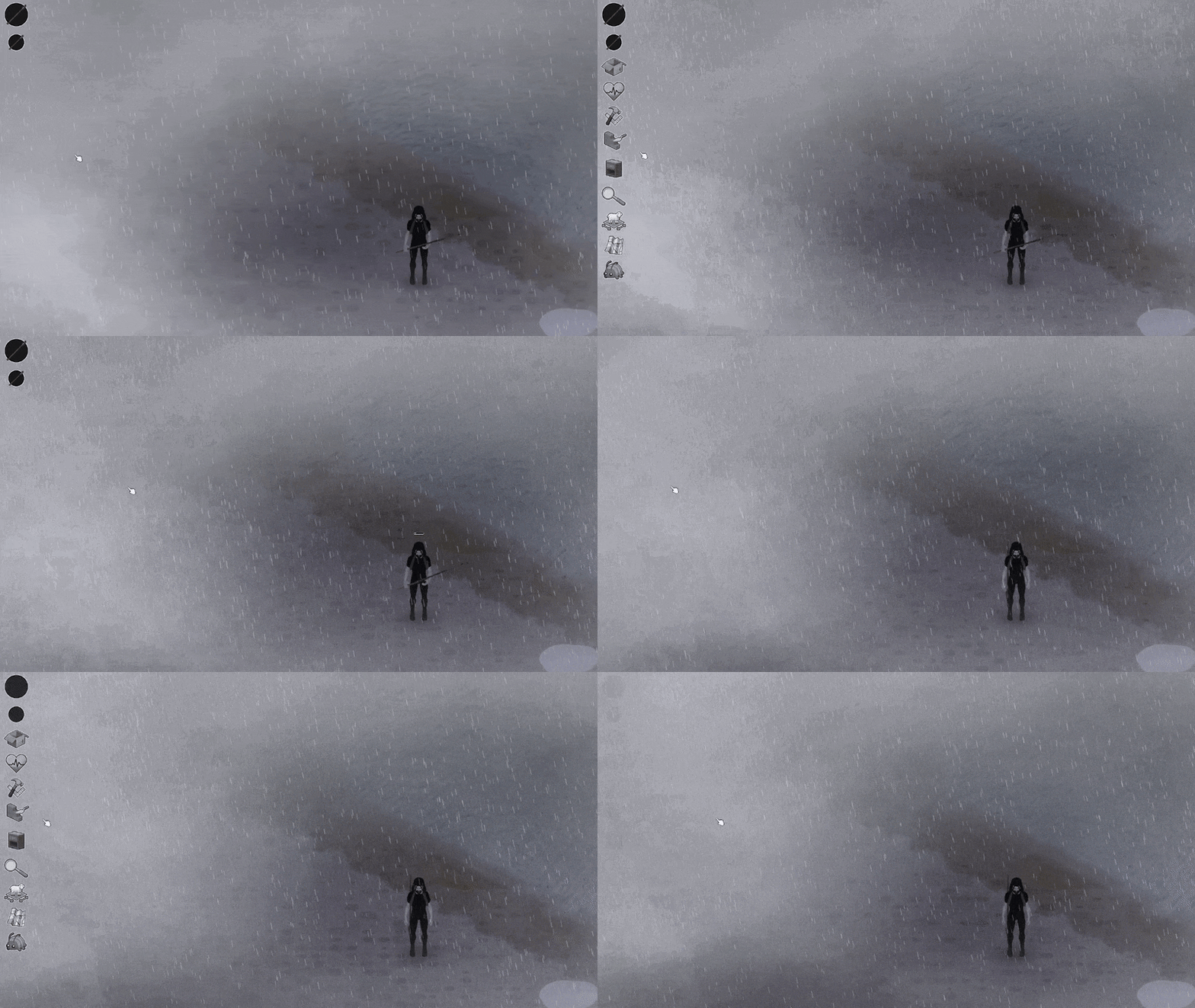
Instead of permanently displaying every button, the panel fades away when not in use and smoothly reappears when you move your cursor over it.
The modification focuses entirely on visual improvements and does not change gameplay mechanics.
Main Features
- Automatic sidebar hiding - Unused shortcuts disappear when the mouse is not hovering over the panel.
- Hover to reveal - Move your cursor over the sidebar to display its buttons.
- Visible equipped items - Equipped equipment remains accessible through floating icons.
- Smooth animations - Sidebar elements fade in and out instead of disappearing instantly.
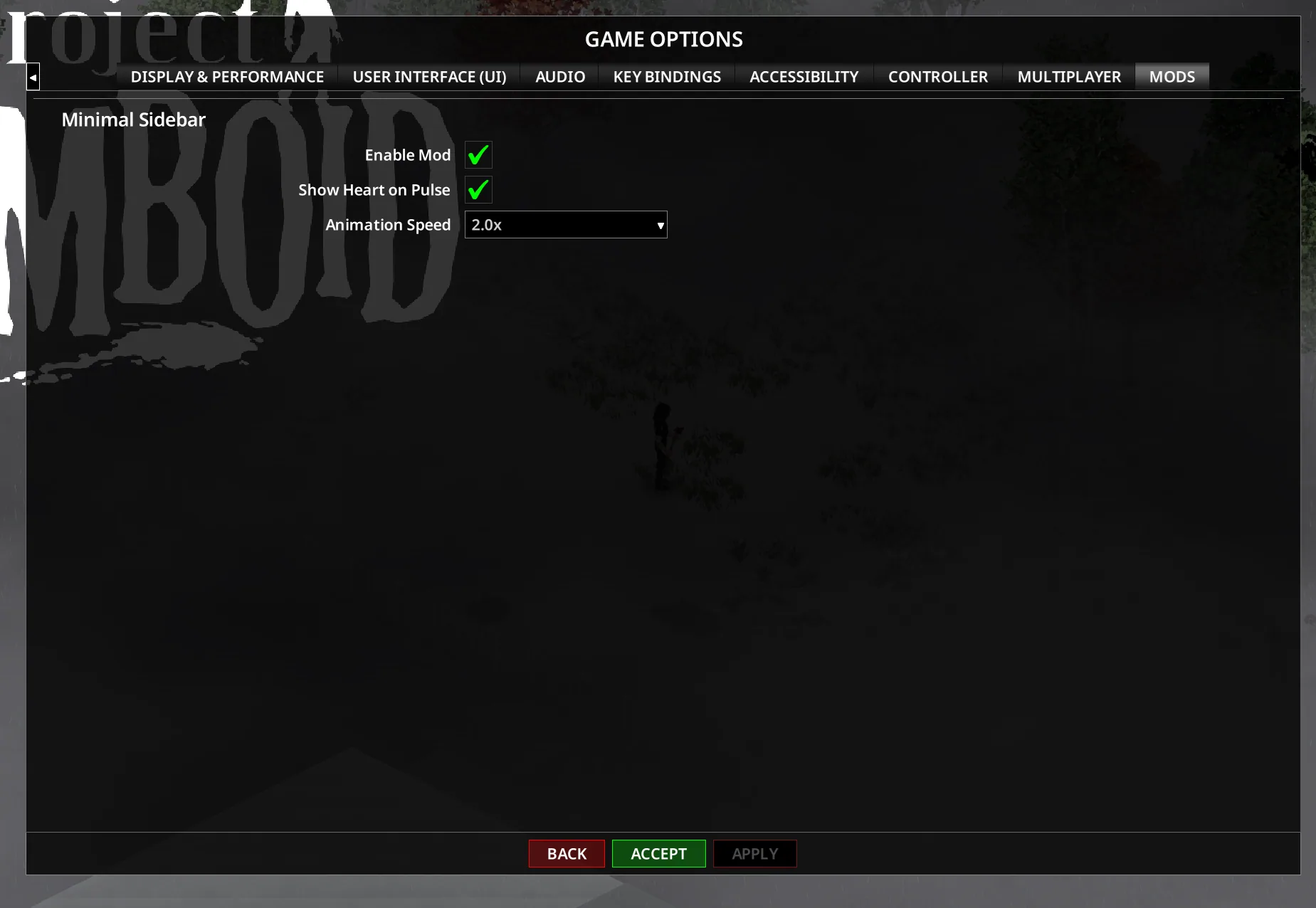
- Adjustable animation speed - Customize transition duration through the options menu.
- Damage indicator - A heart icon briefly pulses when your character takes damage.
- Modded button support - Compatible custom buttons can use the same visibility animations.
- No gameplay changes - The modification only affects the interface.
Improved Interface Behavior
Minimal Sidebar preserves the visibility of important controls when they are needed.
Furniture Tool
When using furniture actions such as Pick Up or Place, the corresponding button remains visible and fully opaque, even when the rest of the sidebar is hidden.
Multiplayer Safety Button
The Safety button is handled separately to prevent visibility problems in multiplayer.
It can reappear when toggling PvP mode using the G key, even if the sidebar was previously hidden.
Heart Damage Indicator
A heart icon can briefly appear and pulse whenever your character receives damage.
This animation is disabled by default while the sidebar is hidden, but it can be enabled with the Show Heart on Pulse option.
For Build 41, Mod Options B41 is required to access this setting.
Settings and Customization
| Setting | Function |
|---|---|
| Enable Minimal Sidebar | Turns the interface modification on or off |
| Animation Speed | Controls fade-in and fade-out transitions |
| Show Heart on Pulse | Displays the animated damage indicator while the sidebar is hidden |
If animations appear slow or choppy, increasing the game's UI FPS setting may improve smoothness.
Supported Game Versions
| Game Branch | Tested Version |
|---|---|
| Build 42 Stable | 42.20.4 |
| Build 42 Unstable | 42.19.2 |
| Build 41 Legacy | 41.78.21 |
The modification has been updated for all three listed game branches.
Compatibility with Other UI Mods
Minimal Sidebar works by applying visibility and transparency changes to elements inside the game's ISEquippedItem interface.
It supports standard UI components such as ISButton and ISImage, including compatible buttons introduced by other modifications.
However, addons that replace or override ISEquippedItem may conflict with its functionality.
If the sidebar does not hide correctly:
- Check whether another mod modifies the same interface.
- Try changing the mod load order.
- Disable conflicting UI modifications if necessary.
Information for Mod Developers
Custom buttons added as children of ISEquippedItem can automatically inherit Minimal Sidebar's visibility behavior.
Custom rendering functions should respect the transparency values controlled by the modification:
textureColor.a
backgroundColor.a
borderColor.a
textColor.a
This allows compatible interface extensions to fade together with the sidebar without requiring separate animation systems.
Minimal Sidebar is a useful quality-of-life improvement for players who prefer a minimalist interface. By keeping unnecessary buttons hidden while preserving access to important controls, it makes the game screen cleaner without sacrificing functionality.
Screenshots 2
Comments 0
No comments yet — be the first.
Log in or sign up to leave a comment.