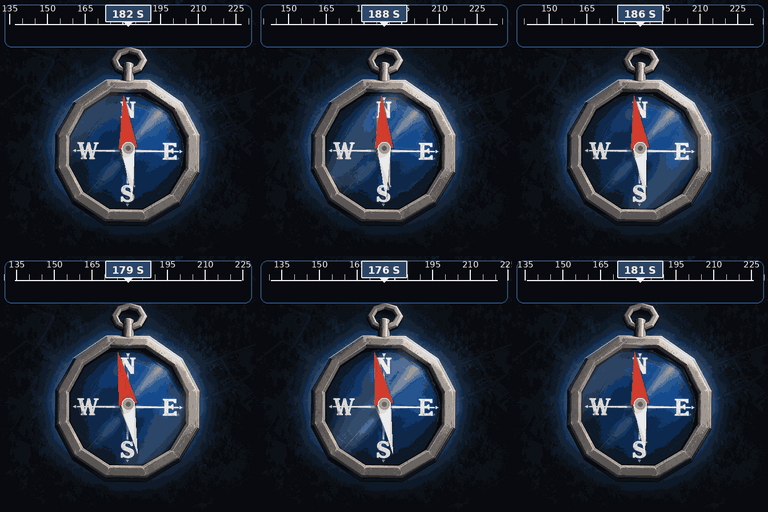

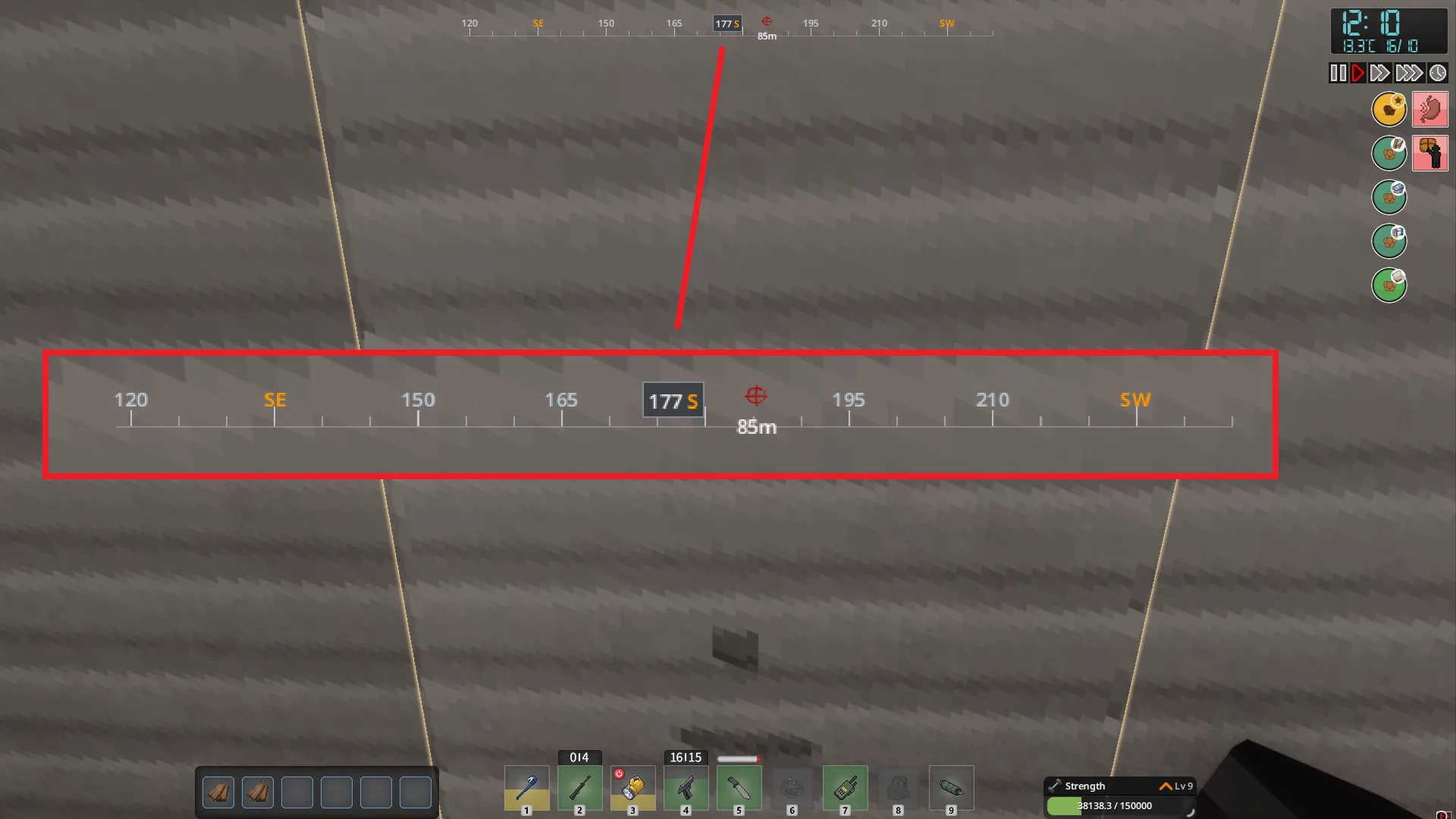
Viewpoint Compass adds a narrow compass bar to Project Viewpoint’s first- and third-person modes. It follows the camera rather than just your character’s facing direction, so headings remain useful during free-look and while travelling in vehicles.
Contents
Viewpoint Compass — Navigation Without Leaving Your View
Viewpoint Compass adds a narrow compass bar to Project Viewpoint’s first- and third-person modes. It follows the camera rather than just your character’s facing direction, so headings remain useful during free-look and while travelling in vehicles.
Alongside directions and degrees, the bar can display destinations selected from your map.
Turn map annotations into destinations
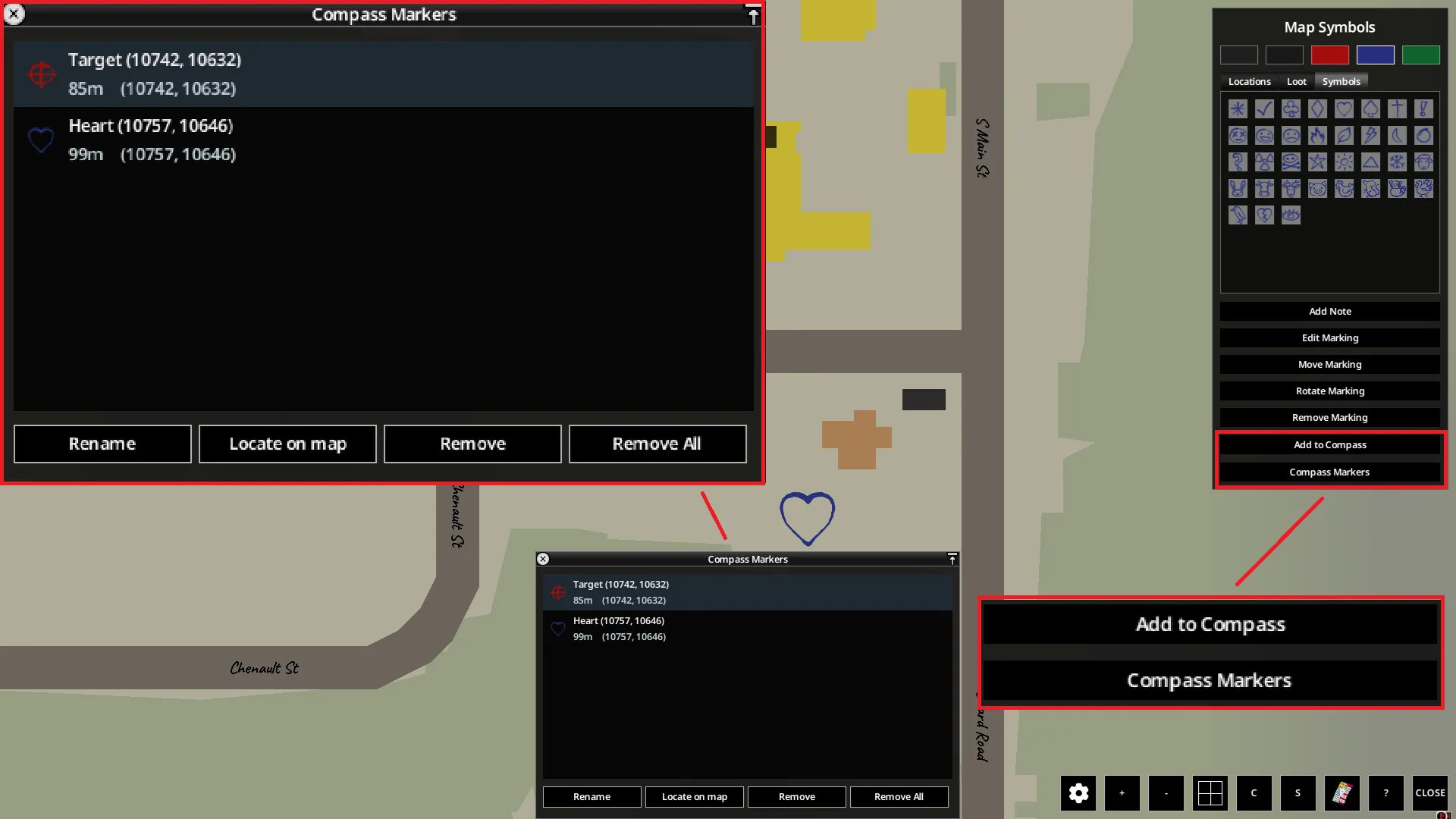
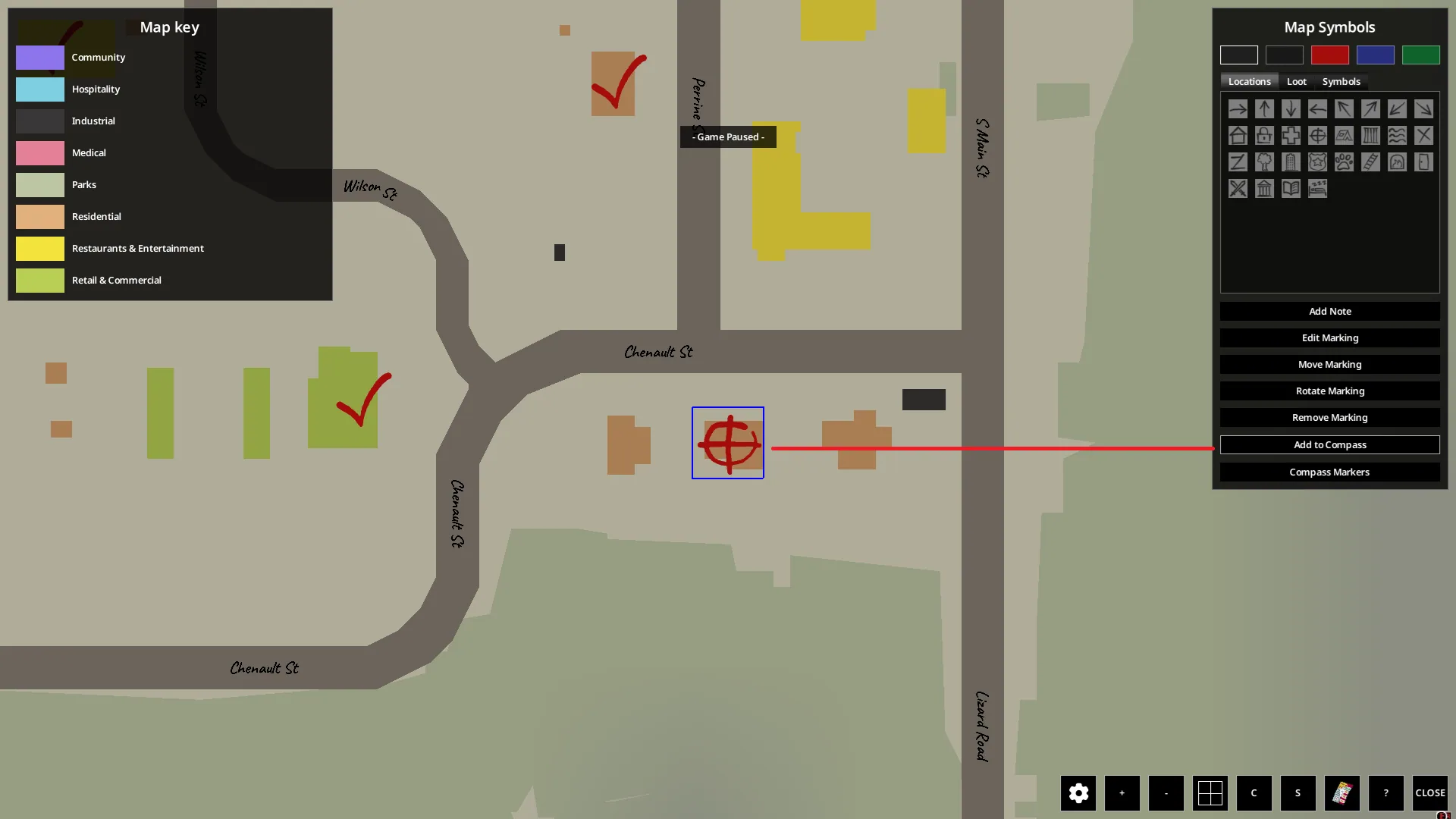
Open the main map with M, select Add to Compass in the Map Symbols panel, and click an existing symbol or note. Destinations are added manually; nothing is selected for you.
Markers retain their symbol colours and show distance in metres. You can place them above, inside, or below the compass. Overlapping markers are grouped, displaying the nearest destination and a count of the others.
The Compass Markers list lets you review names, distances, and coordinates, rename destinations, locate them on the map, or remove them.
Removing a compass destination leaves the original map annotation intact. Editing or moving that annotation updates the destination, while deleting it removes the linked marker. Reaching a destination does not automatically clear it.
Selections and custom names are saved separately for each character and save. Paper maps are not supported.
Adjust the display
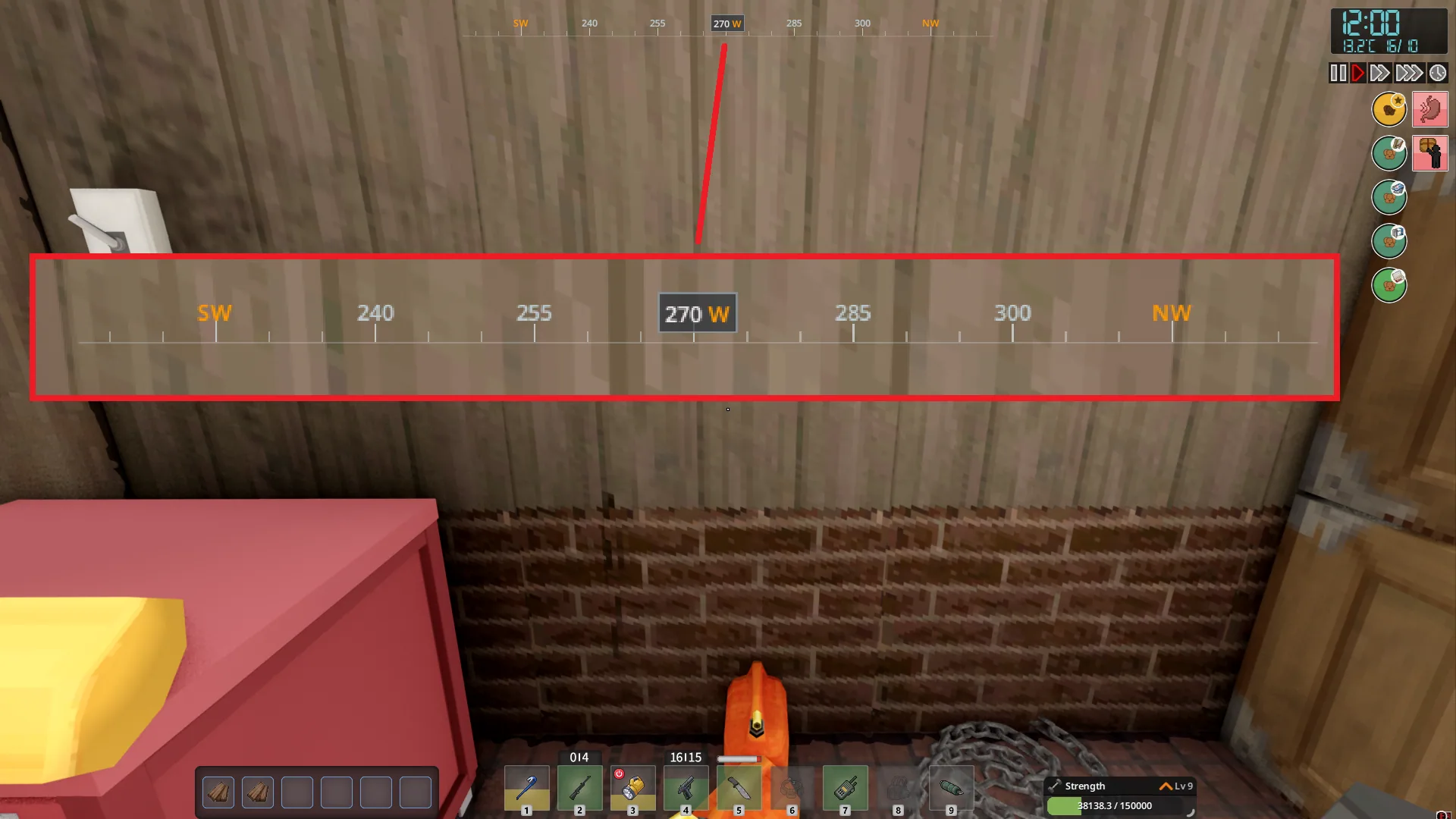
The compass provides cardinal and intermediate directions, tick marks every 5 degrees, and numerical labels every 15 degrees.
Mod Options lets you change its width, direction-label colour, marker placement, and display settings. Direction labels support several languages, including English and Russian.
An optional setting requires your character to carry a vanilla Compass item. This requirement is disabled by default.
Multiplayer and faction markers
The compass and personal map destinations work client-side: the server does not need to enable the mod.
Faction tracking has a separate requirement. With Viewpoint Compass enabled on the server, nearby online faction members can appear as green player markers with distances. Only members within 250 metres are included.
Faction markers are enabled by default but can be switched off in Mod Options.
Requirements
- Project Zomboid Build 42.21
- Project Viewpoint
- ZombieBuddy 2.3.0 or later
The compass is displayed only while Project Viewpoint is active.
Screenshots 5


Comments 0
No comments yet — be the first.
Log in or sign up to leave a comment.