

Kenshi Multiplayer (AnarchyKenshi) is an ambitious modification that brings online multiplayer to Kenshi, allowing players to fight alongside one another in shared battles. Instead of controlling an isolated squad in a single-player world, players can join the same server, cooperate against enemies, and experience large-scale combat together.
Contents
Kenshi Multiplayer — Online Co-op and Multiplayer Battles in Kenshi
Kenshi Multiplayer (AnarchyKenshi) is an ambitious modification that brings online multiplayer to Kenshi, allowing players to fight alongside one another in shared battles. Instead of controlling an isolated squad in a single-player world, players can join the same server, cooperate against enemies, and experience large-scale combat together.
The project is currently in Early Access and focuses on developing the technical foundation for multiplayer gameplay. Its first publicly available mode features a cooperative defense of Okran's Shield, where dozens of players must protect the Holy Nation from increasingly powerful enemy attacks.
The modification is completely free and currently supports up to 64 players on one server, while the developers are experimenting with expanding that capacity to 100.
Multiplayer in Kenshi — How Does It Work?
AnarchyKenshi introduces a networked multiplayer system where multiple players can participate in the same battle simultaneously.
Characters controlled by different players share the battlefield, fight common enemies, and contribute to the same objectives.
The current version provides several important features:
- Cooperative multiplayer. Join other players and participate in battles together.
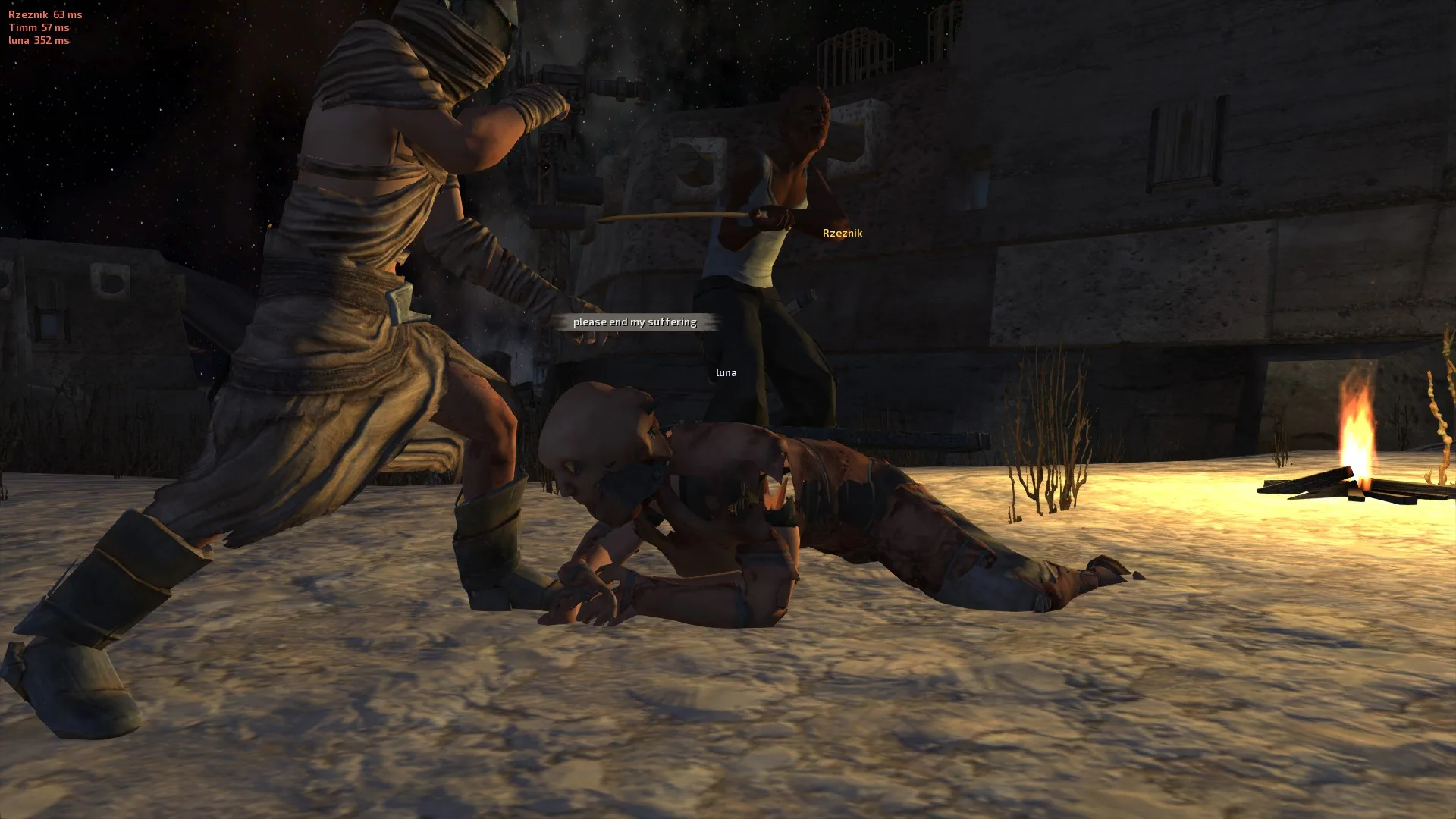
- Shared combat environment. Players on the same server can see and interact with the same ongoing battle.
- Support for large groups. The public multiplayer server supports up to 64 participants.
- Persistent characters. Surviving characters retain their progression between sessions.
- Character customization. Choose a playable race and create an account for multiplayer.
- Disabled friendly fire. Allied players cannot accidentally damage each other during combat.
- Progressive difficulty. Enemies become increasingly dangerous as the cooperative battle continues.
Unlike traditional single-player Kenshi, the current multiplayer experience is focused on a specific cooperative scenario rather than unrestricted exploration of the entire world.
Defend Okran's Shield
The main multiplayer activity currently available is Defend Okran's Shield, a cooperative siege-defense scenario set in one of the Holy Nation's fortified locations.
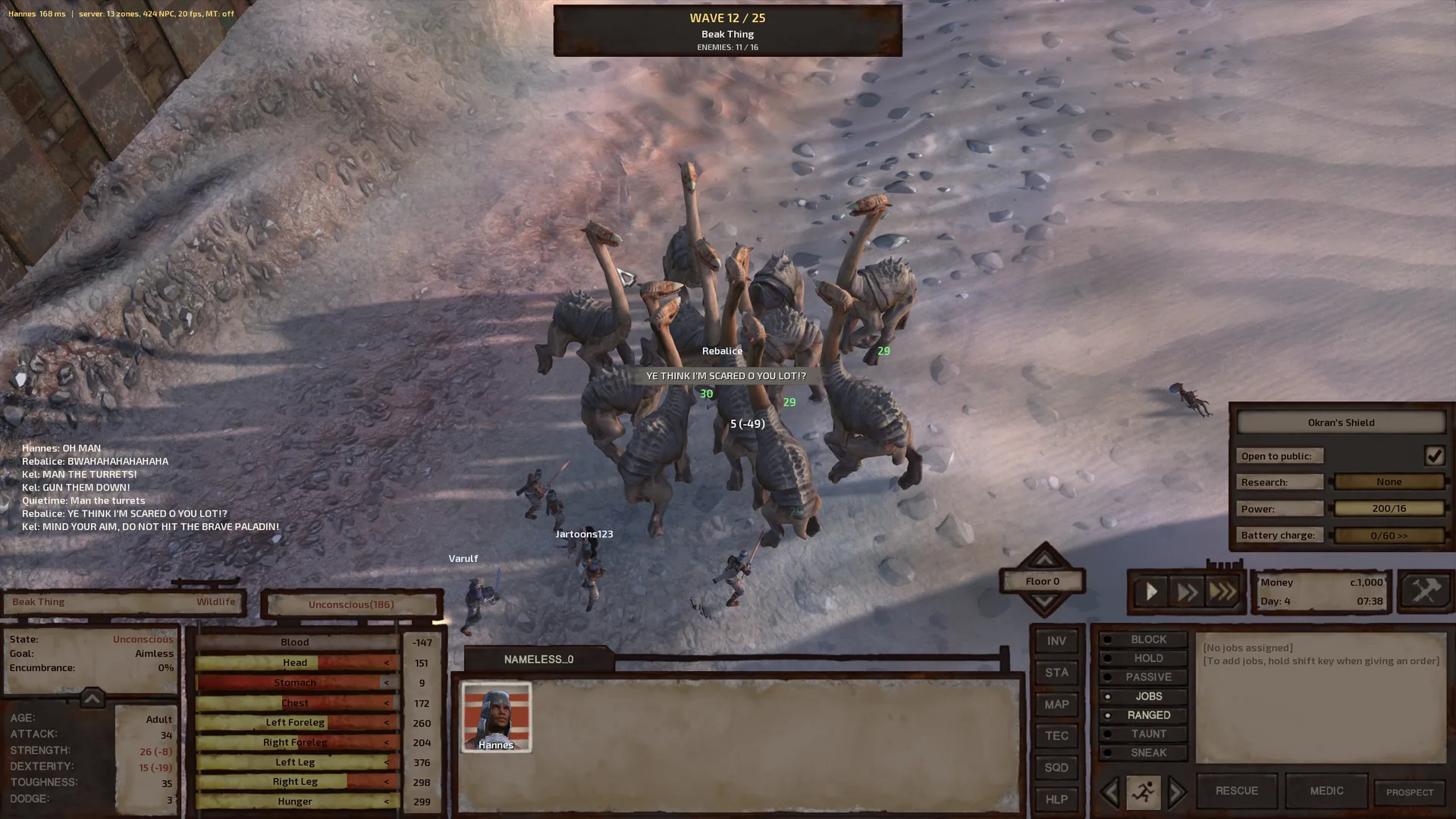
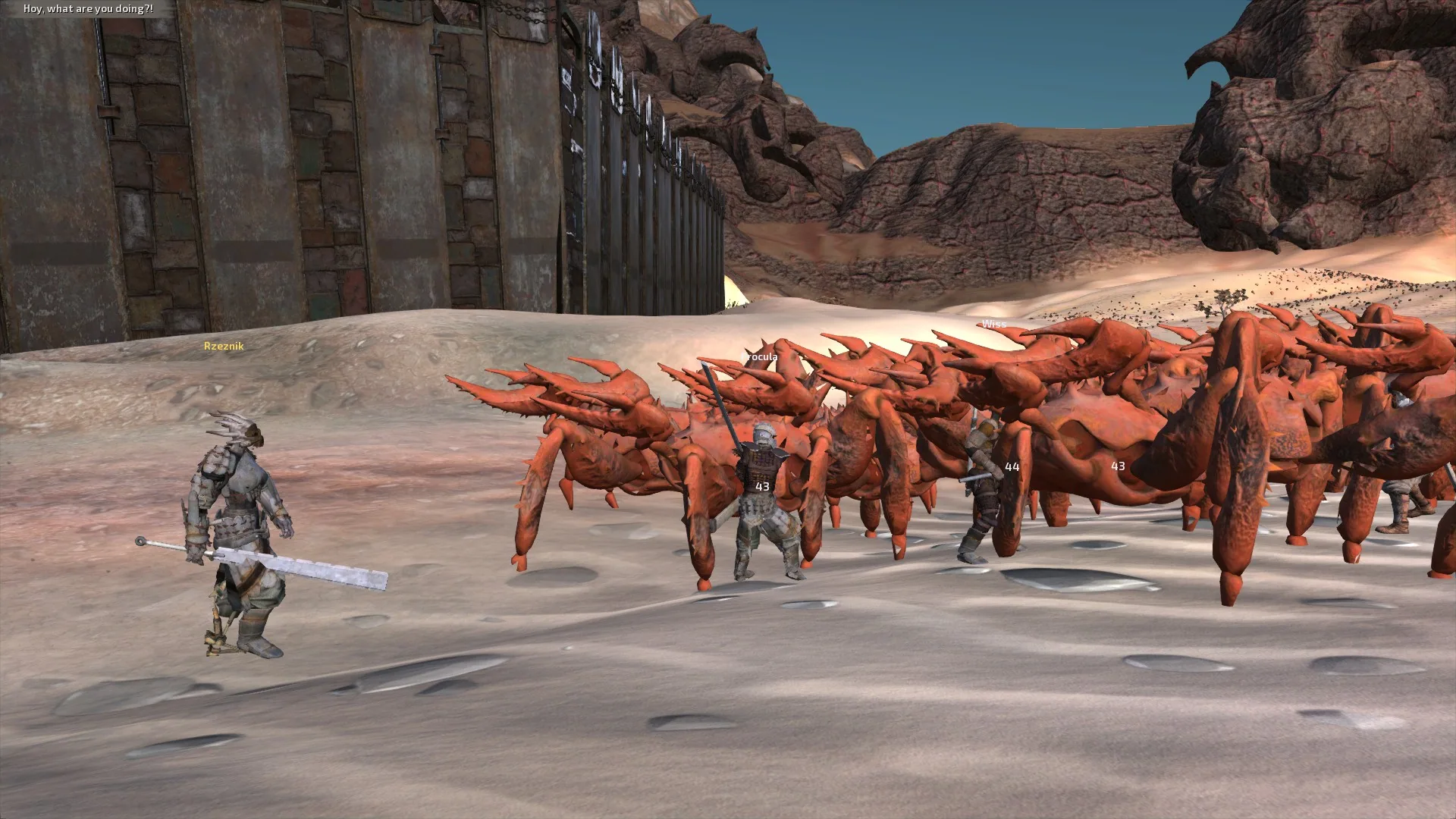
Players join the defenders of Okran's Shield and must withstand waves of hostile forces approaching from the surrounding desert.
The attackers grow progressively stronger, forcing participants to cooperate, hold defensive positions, and protect their most important objective.
Protect Holy Lord Phoenix
At the center of the defense is Holy Lord Phoenix, the leader of the Holy Nation.
Keeping him alive is the primary objective of the scenario.
If Phoenix dies, the siege restarts, meaning that all defenders share responsibility for protecting him.
Success depends not only on defeating enemies but also on preventing attackers from breaking through the defenses and reaching the protected character.
Starting Characters
Players enter the scenario with characters already prepared for combat.
The starting conditions include:
- Character level 25.
- Paladin equipment suitable for participating in the defense.
- Three playable races: Greenlander, Scorchlander, and Shek.
- Friendly fire disabled between cooperating players.
These conditions allow new participants to immediately join battles without first spending hours developing a character.
As players survive encounters, their characters can continue improving their combat skills.
Character Progression and Persistence
One of the most important features of Kenshi Multiplayer is the ability to preserve character progression between online sessions.
Players create an account and use it to access their multiplayer character.
Surviving characters retain their development, including acquired skills, when returning to the server.
However, character survival is an important condition for progression persistence. The project follows Kenshi's dangerous combat philosophy, where participation in a battle carries meaningful risks.
This gives cooperative battles a greater sense of consequence, as players have a reason to protect both their allies and their own characters.
Future Plans — A Shared Open World
The current arena server represents only the initial stage of the Kenshi Multiplayer project.
The developers aim to expand the system into a multiplayer version of Kenshi's entire open world.
Their long-term goals include:
- A shared open world where players can explore the Kenshi map together.
- Servers supporting up to 100 players, once the technical limitations have been addressed.
- Player-hosted servers that allow communities and groups of friends to create their own multiplayer environments.
- Expanded multiplayer mechanics beyond the existing cooperative siege scenario.
These features are planned for future development and are not yet available in the current public version.
For now, the developers are using the arena server to test player movement, combat synchronization, network performance, and other essential systems.
How to Install Kenshi Multiplayer
The modification is distributed through the Steam Workshop and requires a separate activation procedure after downloading.
Step 1. Subscribe to the Modification
Subscribe to Kenshi Multiplayer through its Steam Workshop page.
Steam will automatically download the required mod files.
Step 2. Find the Mod Folder
Open Steam, locate Kenshi in your library, and select:
Manage → Browse local files
Navigate to the Steam Workshop content directory:
<Steam folder>\steamapps\workshop\content\233860
Inside this directory, find the folder corresponding to Kenshi Multiplayer.
Workshop folders are identified by numeric IDs. The correct folder name matches the number at the end of the modification's Steam Workshop page URL.
Step 3. Activate Multiplayer
Open the downloaded modification folder and run:
Enable AnarchyKenshi.bat
This script performs the additional activation required for multiplayer functionality.
Step 4. Enable the Mod
Launch Kenshi and open the MODS tab in the game launcher.
Find and enable:
AnarchyKenshi
After enabling the modification, start the game normally.
How to Join a Multiplayer Server
Once the modification is activated, a new MULTIPLAYER option becomes available in Kenshi.
To begin playing:
- Open the MULTIPLAYER menu.
- Select the available arena server.
- Enter a username for your multiplayer account.
- Create a password.
- Click CONNECT to join the server.
After connecting, you can participate in the cooperative defense of Okran's Shield alongside other players.
Important Installation Notes
After updating the modification, run Enable AnarchyKenshi.bat again to reactivate the multiplayer components.
To return to ordinary single-player Kenshi, run:
Disable AnarchyKenshi.bat
While AnarchyKenshi is enabled, the game's normal saving and loading functions are disabled.
Therefore, it is important to deactivate the modification before returning to a regular single-player playthrough.
Early Access Limitations
Kenshi Multiplayer is still under active development.
Players should expect occasional technical problems, server interruptions, and possible progression resets during testing.
The current public version also has several limitations:
- Only one public arena server is available.
- Full open-world multiplayer has not yet been implemented.
- The 100-player server capacity remains experimental.
- Multiplayer functionality depends on the project's servers.
These limitations are expected for a project attempting to introduce online multiplayer into a game originally designed for single-player experiences.
Accounts and Privacy
Kenshi Multiplayer connects to the developer's servers to provide online gameplay.
Players create their accounts directly through the game's multiplayer interface.
According to the developer, account passwords remain on the player's computer and are not transmitted to the multiplayer servers.
Additional technical information about account handling and data privacy is available in the PRIVACY.txt file included with the modification.
The project also includes a LICENSE.txt file describing the permitted uses of its content. The developer asks users not to redistribute or modify the mod without authorization.
Gameplay videos and livestreams are permitted, including monetized content.
Community and Development
Kenshi Multiplayer is developed by Anarchy as an independent fan project.
The developers share news, server information, development progress, and technical updates through their Discord community.
Players can also report bugs and provide feedback to help improve multiplayer stability.
Official links:
The modification is free for all players. Patreon support is voluntary and does not provide exclusive files, early-access versions, or gameplay advantages.
Kenshi Multiplayer is an unofficial community project and is not affiliated with or endorsed by Lo-Fi Games, the creators of Kenshi.
Screenshots 5



Comments 0
No comments yet — be the first.
Log in or sign up to leave a comment.