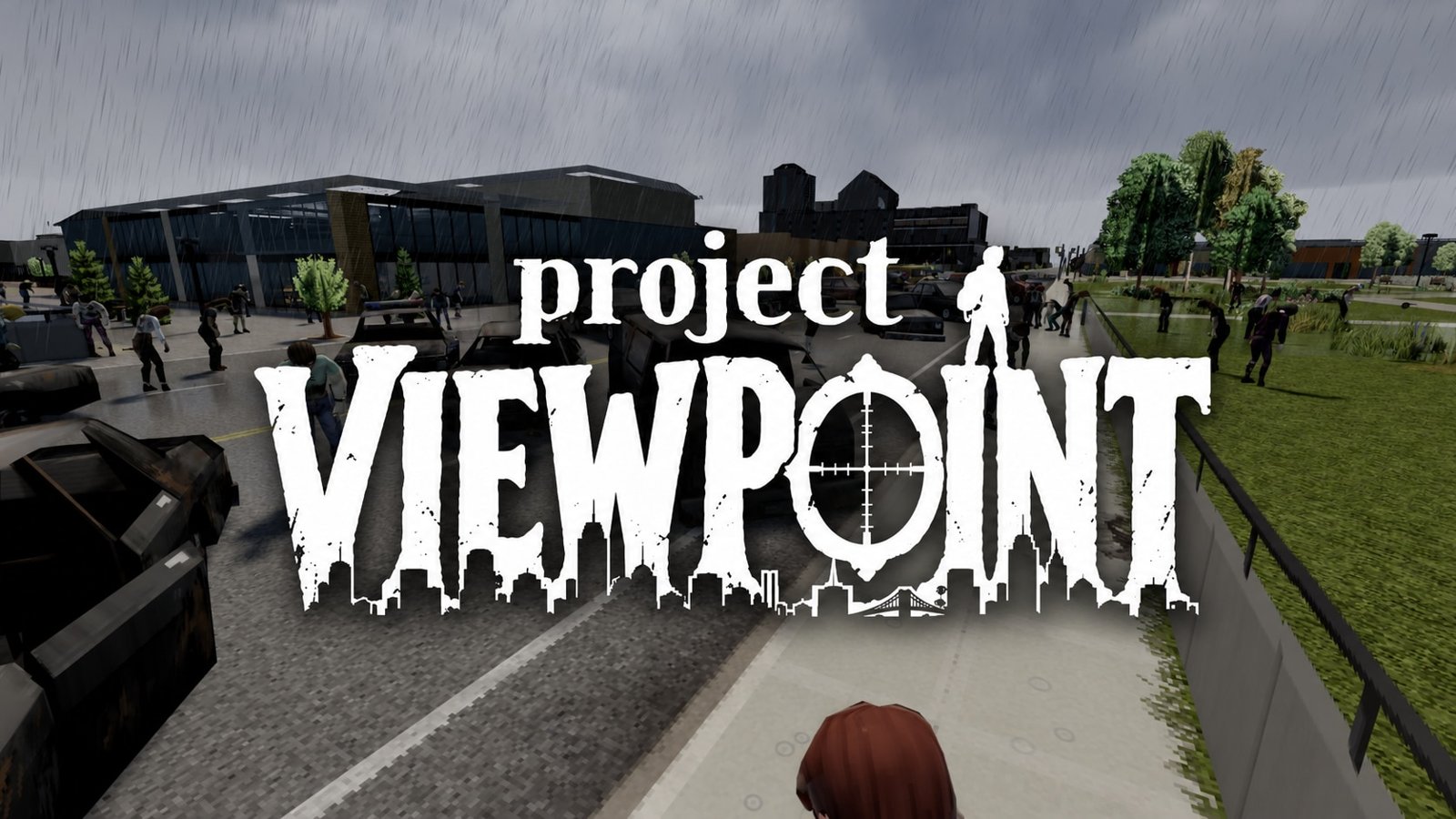
Project Viewpoint / First and Third Person for Project Zomboid
 Владислав Франческо
Mod author: richgasoline · mod page
This mod lets you stay in Project Viewpoint's 3D mode while keeping the rules of the original Project Zomboid. Tools, materials, skills and placement requirements still matter. You just interact with the world from a different angle.
Contents
Leave isometric behind. Play by the rules you know.
This mod lets you stay in Project Viewpoint's 3D mode while keeping the rules of the original Project Zomboid. Tools, materials, skills and placement requirements still matter. You just interact with the world from a different angle.
The quick right-click (RMB) menu is an optional convenience feature. You can turn it off and keep using the rest of the mod's features in 3D.
Right-click. Take action. Stay in 3D.
-
World interaction: barricade doors and windows, destroy walls and objects, dig furrows and graves, cut grass, clean up blood, wash cars, chop trees and more.
-
Furniture: pick up, place, rotate, disassemble and repair furniture. Mannequin previews also show the clothes they are wearing.
-
Building: build floors, walls, fences and larger structures with a placement preview. Keep building on upper floors, at the height your character is standing on.
-
Placing items and equipment: put items on the ground and on suitable surfaces. Set up generators, battery chargers and other equipment, and place the base game's animal traps.
-
Stacking crates: place crates on top of ones already standing. The preview follows the game's placement rules and height limits.
-
Livestock zones: mark two corners of an area directly in 3D, check its boundaries and confirm the action in the game's standard dialog.
No need to switch to isometric view.
Object outlines, placement previews and on-screen hints show exactly what you are selecting. If an action can't be confirmed, a hint explains why.
Your controls. Your interface. Your settings.
The mod can be tailored to you, down to each individual feature.
-
Pick the modules you need: turn world interaction, furniture, building, item placement and livestock zones on or off independently. If another mod already handles a feature, you can disable the matching module here.
-
Keep RMB for aiming: open the quick menu with a short press, or disable that way of opening it entirely. Separate settings for firearms and throwables let you block the menu while you're holding them, so RMB stays free for aiming or for other mods' features.
-
Tune tap and hold: set how quickly you need to release RMB to open the menu. A longer hold is used for aiming.
-
Rebind controls: choose mouse buttons or keyboard keys for confirm, rotate and cancel. On-screen hints update automatically to match your bindings.
-
Change hint style and position: choose the Project Zomboid, Project Viewpoint or NeatUI style. Adjust horizontal and vertical position to fit your UI, and hide button reminders once you no longer need them.
-
Adjust outlines and highlighting: show or hide tile and wall outlines, change line thickness, and turn highlighting of the selected object on or off.
-
Set interaction distance: choose how far away you can open the menu and confirm actions. Set it to 0 to remove the extra distance limit added by the mod. The game's own requirements still apply.
-
One action at a time: turn this on so camera control returns as soon as a confirmed action starts while your character keeps working. Turn it off to keep selection mode open for repeated actions.
-
Configure item rotation: enable rotation with the mouse wheel and choose the rotation step.
-
Gamepad support (in development): optionally enable gamepad controls with their own configurable bindings and matching on-screen hints.
Comments 0
No comments yet — be the first.
Log in or sign up to leave a comment.