
Modded Military Vehicle Zones adds realistic military vehicle spawn locations to Project Zomboid, including army bases, checkpoints, camps and supported custom maps. Discover abandoned convoys, military blockades and biohazard crashes. Features automatic vehicle classification, configurable spawning and support for existing saves. Requires military vehicle mods.
Contents
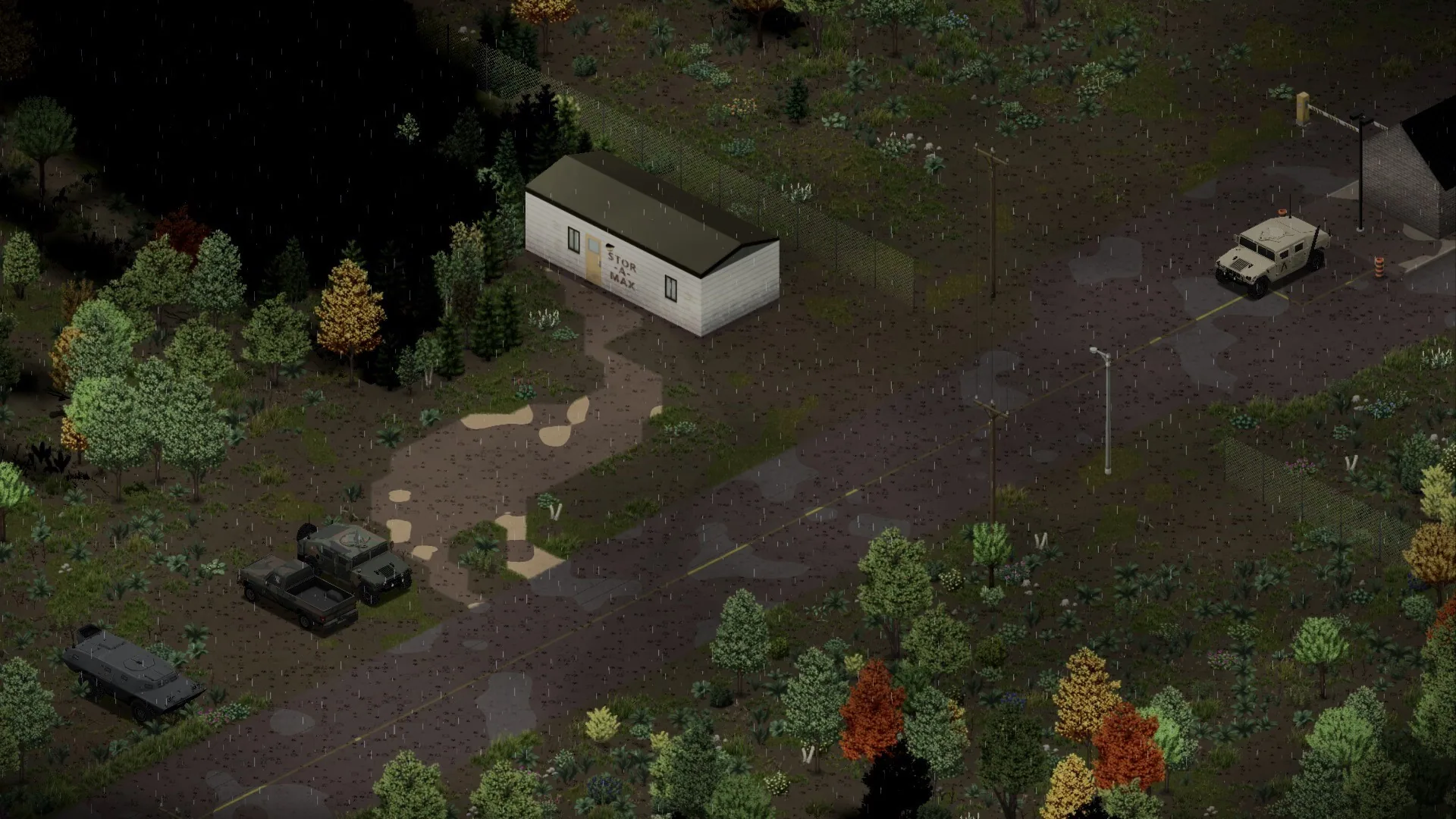
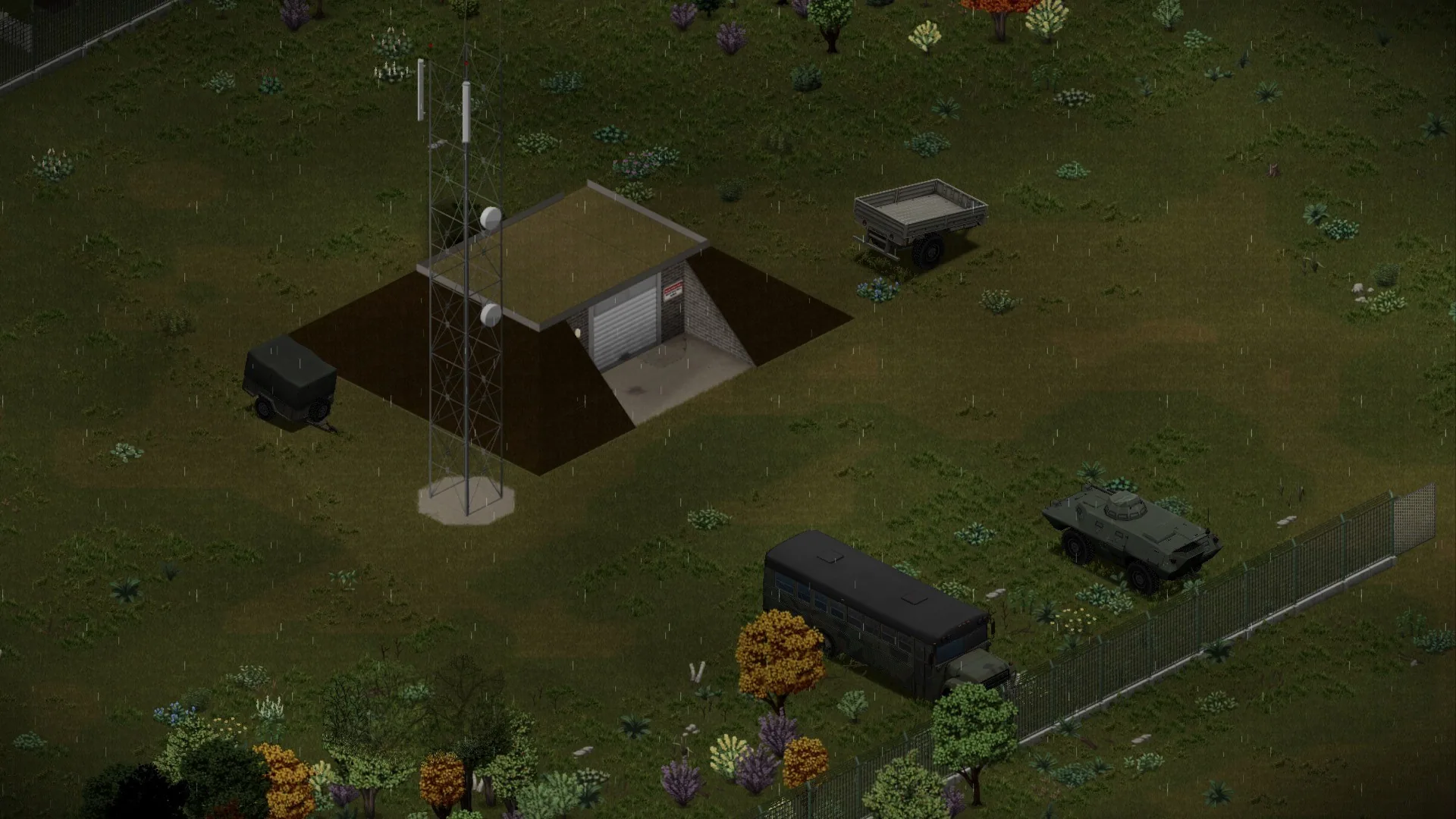
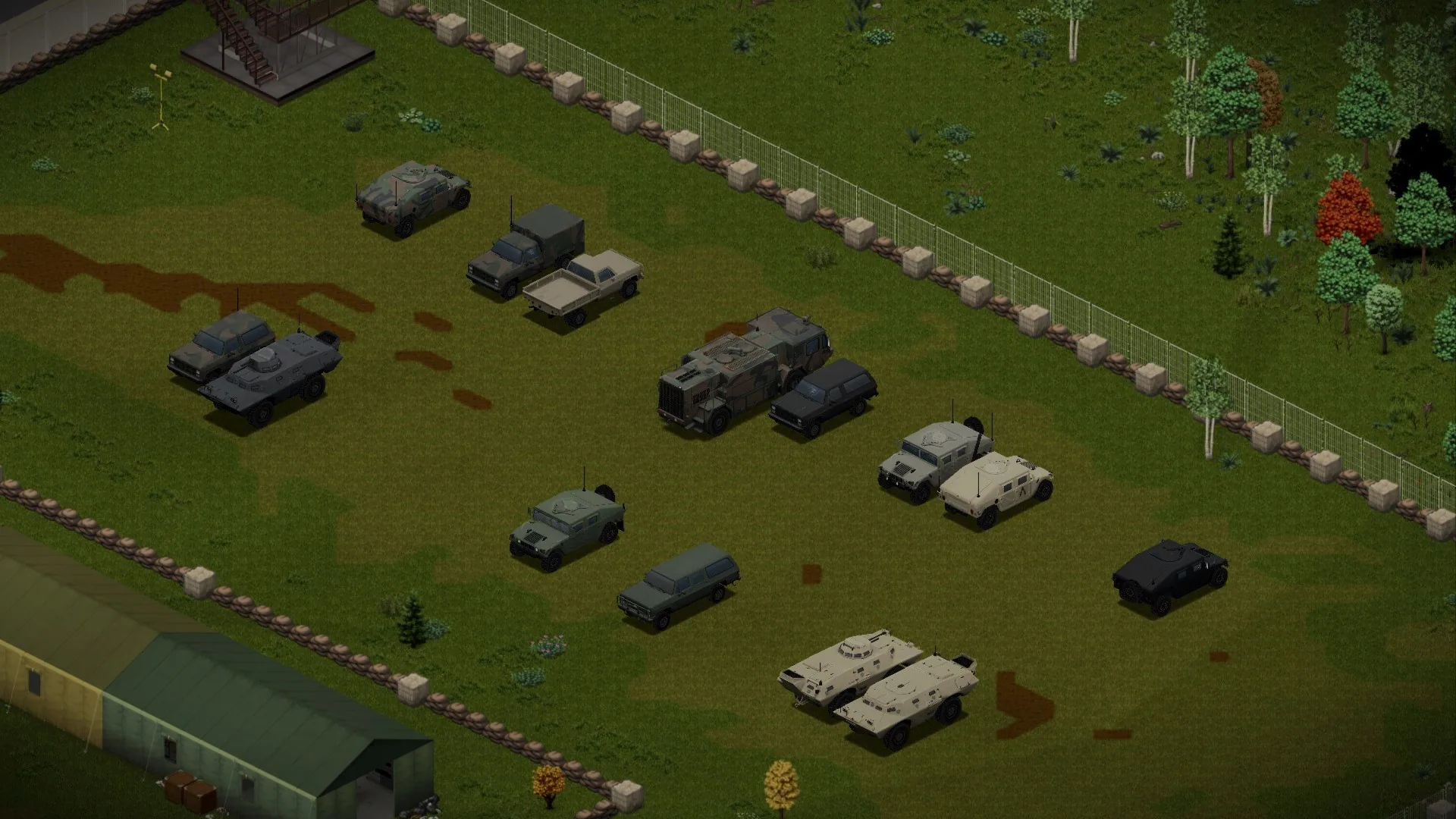
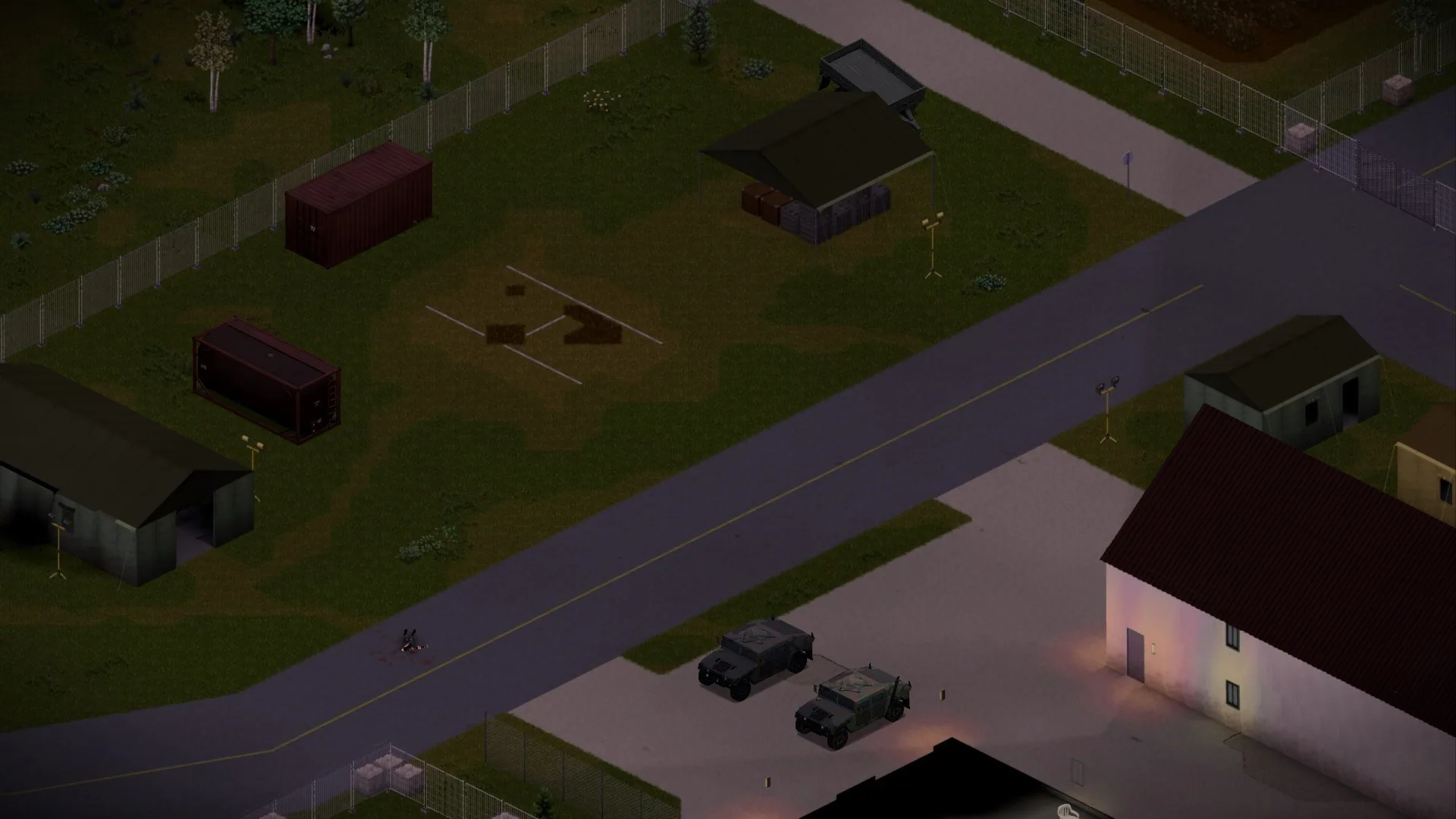
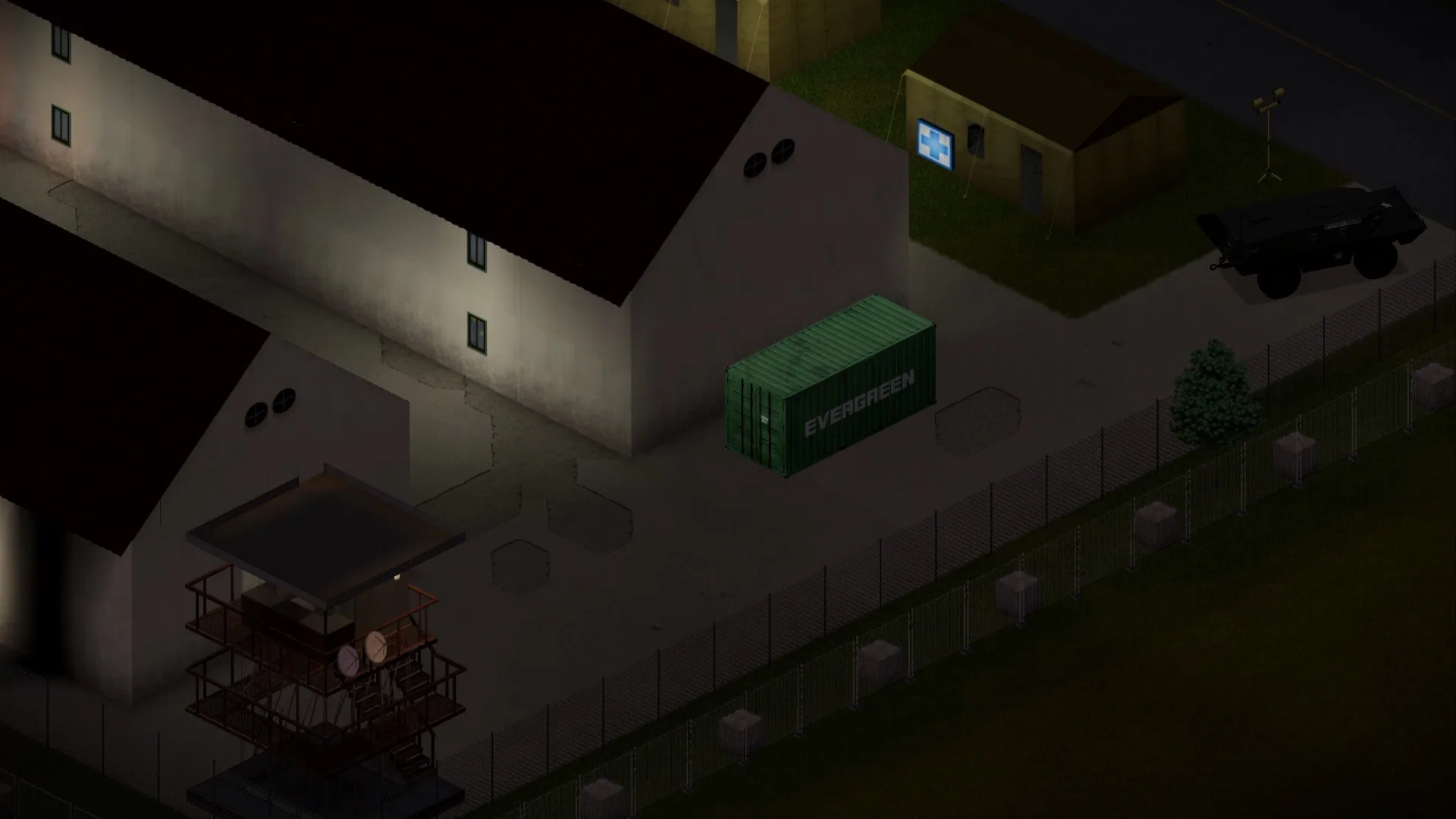
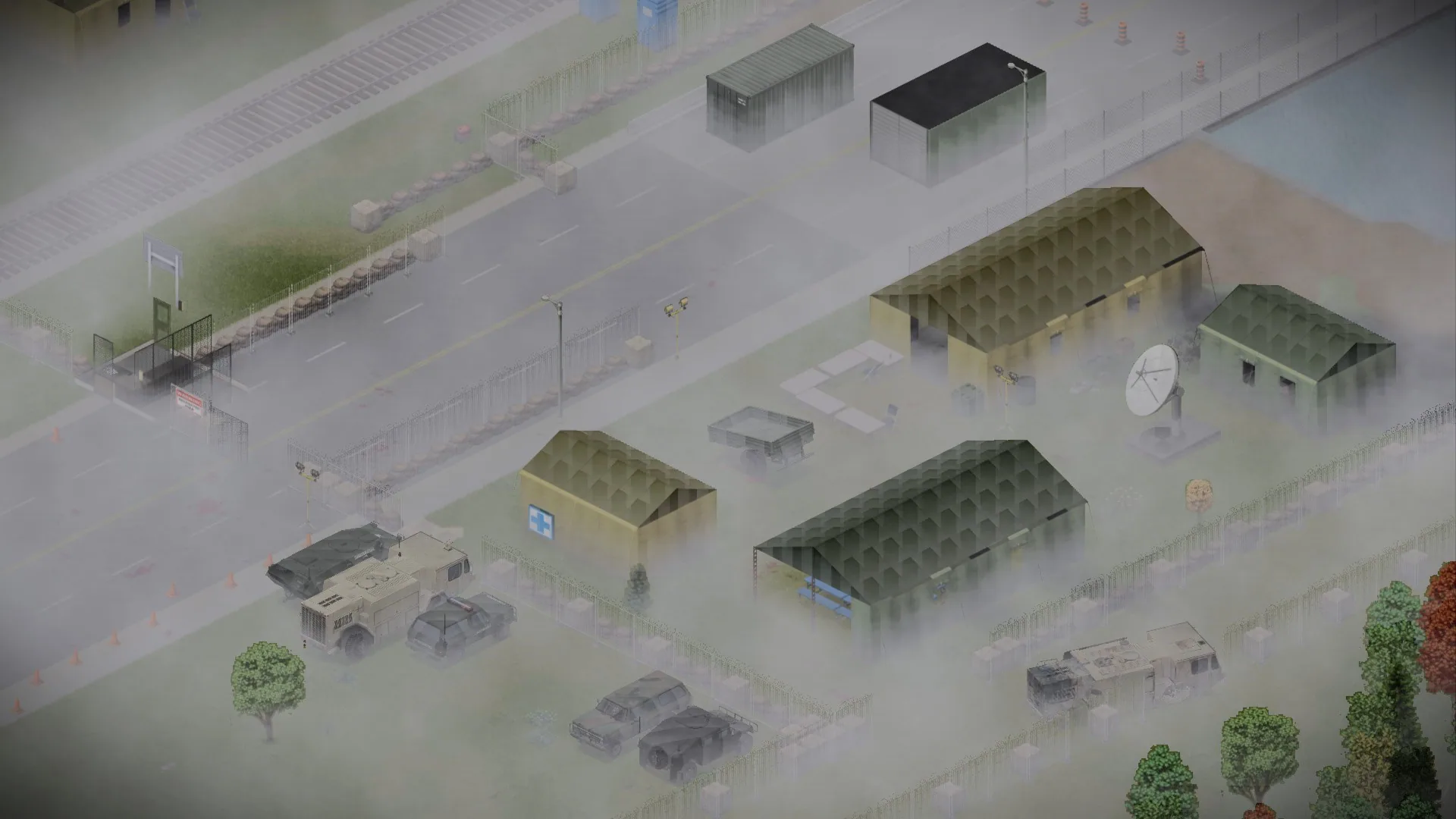
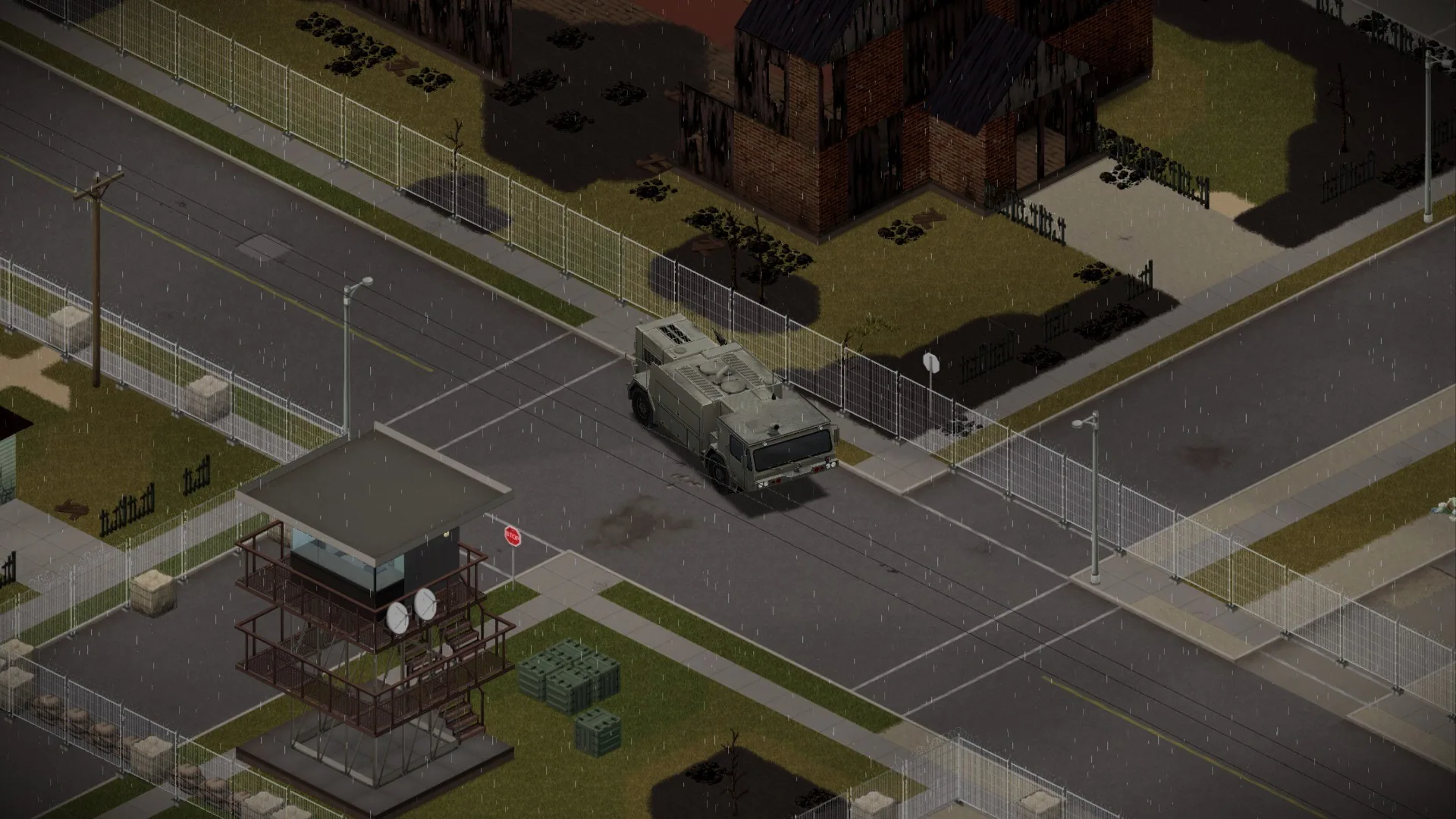
Modded Military Vehicle Zones expands military vehicle spawning in Project Zomboid by adding dedicated spawn zones to army bases, checkpoints, military camps and other appropriate locations.
Instead of encountering military equipment randomly across the map, survivors can discover abandoned army vehicles in places where they would logically have been deployed during the Knox Event.
The modification also introduces new roadside events, including military convoys, checkpoints and emergency response scenes.
Important: Project Zomboid does not include the required military vehicles in the vanilla game. You must install compatible vehicle mods for these zones to be useful.
New Military Vehicle Spawn Locations
The addon introduces military vehicle distributions across several locations on the original Kentucky map.
Supported locations include:
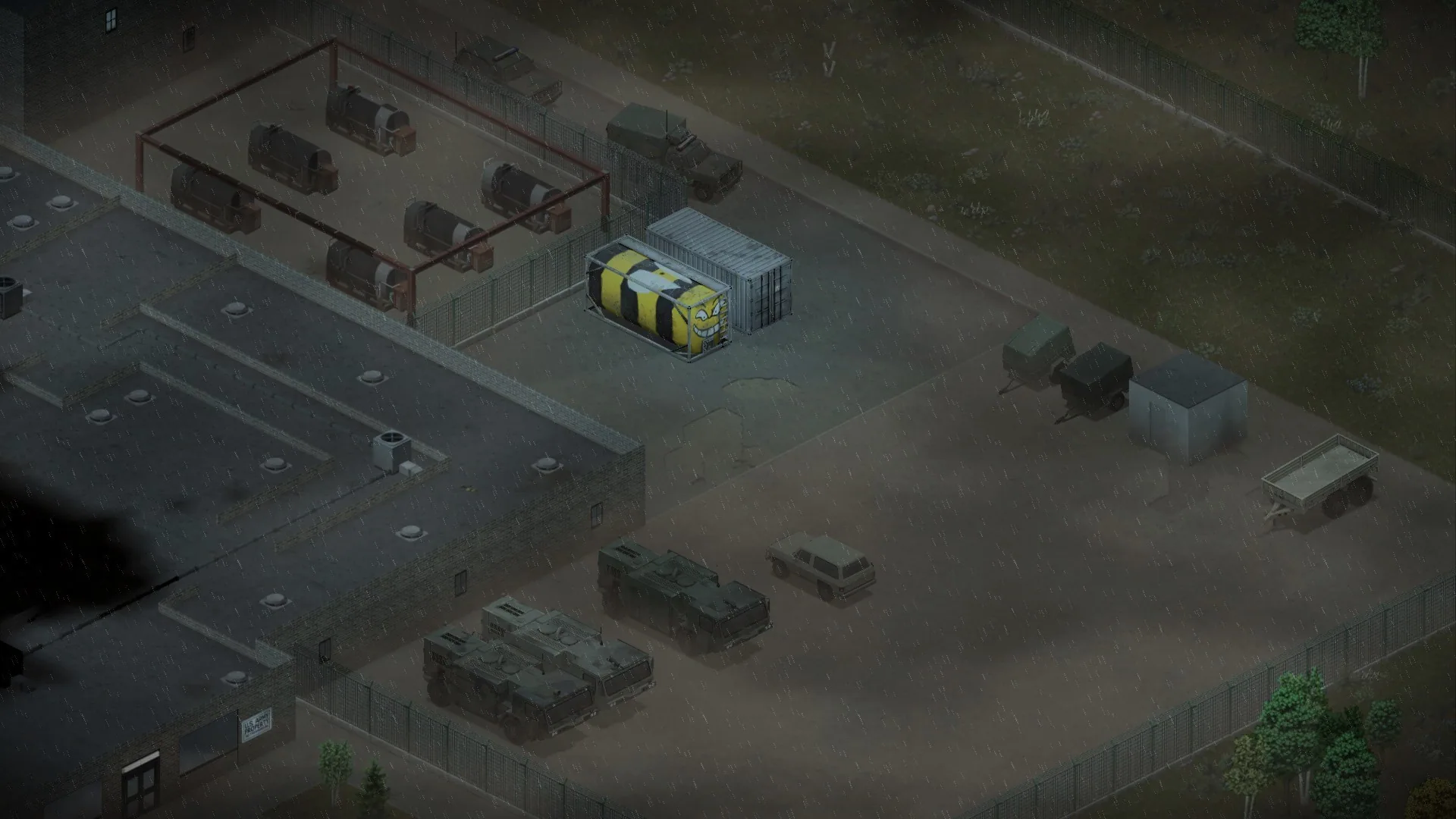
- Military Base.
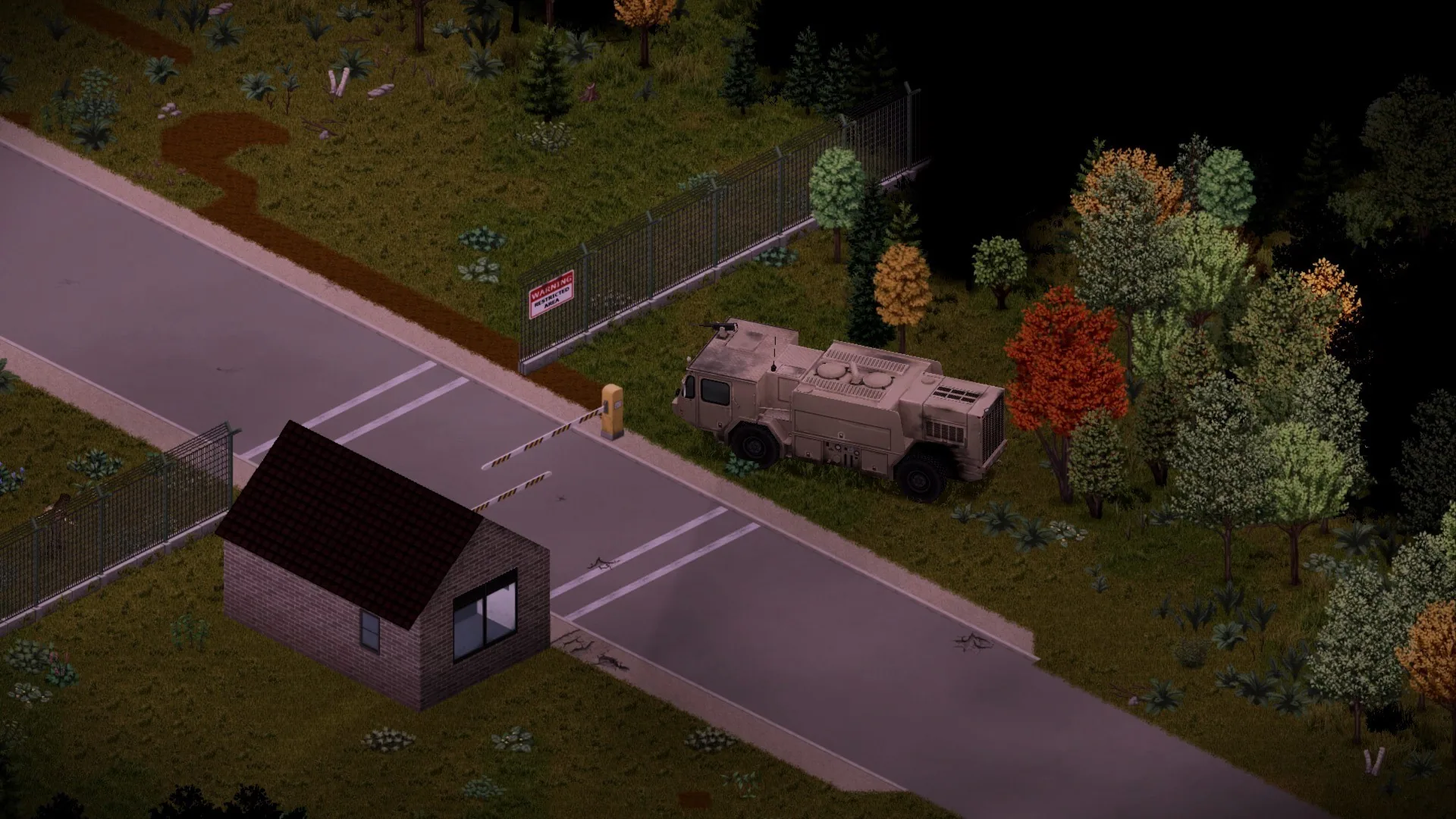
- Louisville Military Checkpoint.
- East Army Camp near Louisville.
- Brandenburg.
- March Ridge.
- Small military camp between Irvington and Brandenburg.
These locations can contain different types of military vehicles, depending on which compatible vehicle modifications are installed.
Four New Road Events
The modification also adds four military-themed road stories.
| Road Event | Description |
|---|---|
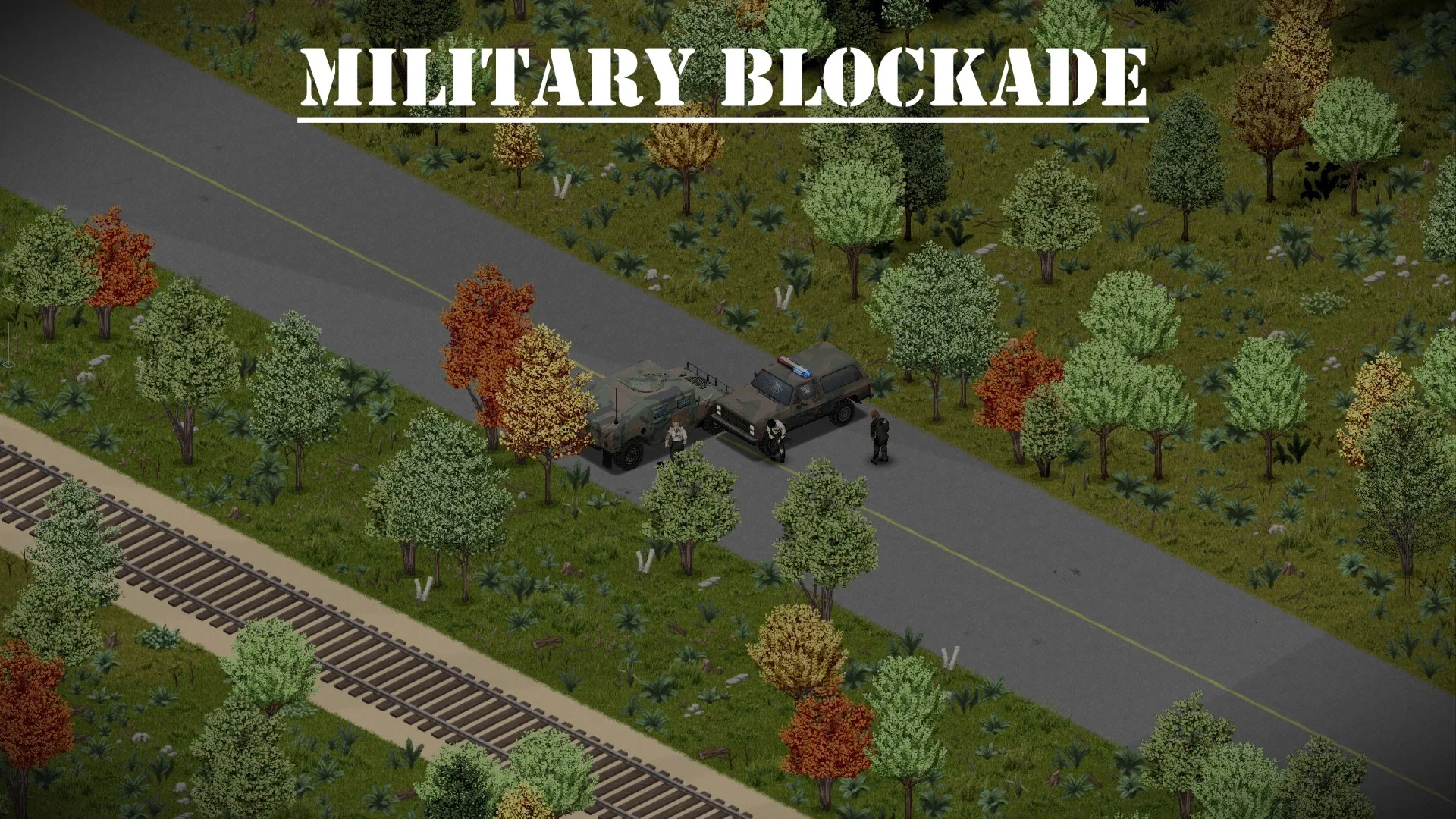
| Military Blockade | An abandoned military roadblock |
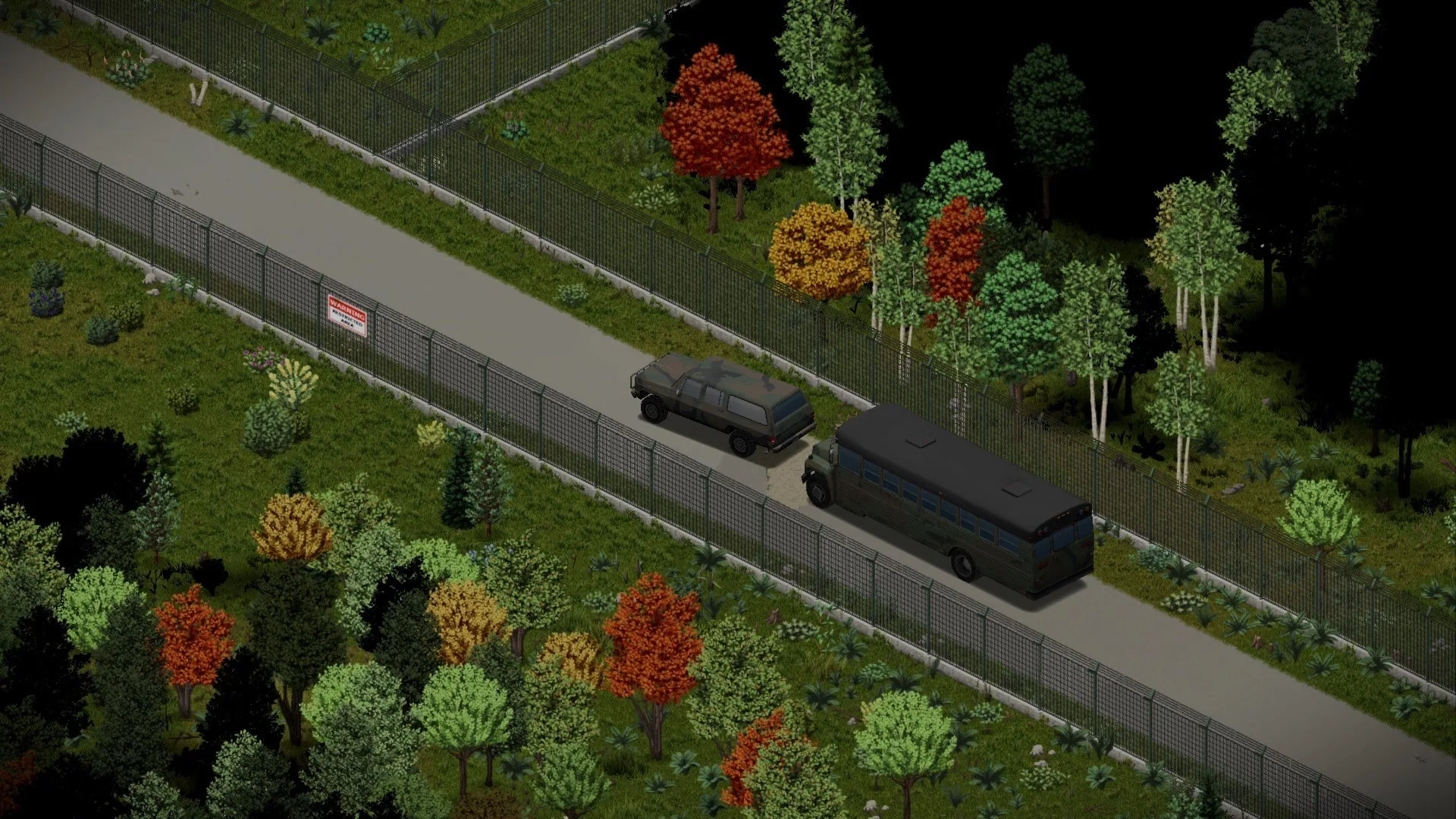
| Convoy | A military vehicle convoy |
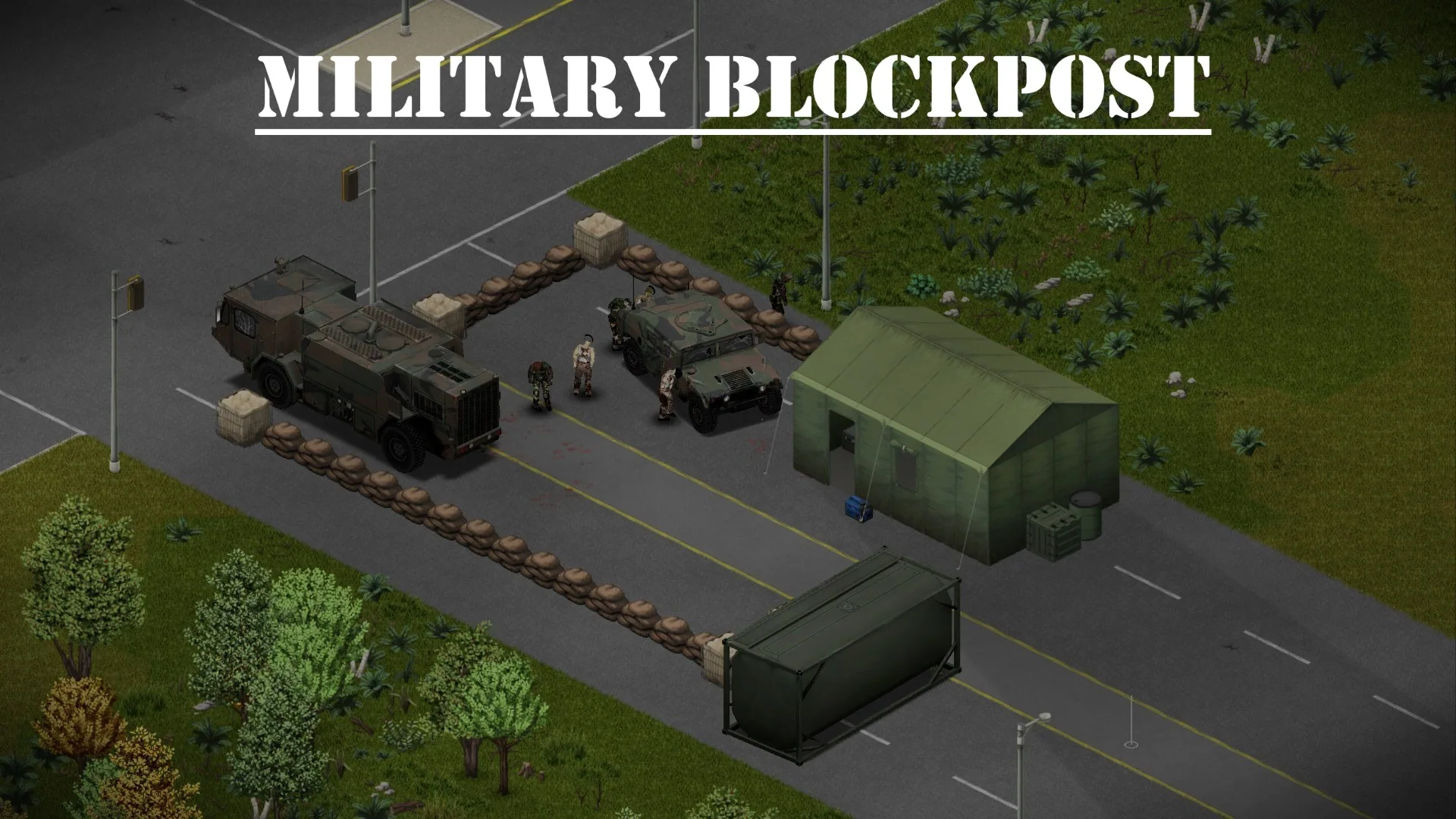
| Blockpost | A temporary military checkpoint |
| Biohazard Crash | A crash scene associated with a biological hazard |
These events make highways and roads more interesting to explore, providing additional reminders of the military response during the outbreak.
When Do Road Events Spawn?
By default, the new road stories follow a specific time window:
- Days 1-5 - Events do not spawn.
- Days 6-90 - Events can appear.
- After day 90 - New events stop spawning.
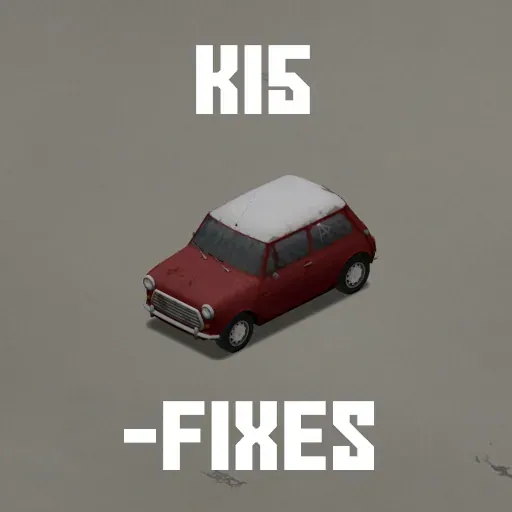
For reliable semi-trailer spawning in these scenarios, the developer recommends installing KI5 Mini-fixes.
Supported Custom Maps
Military vehicle zones are also available on several community maps.
| Custom Map | Compatibility |
|---|---|
| Fort Redstone | Supported |
| Fort Knox | Supported |
| Fort Rock Ridge | Supported |
| Louisville Quarantine Zone | Supported |
| Raven Creek / Raven Creek B42 | Supported |
| Echo Creek Military Base | Supported |
| SecretZ Pandemic Alpha / SecretZ Pandemic | Supported |
| Foxtrot Warehouse | Supported |
| Falcon Ridge B42 | Supported |
| AnruisiTown - Military Bastion | Supported |
| Safeharbor Garrison | Supported |
| Fort Waterfront B42 | Supported |
The developer may extend support to additional locations in future versions.
Automatic Vehicle Classification
Modded Military Vehicle Zones organizes compatible vehicles using the game's VehicleZoneDistribution system.
Military and army vehicles are automatically classified into appropriate spawn categories.
These include:
- Military vehicles - Standard military cars and trucks.
- Light military vehicles - Smaller or lighter vehicles.
- Heavy military vehicles - Large and heavy equipment.
- Burned military vehicles - Damaged and burned variants.
- Military trailers - Different trailer categories.
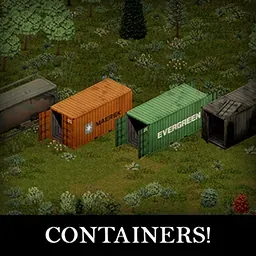
- Military containers - Compatible container vehicles from ISO Containers.
- Angled variants - Vehicles and trailers placed at slightly different orientations.
Light and heavy vehicle classification is calculated using vehicle mass, engine force and engine loudness. Trailers are classified separately using their off-road efficiency values.
Build 41 and Build 42 have some differences in their available military zone types.
Installation and Load Order
The addon is intended to work alongside military vehicle packs rather than as a replacement for them.
For the intended military-only distribution:
- Install your preferred military vehicle modifications.
- Enable Modded Military Vehicle Zones.
- Place this mod after the vehicle mods in the load order.
- Configure any relevant sandbox settings.
- Start or load your world.
By default, the modification removes military vehicles from other spawn zone distributions, placing them in designated military areas instead.
A special sandbox option can change this behavior.
Compatibility for Vehicle Mod Developers
To make a custom military vehicle available in the new zones, add its distribution entry to:
VehicleZoneDistribution.military
or:
VehicleZoneDistribution.army
The modification will then classify the vehicle into an appropriate military category.
Existing Saves and Compatibility
| Feature | Status |
|---|---|
| Vanilla map military zones | Supported |
| Selected custom maps | Supported |
| Build 41 and Build 42 | Separate zone differences |
| Existing saves | Safe to add or remove |
| New road events | 4 types |
| Military vehicle mods | Required for vehicle spawning |
| Automatic vehicle classification | Supported |
| Sandbox customization | Available |
Adding the Mod to an Existing Save
You can install or remove Modded Military Vehicle Zones during an existing playthrough.
However, newly added spawn zones only affect areas that have not yet been explored.
Previously generated locations will not automatically receive new military vehicles.
If you remove the modification, vehicles that have already spawned will remain in the world, but new ones will no longer appear through its distribution system.
Modded Military Vehicle Zones makes military installations, checkpoints and roads more believable by placing compatible army equipment where it naturally belongs. Combined with suitable vehicle packs and custom maps, it creates more opportunities to discover abandoned military transport throughout Kentucky.
Screenshots 12
Comments 0
No comments yet — be the first.
Log in or sign up to leave a comment.