
Whose Key Is This? helps you identify and organize keys in Project Zomboid. Find the buildings or vehicles they belong to, display map markers, track directions and rename important items. Includes a customizable key management window, ground item labels, favorites and automatic corpse tracking. Supports existing saves, four languages and optional realism settings.
Contents
Whose Key Is This? improves key management in Project Zomboid, helping survivors determine which doors or vehicles their collected keys belong to.
Finding a key is easy. Remembering where it can be used after exploring several buildings is another matter. Instead of carrying unidentified items and guessing which lock they fit, you can check their destinations, mark locations on the map and organize everything through a dedicated interface.
The addon also introduces useful features for recovering lost equipment, spotting small objects and protecting important keys from accidental disposal.
Identify Keys and Find Their Locations
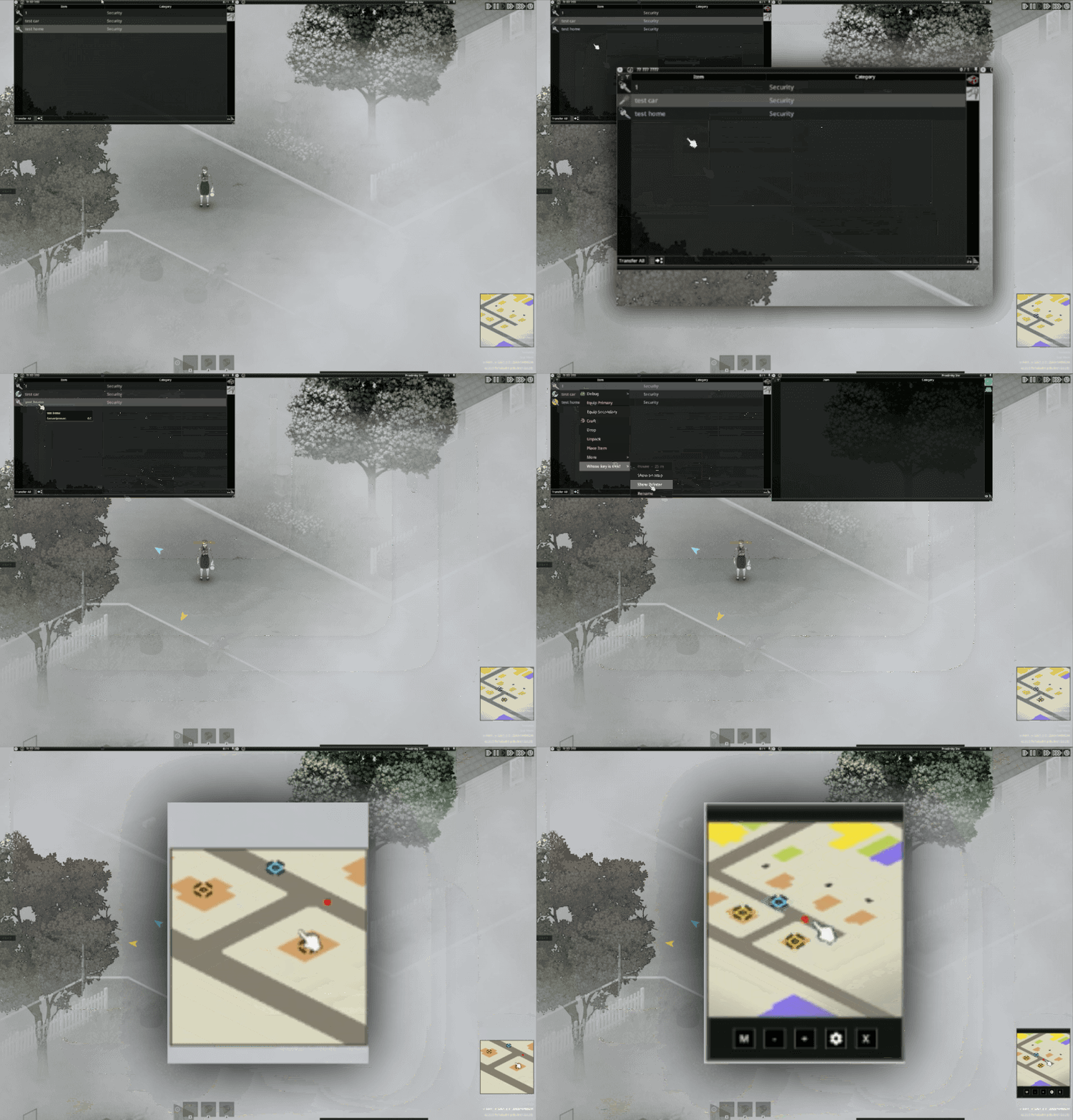
Right-click any supported key in your inventory to access four actions:
| Action | Function |
|---|---|
| View on Map | Locate the associated destination on the map |
| Show Direction | Display directional markers for the relevant location or vehicle |
| Rename | Assign a custom name |
| Favorite | Protect the item from accidental dropping |
These controls make it easier to distinguish keys collected from houses, garages and vehicles.
Map and Minimap Markers
Selecting Show Direction activates indicators on the world map and minimap.
They help you locate the corresponding building, interactable location or vehicle.
You can disable tracking through the same context menu. The indicator also turns off automatically after the key has been used.
For frequently visited locations, custom names provide an additional way to keep your inventory organized.
Dedicated Key Management Window
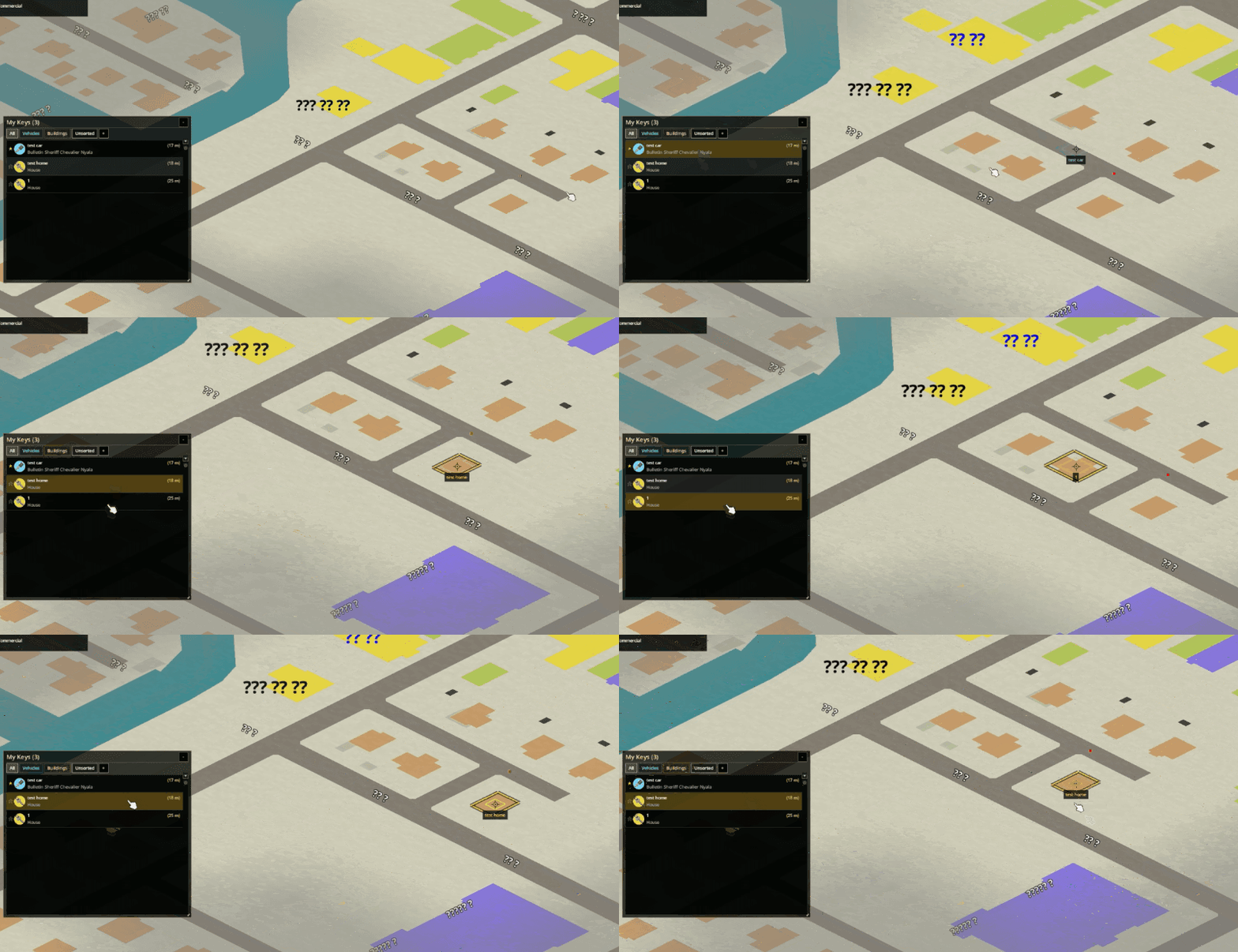
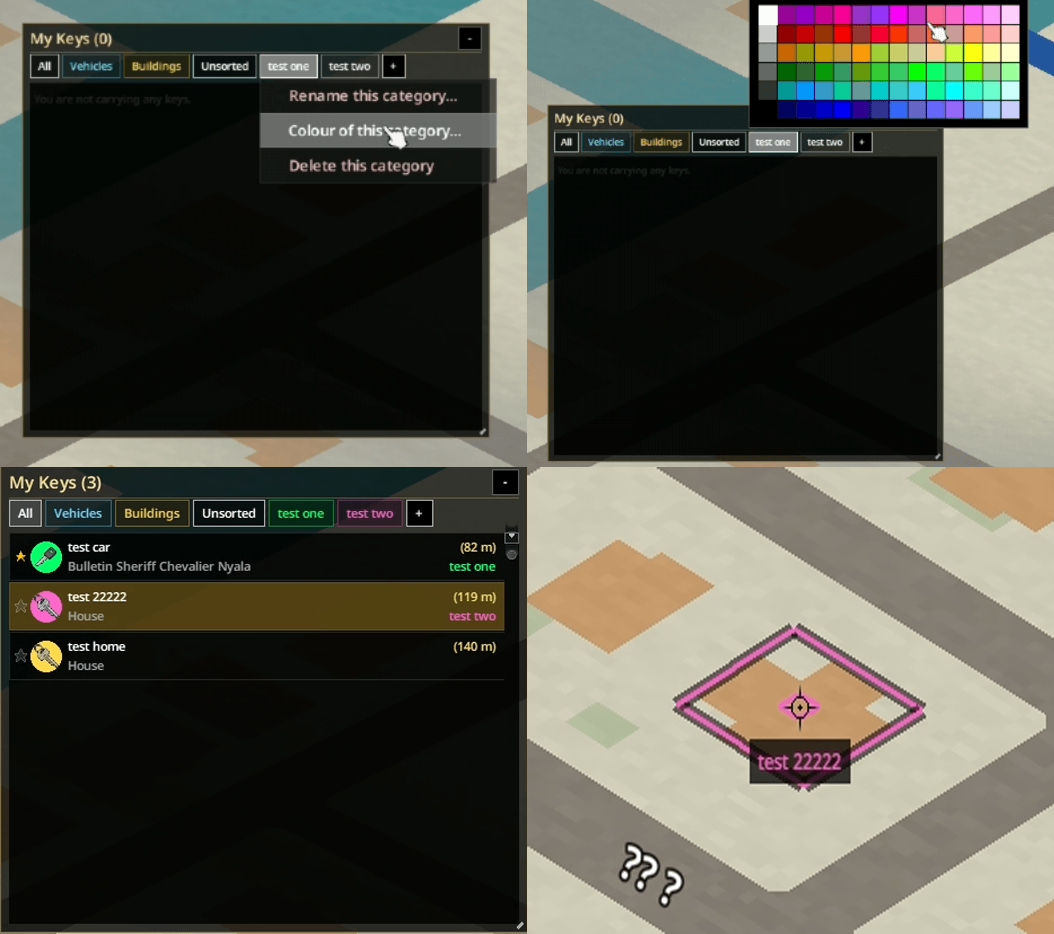
Opening the world map reveals a separate interface for browsing and managing your collection.
The window can be resized or minimized without removing its functionality.
Available controls include:
- Automatically sorting entries by type.
- Selecting an item to center the map on its destination.
- Double-clicking an entry to rename it.
- Marking important entries with a star.
- Moving favorites to the top of the list.
- Changing category colors through right-click menus.
- Choosing a primary key.
- Adjusting drop settings.
- Grouping duplicate keys.
Favorites are protected from accidental dropping, making them useful for important vehicles or frequently accessed buildings.
The interface is designed to reduce inventory clutter and make large collections easier to navigate.
Find Small Keys on the Ground
Small objects can be difficult to spot, especially among furniture, debris and other loot.
The automatic detection feature displays a text label above keys lying on the ground.
This makes them more noticeable during exploration.
To avoid unnecessary repeated labels, a key that has already been picked up and subsequently dropped by the player will not trigger the same indicator again.
The feature can be disabled through Sandbox settings.
Track Your Body After Death
Losing a character can also mean losing the keys carried in their inventory.
The addon offers an optional corpse tracking function linked to the Key Ring.
To activate it, right-click your Key Ring and enable tracking.
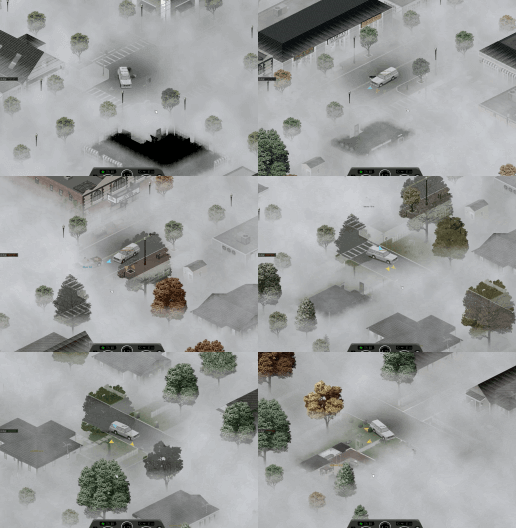
If the character dies, the system automatically tracks the corpse, helping you find where the equipment was lost.
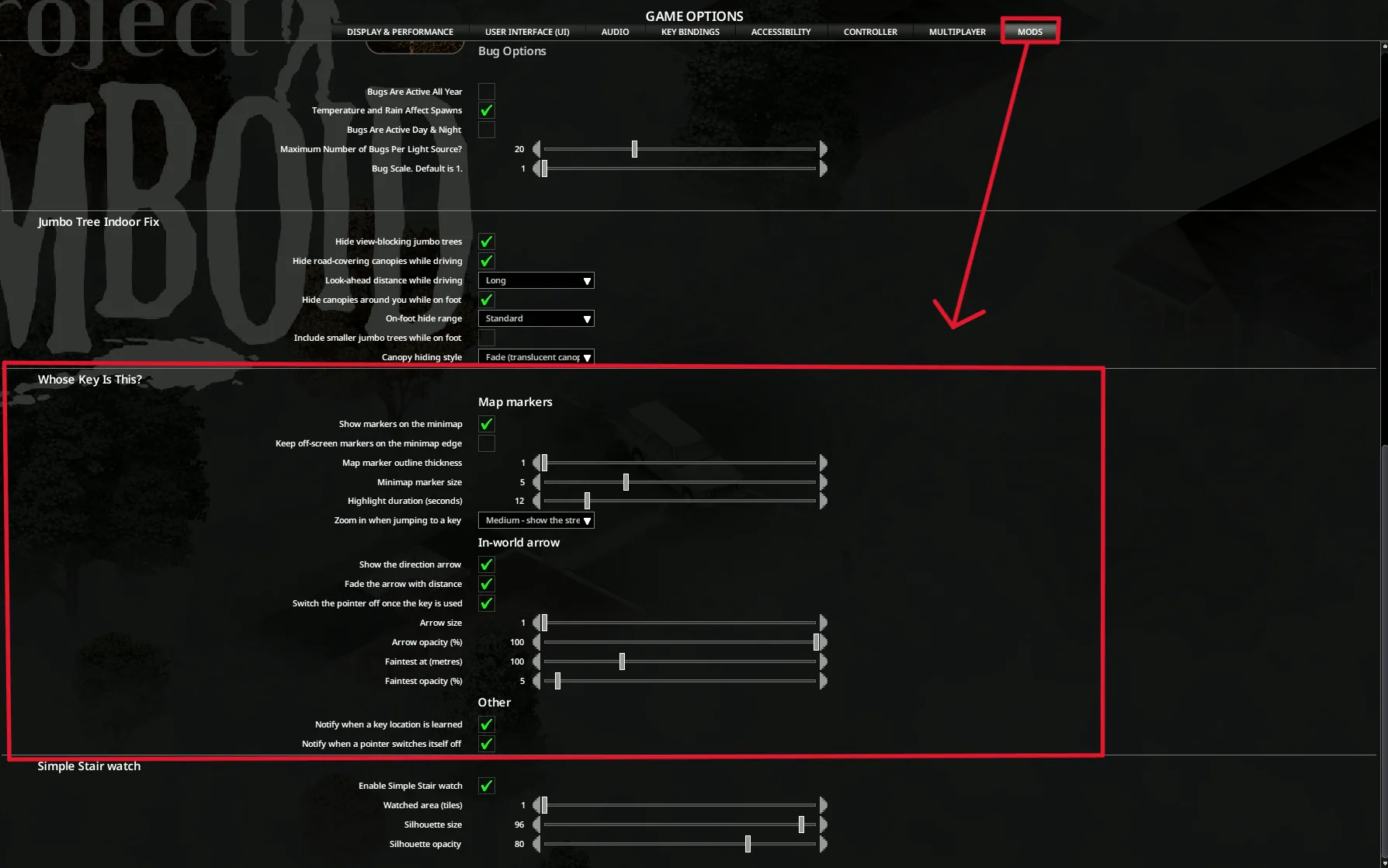
You can disable this functionality through Mod Options or Sandbox Options.
The Key Ring itself can also be favorited to help prevent accidental dropping.
Realism and Sandbox Settings
Five settings let players adjust how much information is available.
| Setting | Purpose |
|---|---|
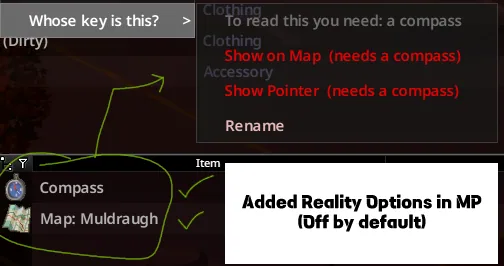
| Require Compass | Adds a compass requirement |
| Require Region Map | Adds a regional map requirement |
| Explored Areas Only | Restricts information to explored areas |
| Auto-Detect Ground Keys | Enables or disables text labels |
| Auto-Track on Death | Controls automatic corpse tracking |
The first three options are intended for players who prefer more realistic exploration instead of unrestricted location information.
Compatibility and Languages
Whose Key Is This? can be installed during an existing playthrough without starting a new world.
The author also lists compatibility with N3WO Map Overhaul.
Supported languages:
- English.
- Korean.
- Simplified Chinese.
- Russian.
No specific minimum Project Zomboid build is stated in the supplied description.
The addon focuses on improving existing inventory and navigation interactions rather than introducing new vehicles, buildings or key types.
For players who regularly collect house and car keys, the ability to identify destinations, manage duplicates and mark important locations provides a practical alternative to searching for the correct lock by trial and error.
Screenshots 7
Comments 0
No comments yet — be the first.
Log in or sign up to leave a comment.