
Derpy Autodrive adds a map-based autopilot to Project Zomboid. Choose your destination, activate cruise mode and let your vehicle follow the road network automatically. Supports multiple destinations, controller shortcuts, custom street editing and optional mod map integration. Be careful: the autopilot is far from perfect, and collisions are still possible.
Contents
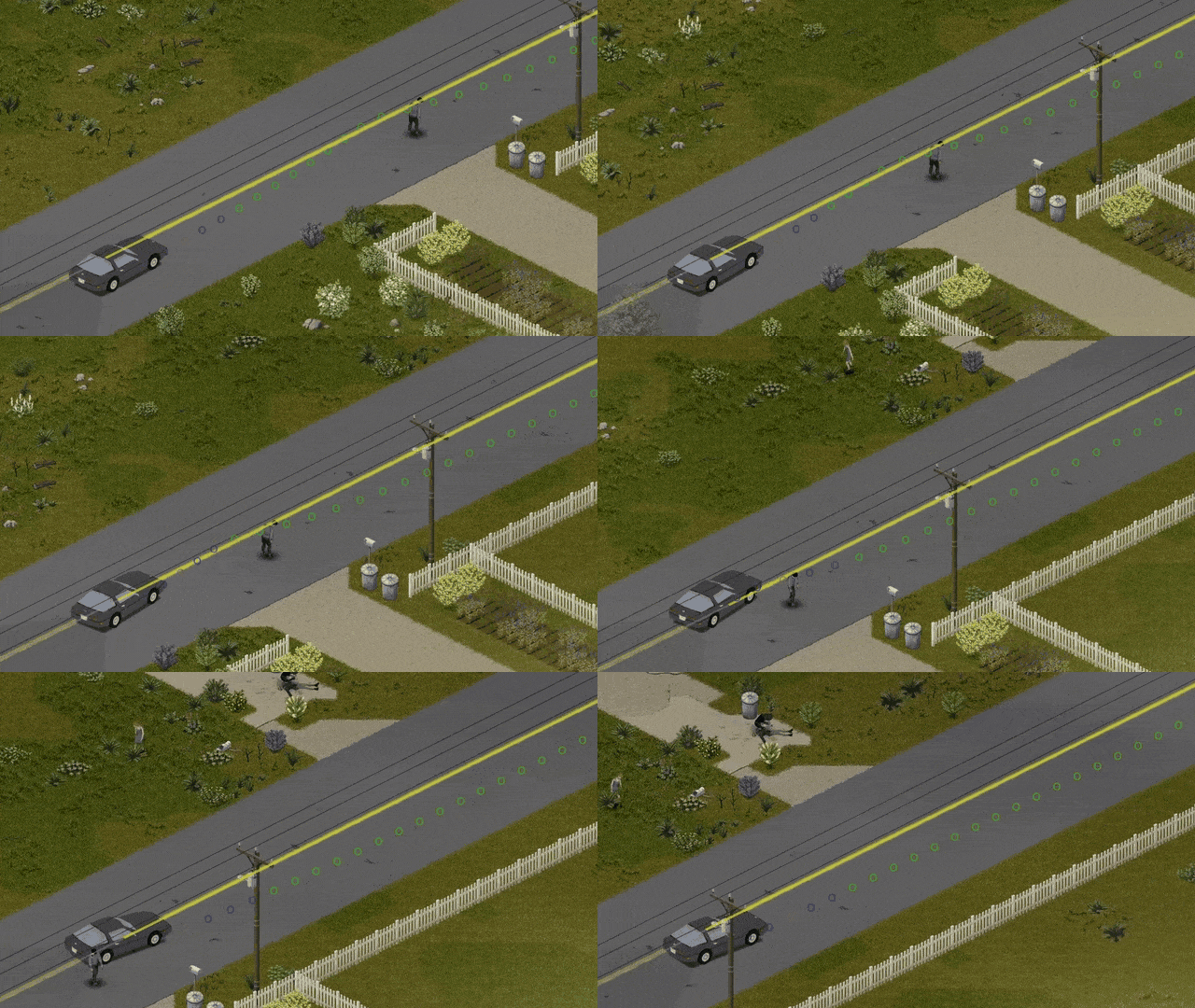
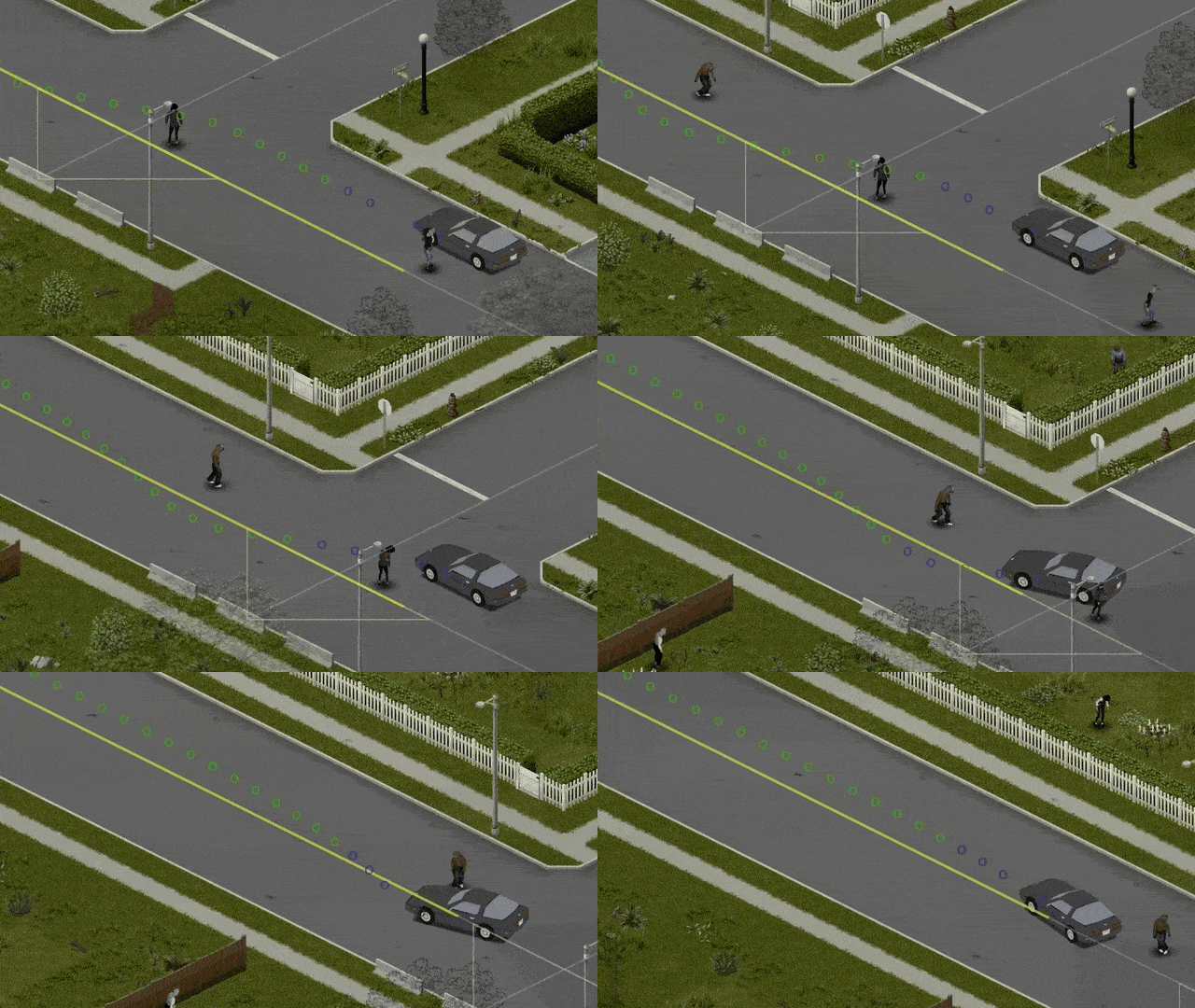
Derpy Autodrive introduces an automatic driving system to Project Zomboid, allowing you to select a destination on the map and have your vehicle follow the road network.
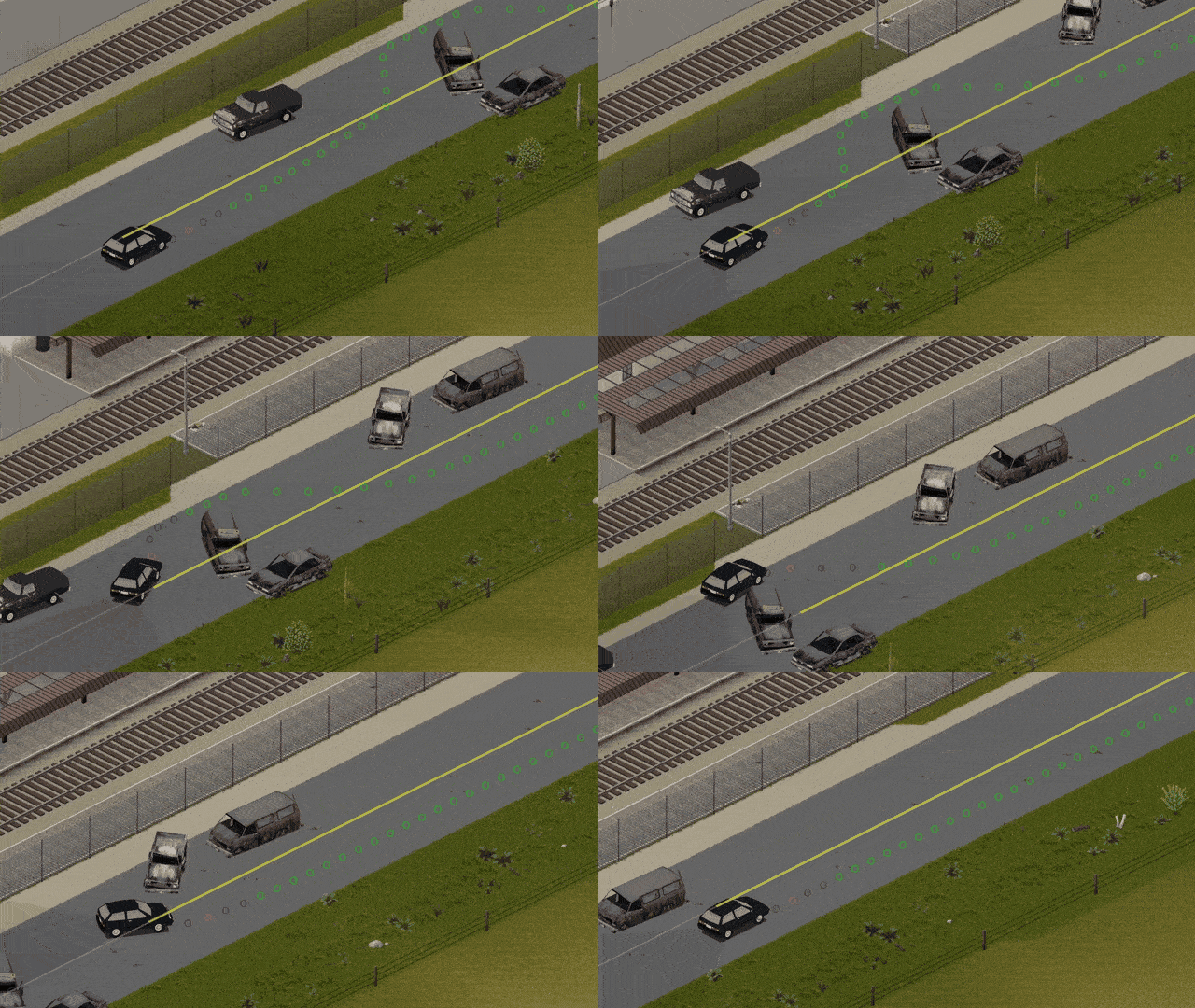
Instead of manually steering through every intersection, you can activate cruise mode and let the autopilot handle the journey. It attempts to navigate toward your chosen location, but its decisions are not always reliable.
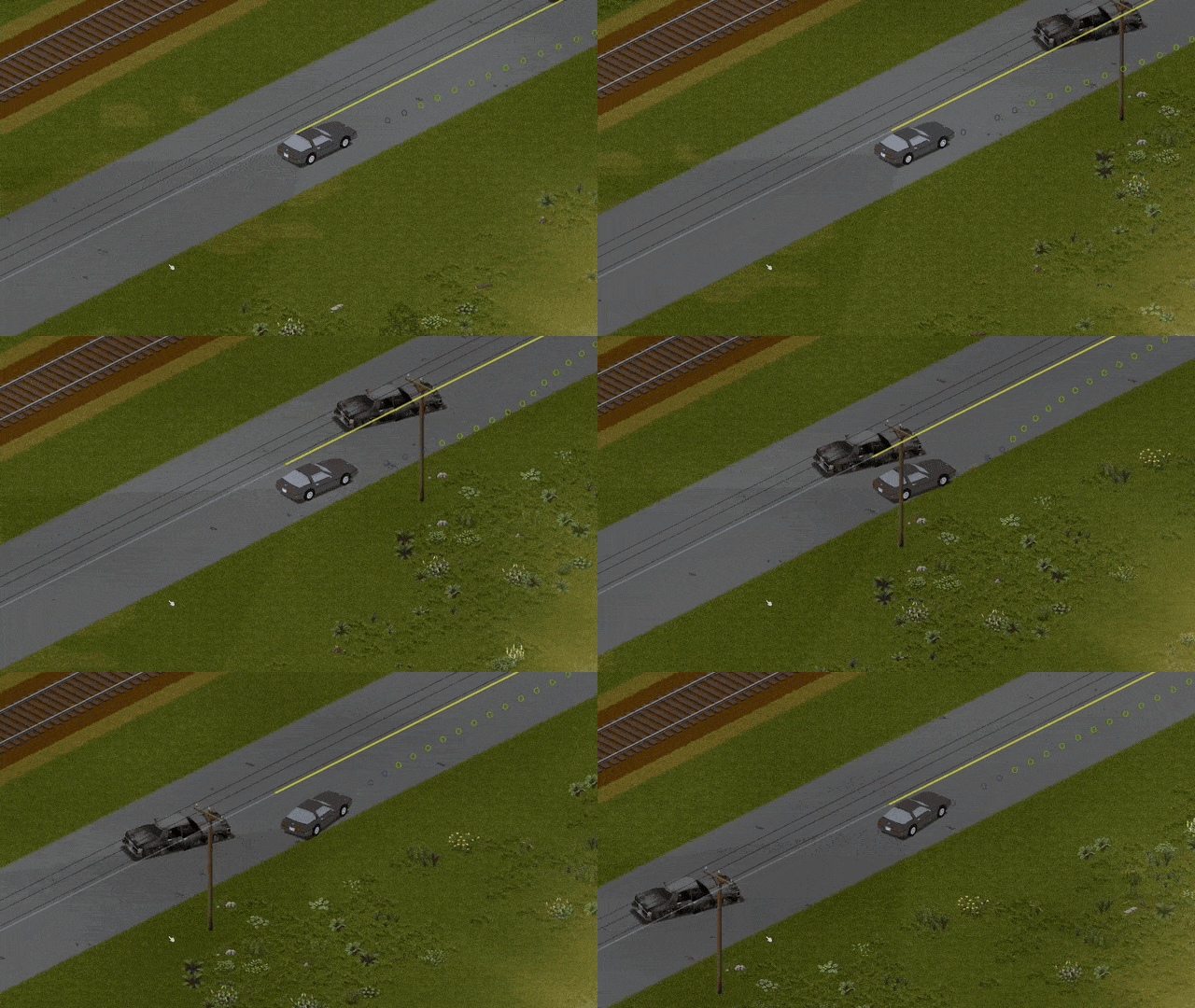
Expect occasional awkward turns, damaged windows, collisions with wildlife and potentially disastrous encounters with roadside obstacles.
This is a convenient navigation tool, not a guarantee of safe travel.
How Automatic Driving Works
The system uses map destinations and the game's road network to guide a vehicle.
To start driving automatically:
- Enter a vehicle and sit in the driver's seat.
- Open the world map.
- Select your destination.
- Activate cruise mode.
- Allow the vehicle to follow the calculated route.
You can also enable or disable the system through the vehicle radial menu.
When the autopilot is disabled, the regular cruise control becomes available again.
Multiple Destinations and Controller Support
The addon allows players to work with several destinations.
Controller users have dedicated shortcuts:
| Button | Action |
|---|---|
| RB | Set a destination |
| LB | Cycle through multiple destinations |
These controls make navigation accessible without relying entirely on mouse interactions.
Why the Autopilot Sometimes Crashes
The driving implementation has an unusual technical limitation.
Project Zomboid's Lua scripting system cannot directly control vehicle steering in the way a player does.
To work around this, the modification simulates steering through vehicle impacts.
This approach allows the car to change direction automatically, but it can produce strange behavior during sharp turns.
Possible consequences include:
- Collisions with roadside objects.
- Damage to vehicle components.
- Accidents involving animals or zombies.
- Unpredictable turning behavior.
- Crashes when navigating difficult sections of road.
The character must remain in the driver's seat. Although the system handles navigation, the game still treats the survivor as the driver.
It is worth monitoring the journey rather than leaving the vehicle completely unattended.
Support for Custom Maps
Derpy Autodrive can attempt to load road networks from additional map modifications.
To enable this functionality:
- Open the game's options.
- Enable Load Mod Maps.
- Load your preferred map configuration.
However, automatically imported road data may contain problems.
Some roads require manual corrections before the navigation system can use them properly.
For more information, see the mod map compatibility discussion.
Compatibility with every custom map is not guaranteed.
Custom Street Editor
A built-in editor lets you create or modify road definitions.
This is useful when a street is missing from the navigation network or an imported road needs adjustments.
Editing a Road
- Enable Edit Custom Streets in the game options.
- Create a new custom street or select an existing one.
- Adjust its points, name or width.
- Select Finish and Reload.
The final action rebuilds the road network using your changes.
This process may take some time, depending on the data being processed.
Context Menu Compatibility
Other modifications may interfere with the destination options shown in the context menu.
If controls disappear or become inaccessible, the author recommends changing the load order.
Suggested solution:
- Load Derpy Autodrive after the conflicting modifications.
- Open the addon's settings.
- Enable Context Menu Compatibility.
Two additional keyboard shortcuts then become available:
| Key | Function |
|---|---|
| Y | Add or remove destinations |
| U | Clear all destinations |
These shortcuts provide an alternative when regular menu interactions are unavailable.
Limitations and Compatibility
The addon depends on its navigation data and simulated steering behavior.
Important considerations:
- The player must occupy the driver's seat.
- Sharp turns may look unnatural.
- Automatic driving does not prevent vehicle damage.
- Custom map support may require manual road editing.
- Context menu conflicts can require an alternative load order.
- Disabling the autopilot restores ordinary cruise control.
The supplied description does not specify a minimum Project Zomboid build, confirmed multiplayer support or additional dependencies.
Derpy Autodrive is especially useful for long road trips and repeated journeys between familiar locations. It reduces the need for constant manual navigation while adding an unpredictable element to driving through Kentucky.
Just remember: reaching the destination and reaching it with an undamaged car are two very different achievements.
Screenshots 4

Comments 0
No comments yet — be the first.
Log in or sign up to leave a comment.