
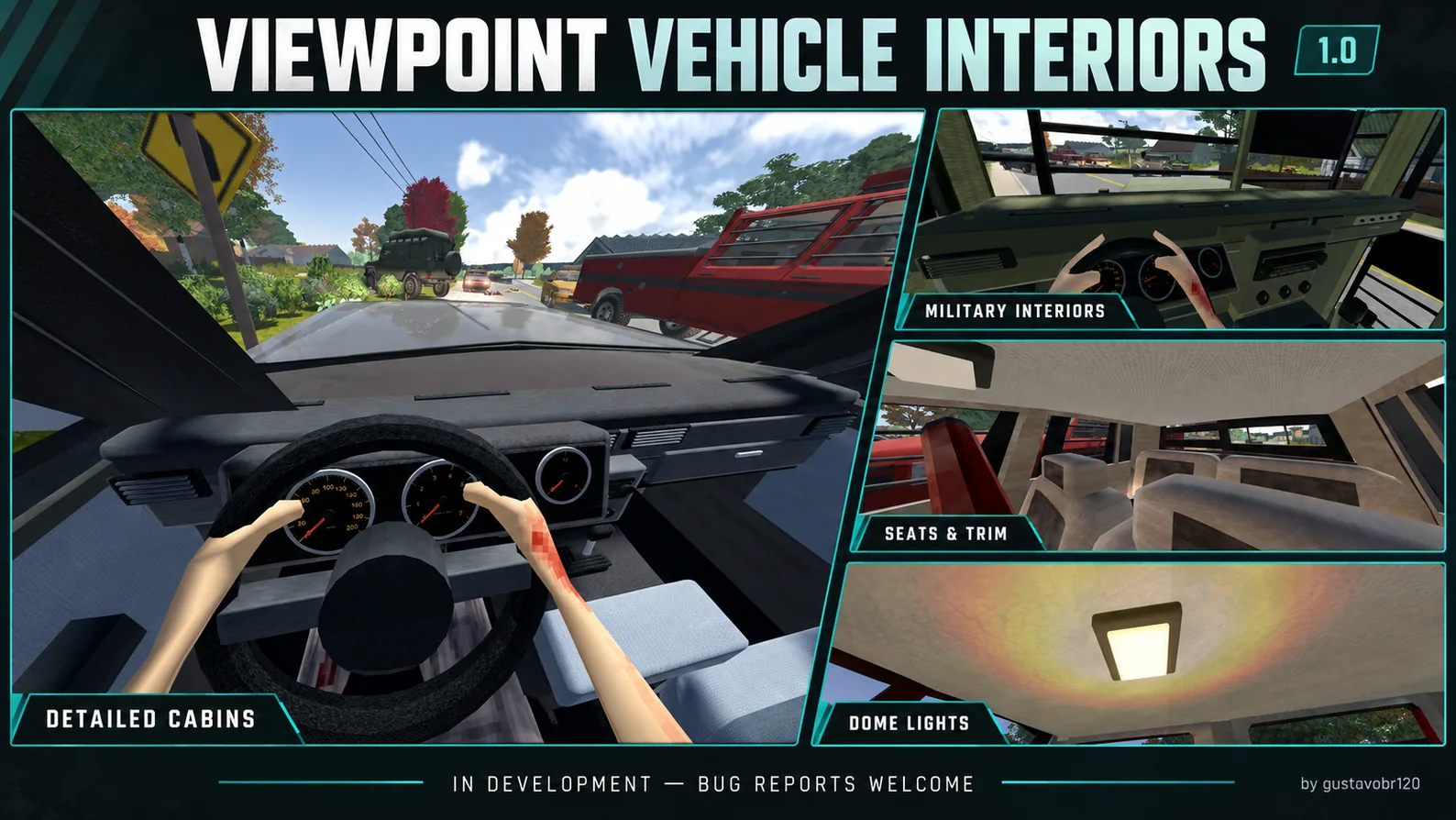
Viewpoint Vehicle Interiors enhances first-person driving in Project Zomboid with detailed vehicle cabins, improved seats, realistic materials and illuminated dashboards. Enjoy working gauges, radio displays and a toggleable interior dome light. Designed for Build 42.21 with Project Viewpoint and ZombieBuddy. Version 1.0 includes performance improvements and expanded interior details.
Contents
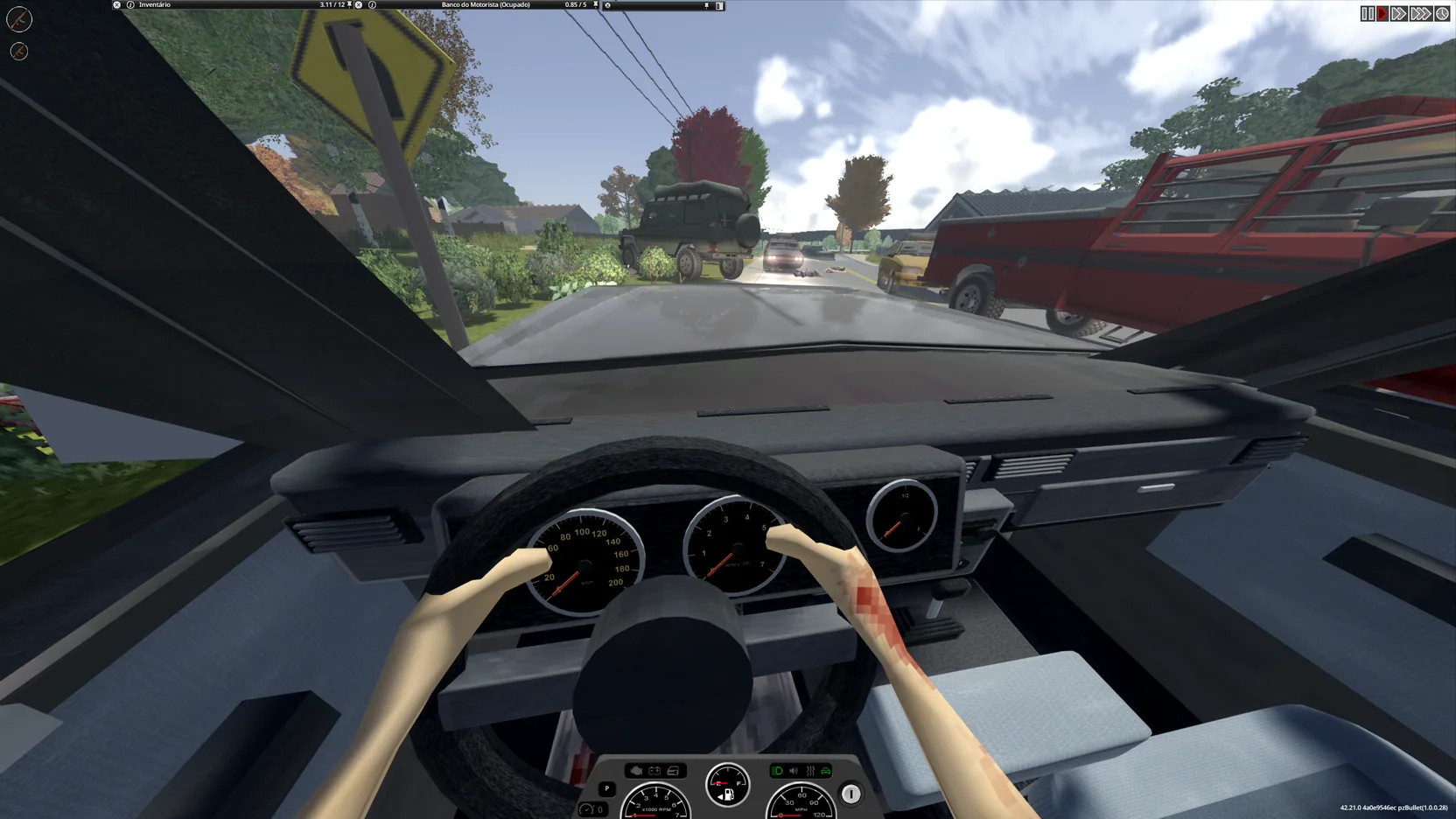
Viewpoint Vehicle Interiors is a visual addon for Project Zomboid that improves vehicle cabins when using the first-person perspective provided by Project Viewpoint.
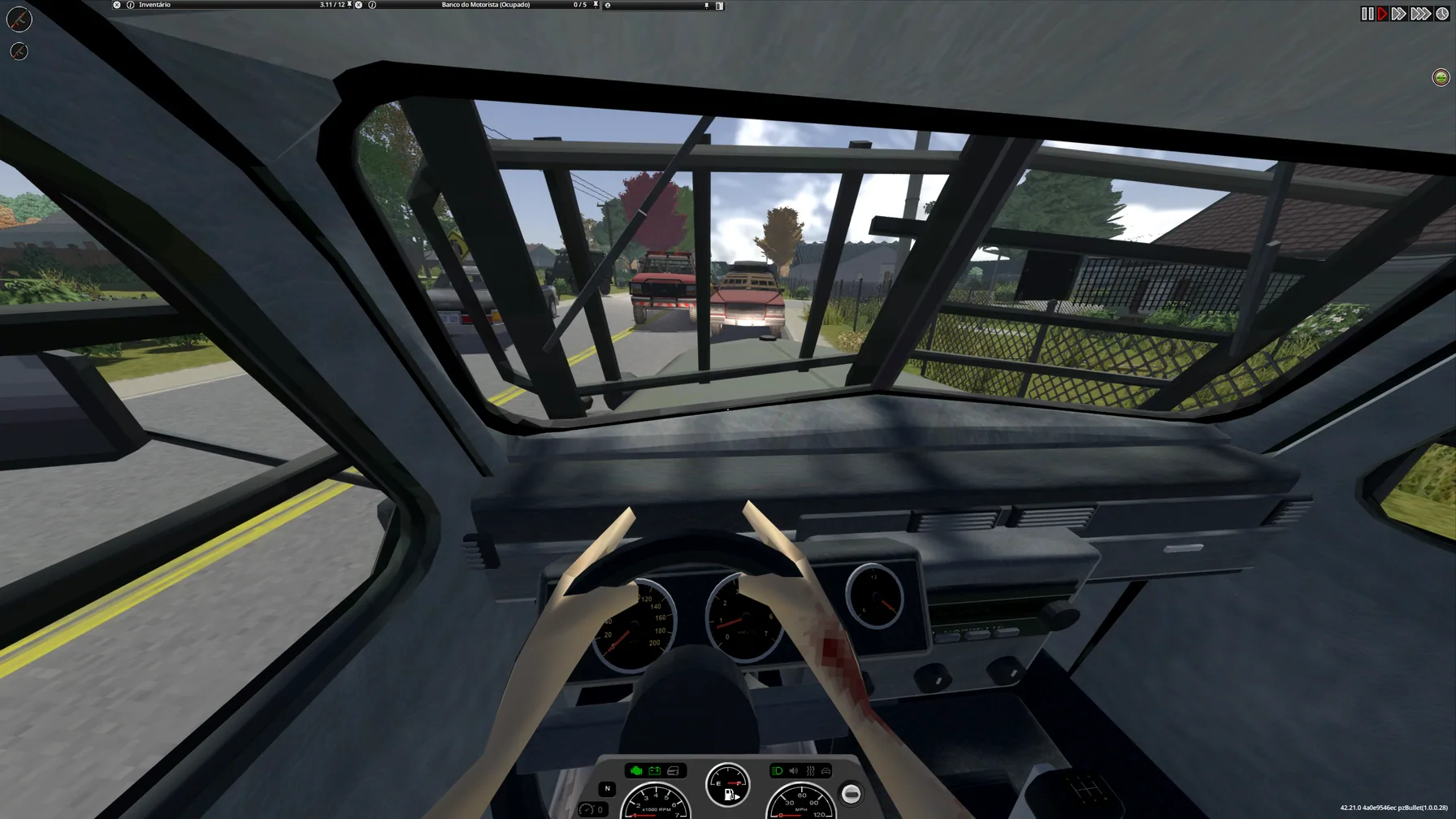
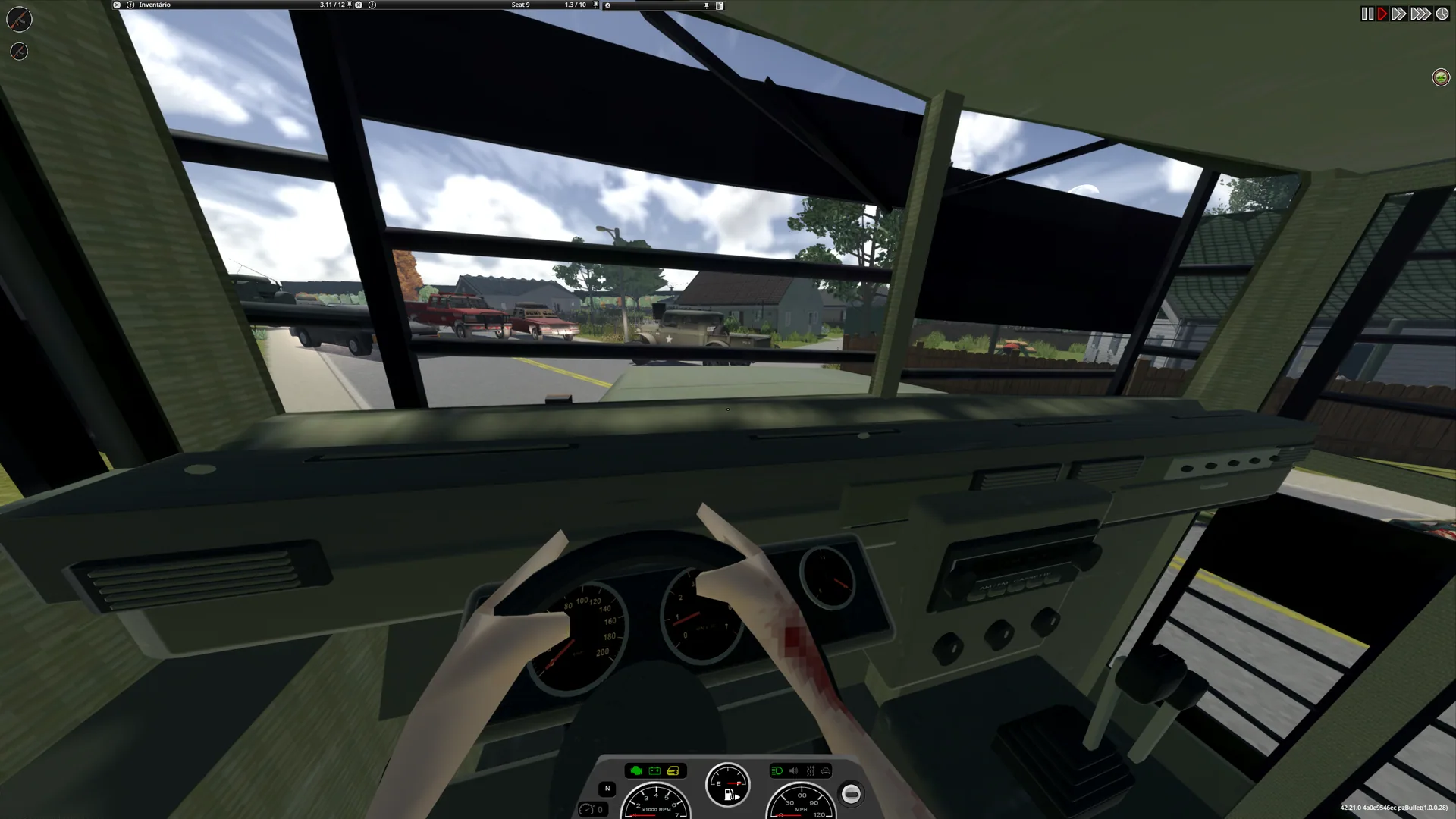
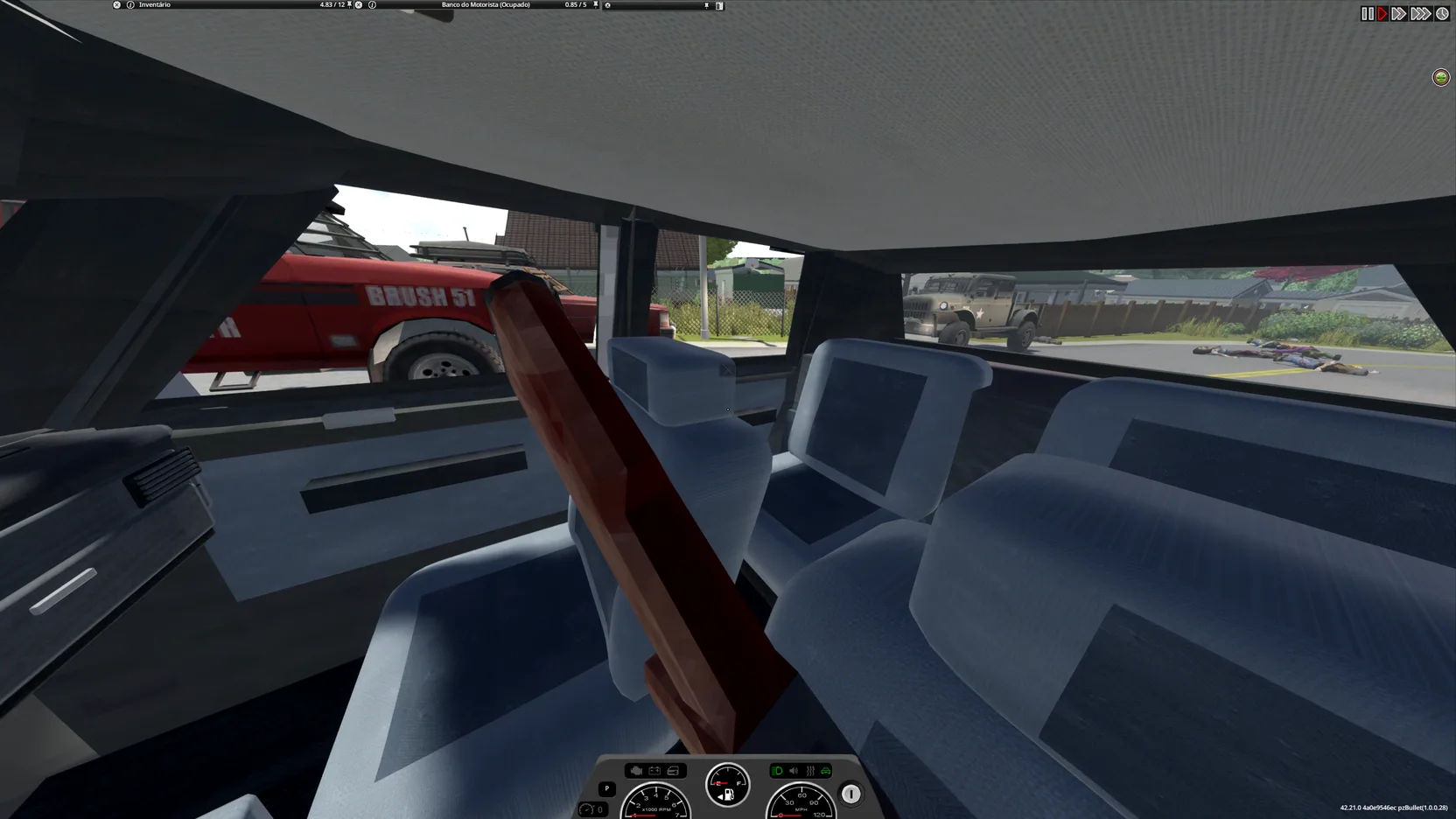
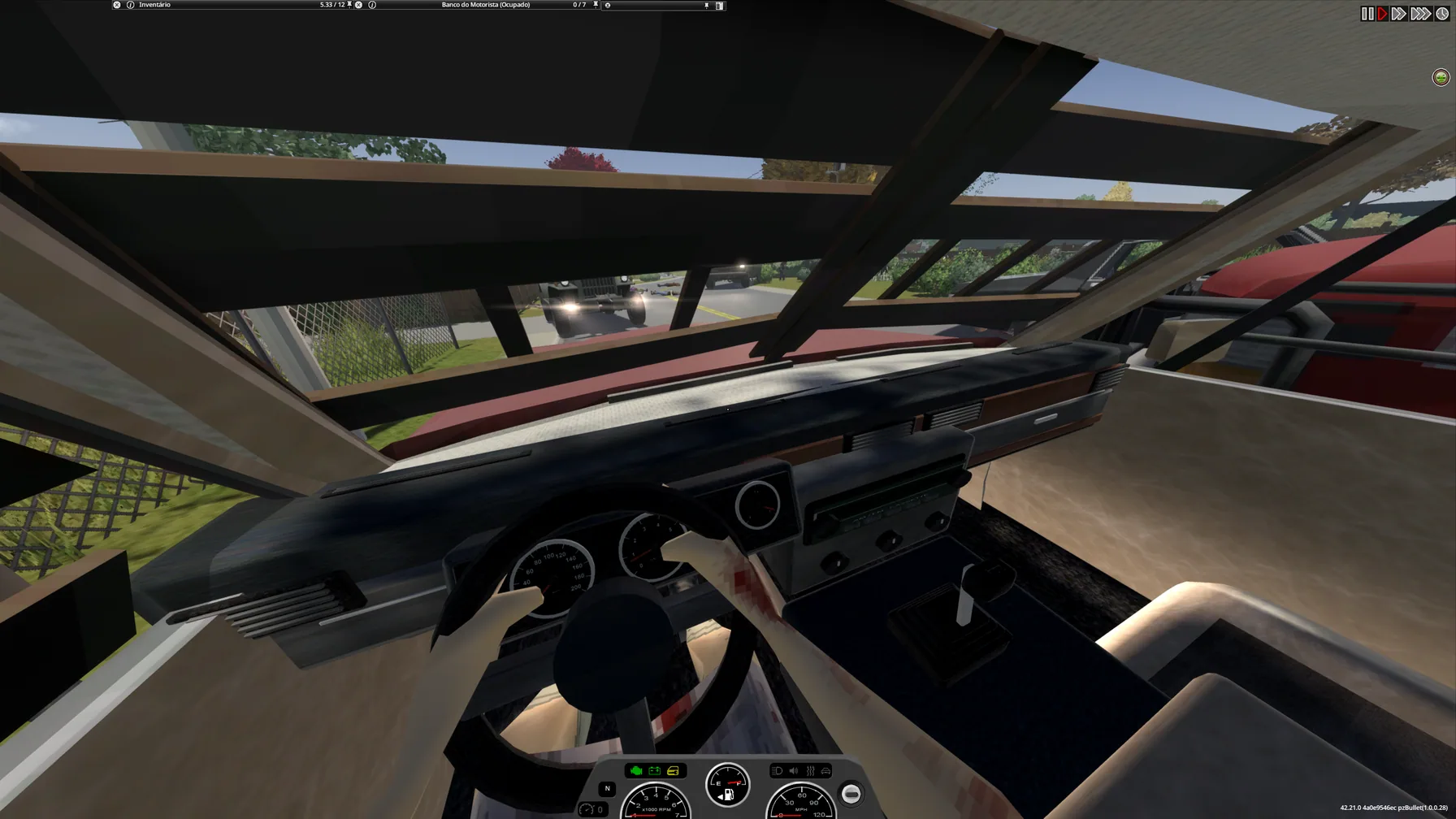
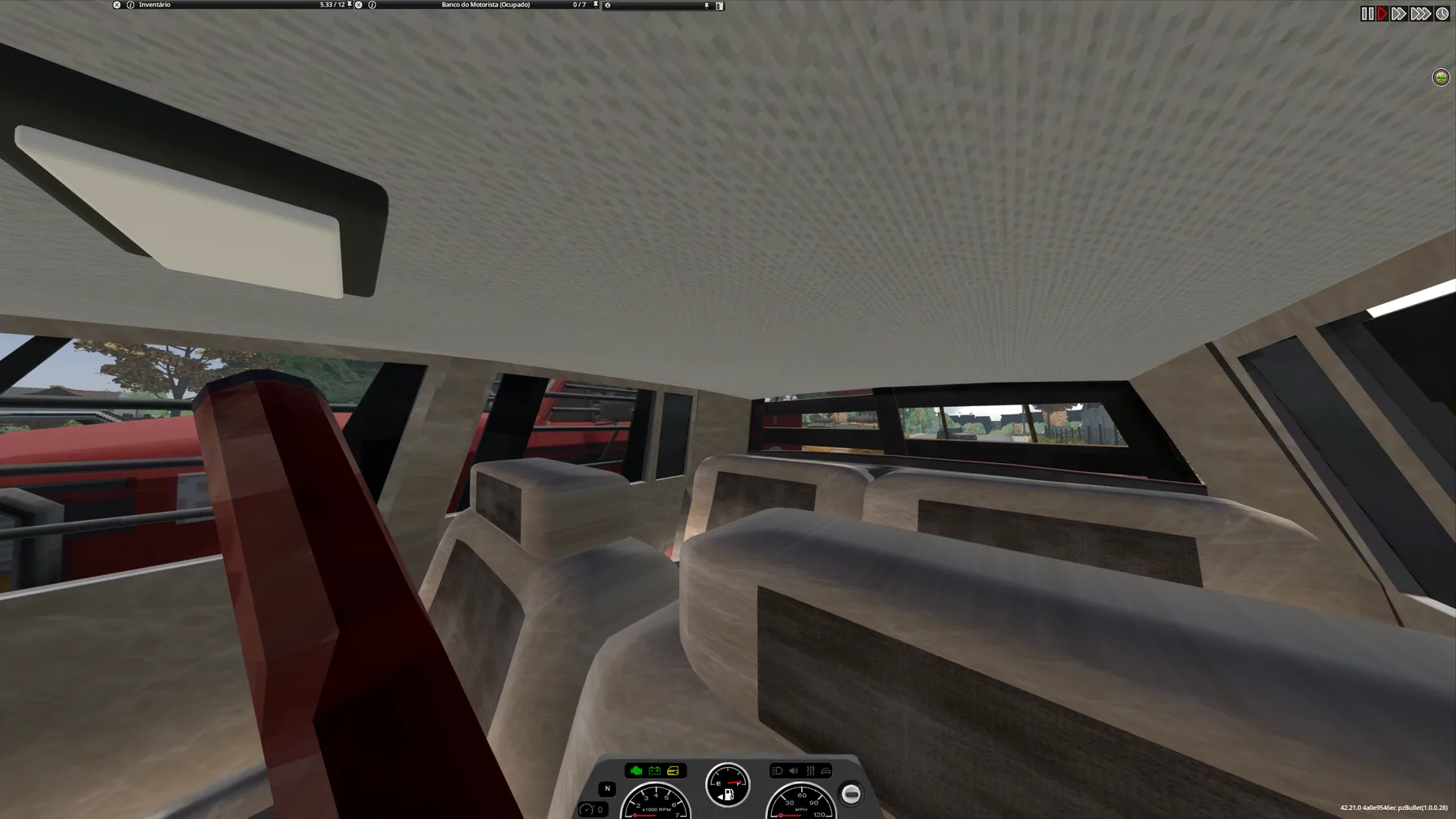
Instead of relying on basic interior models, supported vehicles receive additional details such as improved seats, trim elements, dashboard materials, illuminated instruments and functional interior lighting.
Version 1.0 focuses on making the driving experience more immersive while preserving the existing vehicle mechanics.
The addon is still under development, and not every vehicle or third-party car mod has been tested.
More Detailed Vehicle Interiors
The main improvement is a more complete representation of the space inside a vehicle.
Depending on the supported interior profile, you may notice:
- Improved seats: More detailed seating models.
- Interior trim: Additional decorative and structural elements.
- Vehicle-specific materials: Surfaces better suited to different types of cars.
- Dashboard instruments: Gauges that display vehicle information.
- Radio display: An illuminated LCD screen when the radio is switched on.
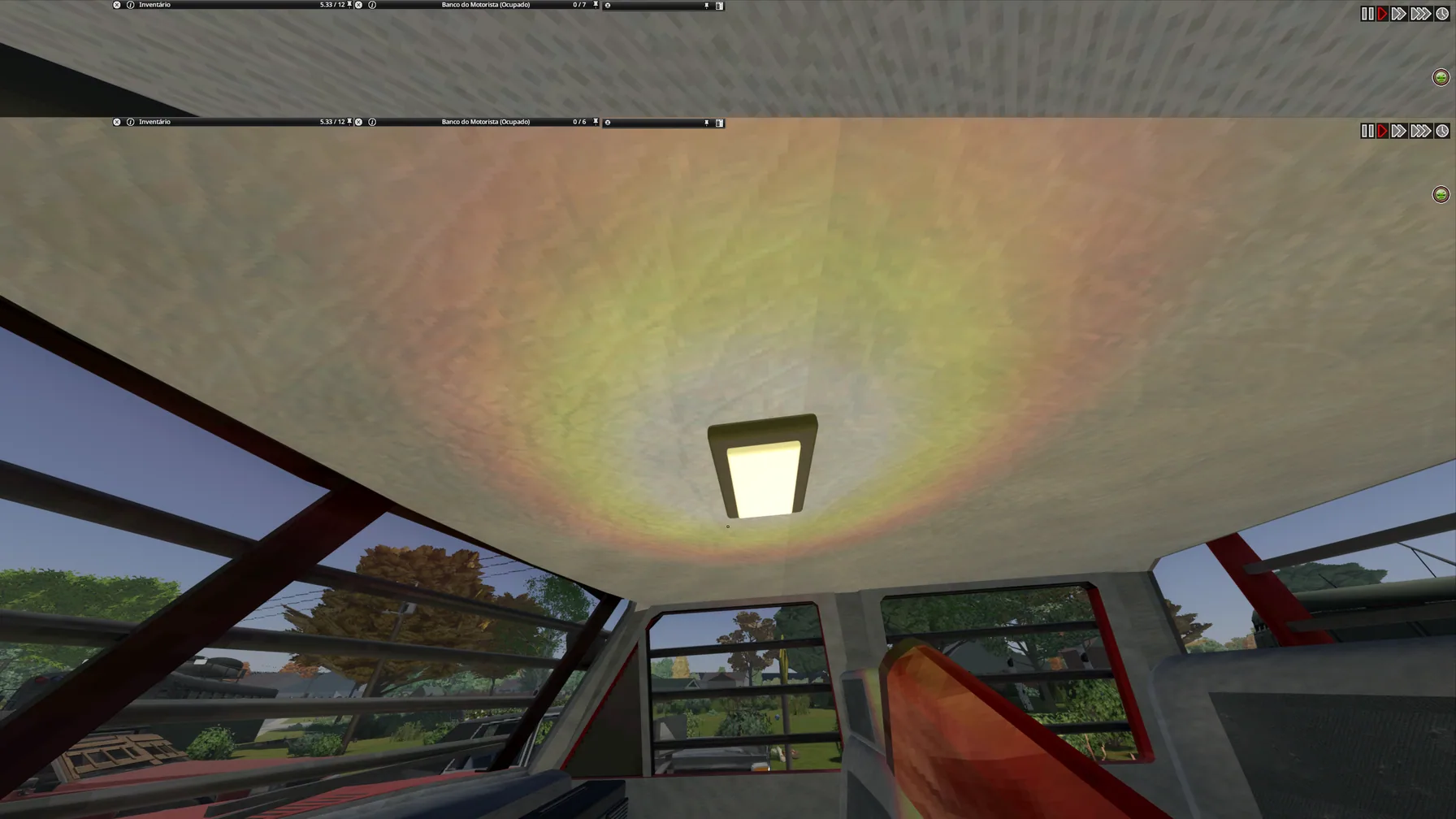
- Cabin lighting: A dome light controlled through the vehicle interaction menu.
These changes make first-person driving feel more natural without introducing new vehicles or replacing the existing transportation system.
Working Dashboard and Instrument Lighting
Dashboard elements respond to certain vehicle functions rather than serving as static decorations.
Supported visual behavior includes:
- Instrument gauges displaying vehicle information.
- Dashboard illumination when headlights are enabled.
- Radio LCD lighting when the vehicle radio is switched on.
The lighting states follow the corresponding vehicle controls, providing a clearer connection between what you activate and what appears inside the cabin.
How to Turn On the Interior Dome Light
A separate cabin light can be controlled through the standard vehicle menu.
Instructions:
- Enter a supported vehicle.
- Press V to open the vehicle radial menu.
- Find the dome light option.
- Select it to toggle the cabin light.
Important: The vehicle must have a charged battery for the interior light to function.
Unlike the dashboard illumination, the dome light has its own control and does not require turning on the headlights.
Supported Vehicles and Interior Profiles
The visual changes depend on whether a vehicle has a supported interior profile.
Cars without a compatible profile retain their original interior appearance.
This means the addon does not automatically provide customized cabins for every vehicle installed through Steam Workshop.
Compatibility considerations:
- Supported vehicles receive the additional interior details.
- Unsupported models keep their existing interiors.
- Third-party vehicle modifications are not all included or tested.
- Visual results may vary between vehicle types.
The exact list of supported cars is not specified in the source description.
Requirements and Installation
The following components are required:
| Component | Required Version |
|---|---|
| Project Zomboid | Build 42.21 |
| Project Viewpoint | 0.1.6.1 |
| ZombieBuddy | 2.3.0 or newer |
Installation Steps
- Install the required dependencies.
- Follow the installation instructions provided by ZombieBuddy.
- Enable Viewpoint Vehicle Interiors in the game's mod list.
- Fully restart Project Zomboid after enabling the addon.
A complete restart is also required after updating the mod.
Version 1.0 Improvements
The latest described release includes several technical changes.
Main updates:
- Removed temporary debugging tools.
- Reduced repeated processing.
- Improved the implementation of interior rendering.
However, the detailed textures can still require additional system resources.
Performance depends on your computer hardware and the number of modifications installed.
Known Issues and Limitations
Viewpoint Vehicle Interiors is an actively developed project, and some problems remain unresolved.
Known issues:
- Doors and hoods may disappear from certain vehicles after leaving an area and returning.
- The cause of disappearing vehicle parts is still being investigated.
- Version 1.0 does not fix this issue.
- Multiplayer has not been fully tested.
- Split-screen compatibility has not been fully tested.
- Some modded vehicles may lack supported interior profiles.
If you encounter visual glitches, try checking whether the behavior also occurs with the addon disabled.
Viewpoint Vehicle Interiors is designed for players who prefer exploring Knox Country from behind the steering wheel. Detailed cabins, responsive dashboard lighting and a controllable dome lamp add atmosphere to first-person journeys without changing the underlying driving mechanics.
Screenshots 8
Comments 0
No comments yet — be the first.
Log in or sign up to leave a comment.