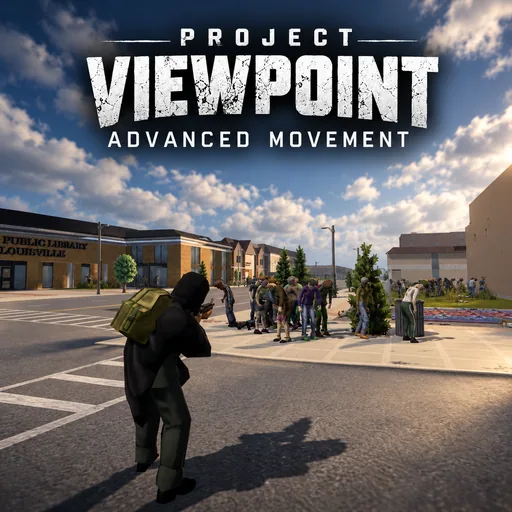

Viewpoint Advanced Movement adds more ways to move and fight in Viewpoint’s first- and third-person modes. Peek around corners, crawl with a weapon, fire from the ground, and climb onto objects with the optional Physics Props mod.
Contents
Viewpoint Advanced Movement — Expanded Movement for Project Zomboid
Viewpoint Advanced Movement adds more ways to move and fight in Viewpoint’s first- and third-person modes. Peek around corners, crawl with a weapon, fire from the ground, and climb onto objects with the optional Physics Props mod.
Movement affects your character’s posture and camera position, while other players can see supported actions such as leaning, crawling, and climbing.
Lean, jump, and sprint
Leaning shifts your upper body, weapon, and camera while keeping your legs planted. Nearby walls, doors, windows, and fences limit the movement.
The jump key also handles contextual traversal. Facing a suitable obstacle triggers the game’s fence-climbing or window-vaulting action; otherwise, your character performs a jump. Endurance, injuries, fatigue, and carried load affect jumping ability.
Double-tap and hold Shift to sprint forward. A single press retains normal jogging.
Fight and survive while prone
Hold the crouch key to lie down. From there, you can crawl forwards or backwards, aim, shoot, throw projectiles, and perform supported tasks such as reloading, eating, bandaging, reading, and looting.
Looking far behind turns your character onto their back. Viewpoint’s free-look control lets you look around without rolling. Double-tapping the lean keys performs a sideways roll; holding them shifts the upper body for a peek.
Going prone and standing up take time, and crawling consumes endurance. Running, jumping, shoving, and melee attacks are unavailable while prone.
The mod also provides a lower crouched stance that remains active while aiming and firing.
Climb with Physics Props
With Project Viewpoint: Physics Props enabled, additional traversal becomes available:
- climb onto suitable furniture and vehicles;
- reach roofs or cross high barriers from elevated objects;
- catch reachable ledges, move sideways, and pull yourself up;
- stand, crouch, or lie on moving vehicles.
Vehicle riding has limits. Excessive speed or sharp turns can throw you off, with your stance affecting stability.
Controls and configuration
Default bindings include:
| Action | Control |
|---|---|
| Lean | Q / E |
| Jump or contextual traversal | Space |
| Sprint | Double-tap and hold Shift |
| Go prone | Hold Crouch |
| Sideways roll while prone | Double-tap Q / E |
On first use, overlapping vanilla actions are reassigned: shout/emote to N, interact to F, flashlight to Z, and melee/shove to Mouse 5.
Bindings can be changed under Options → Keybinds. Movement settings are available through Delete → Movement+.
Flashlight positioning also follows your posture and viewing direction. Hold right-click to raise it in front of you.
Requirements
- Project Zomboid Build 42.21
- ZombieBuddy 2.3.0 or later
- Viewpoint 0.1.6 or later
Load them in this order: ZombieBuddy → Viewpoint → Viewpoint Advanced Movement. ZombieBuddy requests approval for the add-on’s Java code on first launch.
Project Viewpoint: ADS & Optics 1.0.12+ supports leaning while aiming down sights.
Multiplayer and limitations
Every player needs the required mods to see the added movements correctly. The optional ViewpointAdvancedMovementServer module requires server-side ZombieBuddy and handles climbing and riding interactions with NoClip and Speed checks.
Dedicated-server jumping, prone movement, climbing, and riding remain under testing. Controller support includes crouching and prone; other actions require a controller mod using the supplied API. Only the first local player is supported.
The package also includes ViewpointClassicCamera, an optional older-style third-person camera that works without Advanced Movement.
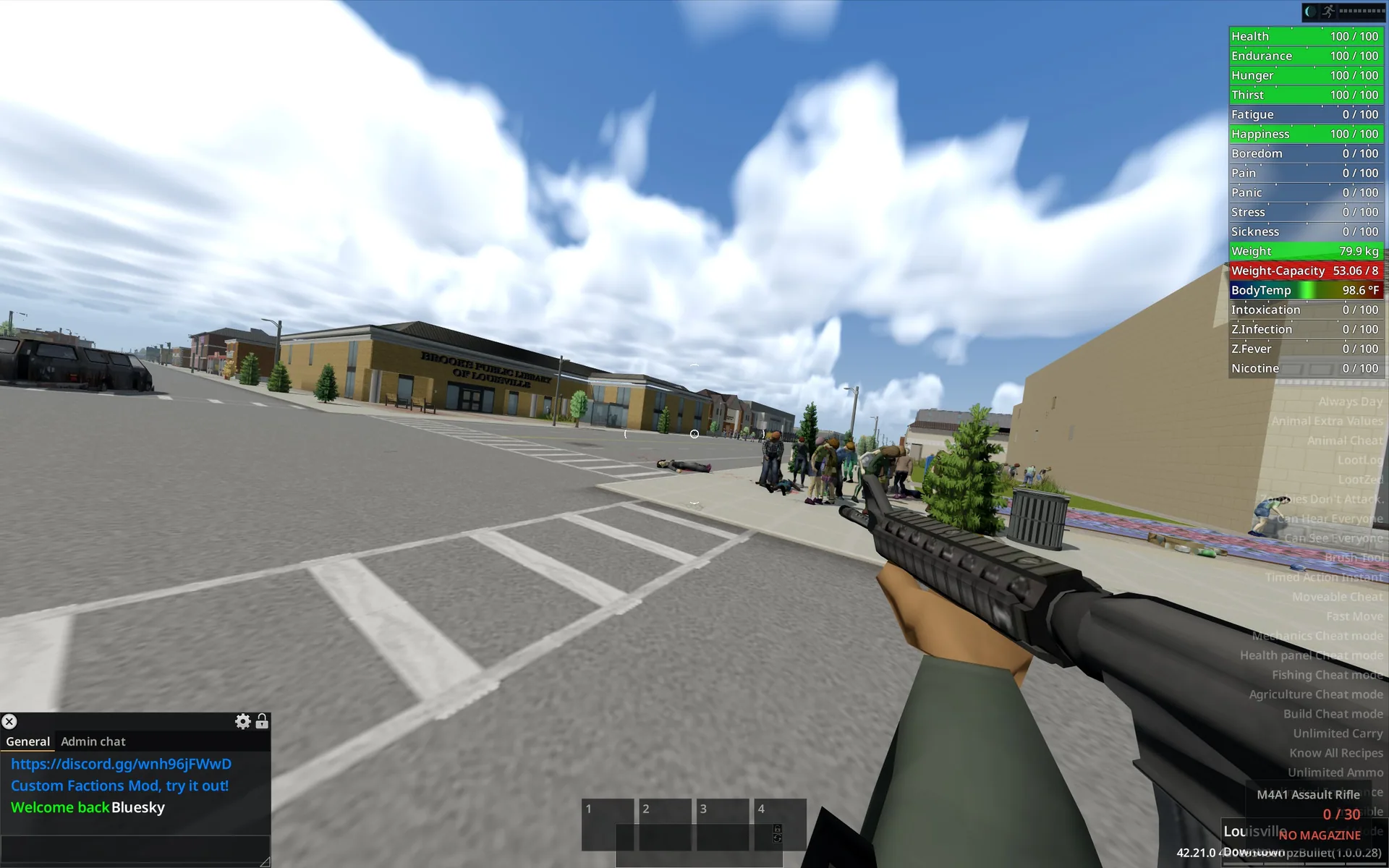
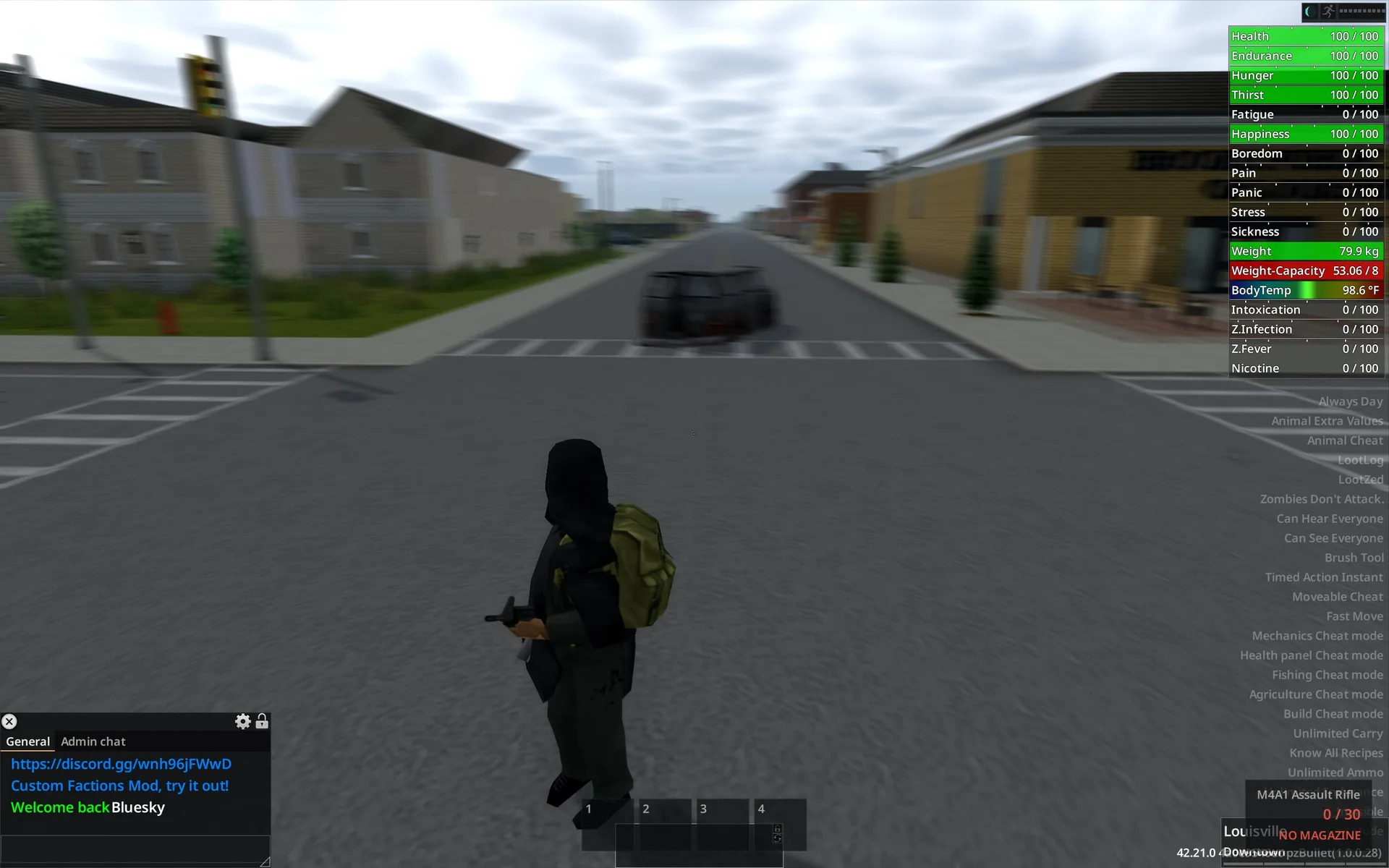
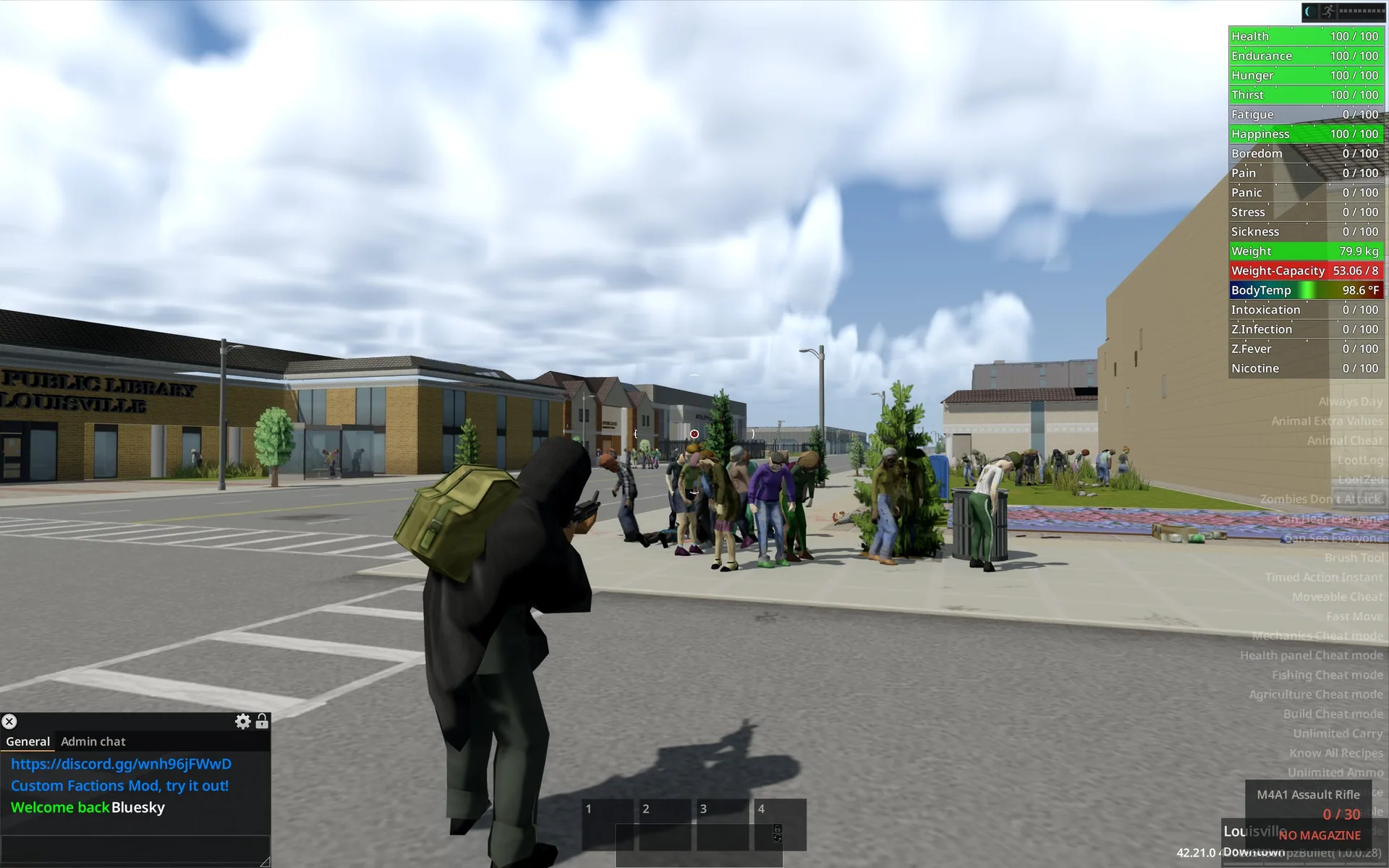
Screenshots 3

Comments 0
No comments yet — be the first.
Log in or sign up to leave a comment.