
Visual Sounds KA improves sound visualization in Project Zomboid with configurable visual indicators for zombies, vehicles and other noise sources. Hide unnecessary zombie cues, highlight dangerous sounds, and enjoy Project Viewpoint integration. This updated fork of Visual Sounds also fixes memory leaks, multiplayer filtering issues and performance problems.
Contents
Visual Sounds KA is an updated and expanded version of the popular Visual Sounds modification for Project Zomboid. The mod improves how sound-related information is displayed through visual indicators, allowing players to customize which sound cues appear on their screen.
This fork brings compatibility updates for newer game versions, additional filtering options, Project Viewpoint integration, and several important bug fixes.
The result is a more configurable and reliable sound visualization system that helps players distinguish important noises from unnecessary visual distractions.
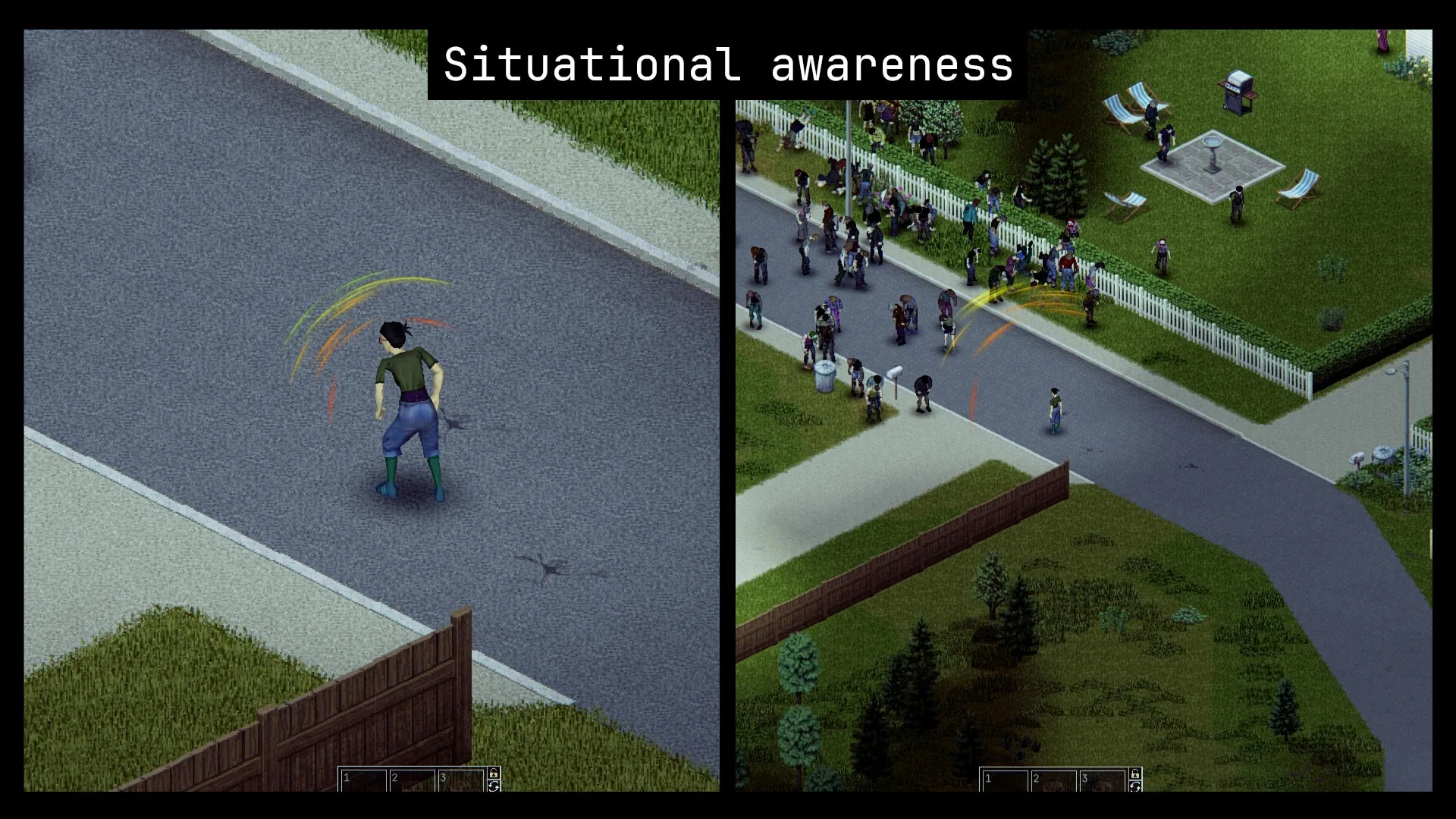
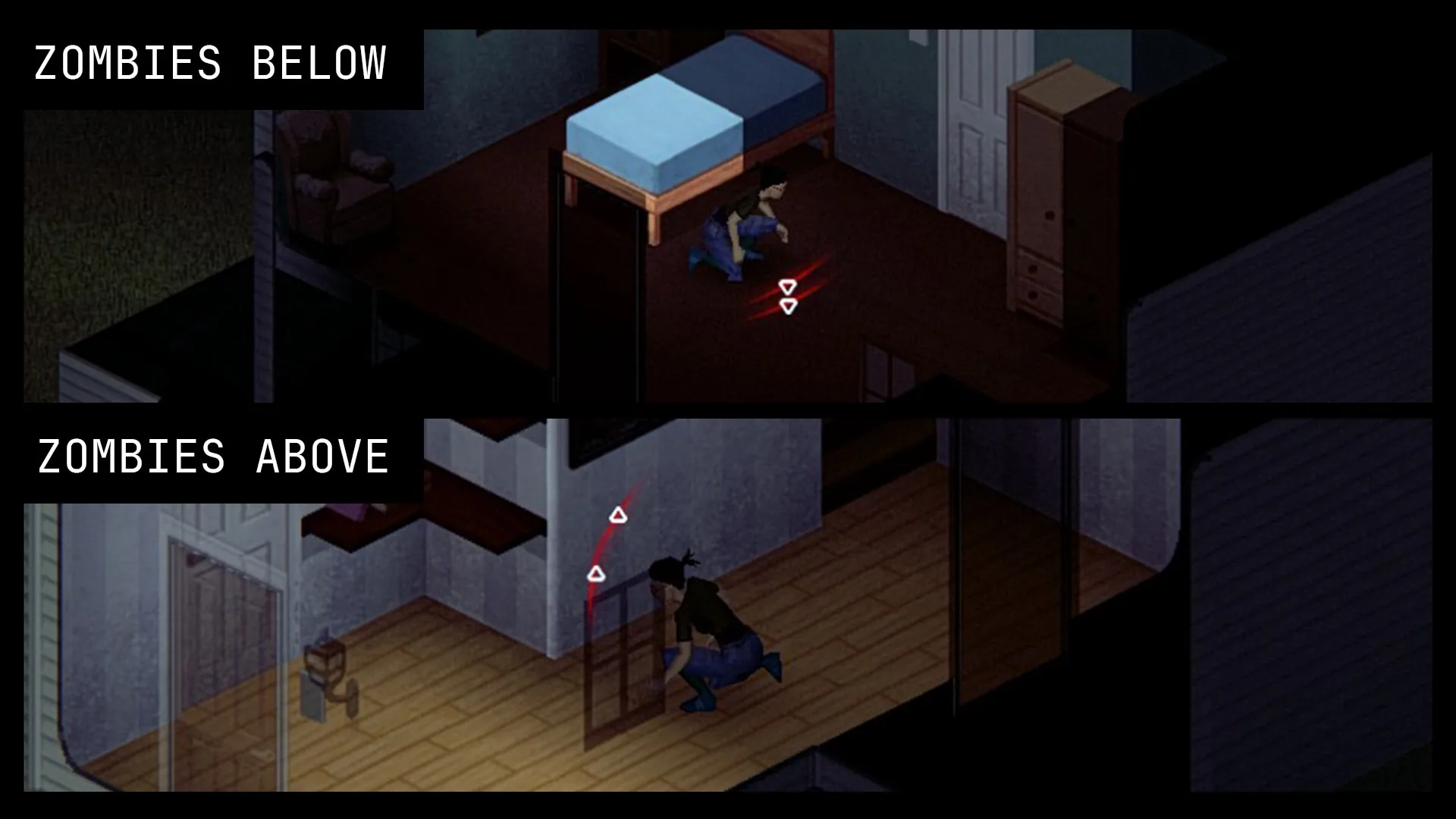
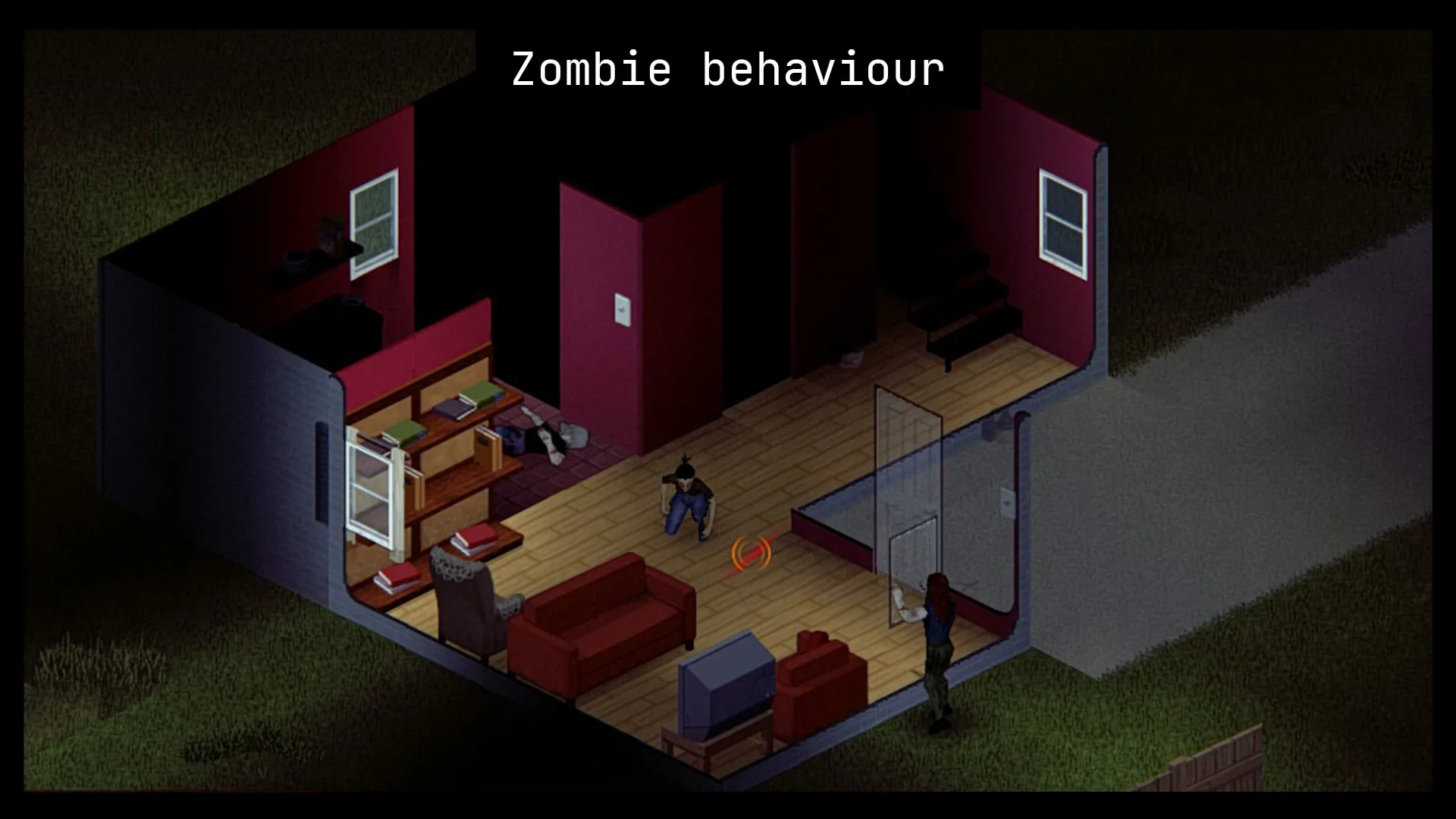
Visual Sound Indicators in Project Zomboid
The main purpose of Visual Sounds KA is to improve the visual representation of sound events.
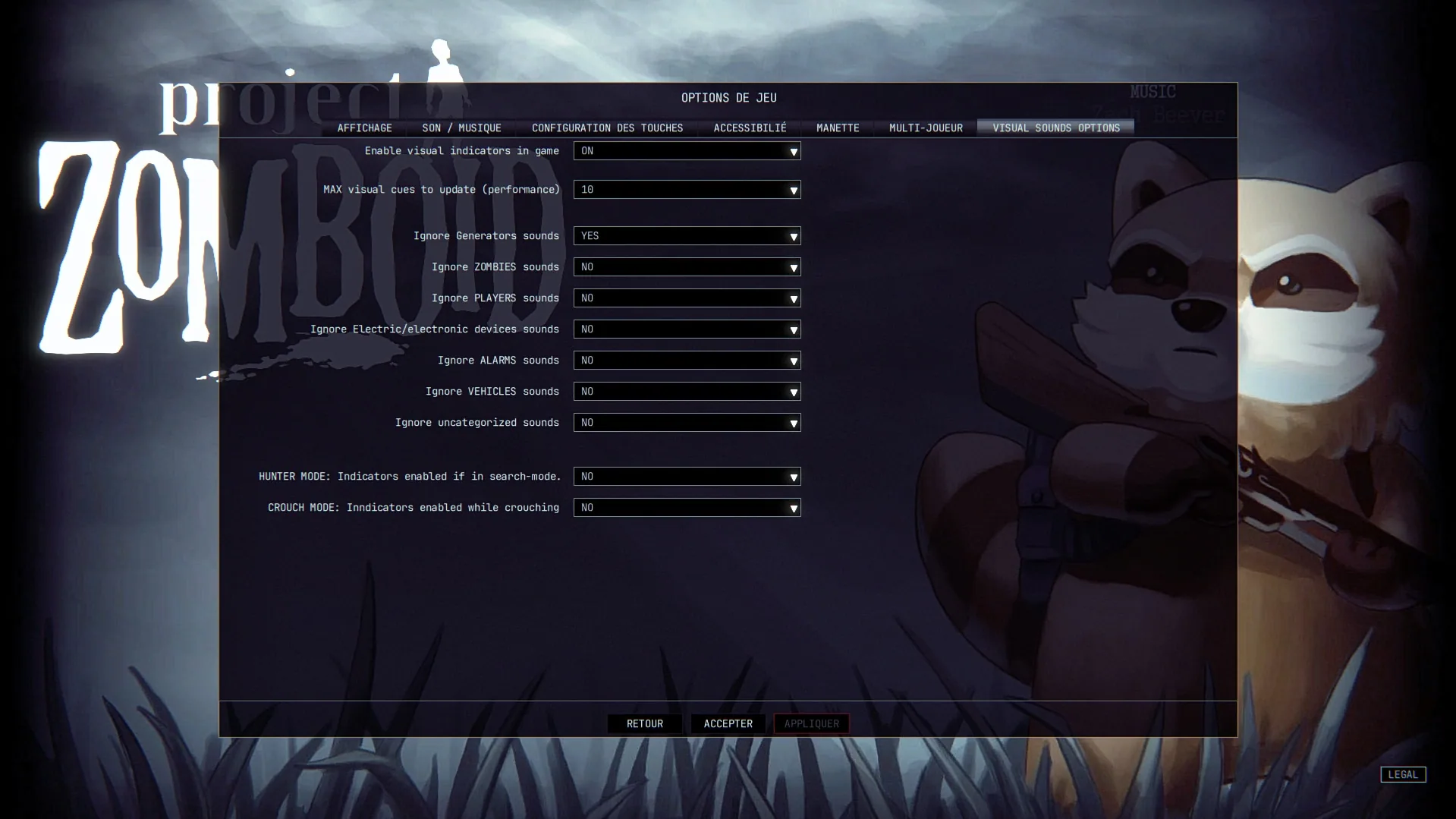
Instead of displaying every available sound cue without distinction, the modification introduces additional controls for filtering indicators according to their source and relevance.
Main features include:
- Visual sound cues: Display indicators associated with sounds in the game world.
- Zombie sound filtering: Hide indicators for zombies that are already visible.
- Distance-based filtering: Suppress zombie indicators depending on their range.
- Important threat indicators: Keep selected dangerous zombie-related sounds visible.
- Project Viewpoint integration: Added support for the Project Viewpoint modification.
- Improved multiplayer behavior: Sound filtering options now work more consistently in multiplayer.
- Performance fixes: Reduced unnecessary cue rebuilding and corrected a memory leak.
These improvements make it easier to customize the amount of sound-related information displayed during gameplay.
Hide Unnecessary Zombie Sound Cues
One of the most useful additions in Visual Sounds KA is the ability to reduce visual clutter caused by zombie indicators.
In situations where many zombies are nearby, displaying too many sound cues can make the interface harder to read.
The modification introduces several options to address this.
Available zombie filtering features:
- Hide cues for visible zombies: Suppress sound indicators from zombies that are already within the player's view.
- Hide cues based on range: Filter zombie indicators according to their distance.
- Preserve important cues: Continue displaying certain dangerous zombie activities even when general zombie indicators are hidden.
These settings allow players to focus on sounds they consider important rather than being overwhelmed by visual notifications.
Highlight Zombies Banging on Doors and Alarms
Visual Sounds KA introduces an additional option for preserving indicators associated with particularly important zombie activity.
Even when ordinary zombie sound cues are disabled, players can choose to continue displaying indicators for:
- Zombies banging on doors: Makes these sound events visible despite other zombie filtering settings.
- Zombies carrying ringing alarms: Keeps the corresponding alarm-related indicators available.
This provides greater control over which zombie sounds remain represented visually.
For example, players who prefer hiding ordinary zombie cues can still keep indicators associated with door attacks or ringing alarms.
Project Viewpoint Integration
The updated fork adds support for Project Viewpoint.
This expands the modification's compatibility with another system affecting how players experience and interpret their surroundings.
The original description confirms Project Viewpoint support but does not specify additional mechanics introduced by the integration.
Improved Sound Filtering for Vehicles and Electronics
Visual Sounds KA also corrects several problems affecting sound indicators from non-zombie sources.
Previously, some ignore settings did not behave as expected, particularly in multiplayer.
Fixed issues include:
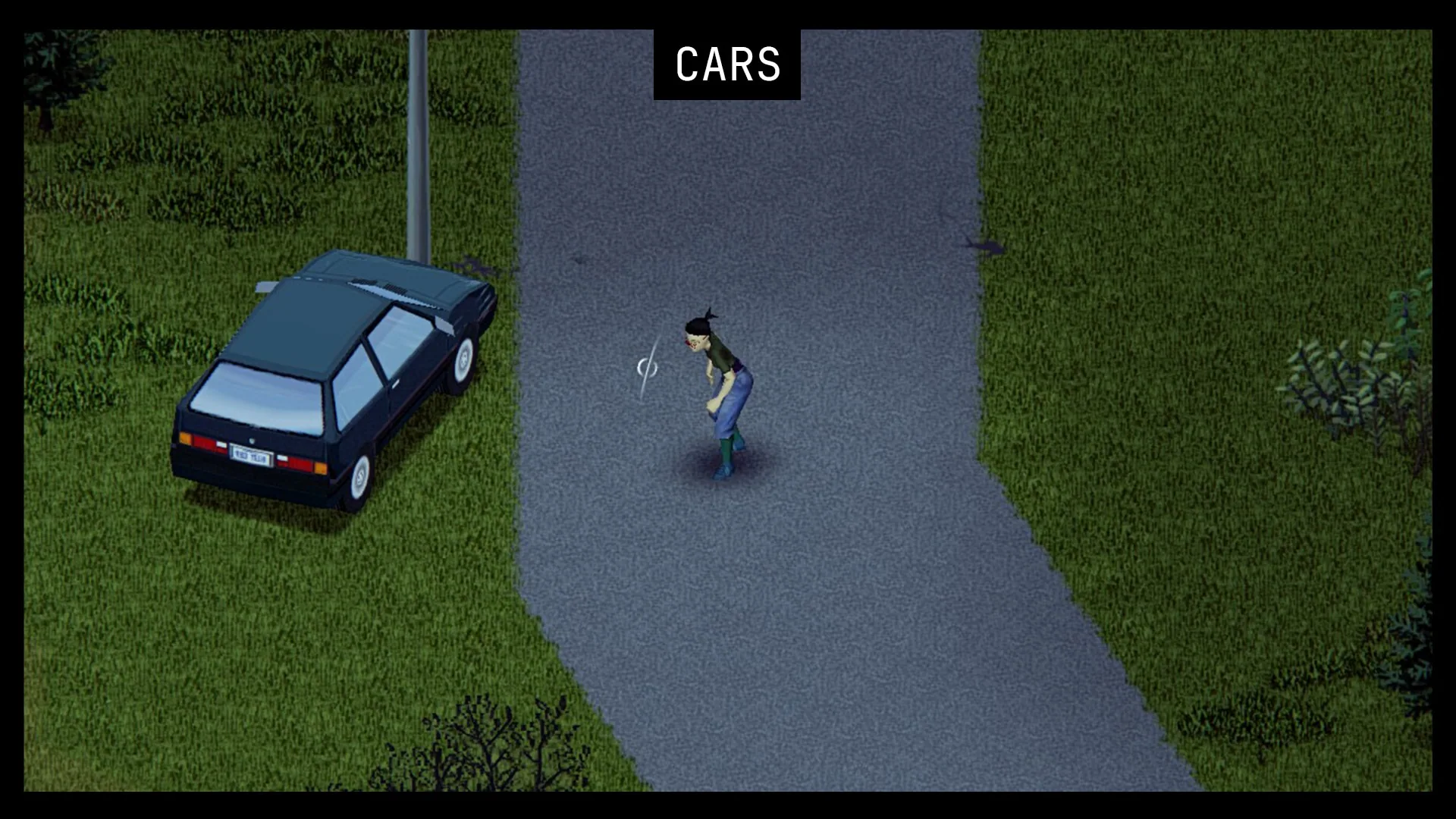
- Vehicle filtering: The Ignore Vehicles option now properly hides vehicle sound cues.
- Generator indicators: Ignore settings now function correctly in multiplayer.
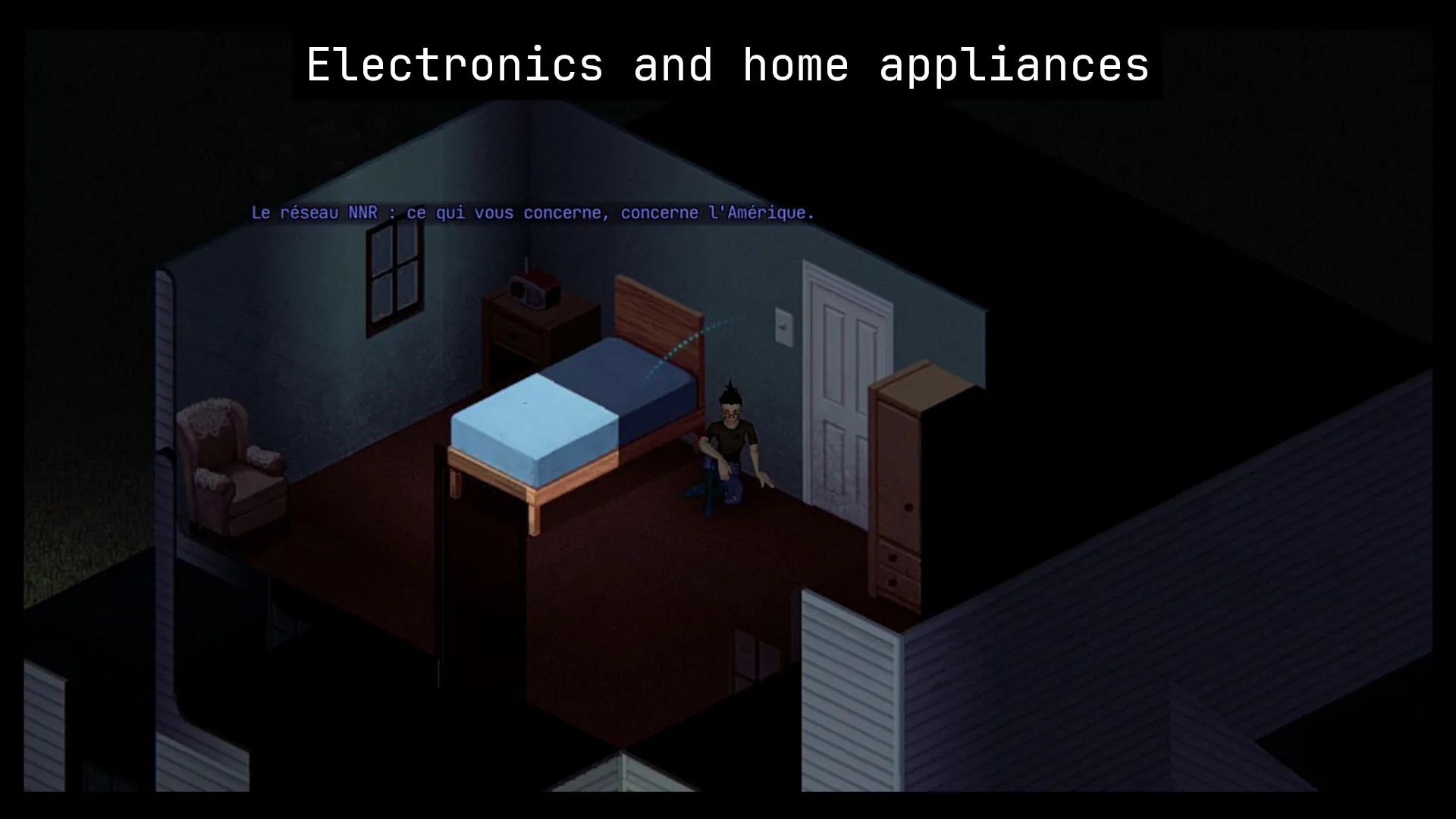
- Radio indicators: Multiplayer filtering behavior has been corrected.
- Television indicators: Ignore settings now work in multiplayer.
- Vehicle passenger sounds: Players no longer receive an unwanted cue from the vehicle they are riding in.
These fixes make sound filtering more predictable across different gameplay situations.
Performance Improvements and Bug Fixes
In addition to new customization features, Visual Sounds KA includes technical improvements intended to make the mod more stable.
Important fixes:
- Unnecessary cue rebuilding: Fixed sound indicators being rebuilt every minute.
- Memory leak: Corrected an issue caused by old sound cues remaining in memory when new ones were created.
- Multiplayer filtering: Fixed several ignore options that previously had no effect in multiplayer.
- Excessive logging: Reduced unwanted log spam.
- Vehicle-related indicators: Corrected several problems involving vehicle sounds.
Removing unnecessary cue rebuilding and properly cleaning up old indicators helps avoid wasted resources during extended gameplay sessions.
Compatibility and Multiplayer
Visual Sounds KA is an updated fork of the original Visual Sounds modification.
It is intended to support newer versions of Project Zomboid while expanding the available options.
Compatibility highlights:
- Newer Project Zomboid versions: Updated support is stated by the developer.
- Project Viewpoint: Supported.
- Multiplayer: Includes fixes for sound filtering behavior.
- Vehicles: Improved indicator handling.
- Generators, radios and televisions: Corrected multiplayer ignore settings.
- Zombie sound indicators: Additional filtering and visibility controls.
The exact supported game build and compatibility with every other interface modification are not specified in the provided description.
Visual Sounds KA is a useful improvement for players who prefer visual sound feedback but want more control over the information displayed on screen.
With better filtering, additional threat-related options, and important stability fixes, the modification makes sound visualization more flexible for different playstyles.
Screenshots 6
Comments 0
No comments yet — be the first.
Log in or sign up to leave a comment.