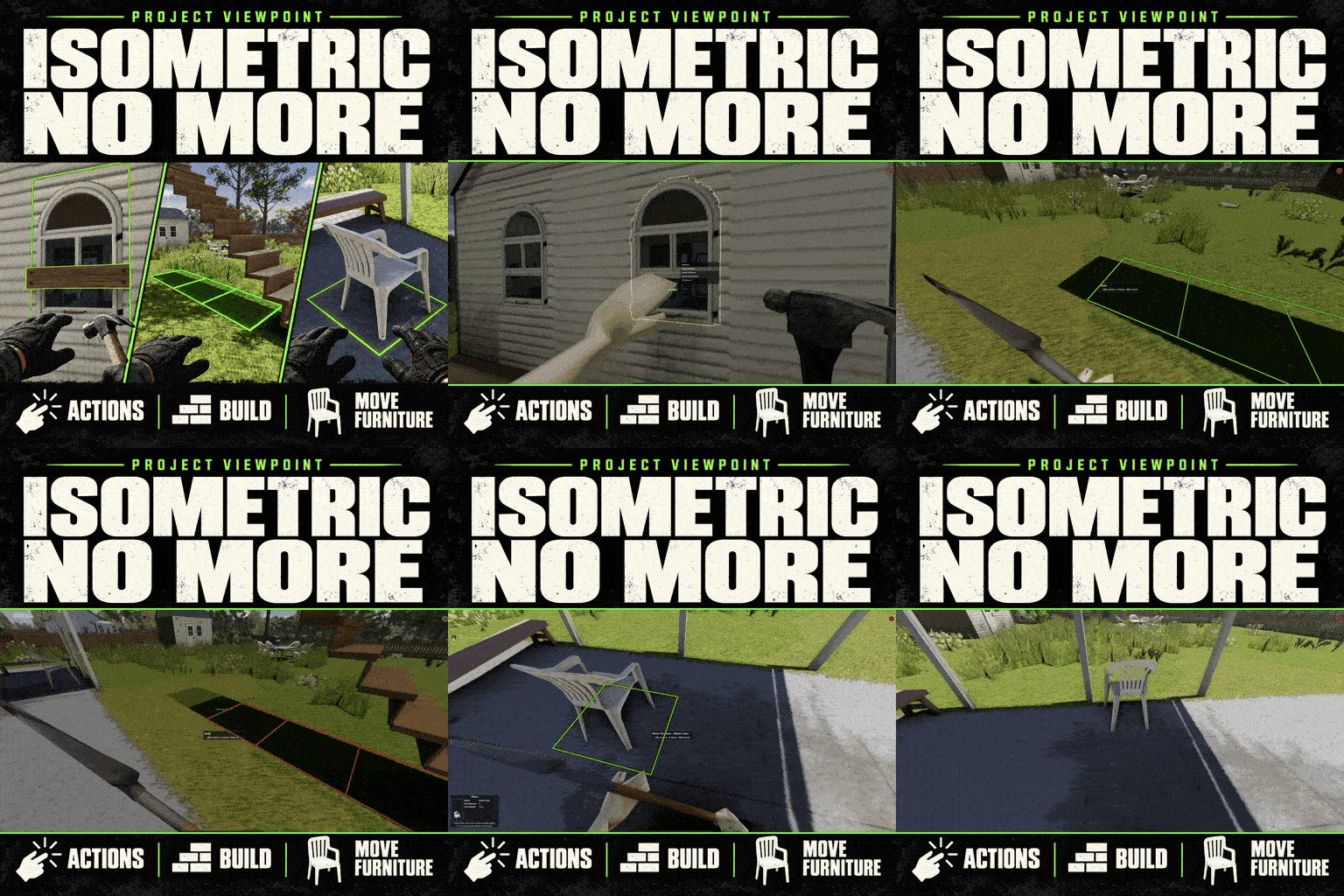

Isometric No More brings everyday world interactions into Project Viewpoint’s 3D view. Build, move furniture, place equipment, and manage outdoor tasks without returning to the isometric camera.
Contents
Isometric No More — Build and Interact Through Project Viewpoint
Isometric No More brings everyday world interactions into Project Viewpoint’s 3D view. Build, move furniture, place equipment, and manage outdoor tasks without returning to the isometric camera.
The perspective changes, but vanilla requirements still apply: your character needs the appropriate tools, materials, skills, and valid placement conditions.
Work directly in the world
The add-on covers several areas:
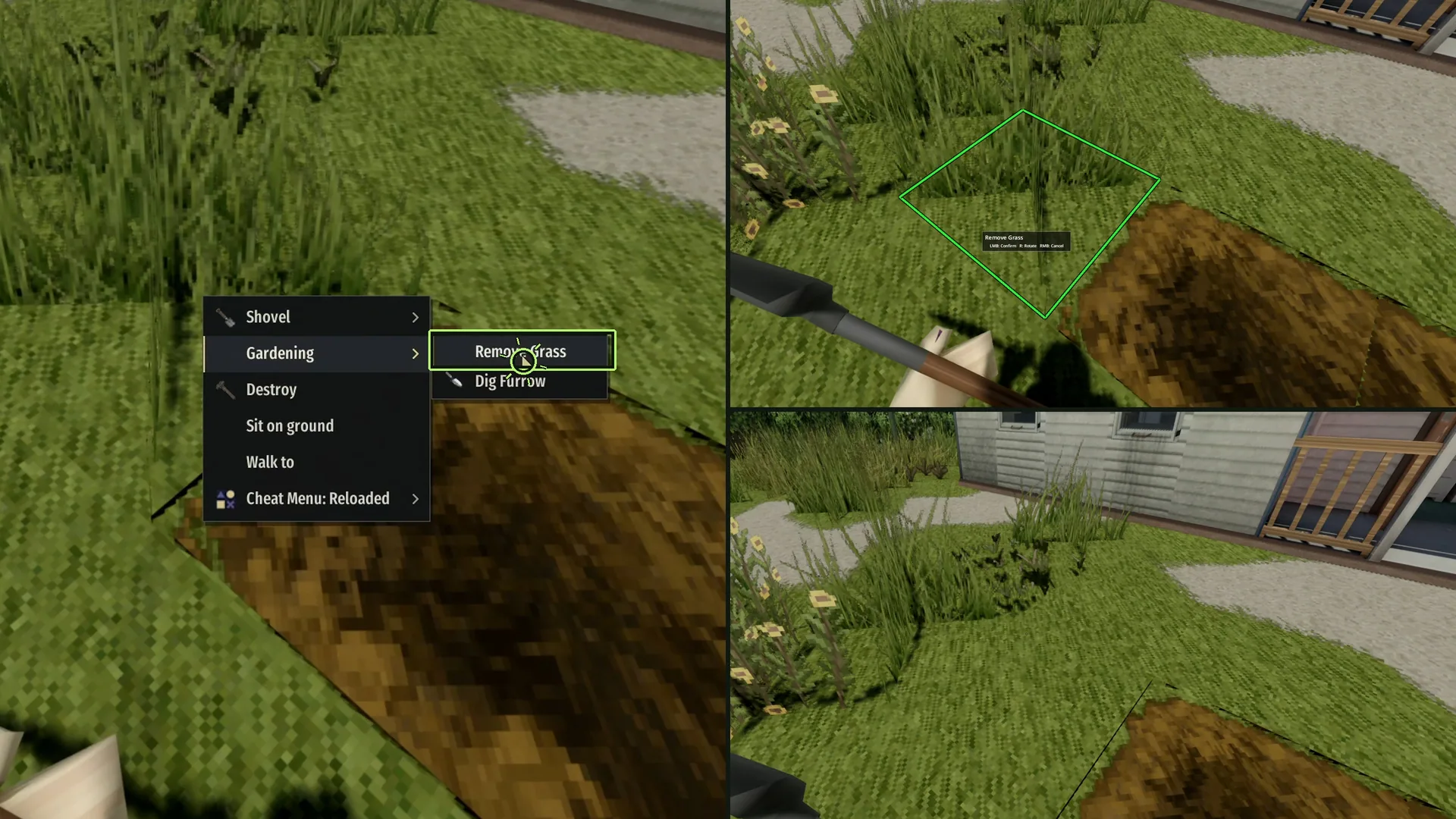
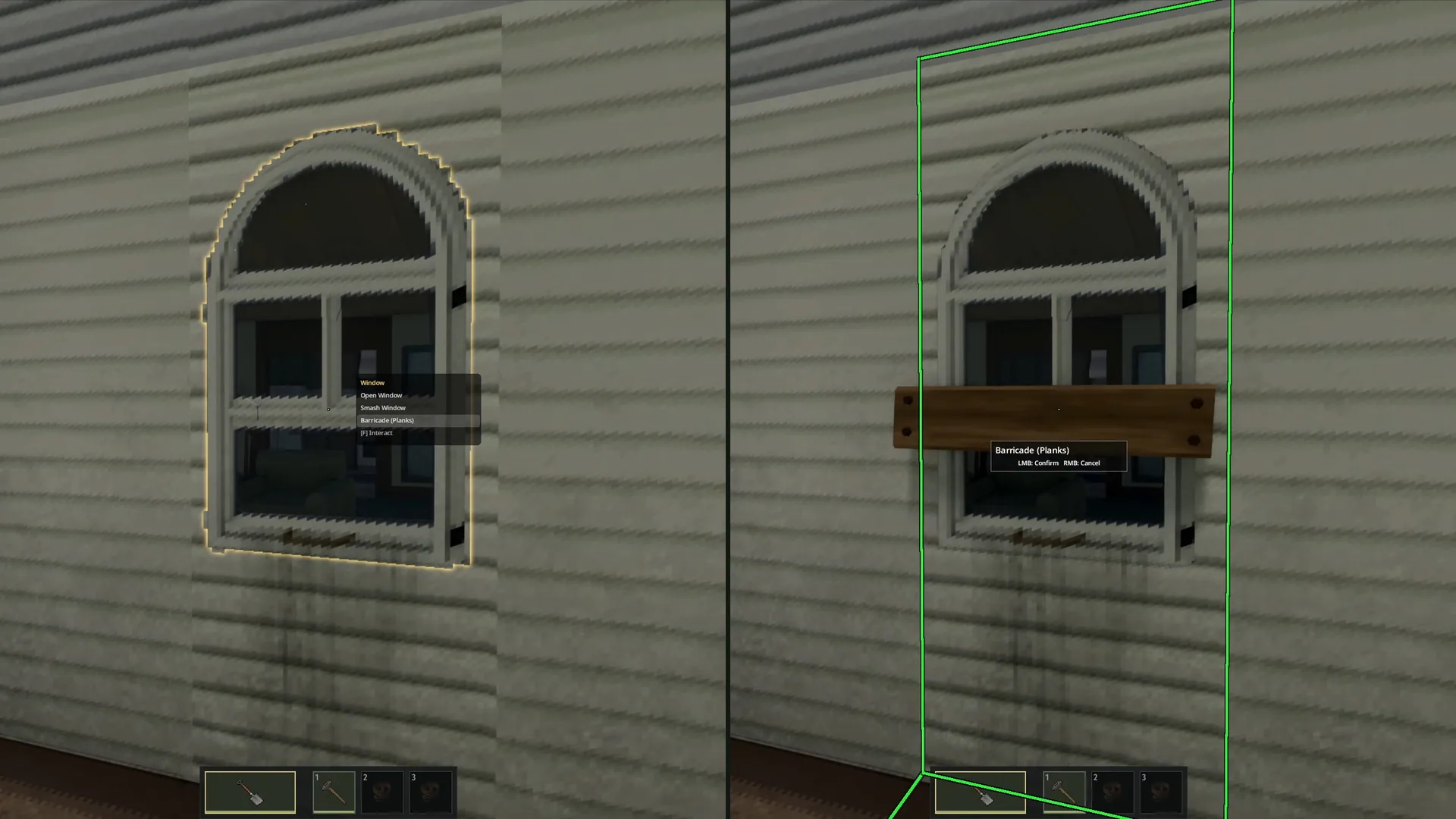
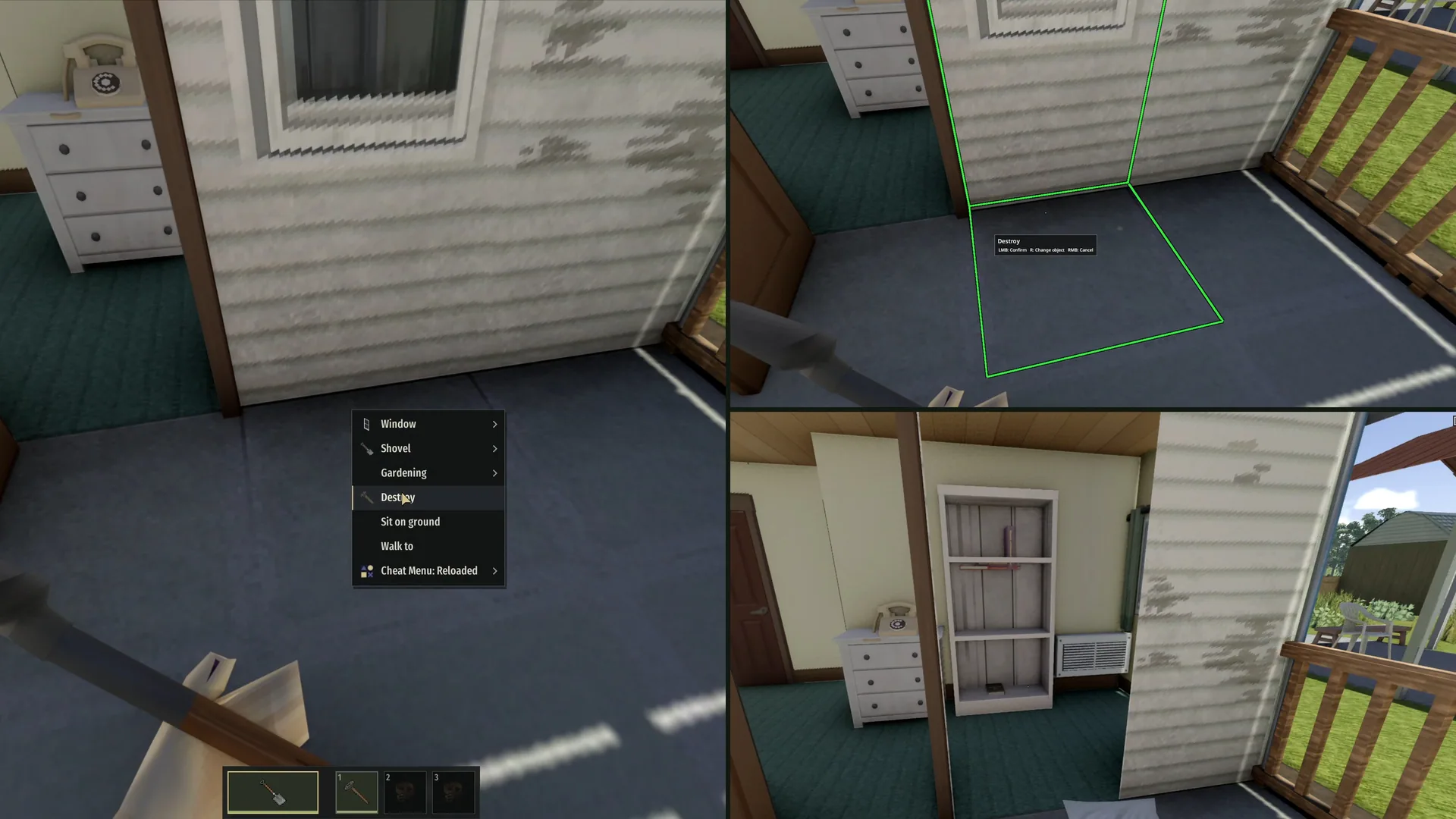
- World tasks: barricading, demolition, digging, mowing, cleaning blood, washing vehicles, and chopping trees.
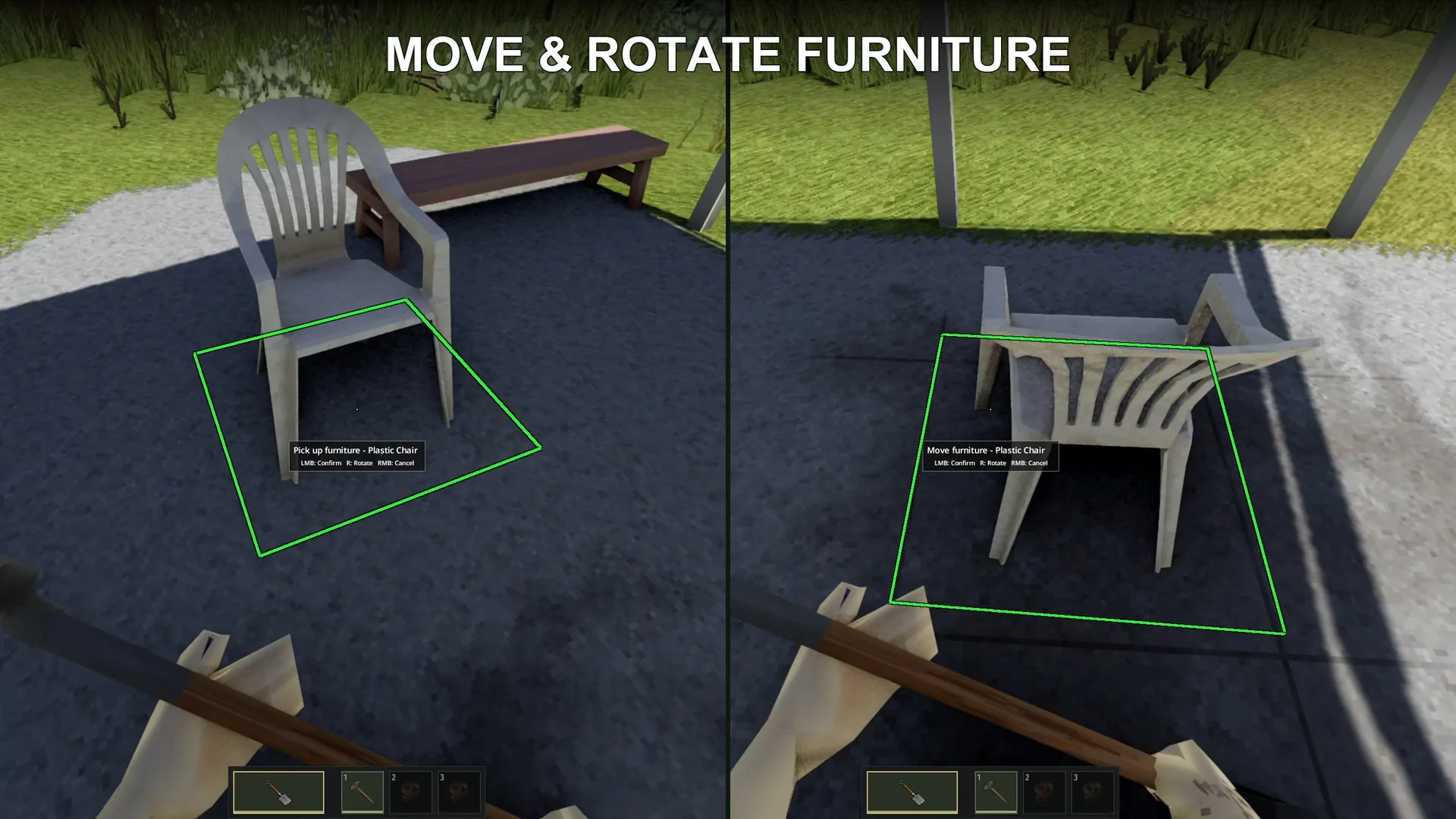
- Furniture: picking up, placing, rotating, disassembling, and repairing objects, with clothed mannequin previews.
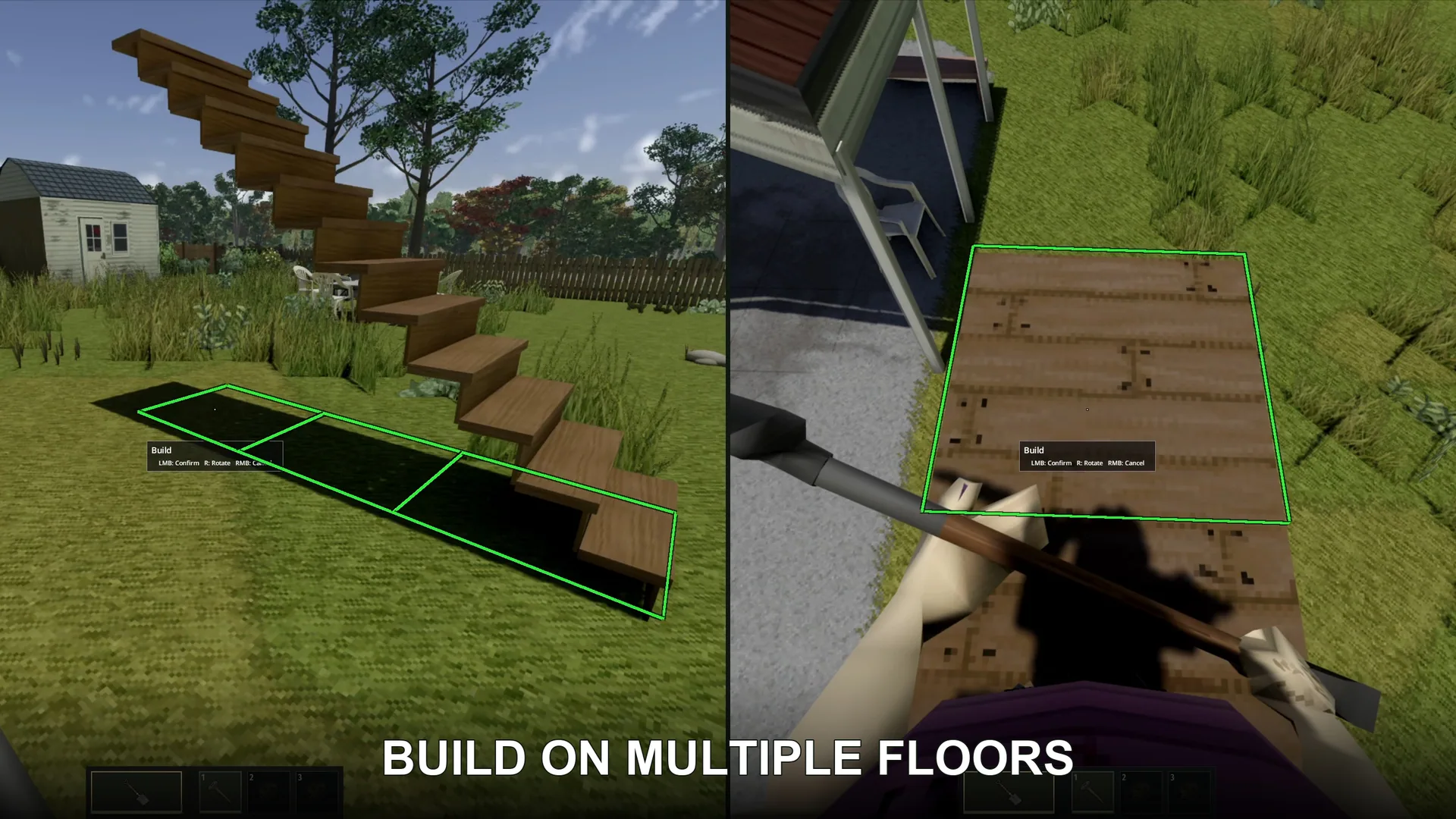
- Construction: floors, walls, fences, and larger structures, including work at your character’s current upper-floor level.
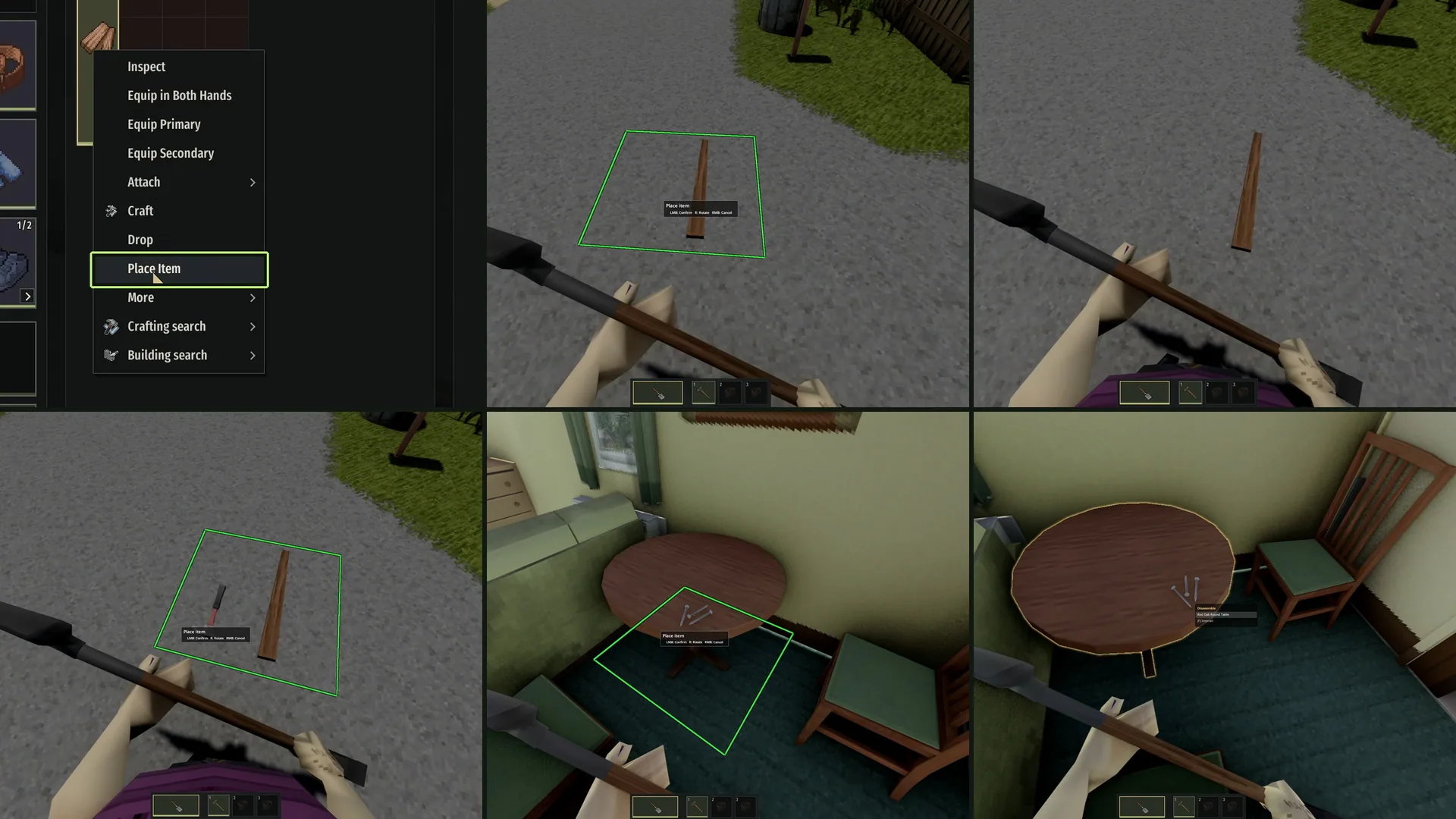
- Item placement: arrange objects on the ground or supporting surfaces, install generators and battery chargers, and place vanilla animal traps.
- Crate stacking: preview placement using the game’s stacking and height checks.
- Livestock zones: select two corners in 3D, review the area, and confirm through the normal dialog.
Outlines and placement previews identify your target. When confirmation is blocked, on-screen hints explain the problem.
Choose the features you need
Actions, furniture, building, item placement, and livestock zones can be enabled separately. This helps avoid overlap when another mod already handles part of your setup.
The quick right-click menu is optional. Adjust its tap-versus-hold timing, disable it entirely, or prevent it from opening while holding firearms or throwables.
Confirmation, rotation, and cancellation can be rebound to keyboard or mouse controls.
Fit it around your interface
Settings include hint position, button reminders, outline visibility and thickness, selection highlighting, and visual styles inspired by Project Zomboid, Project Viewpoint, or NeatUI.
You can also configure mouse-wheel rotation, interaction distance, and whether selection mode closes after confirming an action. Setting distance to 0 removes only this add-on’s extra limit; vanilla checks remain active.
Controller support is still in development, with optional bindings and matching button hints.
Requirements
Requires Project Viewpoint and ZombieBuddy.
The mod was developed on a clean setup. Compatibility with other mods depends on the collection being used.
Screenshots 6
Comments 0
No comments yet — be the first.
Log in or sign up to leave a comment.