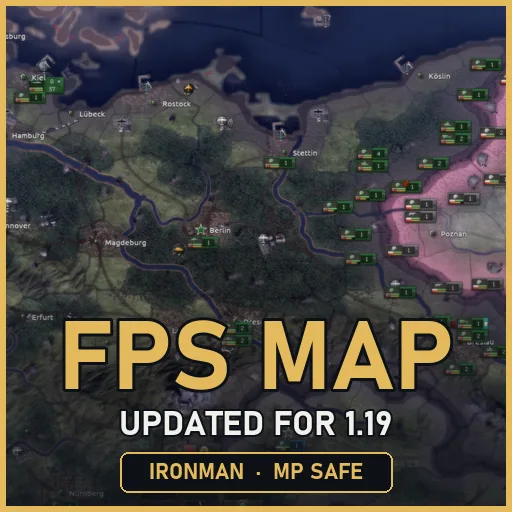

FPS Map improves Hearts of Iron IV 1.19.x with darker water, sharper borders, reduced weather effects, cleaner battle-plan arrows and optimized shaders. This updated version fixes broken graphics from the original mod and supports Ironman, achievements, multiplayer and existing saves. Tested with all DLC up to Thunder at Our Gates and compatible with Millennium Dawn 2.0.3 and Globe Mod when loaded correctly.
Contents
FPS Map - Optimized Map Graphics for Hearts of Iron IV 1.19
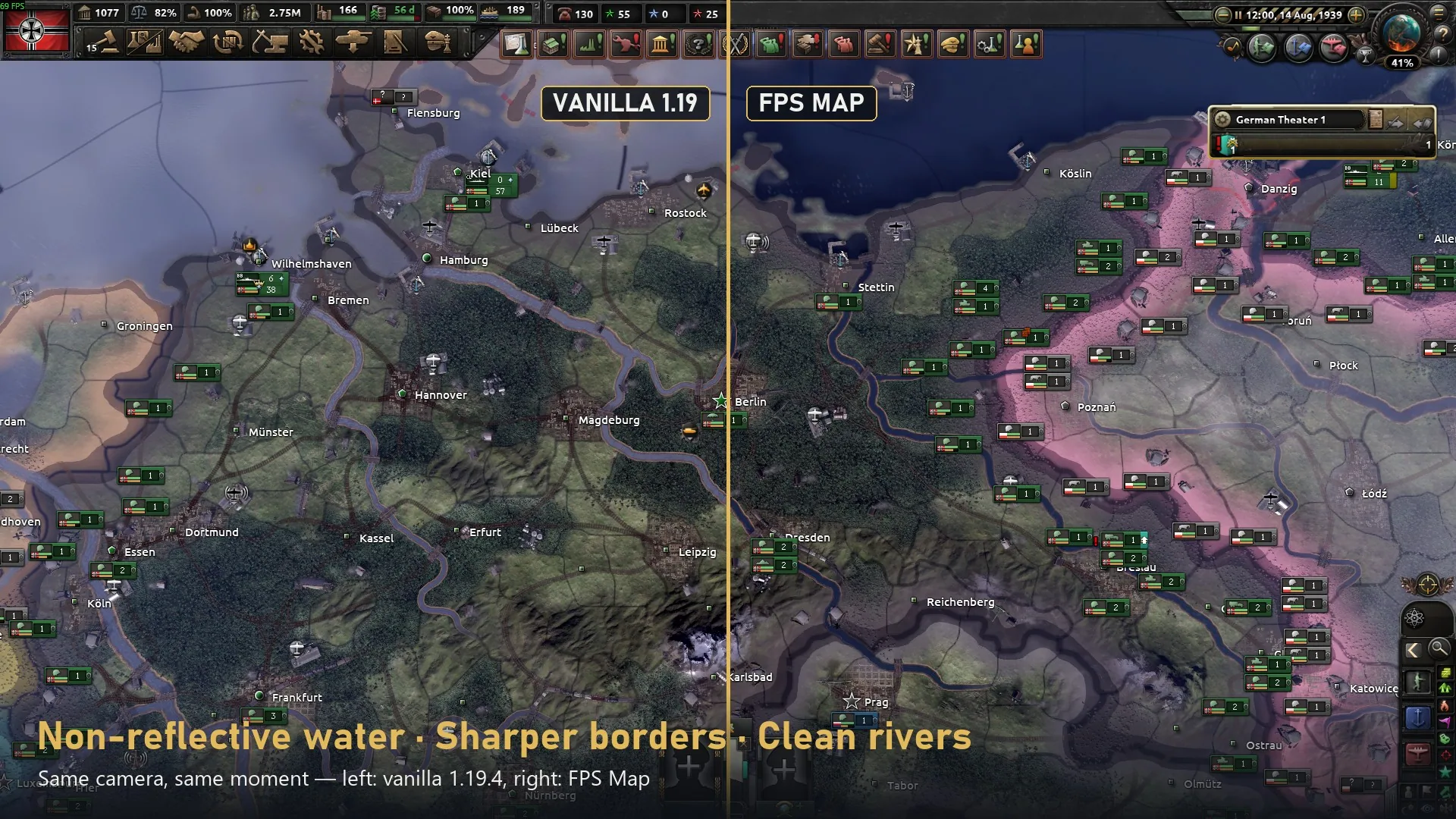
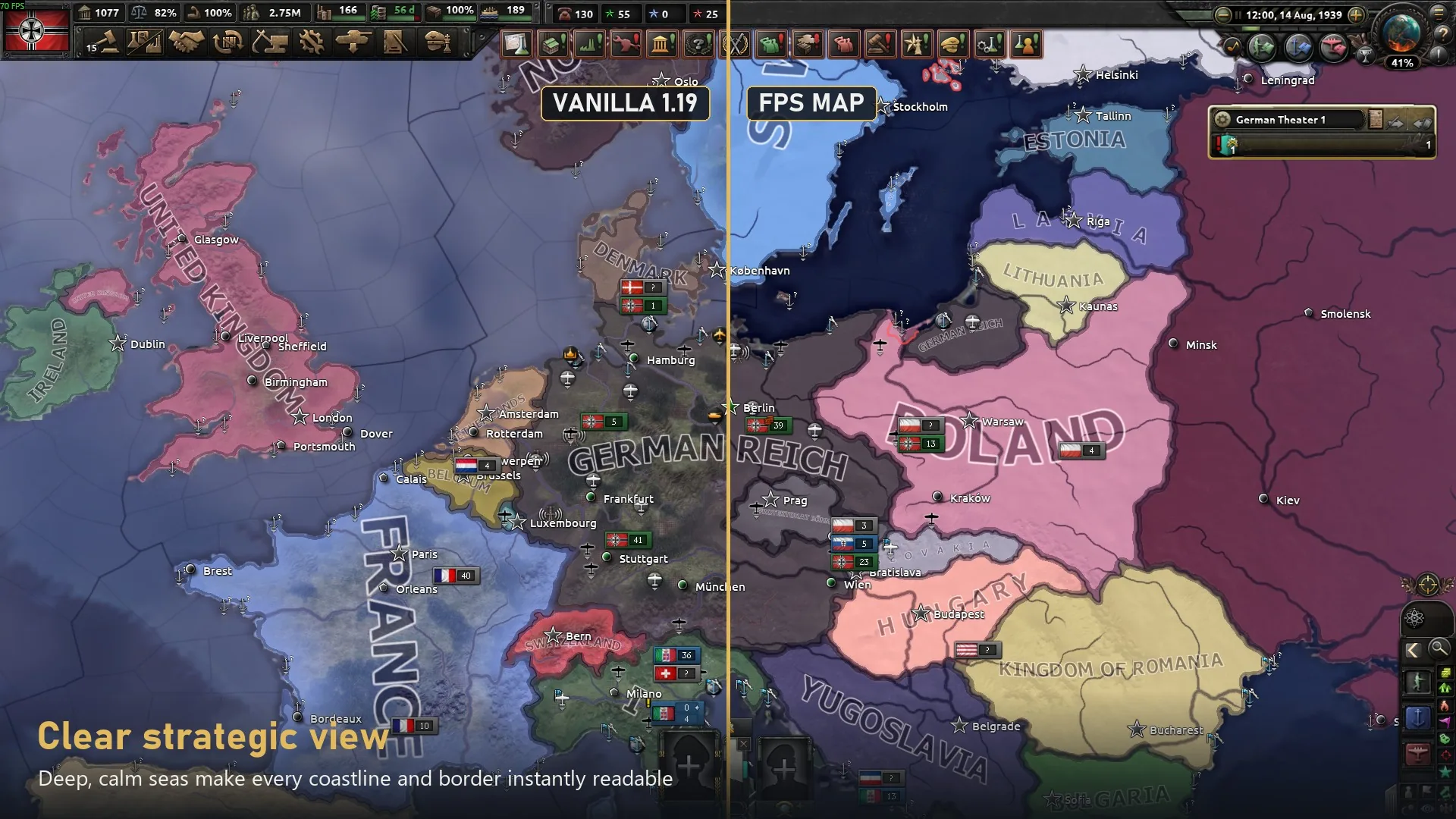
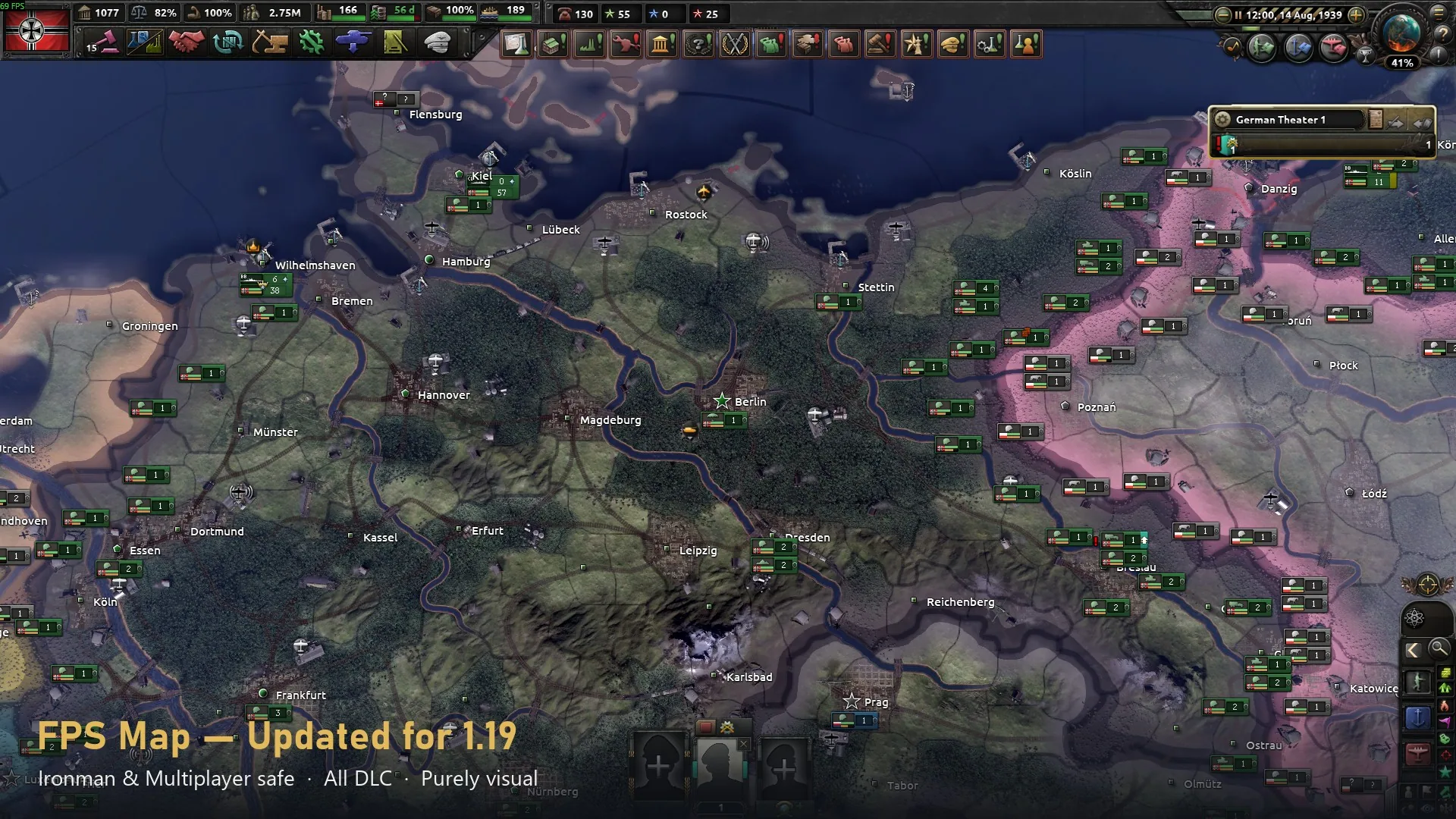
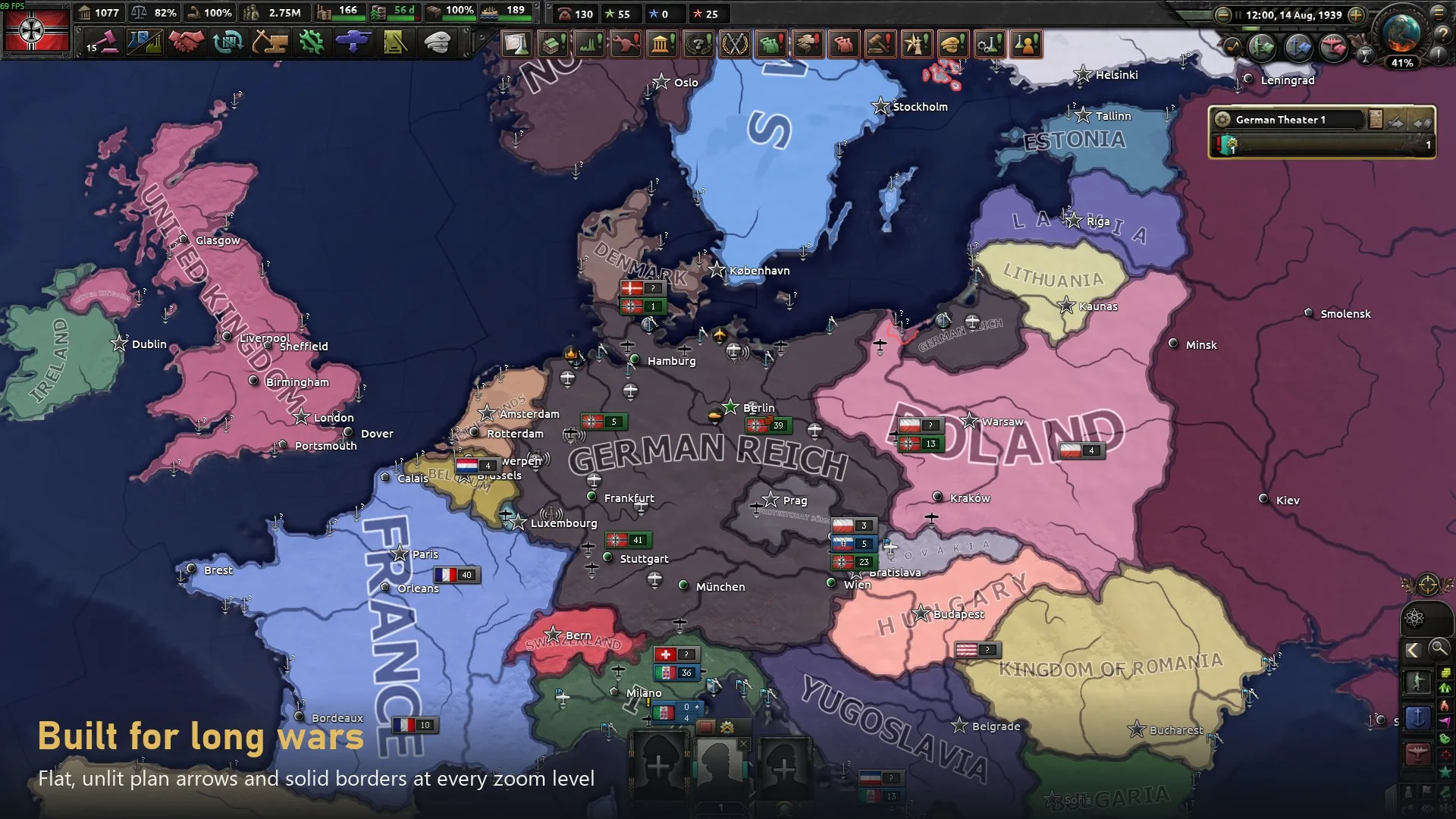
FPS Map - Updated for 1.19 improves the visual clarity of the Hearts of Iron IV map while reducing selected graphical rendering operations. It features darker water, sharper borders, less intrusive weather effects and redesigned military arrows.
This version continues the original FPS Map by Mlecz, rebuilding outdated graphical files for the 1.19.x game engine while preserving the familiar appearance.
Main Features
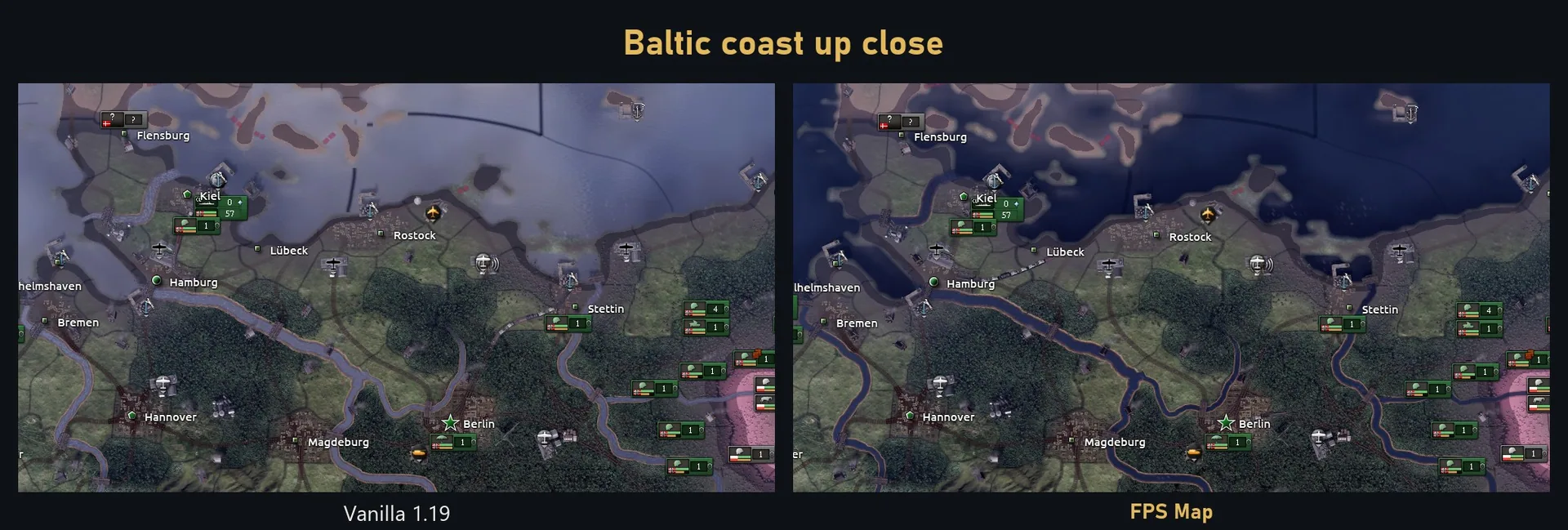
- Darker water - Removes sky reflections, making seas less reflective and coastlines easier to distinguish.
- Sharper borders - Country and state boundaries remain fully opaque when zoomed out.
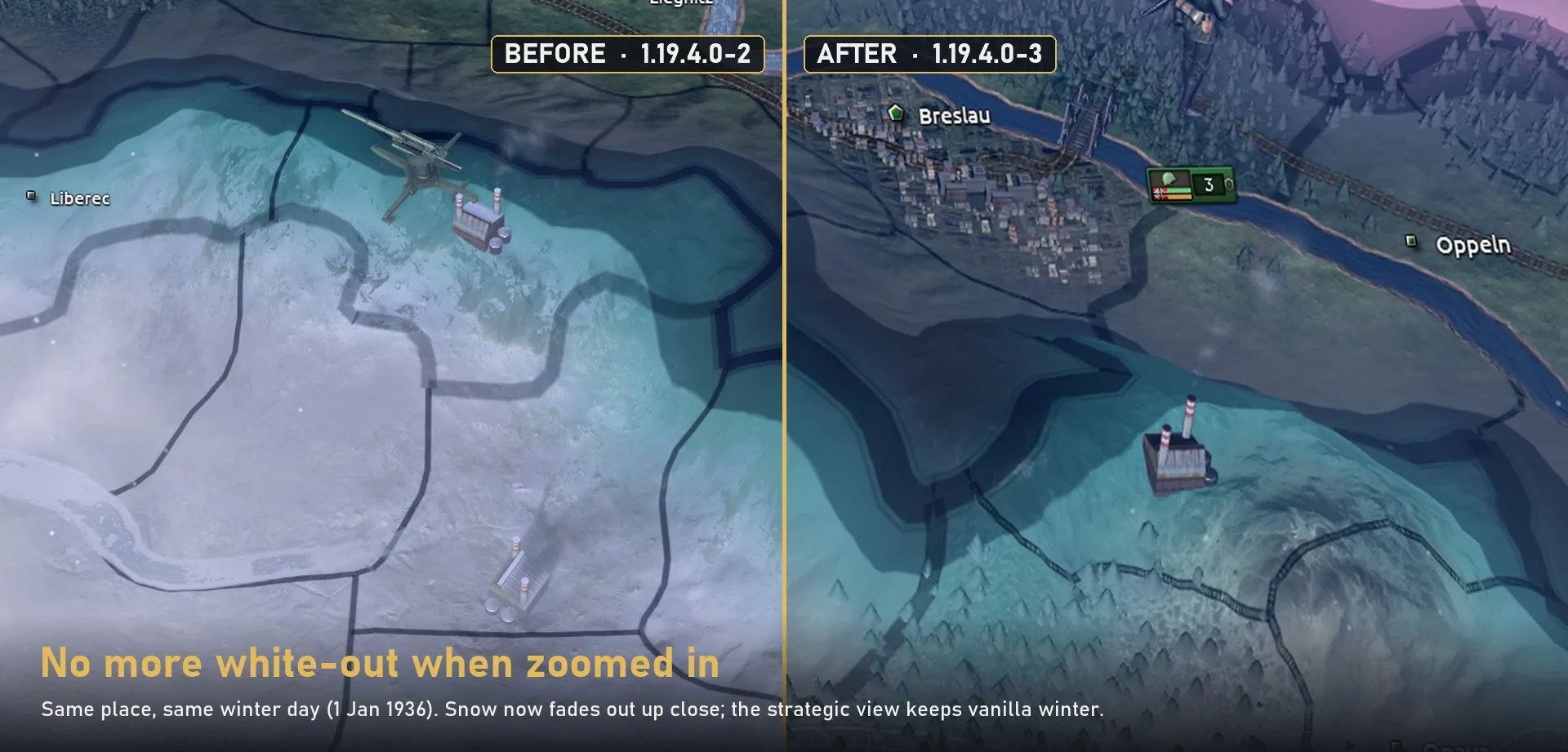
- Reduced winter effects - Snow, frost and snow-covered trees fade when zooming in. The strategic view retains vanilla winter effects, while rivers remain snow-free.
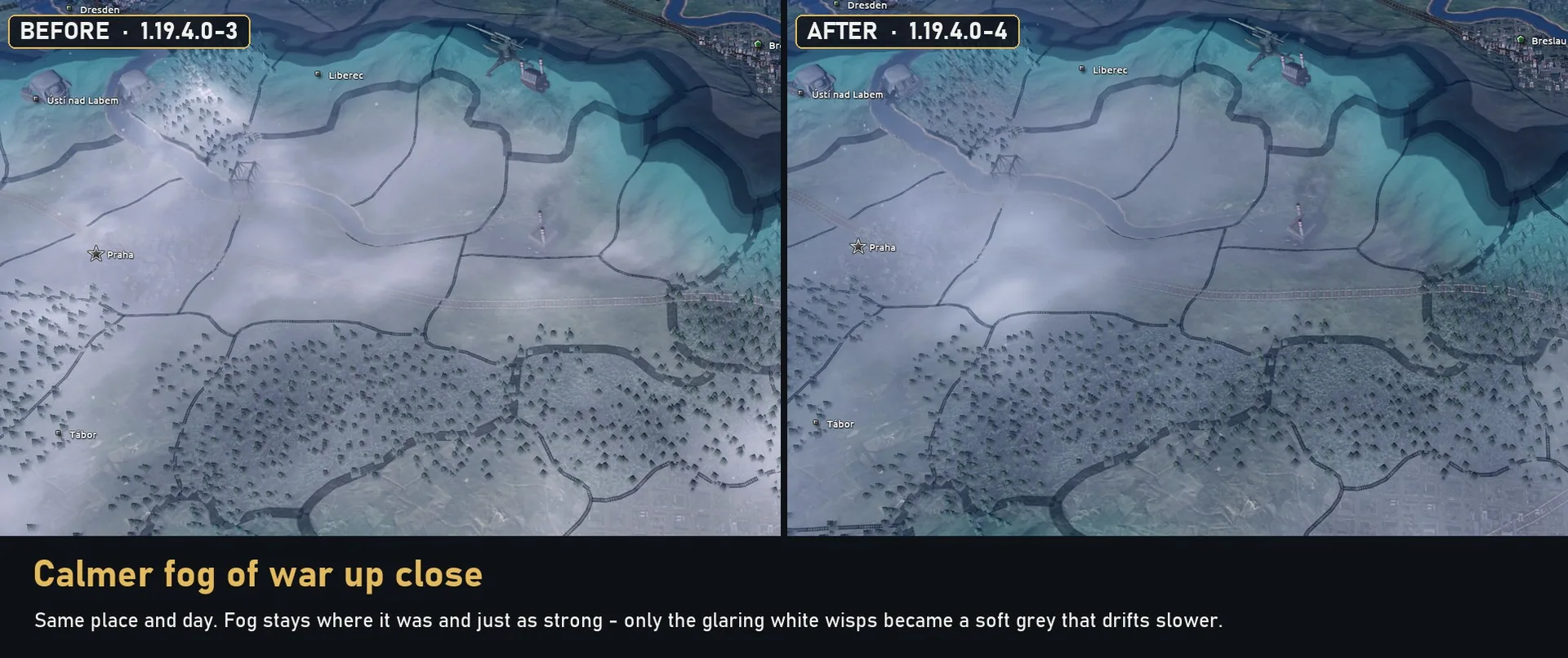
- Softer fog of war - Replaces bright white wisps with slower-moving grey effects without changing fog coverage.
- Less intense weather - Reduces the visual intensity of rain, snowstorms and sandstorms to approximately one-third of vanilla. Lightning flashes and sea ice glare are also softened. Weather sounds remain unchanged.
- Cleaner military arrows - Movement and battle-plan arrows become thinner, less saturated and free from additional lighting.
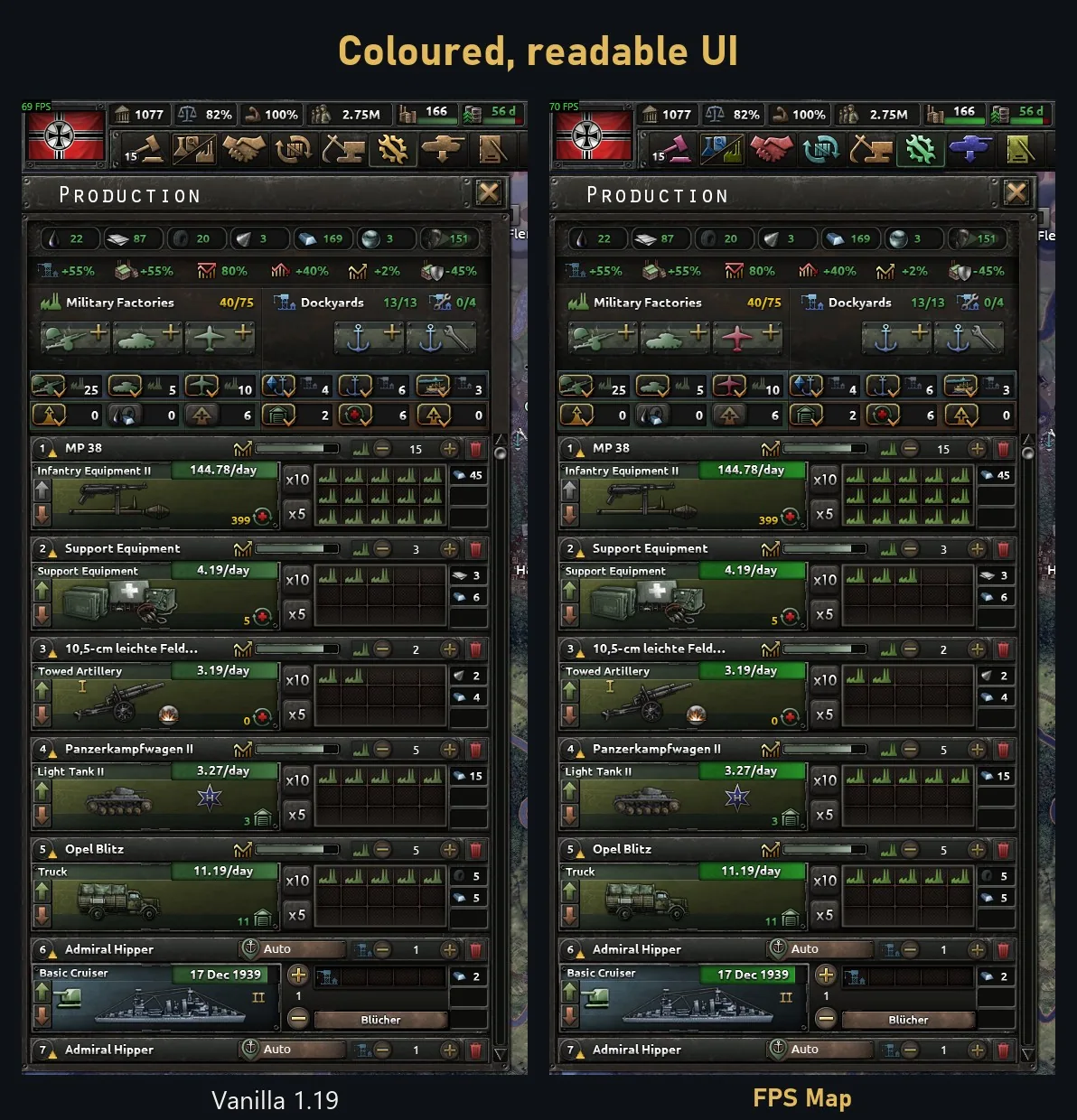
- Improved interface icons - Adjusts colors and readability for naval and air missions, battle-plan controls, top-bar elements and production bars.
Shader Optimization and Fixes
The modification reduces selected rendering calculations for water, rivers, arrows and symbols. Fully masked arrow pixels are discarded earlier, while unnecessary lighting and fog operations are skipped.
Performance improvements depend on hardware and gameplay conditions. The mod does not resolve late-game slowdowns caused by CPU-intensive simulation.
Compared with the original version, this update also fixes:
- Outdated arrow shaders, including missing raid and see-through plan arrow effects.
- Twelve missing arrow and symbol types, including general connection lines and commander ability ranges.
- An invalid water reflection texture, replaced with a compatible black cube map.
- Incorrectly sized deployment and fuel bars.
- Ten map and interface icons lacking proper mipmap chains.
Fifteen obsolete or unused files have also been removed.
Compatibility
| Feature | Compatibility |
|---|---|
| Game version | 1.19.x, tested on 1.19.4.1 |
| DLC | All DLC up to Thunder at Our Gates |
| Ironman and achievements | Supported |
| Multiplayer | Supported without checksum changes |
| Existing saves | Can be enabled or disabled |
| Millennium Dawn | Tested with version 2.0.3 |
| Globe Mod | Compatible with the correct load order |
The modification changes graphical resources rather than gameplay data, so the game's checksum remains unchanged.
Load Order
In the Paradox Launcher, mods placed lower in the playset load later and override matching files.
- Millennium Dawn: Place Millennium Dawn above FPS Map.
- Globe Mod: Place FPS Map above Globe Mod.
- Original FPS Map: Disable it completely.
- Other graphical mods: Files modified by multiple mods follow the same load-order rule.
When used with Globe Mod, the spherical map remains functional, but Globe Mod overrides FPS Map's flat arrow shading, far-zoom river snow and shallow-sea tint.
Optional Add-ons
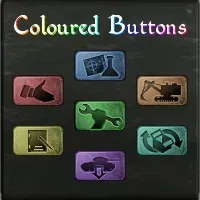
- Colour-blind Add-on - Adjusts army plan-arrow colors, nine pairs of interface indicators and the war score bar for improved color distinction. Compatible with Millennium Dawn.
- Calm Water Add-on - Reduces sunlight glare on water without changing waves, water colors, ice or borders.
Do not use Calm Water Add-on with Millennium Dawn or Globe Mod, as they replace overlapping water shaders.
Installation
- Subscribe to FPS Map through Steam Workshop.
- Enable FPS Map - Updated for 1.19 in your Paradox Launcher playset.
- Disable the original FPS Map if installed.
- Adjust the load order when using compatible map modifications.
Troubleshooting
If map regions display identifiers such as STRATEGICREGION_49 instead of names, the cause may be leftover files from the game's debug map editor (Nudger).
Check the localisation and map folders in:
Documents\Paradox Interactive\Hearts of Iron IV\
Back up any leftover files before removing them from these folders. A remaining map/unitstacks.txt file can also change the checksum and prevent Ironman achievements.
Screenshots 8

Comments 1
Полезный мод
Log in or sign up to leave a comment.