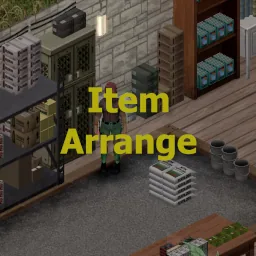

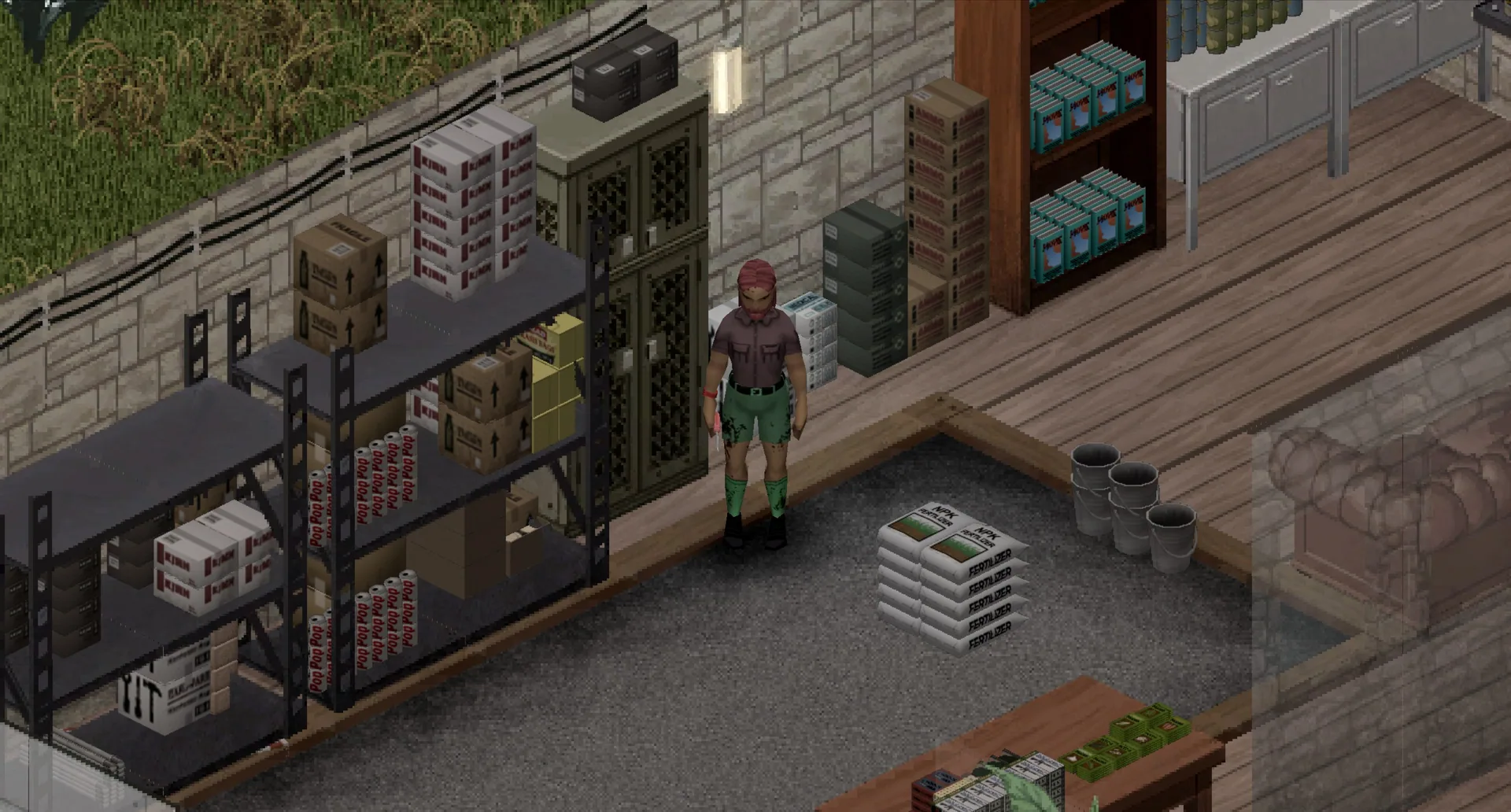
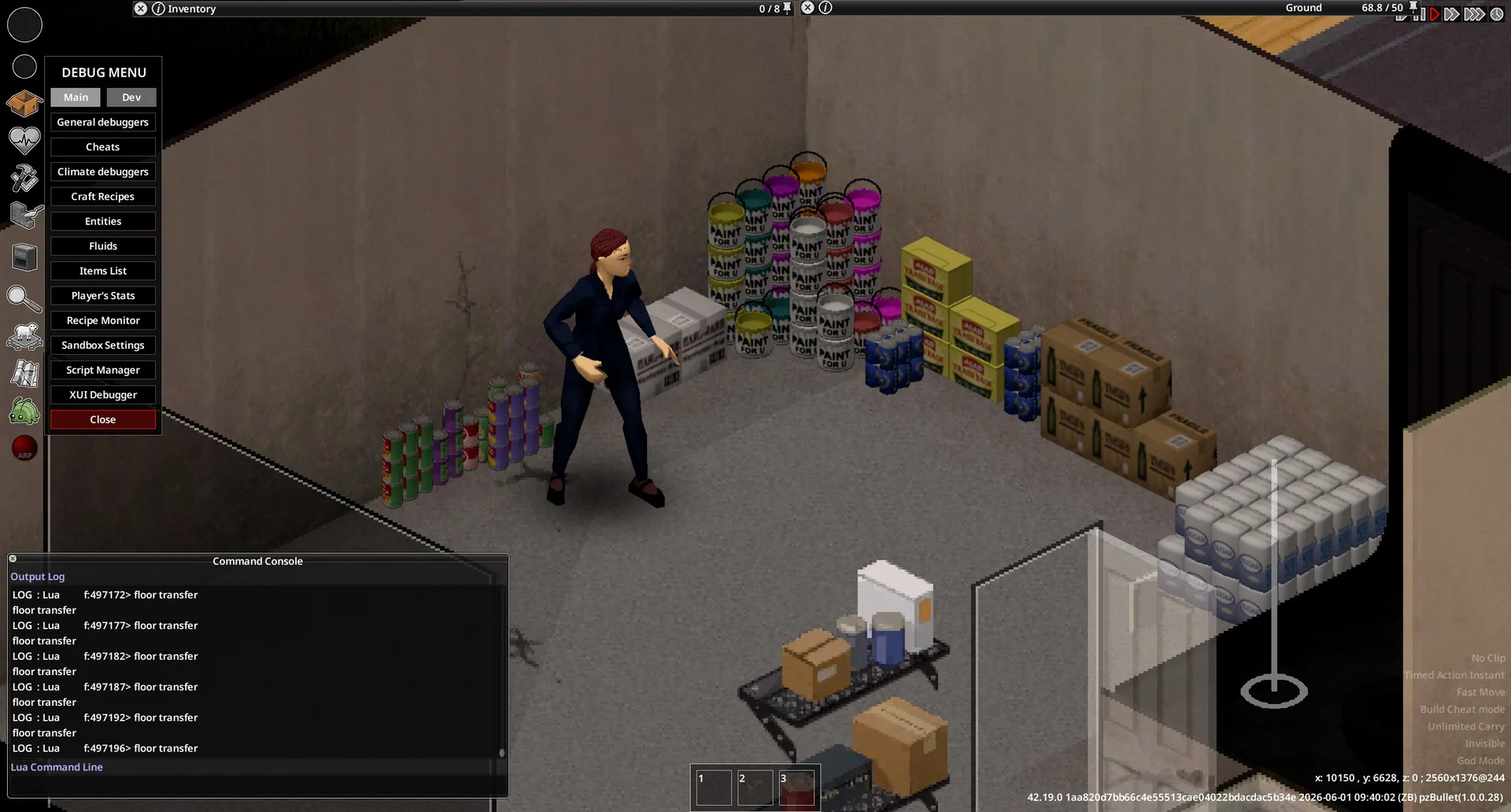
Arrange dropped items neatly on floors, tables, shelves and countertops. Hold Shift while dragging items from your inventory to organize their 3D models automatically. Item Arrange supports single-player and multiplayer on Build 42.20.
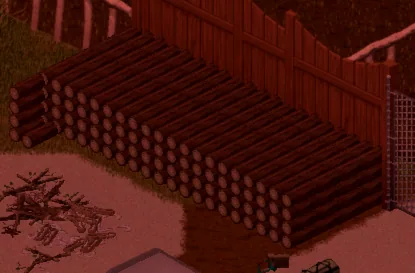
Item Arrange replaces scattered item placement with orderly arrangements on floors and supported furniture. Display supplies, organize work surfaces or decorate rooms using Project Zomboid’s 3D item models.
How to arrange items
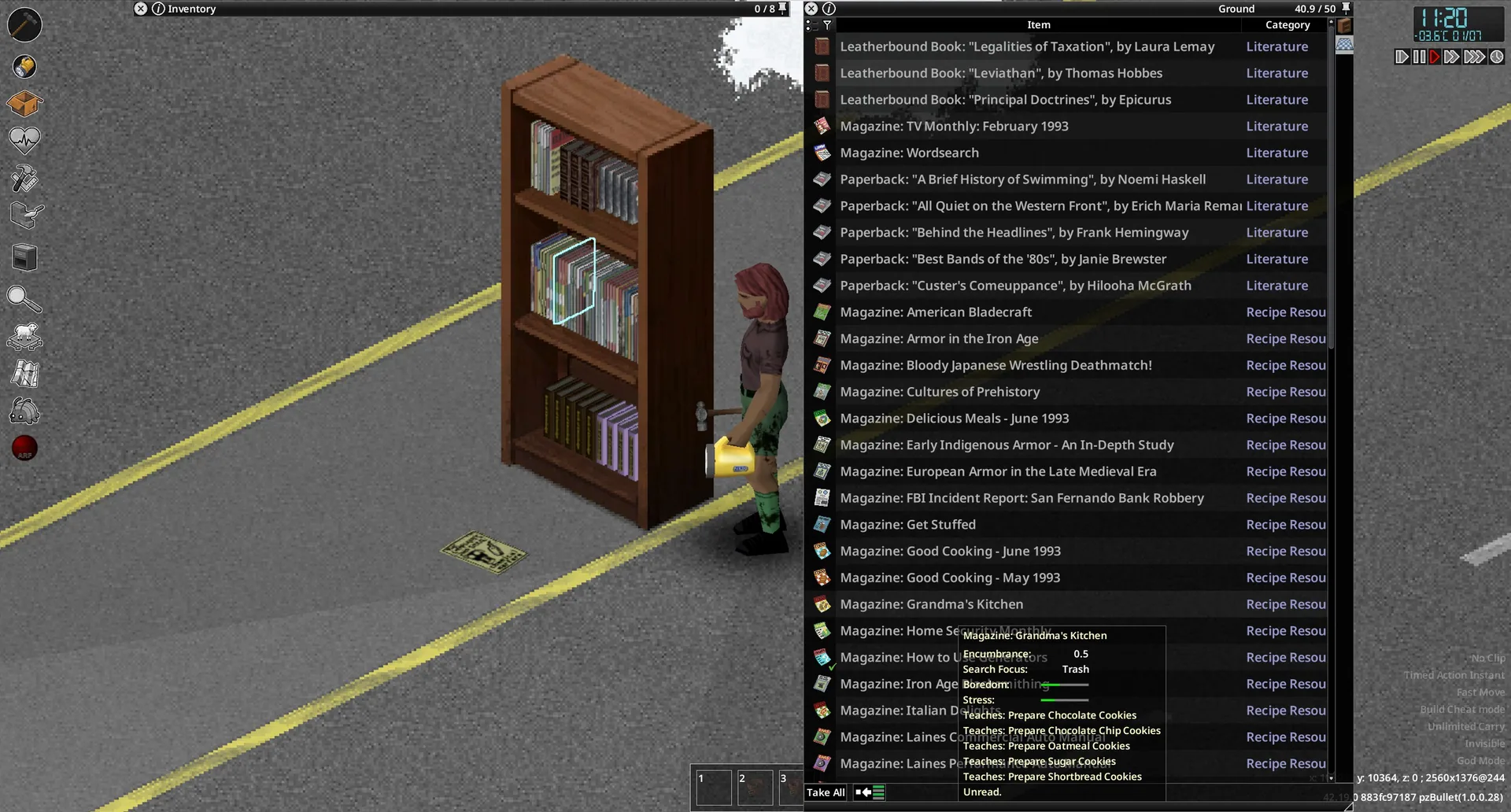
Hold Shift while dragging items out of your inventory.
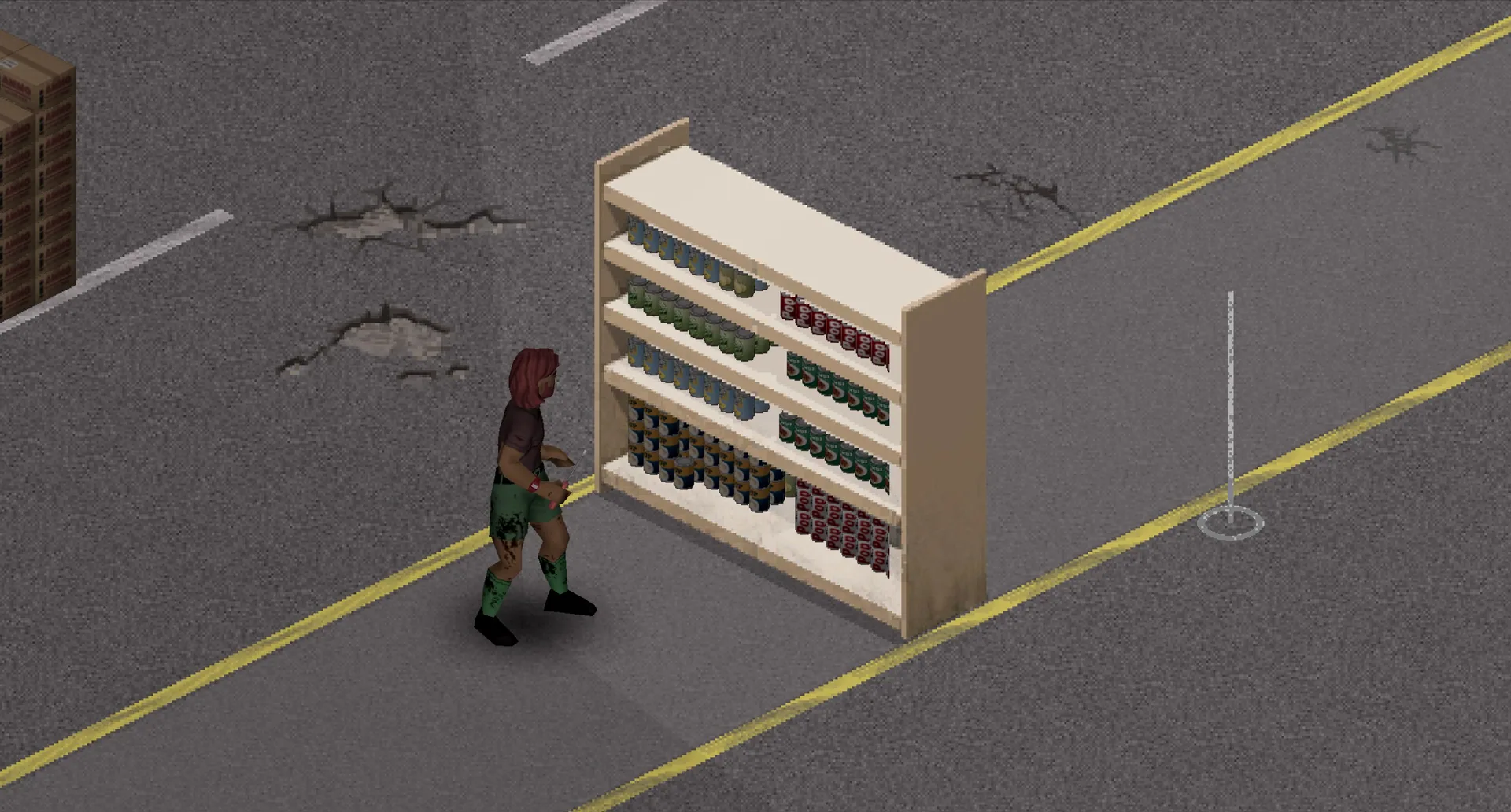
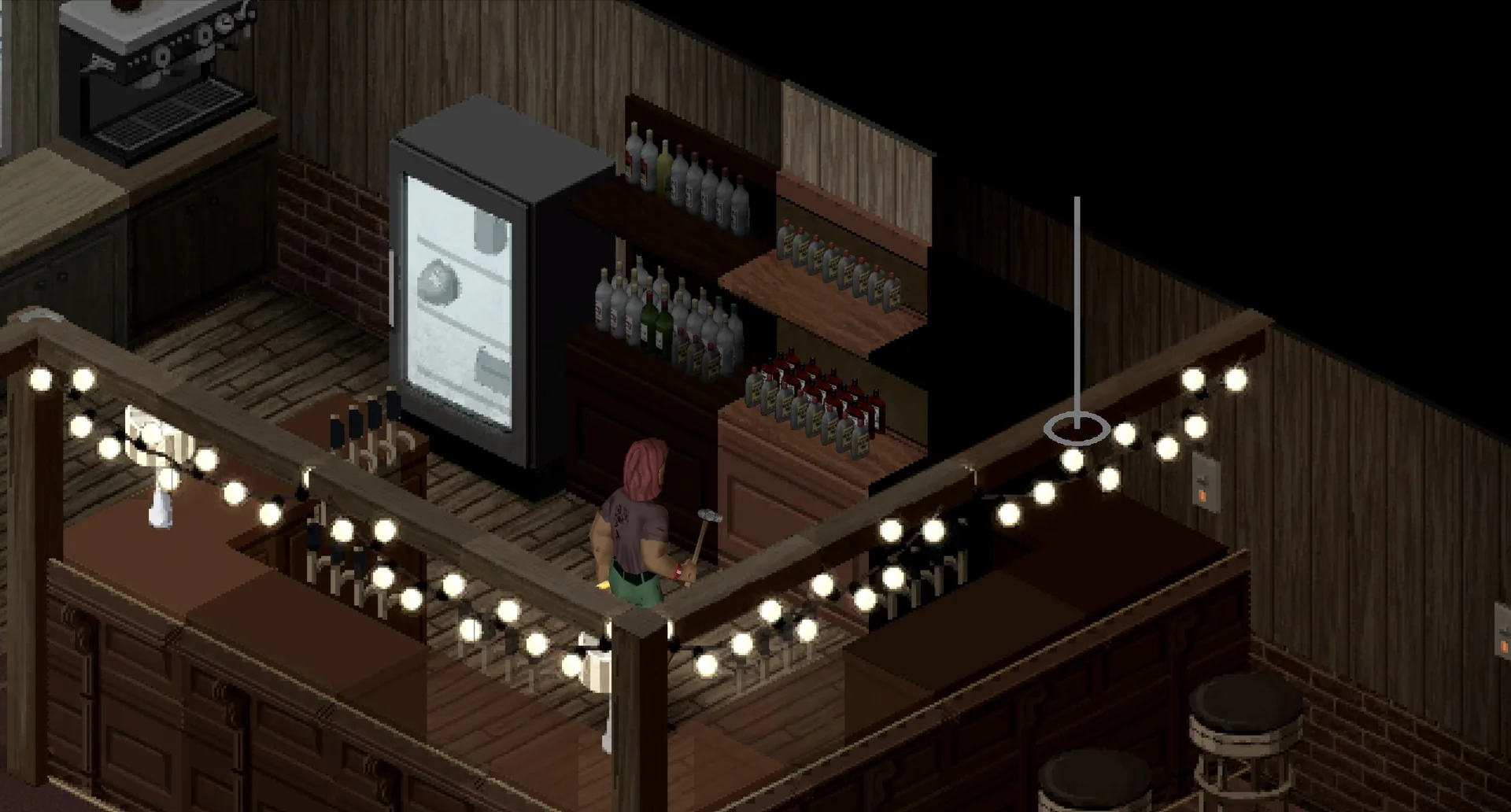
Drop them onto the ground tile beneath your character or an adjacent tile. The mod arranges supported objects on the floor or on an available furniture surface, including tables, shelves and countertops.
Keep Shift held until you release the items.
Placement based on available space
The arrangement uses the space occupied by the objects rather than the furniture container’s weight capacity. This allows supported surfaces to function as visible displays instead of relying solely on container storage.
Neatly placed objects make supplies easier to identify and provide more options for furnishing lived-in rooms.
Current limitations
- Only some items are supported, primarily objects with simple shapes such as boxes and cylinders.
- Not all furniture surfaces work.
- Each surface requires manual configuration, so support is being expanded gradually.
The listed version 2.9 supports Build 42.20, in both single-player and multiplayer.
Screenshots 6

Comments 0
No comments yet — be the first.
Log in or sign up to leave a comment.