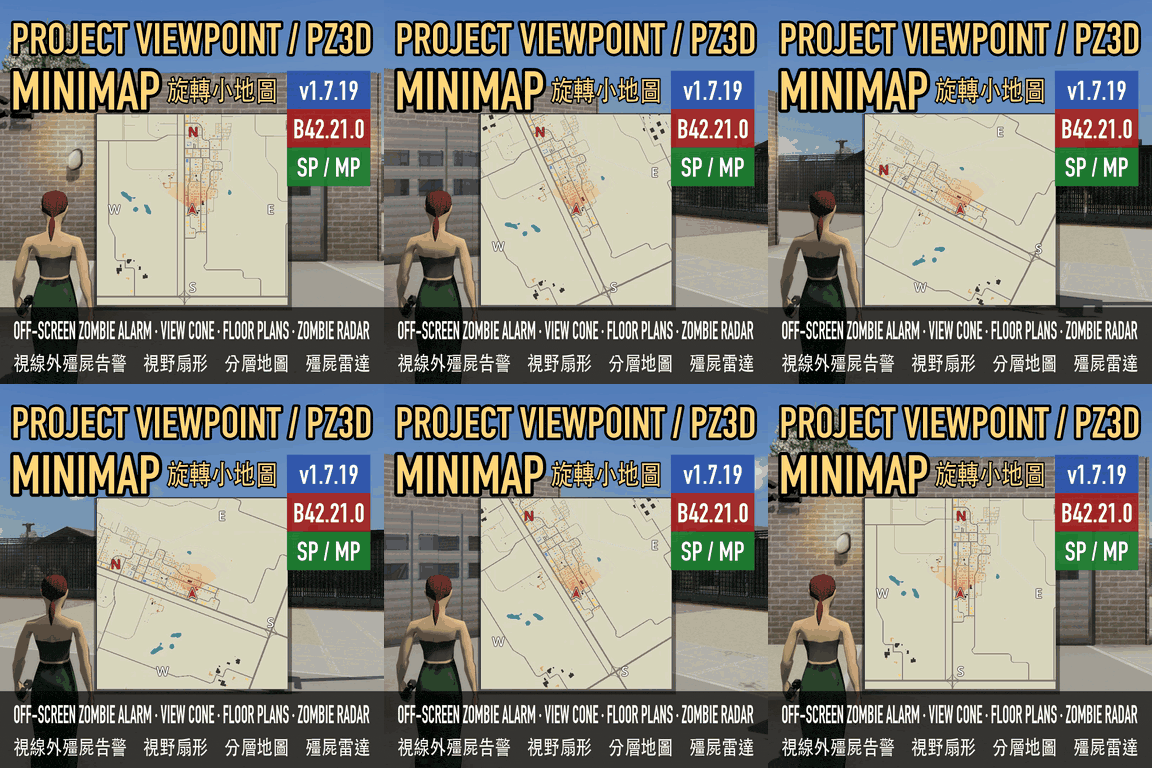

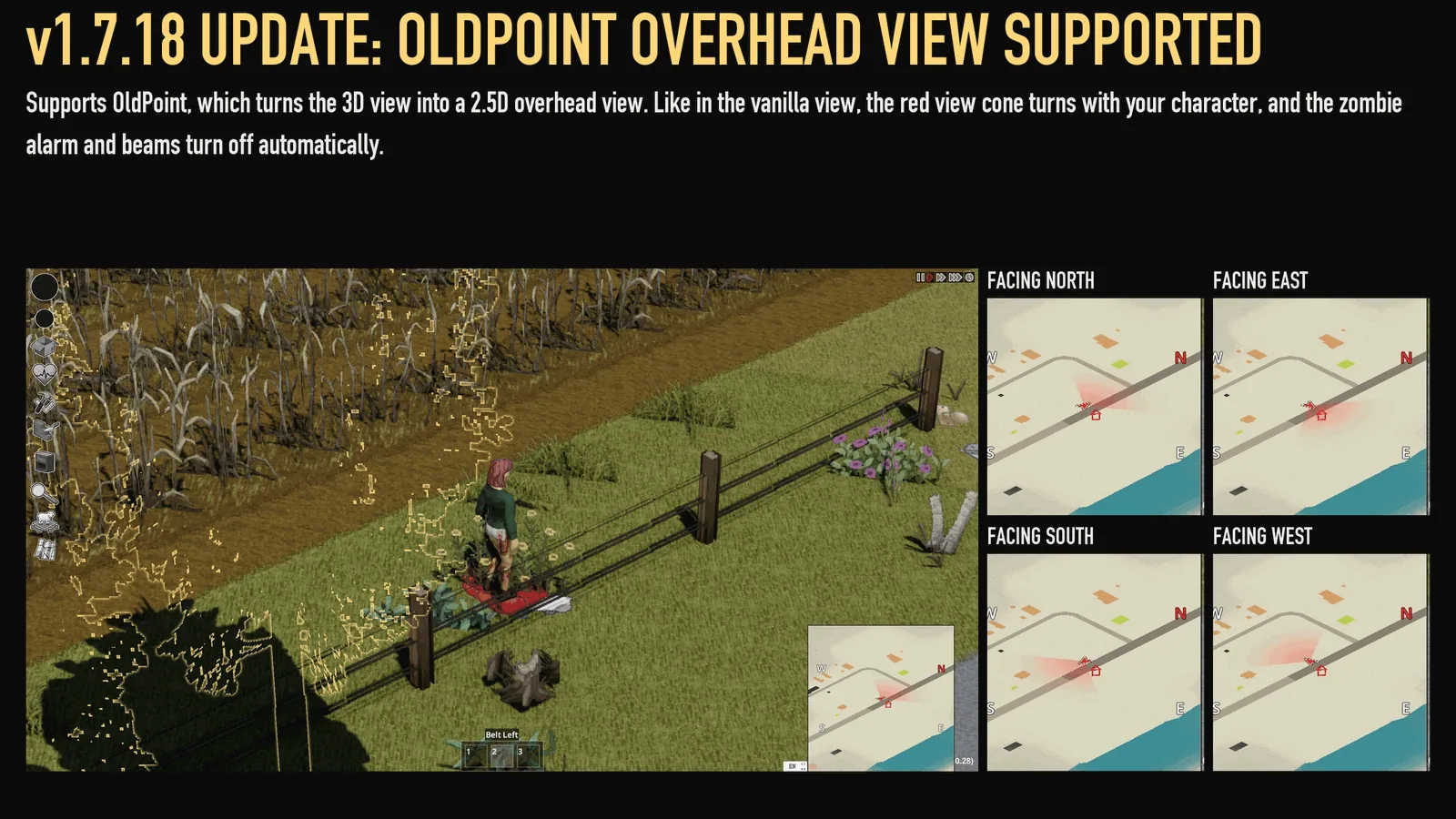
Project Viewpoint Minimap, also known as **PZ3D Minimap**, keeps your surroundings visible while playing in first or third person. In supported 3D modes, the map rotates with the camera, placing your viewing direction at the top.
Contents
Project Viewpoint Minimap — A Map That Follows Your Camera
Project Viewpoint Minimap, also known as PZ3D Minimap, keeps your surroundings visible while playing in first or third person. In supported 3D modes, the map rotates with the camera, placing your viewing direction at the top.
It supports Project Viewpoint and PZ3D, but can also be used without a 3D mod.
Navigation across views and floors
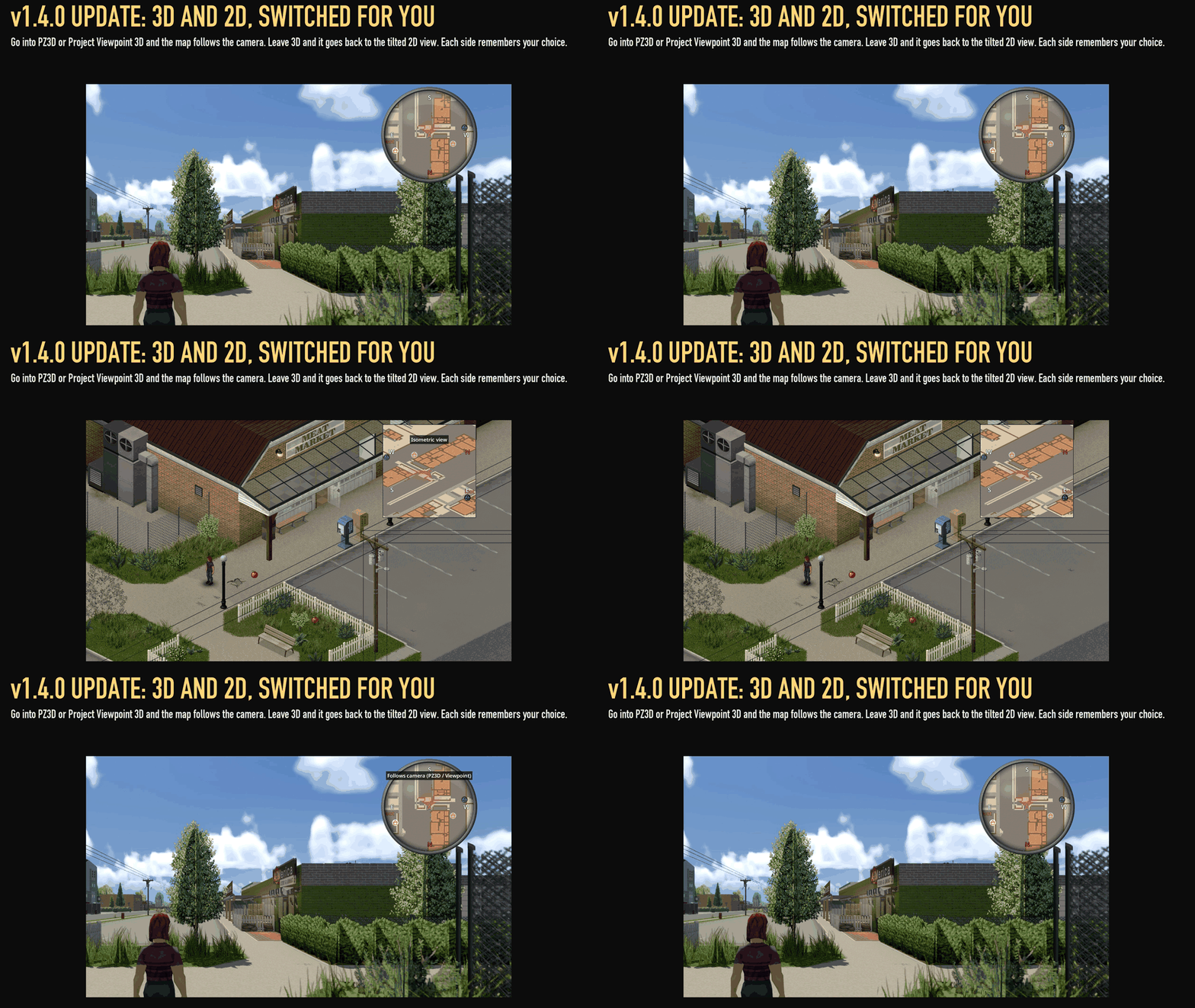
The minimap automatically switches between camera-oriented navigation in 3D and a tilted presentation in 2D. Each mode remembers your selected view.
Inside buildings, it displays the floor you currently occupy. Moving upstairs or downstairs updates the rooms and walls, with support for player-created basements from Basement Building.
The standard local rendering uses the area loaded around your character, approximately 50 tiles in each direction. The separate Game minimap appearance supports a wider zoom range, potentially covering the whole map.
Built-in markers and danger alerts
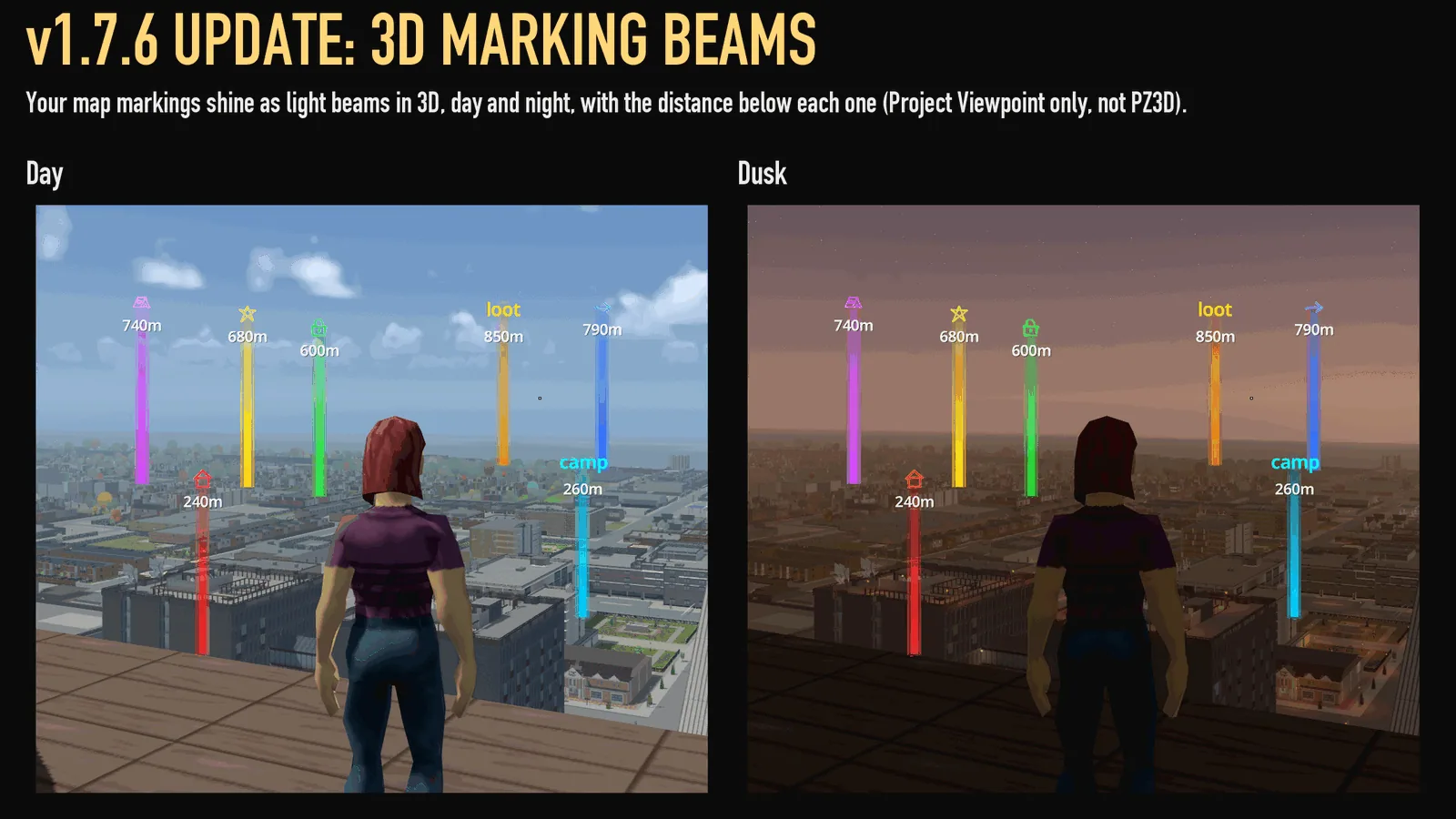
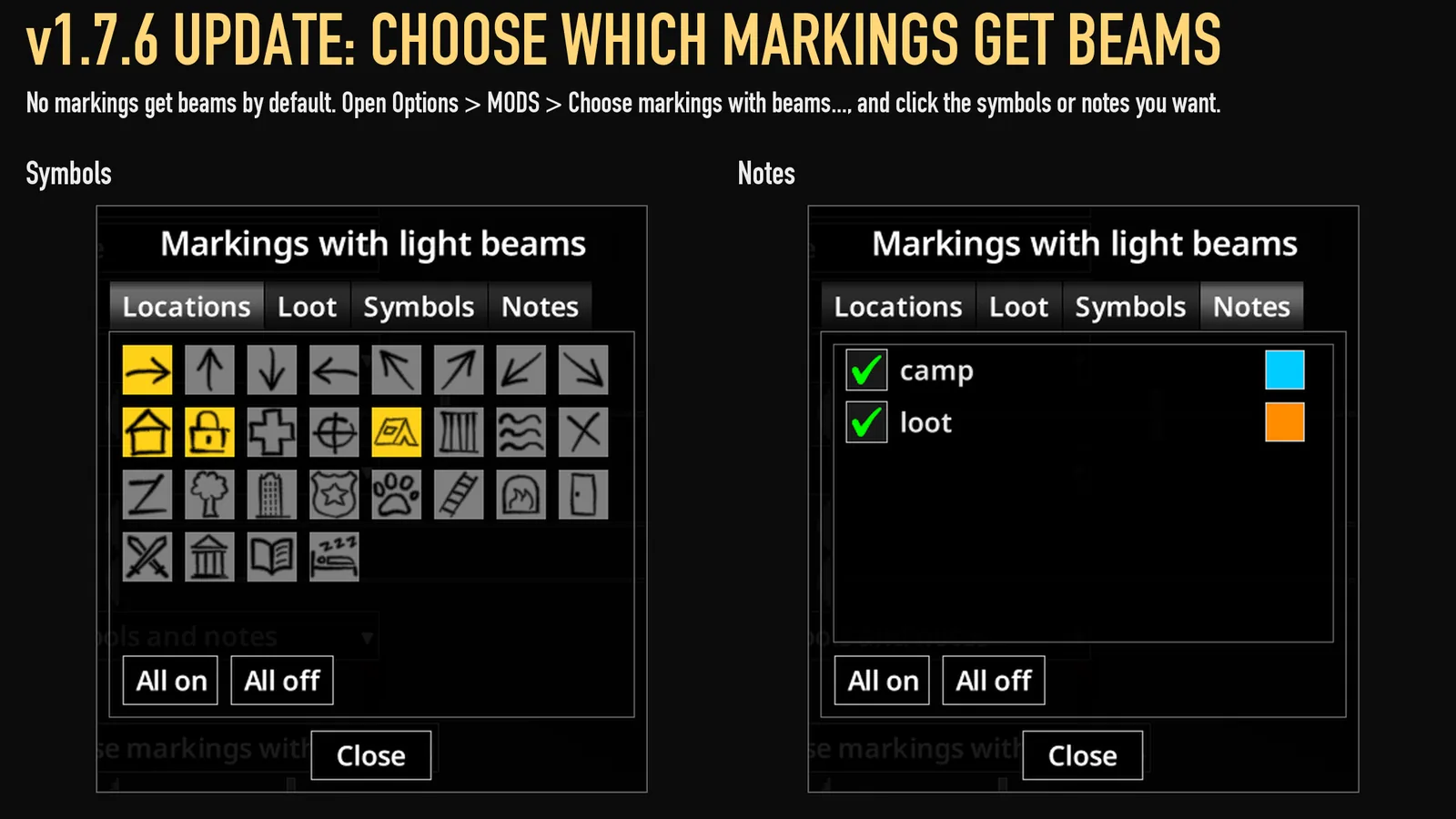
The package includes 3D marking beams and an off-screen zombie alarm. Both are also available as standalone mods; enabling those alongside the minimap does not duplicate their features.
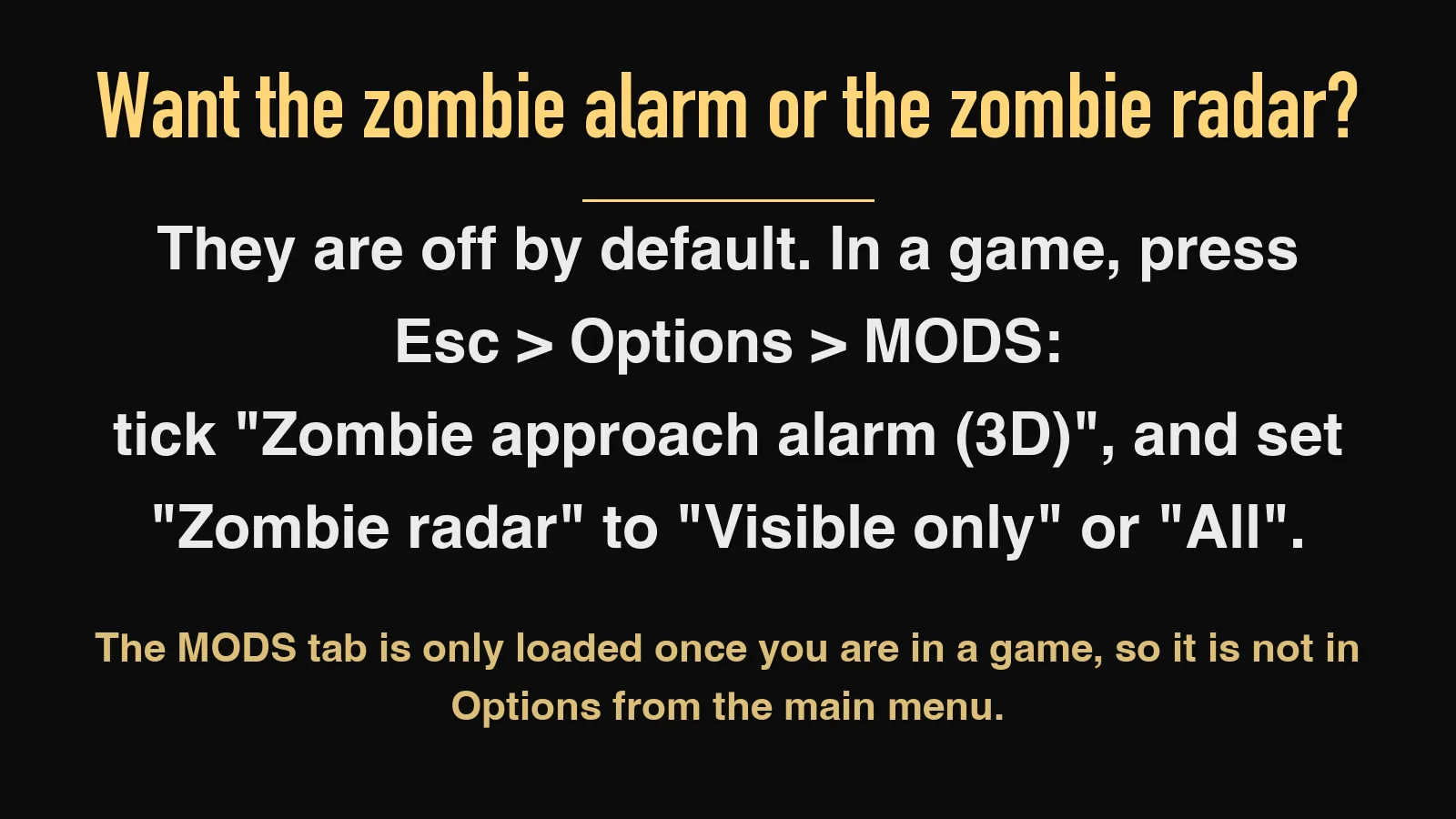
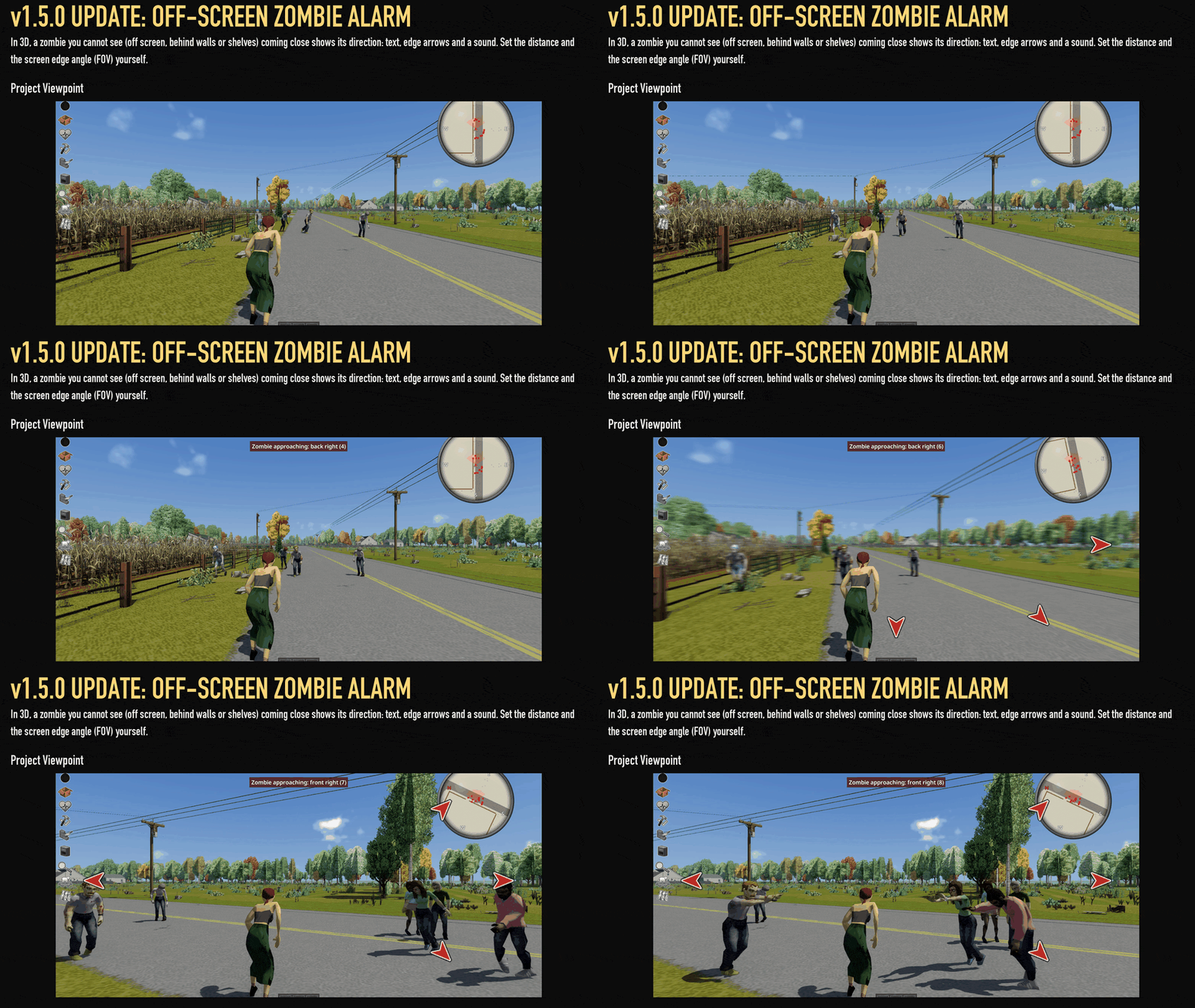
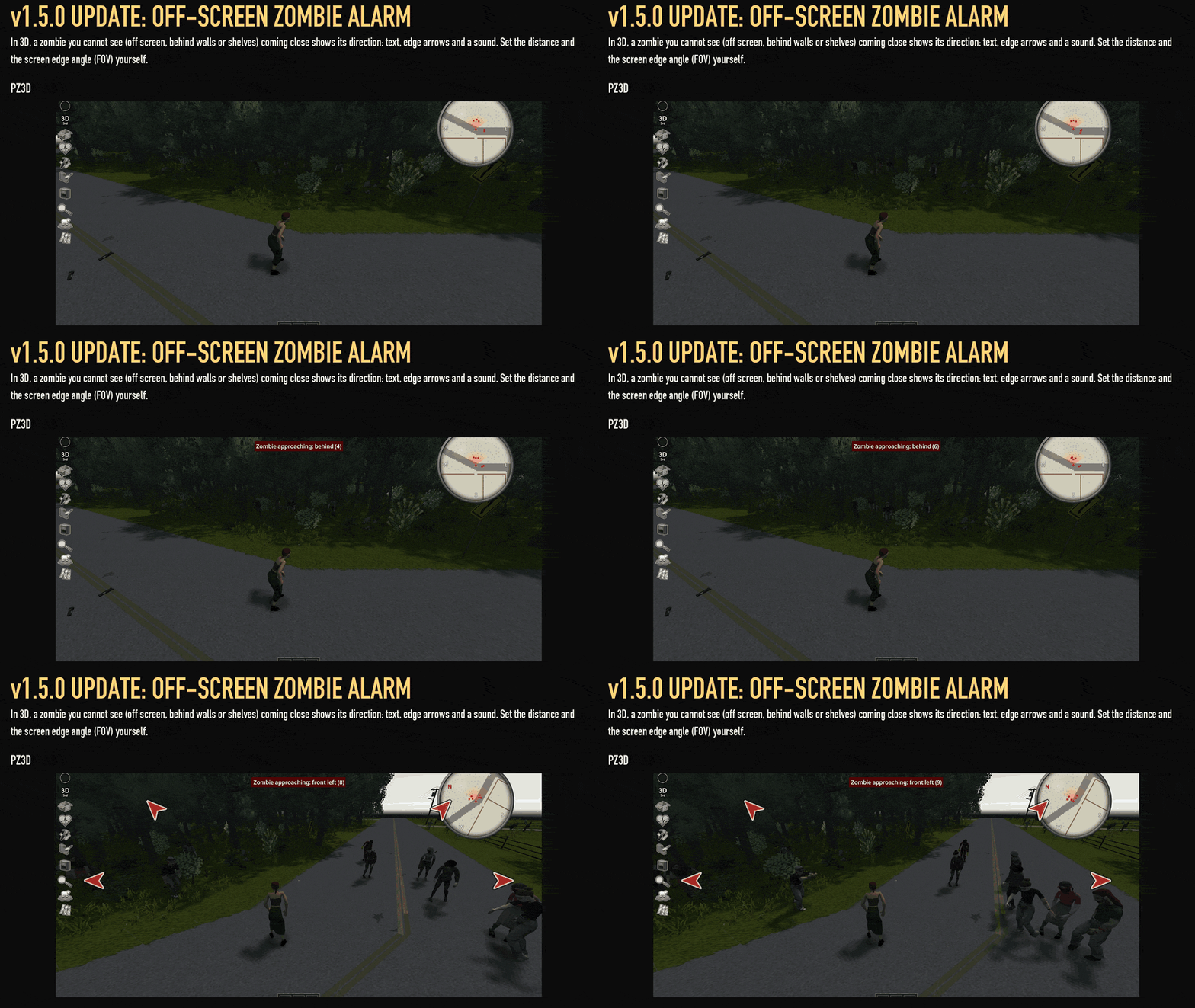
In supported 3D views, the alarm warns about approaching zombies outside your view, including those concealed behind walls or shelving. Direction indicators, screen-edge arrows, and sound help locate the threat. Zombies already visible on screen do not trigger it.
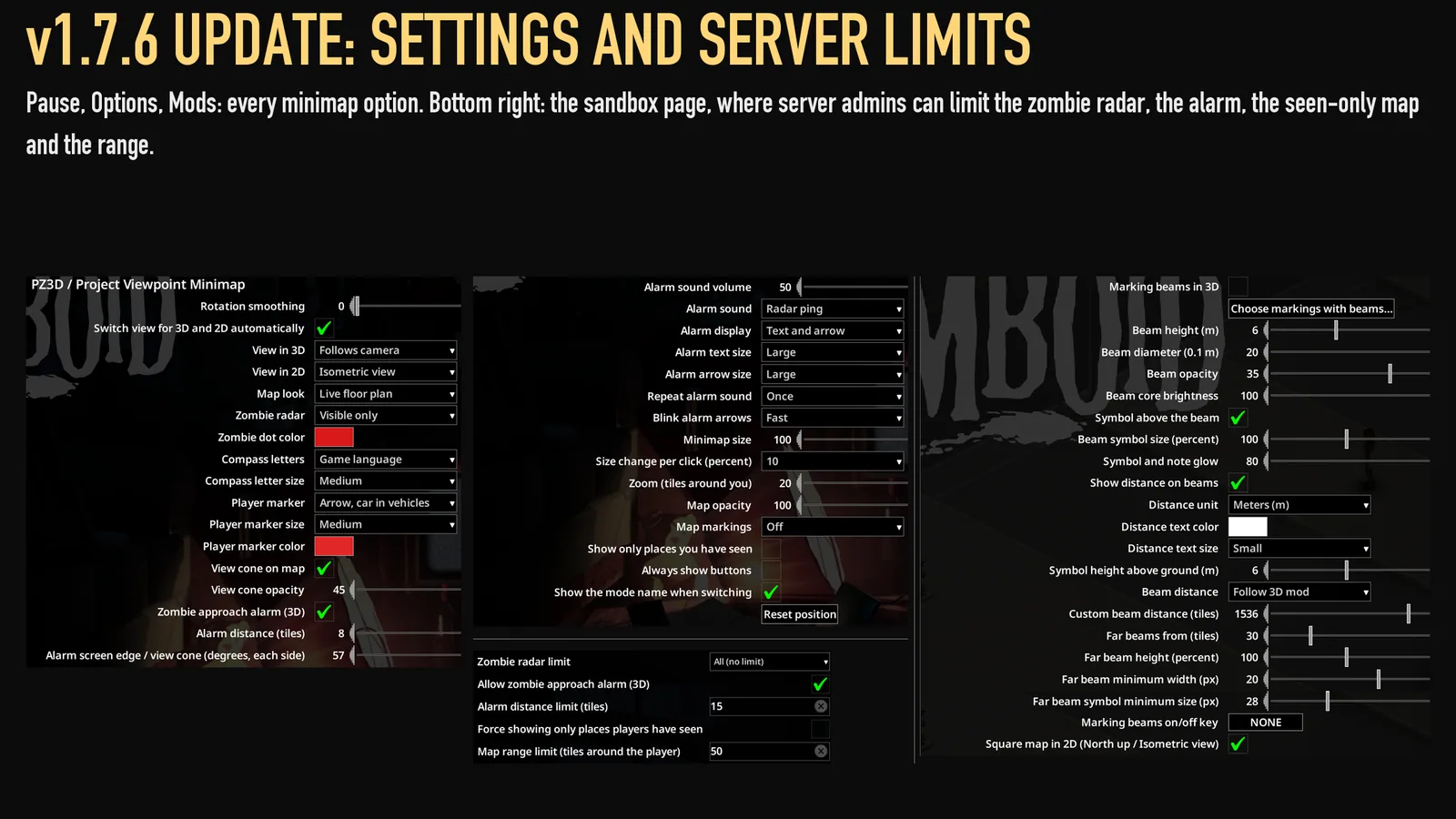
Detection distance, sounds, text, and arrow size are configurable. A separate zombie radar option is also available.
Adjust the display
Drag the minimap to reposition it. Hovering reveals controls for size, zoom, view mode, radar, and a square or round frame.
Options include:
- interface scale from 0.5× to 2×;
- rotation smoothing and automatic view switching;
- opacity, compass labels, and player-marker size;
- zoom and rendering range;
- an option to show only explored places.
Button adjustments are saved to the settings as well.
Installation and multiplayer
For an existing save, open Load → select your save → Mods and enable it there. Activating it only in the main-menu mod list is insufficient.
Camera tracking in 3D requires ZombieBuddy and approval of this mod’s Java component. Without that approval, the minimap still functions, but follows the character instead; the Game minimap appearance does not rotate.
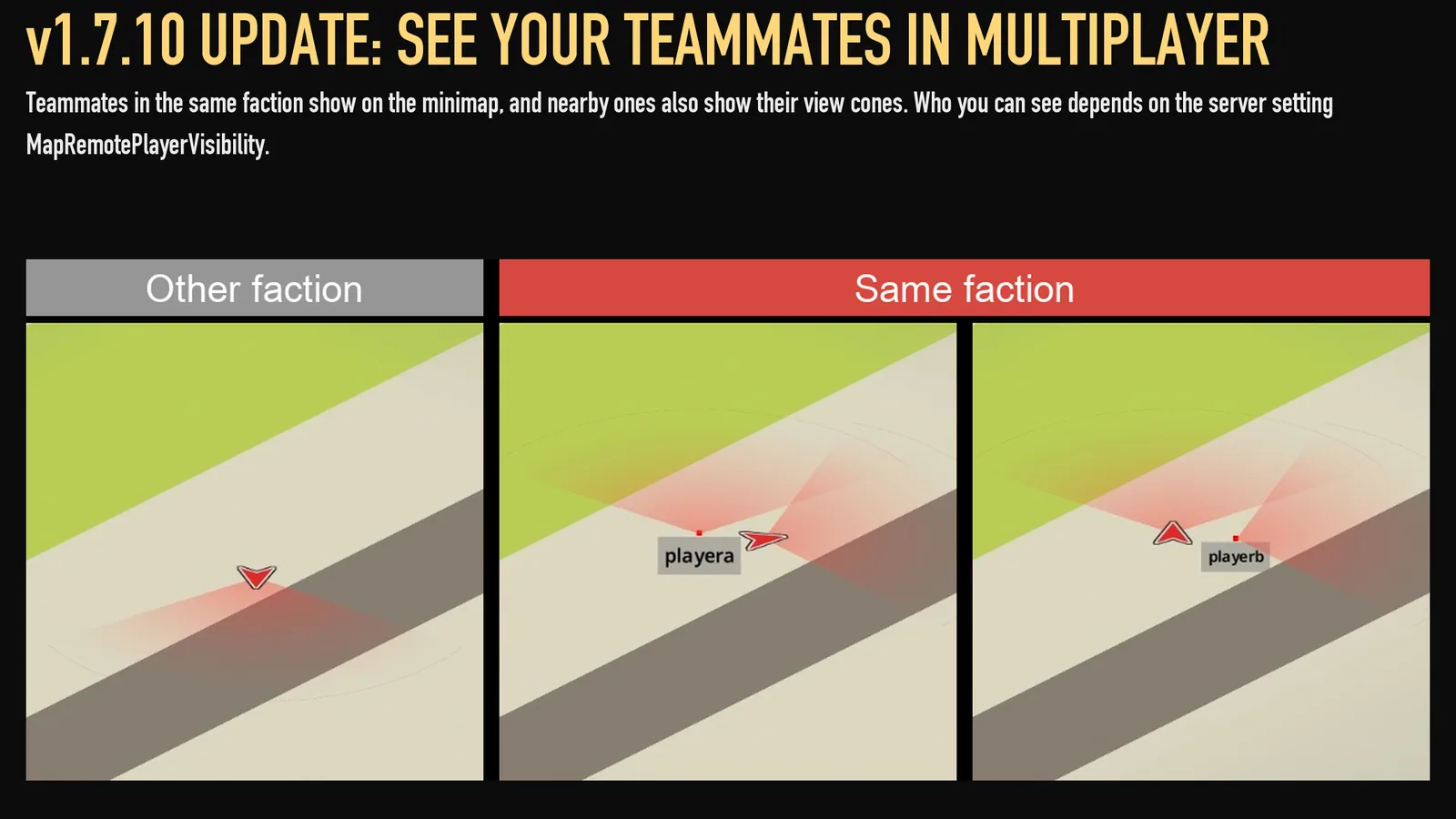
Single-player and multiplayer are supported, including dedicated servers. PZ3D multiplayer requires PZ3D 0.7.0 or later. The server must include the minimap in its mod list.
Administrators can restrict radar, alarms, alarm distance, exploration visibility, rendering range, and zoom limits through sandbox settings.
The mod stores no data in the save and can be removed during a single-player playthrough.
Screenshots 9

Comments 0
No comments yet — be the first.
Log in or sign up to leave a comment.