

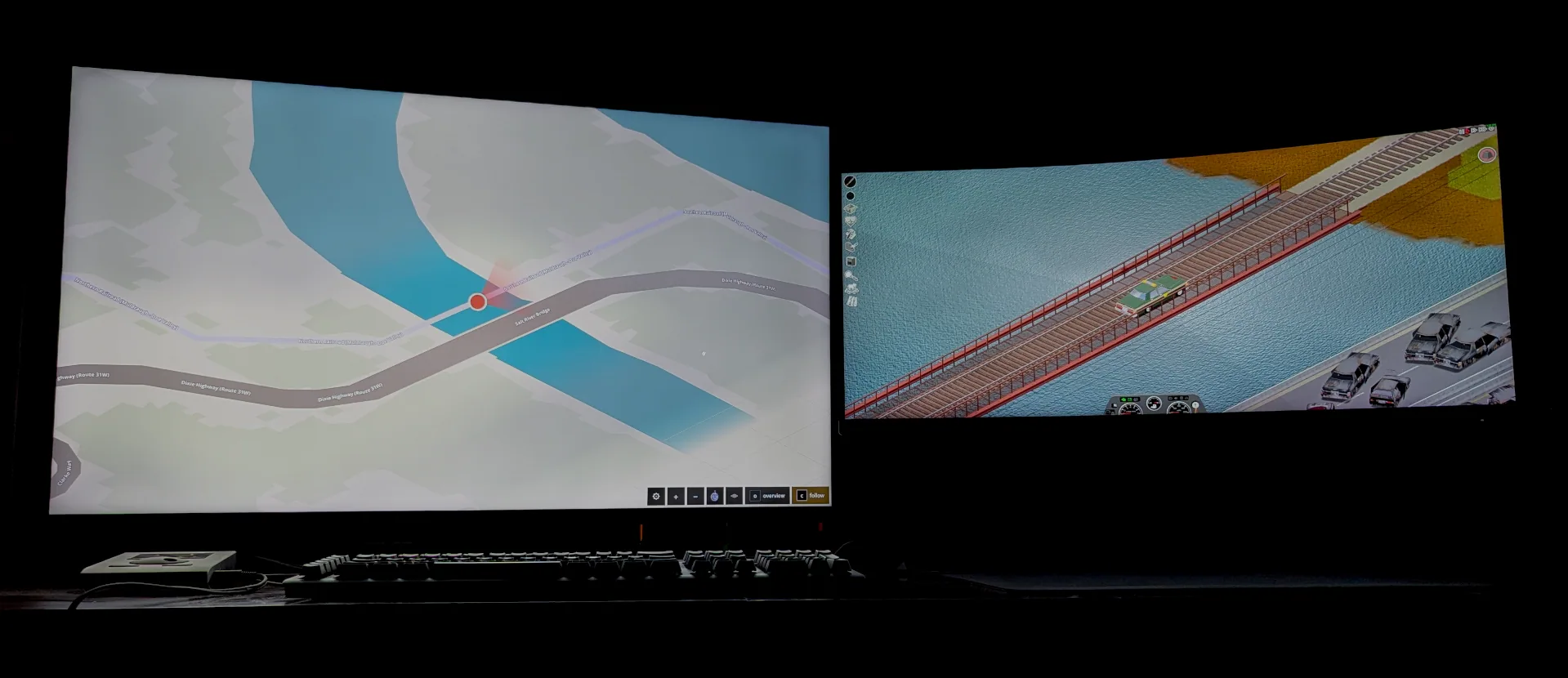
PZ Map displays your Project Zomboid map in a browser, leaving the main game view clear. Keep it on another monitor or in a separate window to follow your position, check explored areas, and consult existing notes.
Contents
PZ Map — Your Live Map on a Second Screen
PZ Map displays your Project Zomboid map in a browser, leaving the main game view clear. Keep it on another monitor or in a separate window to follow your position, check explored areas, and consult existing notes.
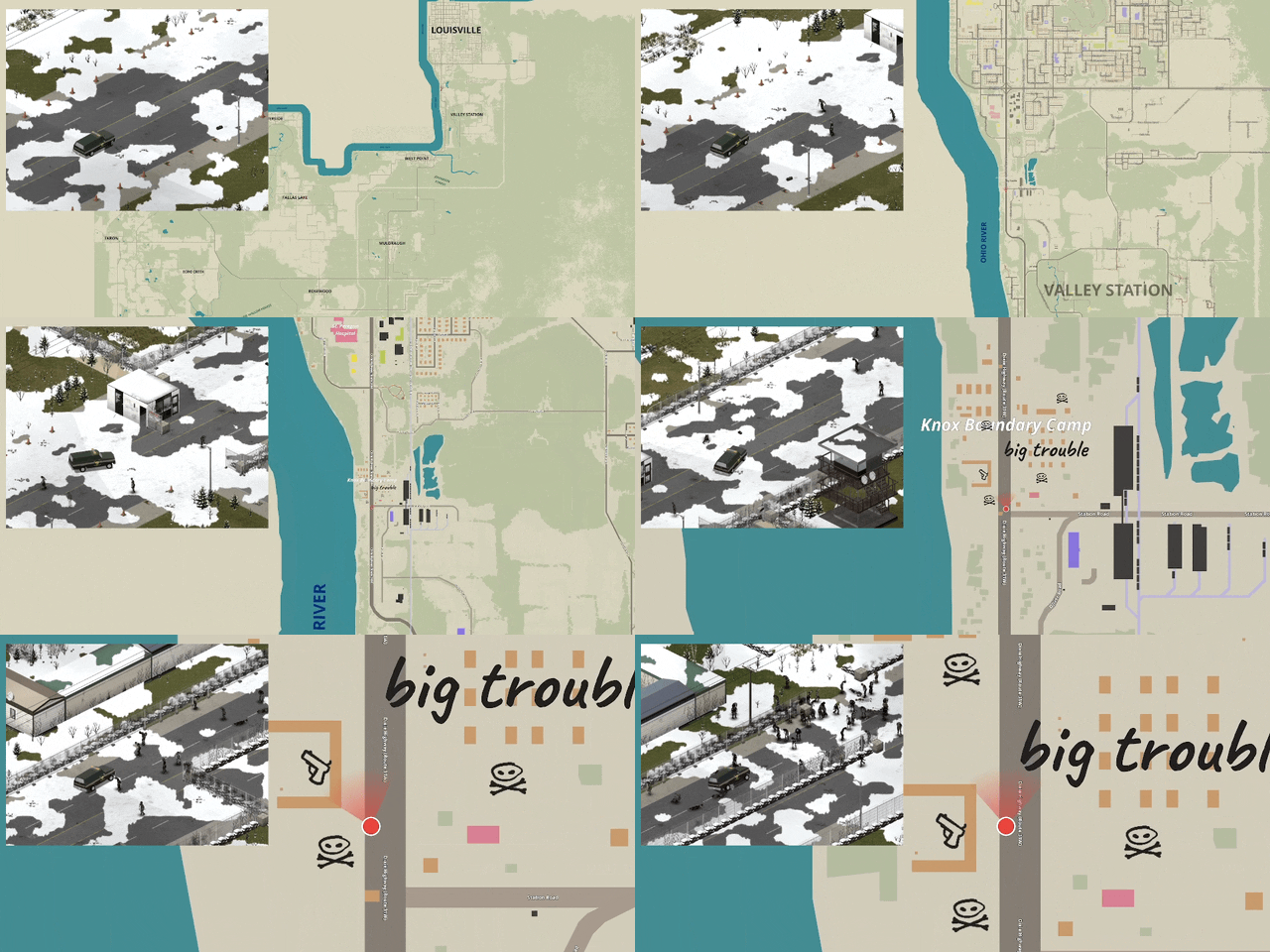
The map updates as you travel and discover information through maps and flyers.
Familiar map, flexible presentation
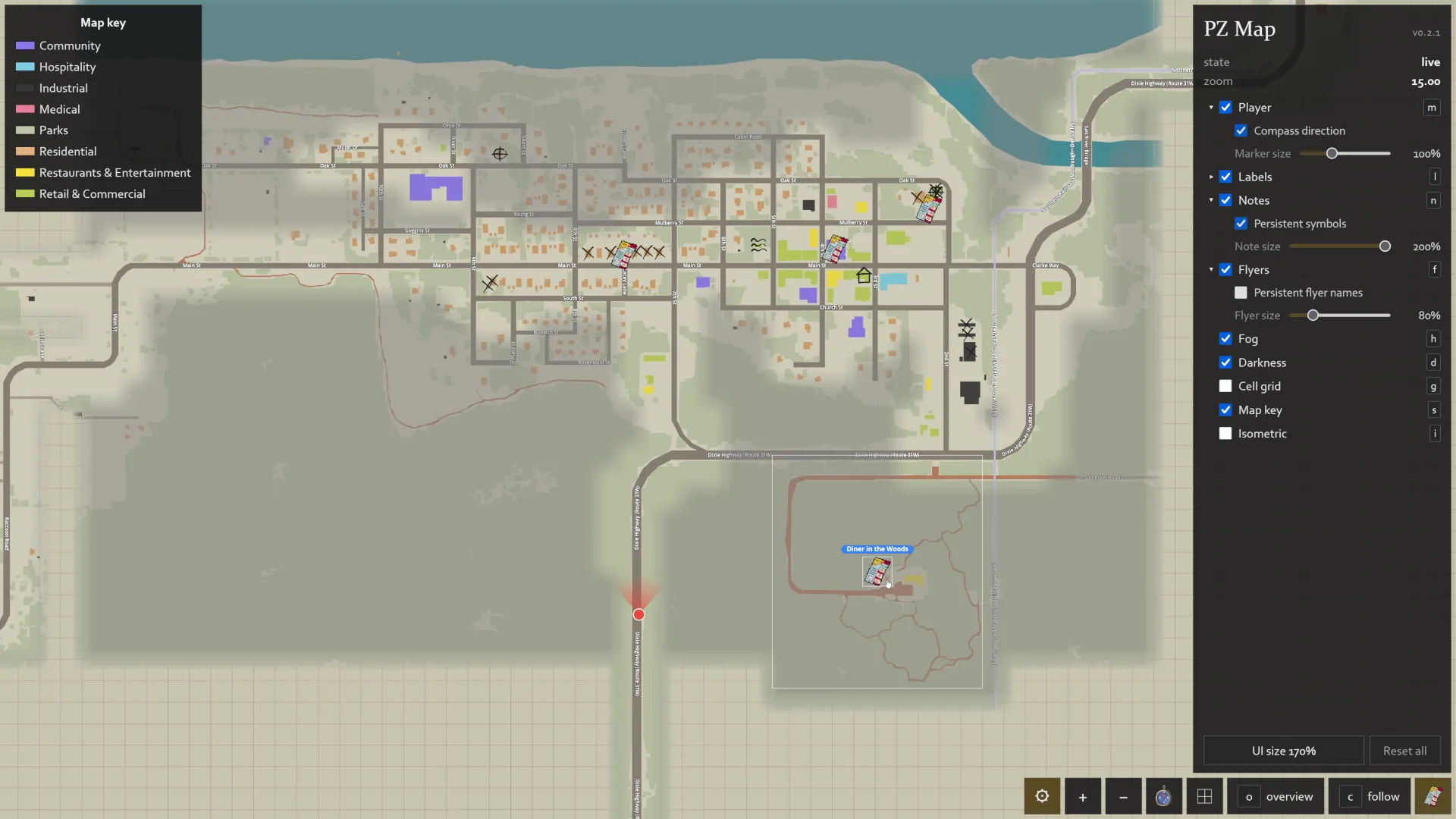
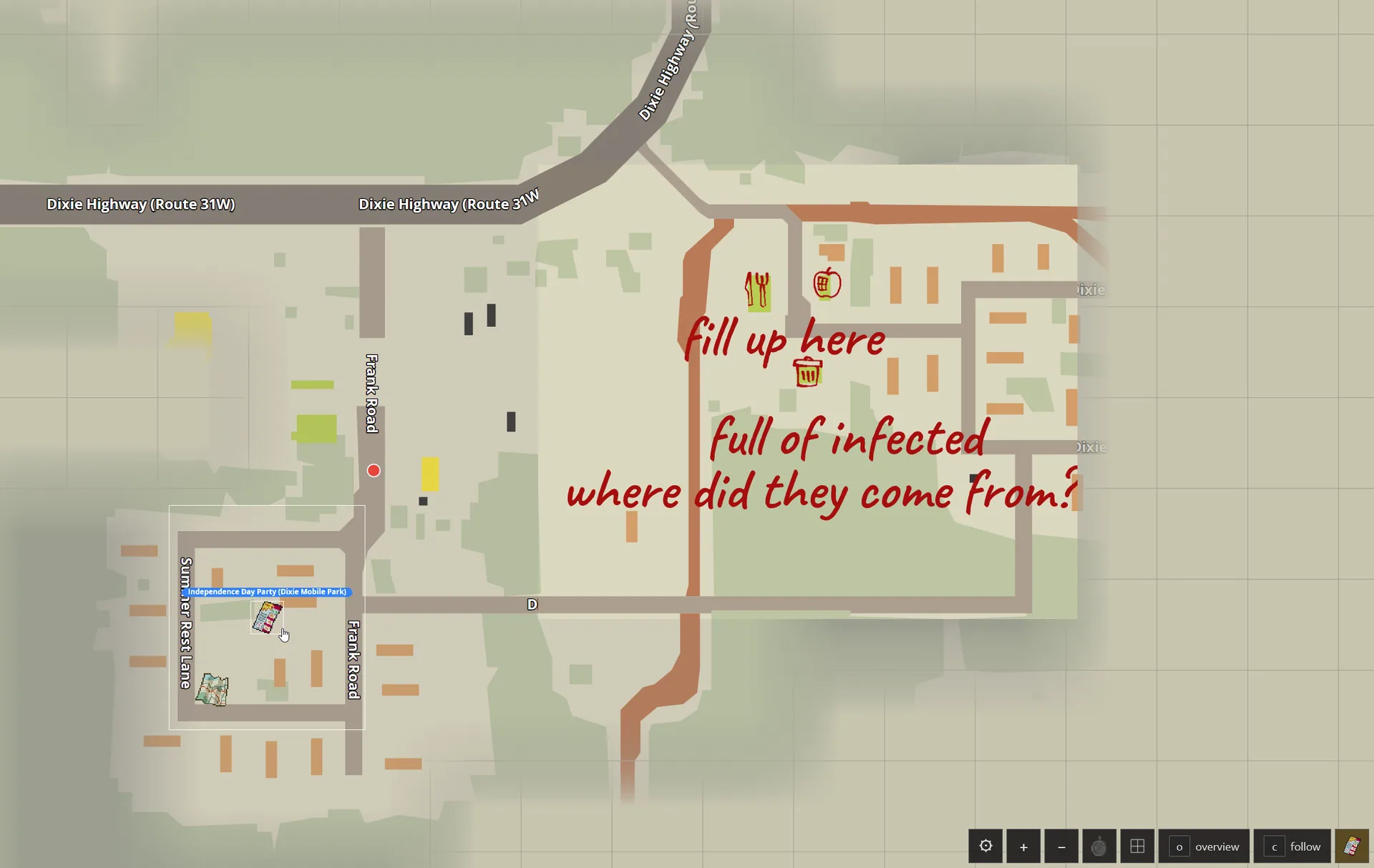
The browser view includes streets, place names, forests, water, and the standard building-colour legend. It also supports:
- live position tracking and optional follow mode;
- fog of war;
- in-game map notes;
- an isometric view;
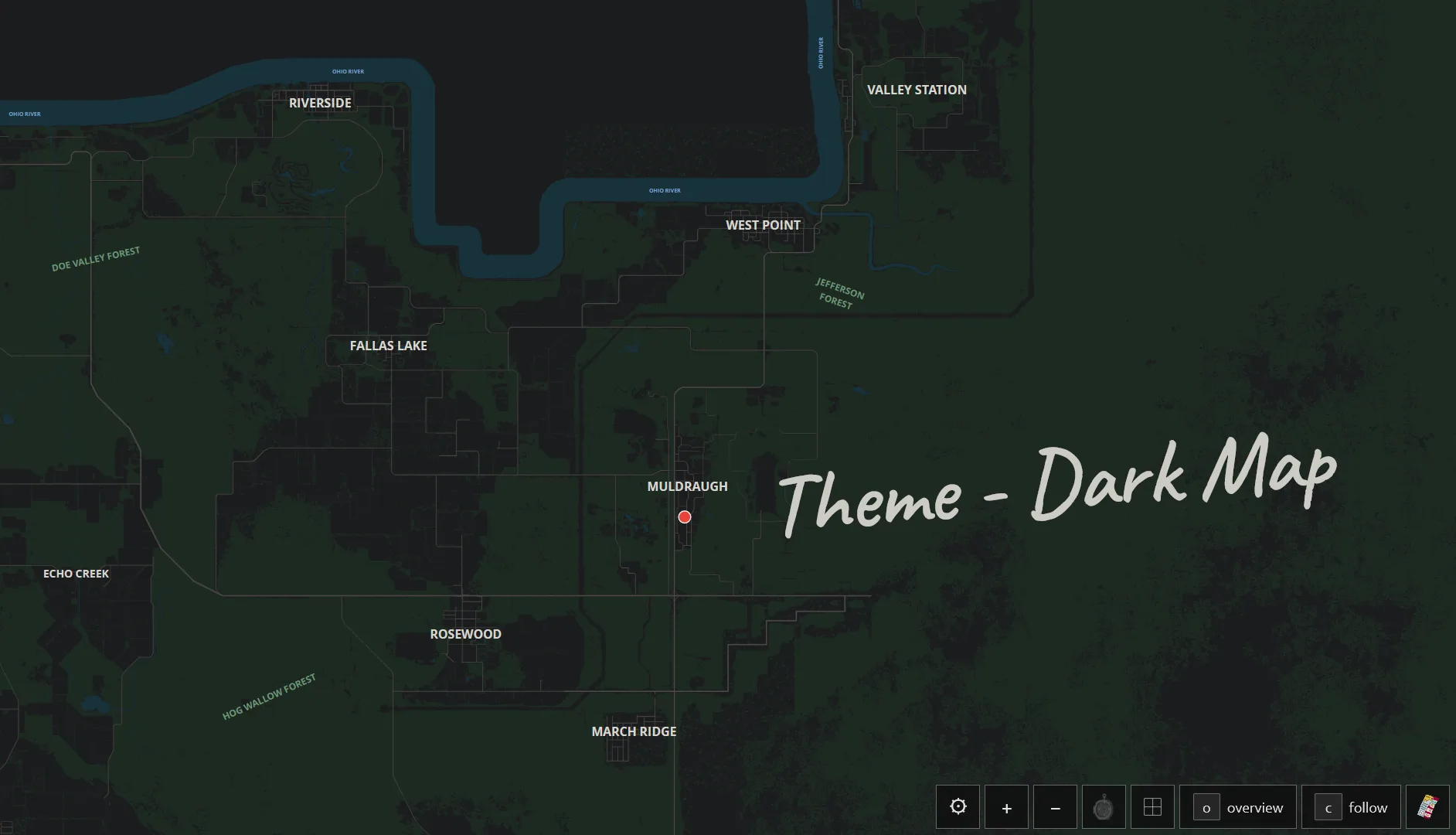
- a dark colour theme;
- map mods and additional symbol packs;
- annotated-map markers that open their notes.
Flyer and brochure locations display their icons and labels, but not the documents’ contents.
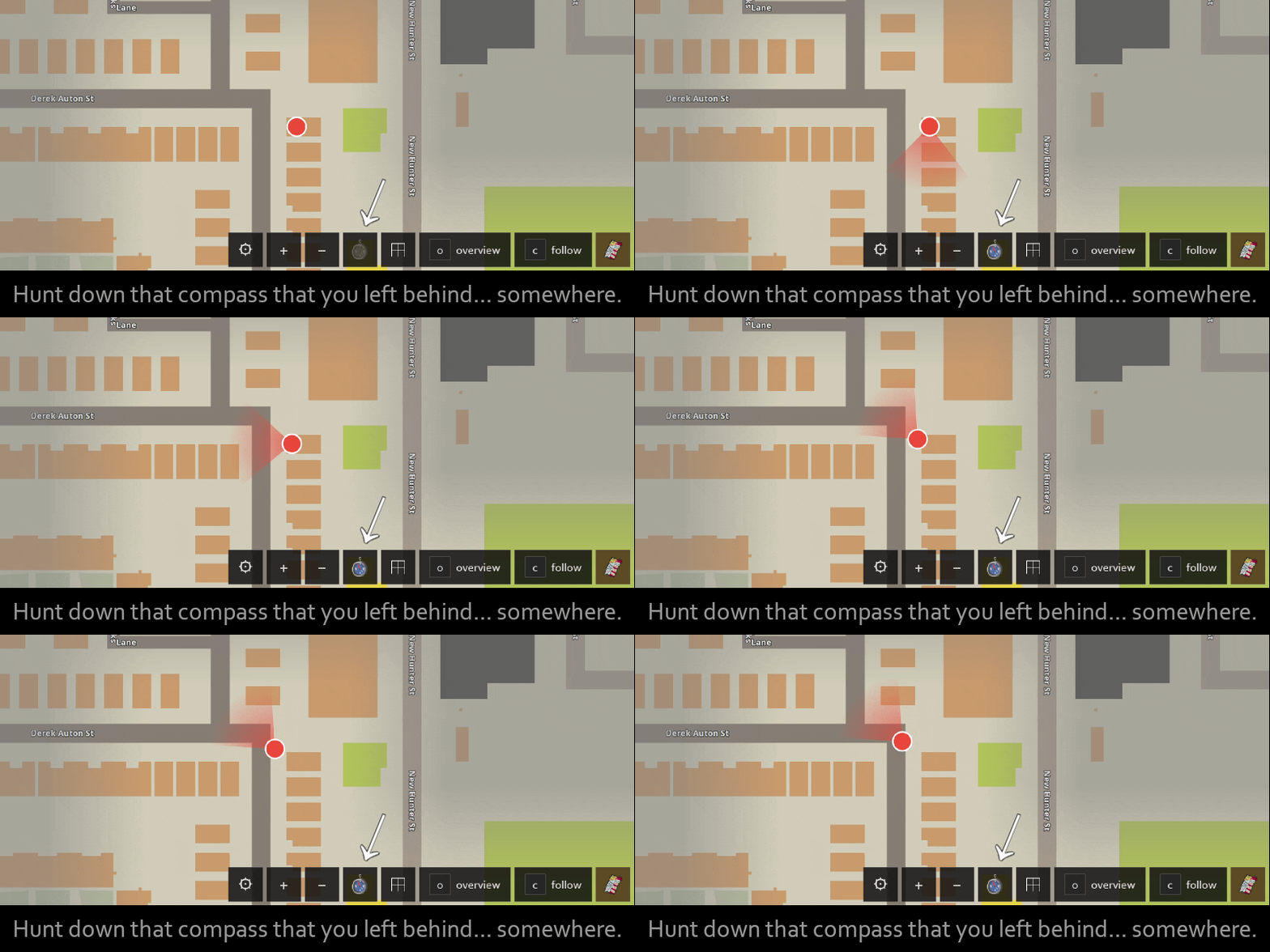
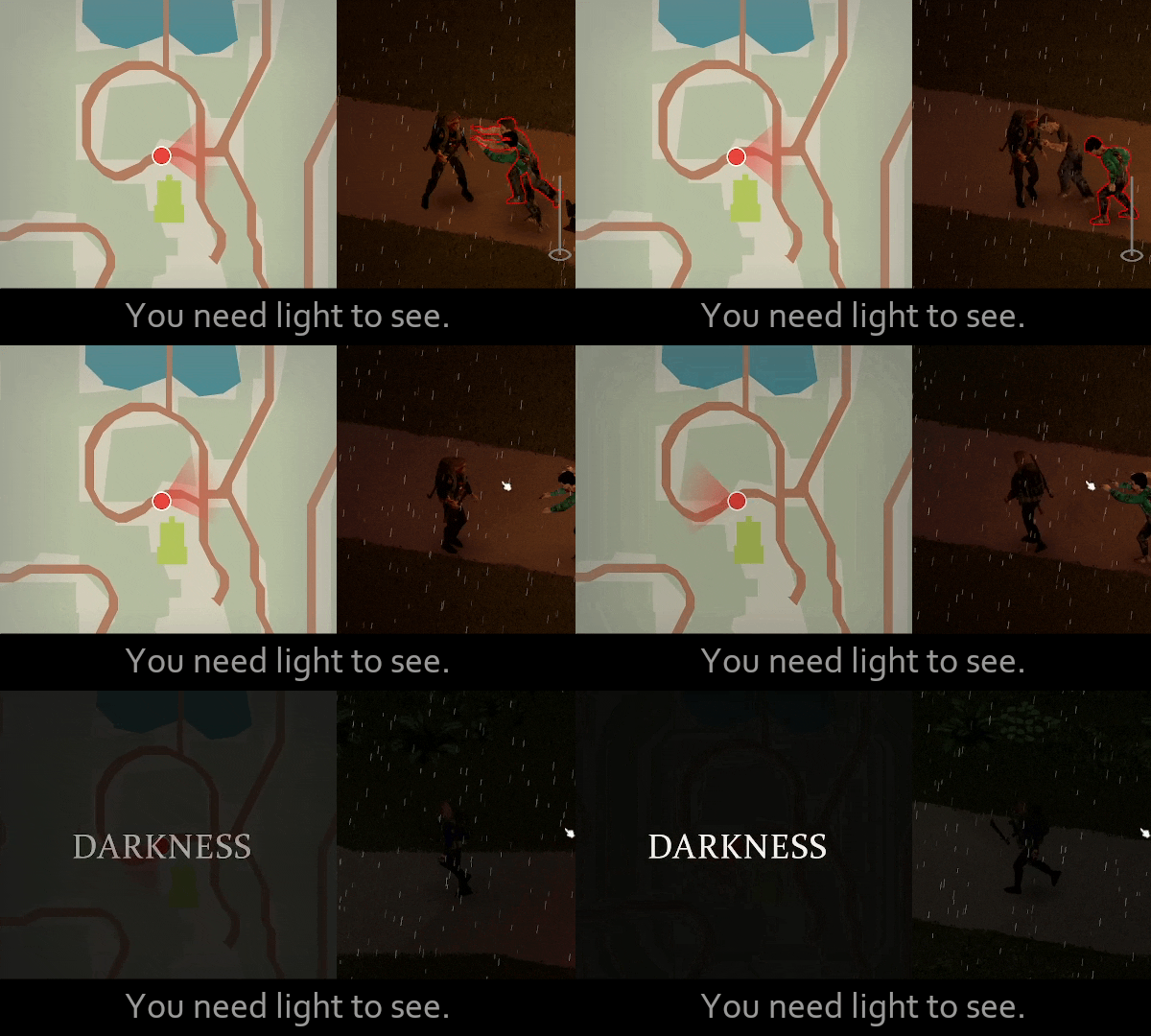
Carrying a compass enables a heading indicator. A darkness overlay can also preserve the need for a light source when reading the map.
Grid lines, labels, notes, fog, and darkness can be toggled independently. Display preferences are saved in your browser.
Opening the map
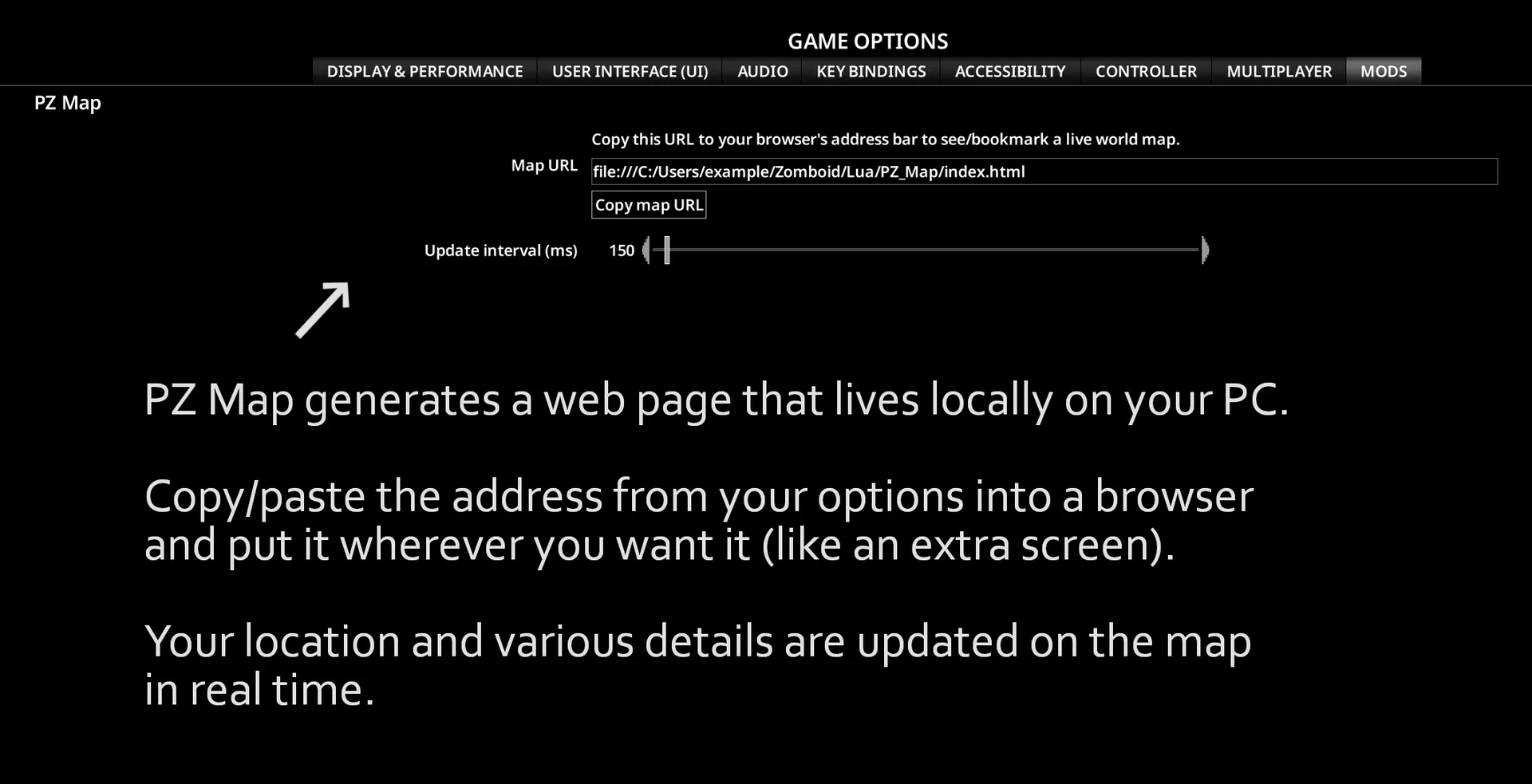
Enable the mod, load your save, and select Copy map URL in its options. Paste the address into a browser and bookmark it.
The refresh rate is adjustable in-game. Press F11 for a fullscreen browser view.
Multiplayer visibility
Other players can appear as named coloured squares, but server settings determine who is visible. Red markers represent players sharing your faction or safehouse; amber markers represent other visible players.
Administrators control this through the vanilla MapRemotePlayerVisibility setting. PZ Map also has an option to disable its player-position streaming without changing the in-game map. Position traffic grows with the number of player-to-player visibility relationships.
Local operation and requirements
PZ Map supports Build 42, single-player, and multiplayer, with no required dependencies.
The webpage and its data are local. It contacts no third-party servers; multiplayer information uses your existing game-server connection.
Displaying it on another device or in OBS requires the optional Dashboard Sharing script, intended for private networks.
The map is read-only: it displays game information rather than letting you edit the in-game map from the browser.
Screenshots 8
Comments 0
No comments yet — be the first.
Log in or sign up to leave a comment.