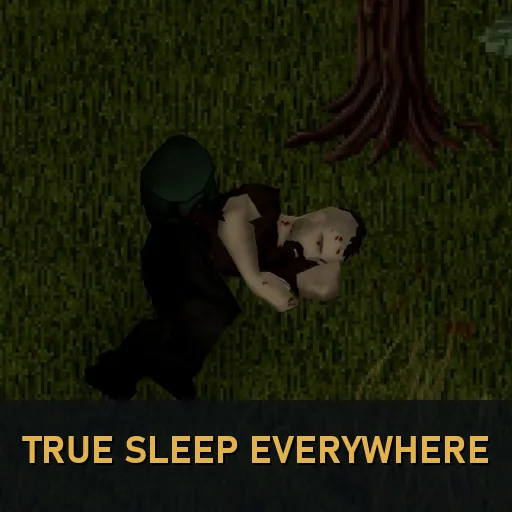

Your survivor visibly lies down in beds, stretches out on couches and dozes while seated. Adds wall resting and firearm aiming from seated positions using the game’s own animations. For Build 42.21, single-player only. Safe to add to existing saves.
Contents
True Sleep Everywhere activates sleeping animations already included in Project Zomboid. Use the normal Sleep action and your survivor adopts a pose suited to the furniture, then plays the matching wake-up animation.
Different places, different poses
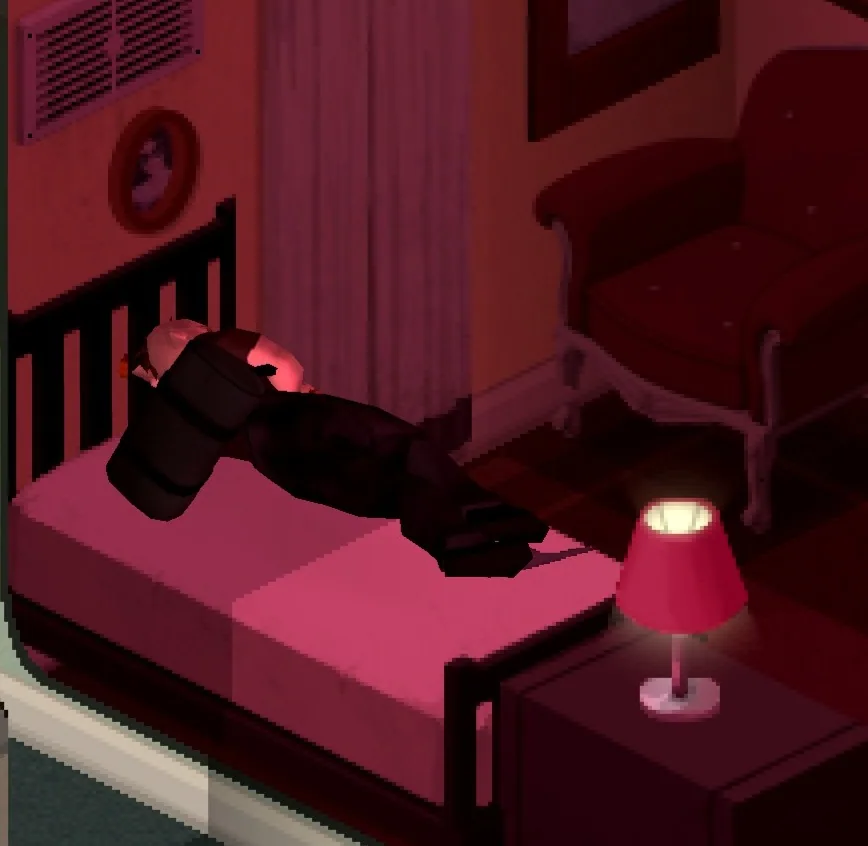
- Beds: lie down with the head on the pillow.
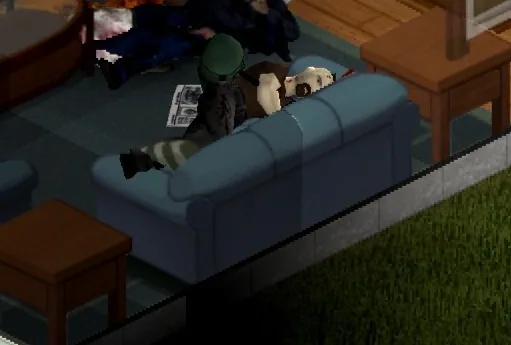
- Couches, benches and booths: stretch out along the seat.
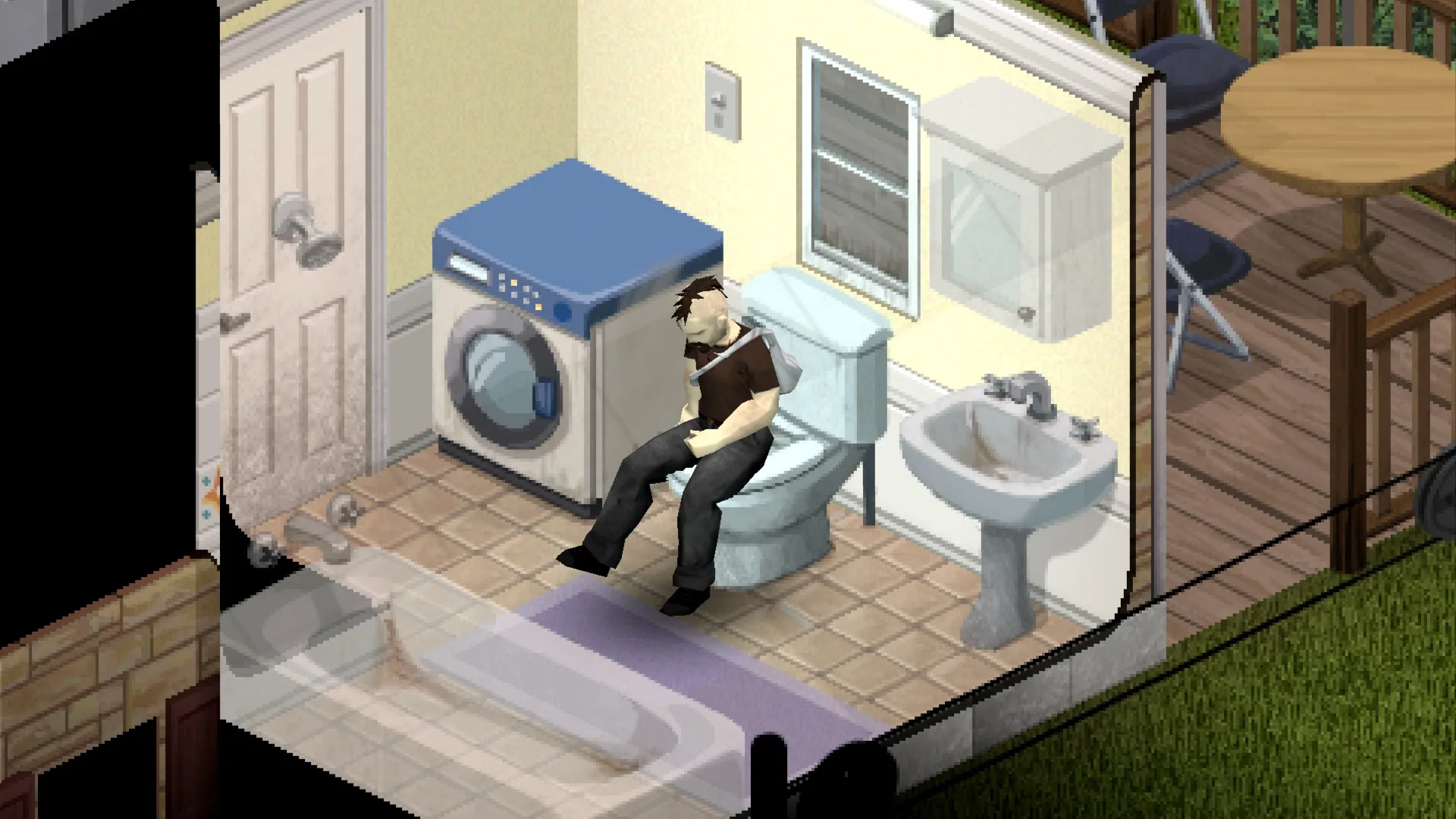
- Chairs, armchairs, stools and toilets: doze while seated.
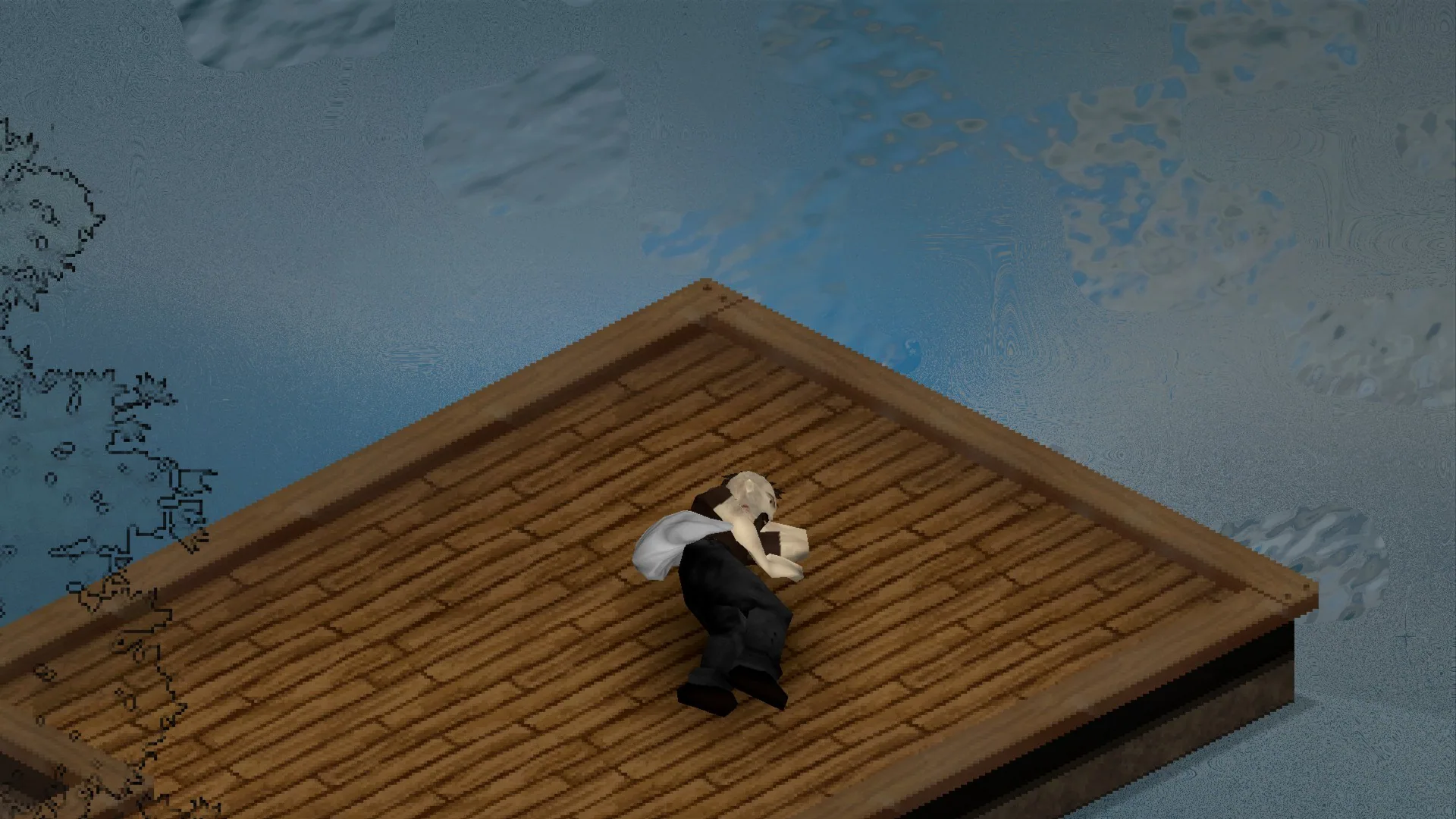
- Ground, sleeping bags, hay and mats: sit and fall asleep on the ground.
- Bathtubs: function as low-quality beds under the game’s normal rules.
If the seat is occupied, the path is blocked or there is insufficient room for an animation, sleep still proceeds using the standard presentation.
Rest against walls
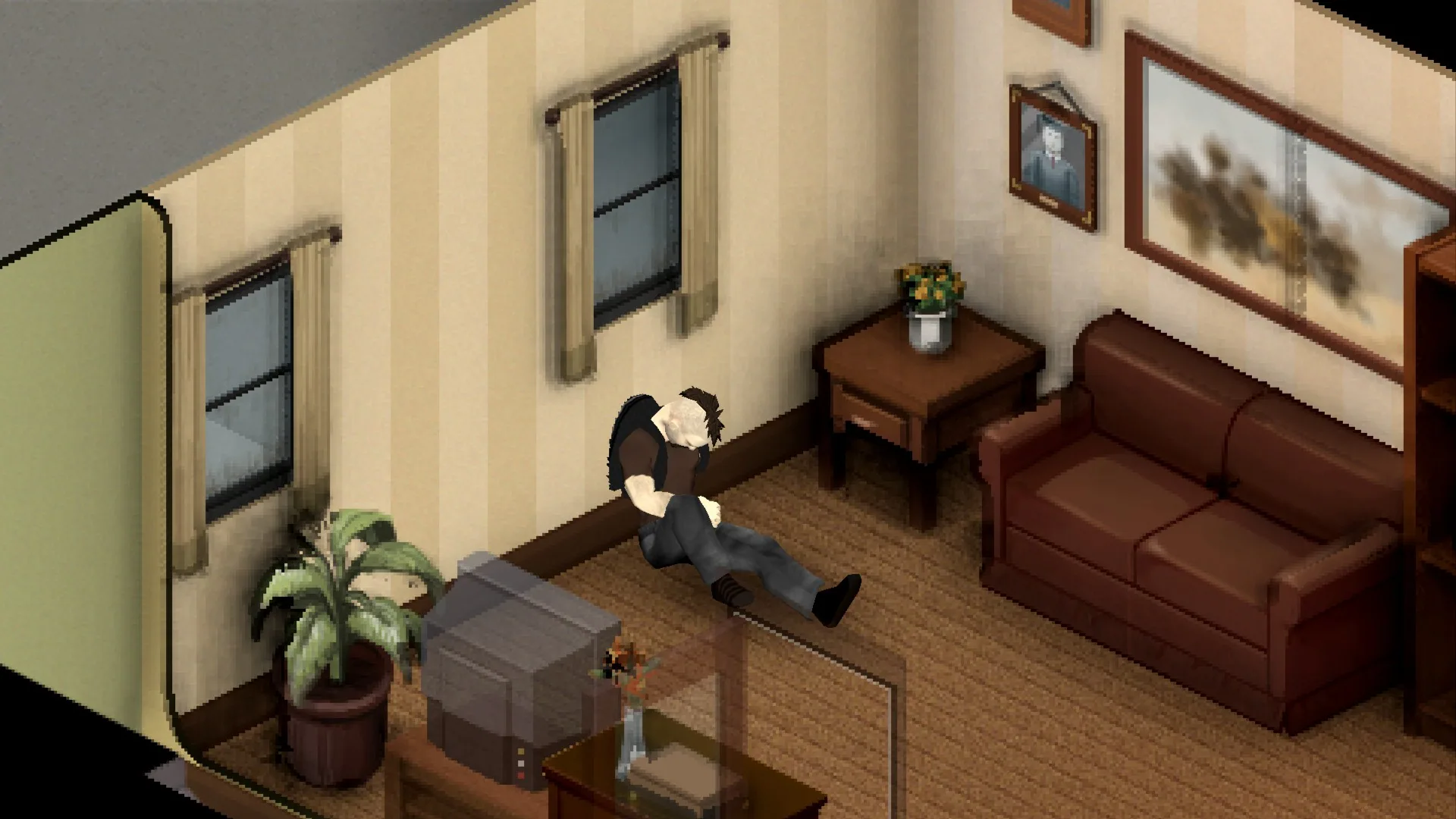
Right-click a square beside a wall, window or fence to access wall-supported sleep or rest. Weapons remain in hand when resting against the wall.
Aim and shoot while seated
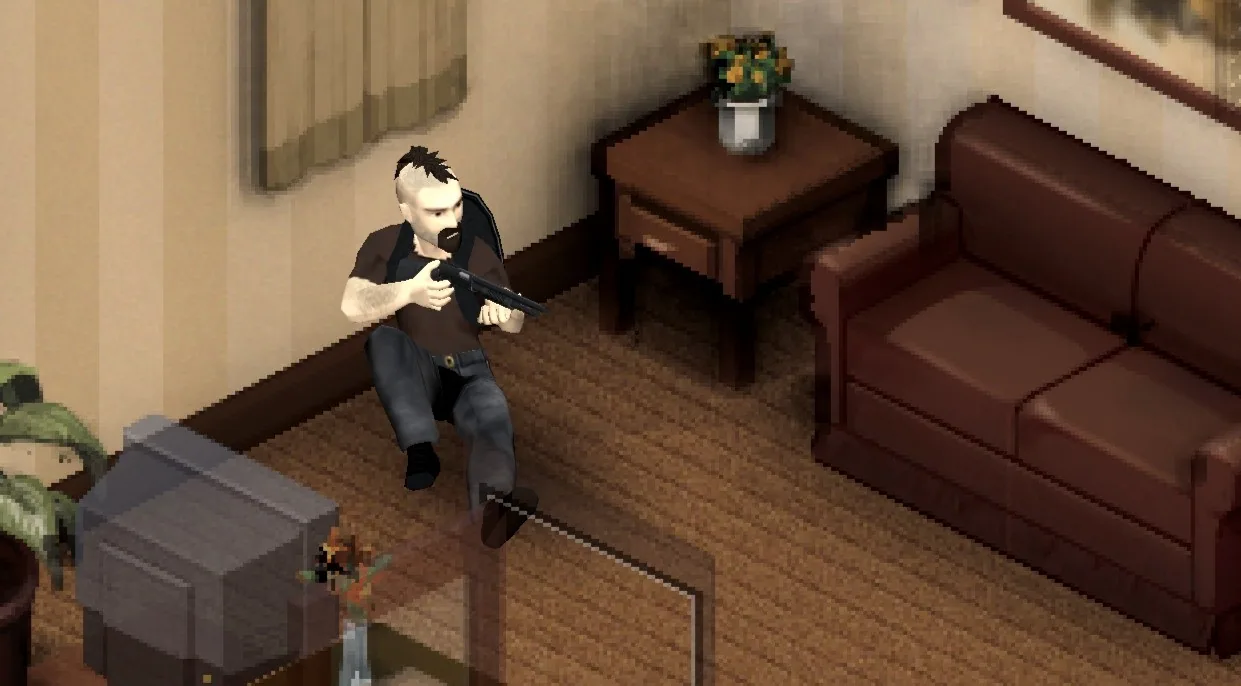
Raise a firearm while sitting on a chair, couch, toilet, the ground or against a wall. The weapon follows the seated pose; lowering it returns the character to their resting position.
Vanilla sleep rules remain
Nearby zombies, pain, panic and insufficient tiredness still determine whether sleeping is allowed. The mod does not bypass these restrictions.
Weapons are put away during ordinary sleep. Getting up afterward also supports gamepad stick input.
Settings and compatibility
The True Sleep Everywhere sandbox page provides separate controls for ground poses, beds and couches, seats, walls and seated aiming.
Uses the game’s existing animations, with no custom models. A Russian translation by AkutFas is included.
For Build 42.21. Safe to add to an existing save.
Single-player only: the poses are client-driven and are not synchronized for multiplayer.
Screenshots 6

Comments 0
No comments yet — be the first.
Log in or sign up to leave a comment.