Mini Health Plus adds a compact, customizable health HUD to Project Zomboid Build 42. Monitor wounds, dirty bandages, healing progress, stitches and muscle strain without opening the health panel. Features color-coded indicators, smooth animations, scalable UI, treatment shortcuts and optional Better Character Info integration. Supports singleplayer, multiplayer and Russian localization.
Contents
Mini Health Plus - Compact Health and Injury HUD
Mini Health Plus adds a customizable health interface to Project Zomboid, allowing players to monitor injuries and treatment progress without constantly opening the standard health panel.
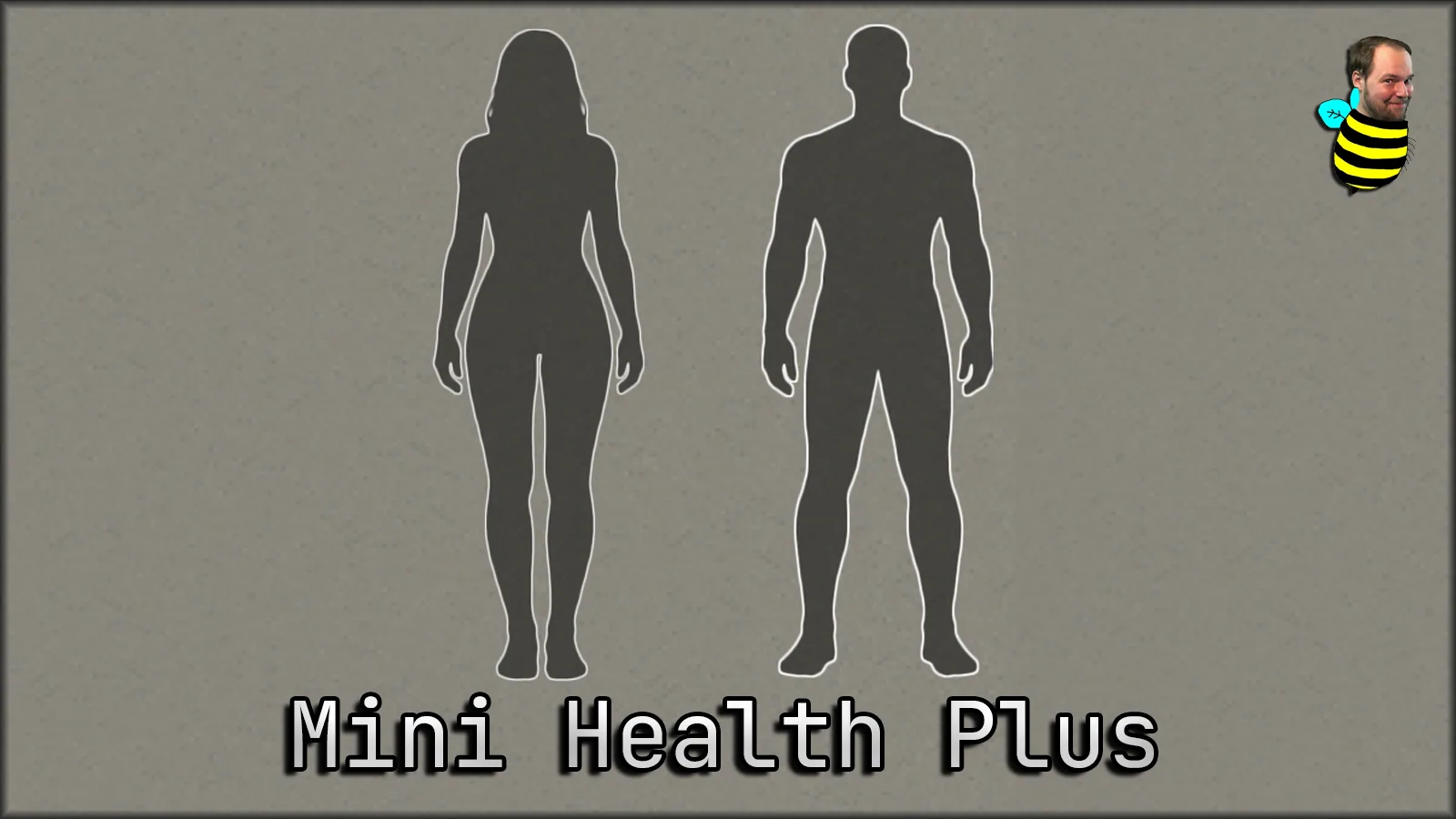
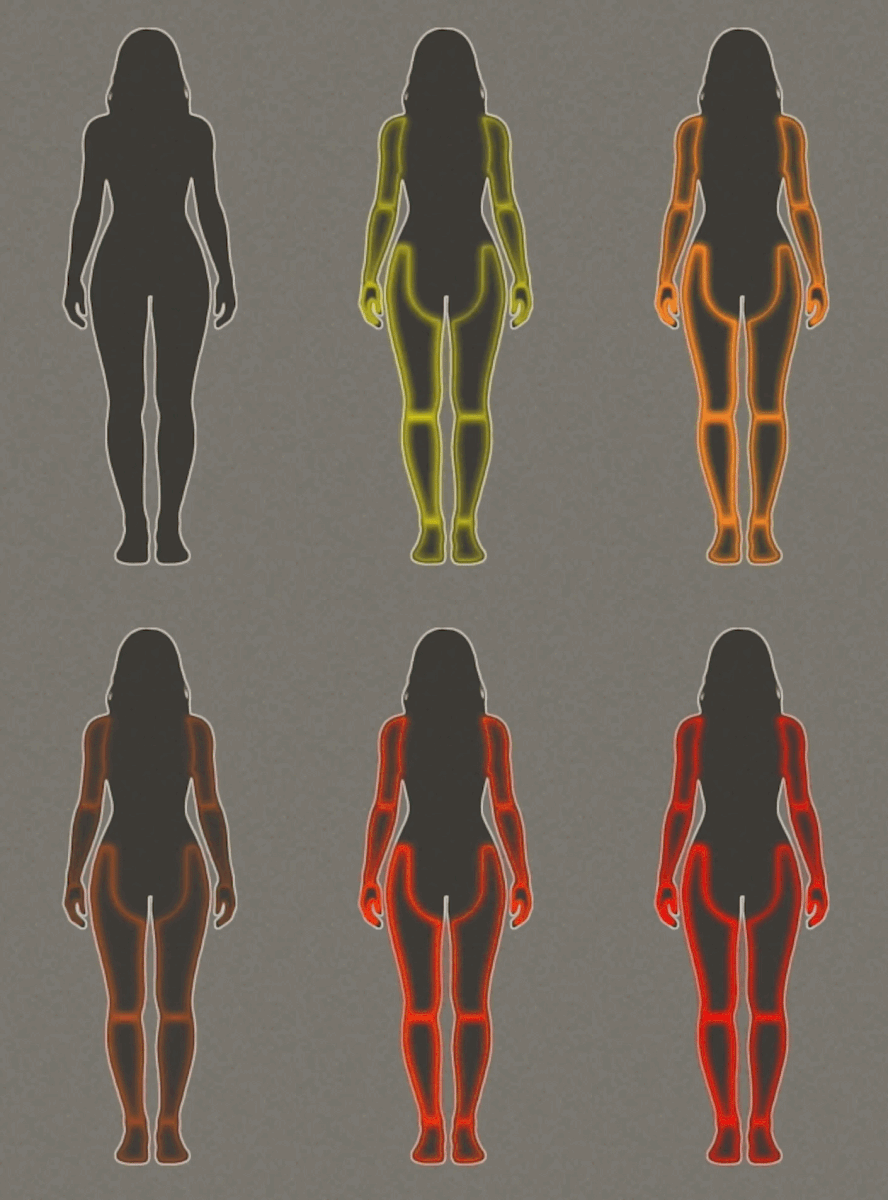
The mod features a compact body silhouette, color-coded injury indicators, smooth animations and optional muscle strain monitoring.
Main Features
- Compact Health HUD - Displays injuries and treatment status directly on screen.
- Scalable Interface - Resize and reposition the panel.
- HD Textures - Improved visual quality.
- Color-Coded Injuries - Quickly identify wounds requiring attention.
- Smooth Animations - Soft pulsing effects with adjustable speed.
- Muscle Strain Indicators - Optional display of muscle fatigue and severity.
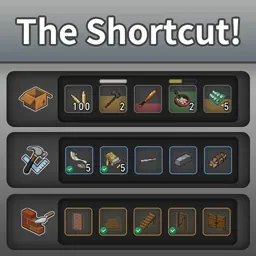
- Treatment Shortcuts - Access available medical actions through the context menu.
- Automatic Visibility - Hide the panel when no treatment is needed.
- Better Character Info Integration - Optional avatar display during idle periods.
- Multiplayer Support - Compatible with supported Build 42 versions.
Injury Indicators
| Color | Meaning |
|---|---|
| Pulsing red | Injury requires treatment |
| White | Wound is bandaged or splinted |
| Sky blue | Treatment can likely be removed safely |
| Orange | Bandage is dirty and should be replaced |
| Purple | Stitched wound may be ready for inspection |
A wound that continues pulsing despite being bandaged may require additional treatment, such as removing glass or stitching a deep injury.
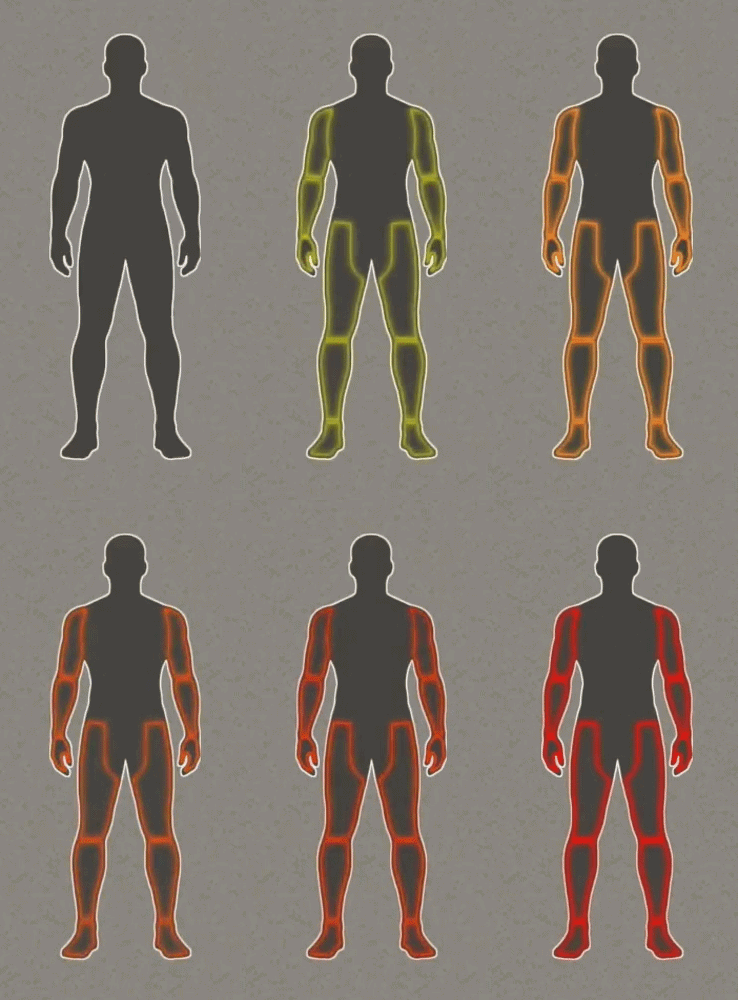
Muscle Strain
Optional muscle strain indicators change from orange to red as fatigue increases.
When automatic hiding is enabled, the panel can temporarily reappear when muscle strain reaches a configured threshold. Severe strain keeps the indicator visible longer.
Interface Controls
- Left click - Open the vanilla health panel.
- Right click - Open the treatment and settings context menu.
- Drag - Move the panel around the screen.
- Gear button - Open the built-in settings window.
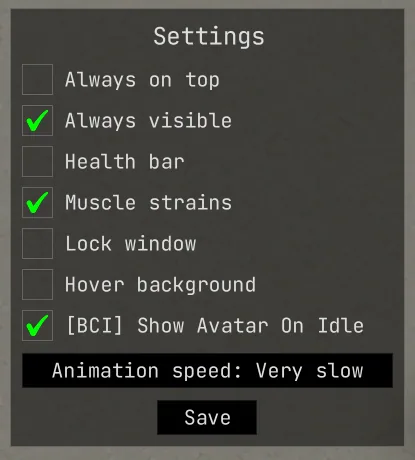
Available settings include interface scaling, always-on-top mode, permanent visibility, health bar, muscle strain display, window locking, hover background and animation speed.
Animation speed changes can be previewed before saving.
Better Character Info Integration
When Better Character Info is installed, its avatar can appear while no injuries require attention.
Mini Health Plus automatically returns when a wound, bandage, stitch or relevant muscle strain condition needs monitoring.
The integration is optional.
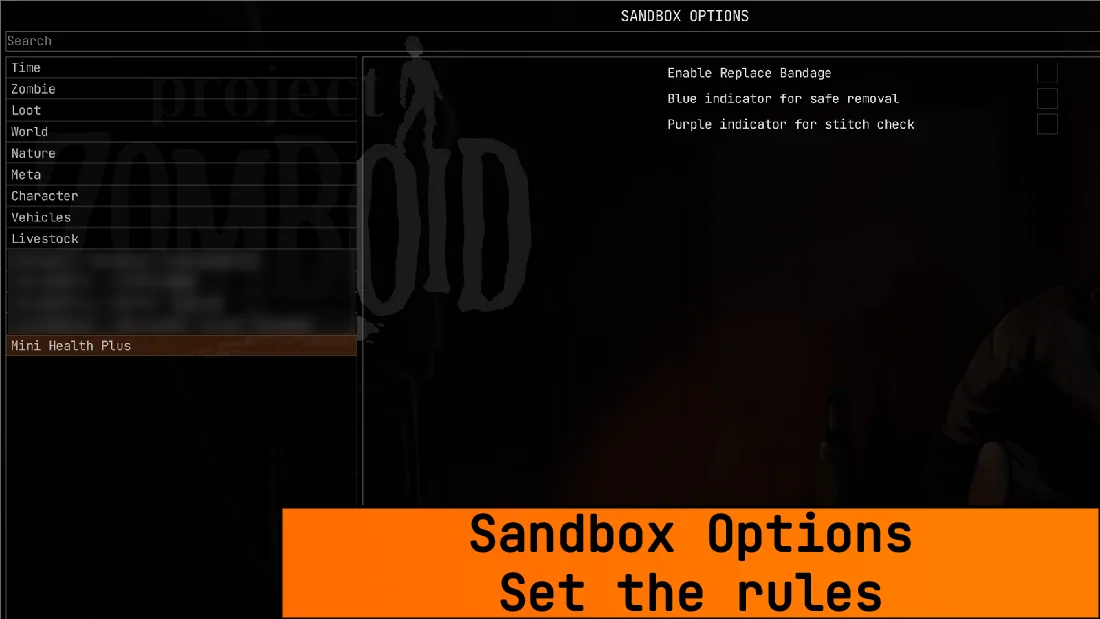
Sandbox and Mod Options
Players can disable the interface entirely or display it only when treatment is necessary.
Server administrators can configure:
- Replace Bandage - Adds a context menu action for dirty bandages.
- Safe Removal Indicator - Enables blue highlights for potentially healed injuries.
- Stitch Check Indicator - Enables purple highlights when stitches may be ready for removal.
Compatibility
- Game version: Project Zomboid Build 42.16-42.21.
- Singleplayer: Supported.
- Multiplayer: Supported.
- Russian localization: Included.
- Better Character Info: Optional integration.
The mod includes translations for 13 languages.
Survival HUD is incompatible. A separate optional HUD is available through TwisTonFire - Restingmod and must be enabled in both Mod Options and Sandbox Settings.
Mini Health Plus provides convenient injury monitoring while keeping the survival interface clean and unobtrusive.
Screenshots 6

Comments 0
No comments yet — be the first.
Log in or sign up to leave a comment.