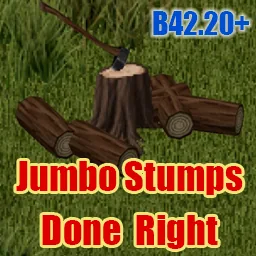

Put jumbo tree stumps to use: sit on them, craft beside them, store an axe or dig them up and relocate them. Saw them into planks or chop them into firewood. For Build 42.20+, with multiplayer support and compatibility with existing stumps.
Contents
Jumbo Stumps Done Right gives the XL and XXL stumps left by felled jumbo trees practical uses beyond removal.
Rest, craft and store an axe
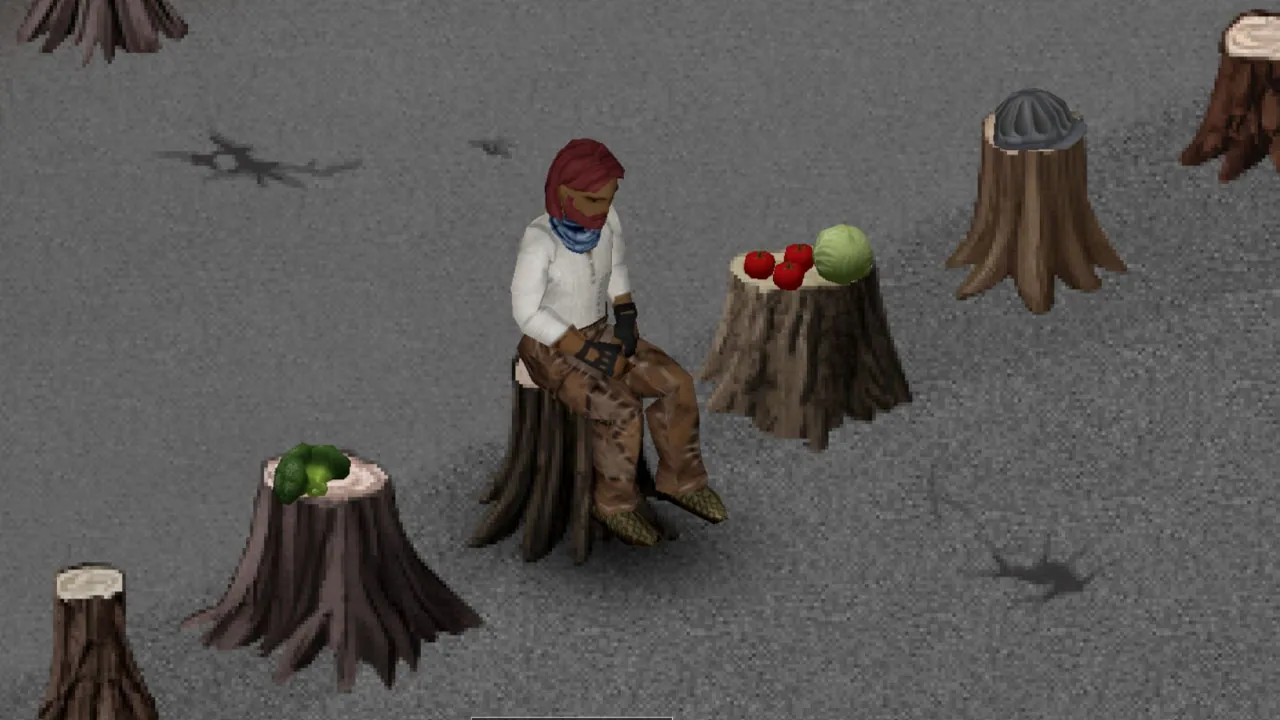
Select Stump > Rest, or press E beside a stump, to sit with the same recovery behavior as ordinary furniture.
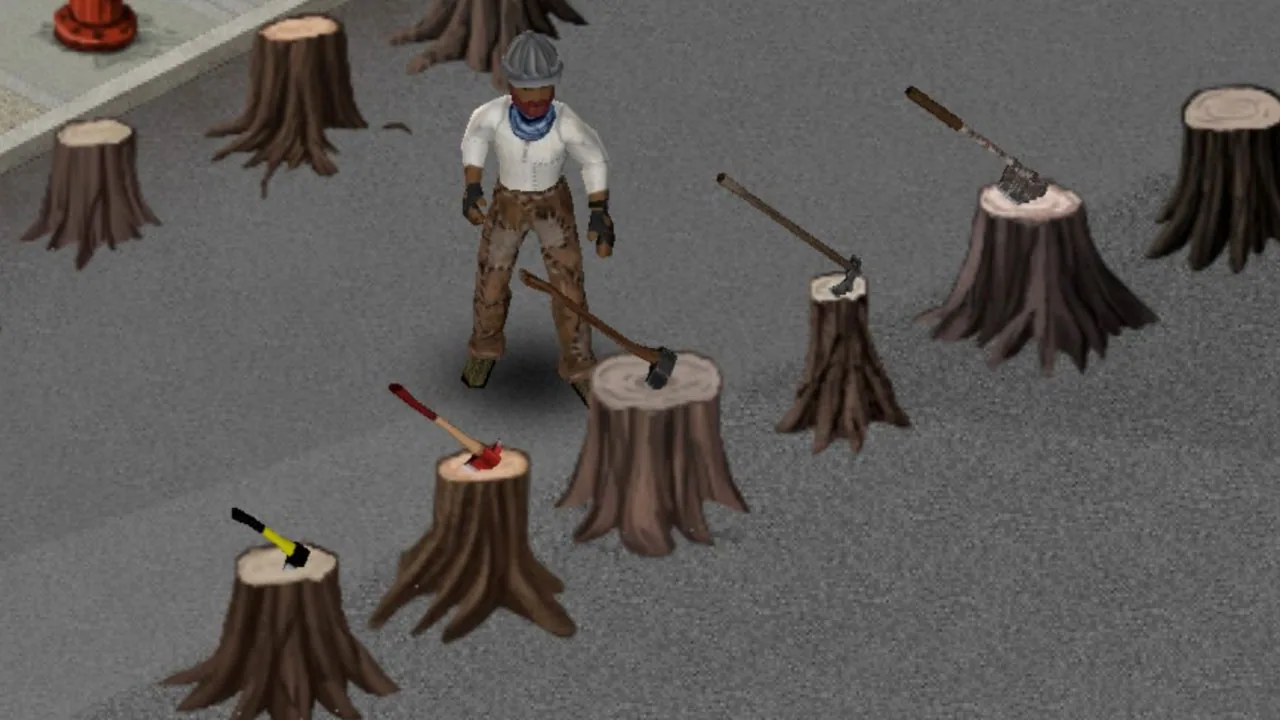
Stumps also serve as crafting surfaces and support placing items on top. Eight axe types, including the Wood Axe and Hatchet, can be stuck into them for storage. Retrieve the axe whenever needed; digging up the stump returns it too.
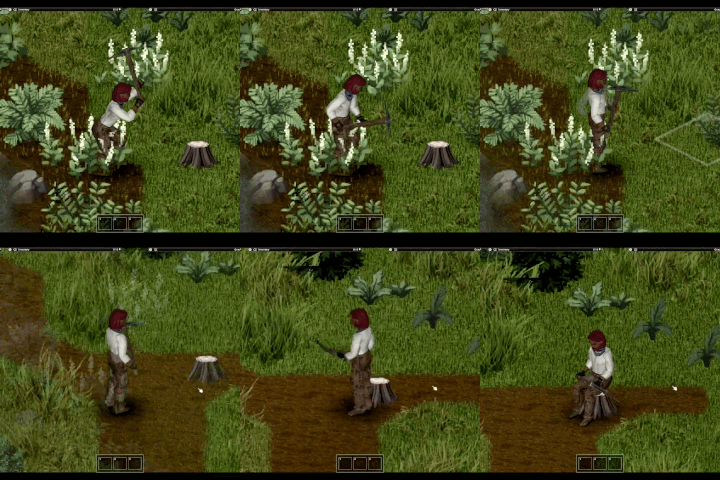
Dig up and relocate
Digging requires Agriculture 1 and a suitable tool:
- Garden Hoe or Pickaxe: normal speed.
- Wooden Spade, Spade, Shovel or Garden Fork: 1.5 times as long.
The Wooden Spade can be crafted through Carving.
Dug-up stumps are placed and moved like furniture without tools. Sitting, crafting-surface use and axe storage remain available.
Convert stumps into materials
| Stump | Weight | Planks | Firewood + splinters |
|---|---|---|---|
| XL | 30 kg | 10 | 20 + 3 |
| XXL | 40 kg | 13 | 27 + 4 |
Use a saw for planks or an axe for firewood. Both actions work on placed stumps. Chopping a carried stump requires a nearby work surface.
The normal Remove Stump action is replaced by digging up jumbo stumps.
Compatibility and removal
Requires Build 42.20+, with support listed for 42.20.4 and 42.21. Existing saves and already-generated stumps are supported.
Multiplayer was tested in two-player Host mode. Dedicated servers remain untested.
After uninstalling, carried dug-up stumps disappear. Placed stumps remain as ordinary stumps, and stored axes remain retrievable.
Stumps retain vanilla’s lack of collision. The crafting window displays XL output quantities; XXL bonuses are added when processing finishes.
Languages: English, Japanese and Ukrainian. No mod settings.
Screenshots 3

Comments 0
No comments yet — be the first.
Log in or sign up to leave a comment.