

Viewpoint Working TVs lets you play online videos through televisions and radios in Project Zomboid. A dedicated URL channel accepts links from sites supported by **yt-dlp**, with **FFmpeg** handling media processing. Availability varies by site.
Viewpoint Working TVs — Play Videos on In-Game Screens
Viewpoint Working TVs lets you play online videos through televisions and radios in Project Zomboid. A dedicated URL channel accepts links from sites supported by yt-dlp, with FFmpeg handling media processing. Availability varies by site.
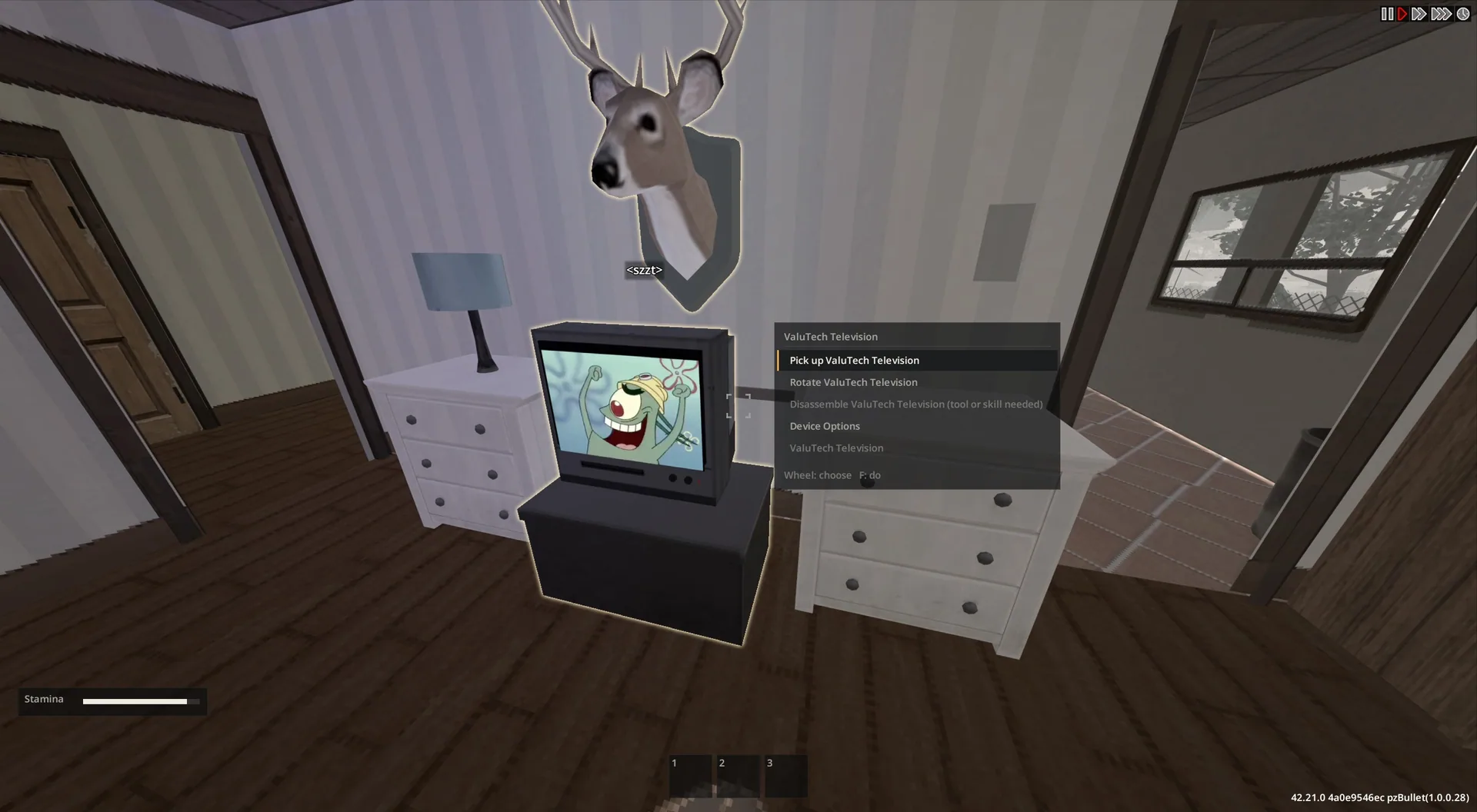
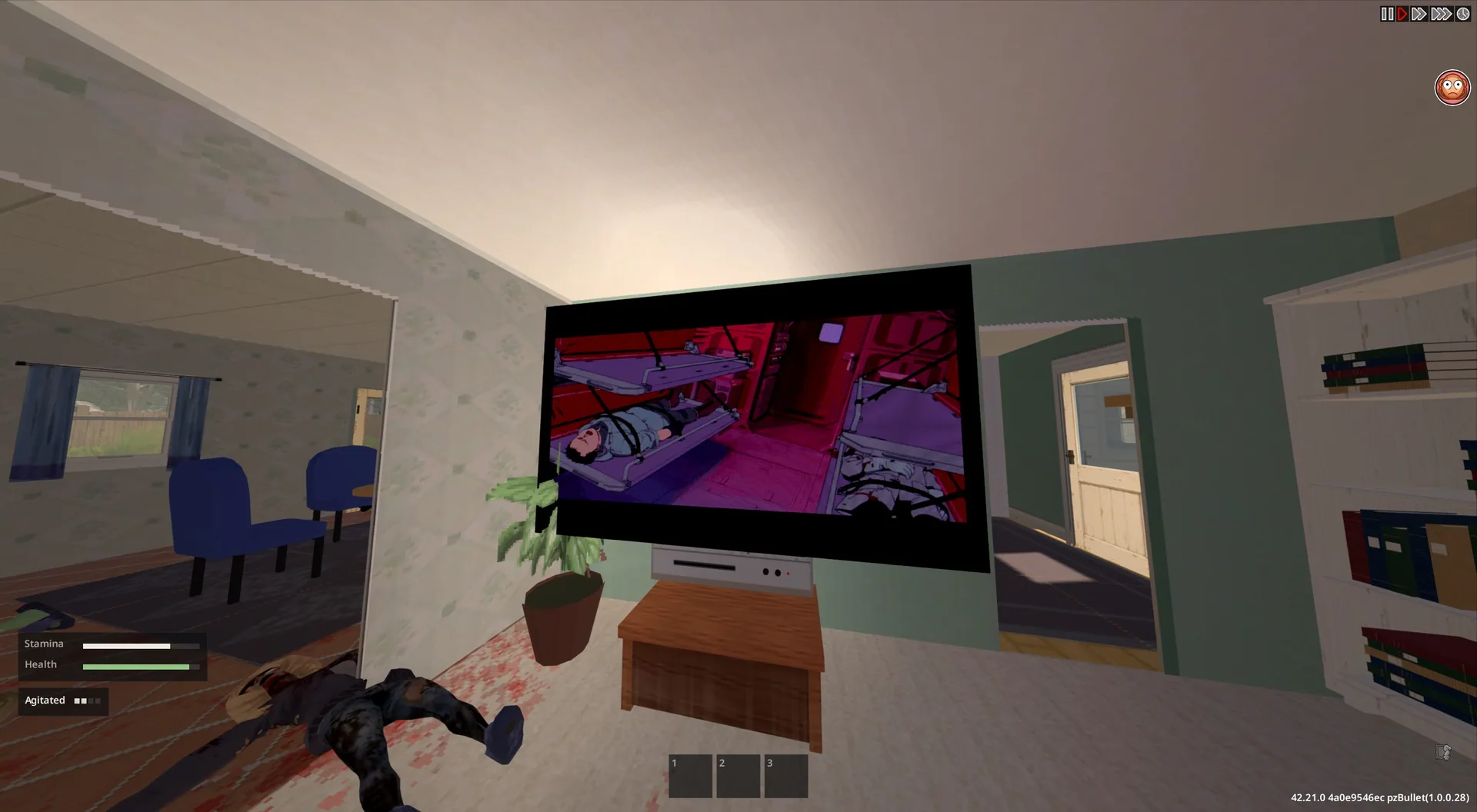
On televisions, the picture appears directly on the screen with a subtle CRT effect.
Playback and queues
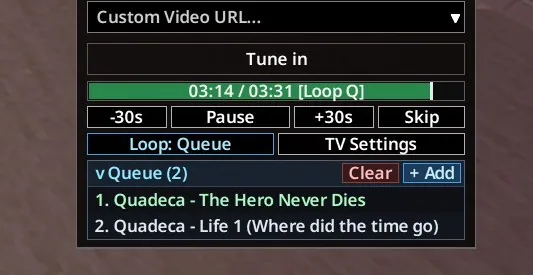
- Pause, rewind, fast-forward and seek.
- Add multiple links to a playback queue.
- Repeat one video or the entire queue.
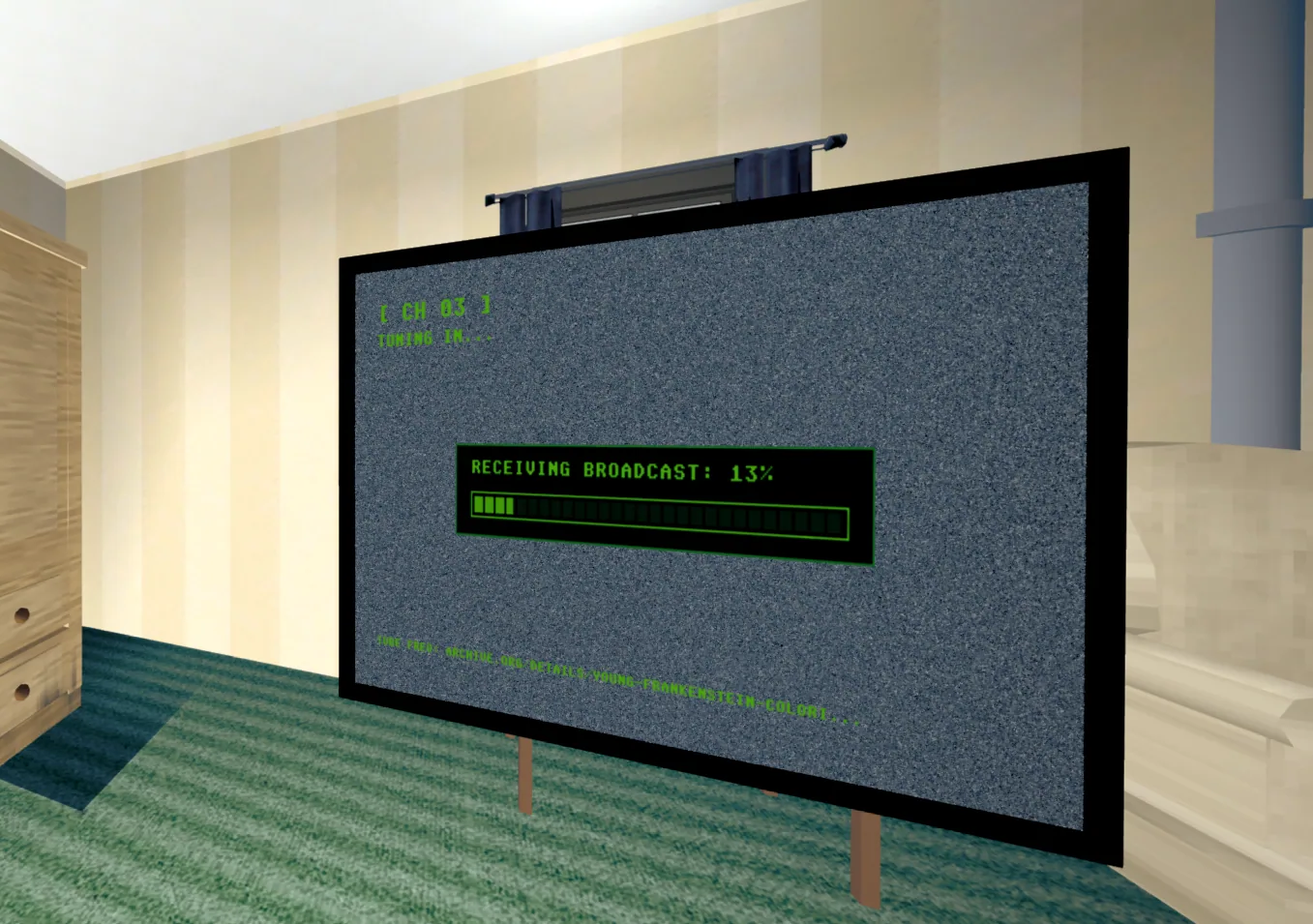
- See video titles and download progress.
- Prepare the next queued video in the background.
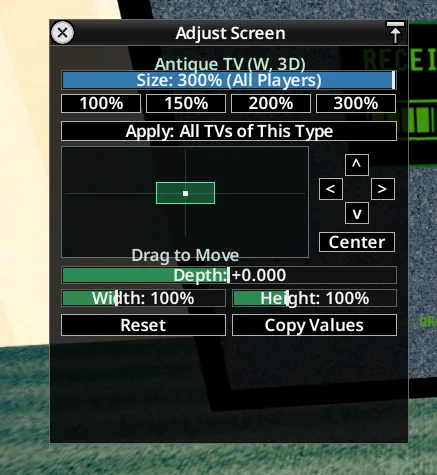
- Scale the displayed TV picture up to 300% and adjust its position manually.
Video resolution is capped at 480p. Downloaded media files are temporary and are deleted when you close the game.
How to use
- Switch on a TV or radio.
- Select the new URL channel.
- Paste a video link, or add several links to create a queue.
- Use the playback controls to manage the media.
Server administrators can configure default TV screen positions without requiring Living Props.
Movies & Series add-ons
The mod also supports tapes from Movies & Series add-on packs. Only the add-on containing the video files is needed; the base M&S framework is not required.
A sandbox option can require the corresponding tape to be in your inventory before playback.
Every multiplayer participant needs the relevant add-on installed. These packs do not automatically download for other players.
Multiplayer and platform support
Multiplayer is supported, although media-loading issues may still occur.
The author tests on Linux. Players have reported successful use on Windows, but Windows support is not guaranteed.
Screenshots 5
Comments 0
No comments yet — be the first.
Log in or sign up to leave a comment.