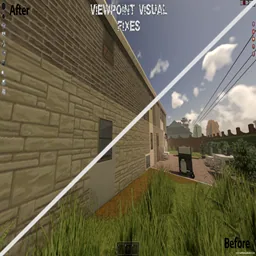

Viewpoint Visual Fixes addresses several rendering issues in Project Viewpoint: mismatched materials around windows, replacement models extending through walls and attached props sitting too far from their mounting surfaces.
Viewpoint Visual Fixes — Cleaner Windows and Model Placement
Viewpoint Visual Fixes addresses several rendering issues in Project Viewpoint: mismatched materials around windows, replacement models extending through walls and attached props sitting too far from their mounting surfaces.
Each feature can be configured or disabled independently during play.
Main features
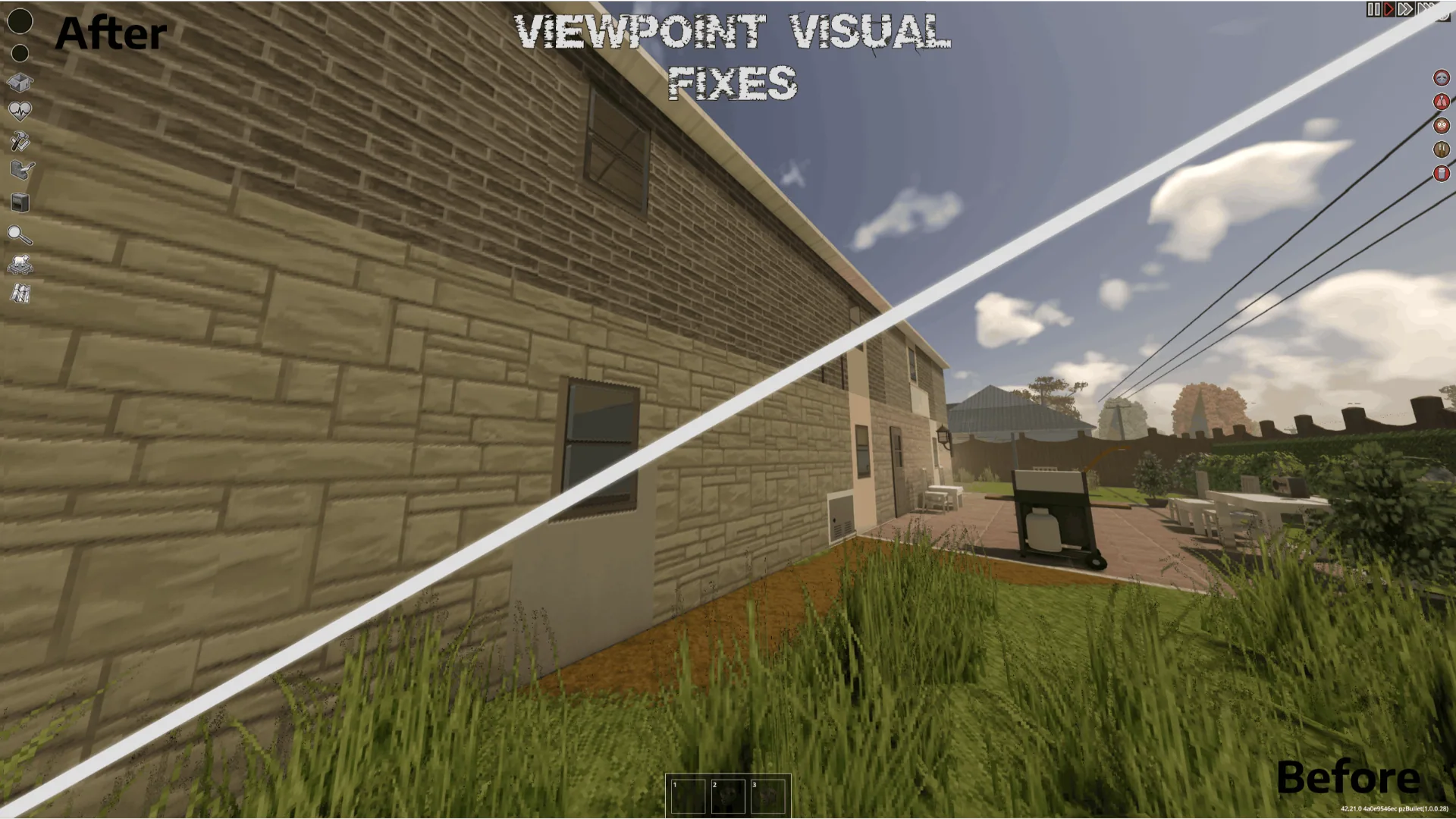
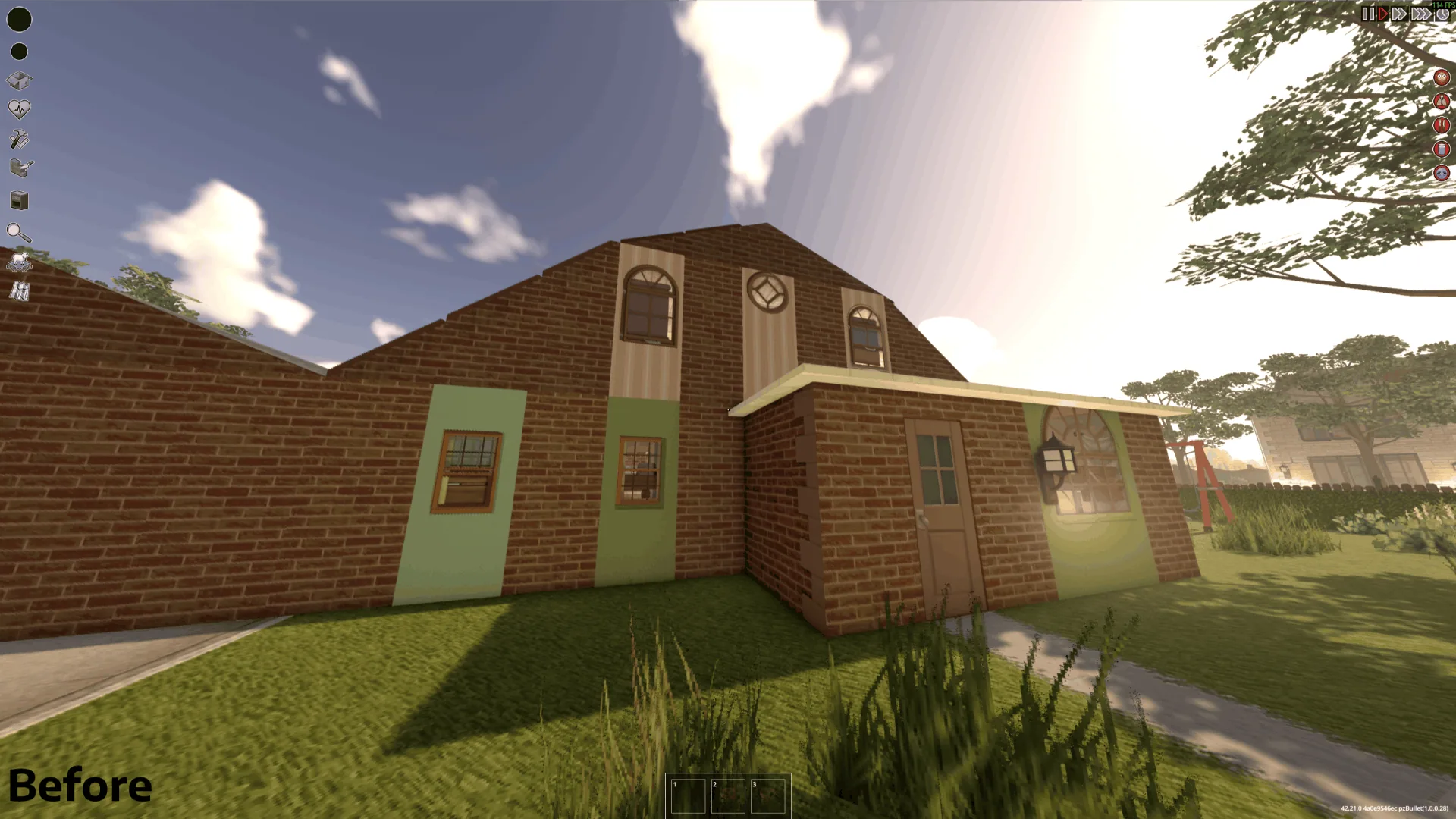
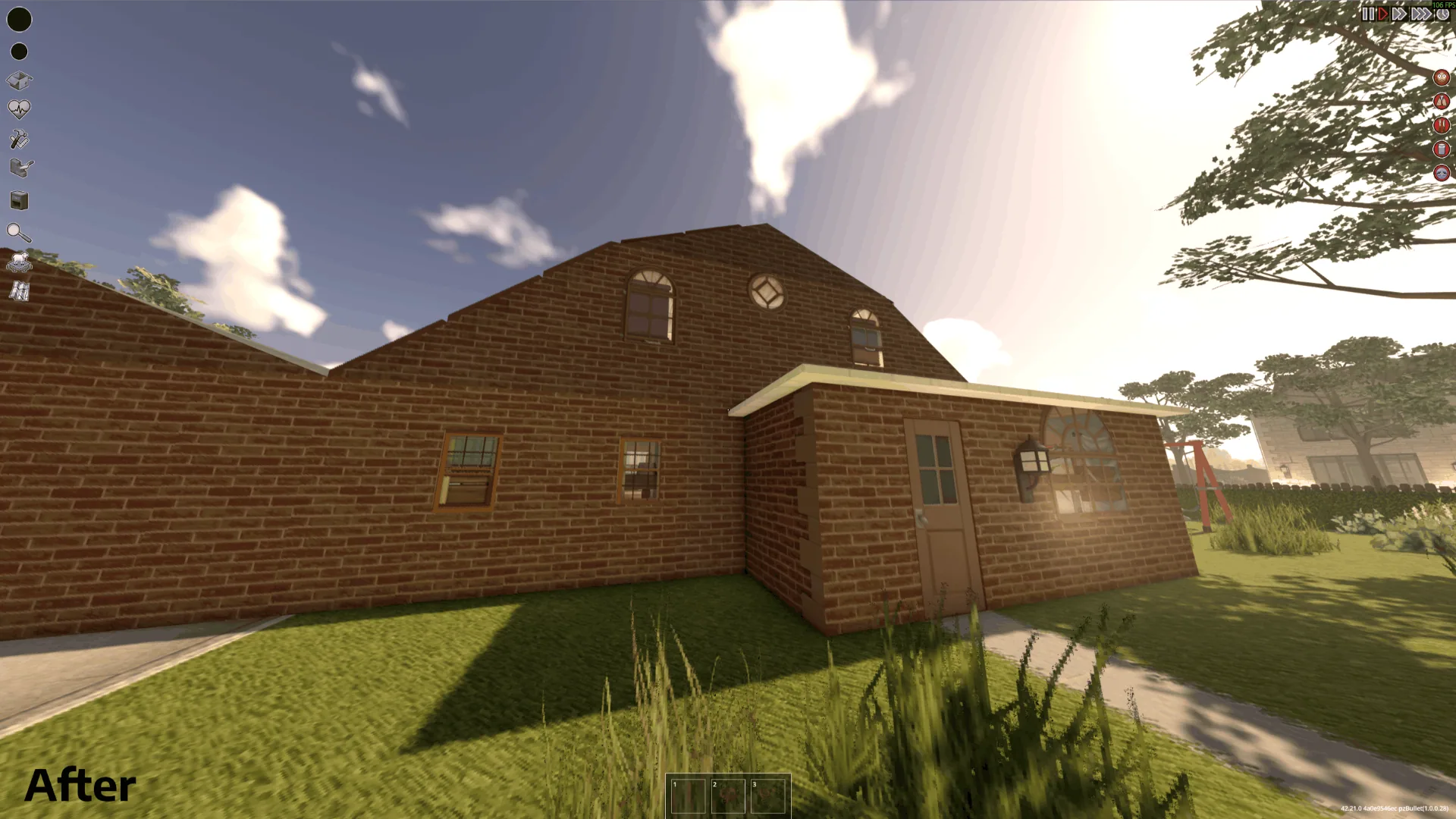
- Window materials: select interior and exterior wall materials separately while retaining the window opening’s original dimensions and shape.
- Model clipping: trim supported replacement models at wall boundaries, including objects spanning multiple tiles.
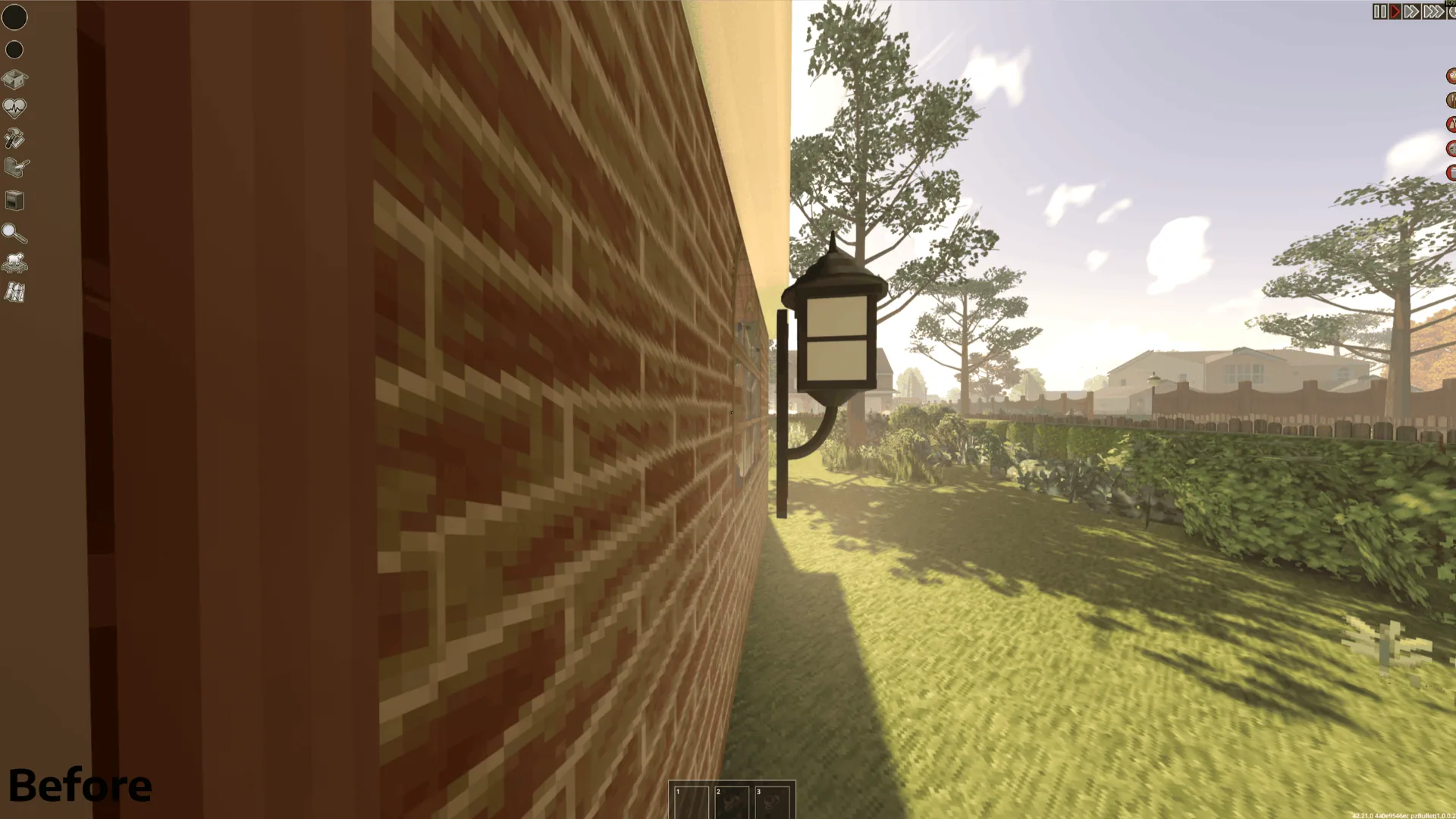
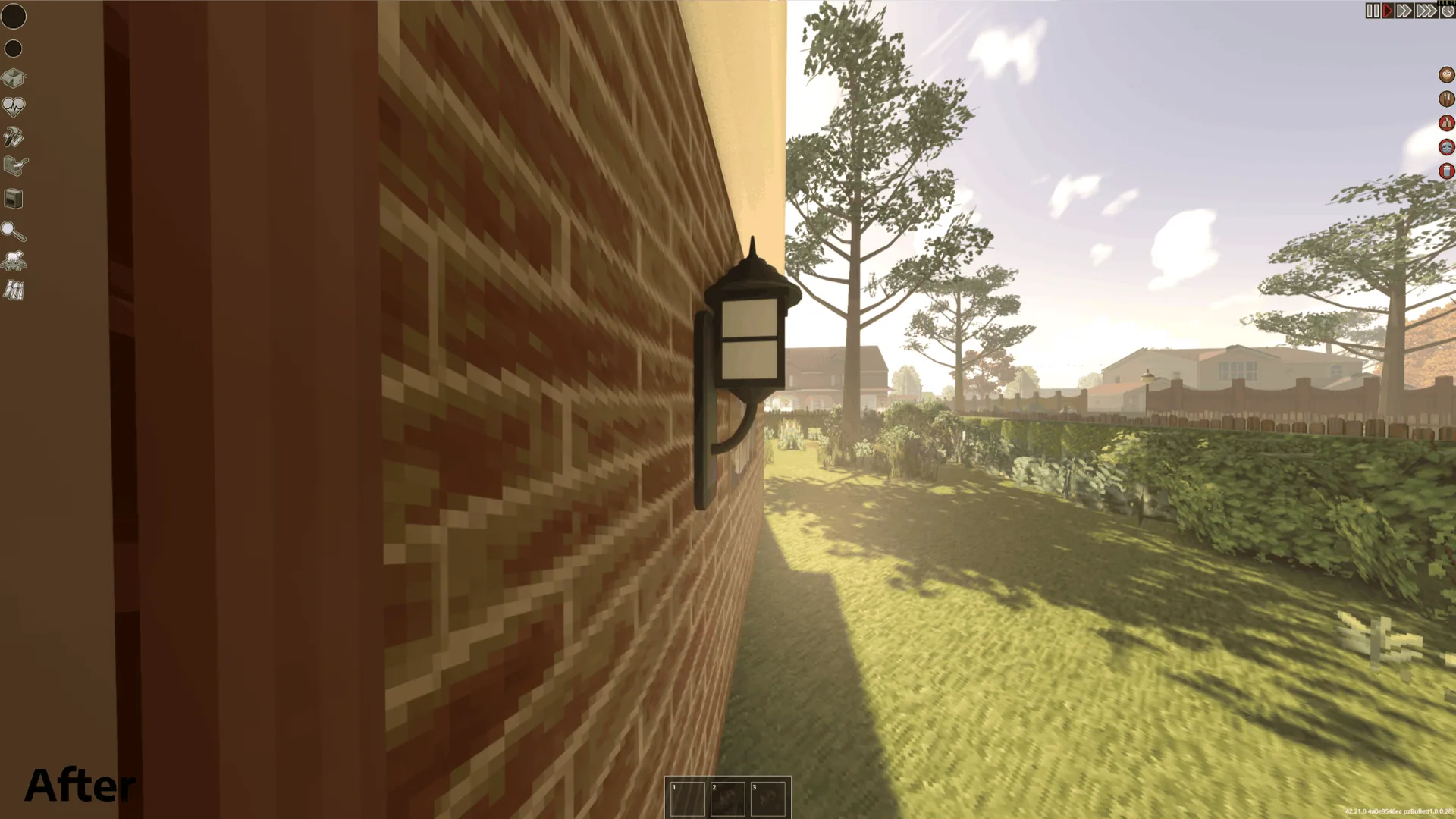
- Wall-mounted props: bring supported attached objects closer to the wall without modifying their model files.
- Separate adjustments: tune north/south and east/west clipping, mounting clearance and individual feature toggles.
Clipping and alignment work with supported replacement models supplied by Viewpoint-compatible 3D model packs.
Installation and settings
Requires Project Viewpoint and ZombieBuddy. Complete ZombieBuddy’s installation, enable the dependencies and Viewpoint Visual Fixes, and activate it in your save’s mod list.
Restart the game and approve the Java component when prompted.
Open Delete → Graphics → Viewpoint Visual Fixes to configure the mod.
Clipping insets default to 0.01 tiles. Changes automatically refresh nearby geometry after a brief delay. A Refresh nearby geometry button is available if a manual update is needed.
Compatibility
Tested on Windows, using Project Zomboid 42.21 and Project Viewpoint 0.1.6.1. Other versions, custom shaders and unusual model packs may require further compatibility work.
The mod adjusts rendering without overwriting the original game files, Viewpoint files or model assets.
Screenshots 5

Comments 0
No comments yet — be the first.
Log in or sign up to leave a comment.