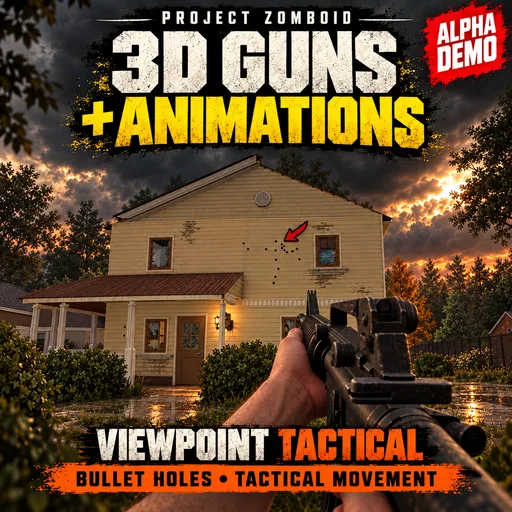

Viewpoint Tactical expands Project Viewpoint’s combat with animated firearms, selectable hand models and environments that respond to gunfire. Keep familiar Zomboid controls or enable the optional Tactical scheme, configuring weapons, hands and effects independently.
Contents
Viewpoint Tactical — Animated Weapons and Destructible Environments
Viewpoint Tactical expands Project Viewpoint’s combat with animated firearms, selectable hand models and environments that respond to gunfire. Keep familiar Zomboid controls or enable the optional Tactical scheme, configuring weapons, hands and effects independently.
Weapons and animations
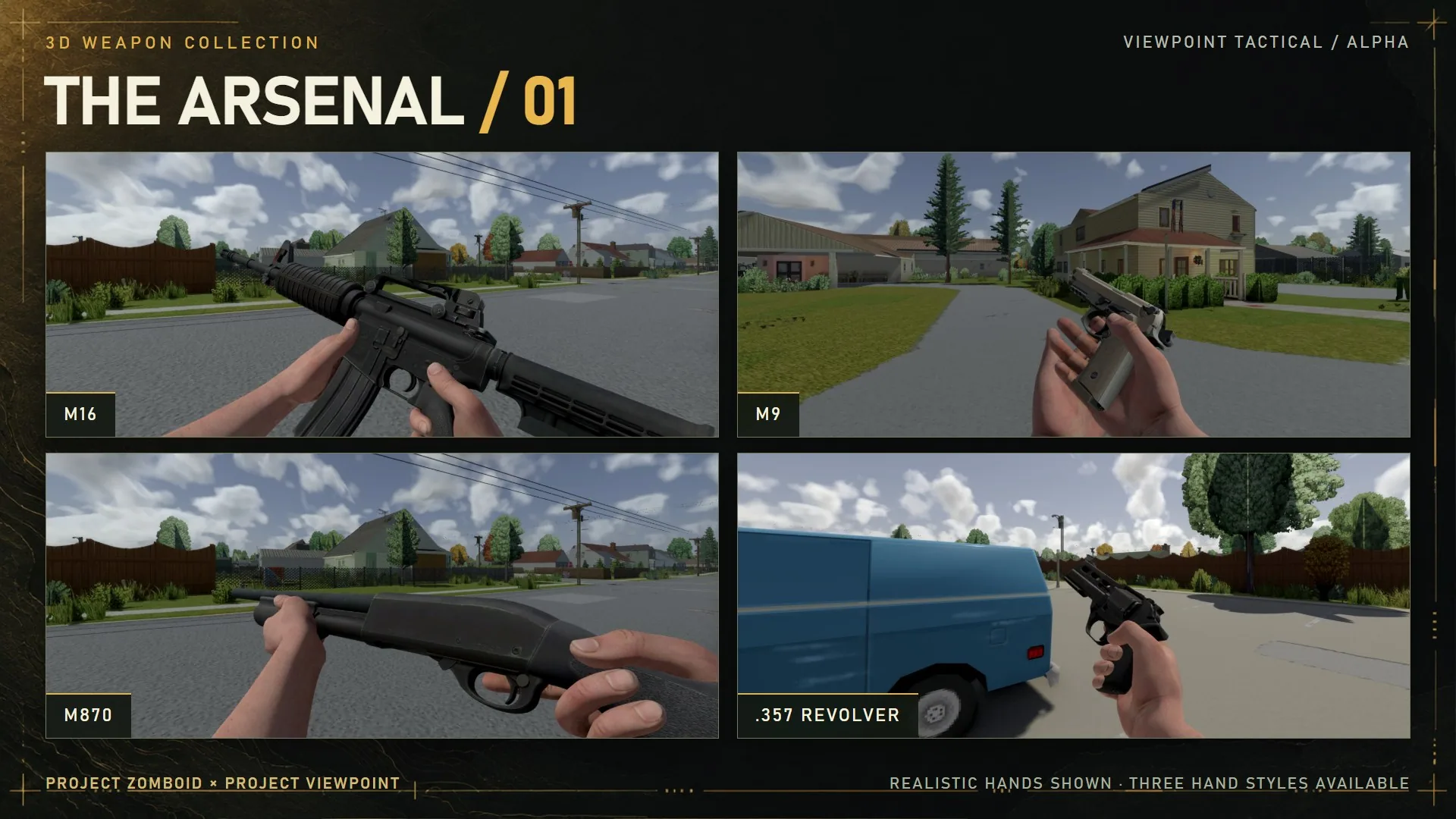
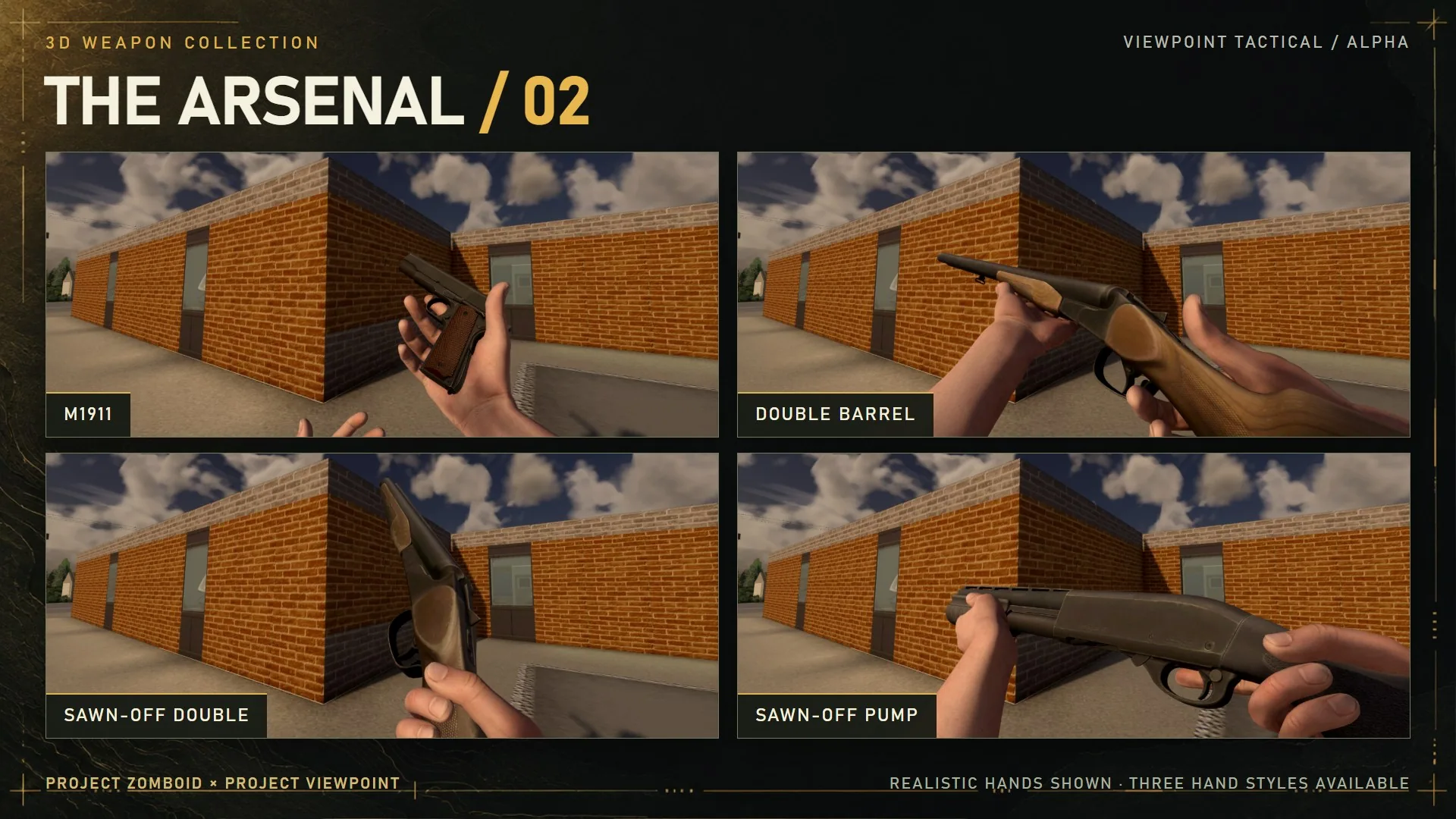
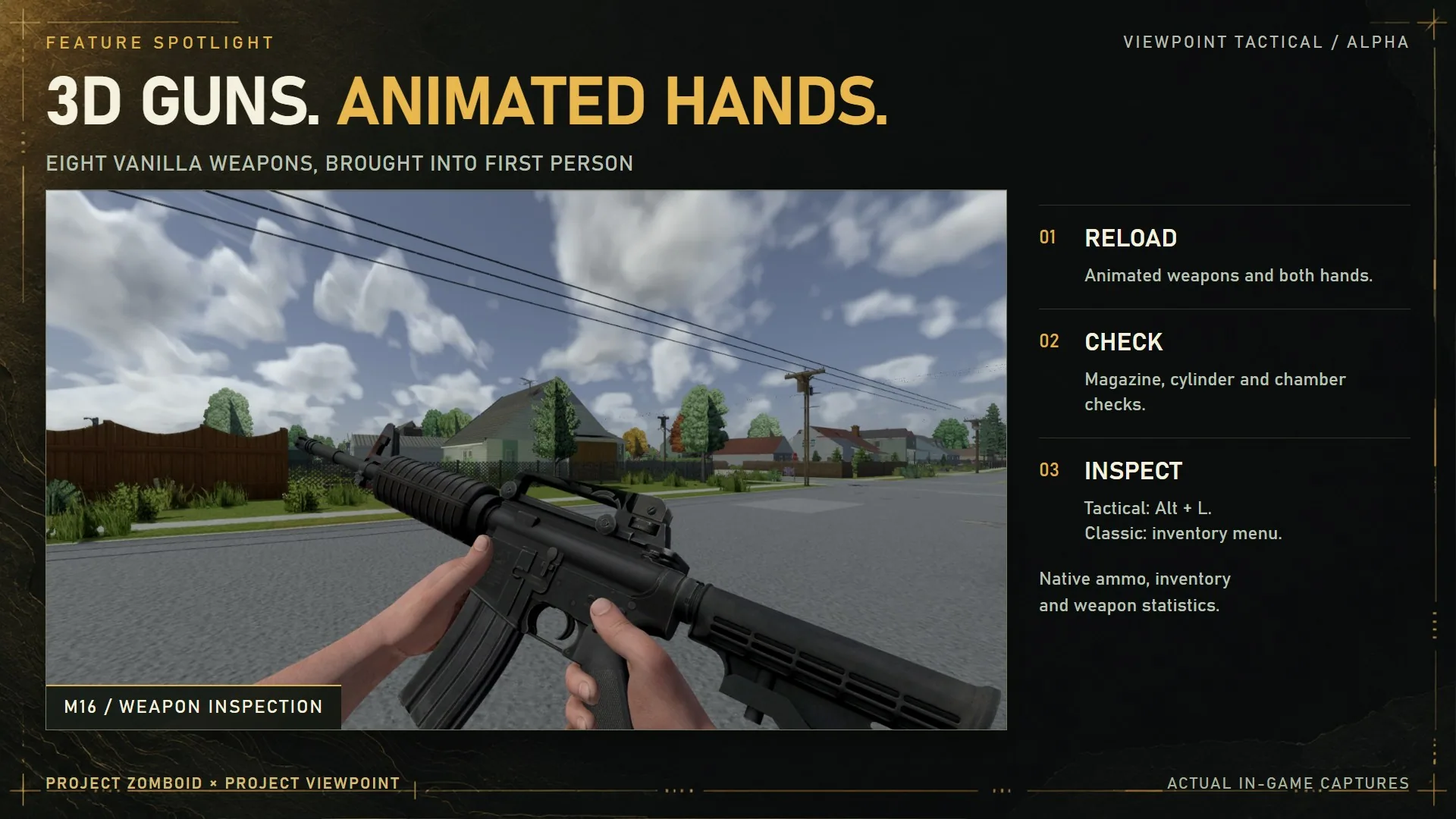
Eight firearms are supported: M16, M9, M1911, .357 revolver, pump shotgun, double-barrel shotgun and both sawn-off variants.
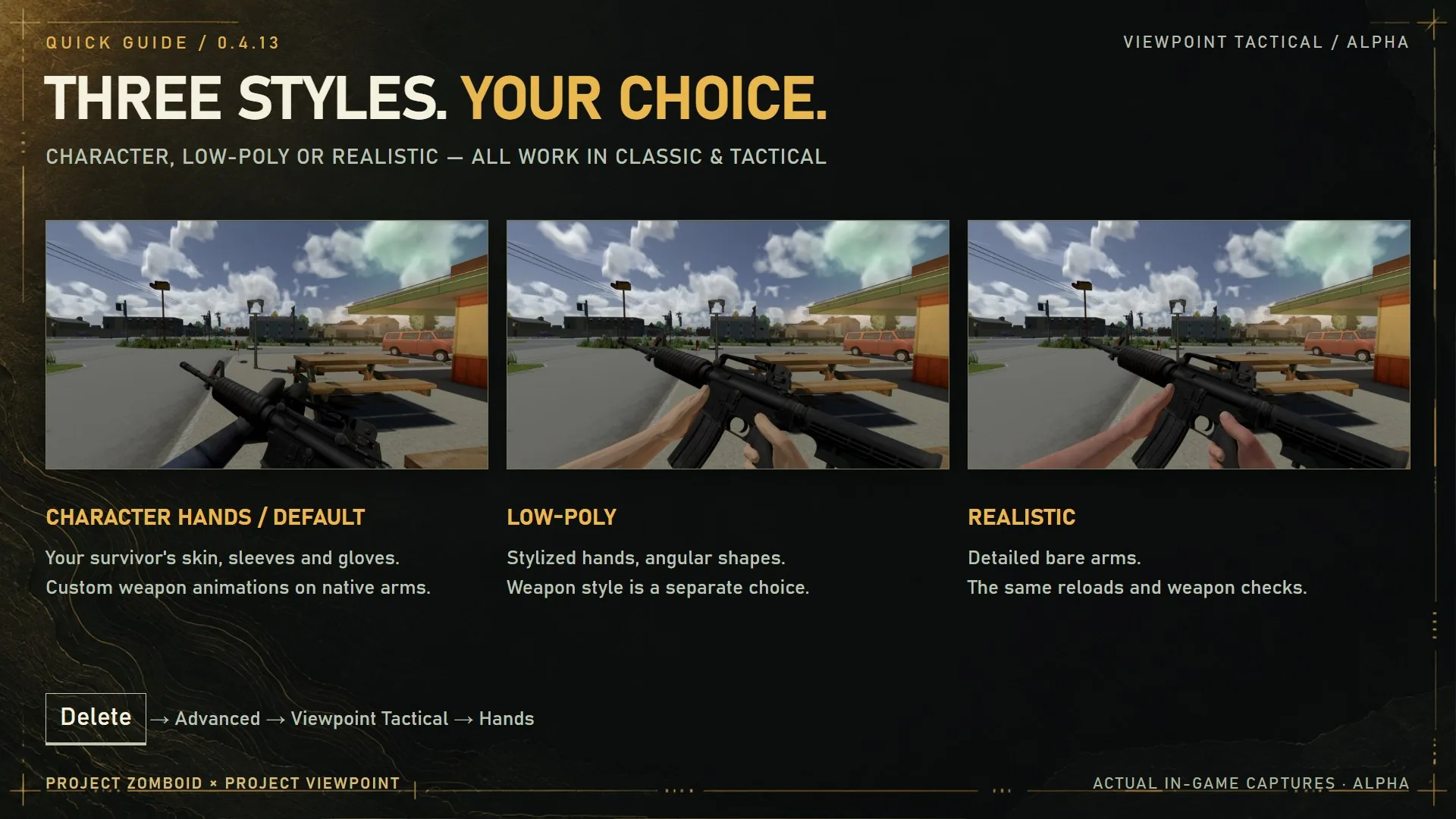
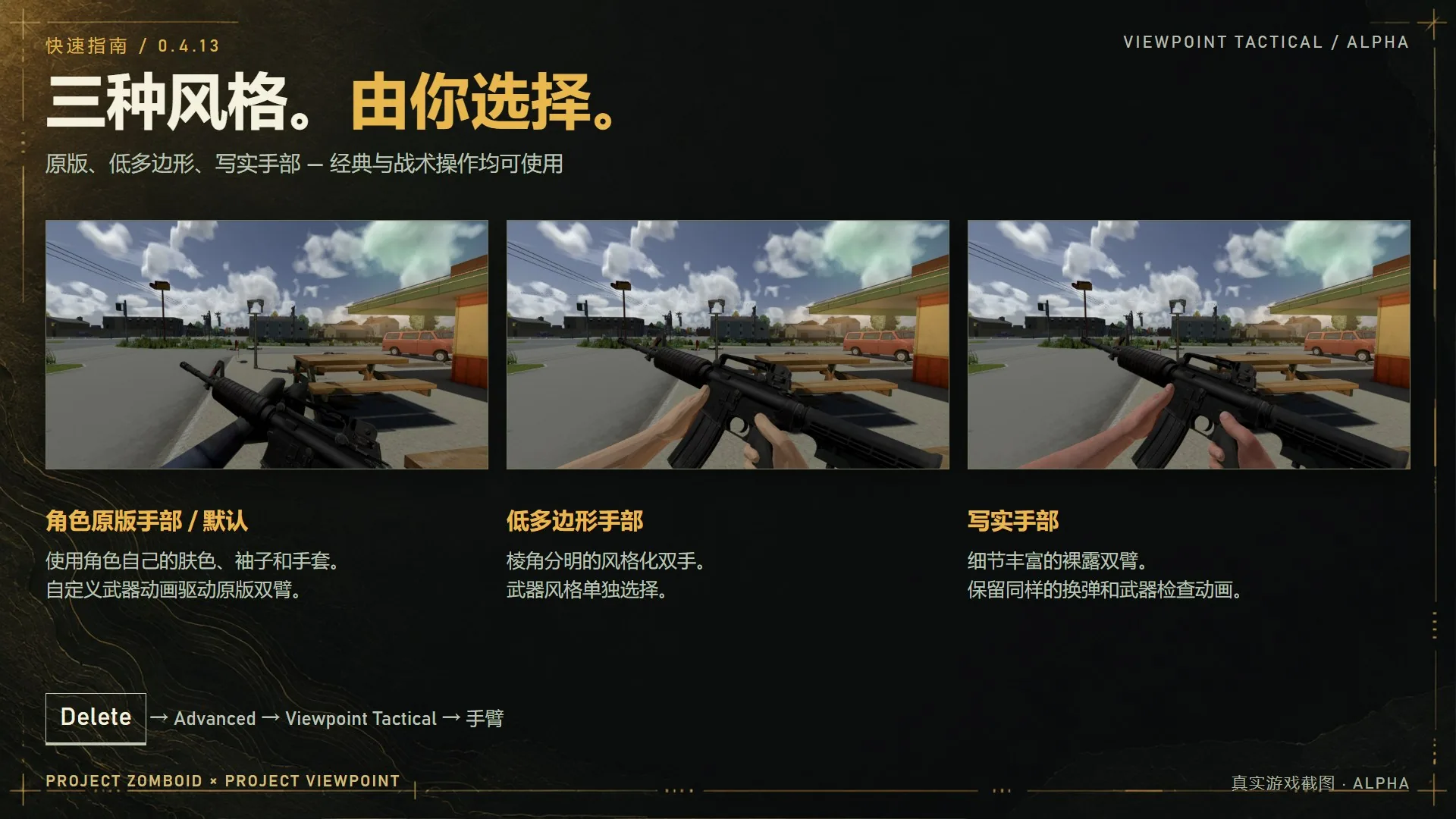
They receive reload, chambering, ammunition-check and inspection animations. Choose your survivor’s own hands, including sleeves and gloves, or alternative low-poly and realistic hands. Weapons also offer detailed, stylized and native model options.
Recoil, recovery speed, sway, breathing and idle lowering are adjustable. Compatible attachments follow the weapon. Inventory, ammunition, weapon statistics and the tool hotbar retain their normal systems; unsupported firearms keep their original models.
Gunfire and destruction
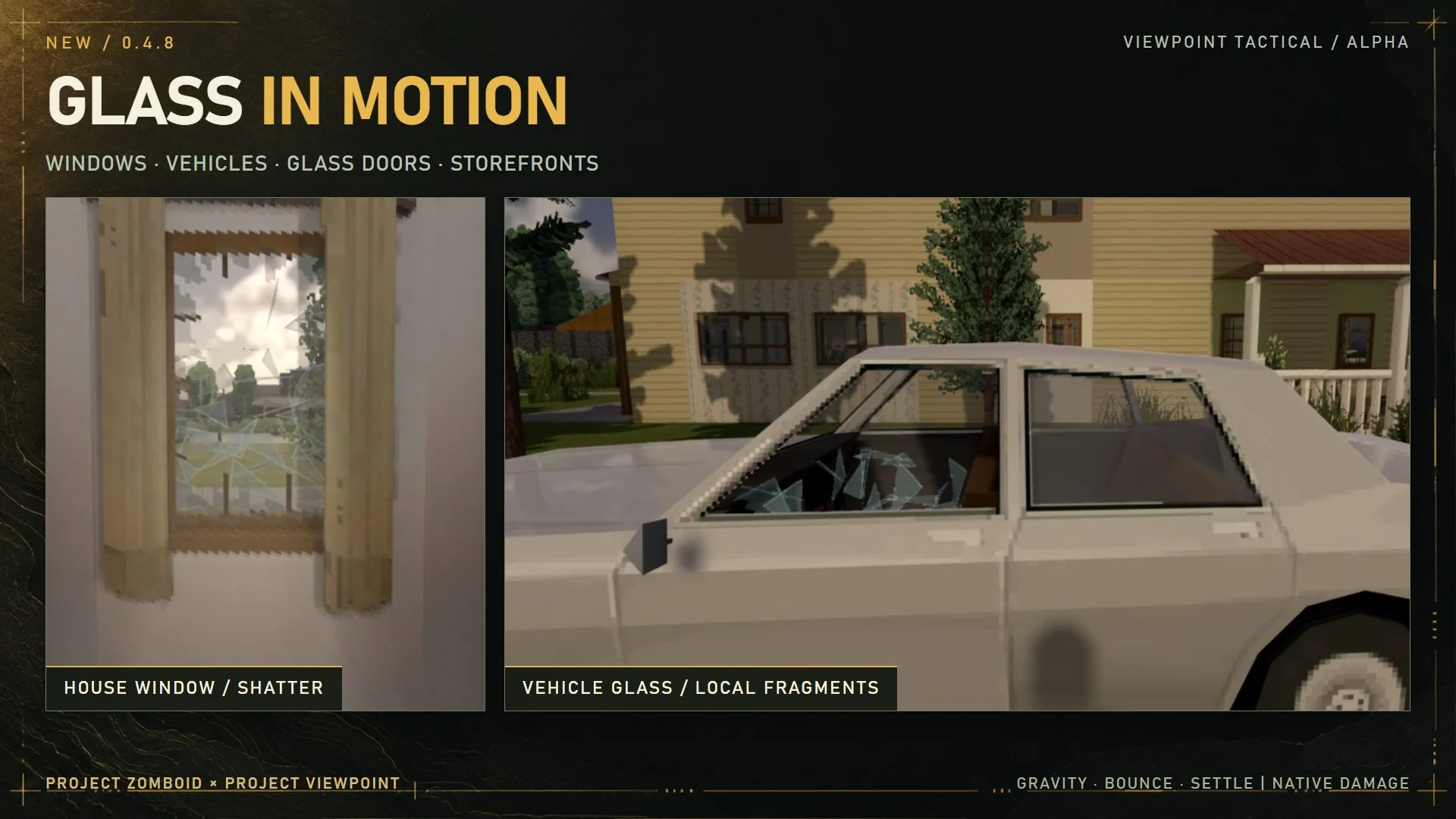
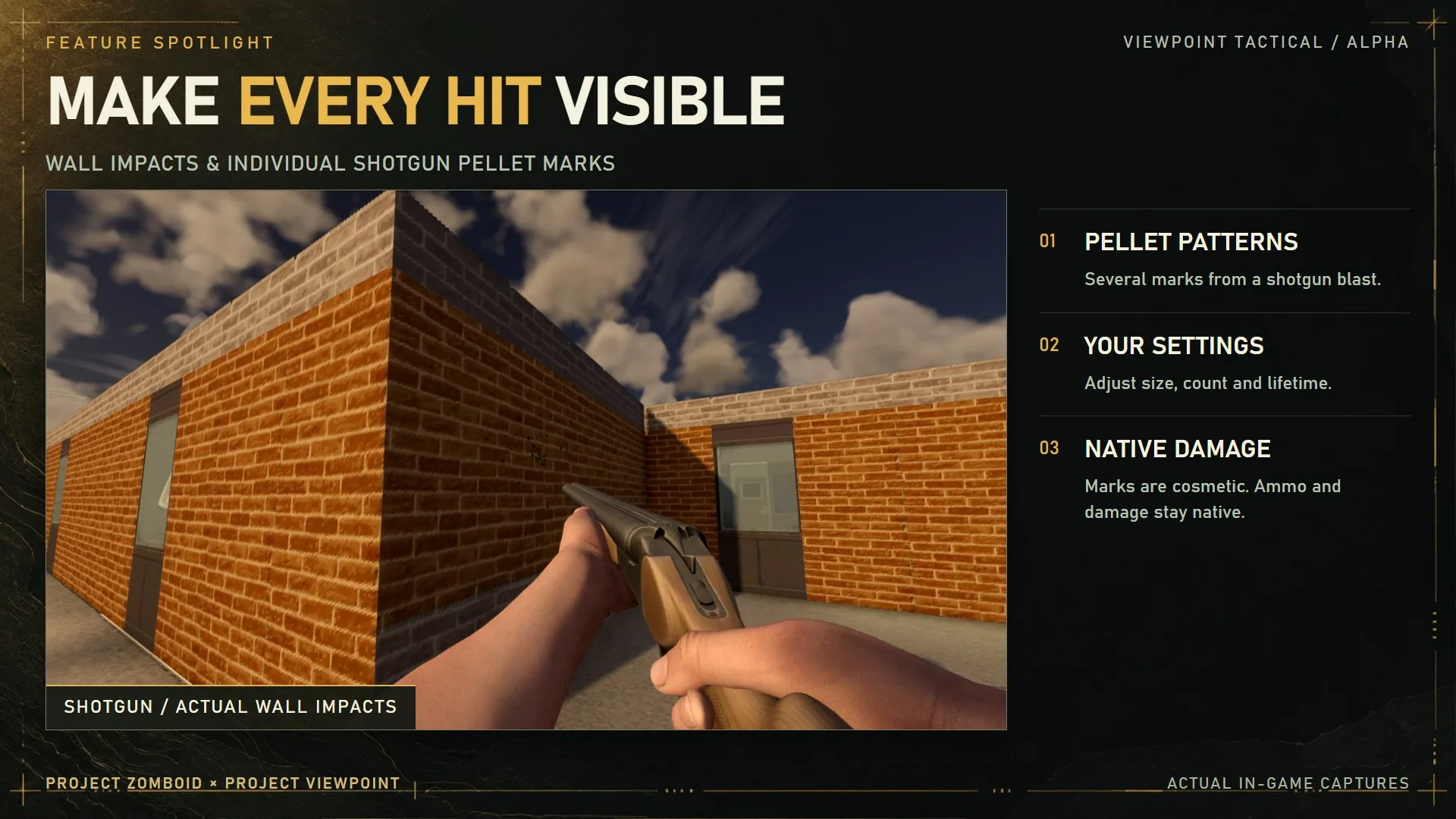
Shots can leave marks on walls and vehicles, including separate shotgun pellet impacts. Vehicle marks stay attached as the car moves. Muzzle smoke, tracers, material-specific debris and breaking glass provide additional feedback.
Supported doors, furniture and wooden fences can lose pieces before collapsing. Fragments fall and settle, while stored container contents are preserved. Object damage persists in the save; loose debris is temporary.
Coverage includes selected doors, windows, furniture, lamps, bottles, cups, televisions and monitors. Destruction detail depends on the object and model pack. Decorative shelf contents are not individual targets.
In single-player, Viewpoint gunplay supports door penetration: bullets pass through missing sections and lose energy through remaining wood or glass. Metal and barricades block this behavior. Character collision stays unchanged until the door is destroyed.
Tracers illustrate resolved shot paths; they do not introduce a separate projectile simulation.
Controls and settings
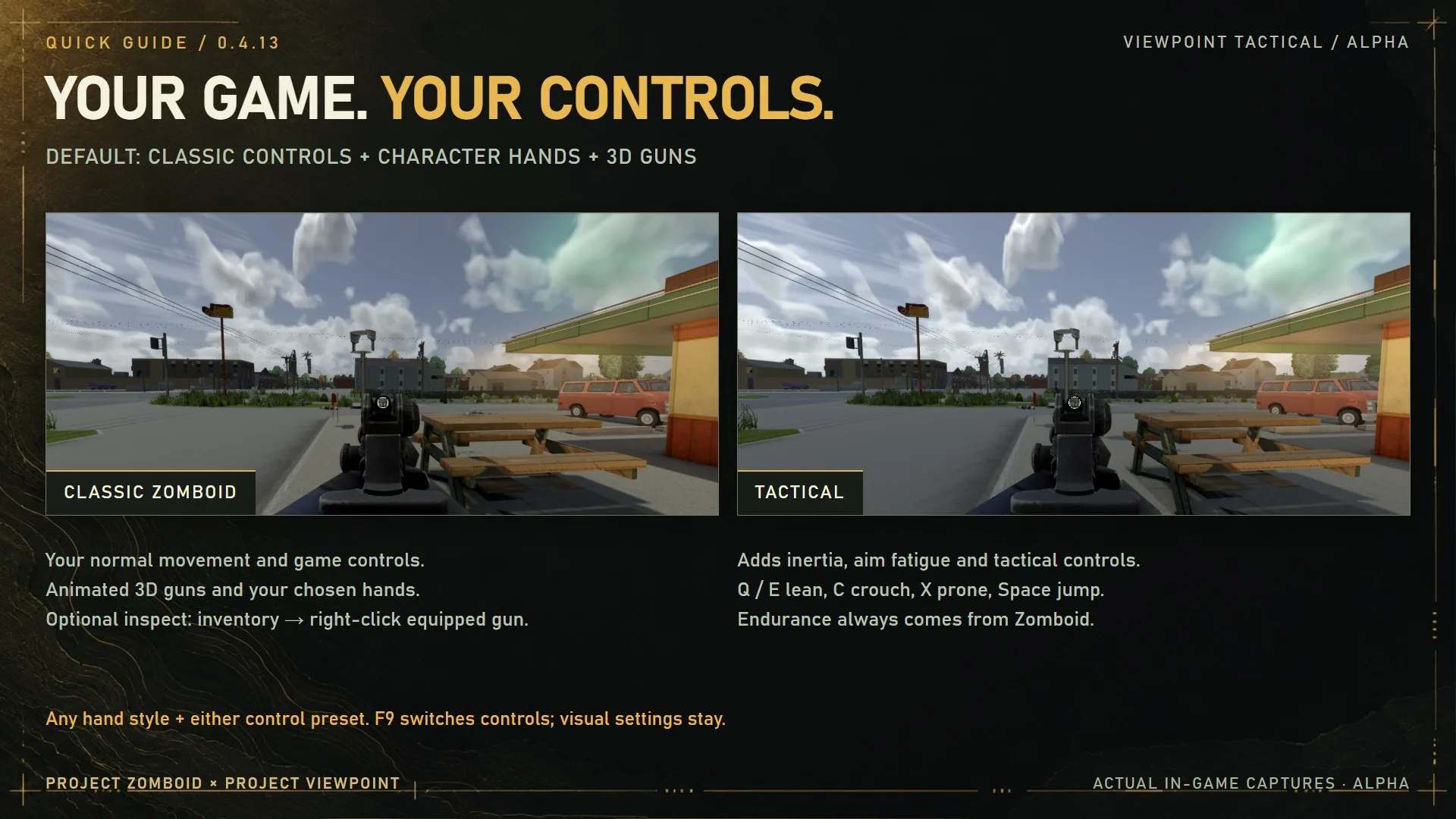
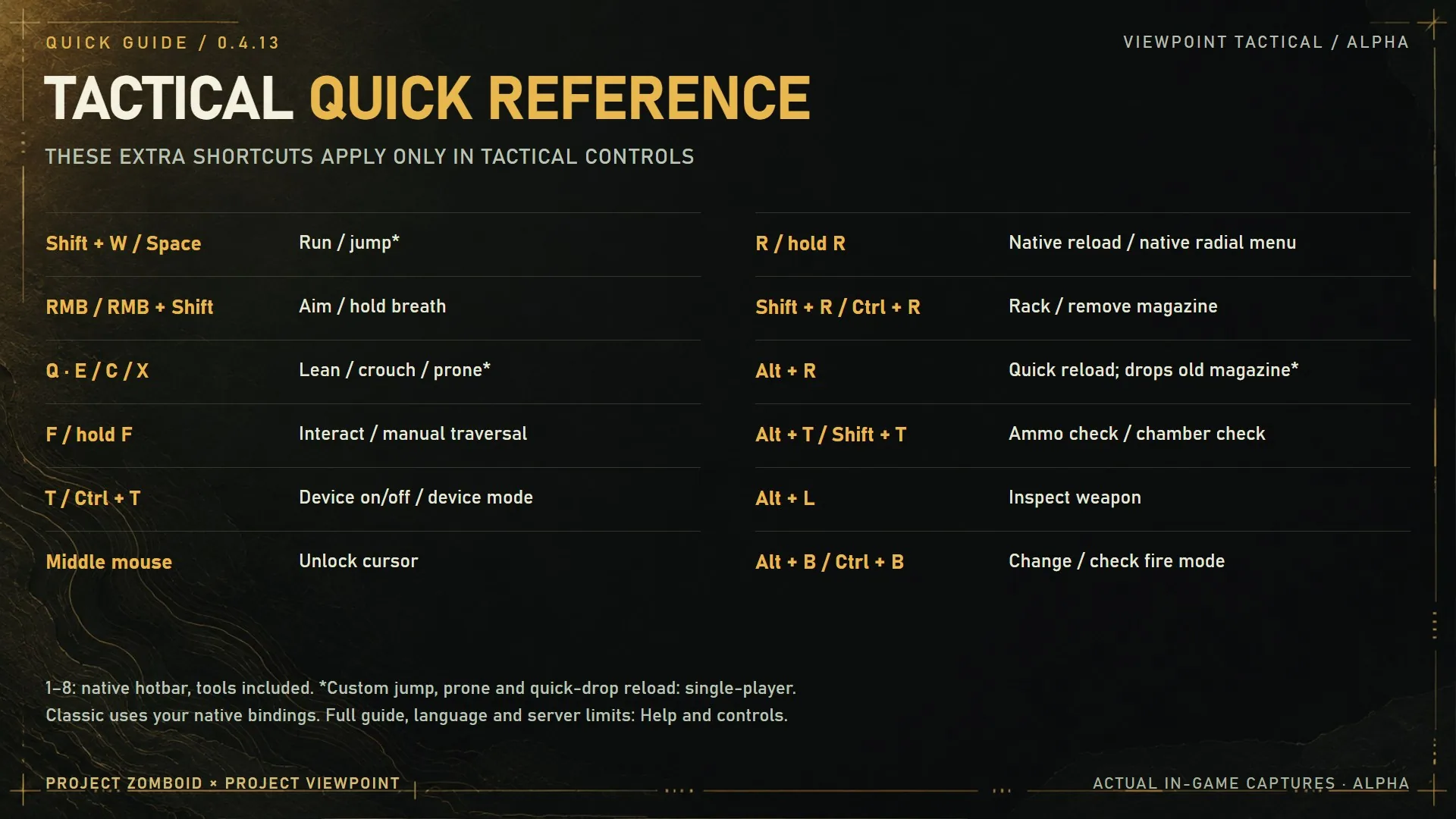
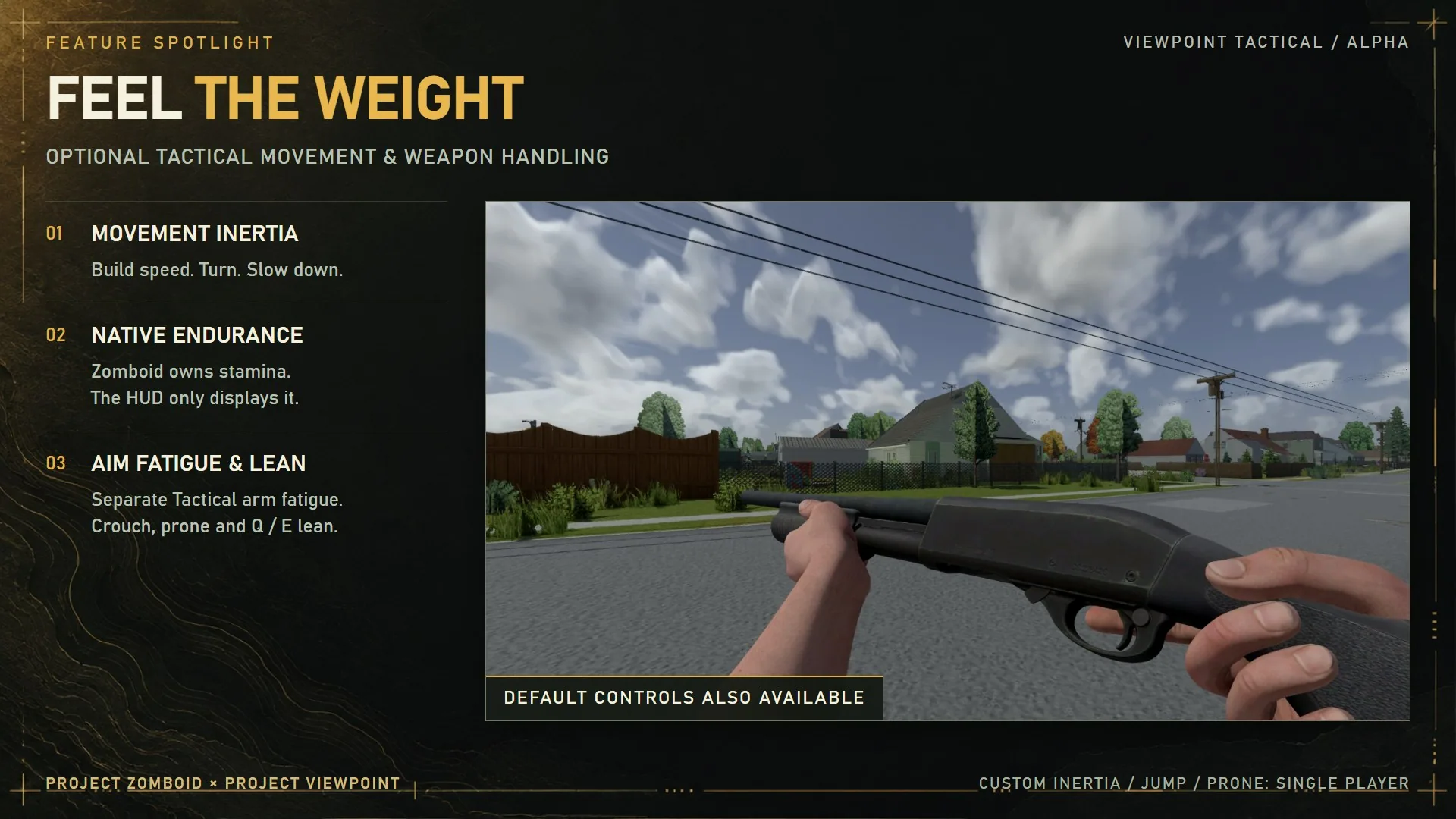
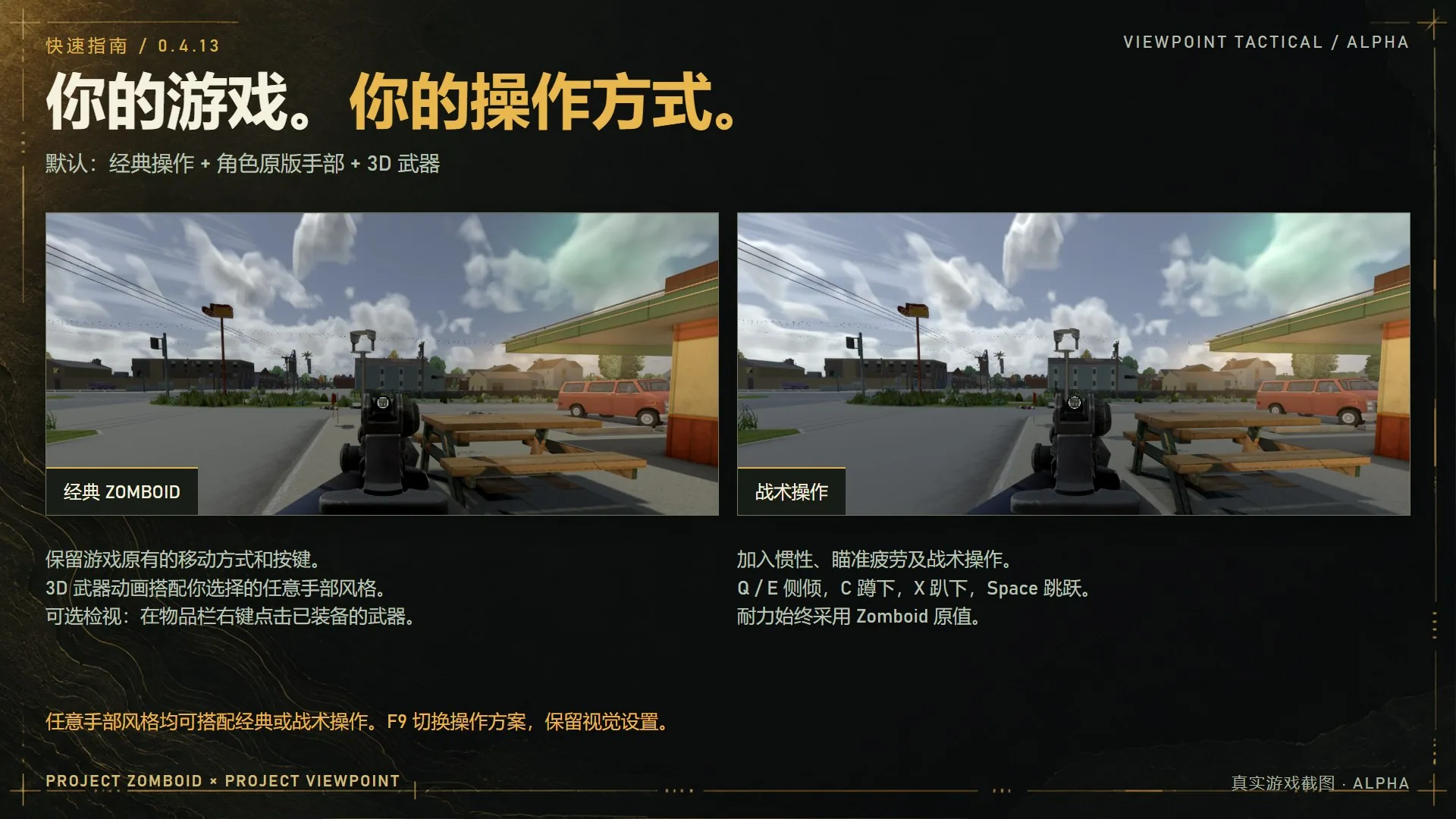
New installations use Classic controls, detailed weapons and the character’s own hands. Tactical mode adds shortcuts, leaning, aiming fatigue and optional single-player movement features.
Useful Tactical bindings include:
- R: reload; hold for the reload wheel.
- Shift + R: rack the weapon or clear a jam.
- Alt + T / Shift + T: check the magazine or chamber.
- Alt + L: inspect the weapon.
- Q / E: lean.
- F9: switch between Classic and Tactical.
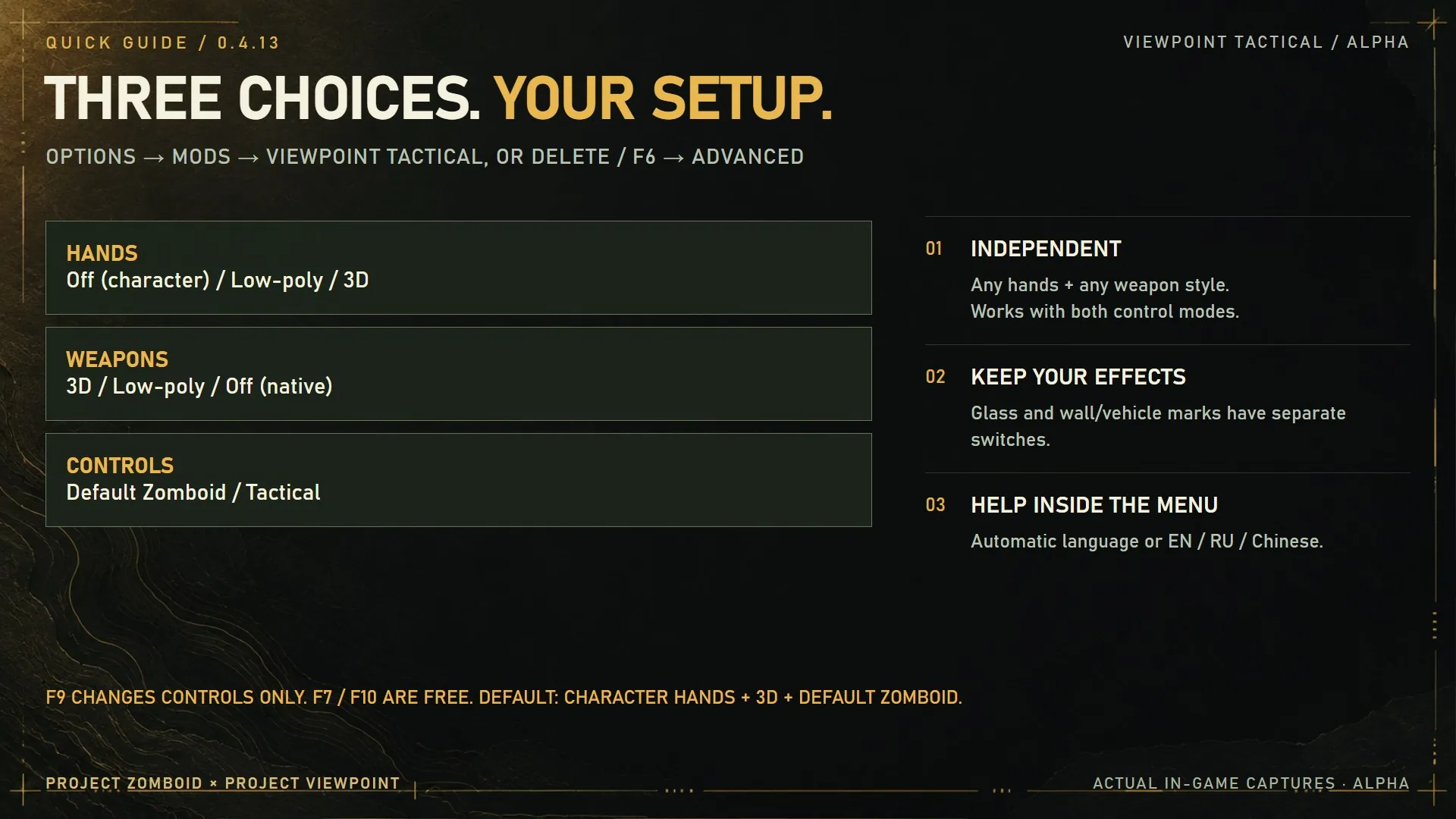
Configure the mod through Options → Mods → Viewpoint Tactical or Viewpoint’s Advanced settings. Effects have separate toggles and quality limits. Sandbox and server rules take priority.
Requirements and limitations
Requires Project Zomboid 42.21, Project Viewpoint and ZombieBuddy. Complete ZombieBuddy’s setup, approve the Java component when prompted and fully restart after updates. Do not enable EFTPZ or duplicate copies alongside it.
Multiplayer is experimental. Supported damage is controlled by the server, with partial destruction restored for reconnecting players. Update and restart the server and all clients together. Custom inertia, jumping, prone movement and door penetration remain single-player features.
This is an alpha release. Clipping, animation transitions and conflicts with other control or model mods remain possible. Back up saves before testing destruction: disabling it does not restore damaged objects.
Screenshots 12
Comments 0
No comments yet — be the first.
Log in or sign up to leave a comment.