













Pawn Atelier expands character and animal editing in RimWorld with detailed customization, random generation, presets and optional AI-assisted character creation using OpenAI, DeepSeek, Gemini or custom APIs. Includes equipment editing, relationship management, customizable interfaces and a stasis system for temporarily removing pawns from active simulation.
Contents
Pawn Atelier is an advanced character and animal editing tool for RimWorld, designed to make pawn creation, customization and management more convenient.
The mod allows players to manually configure characters, generate them randomly or use artificial intelligence to create pawns based on written descriptions.
It also includes character presets, equipment management, relationship information, customizable interface themes and a special stasis system for temporarily removing pawns from active map simulation.
Pawn Atelier is inspired by Character Editor, but focuses primarily on character creation rather than providing every advanced editing feature.
Character Editor is not required, although both mods can be used together.
Character Creation and Editing
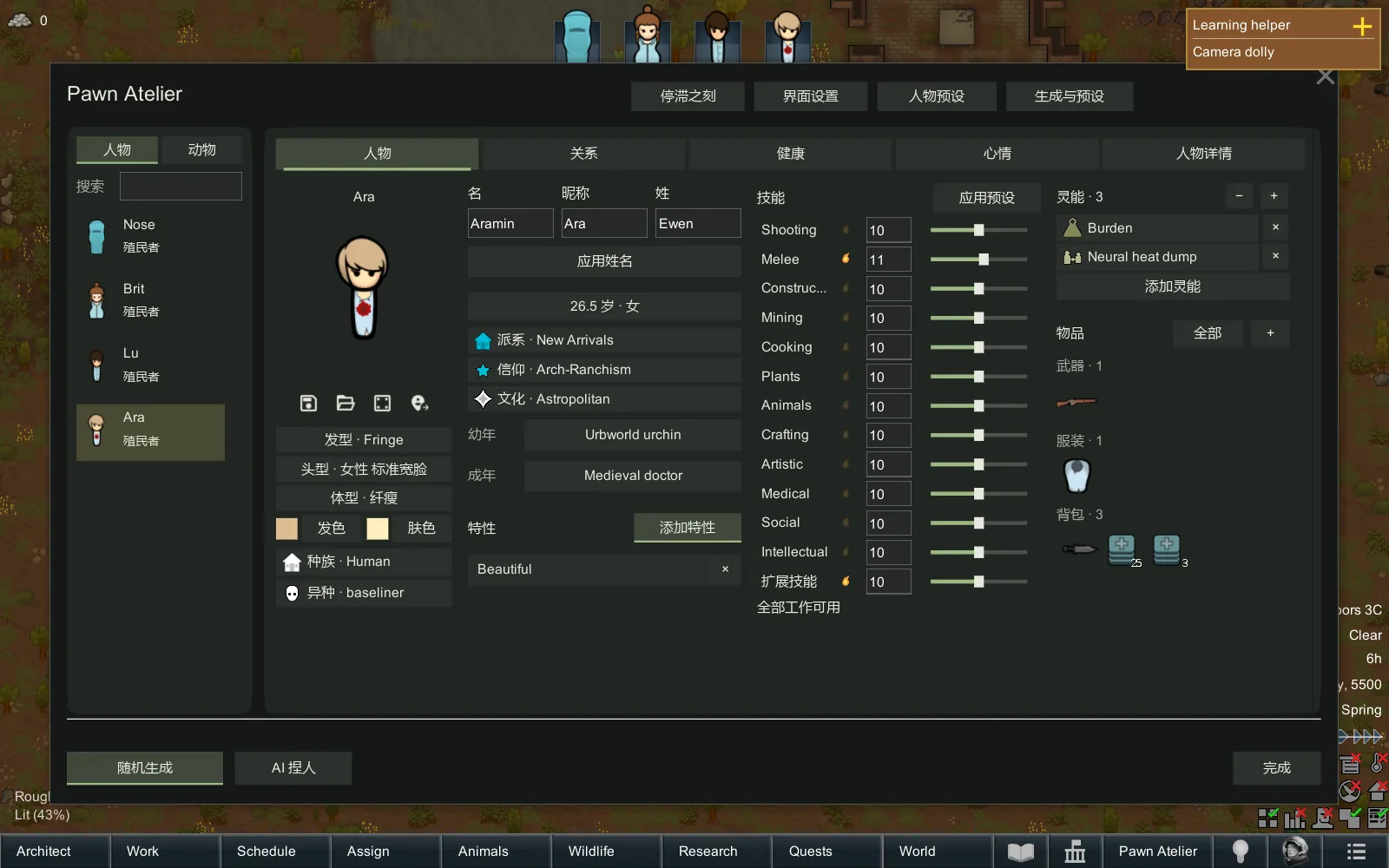
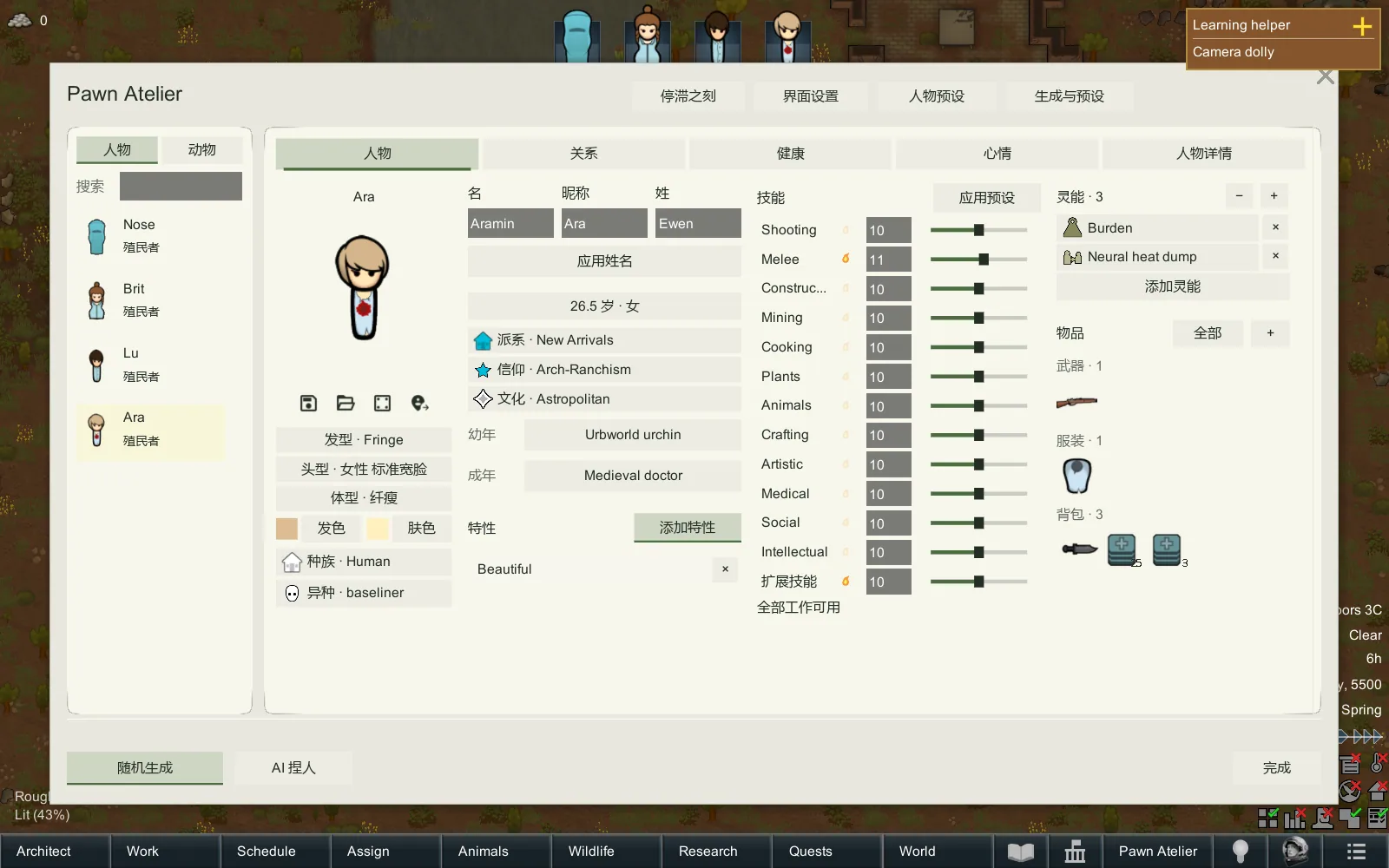
Pawn Atelier provides an interface for configuring characters and animals.
Available features include:
- Trait Selection - select multiple traits, browse categories and filter or search available options.
- Detailed Information - hover over traits to view their descriptions and actual effects.
- Skill Customization - adjust character skills and define requirements for generated pawns.
- Backstory Selection - configure backgrounds and their associated work restrictions.
- Relationship Management - view character relationships through a relationship diagram.
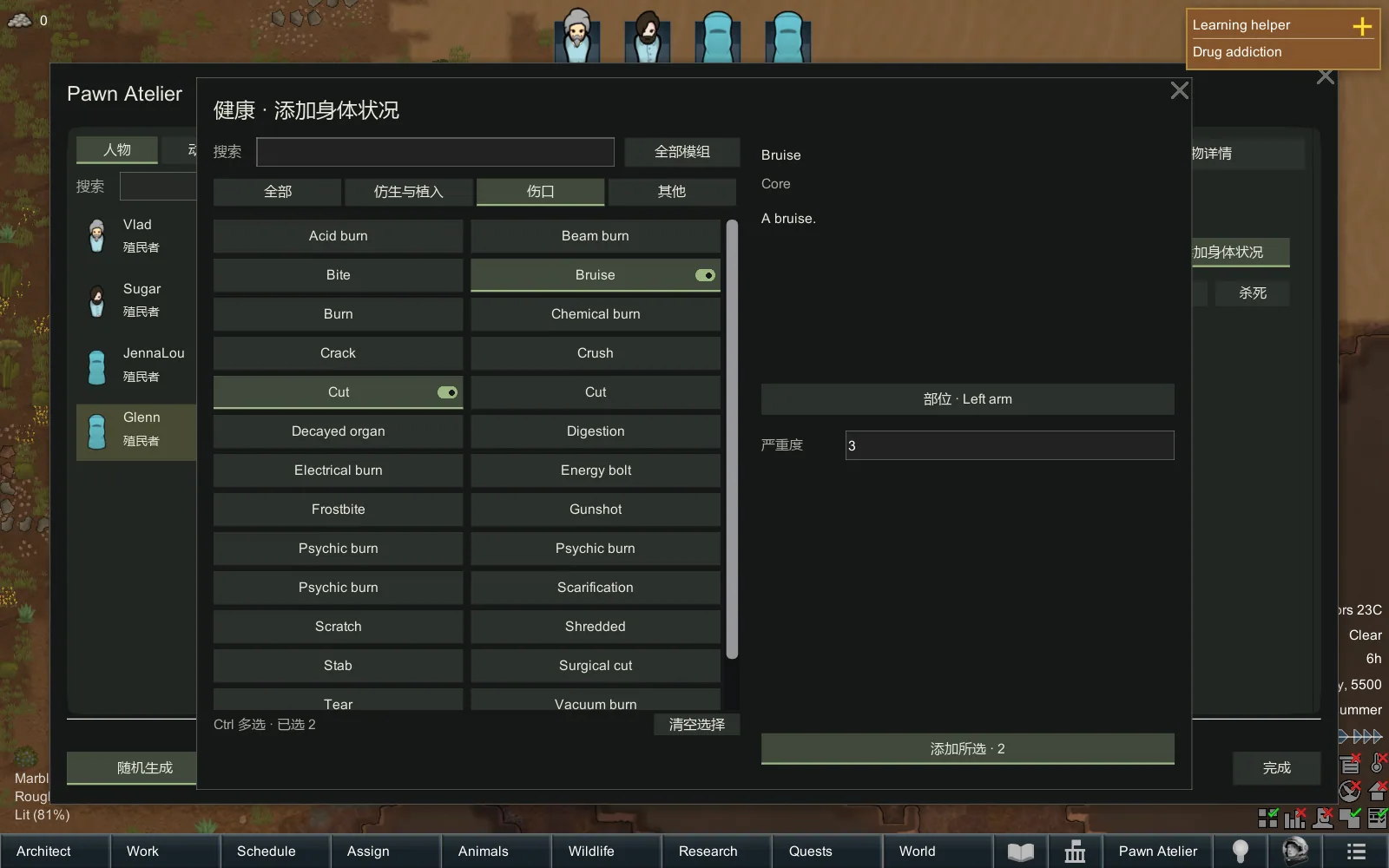
- Health and Mood - inspect physical conditions and mood memories.
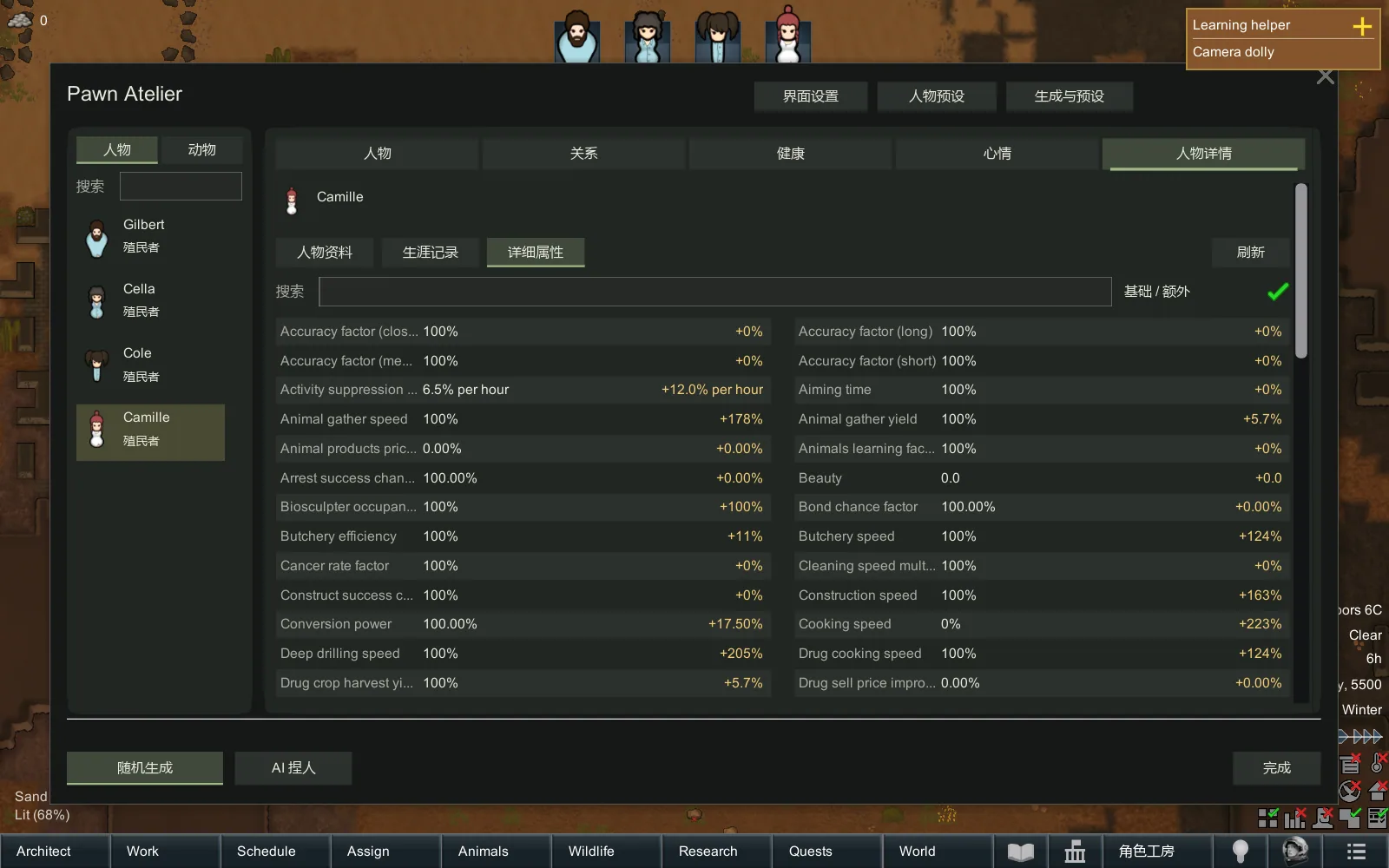
- Detailed Attributes - view character statistics with information about their sources.
Custom Generation Rules
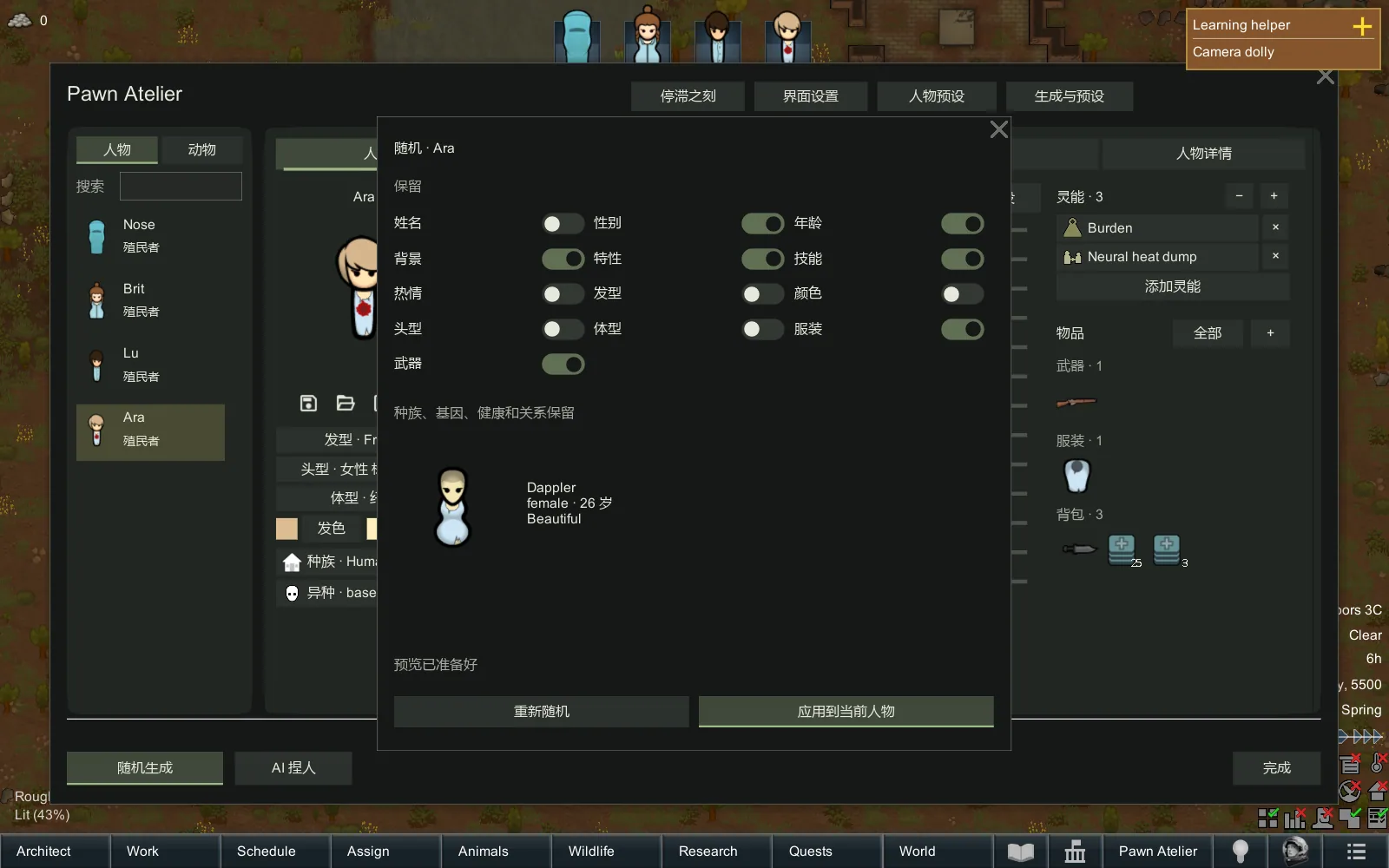
Players can define specific requirements for randomly generated characters.
For example:
- Require every skill to be at least level 10.
- Exclude backstories that disable work types.
- Preserve selected characteristics during random generation.
These settings allow greater control over the resulting pawn.
Equipment and Appearance
The editor includes tools for modifying character equipment and appearance.
Supported functions include:
- Clothing dyeing.
- Material selection.
- Item quantity editing.
- Item quality editing.
- Adding items directly.
- Purchasing items using silver available on the map.
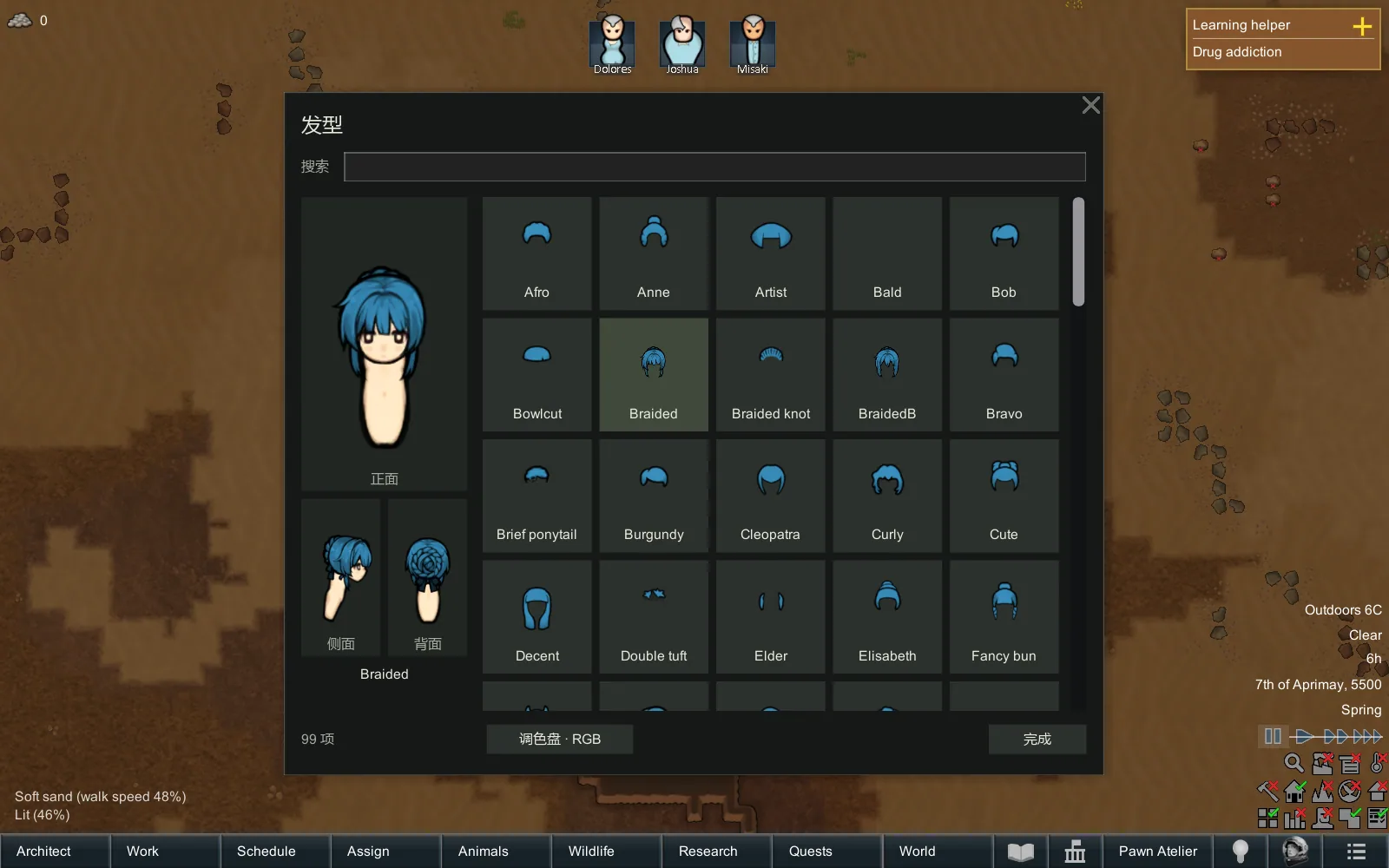
Hairstyles can be previewed from the front, side and back.
Character Presets
Pawn Atelier allows players to save and reuse character configurations.
Preset management includes:
- Saving and loading characters.
- Deleting saved presets.
- Importing and exporting character data.
- Compressing character codes.
If a preset contains optional definitions unavailable in the current mod environment, those elements are skipped and reported.
Essential appearance elements use available alternatives when necessary.
Presets are transferable editing data, not complete backups of saved characters.
Optional AI Character Creation
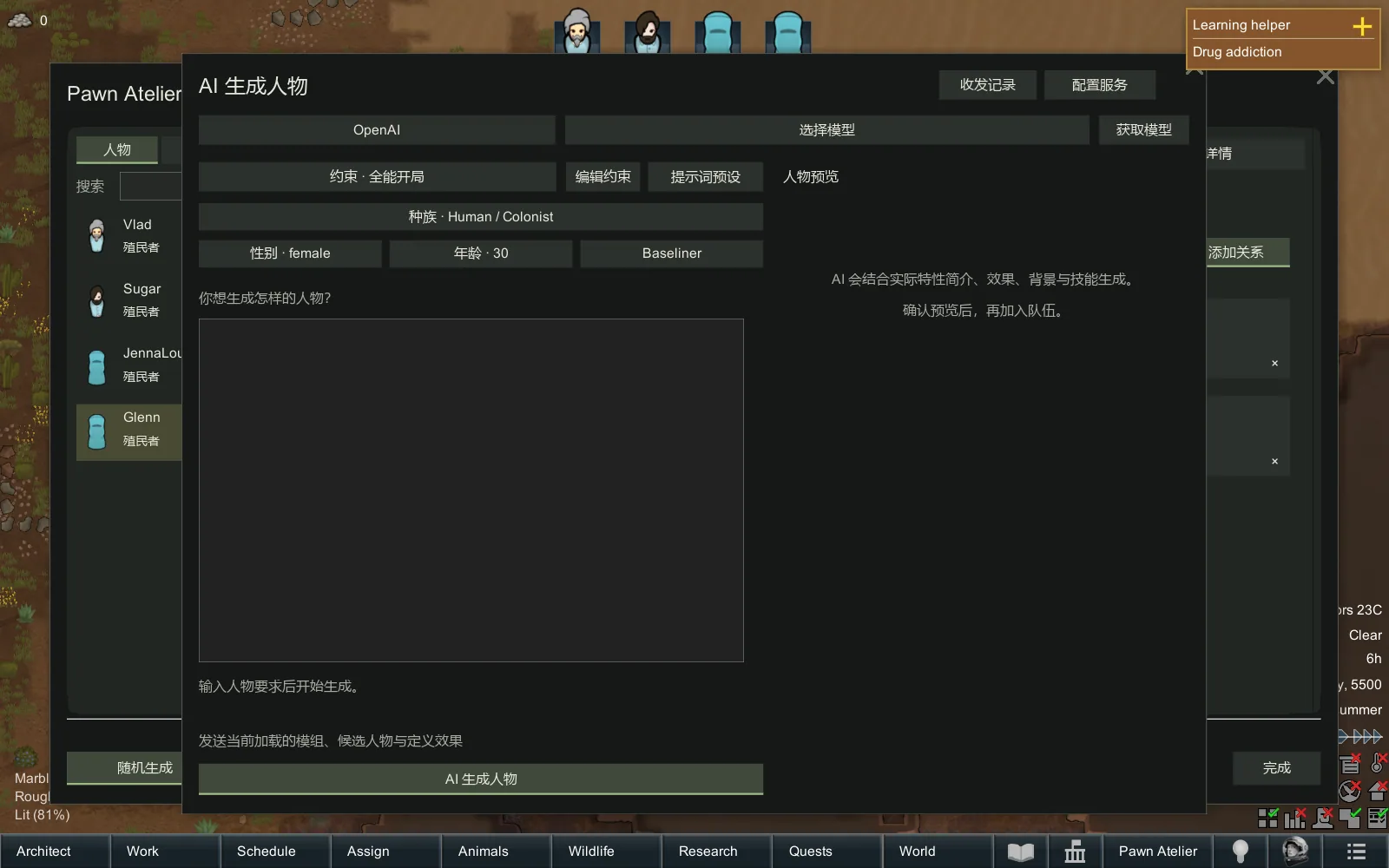
One of the main features of Pawn Atelier is optional AI-assisted character generation.
Supported services include:
- OpenAI.
- DeepSeek.
- Google Gemini.
- Custom API endpoints.
Players can configure API connections directly inside the game.
The interface supports:
- Connection testing.
- Viewing available AI models.
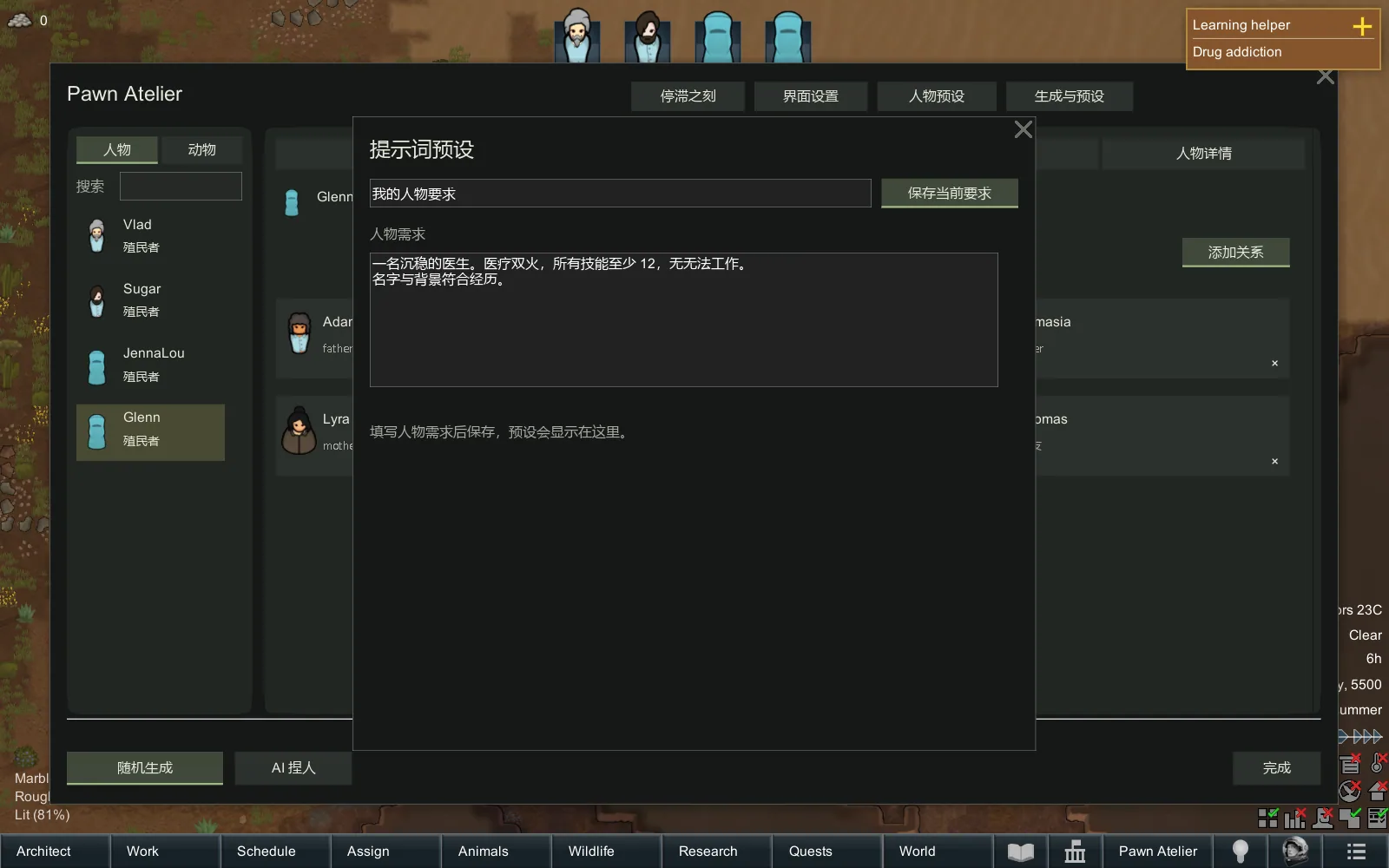
- Defining character requirements and constraints.
- Reviewing complete request and response records.
How AI Generation Works
The AI uses the actual skills, backstories and traits available in the player's current game environment.
It reads their descriptions and effects, generates a character using an initial pawn draft, and then verifies and adjusts the result.
For example, a player can select a mouse race and enter:
"Create a doctor with strong medical skills, an interest in medicine and no work restrictions."
After generation, the resulting character can be inspected before being added to the colony.
The player selects the race manually. The AI does not invent traits or other character definitions that do not exist in the current environment.
AI configuration is completely optional. Manual editing and random character generation remain available without connecting to any AI service.
Stagnant Moments - Pawn Stasis
The Stagnant Moments system allows players to temporarily remove characters, mechanical races and animals from active map simulation while preserving their information.
Stored pawns retain:
- Their original character data.
- Needs and requirements.
- Health conditions.
- Equipment.
- Relationships.
While a pawn is in stasis, its regular map updates are suspended.
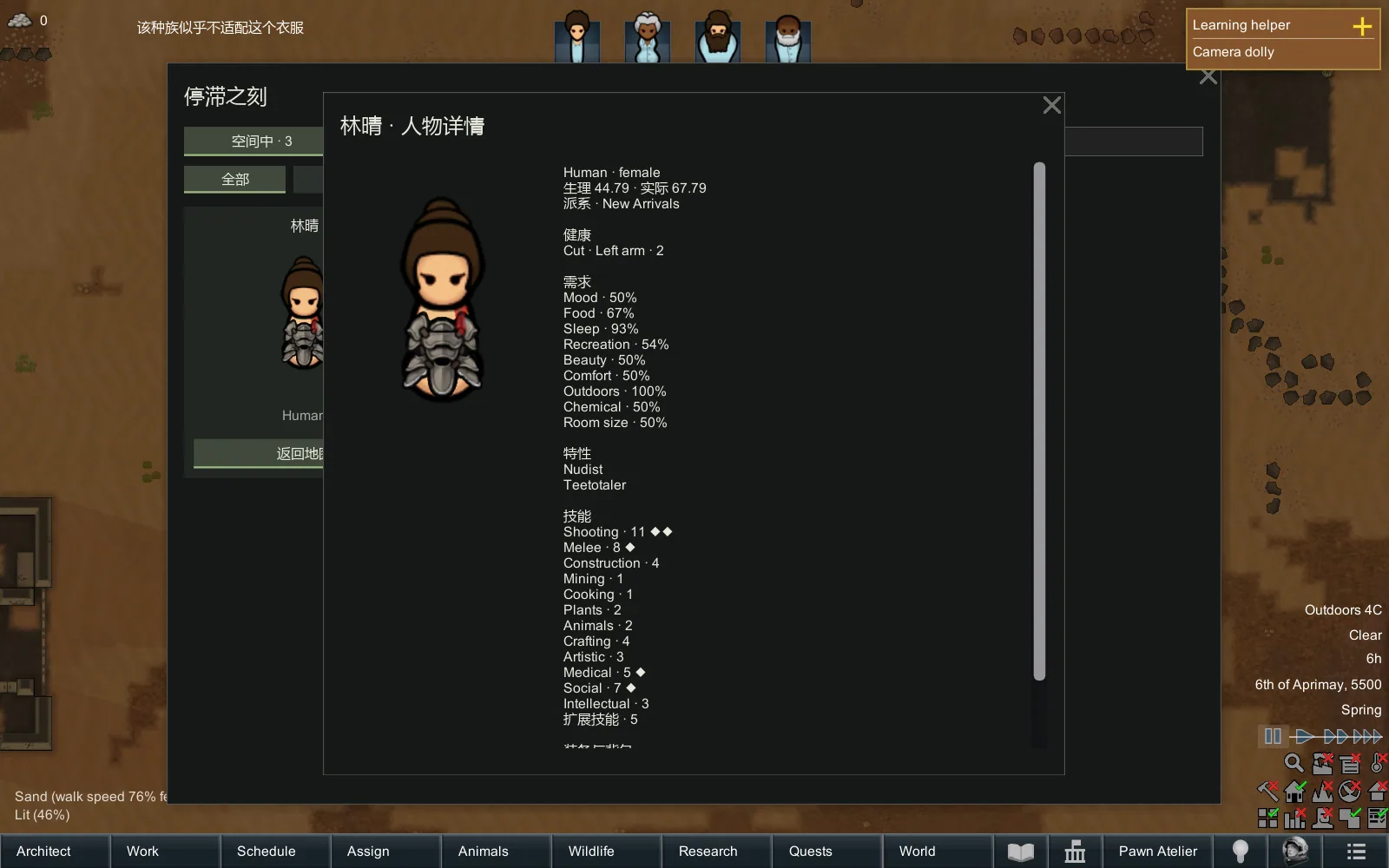
Characters are displayed as cards in the stasis interface, where their detailed information can be inspected.
Returning Pawns to the Map
When released, a pawn attempts to return to its original position.
If that position is no longer valid, the player can choose another location.
Tasks and relationships can continue referencing stored characters, but activities requiring their physical presence must wait until they return to the map.
When the monarchy option is enabled, entering and leaving stasis uses a jump effect.
Performance Considerations
The stasis system can reduce active simulation work, but performance improvements depend on the current game environment.
No fixed FPS increase is guaranteed.
Mods with independent simulation systems or custom timing logic may require additional compatibility adjustments.
Interface Customization
The editor opens with the L key by default, and the hotkey can be changed.
Interface options include:
- Draggable windows with remembered positions.
- Light, dark and custom themes.
- Adjustable interface colors.
- Transparency settings.
- Animation duration settings in milliseconds.
- Optional interface animations.
Tabs appear progressively from the upper-left corner toward the lower-right, while the window uses fade-in and fade-out effects.
Animations can be disabled.
Performance and AI Requests
Pawn Atelier does not continuously run AI processing in the background.
Network requests occur only when the player activates functions such as AI Generation or Connection Test.
Requests are processed by the configured AI service. The mod does not automatically run large AI models locally.
Additional optimizations include:
- Pausing the game during character editing and generation.
- Caching interface data to reduce repeated reading.
- Stopping editor interface updates after the window closes.
Short pauses may still occur when generating characters or loading a large number of mods.
Requirements and Compatibility
Required dependency: Harmony.
The mod was developed with AI assistance and tested for its intended functionality, although compatibility issues with other modifications may still occur.
Editing existing characters takes effect immediately.
Creating a separate save before editing is recommended.
Important Before Uninstalling
Before disabling or removing Pawn Atelier:
- Release all characters and animals stored in the Stagnant Moments system.
- Return them to the game world.
- Save the game.
Character presets should not be treated as complete backups of existing pawns.
Language Support
Pawn Atelier supports:
- Simplified Chinese.
- Traditional Chinese.
- English.
- Japanese.
Screenshots 9
Comments 0
No comments yet — be the first.
Log in or sign up to leave a comment.