
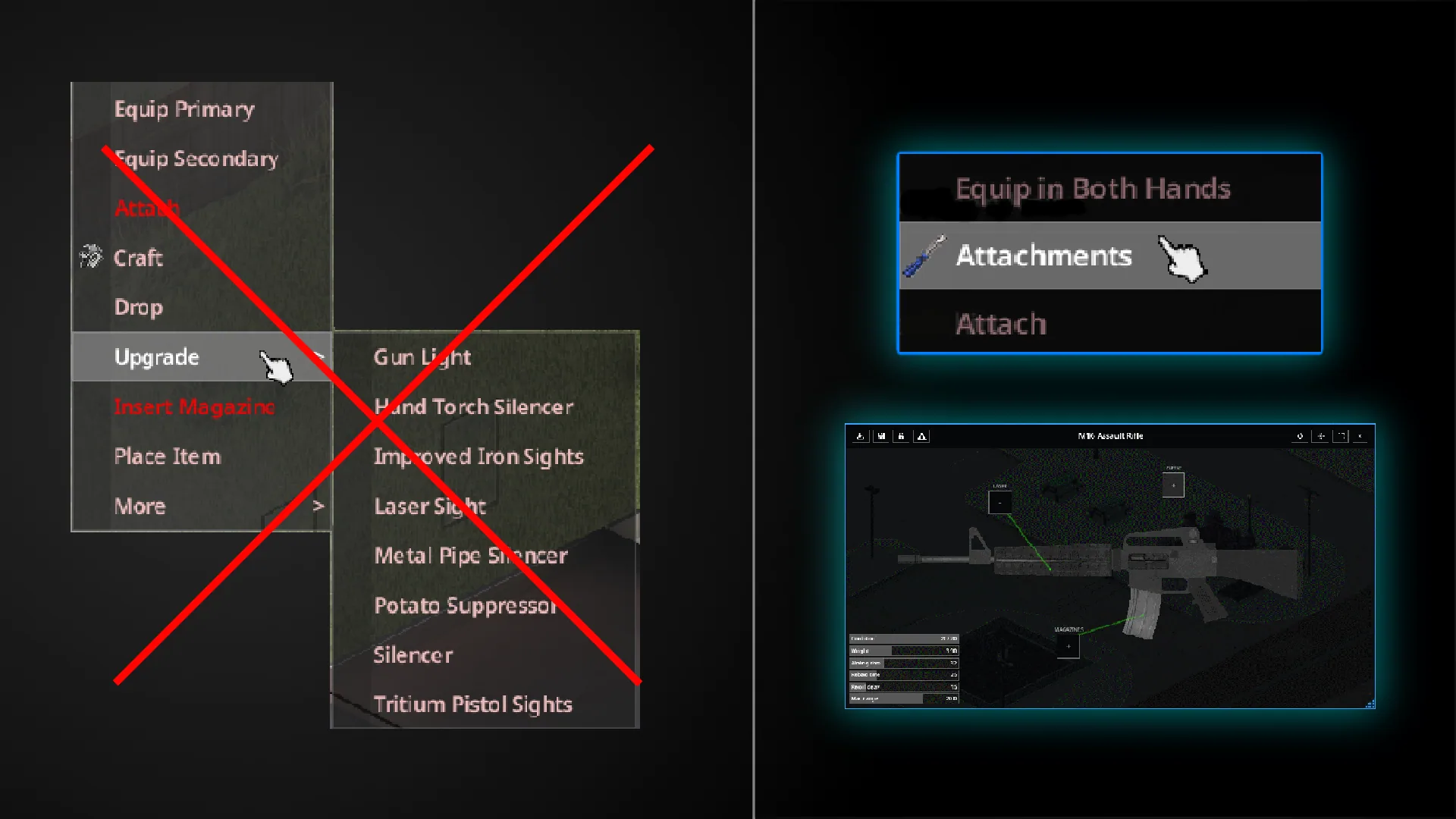
Attachments UI brings weapon customisation into one window. Inspect a weapon, check its attachment slots, and browse the compatible parts you have available without moving between separate vanilla menus.
Attachments UI — A Better View of Your Weapon Setup
Attachments UI brings weapon customisation into one window. Inspect a weapon, check its attachment slots, and browse the compatible parts you have available without moving between separate vanilla menus.
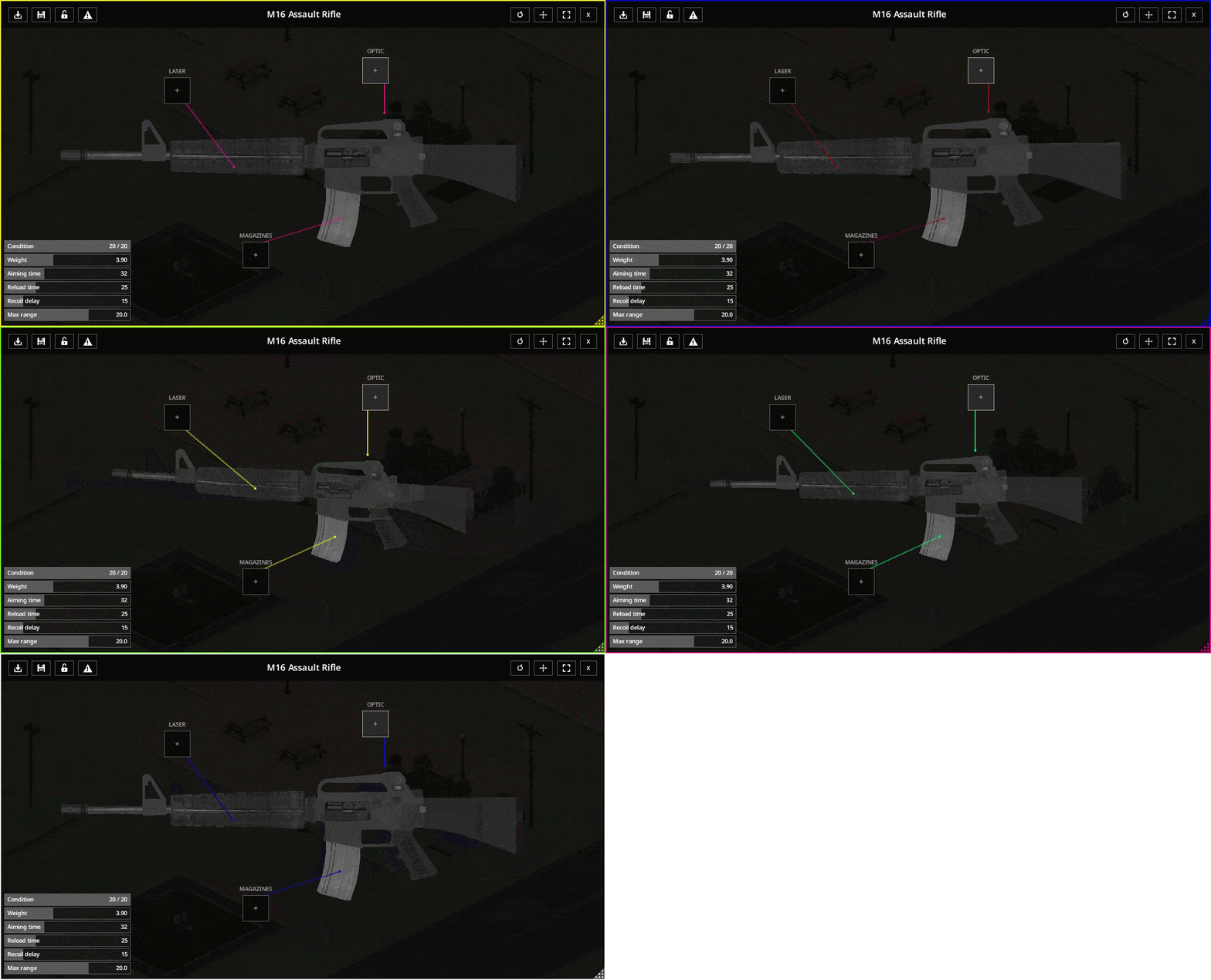
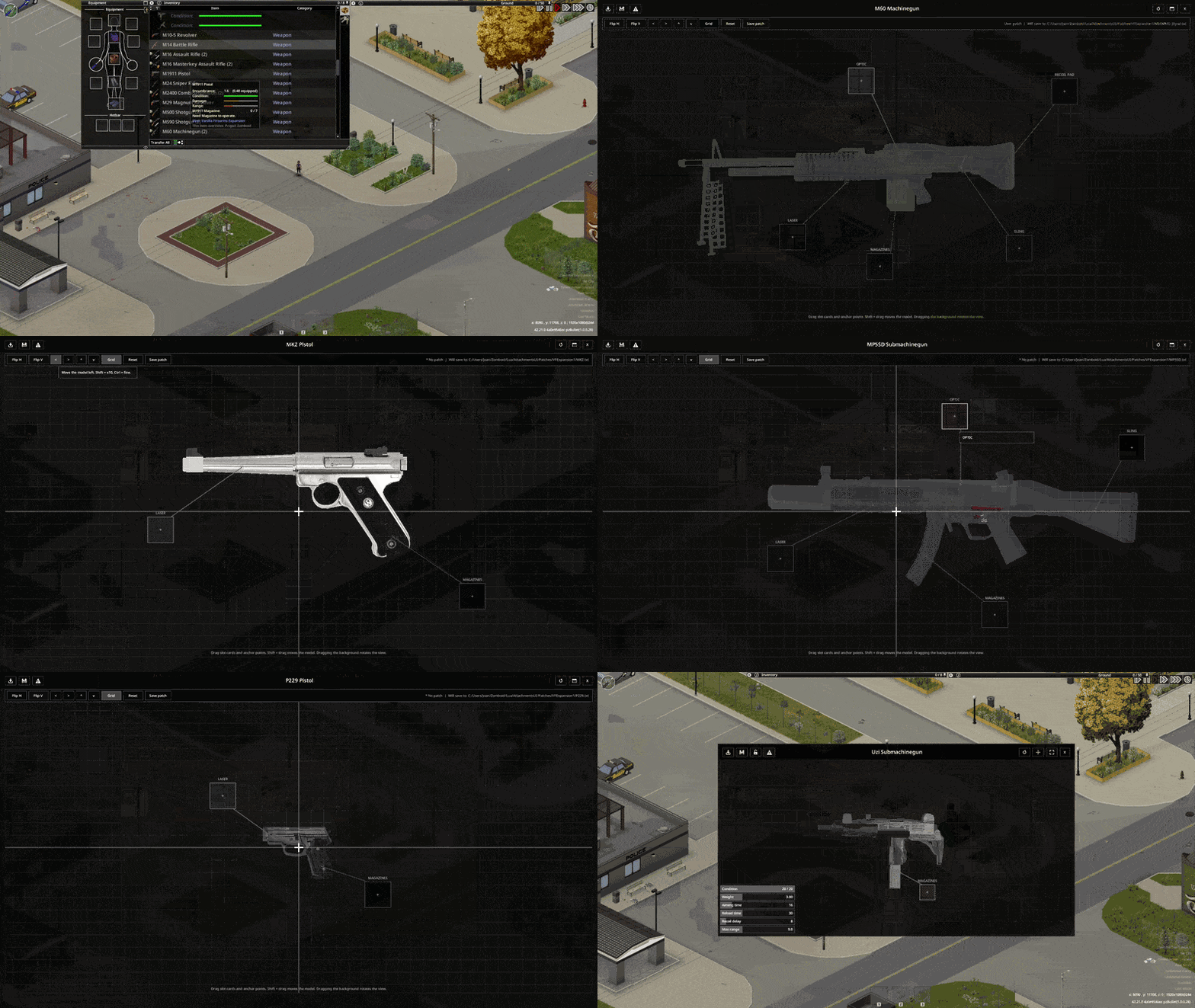
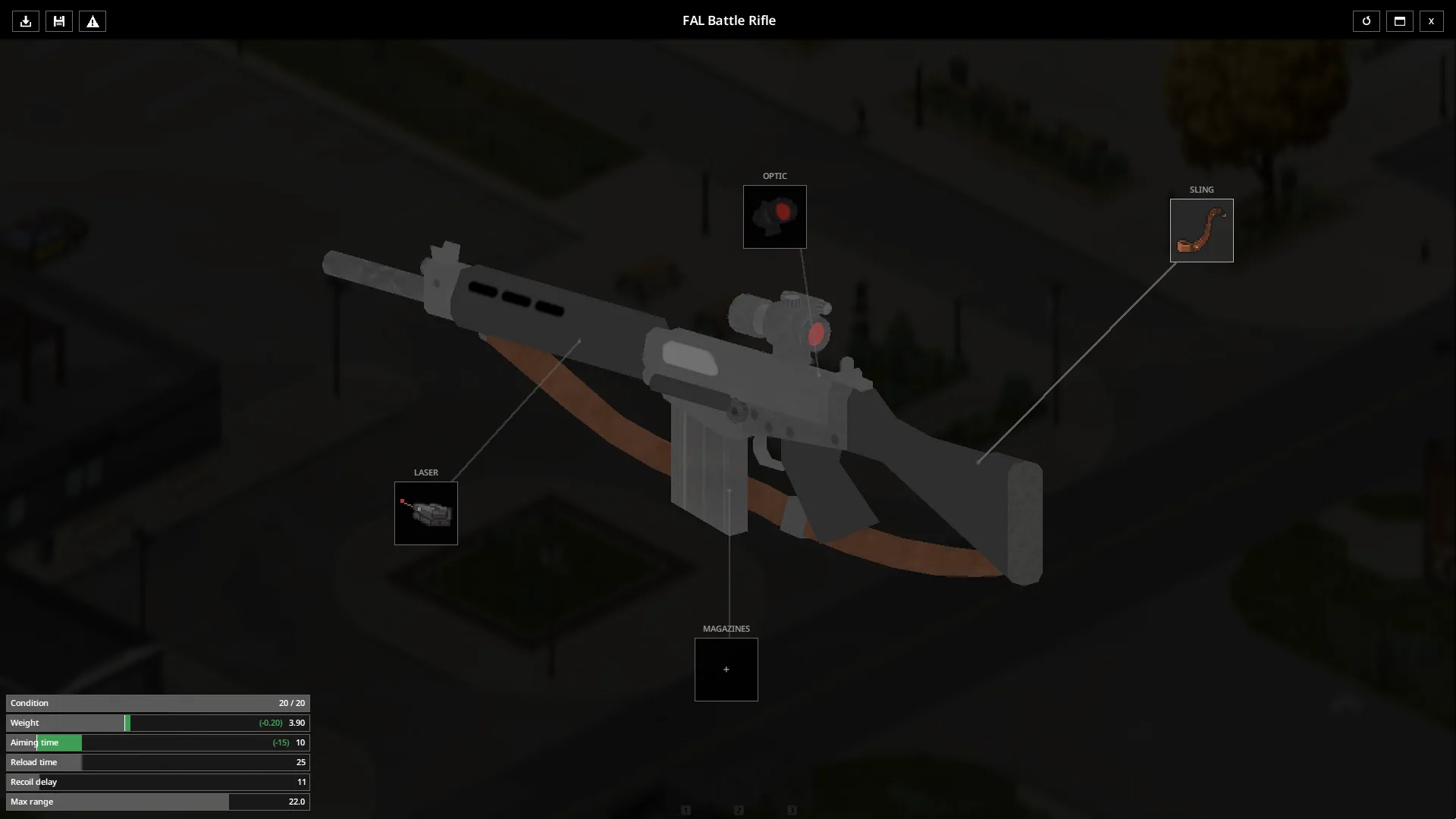
A rotatable, zoomable 3D preview makes it easier to examine the weapon, while its statistics help you assess the current setup.
Equipment in one place
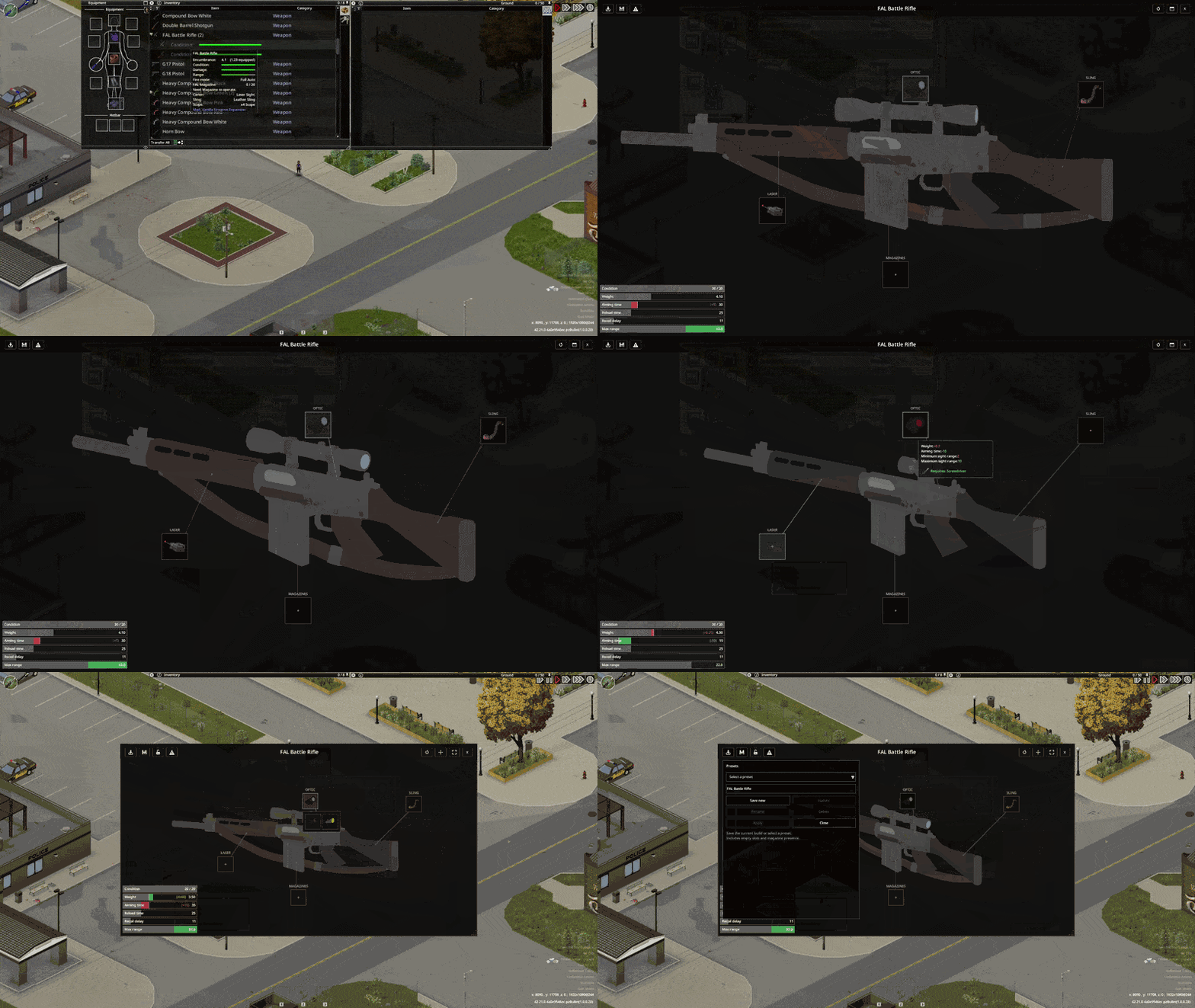
The interface includes:
- attachment slots and compatible components;
- weapon statistics;
- weapon presets;
- controller support;
- fullscreen and resizable window modes;
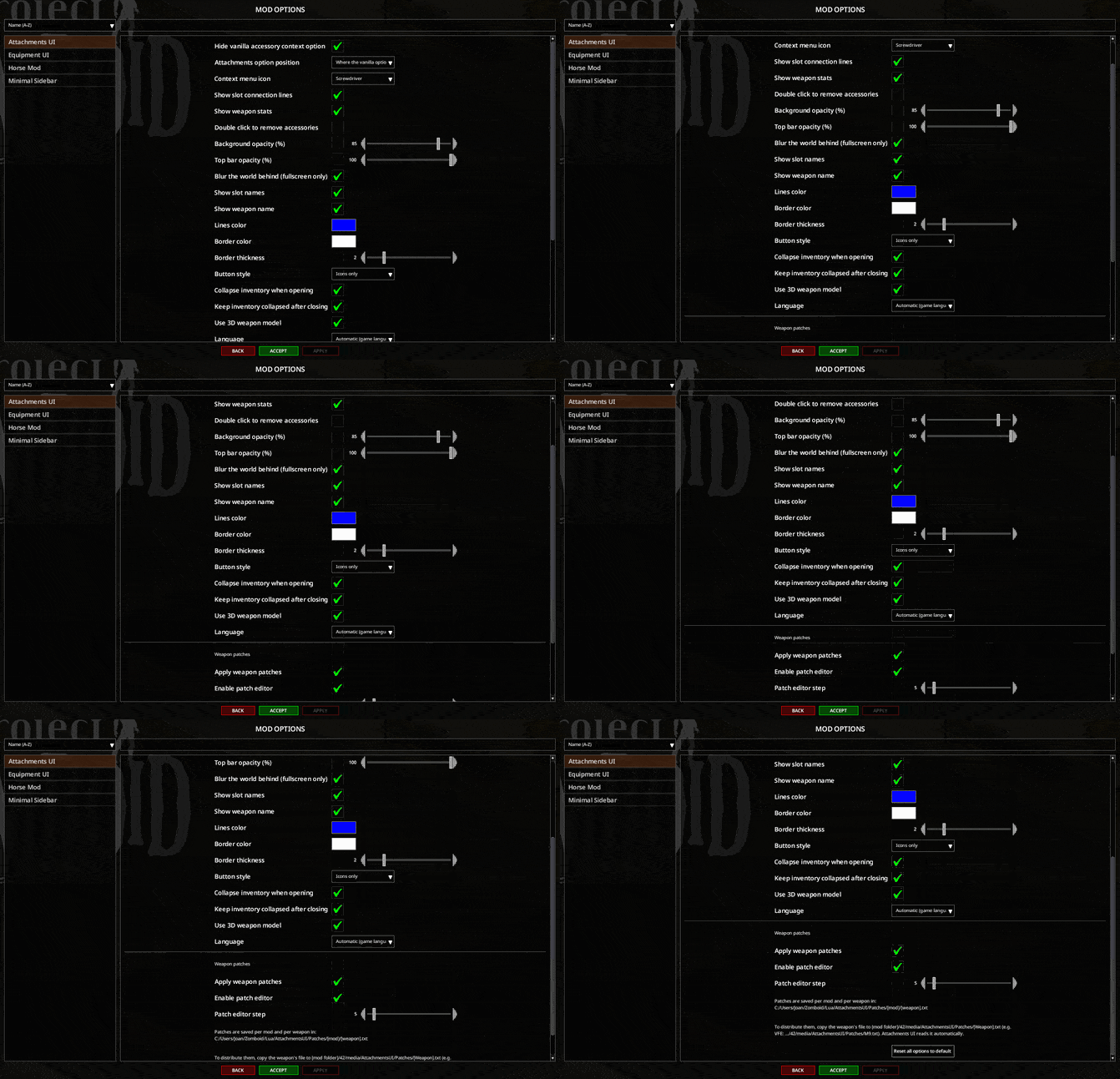
- extensive configuration through Mod Options.
You can adjust the interface to suit your screen and preferred controls.
Support for additional weapons
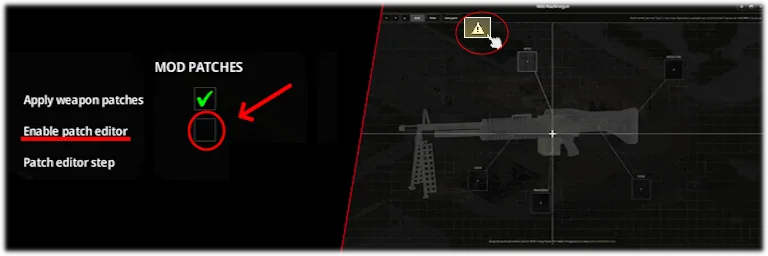
A built-in Mod Editor and patch system allow compatibility patches for other weapon mods without editing their original files.
Support varies between mods, so check the compatibility list when assembling a collection.
Compatibility
Attachments UI supports Project Zomboid Build 42+, including single-player, co-op, and multiplayer.
It can generally be added to or removed from an existing save. Back up the save before changing your mod setup.
Translations include English, Russian, and several other languages.
Screenshots 7
Comments 0
No comments yet — be the first.
Log in or sign up to leave a comment.