













Open a GTA 6 bank account in Buck Me. Find the Fleeca manager, check the welcome deposit on your phone and make the required transfer into Family Savings.
After Coming Home, Lucia calls about an account for her community service payments. Meet her at the Fleeca branch in Key Lento. The app comes from the meeting, so leave the phone alone until the bank sequence is over.
Speak to the right person
Start at the teller. She directs you to the manager, who is seated at a desk in the right corner. Follow him into his office. The credit check ends with an offer to use BuckMe. After the scene, you’re back at the house with a $100 welcome deposit in checking.
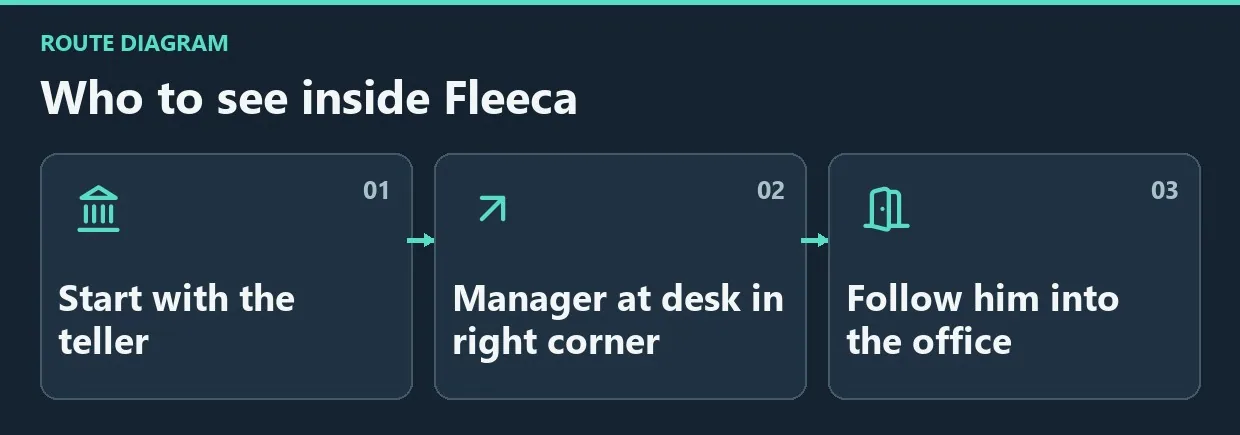
Diagram. Who to see inside Fleeca.
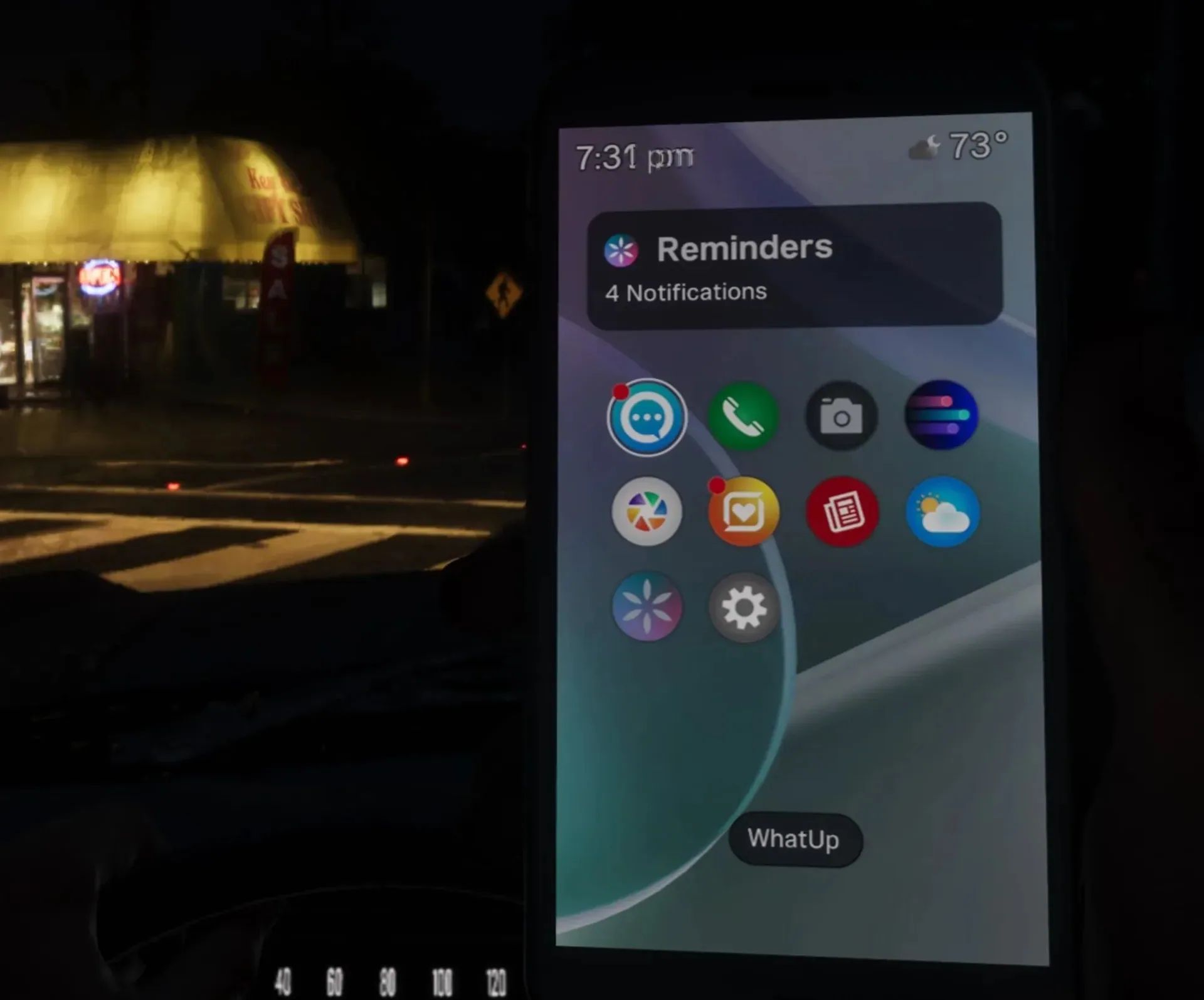
The app grid on the in-game phone.
Move the welcome deposit
Open the purple B on the phone. Select Checking Account at the top, then Buck Yourself. Move $100 into Family Savings to complete the tutorial.
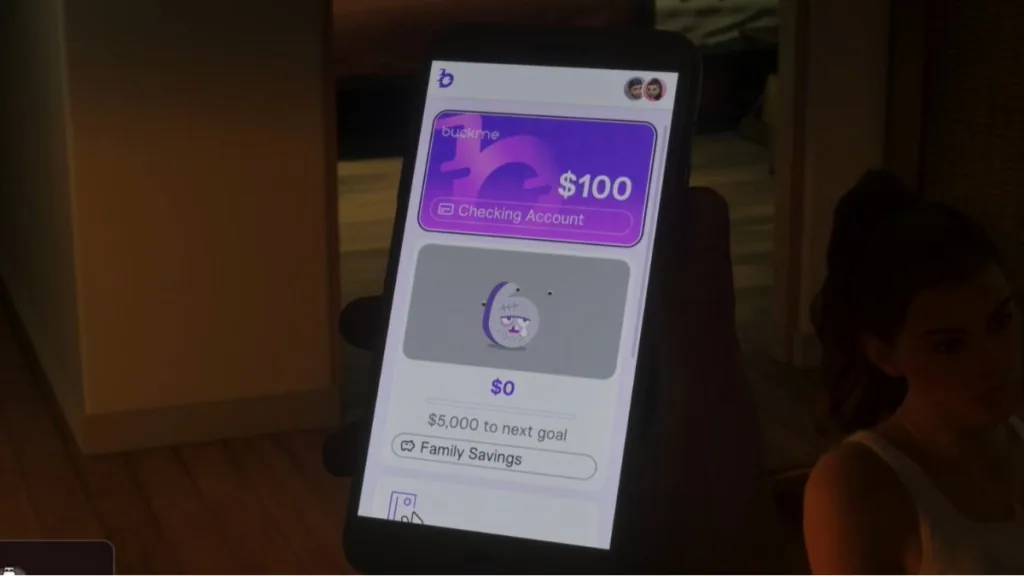
Checking holds money you can spend or withdraw at an ATM. A transfer to Family Savings is permanent. Reaching savings milestones brings perks and raises the checking limit, but the savings balance cannot fund tomorrow’s shopping trip. Keep near-term spending money in checking.
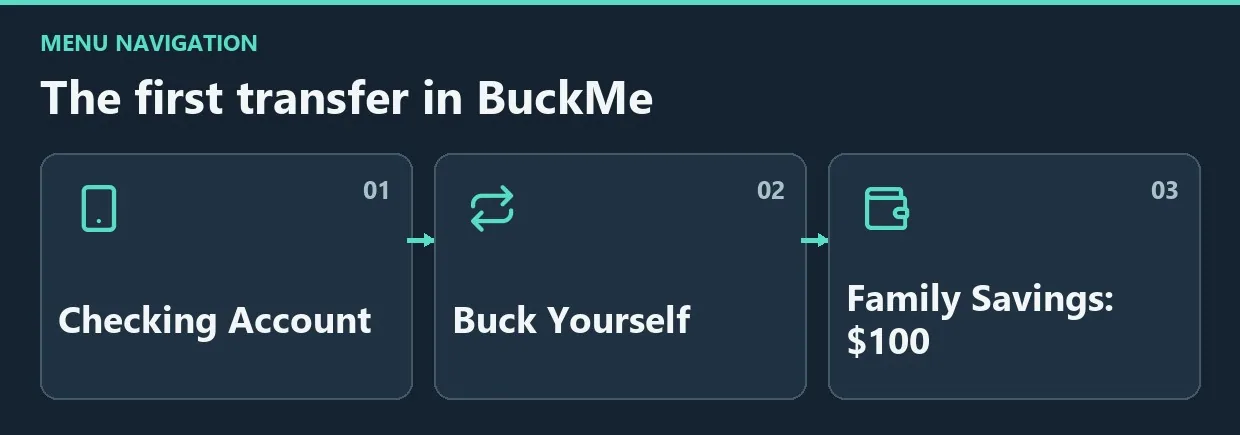
Diagram. The first transfer in BuckMe.


Comments 0
No comments yet — be the first.
Log in or sign up to leave a comment.