














Adds handheld camcorders, memory-card and VHS recordings, and CCTV with motion sensors. Play footage on in-game screens or connect up to 32 cameras to a supported desktop computer.
Contents
CamRecorder & CCTV adds handheld video recording and base surveillance to Project Zomboid. Footage is stored on memory cards or VHS tapes that can be shared with other players and played on compatible equipment. Security cameras send live feeds to monitors, terminals and TVs.
Requirements
- Project Viewpoint.
- 6282 3D models for Viewpoint by sour_kisel.
- Recording and playback with sound on Windows require FFmpeg with AAC support; libx264 is recommended for video recording. Without FFmpeg, the built-in Windows video encoder supports silent recording.
Cameras and equipment
| Camera | Features |
|---|---|
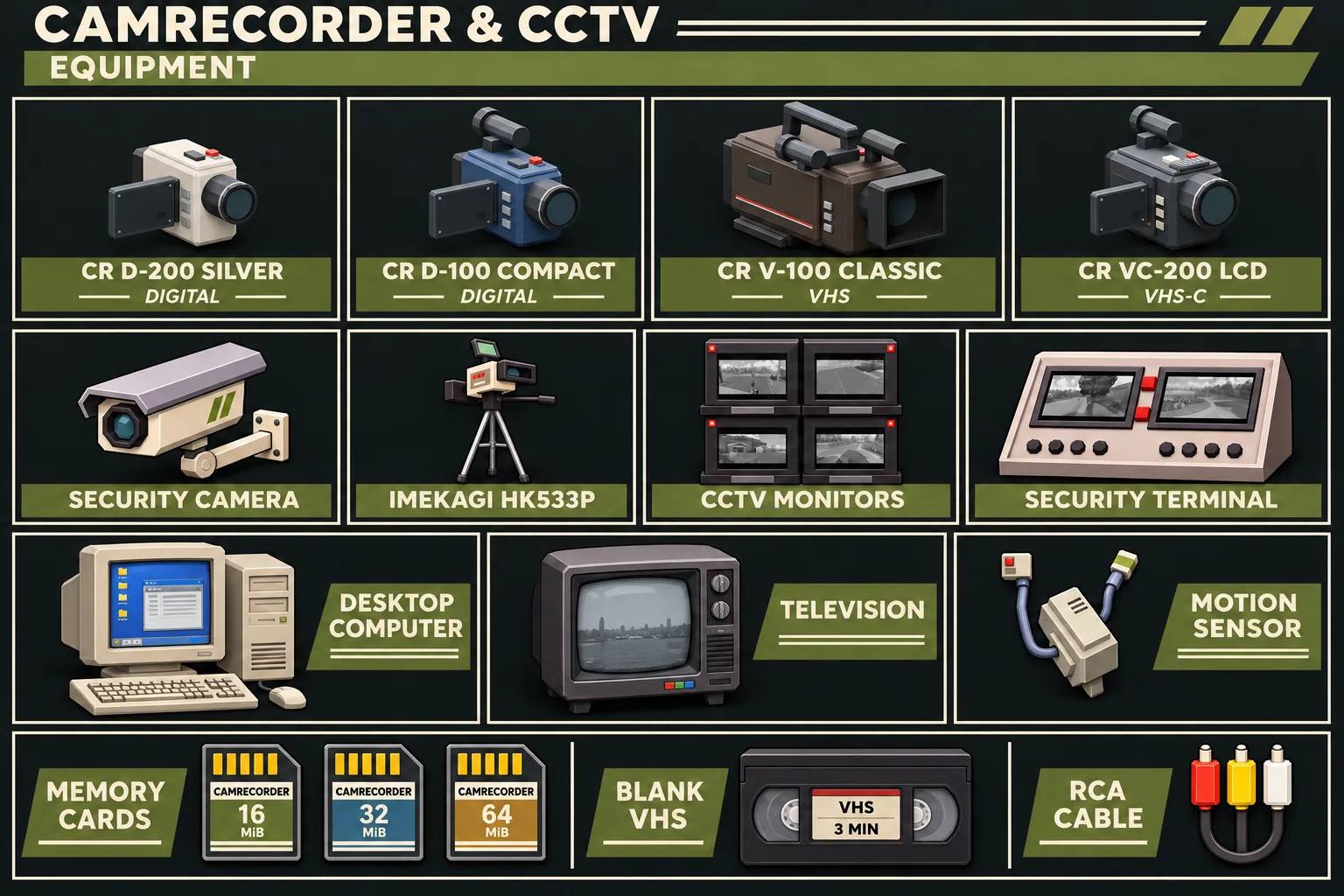
| CR D-200 Silver | Digital camcorder with an LCD and memory-card recording. |
| CR D-100 Compact | Smaller digital camcorder with an LCD and memory-card recording. |
| CR V-100 Classic | Shoulder-mounted VHS camcorder with an optical viewfinder. |
| CR VC-200 LCD | Compact VHS-C camcorder with a fold-out LCD and on-camera tape playback. |
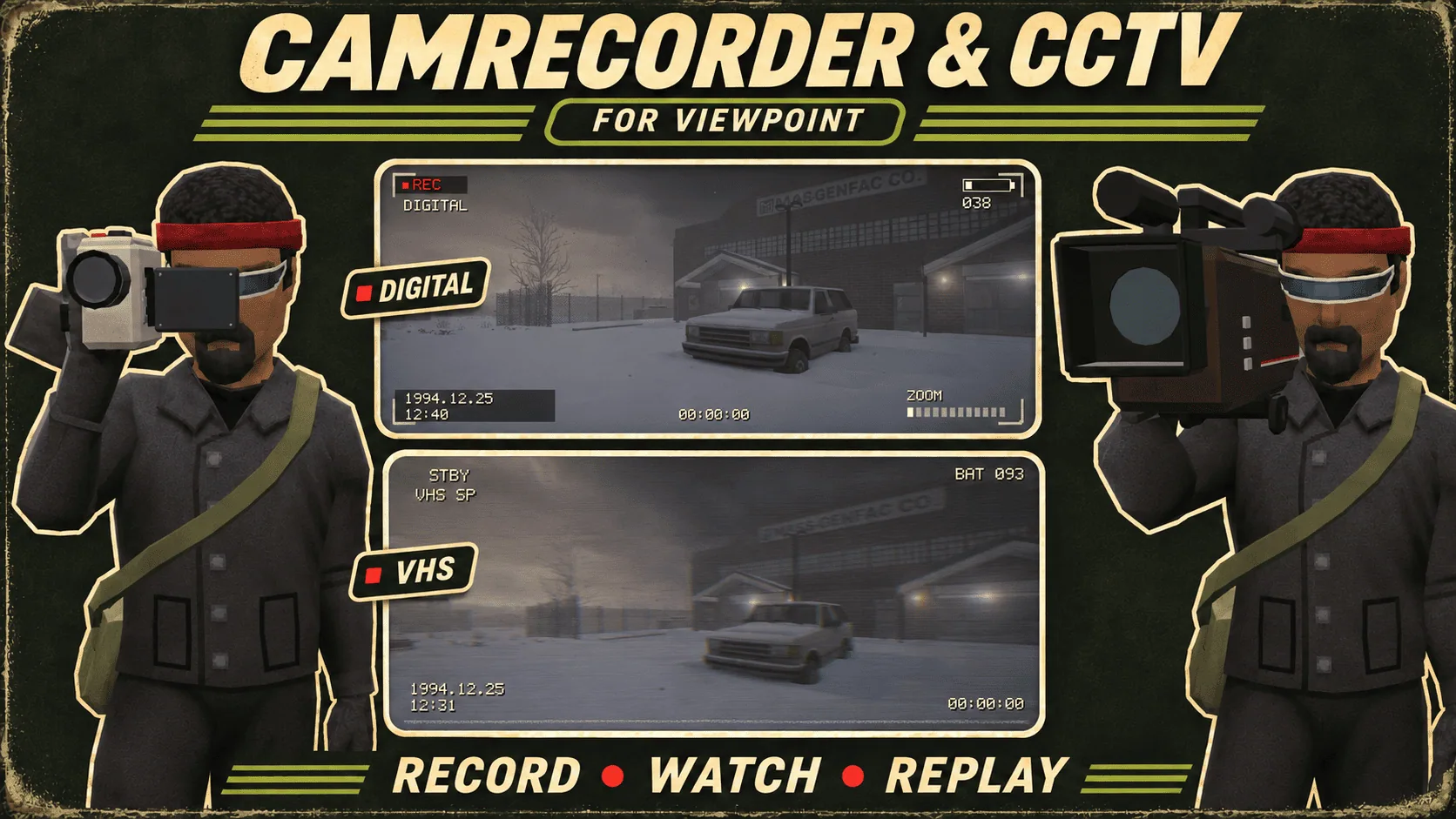
Digital and VHS cameras have different viewfinders and image treatments. They can be handheld or placed for a fixed shot. The building-powered Imekagi HK533P is another fixed-camera option.
Find cameras and accessories in photography shops, electronics shops and homes. Monitors and terminals appear in police stations and selected locations. VHS cameras are more common than digital models; blank tapes appear in video-related loot.
Recording controls
Open Device Options, insert a charged battery and matching recording media, turn the camera on, and equip it in your primary hand.
- Right-click in Viewpoint's 3D view to raise or lower the viewfinder.
- Use the mouse wheel while looking through the lens to zoom.
- Left-click in the viewfinder to start or stop recording.
For a placed camera, open its controls, adjust the framing and start recording.
Media and playback
16, 32 and 64 MiB memory cards store individual clips. Play them on either digital camcorder or a supported desktop computer. A digital camcorder can also connect to a TV through an RCA cable. Recording media can be renamed and passed to other survivors.
A VHS tape holds one continuous recording of up to 1 minute 30 seconds. Resume recording to append another take, or erase the tape to start over.
Insert a recorded tape into a TV and select Connect. Multiplayer supports shared viewing and playback controls. Ejecting the tape does not disconnect the VHS input: select Disconnect before switching sources. A TV uses only one source at a time: VHS, RCA or CCTV.
Surveillance and alarms
Security cameras require building power. Adjust their direction, tilt and zoom, then assign feeds to monitors, terminals or TVs. Insert a memory card for automatic recording.
Recording only works while a nearby player keeps the area loaded. Cameras do not monitor unloaded parts of the map.
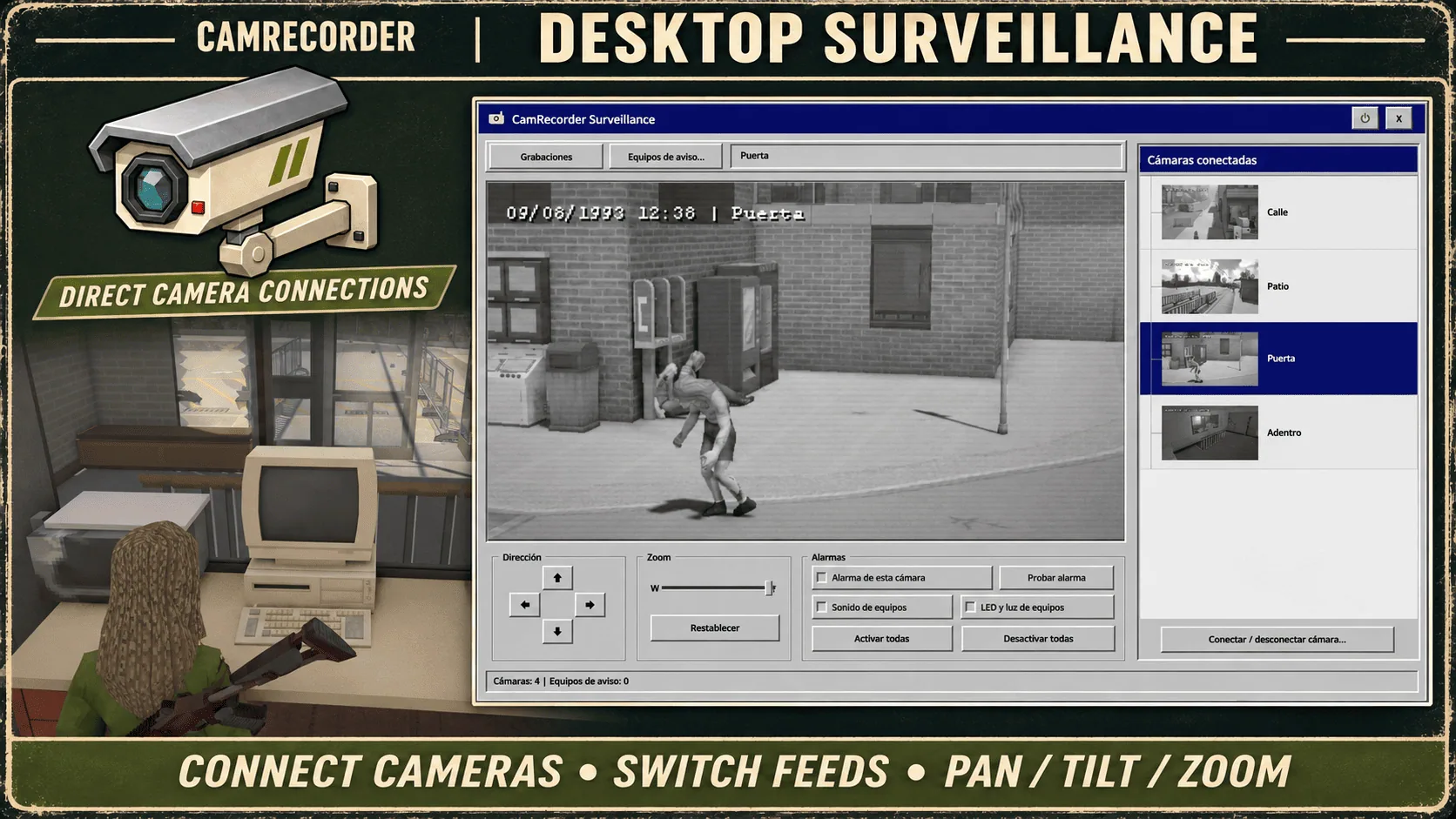
A supported desktop computer accepts up to 32 direct camera connections. Browse feeds, enlarge a view, and control cameras and alarms through its interface. These connections are separate from nearby monitors and terminals, which can act as alarm outputs. The computer also plays video from inserted memory cards.
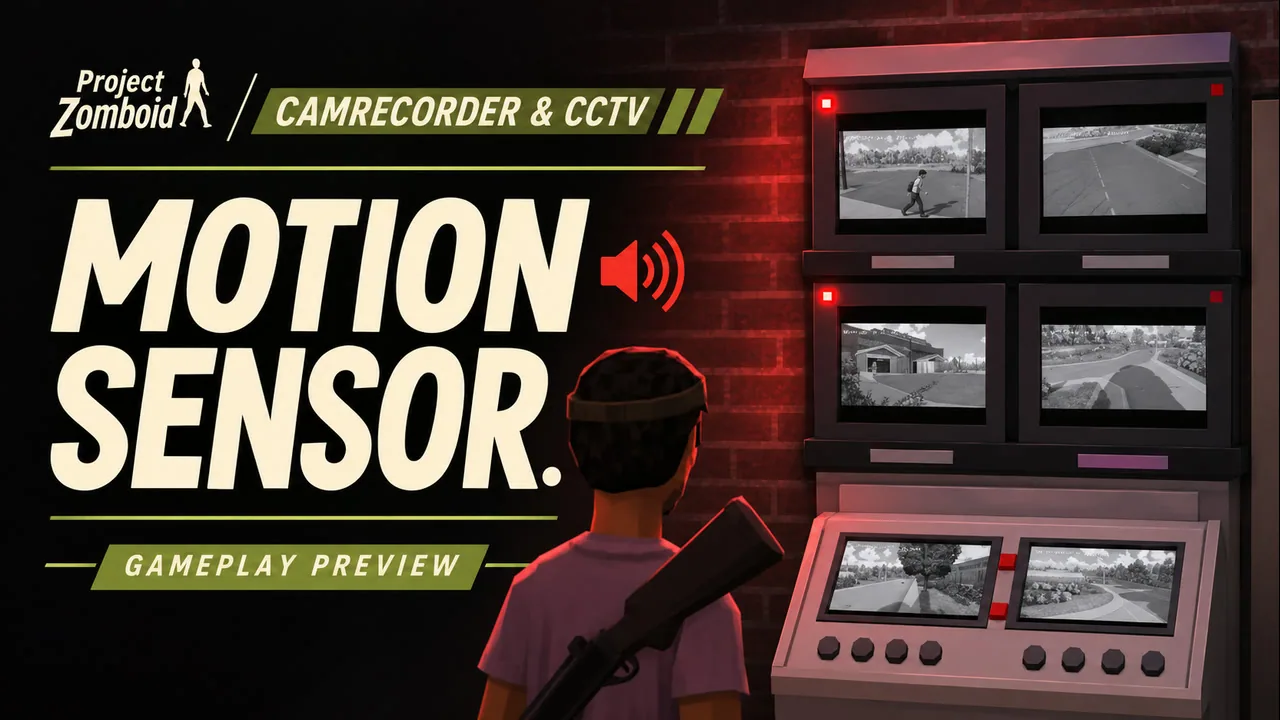
A motion sensor enables alert messages, flashing LEDs, pulsing red room lighting and audible alarms on linked devices. Alarms are configured per camera, with sound and lighting managed separately.
Share access with individual players or your faction. Viewing, camera control and access management have separate permissions. A PIN pairs equipment with a circuit; it does not automatically grant a player access.
Audio, quality and performance
Handheld recordings capture the player's game audio. Placed cameras and CCTV capture supported world sounds near the camera. CCTV audio can be disabled separately in sandbox settings.
Handheld cameras, CCTV and physical live screens have separate sandbox settings. Adjust resolution, frame rate and compression; handheld cameras and CCTV default to high compression. Performance depends on hardware, scene complexity and the number of active cameras.
Minecraft shader support is experimental. Handheld and placed camcorders, including Imekagi, capture the active shader; security cameras use native Viewpoint rendering. Shader packs can increase GPU and video-memory usage and reduce FPS, especially when recording from placed cameras. Compatibility depends on the shader pack and Viewpoint version. Reduce shader quality, recording resolution or frame rate if necessary.
Screenshots 4


Comments 0
No comments yet — be the first.
Log in or sign up to leave a comment.