













Adds persistent, migrating zombie hordes that travel between named towns, with full customization and optional Onslaught Mode. Designed for Project Zomboid Build 42.20.
Contents
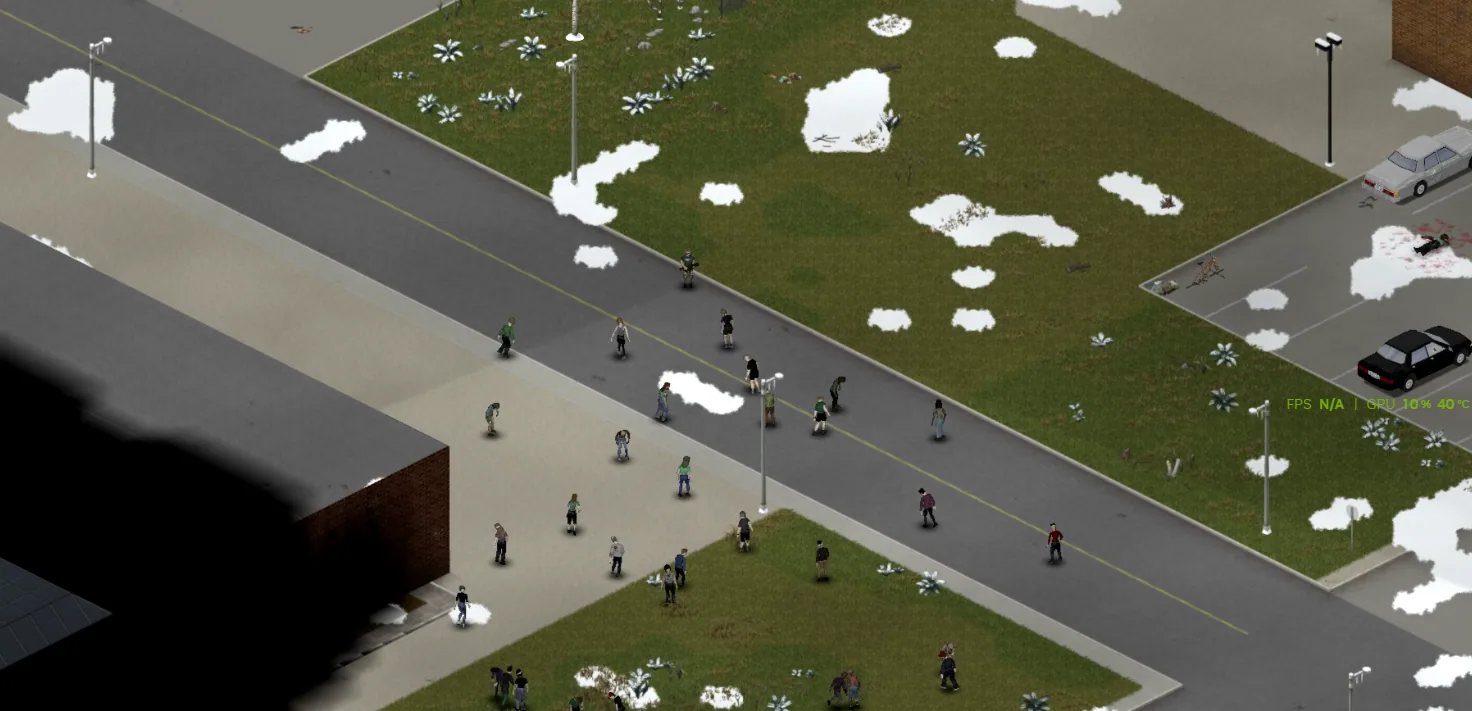
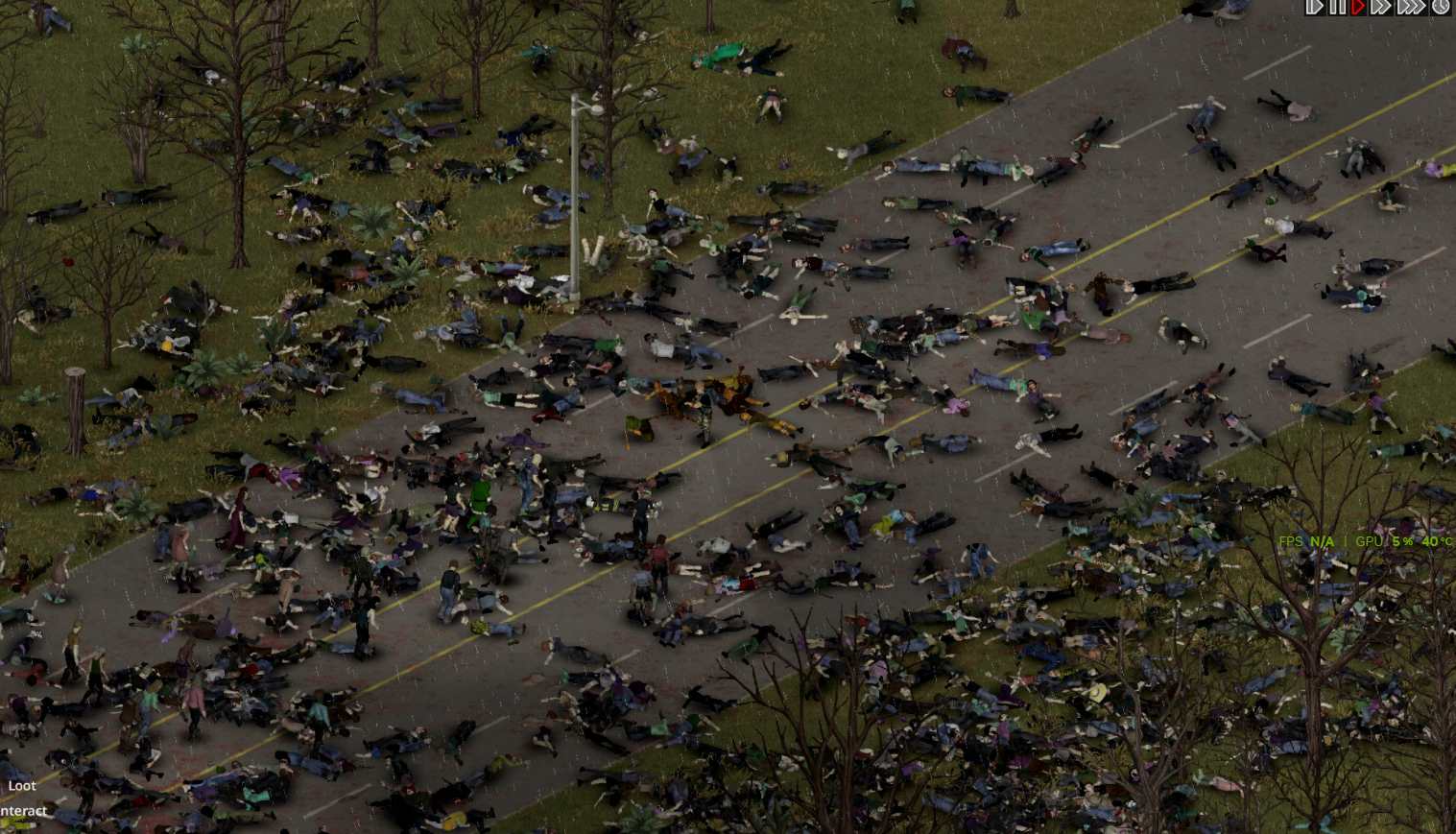
Big Chiefs Dynamic Hordes Ultimate Survival introduces large, persistent zombie hordes that migrate across the map in Project Zomboid, inspired by the traveling herds from The Walking Dead. The mod is built specifically for Build 42.20 and is currently designed for single player.
Main Features
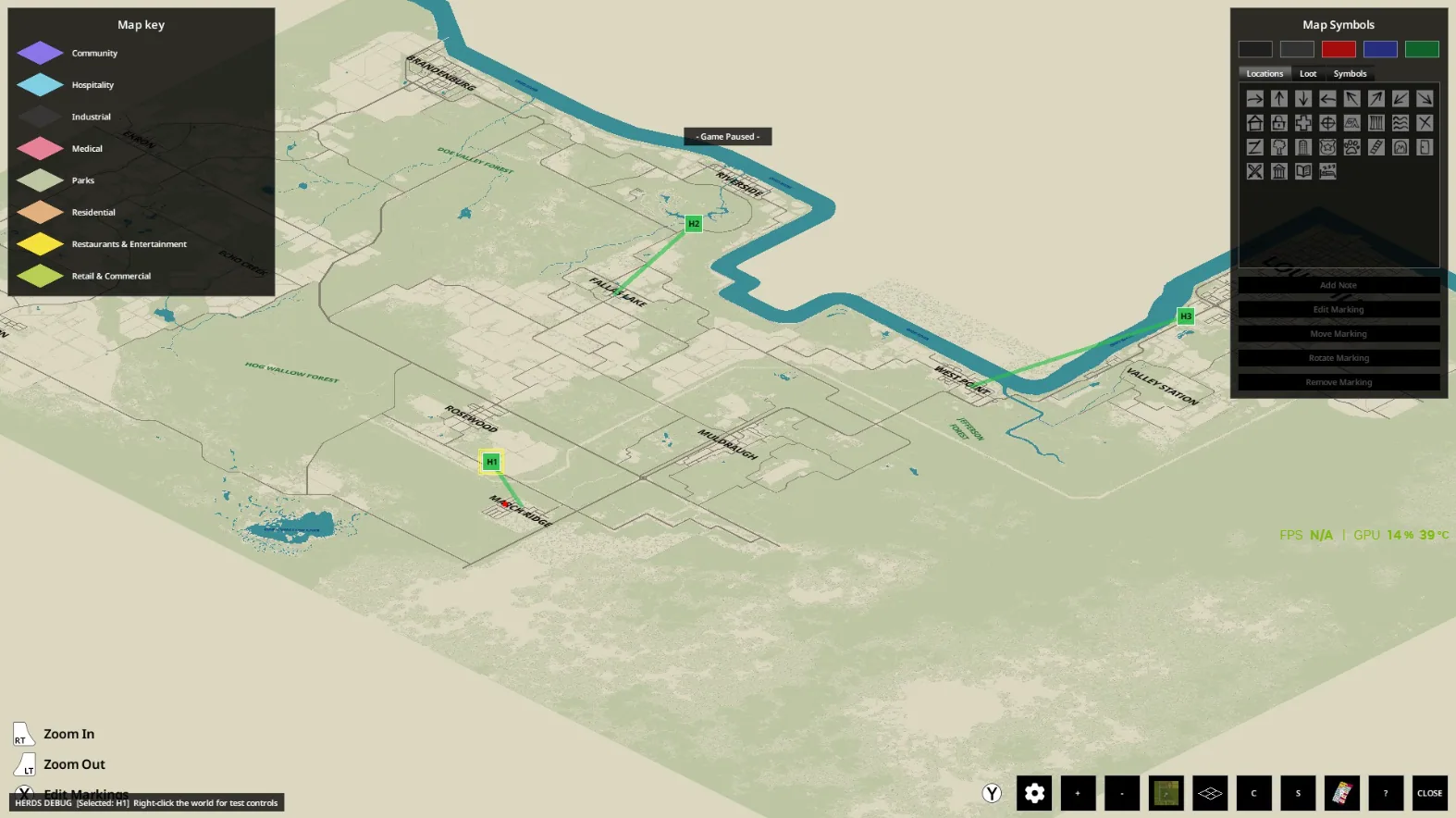
- Configurable Persistent Hordes: Adds 1 to 8 roaming hordes, adjustable in Sandbox Options. Each horde exists as a persistent group that migrates between actual named towns, including both legacy and Build 42 areas like Brandenburg, Echo Creek, Ekron, and Irvington.
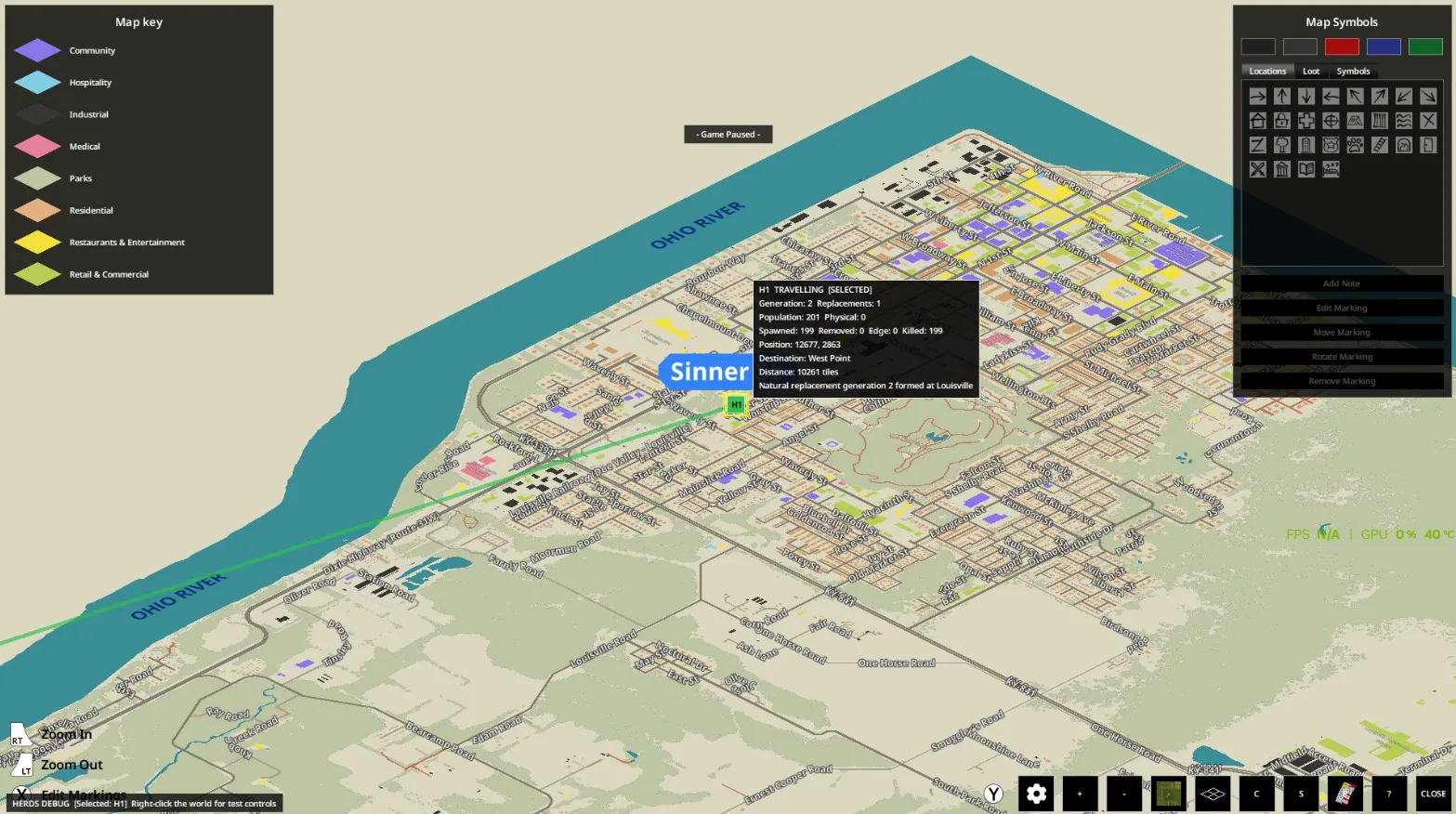
- Realistic Horde Behavior: Hordes travel from town to town, stay in towns for 1-3 in-game days, then move on. Migration continues even when players are far away. Hordes exist abstractly at a distance and materialize as real zombies off-screen when entering the player's loaded area.
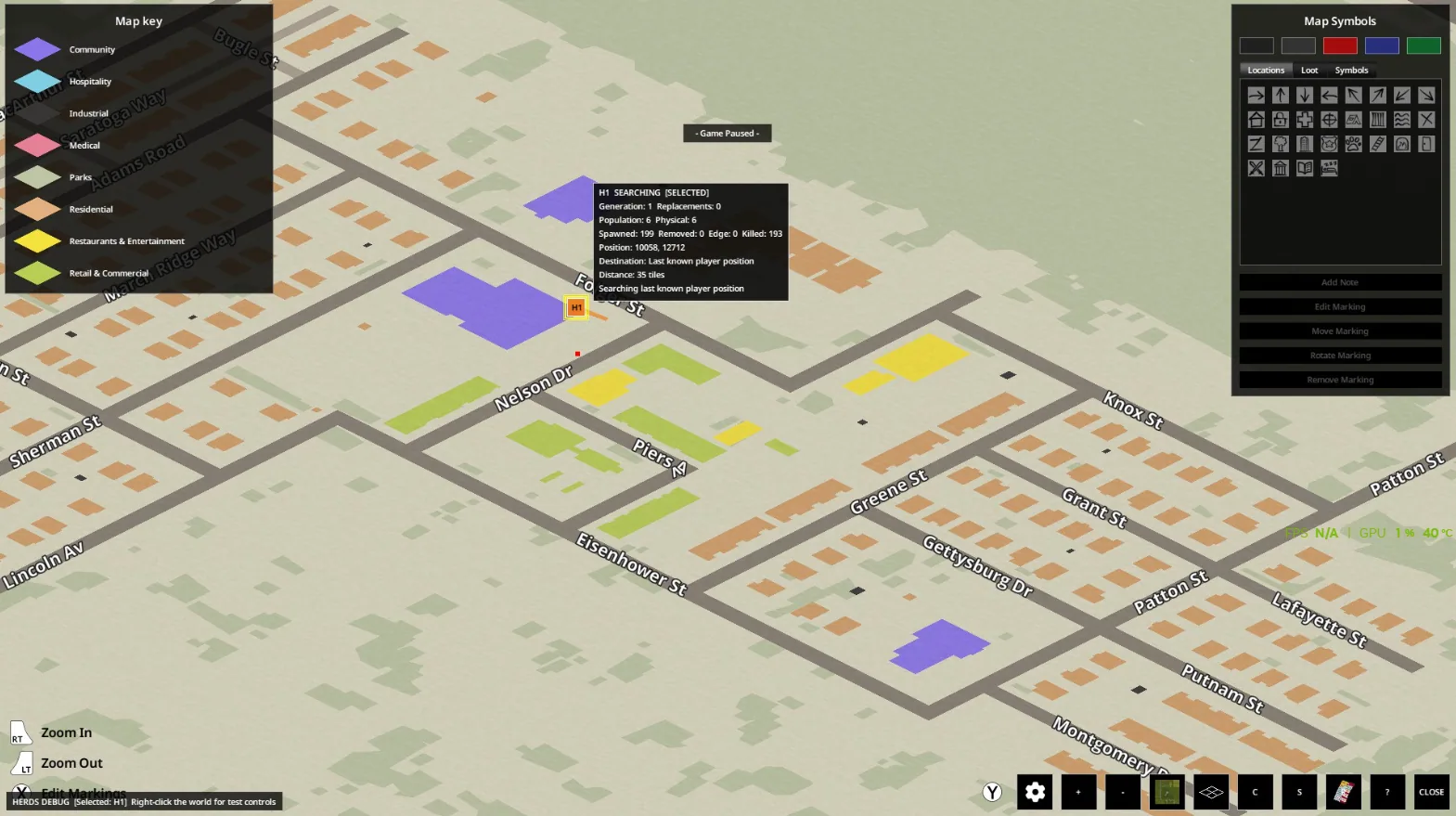
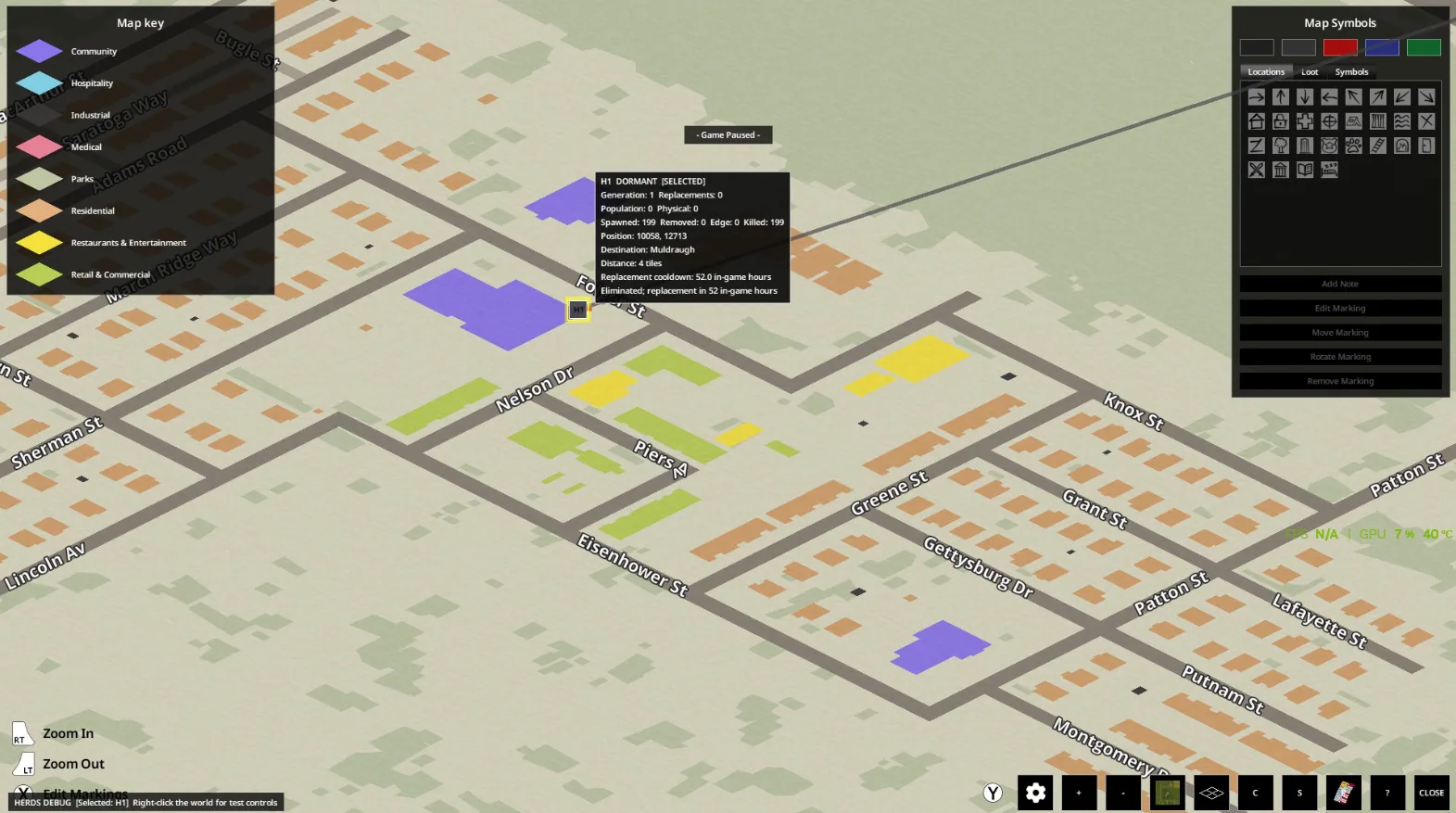
- Population Management: Killing herd zombies reduces the persistent population of that horde. Surviving hordes can slowly regenerate their numbers. If a horde's population drops below the collapse threshold (configurable), it breaks apart and remaining zombies become regular stragglers. Destroyed hordes can eventually be replaced by new ones elsewhere on the migration network, never spawning deliberately near the player.
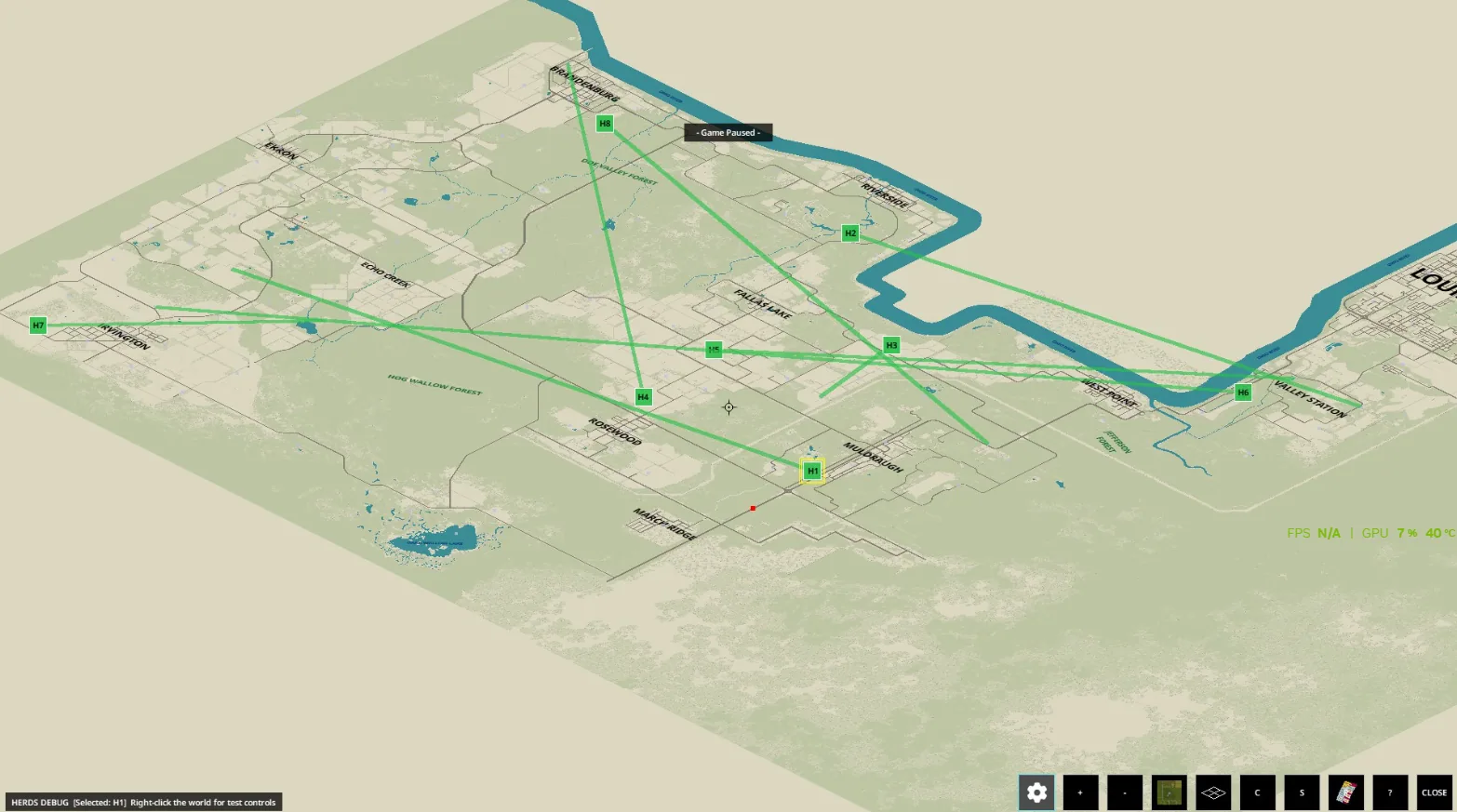
- Town-Based Migration: Hordes use a hand-authored network of named towns for migration, not random building clusters or farms.
Onslaught Mode
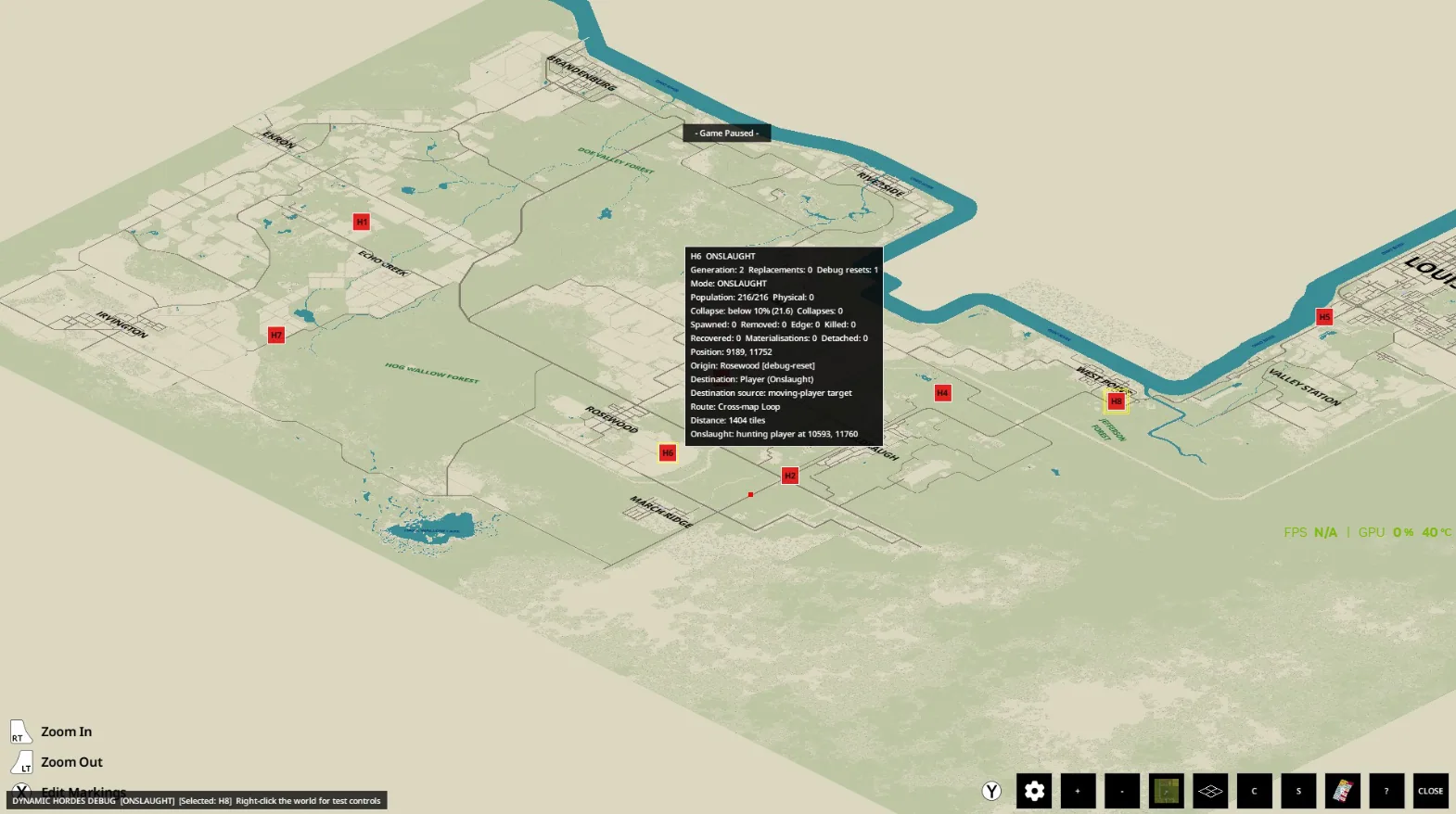
An optional Onslaught Mode can be enabled. In this mode, all active hordes stop following their town routes and begin migrating directly toward the player. Hordes do not teleport-if they are far away, they must cross the map to reach the player. Turning off Onslaught Mode returns hordes to their normal migration patterns.
Spawn and Simulation Rules
- Player-Built Bases: Properly enclosed compounds are not valid spawn areas; hordes must appear outside and breach defenses normally.
- Buildings: Horde zombies cannot materialize inside rooms or houses but may enter them afterward.
- Visible Spawning: Zombies will not spawn on-screen.
- Wilderness: Forest and countryside squares can be valid spawn points if they meet normal checks.
- Saving/Loading: Physical herd zombies and persistent population are managed separately to avoid duplication.
- Chunk Unloading: Herd zombies are tracked before leaving loaded areas.
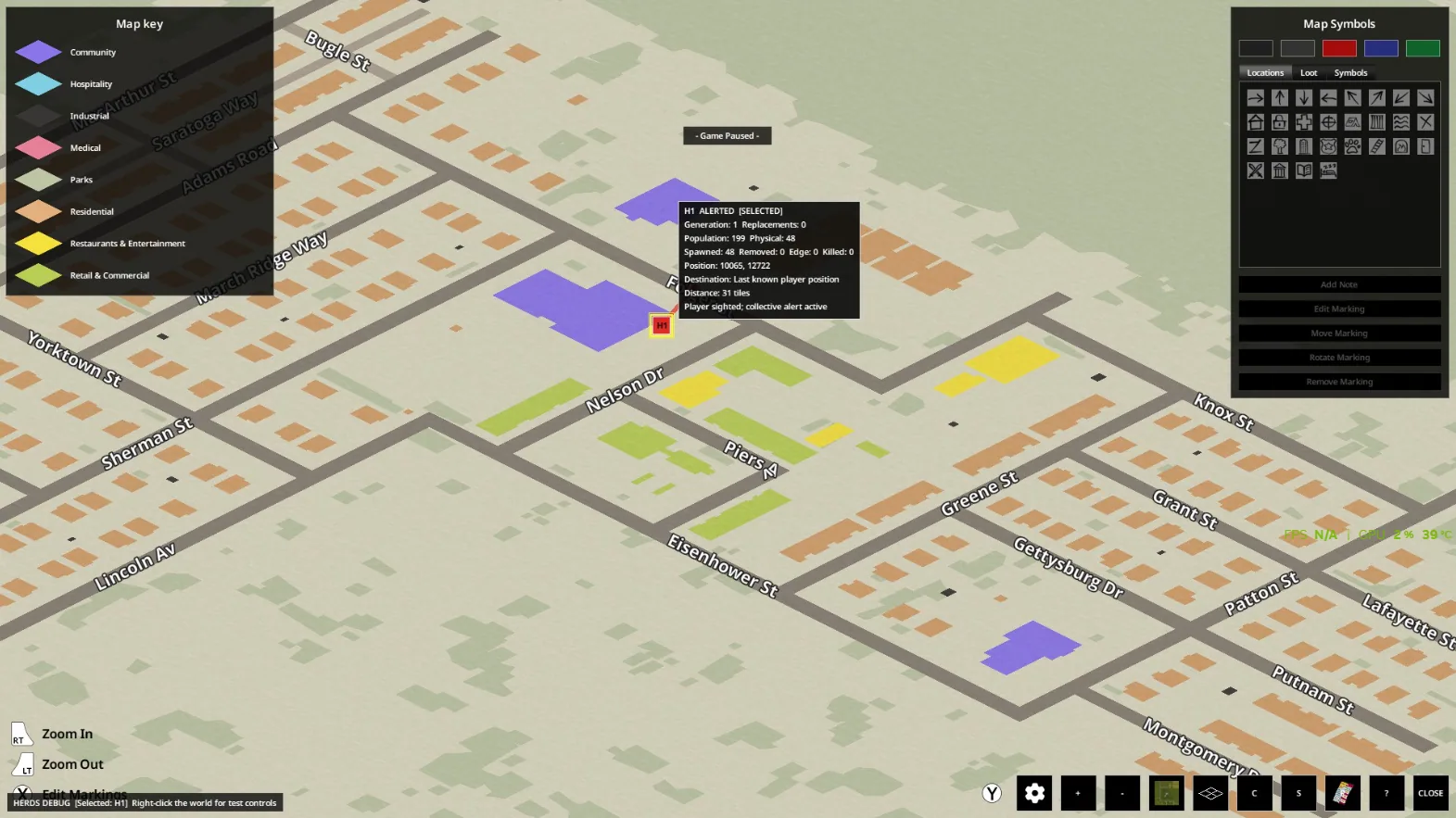
- Player Detection: If one herd member spots the player, nearby herd zombies are alerted and pursue.
Debug Tools
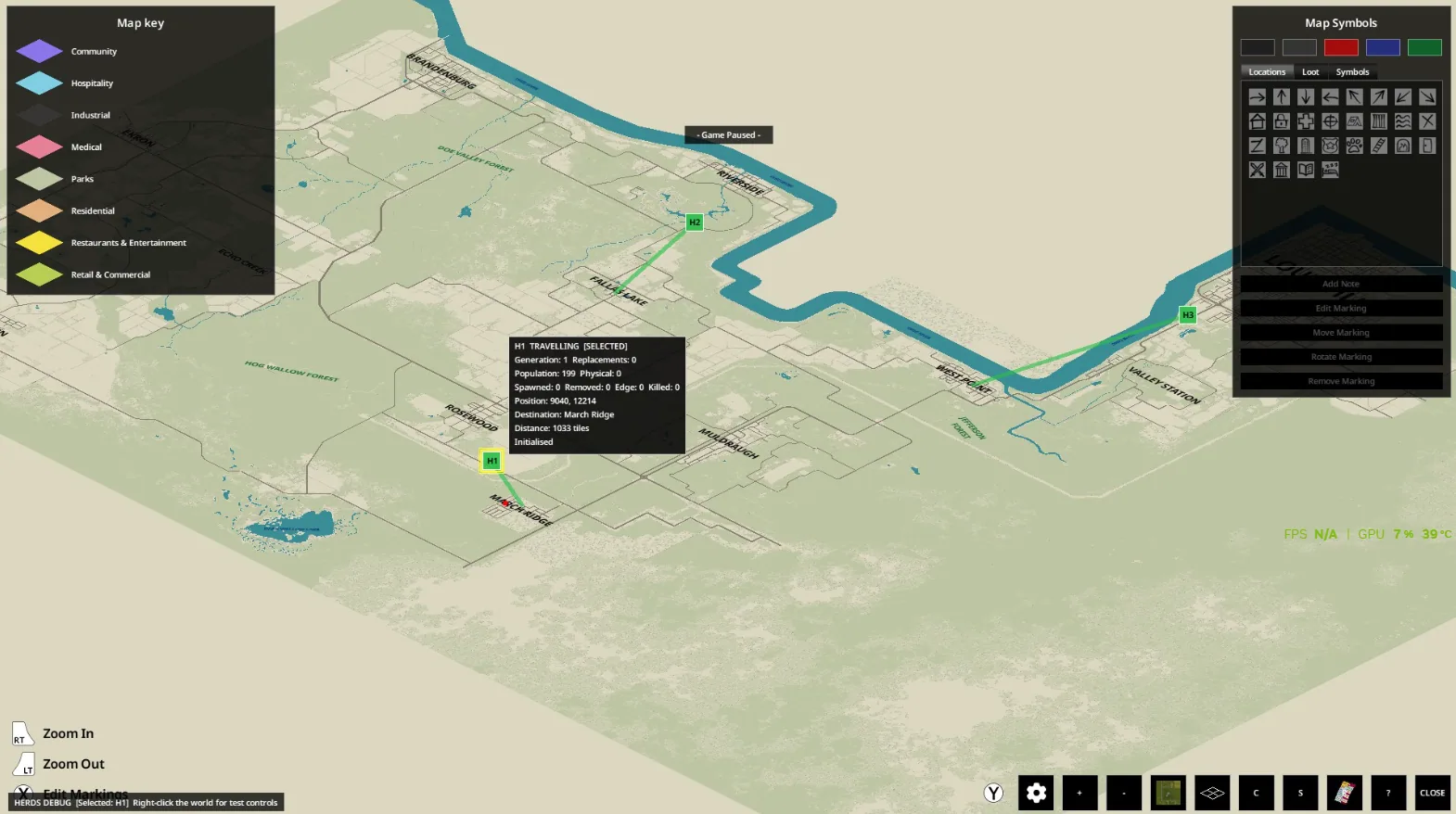
Debug Mode (off by default) allows: - Viewing herd icons (H1, H2, etc.) on the world map - Inspecting herd population, state, route, and destination - Viewing migration lines (except during Onslaught Mode) - Selecting and testing individual hordes - Bringing a herd near the player for testing - Resetting or replacing individual hordes - Inspecting generation and replacement data
Sandbox Options
Nearly all aspects are customizable: - Enable/disable Dynamic Hordes - Number of active hordes - Minimum/maximum herd population - Maximum physical zombies per herd - Horde movement speed - Horde replacement and delay - Horde regeneration, delay, and speed - Collapse threshold - Town roaming and stay duration - Collective alert radius - Player warning dialogue - Onslaught Mode - Debug Mode
Compatibility and Limitations
- Designed and tested for Project Zomboid Build 42.20
- No external framework dependency
- Intended for single player
- Normal zombie behavior applies once herd zombies are present
- Base protection prevents spawning inside fully enclosed compounds, but does not guarantee safety once the horde arrives outside
Distinctions from Other Horde Mods
Dynamic Hordes focuses on persistent, migrating mega-herds with real map presence and does not replace the vanilla zombie system. It avoids issues like hordes getting stuck or only triggering on specific events, and uses a named-town migration network for more natural movement.
Screenshots 10


Comments 0
No comments yet — be the first.
Log in or sign up to leave a comment.