

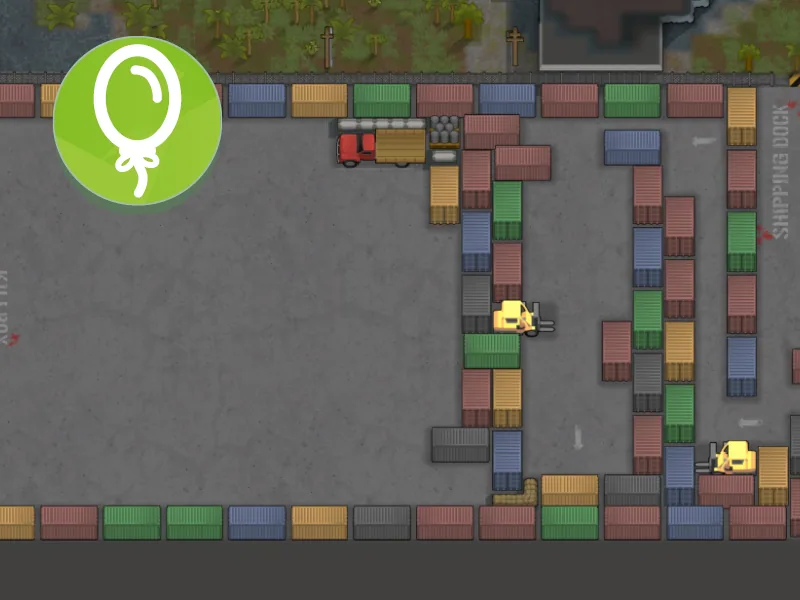
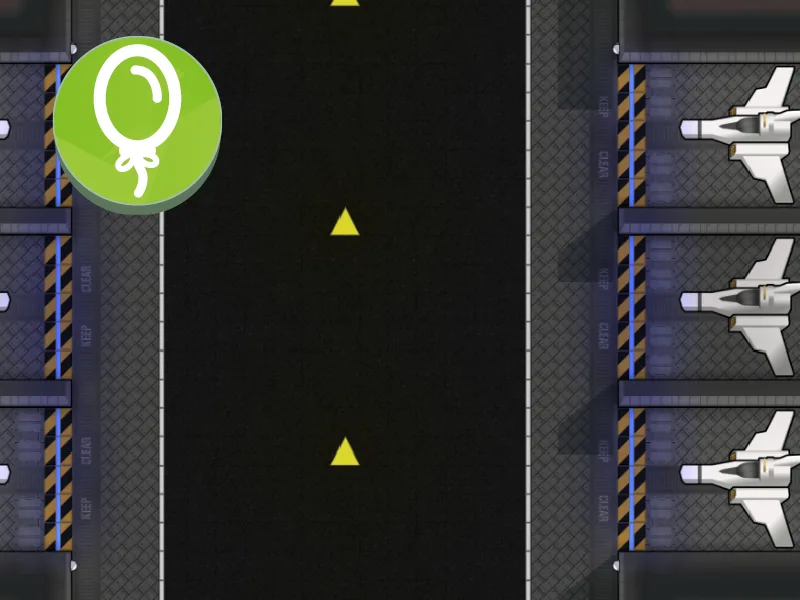
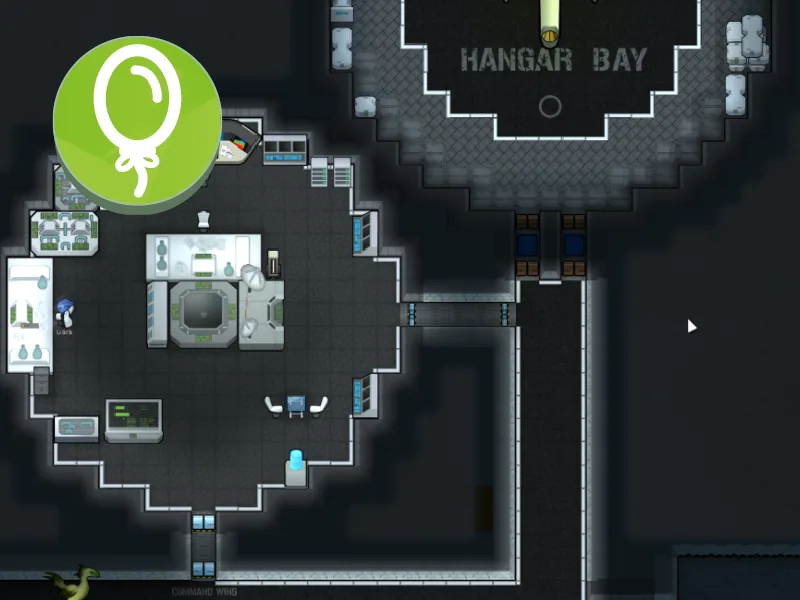
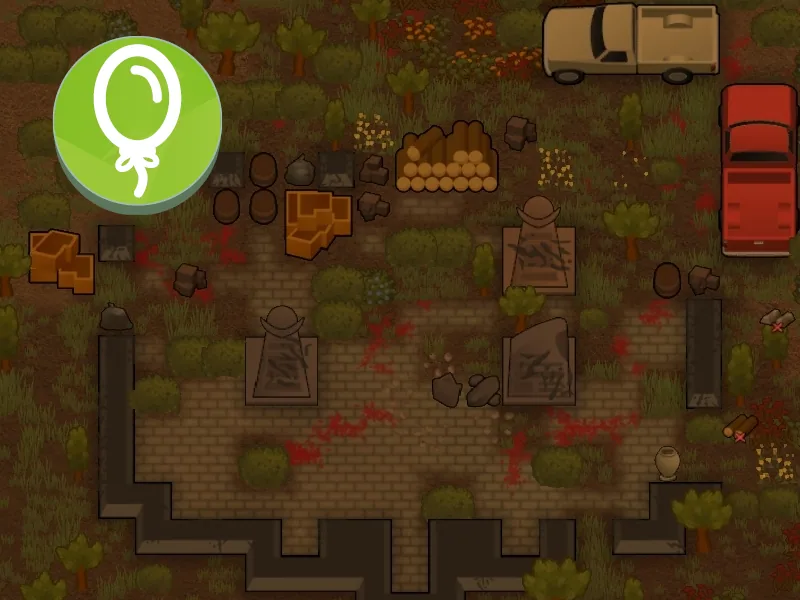
Vanilla Furniture Expanded - Props and Decor adds a broad selection of decorative objects for personalizing RimWorld settlements. Furnish detailed interiors, dress up streets and build scenes ranging from everyday clutter to spacecraft displays.
Vanilla Furniture Expanded - Props and Decor - Give Your Colony More Character
Vanilla Furniture Expanded - Props and Decor adds a broad selection of decorative objects for personalizing RimWorld settlements. Furnish detailed interiors, dress up streets and build scenes ranging from everyday clutter to spacecraft displays.
The description lists nearly 350 hand-drawn props, with further additions introduced in the reworked placement system, including effect spawners. Their artwork follows RimWorld’s familiar style.
A dedicated decoration menu
Open Furniture → Build Props to access the separate Props Palette.
- All props are available without research.
- Placement is instant.
- Props cost silver rather than construction materials.
- God mode makes placement free.
- Decorations stay in their own interface instead of filling the Architect menu.
Decorative purpose, physical presence
Props do not perform the jobs suggested by their appearance. A decorative sink does not provide hygiene, a shelf does not store items and a spacecraft prop is not a working vehicle.
However, objects can still burn, provide cover or block movement where appropriate. Their decorative role does not mean they have no physical effect on the map.
Compatibility
The mod can be added to an existing save. Compatibility is listed for Combat Extended, Rimatomics, Rimfeller, Dubs Bad Hygiene, Deep Storage and Vehicle Framework, without functional integration with those systems.
Designator Shapes may prevent certain props, such as borders, from rotating.
Some promotional screenshots include objects from other mods; those objects are not bundled with this module.
Artwork and design: Oskar Potocki
Reworked props system and additional props: Sarg Bjornson
Screenshots 6




Comments 0
No comments yet — be the first.
Log in or sign up to leave a comment.