












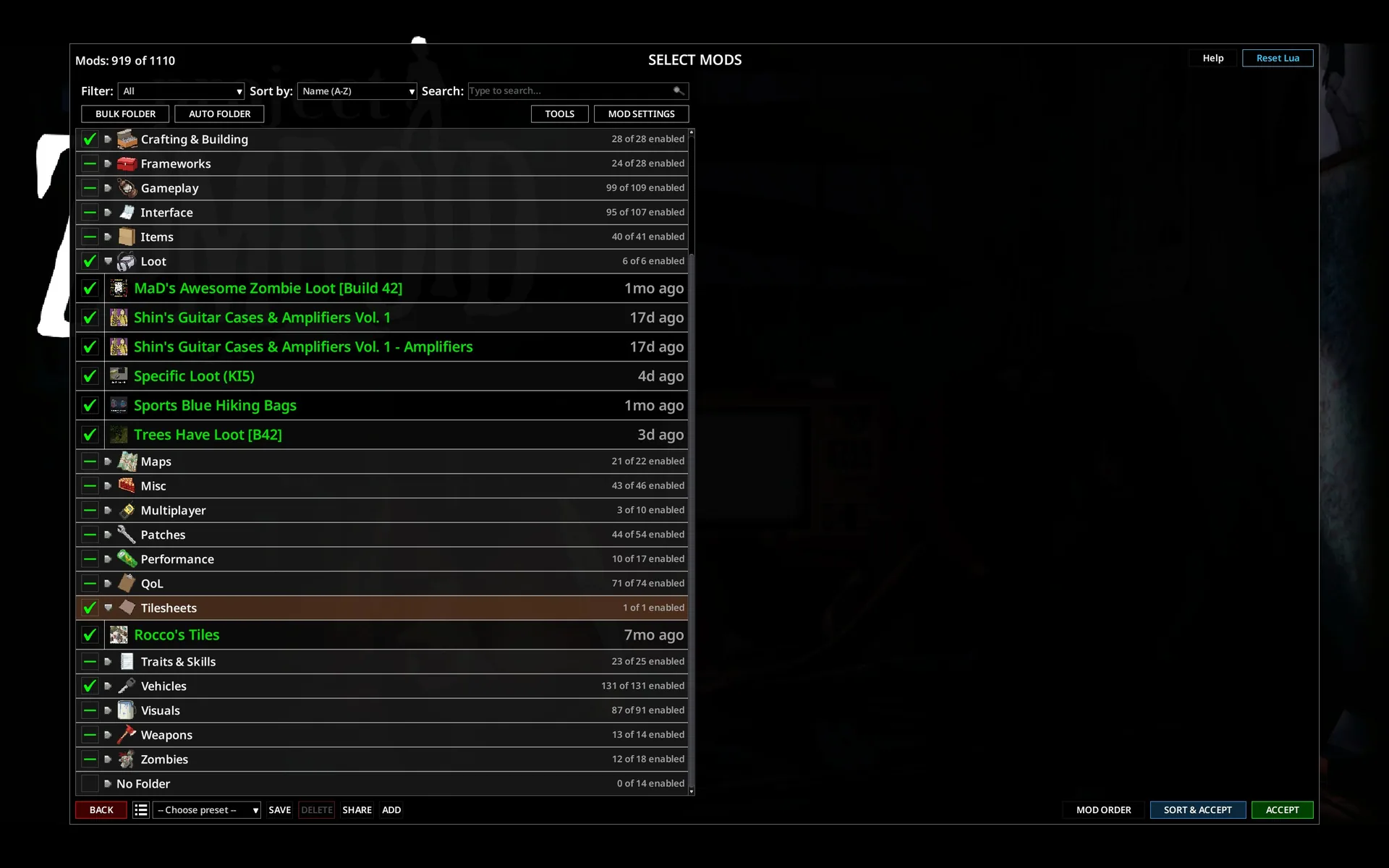
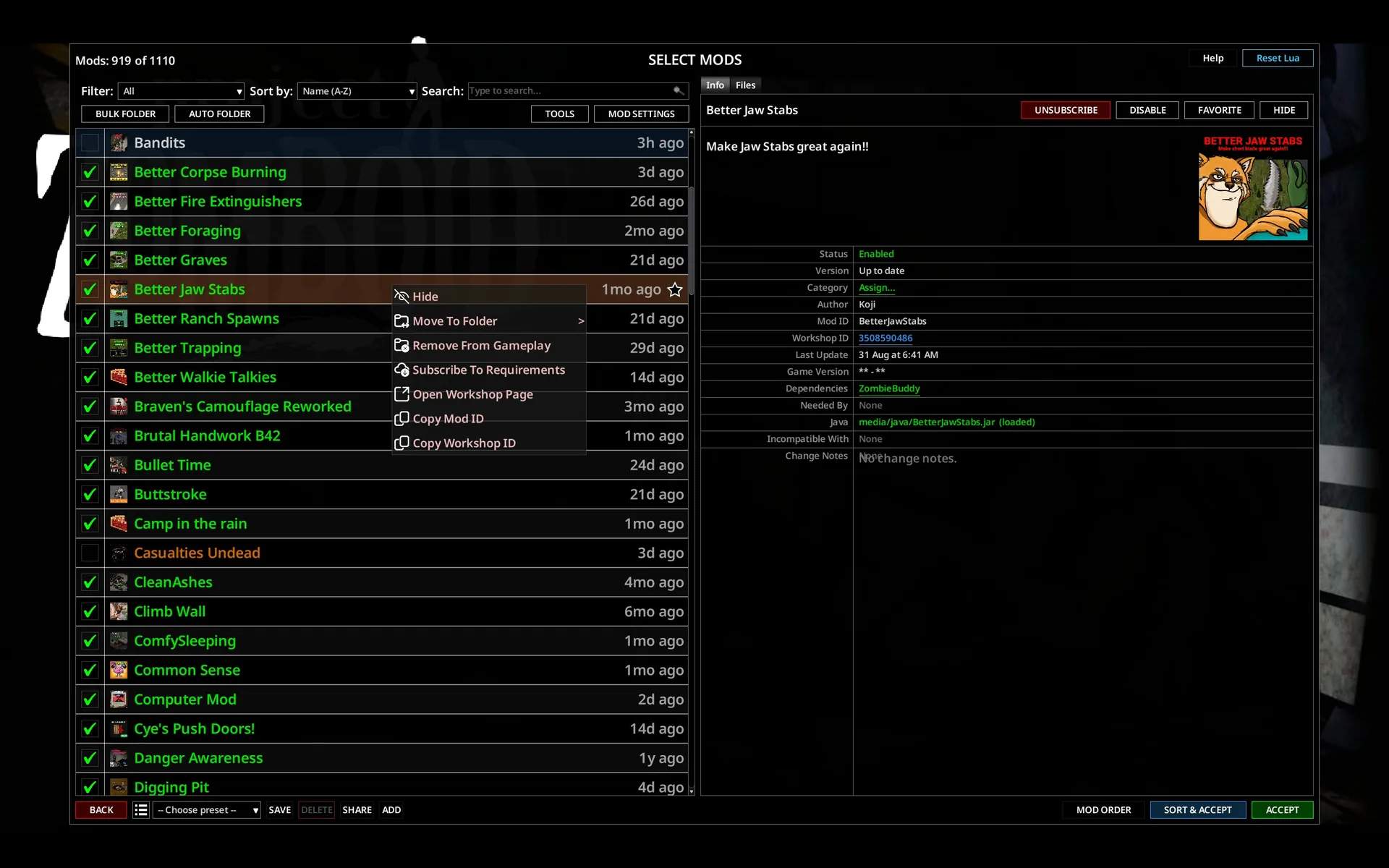
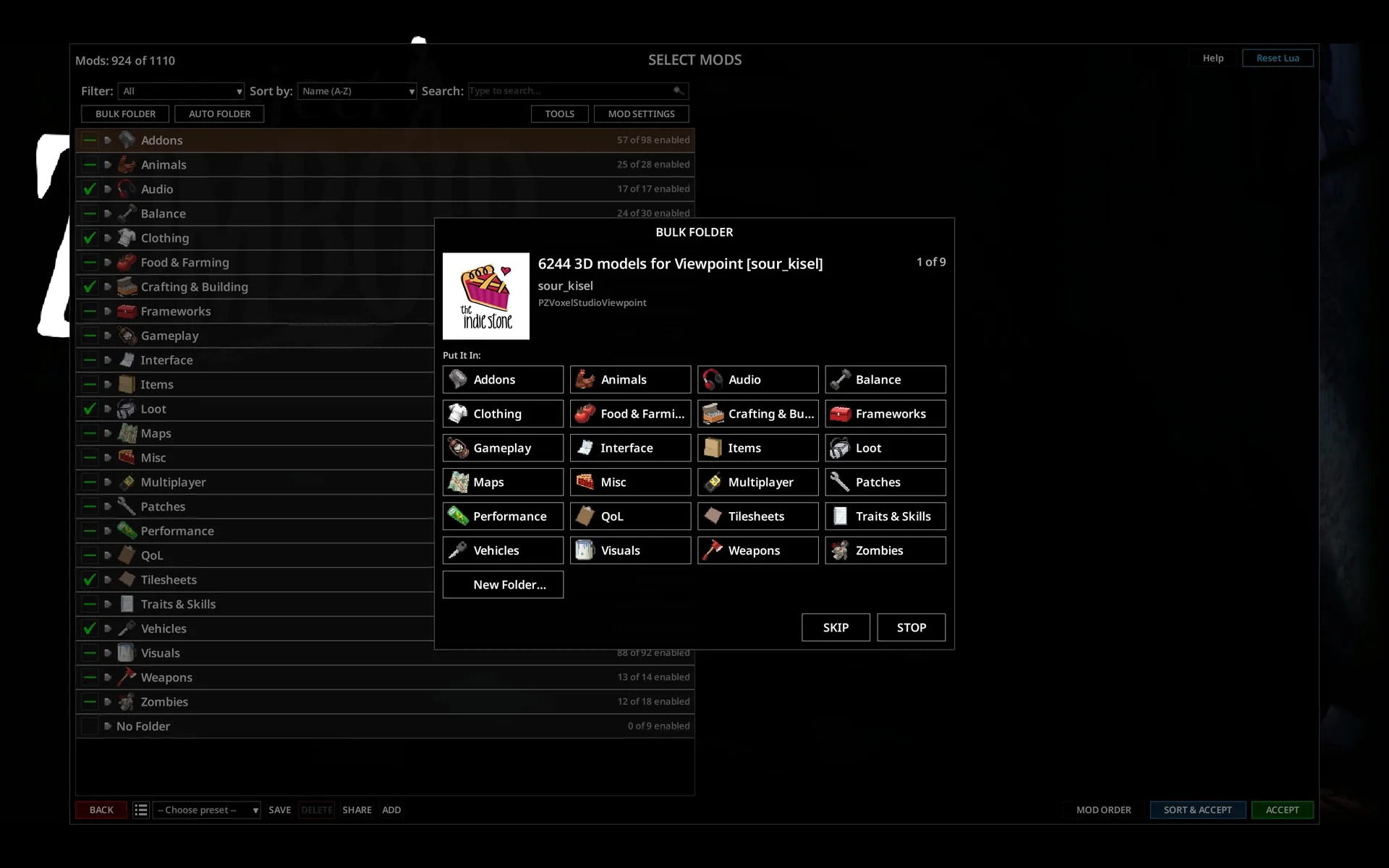
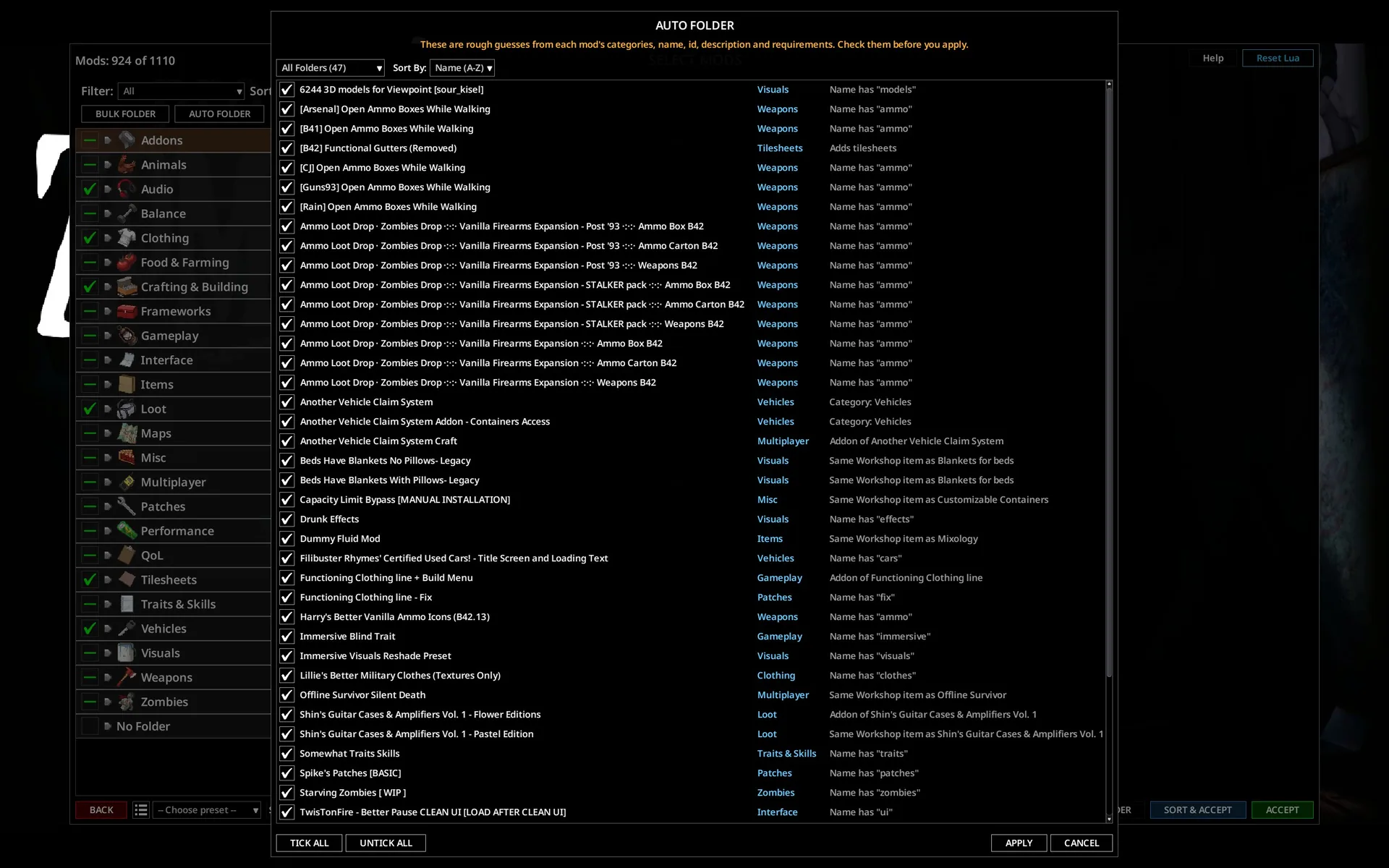
Adds individually configurable features to Mod Manager. Organize mods in collapsible folders, review automatic suggestions for popular mods and move entries by dragging. Use Ctrl+Click, Shift+Click or Ctrl+A for bulk actions.
Mod Manager Extension
v18.10.2026 · 757.7 КБ ·
0 downloads
Link verified · ModsFire
Adds individually configurable features to Mod Manager. Organize mods in collapsible folders, review automatic suggestions for popular mods and move entries by dragging. Use Ctrl+Click, Shift+Click or Ctrl+A for bulk actions.
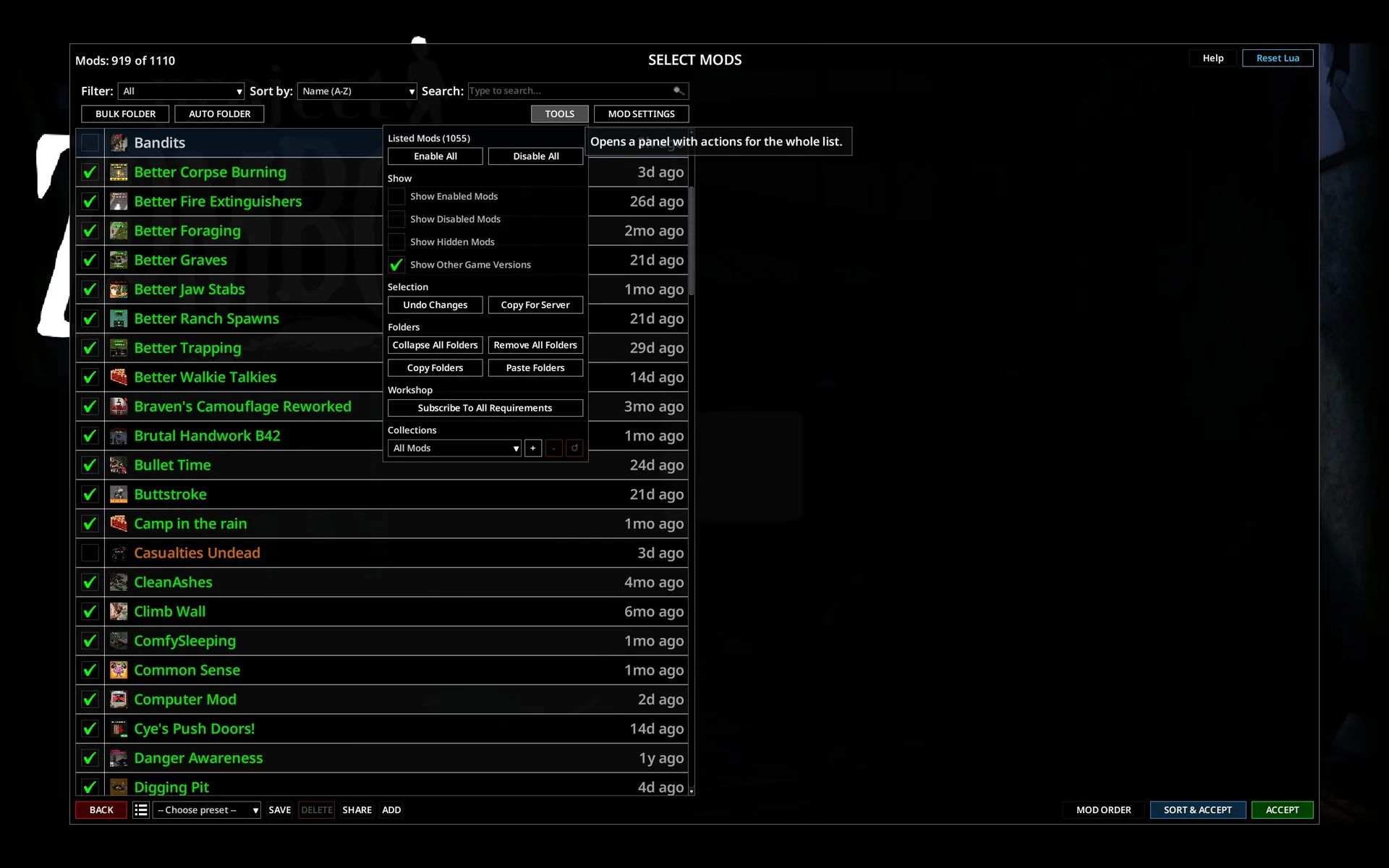
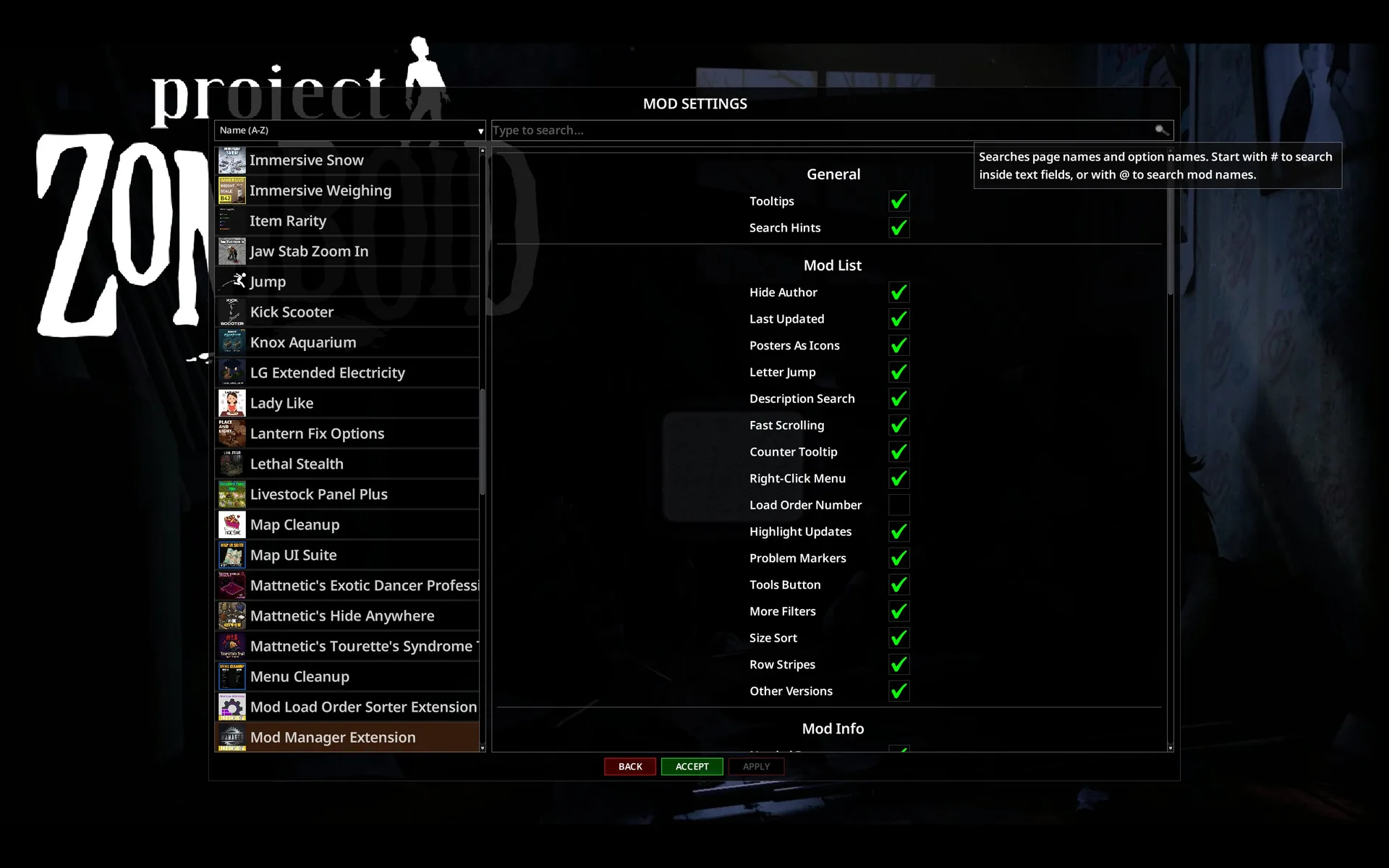
- Mod list: smoother scrolling, load order numbers, update times, missing dependencies, duplicates and filters for Java mods or other game versions. Ctrl+F opens search, and a # prefix searches descriptions.
- Presets and history: sort, rename, duplicate or compare presets, history, saves and the current selection. The info panel shows which mods need the selected entry.
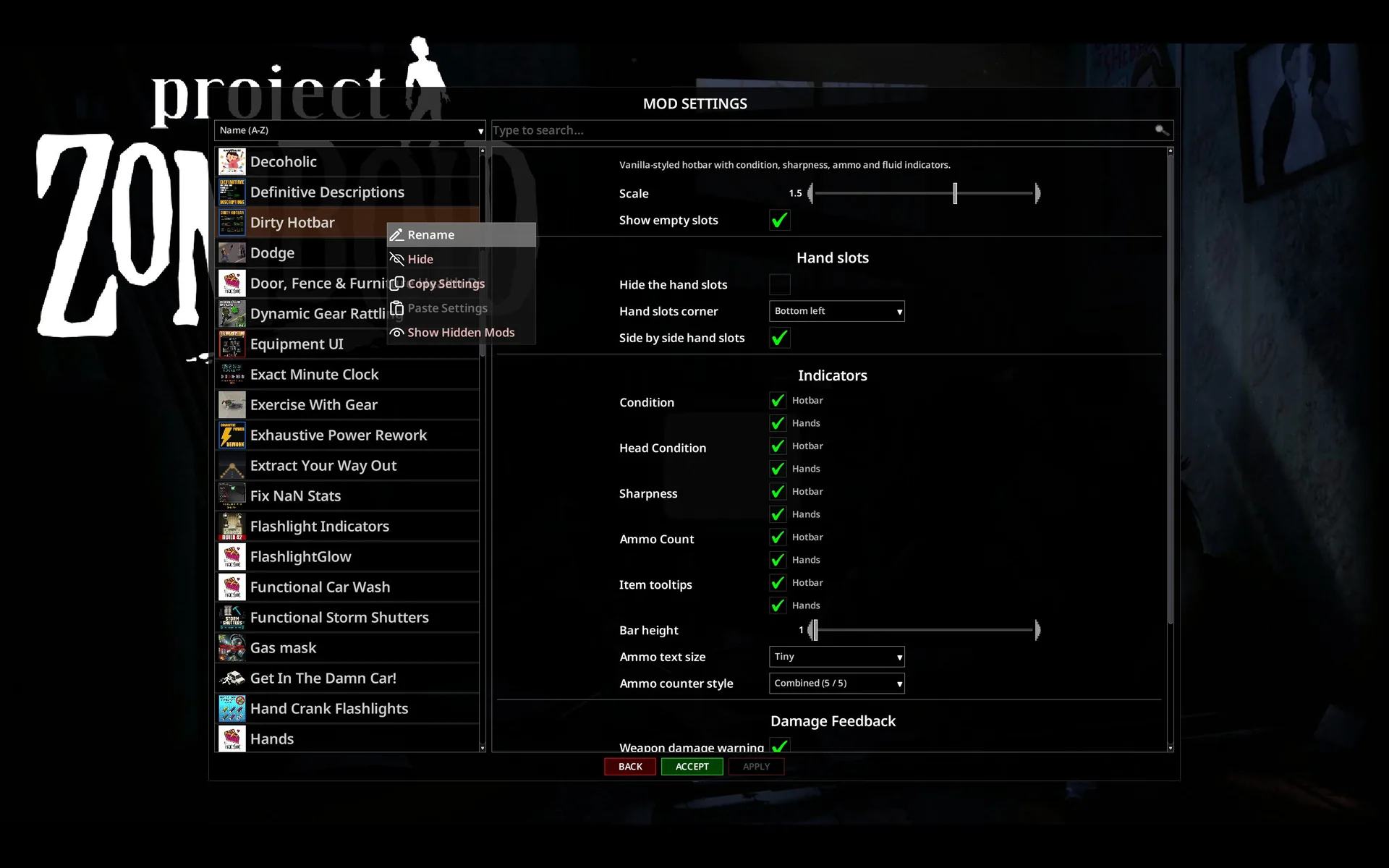
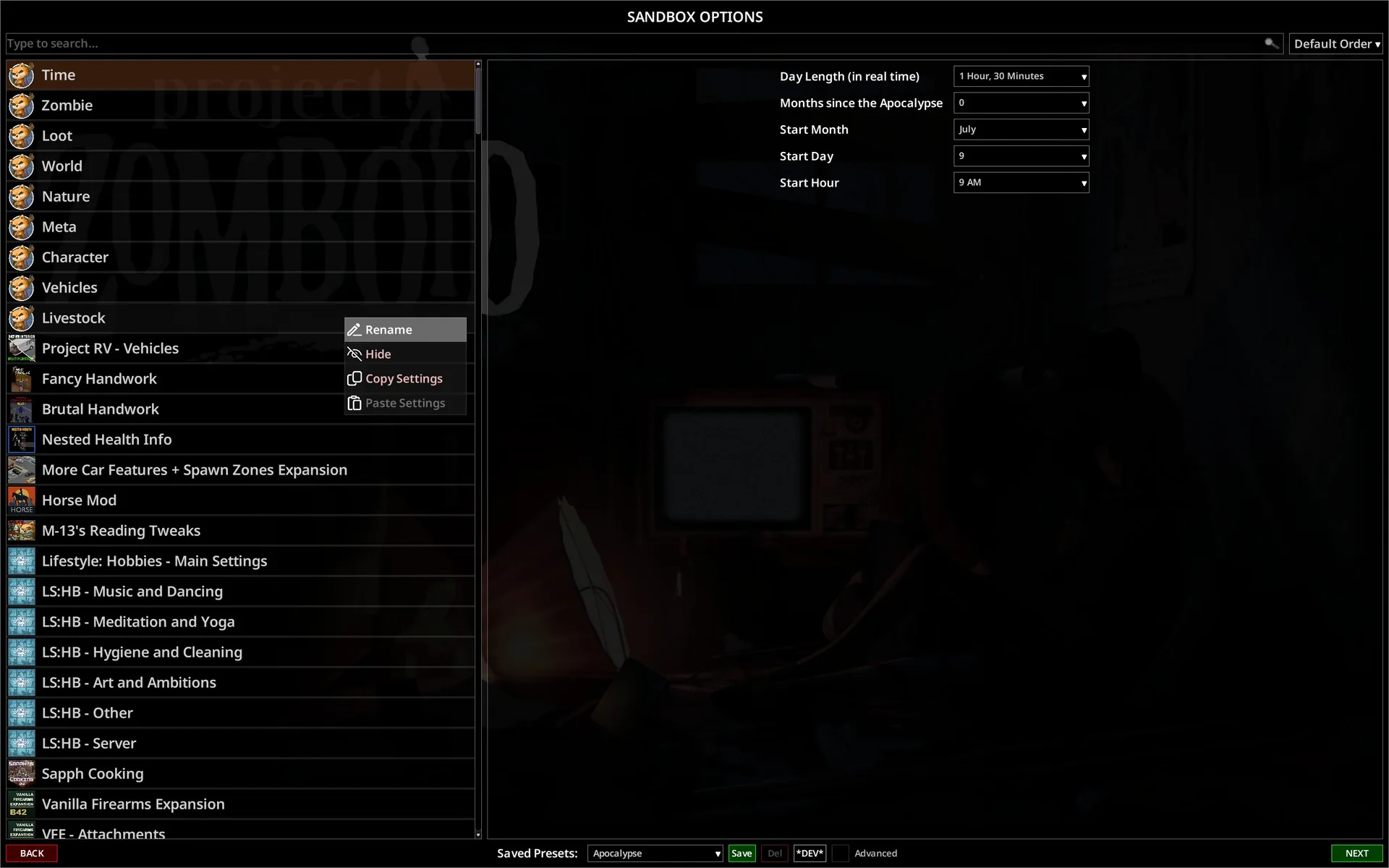
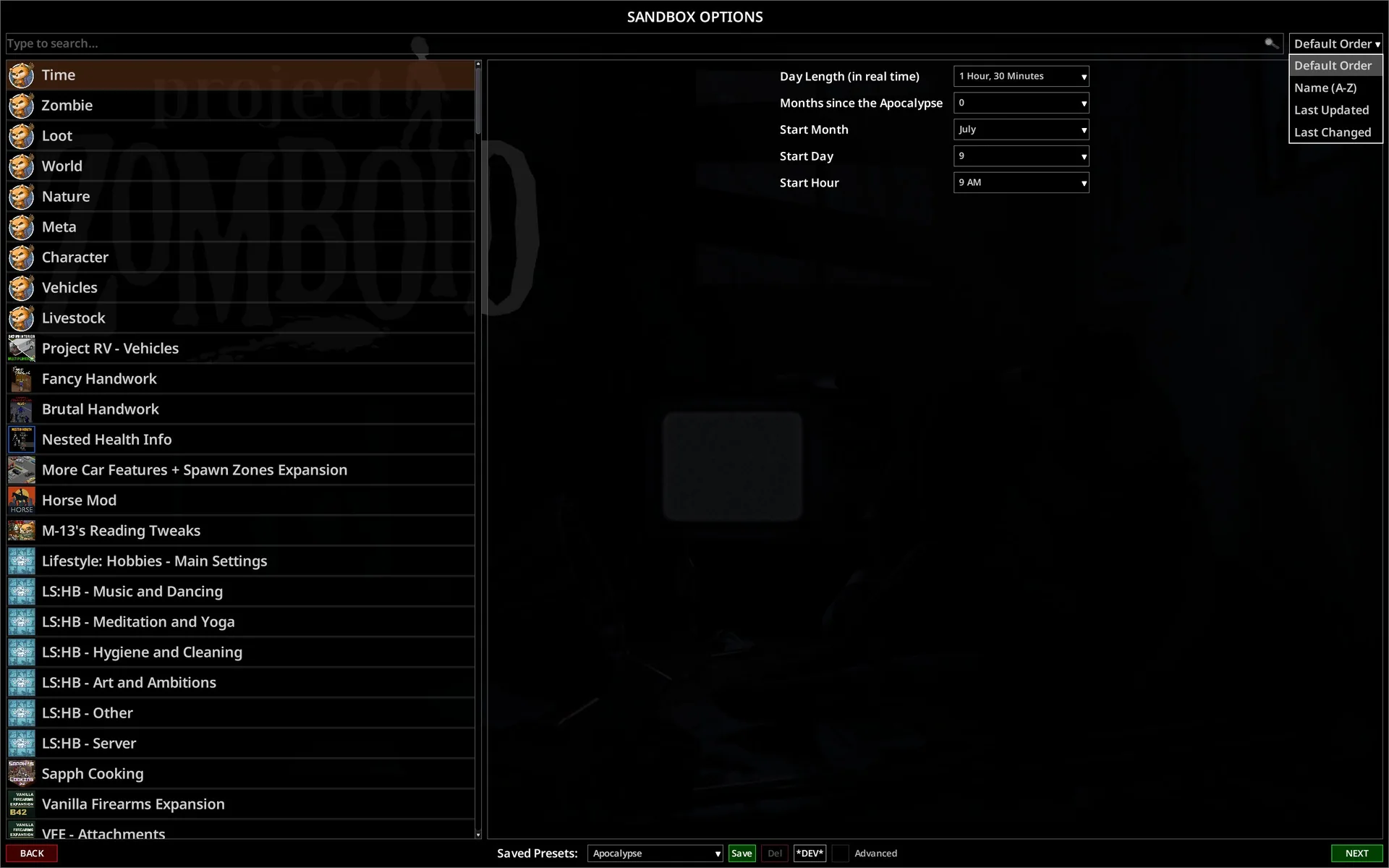
- Settings: remember the last page, sort by update or edit date, and copy settings between pages. Keeps the last 10 copies of the mod settings file. Sandbox and server menus gain similar navigation tools.
- Hosting: warns about missing server mods, carries enabled mods and maps into new configurations and saves server items, maps and spawn regions in load order.
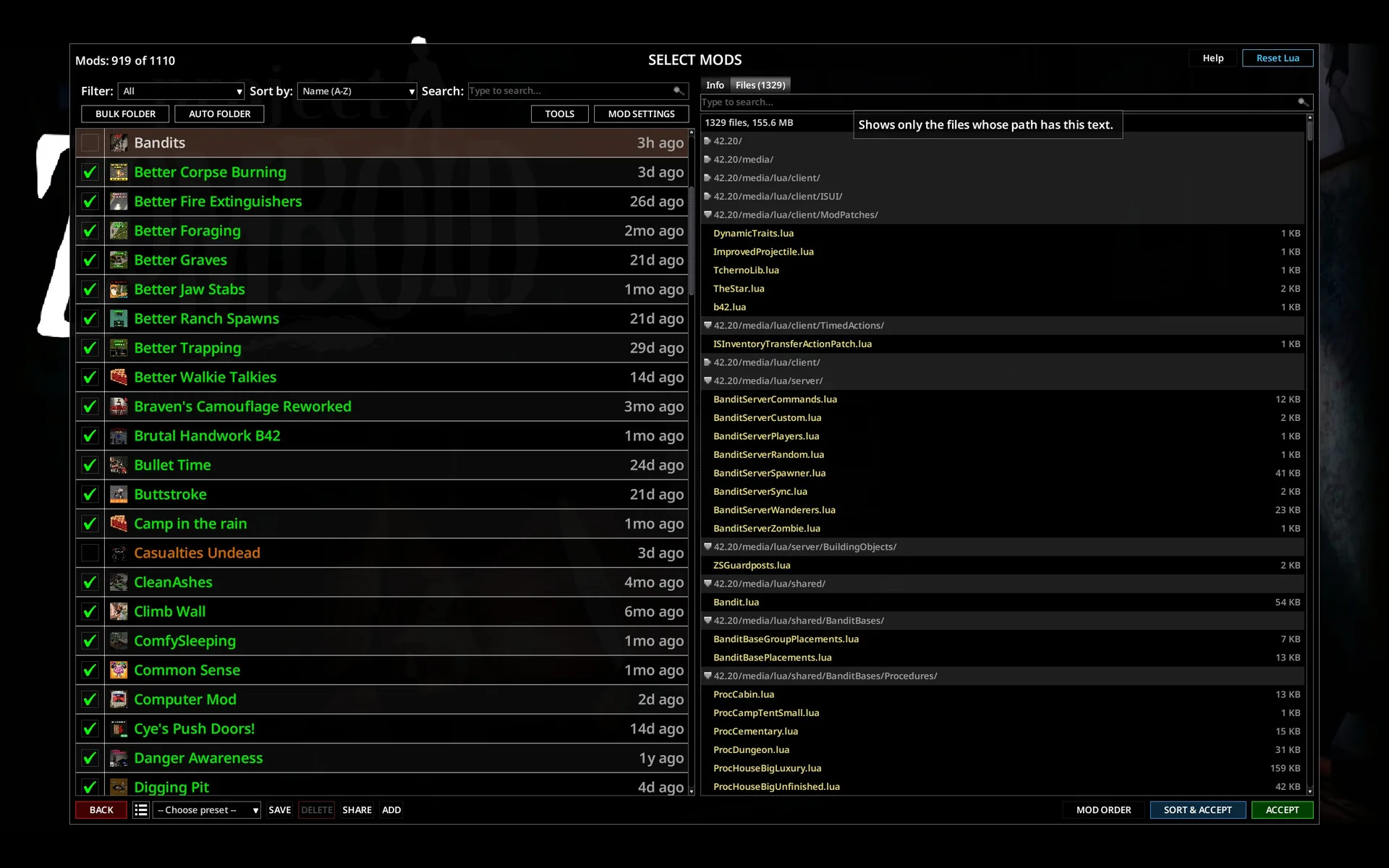
The optional ZombieBuddy component adds Workshop subscription and collection tools, a file browser, detection of newly downloaded mods and a B41 filter. It can also retain temporarily removed mods in selections and fix certain broken files and the host screen's Delete Player button.
Screenshots 12


Comments 0
No comments yet — be the first.
Log in or sign up to leave a comment.