












Mod Manager expands Project Zomboid's Build 42 mod menu with sorting, filtering, update information and a redesigned settings screen.
Contents
Mod Manager expands Project Zomboid's Build 42 mod menu with sorting, filtering, update information and a redesigned settings screen.
Mod list
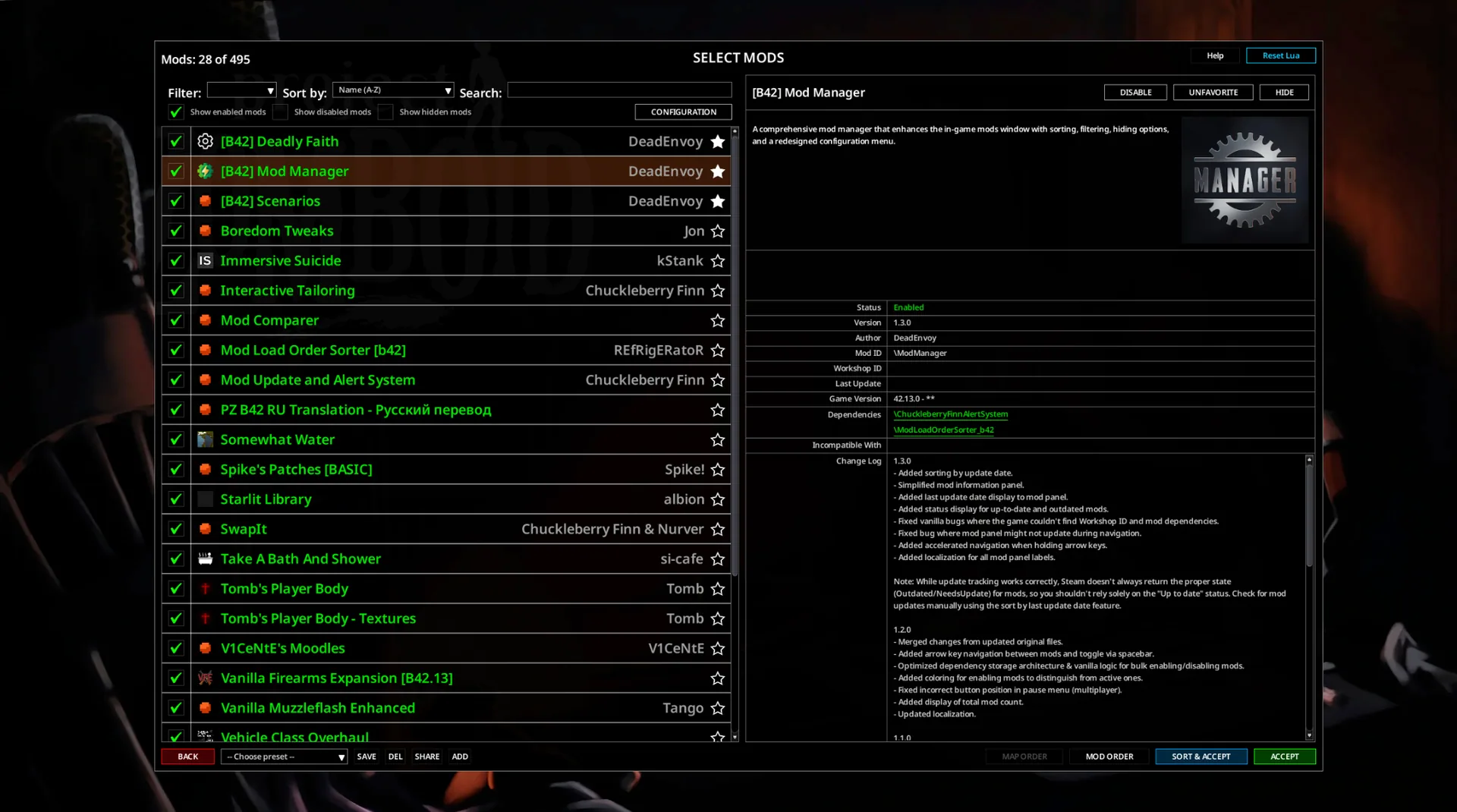
Sort by install or update date, view author-provided changelogs and see the total number of mods. Hide entries, filter for disabled mods, or browse and search by author. Favorites appear at the top. Updated entries show their date and Up to date or Update available status.
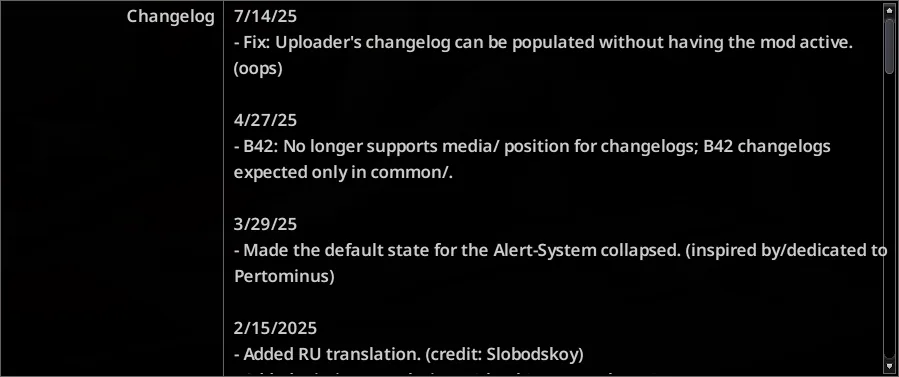
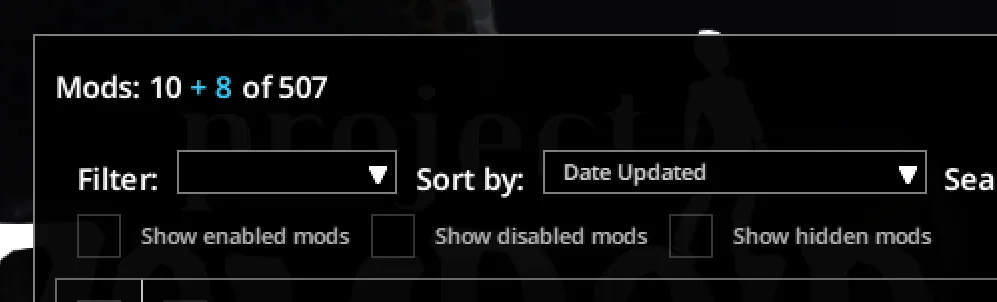
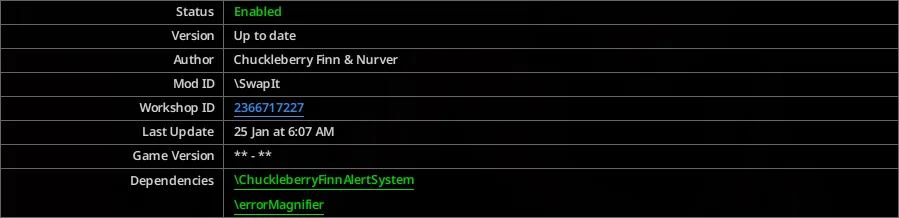
The information panel is simplified. Arrow keys navigate and Space toggles mods. Color distinguishes newly enabled mods from those already active. Buttons include Reload Lua and SORT & ACCEPT. The manager warns before disabling a library or mod used by others.
Mod settings
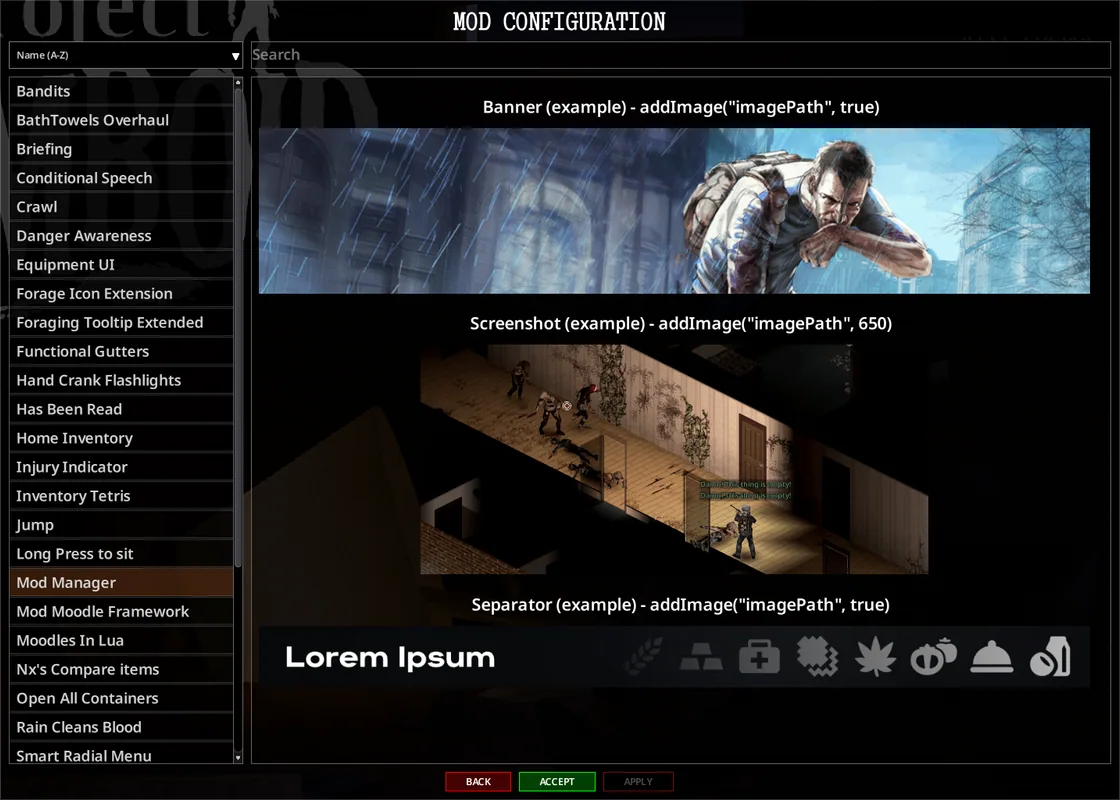
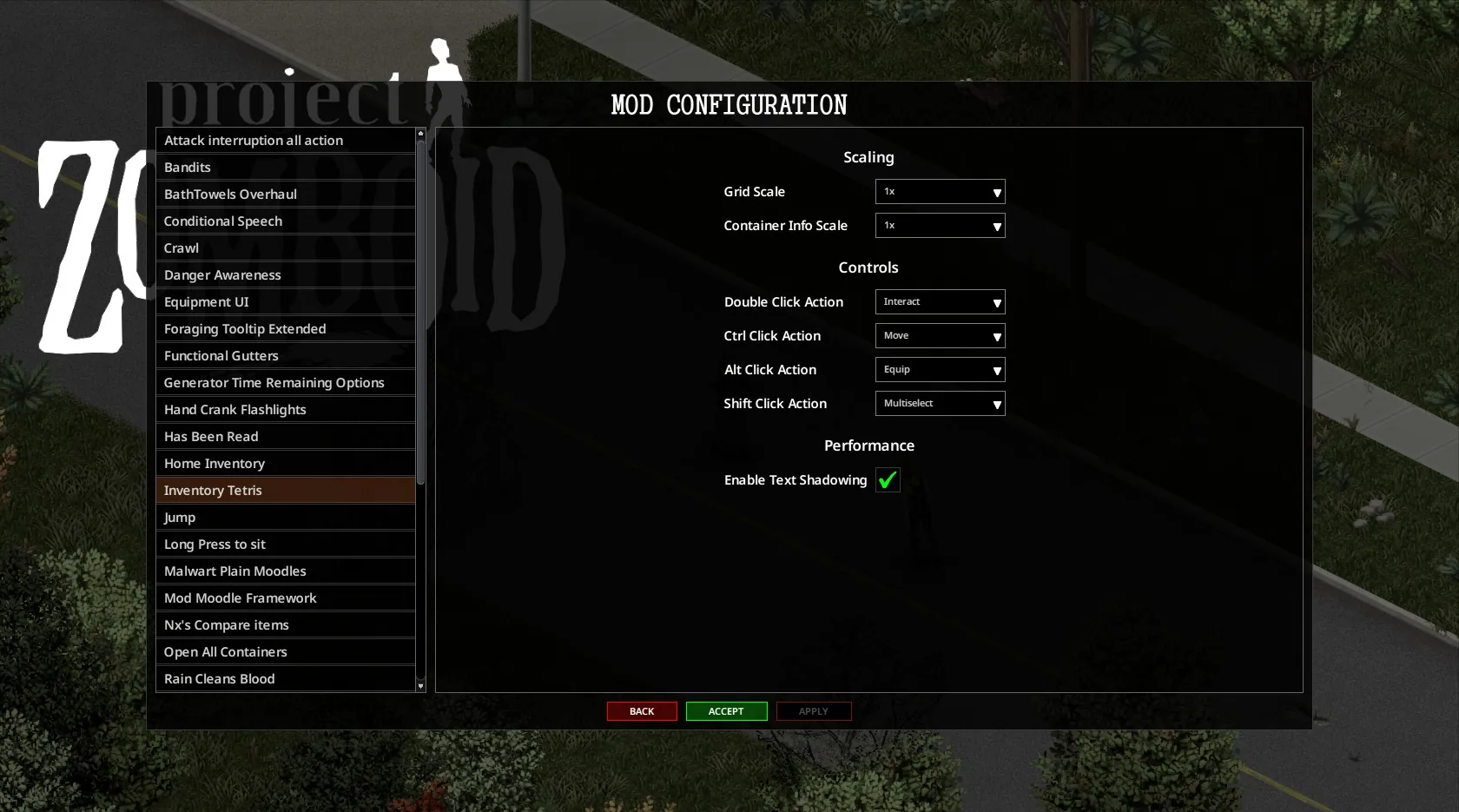
The settings menu has a new layout. Mod authors can add images to configuration pages.
Compatibility
Mod Manager changes the text rendering and recently updated mods list in Mod Update and Alert System to support Markdown and new entries. Report issues with those changes to the Mod Manager author.
Zed's Better ModList is an alternative manager. Better Server Settings and Multiplayer UI conflict with the server settings screen. Workshop Update Checker duplicates Steam requests. The mod is maintained and uses the GitHub issue tracker for bugs.
Screenshots 3


Comments 0
No comments yet — be the first.
Log in or sign up to leave a comment.