
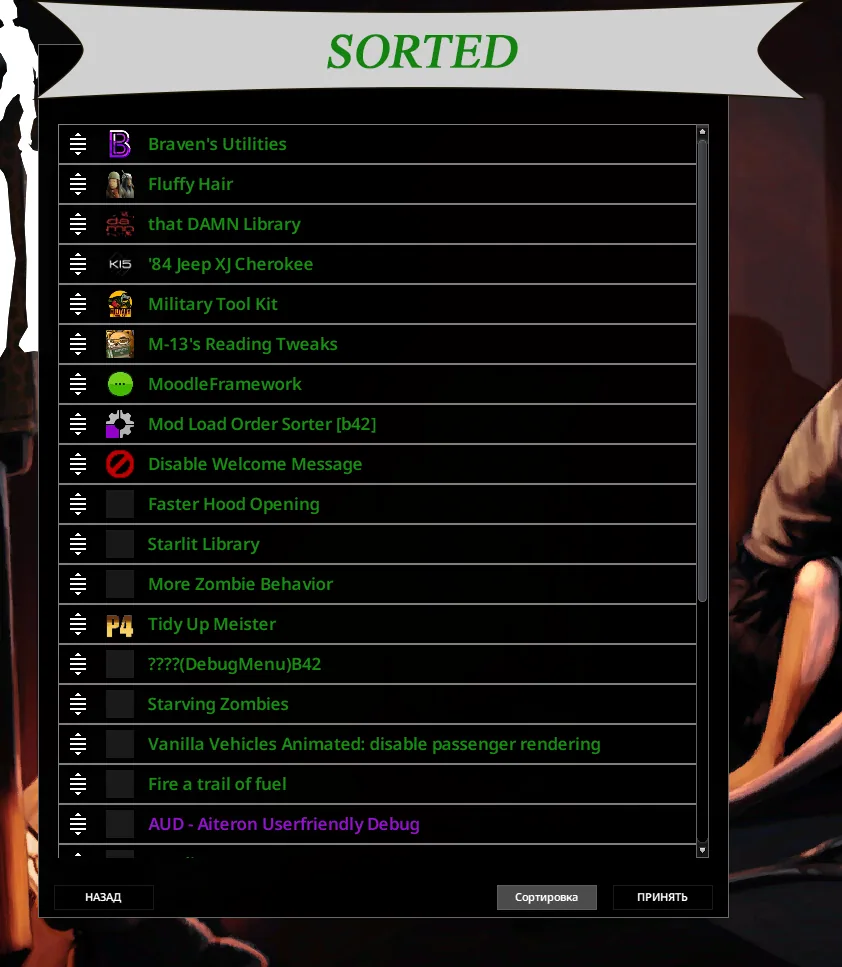
A large mod collection can be difficult to arrange by hand. Mod Load Order Sorter expands Build 42’s automatic sorting system with load-order rules, an editor for custom requirements, and highlighting for detected ordering problems.
Contents
Mod Load Order Sorter — Organise Your Project Zomboid Mods
A large mod collection can be difficult to arrange by hand. Mod Load Order Sorter expands Build 42’s automatic sorting system with load-order rules, an editor for custom requirements, and highlighting for detected ordering problems.
It helps organise active mods and identify entries that need attention. It cannot resolve every compatibility issue: some conflicts still require manual changes.
How sorting works
The sorter first arranges mods alphabetically within a sequence of categories:
- Frameworks, APIs, and tweaks.
- Resources and textures.
- Maps and locations.
- Vehicles.
- Code-only mods.
- Clothing.
- Interface.
- Other mods.
- Translations.
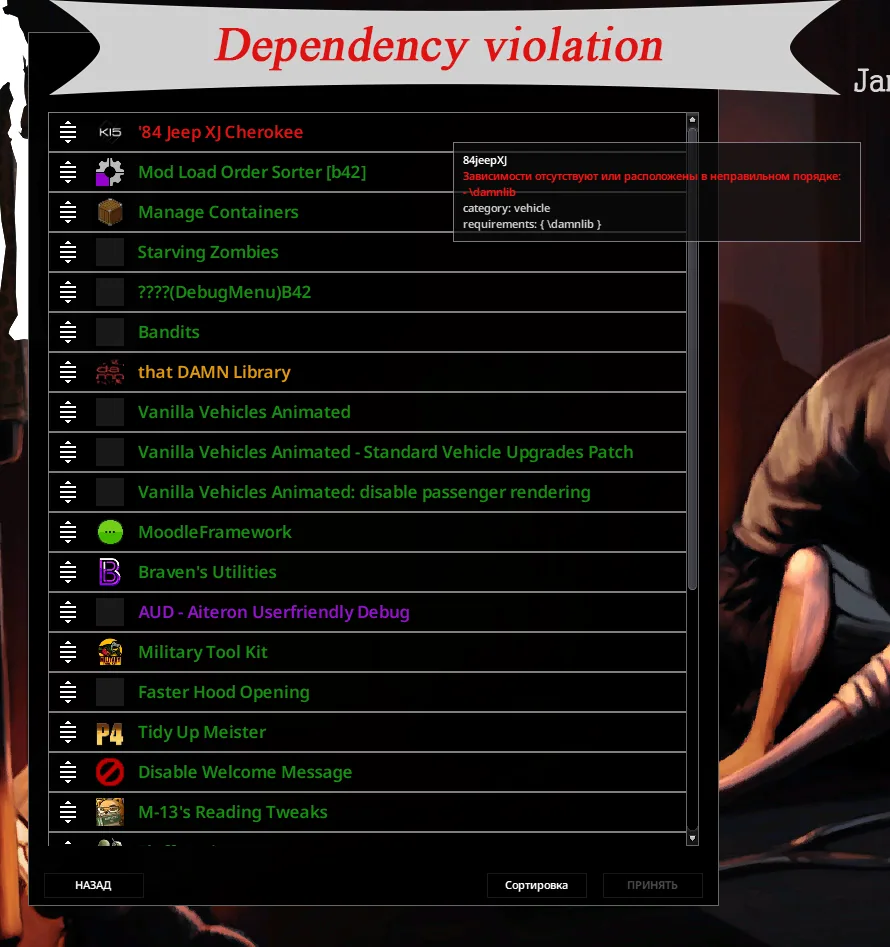
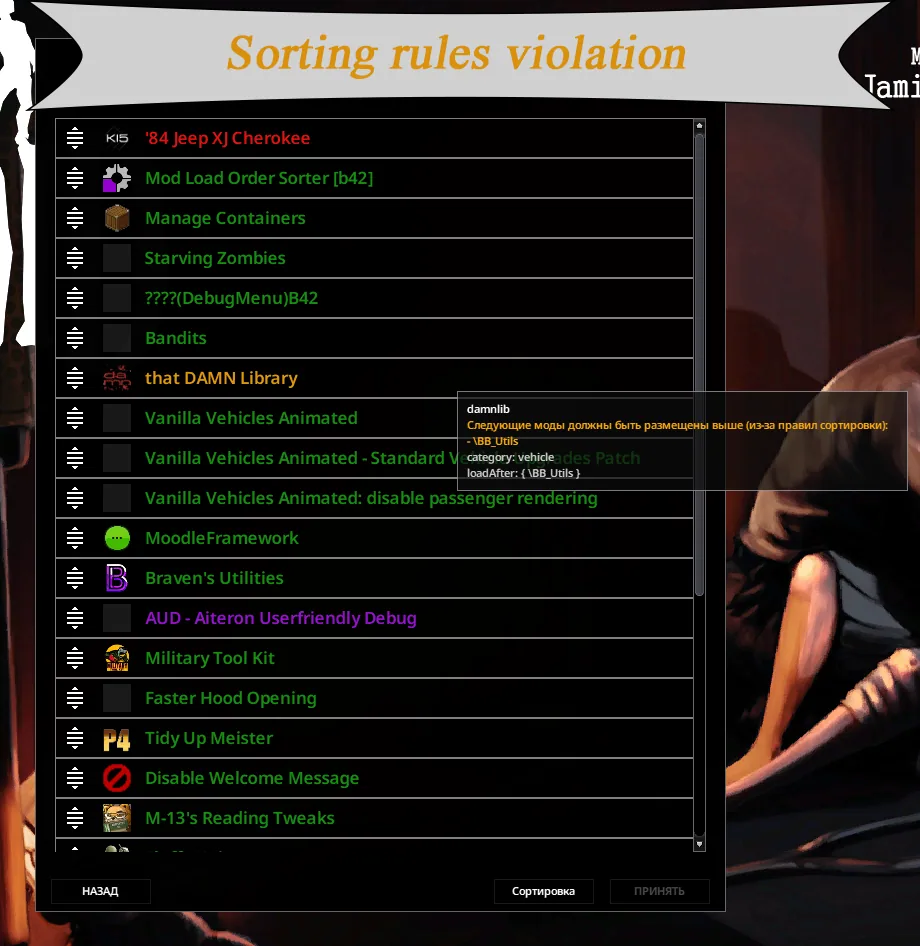
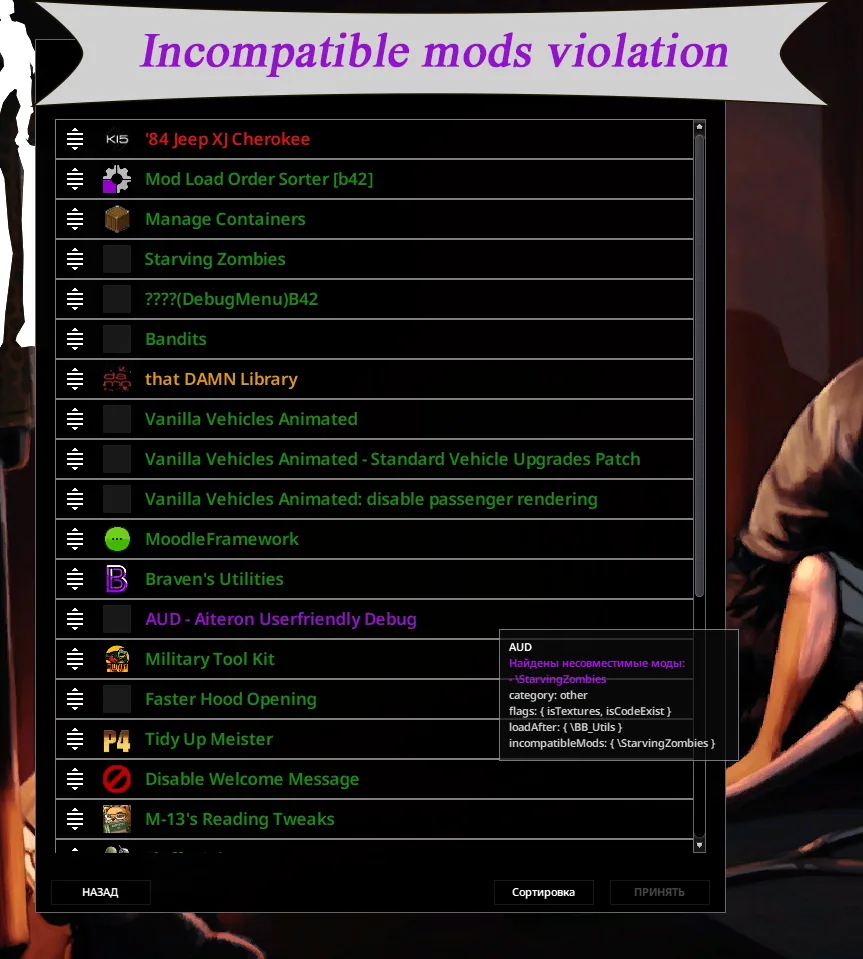
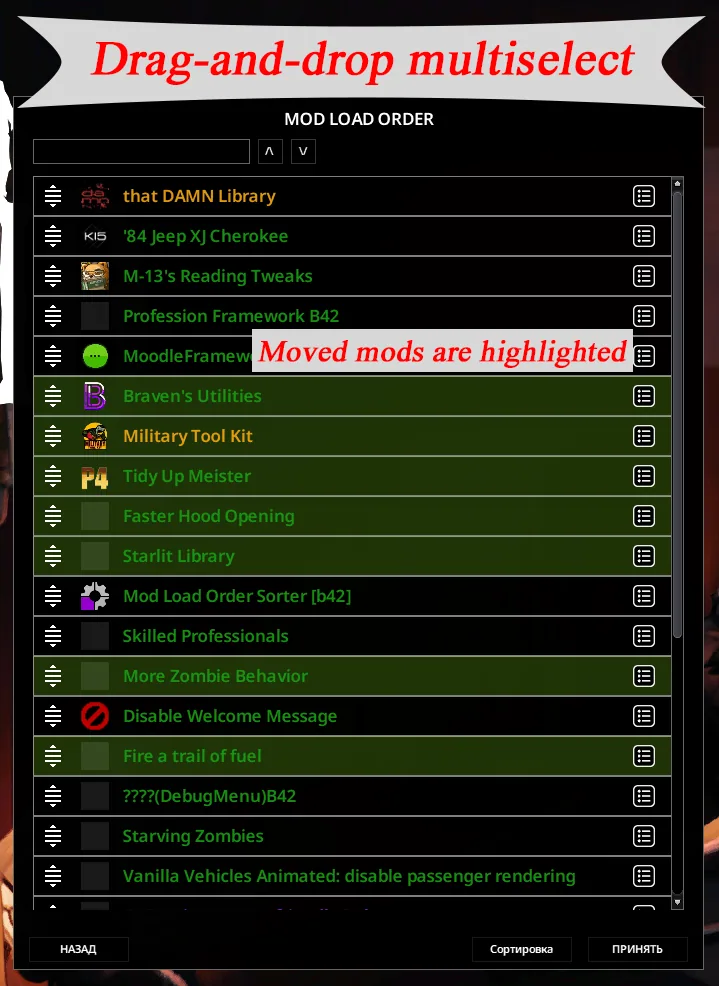
It then applies ordering requirements to adjust that initial arrangement. Detected violations are highlighted, making it easier to find problematic entries.
The sorting rules editor lets you add your own instructions when a particular collection needs a different order.
Using the sorter
- Enable the mod and apply the changes.
- Activate the other mods you want to use.
- Open the load-order screen and click Sort.
- Review the result and apply your changes.
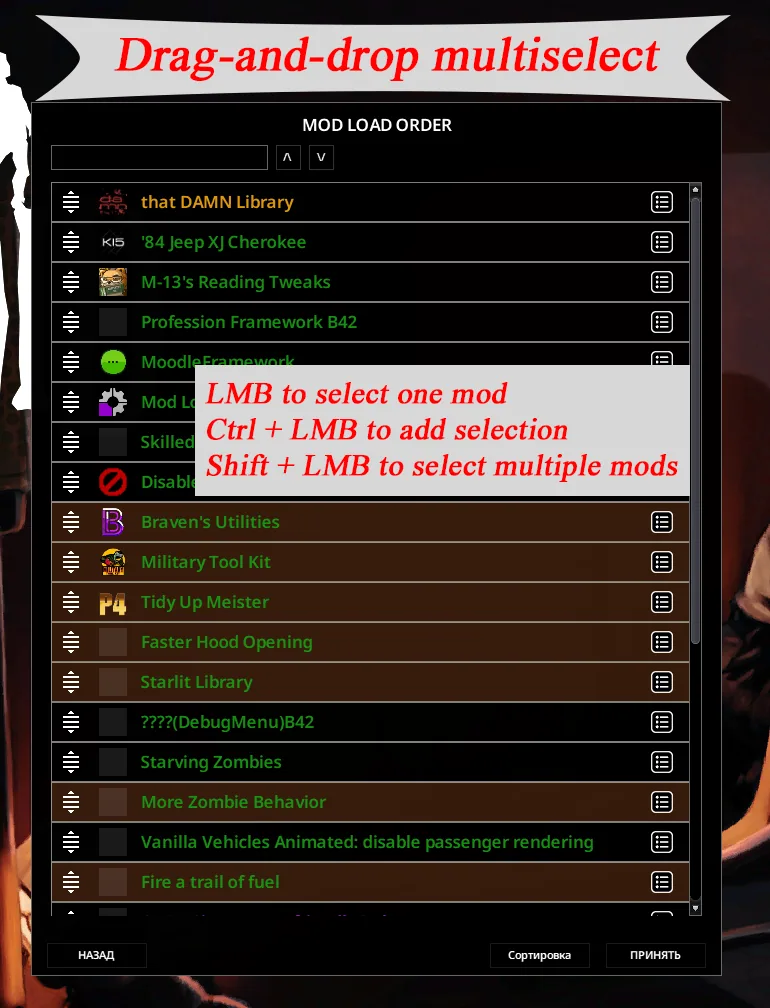
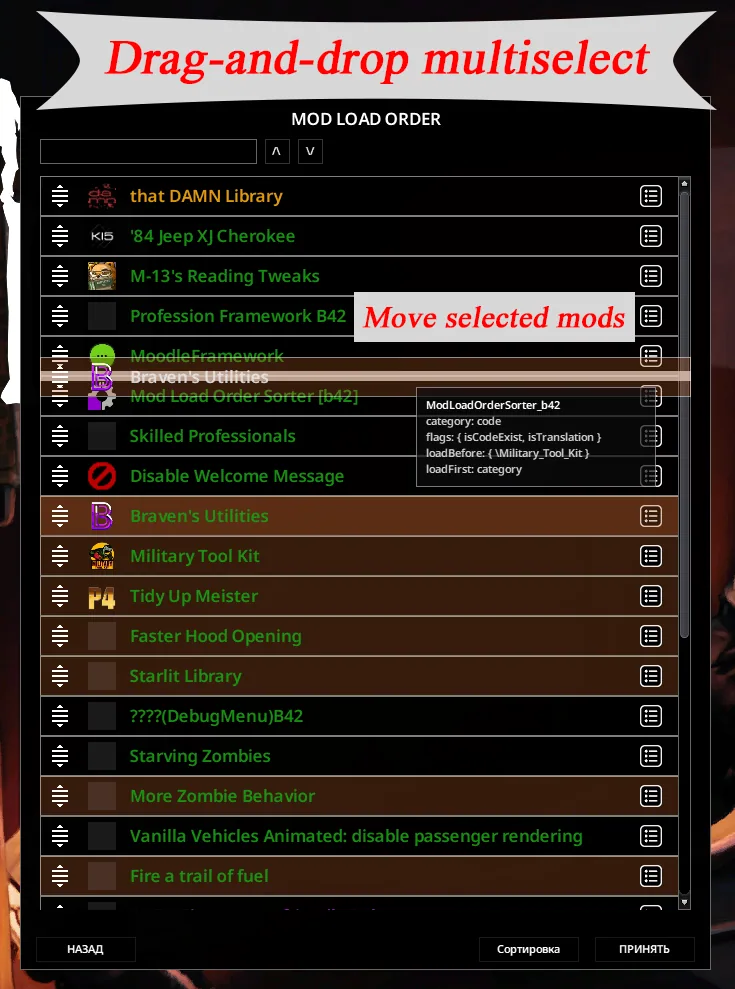
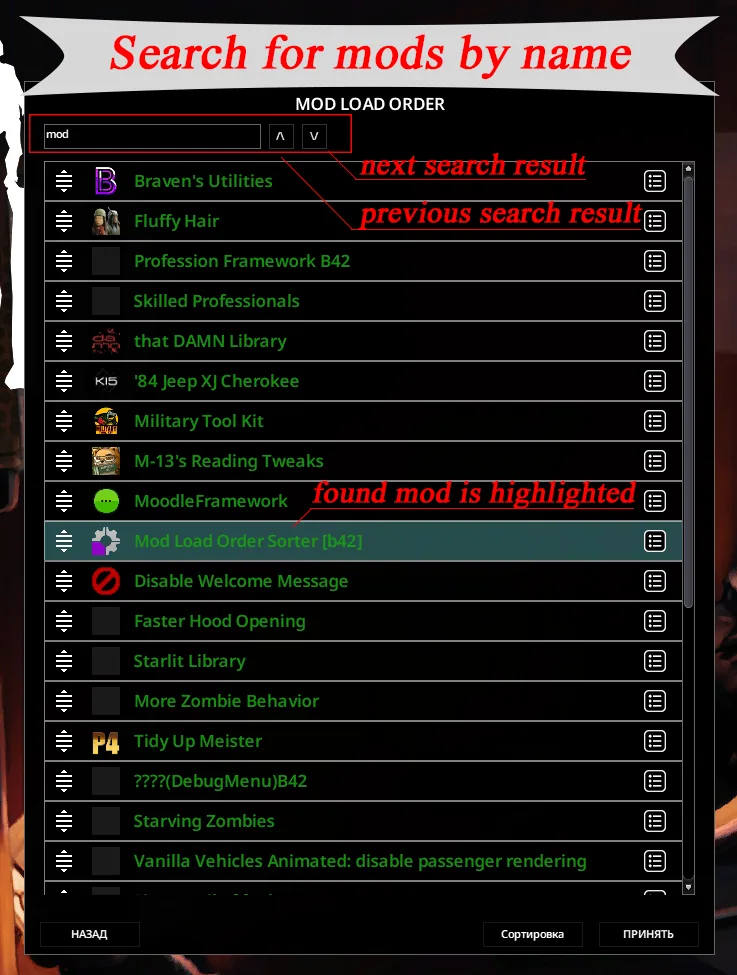
You can still rearrange entries manually. Multiple selection helps move several entries together, while search supports both mod names and IDs.
In debug mode, hovering over a mod displays additional information.
Share an arranged mod list
Once your collection is organised, save it as a named preset in the Mods menu. Select that preset and use Share to copy its export text.
Another player can import it through Add in their Mods menu. This uses the game’s standard preset-sharing tools.
Compatibility and precautions
This release is for Project Zomboid Build 42. A separate Build 41 version is available.
Changing load order during an existing playthrough can damage the save. Back up your world before rearranging its mods, and review any ordering instructions provided by their authors.
If the sorter does not appear, check that you subscribed to the correct game version. Other mods that change the mod-list interface may also affect its visibility.
Screenshots 8


Comments 0
No comments yet — be the first.
Log in or sign up to leave a comment.