 Razilator
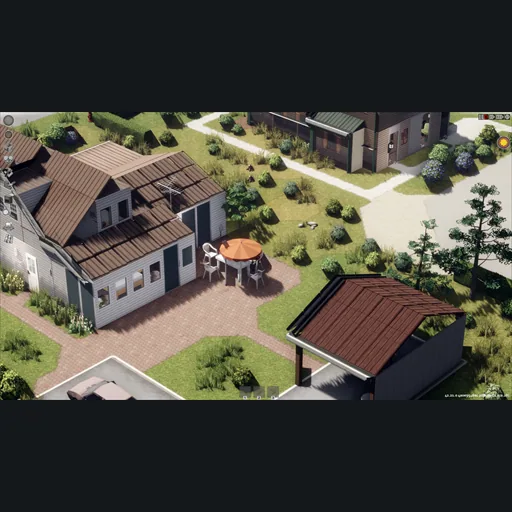
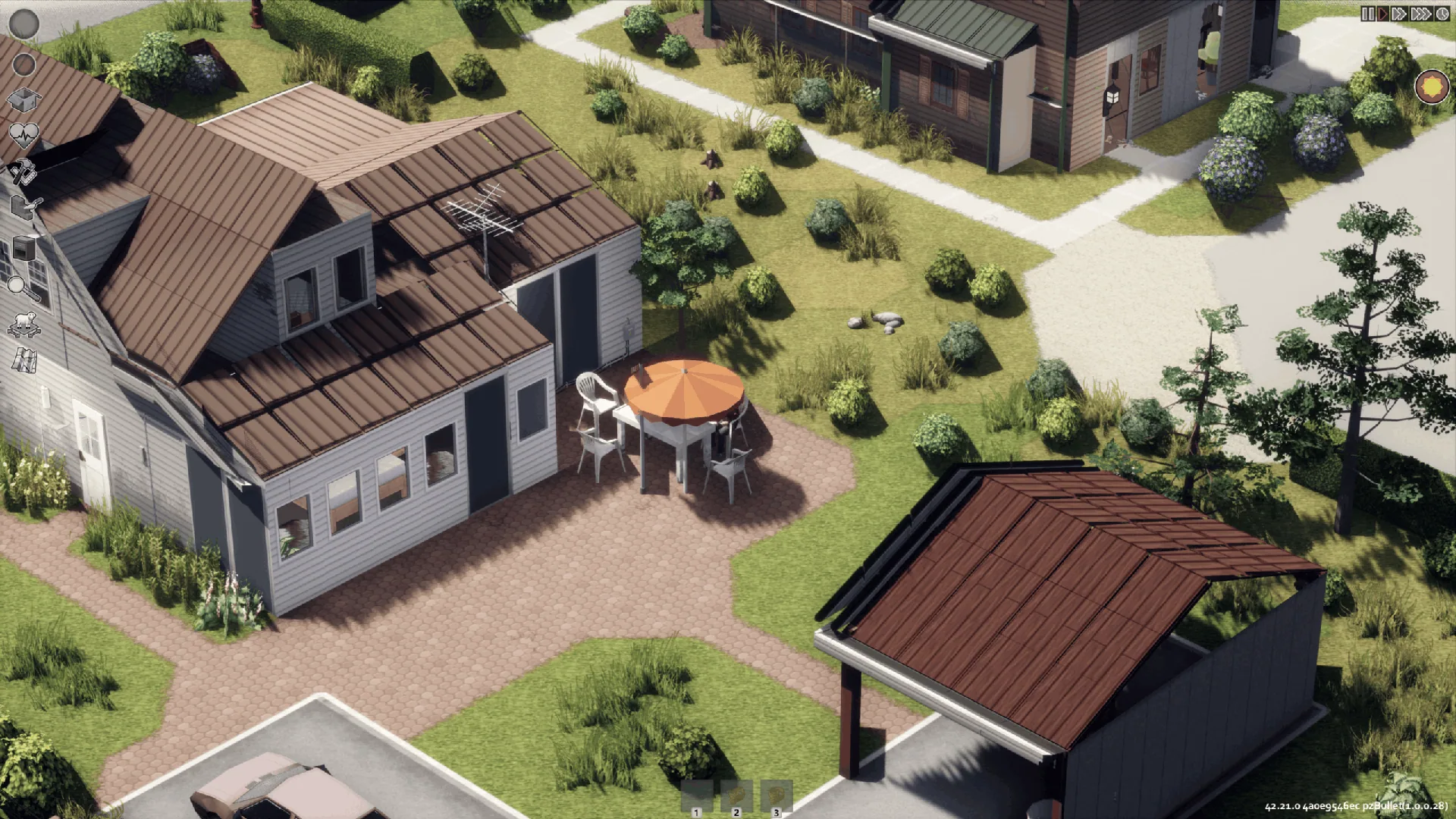
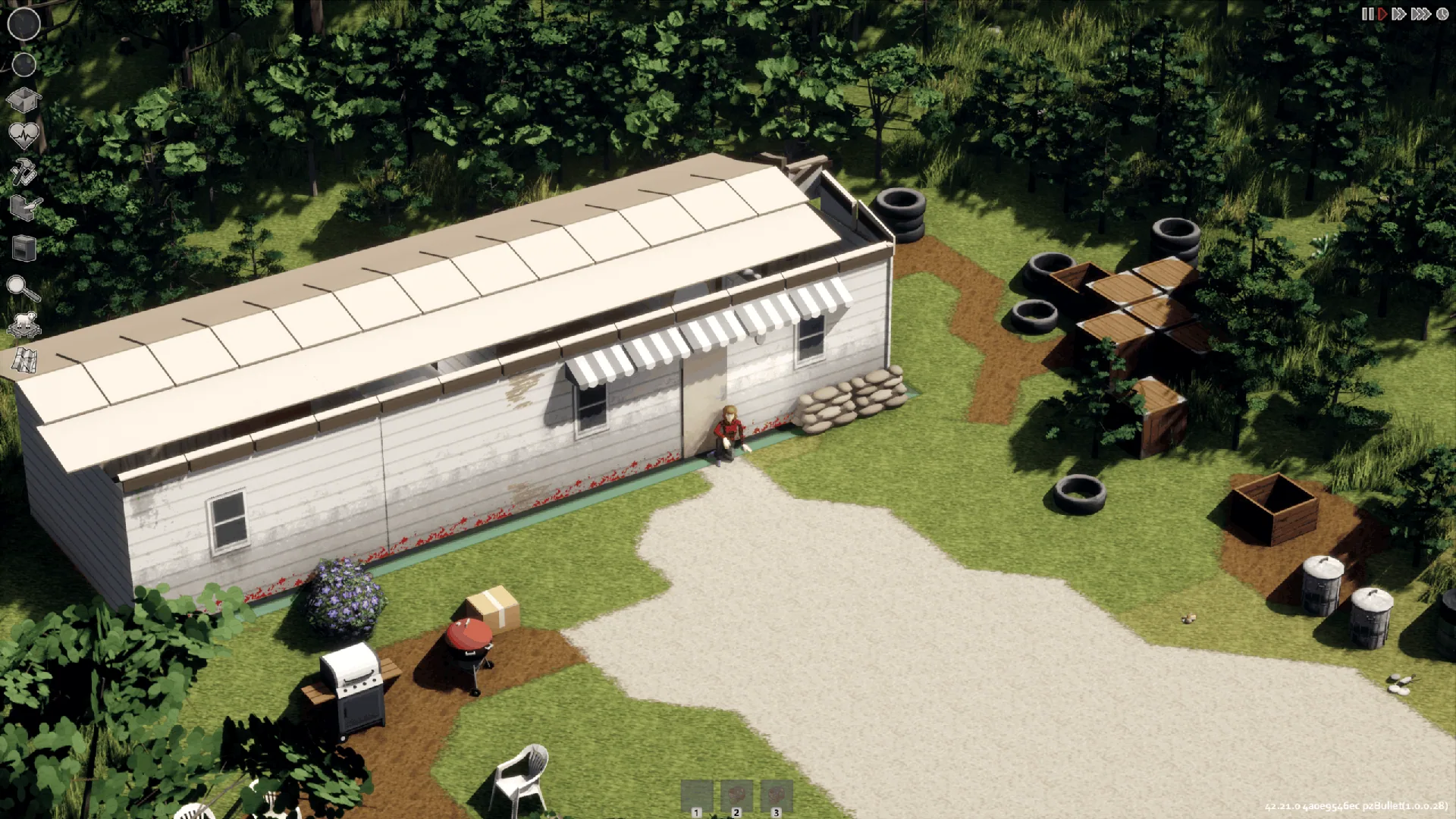
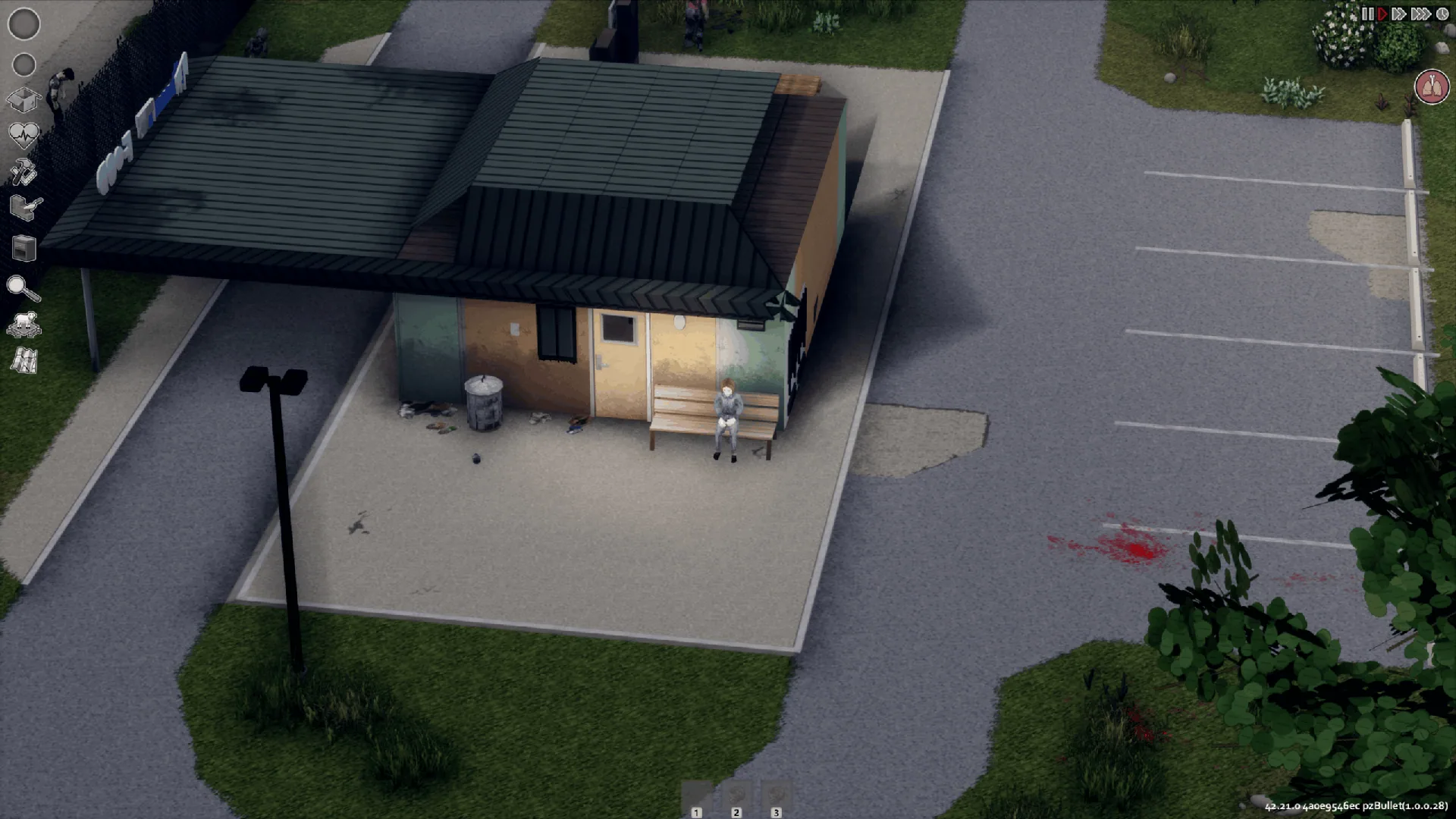
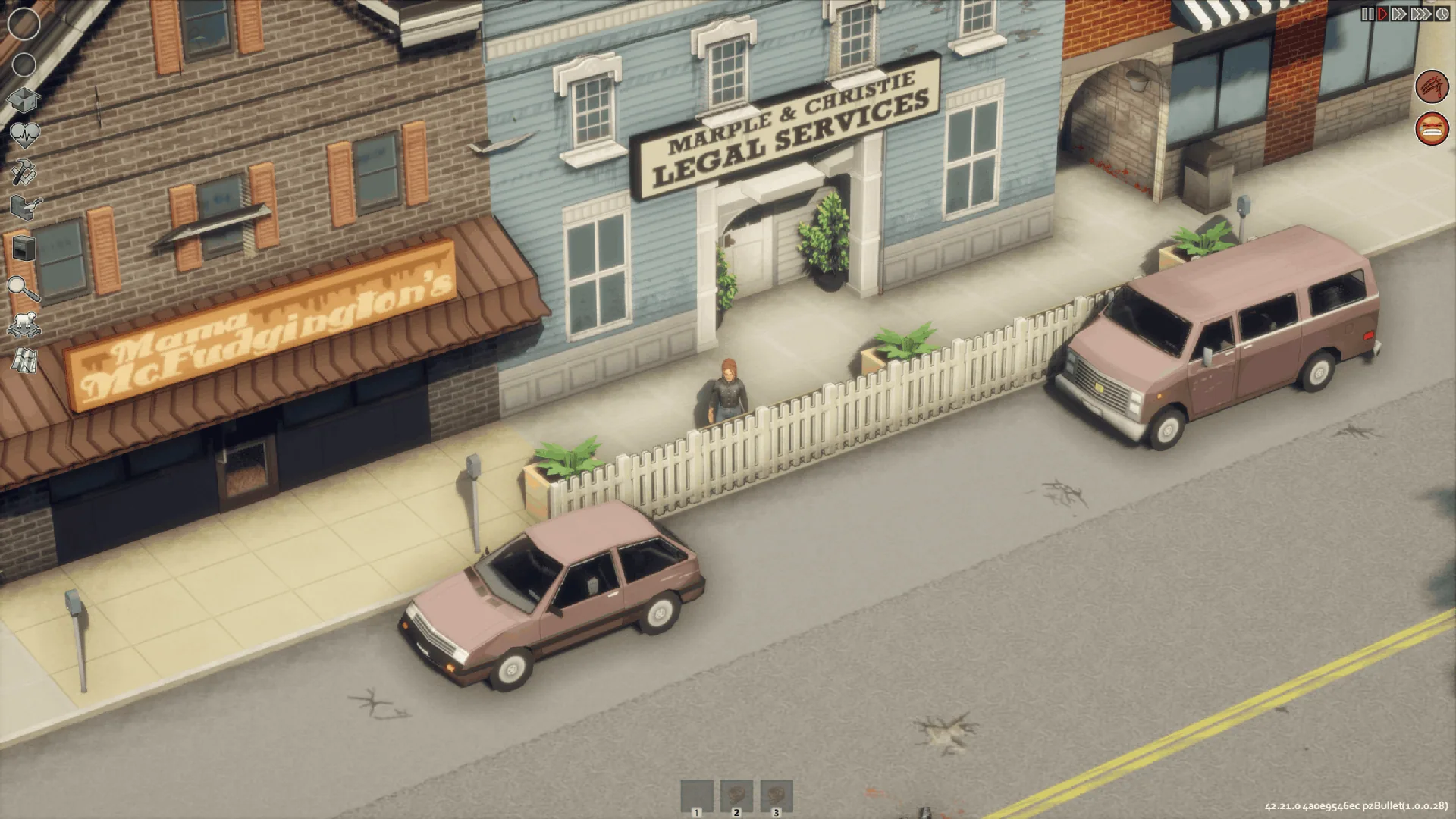
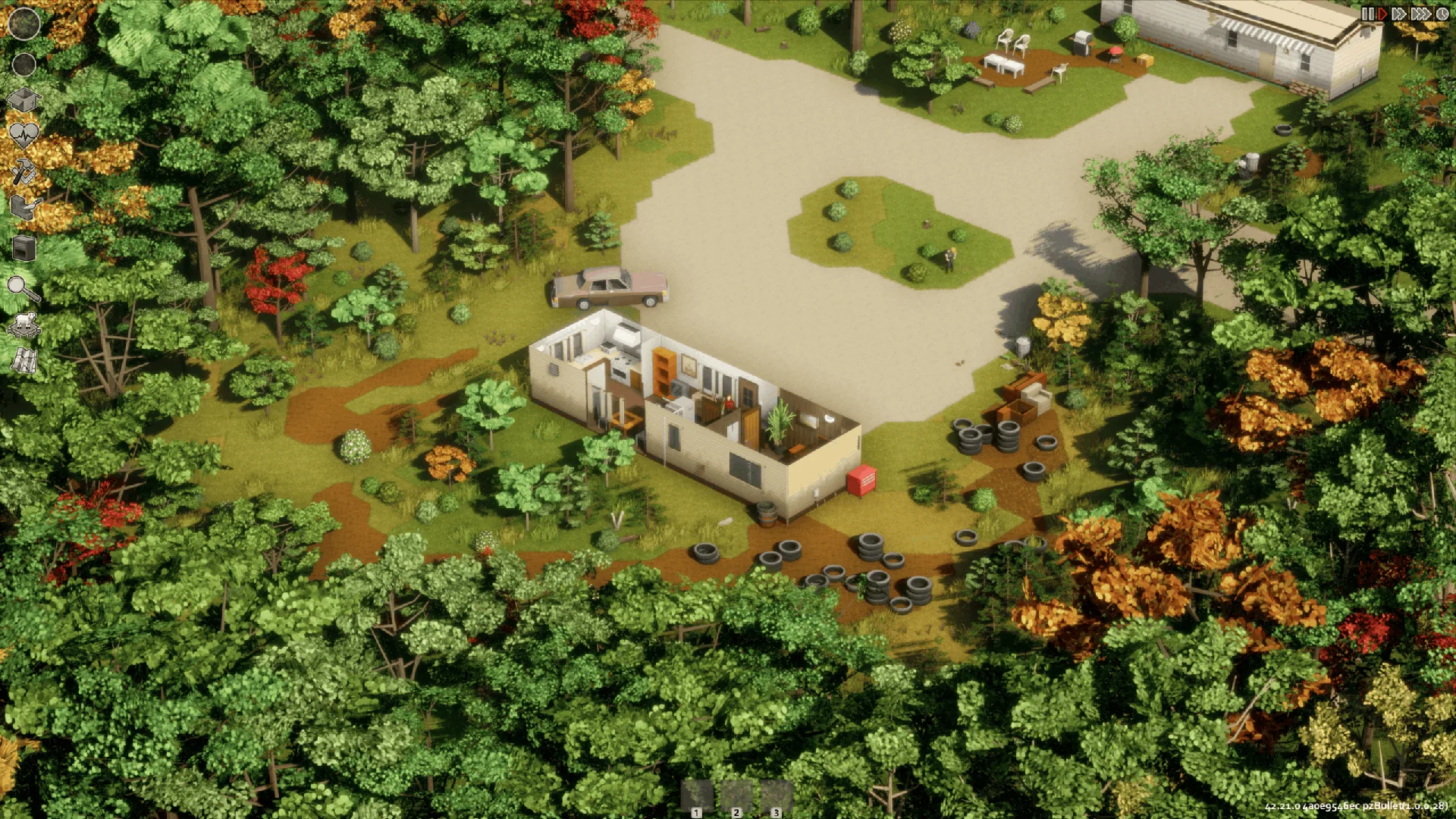
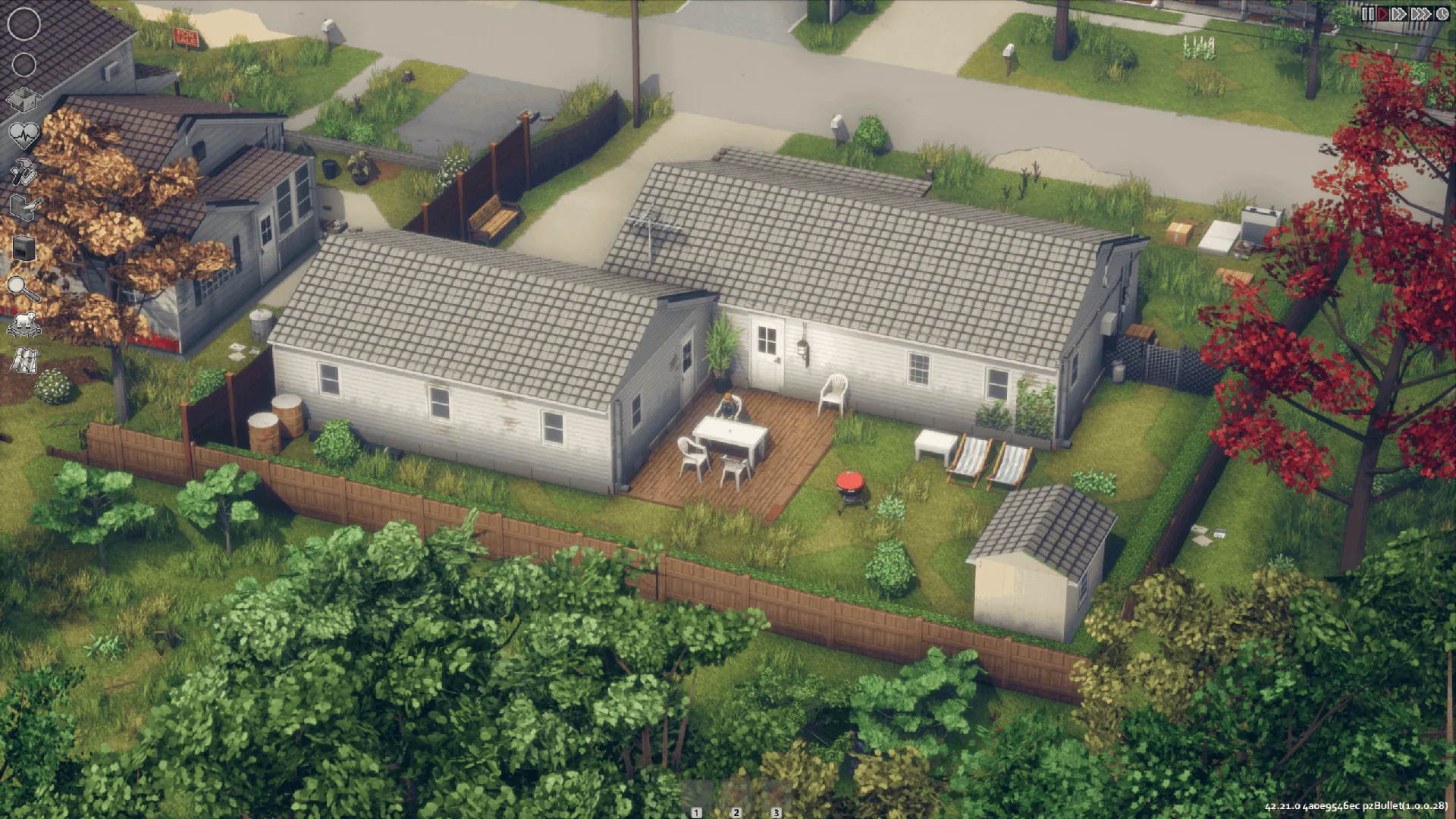
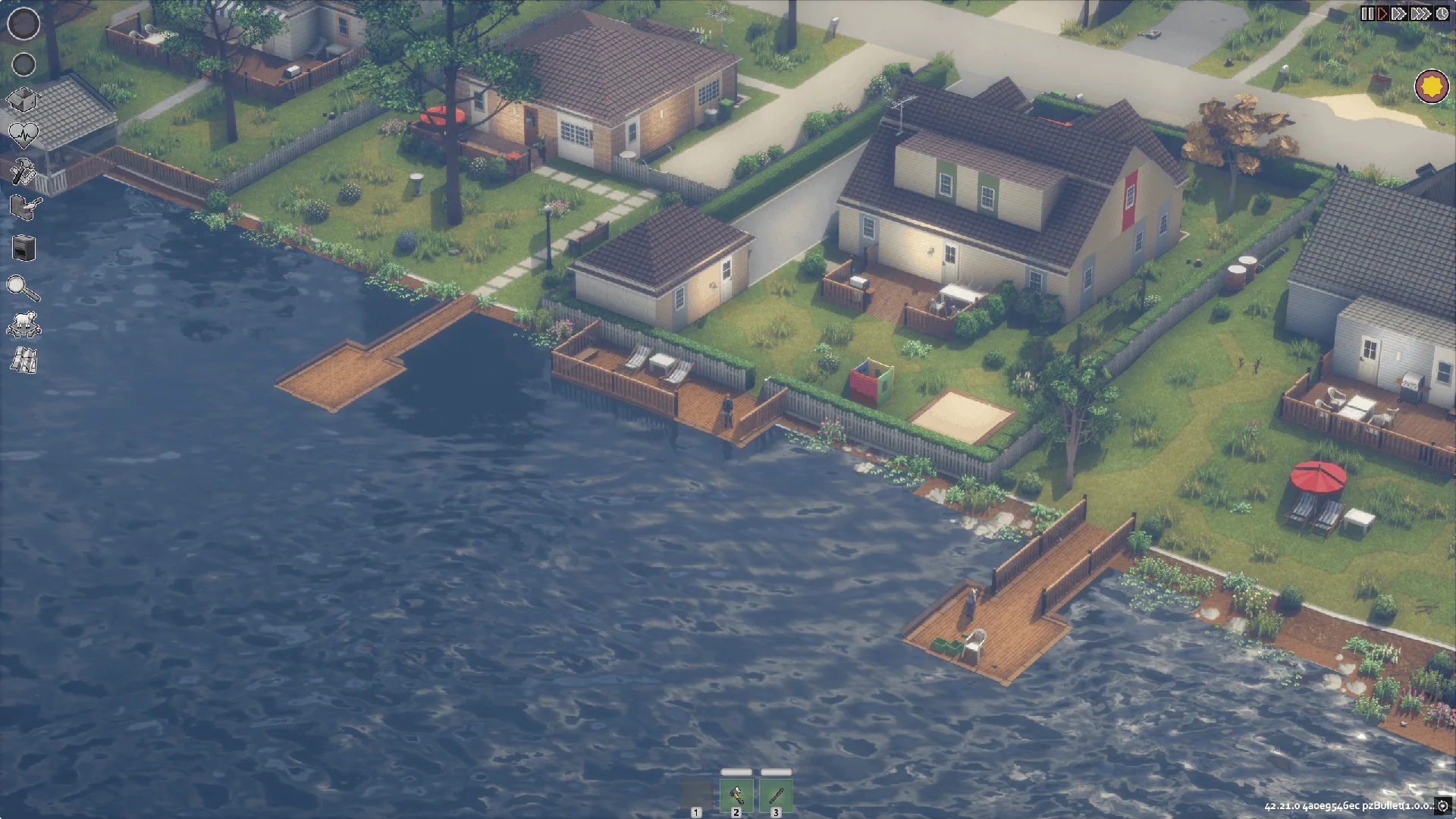
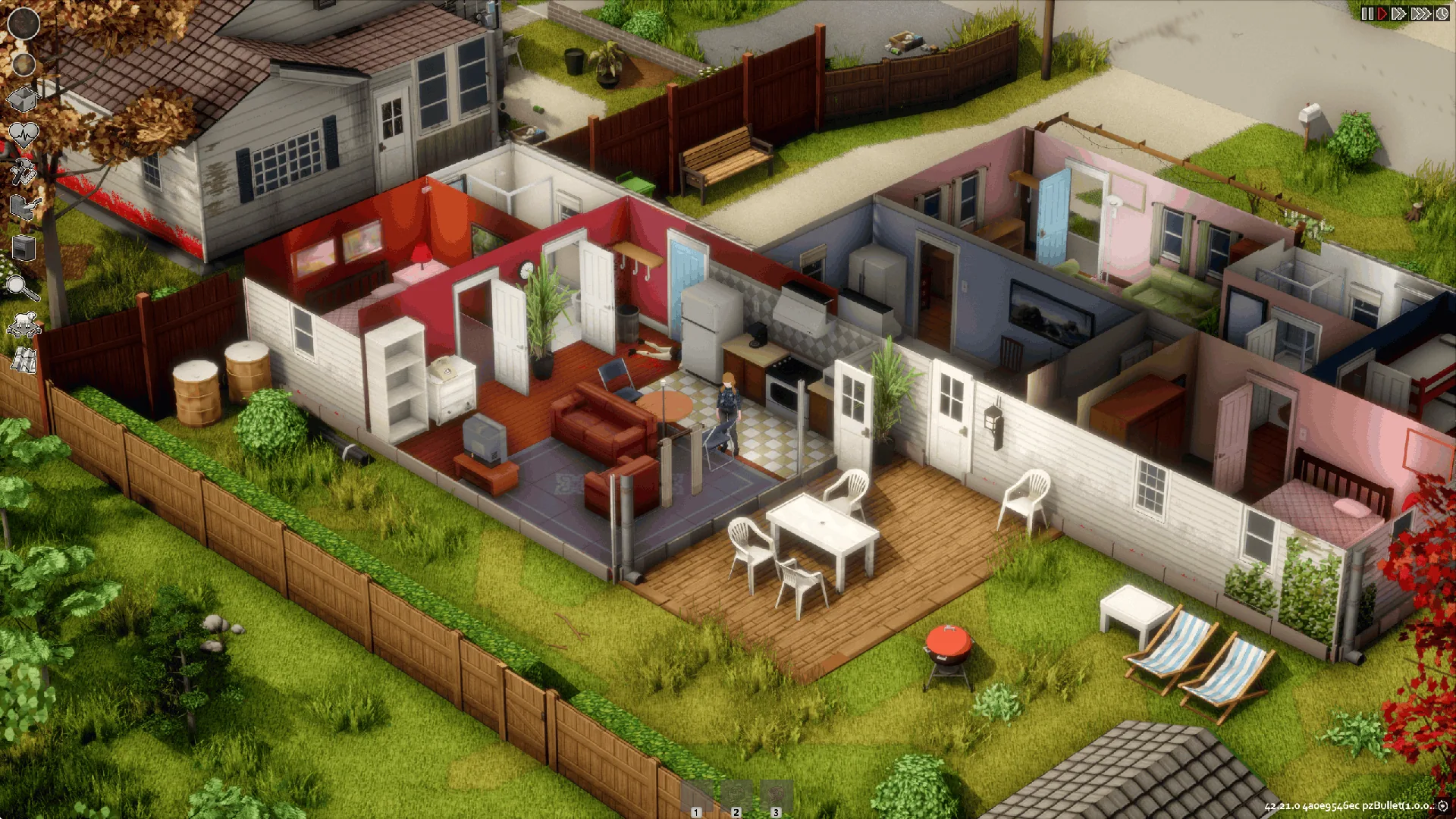
A freely rotating overhead camera for Project Viewpoint's 3D renderer. The classic top-down view of vanilla Project Zomboid, but in full 3D, with rotation around your character and smooth zoom.
Contents
OldPoint
A freely rotating overhead camera for Project Viewpoint's 3D renderer. The classic top-down view of vanilla Project Zomboid, but in full 3D, with rotation around your character and smooth zoom.
| Author | sinksky |
| Version | 0.6.142 |
| Game | Project Zomboid 42.21 |
| Viewpoint | 0.1.6 |
How the camera deals with buildings
The hardest part of a 3D overhead view is keeping walls and roofs from hiding your character. Here's how OldPoint handles it:
Hiding upper floors. When you're on a lower floor or in a basement, roofs and their side slopes, floors above, and the doors, corpses and objects on them are hidden. Player-built structures and some unusual roofs are handled better now.
Nearby tall buildings count too. If you step into a room and a tall building next door blocks the view, it's included in the upper-floor hiding as well.
Wall cutaways based on room visibility. Which wall segments to remove is decided from the game's own room visibility state. A segment that blocks the view is hidden in full, along with everything hanging on it.
Rooms and furniture
- Furniture in other rooms that blocks the current room's floor or far walls is hidden.
- Furniture in the current room that covers your character turns translucent.
Performance
- The search for what to hide is spread over several frames and reuses existing model fade and cutaway data.
- Expect some stutter the first time a scene loads; it smooths out once resources finish loading.
Installation
- Subscribe to and enable Project Viewpoint, ZombieBuddy (2.3.0 or newer) and OldPoint.
- Do the one-time ZombieBuddy setup described on its page.
- On first launch, and after any Java file update, allow OldPoint to load in the prompt that appears.
Load order: place OldPoint after your other Viewpoint add-ons. After updating the mod, fully restart the game.
Controls
| Action | Key |
|---|---|
| Toggle Viewpoint 3D mode | O |
| Cycle camera: first person → third person → OldPoint overhead → first person | Shift+O |
| Rotate the camera | hold middle mouse button and move |
| Smooth zoom in and out | mouse wheel |
Switching into overhead view the normal way resets the camera to the vanilla heading and a 30° tilt.
If you've rebound any keys, use your own bindings.
Settings
Under Mod Options → OldPoint you can set: - camera distance limits; - separate key bindings; - tree outlines; - a white outline on your character when they're hidden behind something (off by default).
There's also an optional vanilla fixed camera, which disables rotation but keeps zoom.
Known issues
⚠️ Still in development. Complex buildings, some openings and curtains, shaders and certain mod combinations may still cause visual glitches or compatibility issues. Hiding for complex buildings, player-built objects and modded models is still being refined, as are cutaway effects in general.
Feedback
Send bug reports to 502979327@qq.com and include:
- console.txt or logs.zip;
- your mod list and load order;
- the name of the shader pack you use;
- steps to reproduce the problem.
Credits
Thanks to ellu and norkus, the developers of Viewpoint, and to Zed, the author of ZombieBuddy.
OldPoint is an independently developed Viewpoint add-on.
| Workshop ID | 3815999052 |
| Mod ID | OldPoint |
Screenshots 8
Comments 0
No comments yet — be the first.
Log in or sign up to leave a comment.