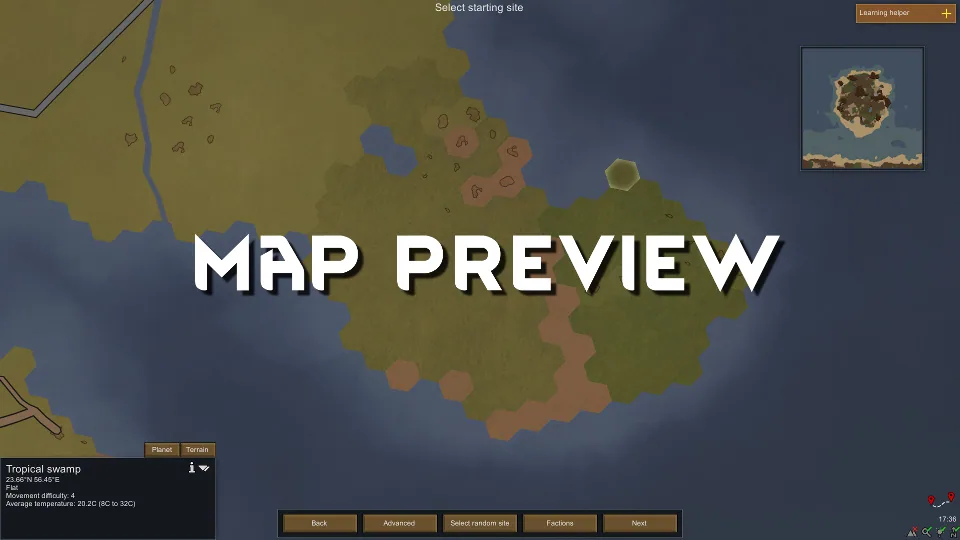

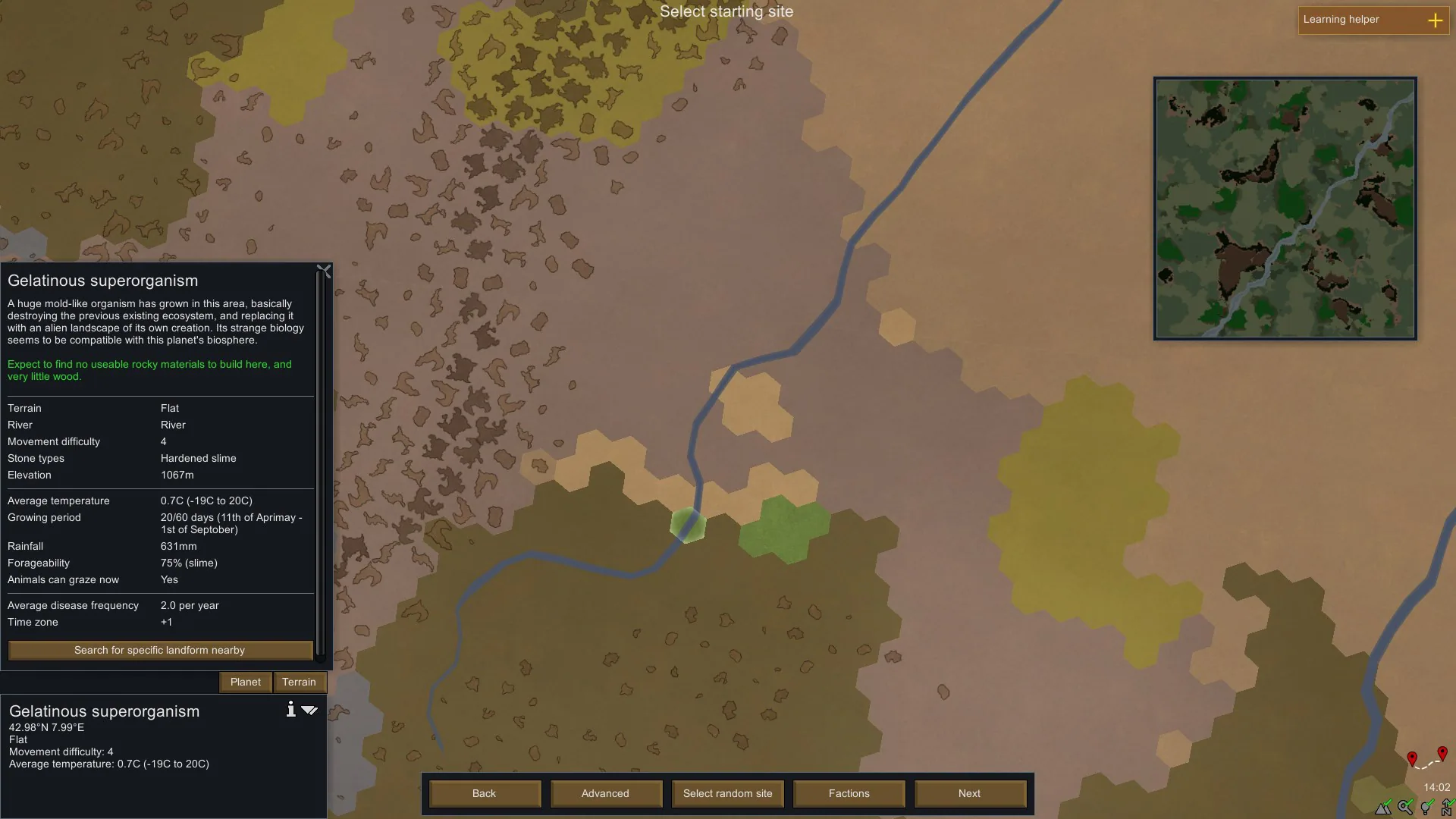
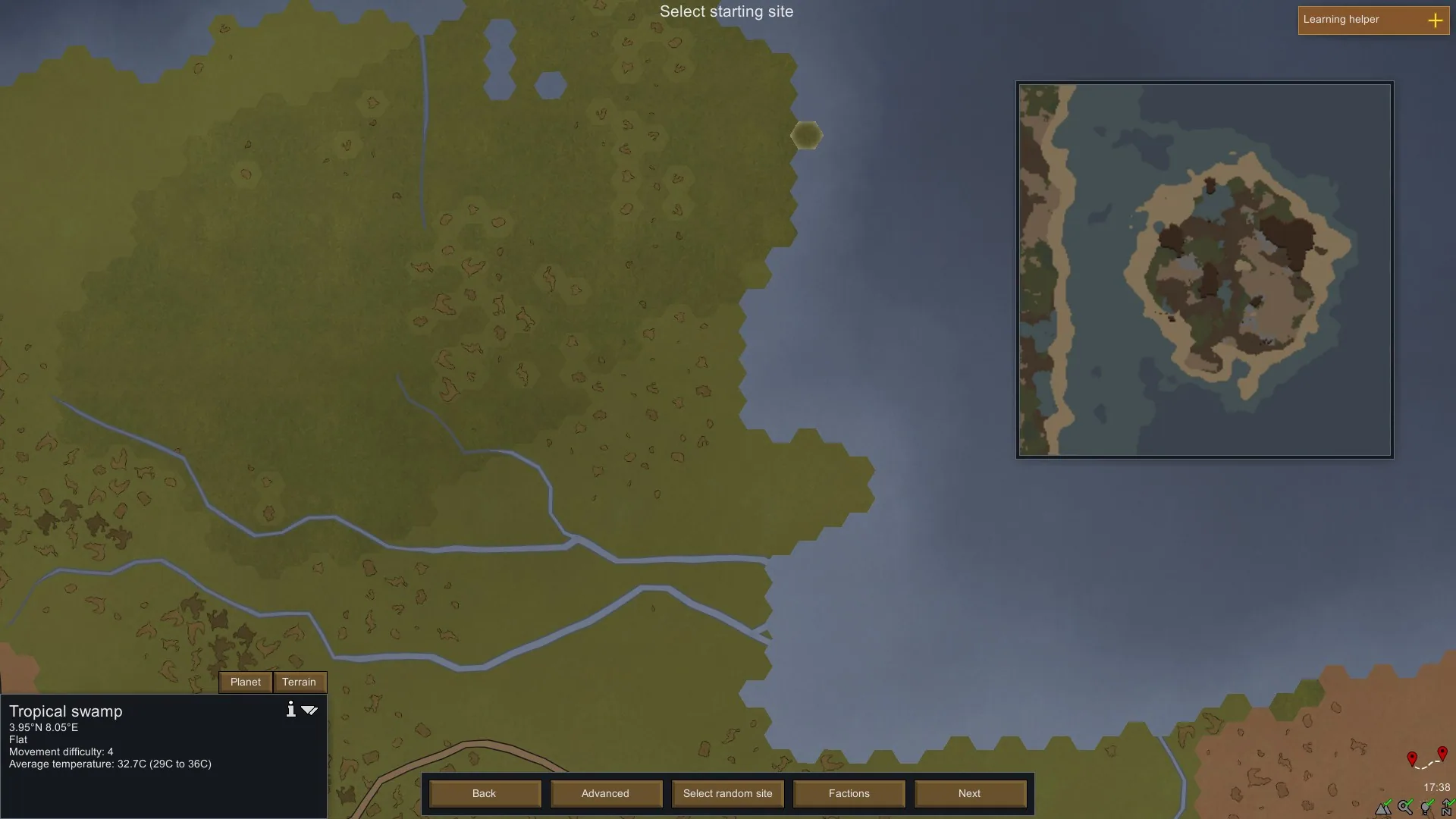
Map Preview shows the terrain that will generate when you settle on a selected world tile. Compare locations before committing your colonists, whether you are choosing a starting site or planning another settlement during an ongoing game.
Map Preview - Preview Settlement Maps Before Landing in RimWorld
Map Preview shows the terrain that will generate when you settle on a selected world tile. Compare locations before committing your colonists, whether you are choosing a starting site or planning another settlement during an ongoing game.
See the map before you settle
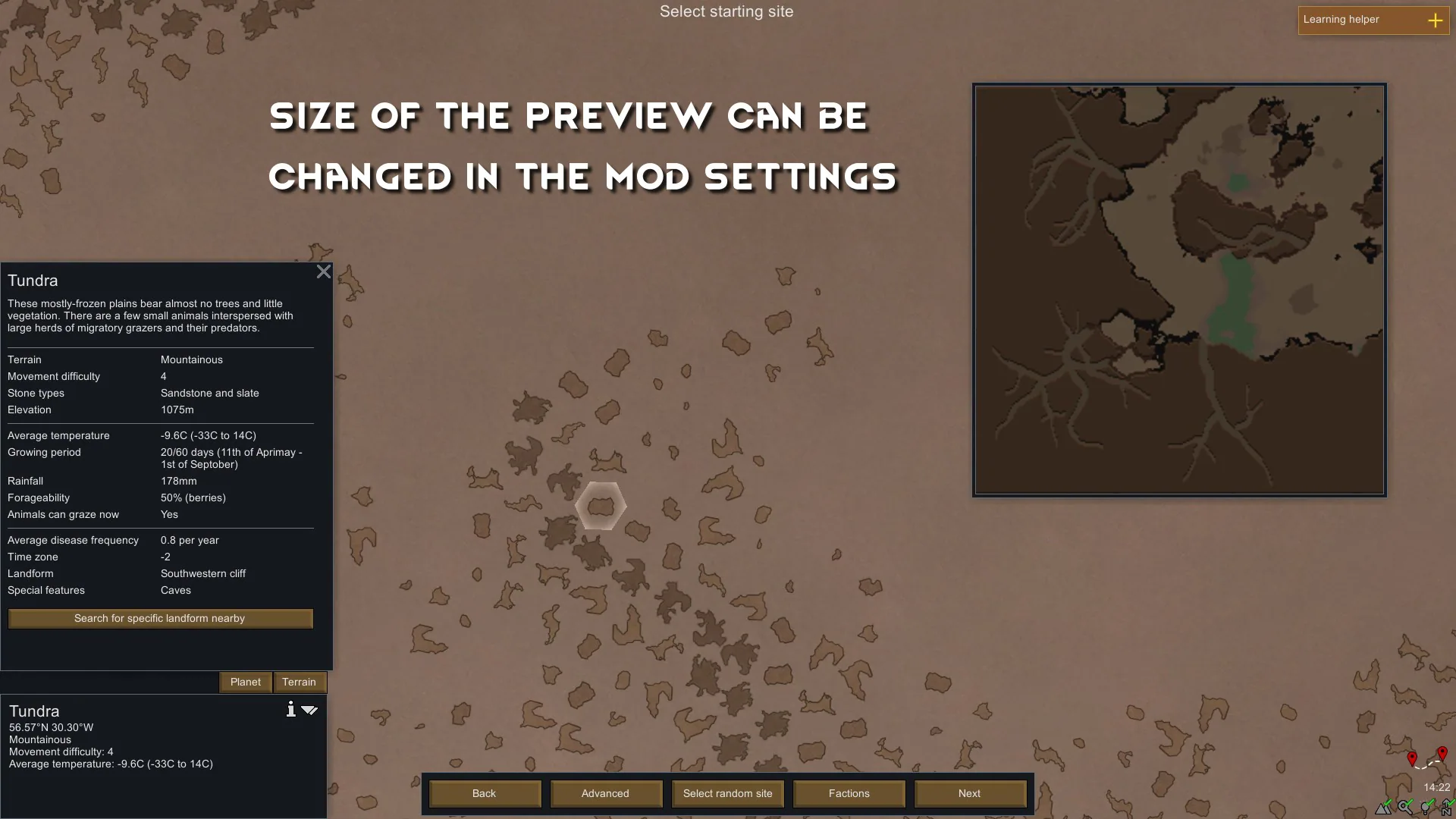
Select a tile on the world map to generate its preview. Adjust the window size in mod settings, or toggle it using the small button in the bottom-right corner of the world map.
Previews usually appear in under a second, though large caves and complex modded biomes can take longer. The mod does not generate previews until you select a tile and trigger them.
Find the right location
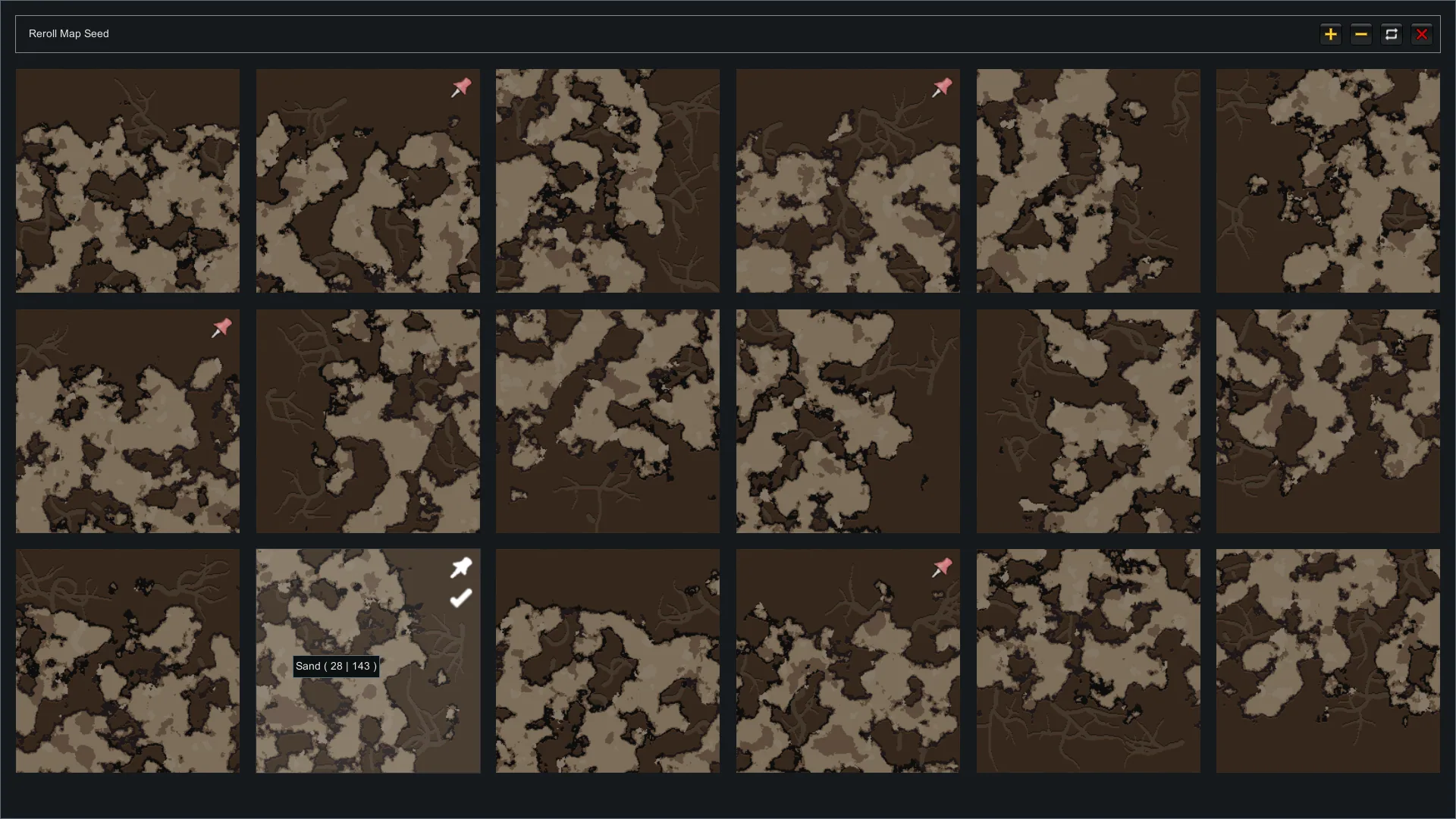
- Tile seed rerolling: on RimWorld 1.4 and newer, reroll an individual tile before its settlement map is generated.
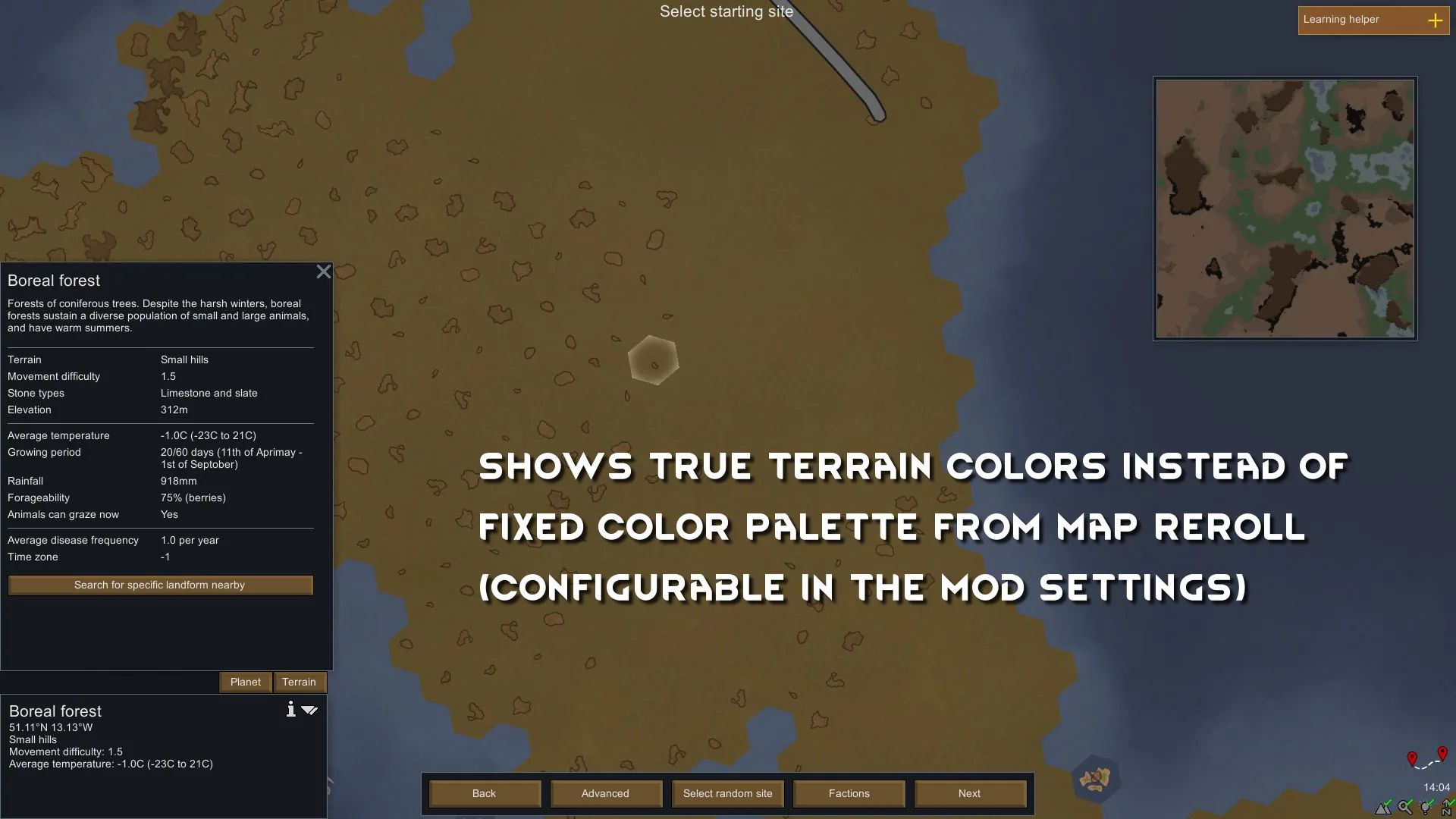
- True Terrain Colors: display colours extracted from terrain textures, including modded terrain. A fixed-palette alternative is available.
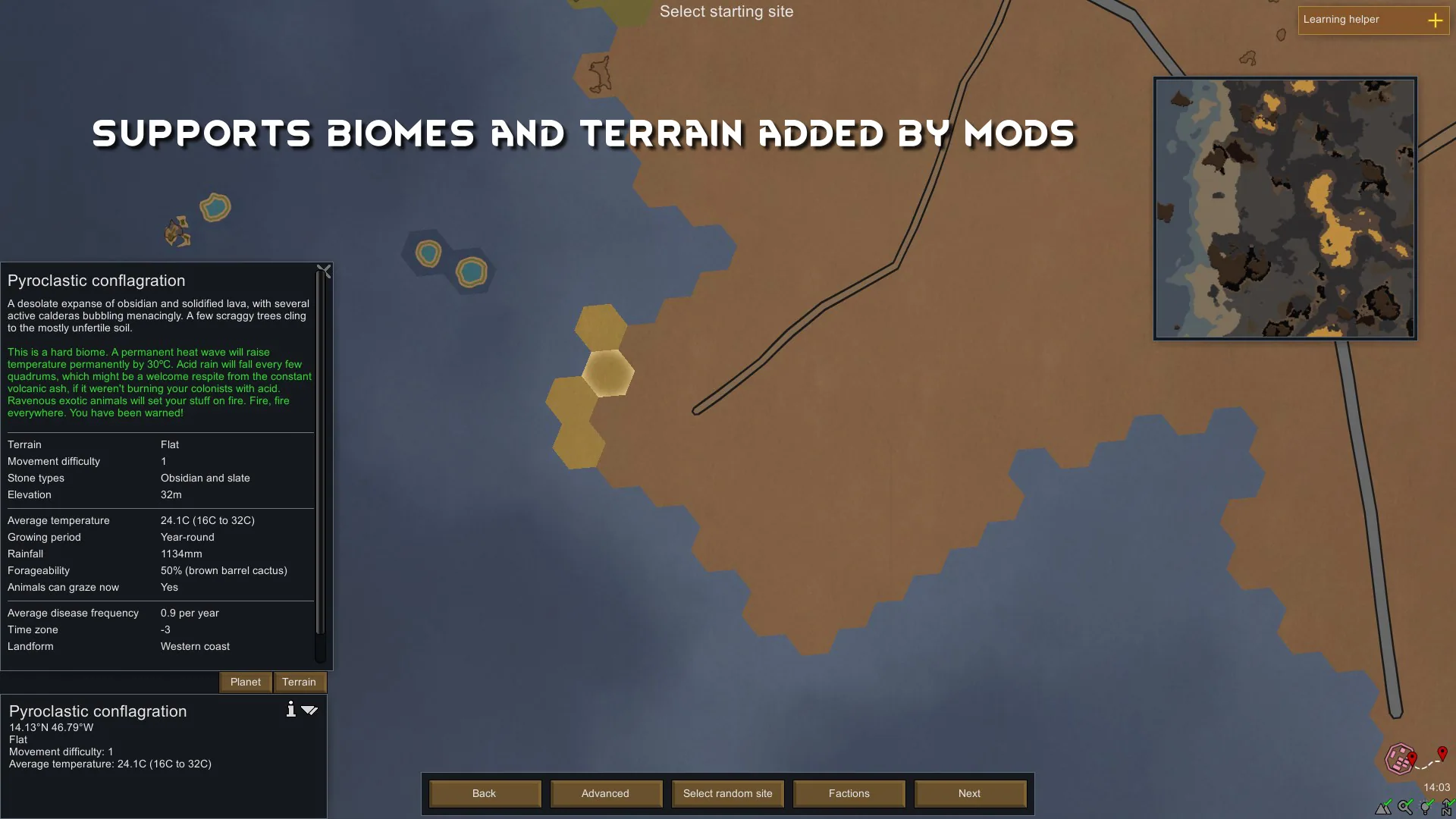
- Dedicated preview generator: supports map features introduced or changed by mods, including Geological Landforms, Terra Project Core and CaveBiome.
On versions before RimWorld 1.6, an optional feature speeds up cave and river generation. It slightly changes river-map generation and can be disabled.
Compatibility and saves
Geological Landforms is optional. Map Preview works on its own.
The mod can be added to or removed from existing saves and remains useful after selecting your starting location.
Not compatible with the Multiplayer mod.
For bug reports, capture a HugsLib log with Ctrl + F12 immediately after the issue and include its link.
Credits: uses Harmony by Andreas Pardeike and adapted code and graphics from Map Reroll by UnlimitedHugs.
Screenshots 6

Comments 0
No comments yet — be the first.
Log in or sign up to leave a comment.