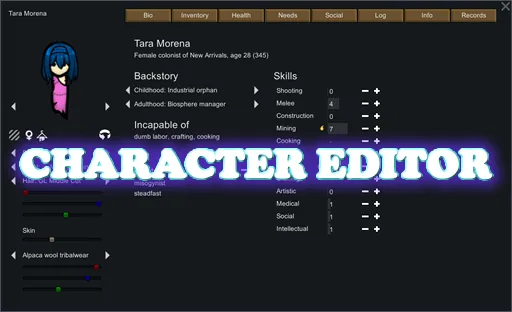

Character Editor lets you customise humanlike pawns during starting-colonist selection and after a game has begun. Edit colonists, enemies and dead characters, manage equipment, or create and save pawns for later use.
Contents
Character Editor - Pawn Customisation and In-Game Editing for RimWorld
Character Editor lets you customise humanlike pawns during starting-colonist selection and after a game has begun. Edit colonists, enemies and dead characters, manage equipment, or create and save pawns for later use.
Version: 1.7.0, built on 20 October 2026 for RimWorld 1.7.4982.
Edit appearance, abilities and relationships
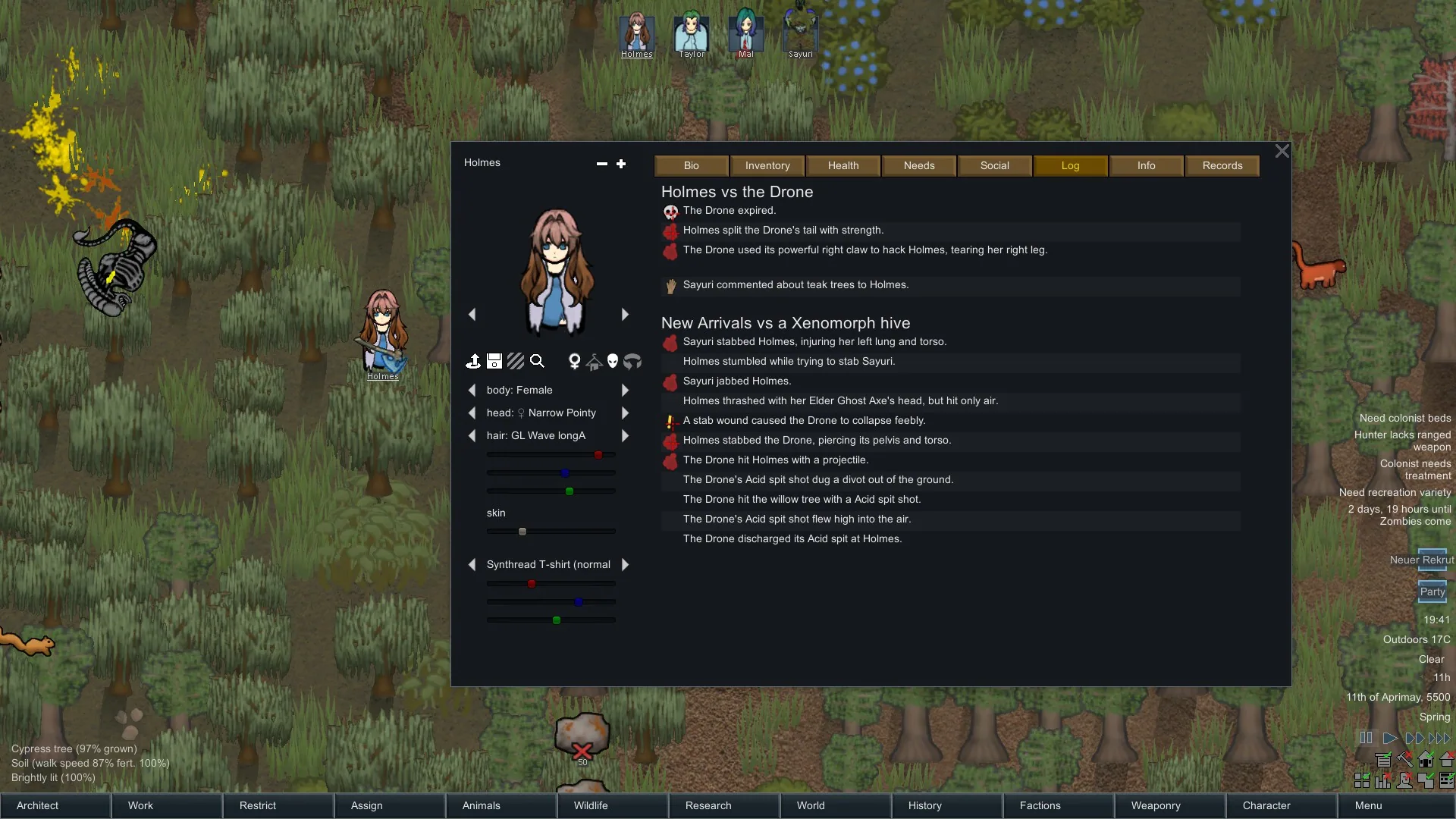
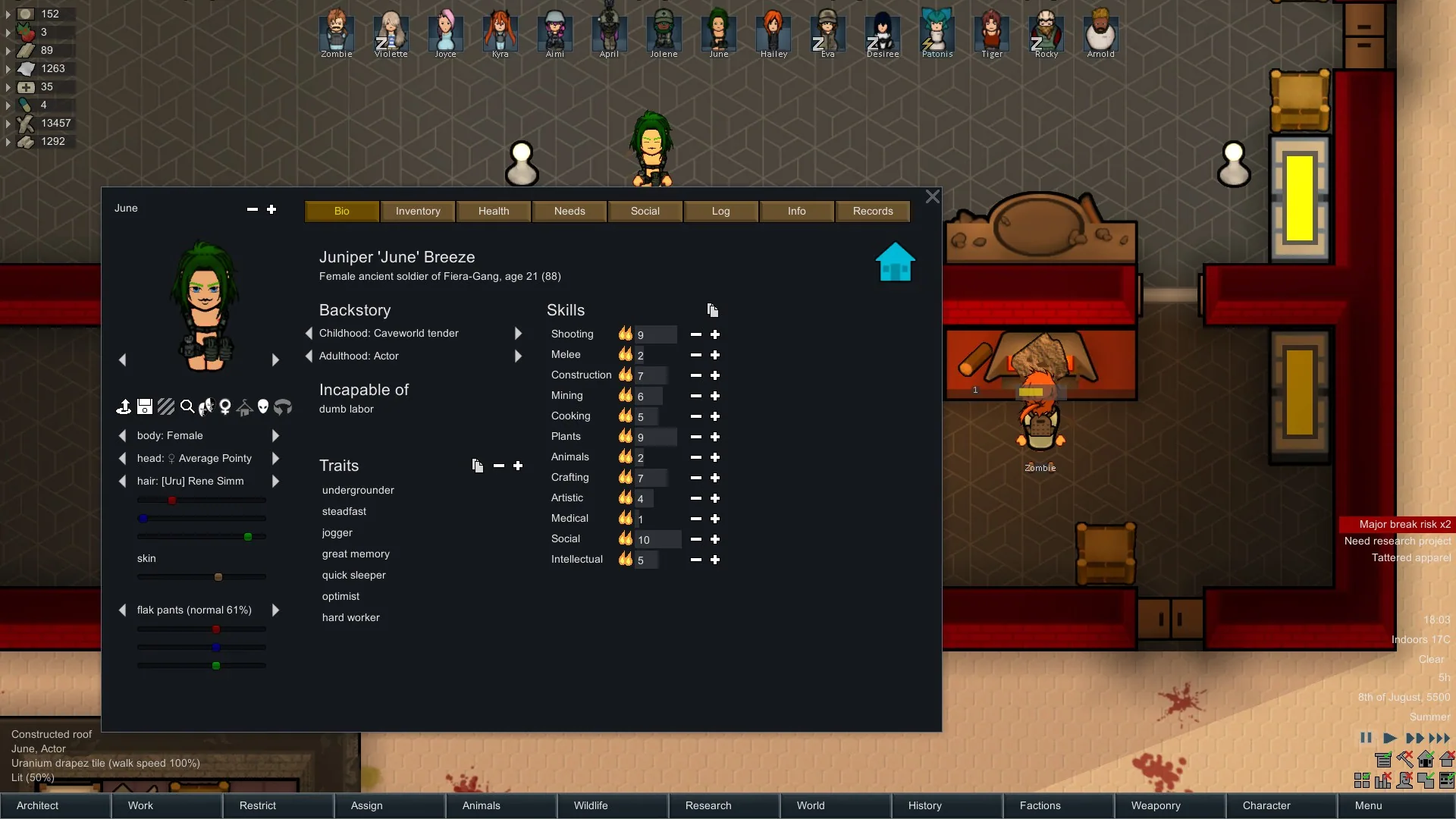
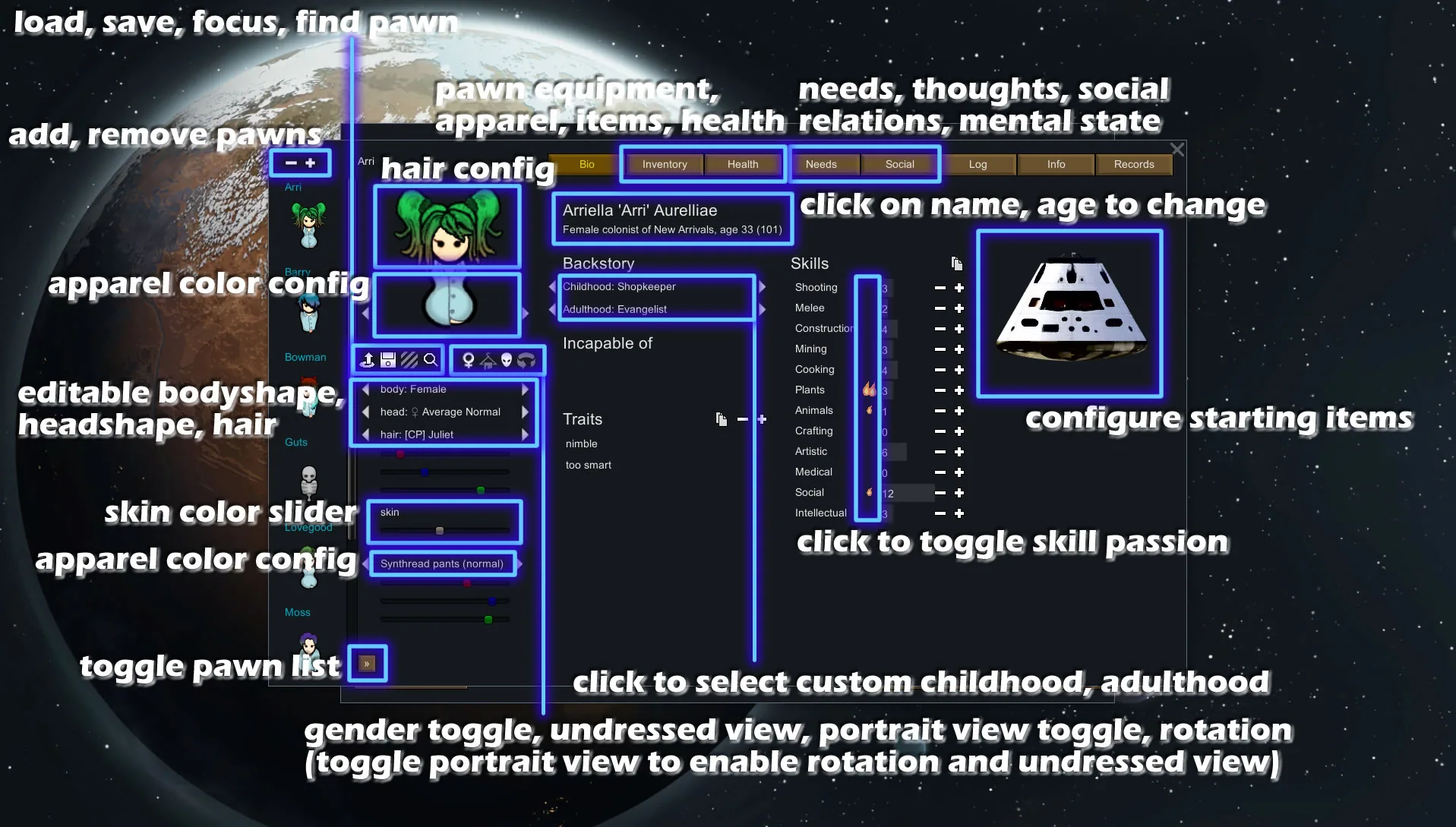
Change a pawn’s body, head, hair, skin and clothing colours, gender, name and age. You can also edit:
- Skills, passions, traits and backstories.
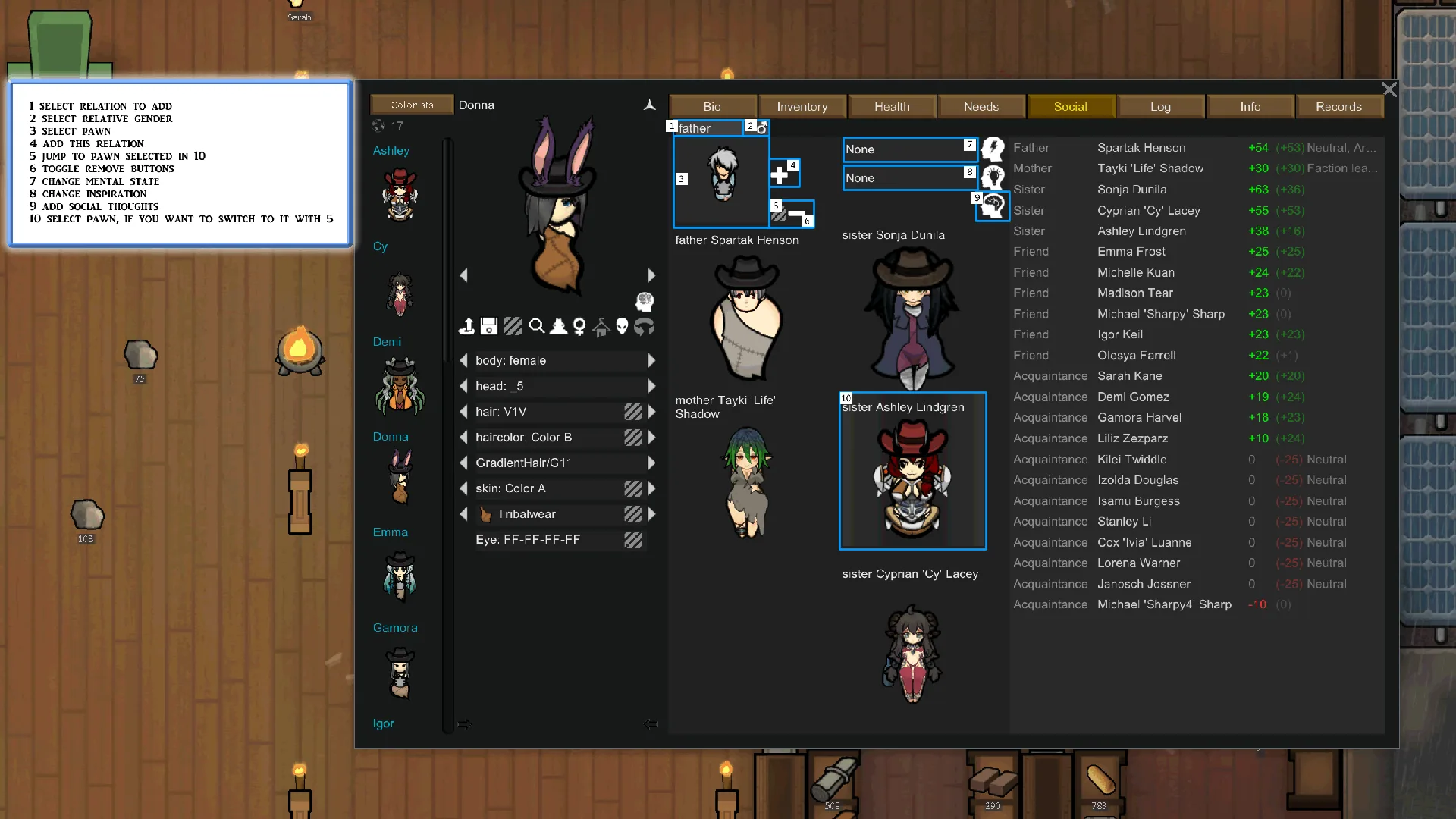
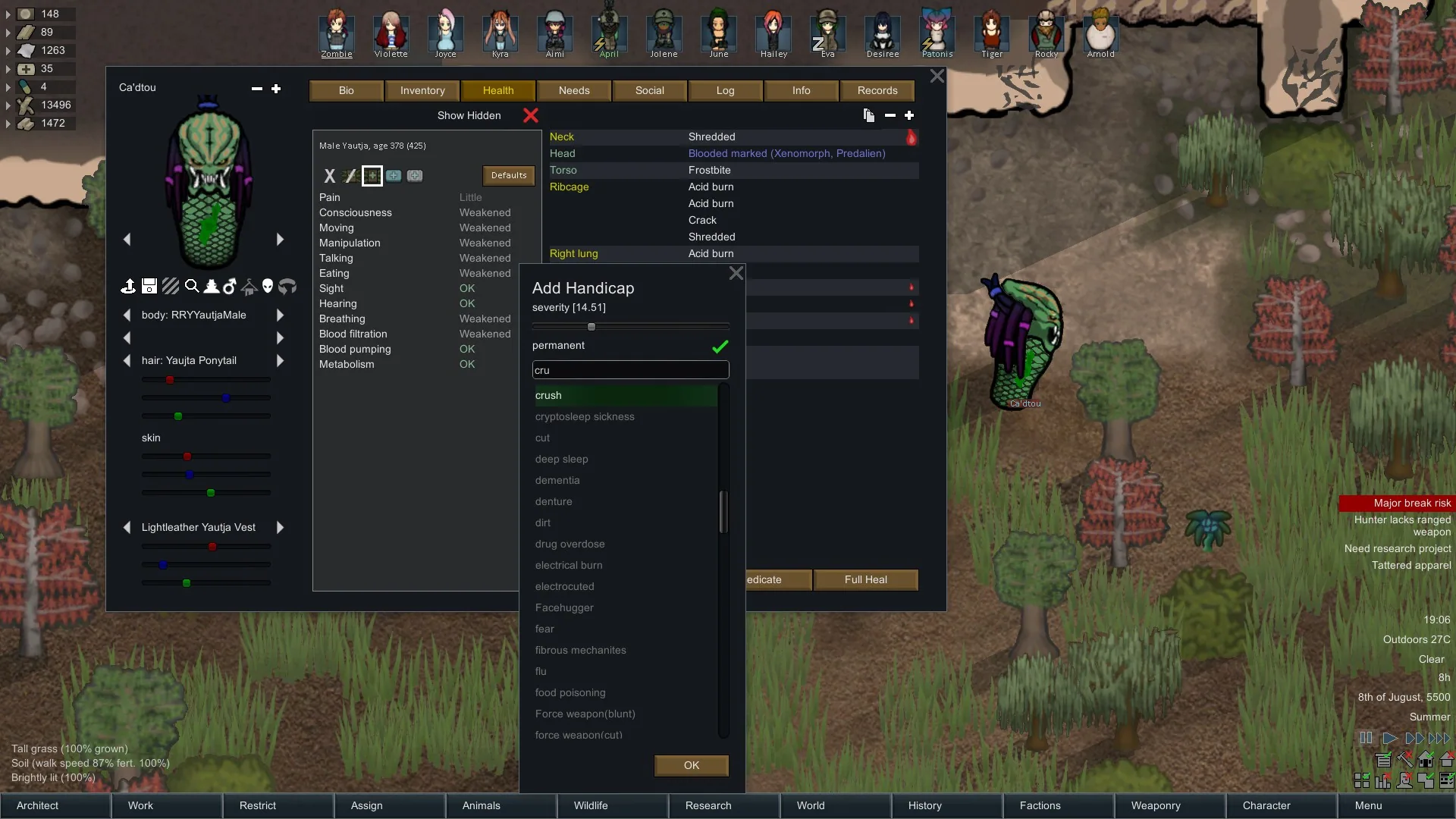
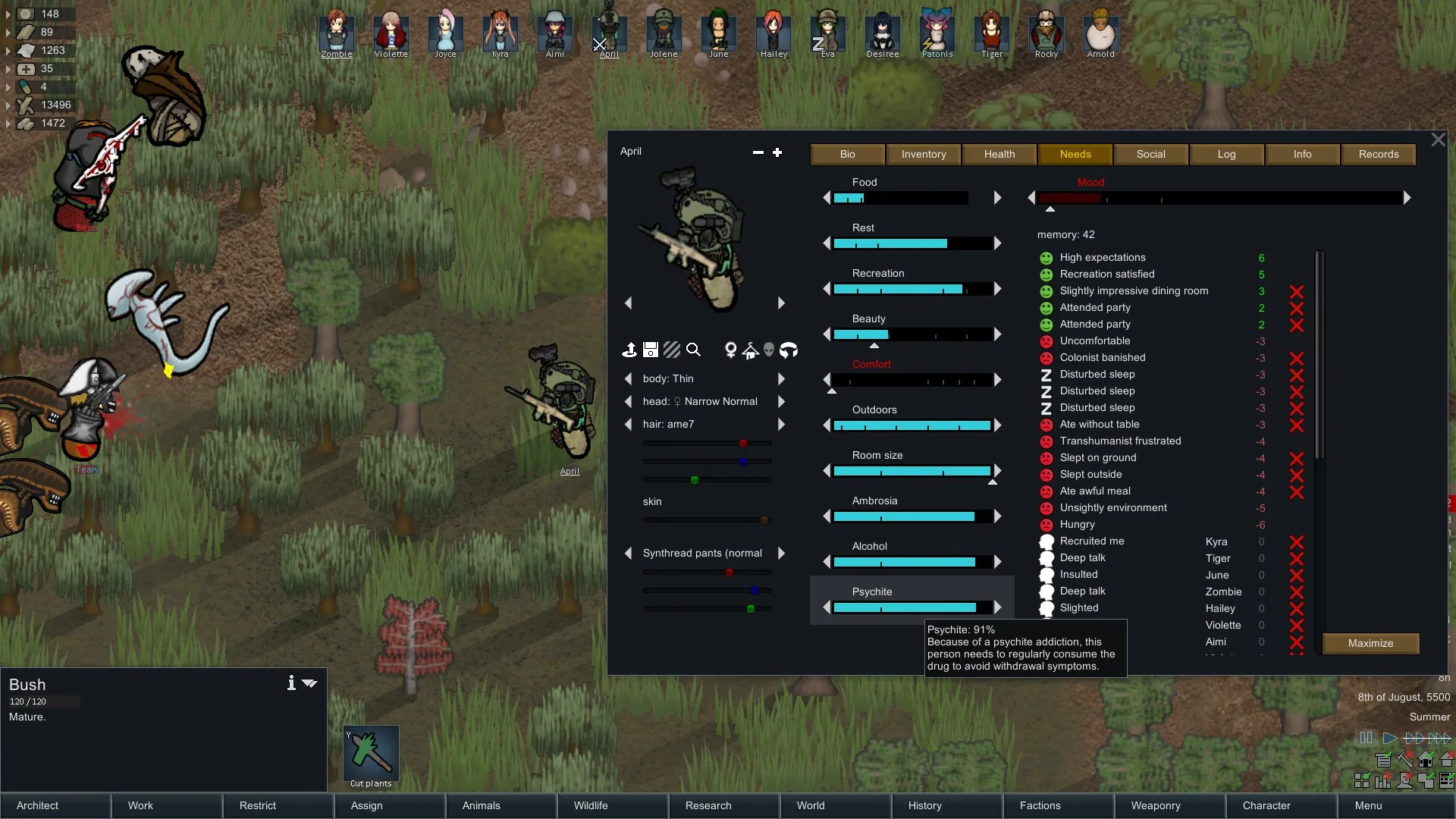
- Health, needs, thoughts and relationships.
- Faction, race, mental state and inspiration.
- Ideology, titles and psychic abilities.
- Xenotypes, genes and persona-weapon traits, where applicable.
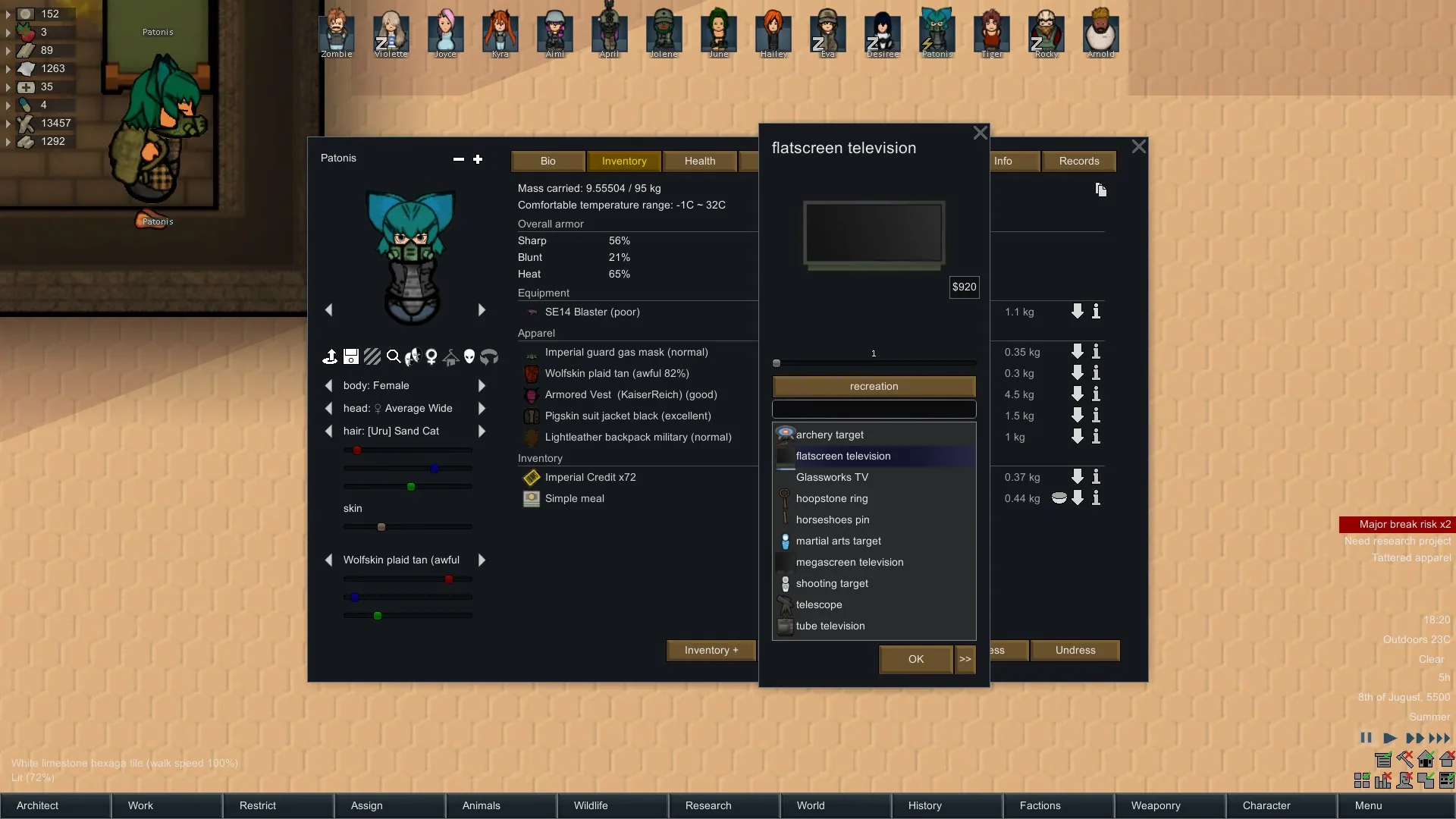
Additional actions let you recruit, resurrect, heal, injure, teleport, dress or undress pawns. The pawn browser provides access to characters on the map and in the world, including animals.
Manage equipment and item statistics
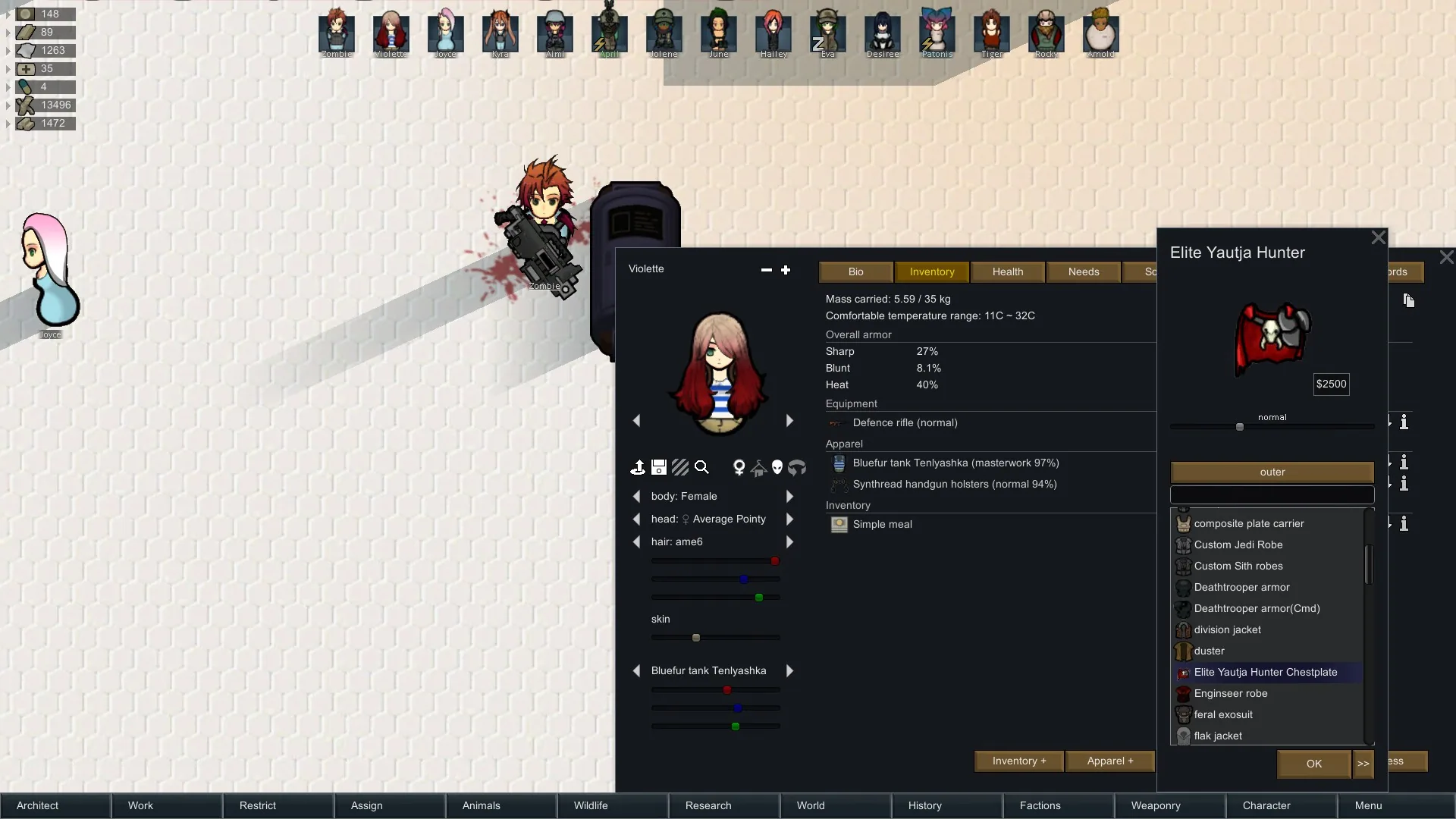
Add or move inventory items, equip weapons and apparel, and place objects on the map.
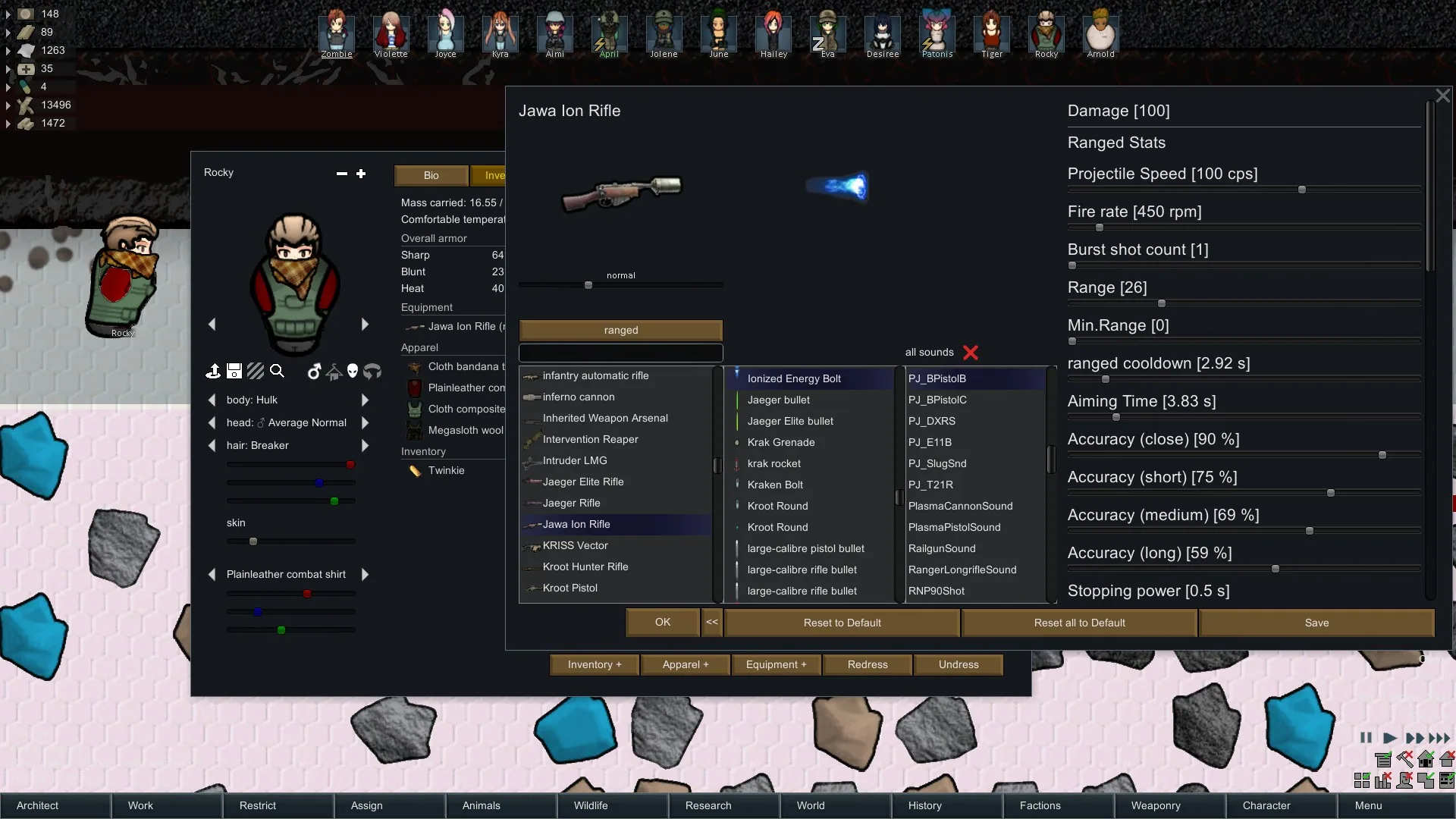
Item-stat changes apply immediately for the current session. Use Save to preserve supported changes after restarting, or Reset all to default to undo stat adjustments.
Combat Extended support for item editing is limited.
Open the editor your way
Launch Character Editor from starting-colonist selection, the main tab bar, mod settings or a configurable hotkey. If a pawn is selected, the editor automatically focuses on that character.
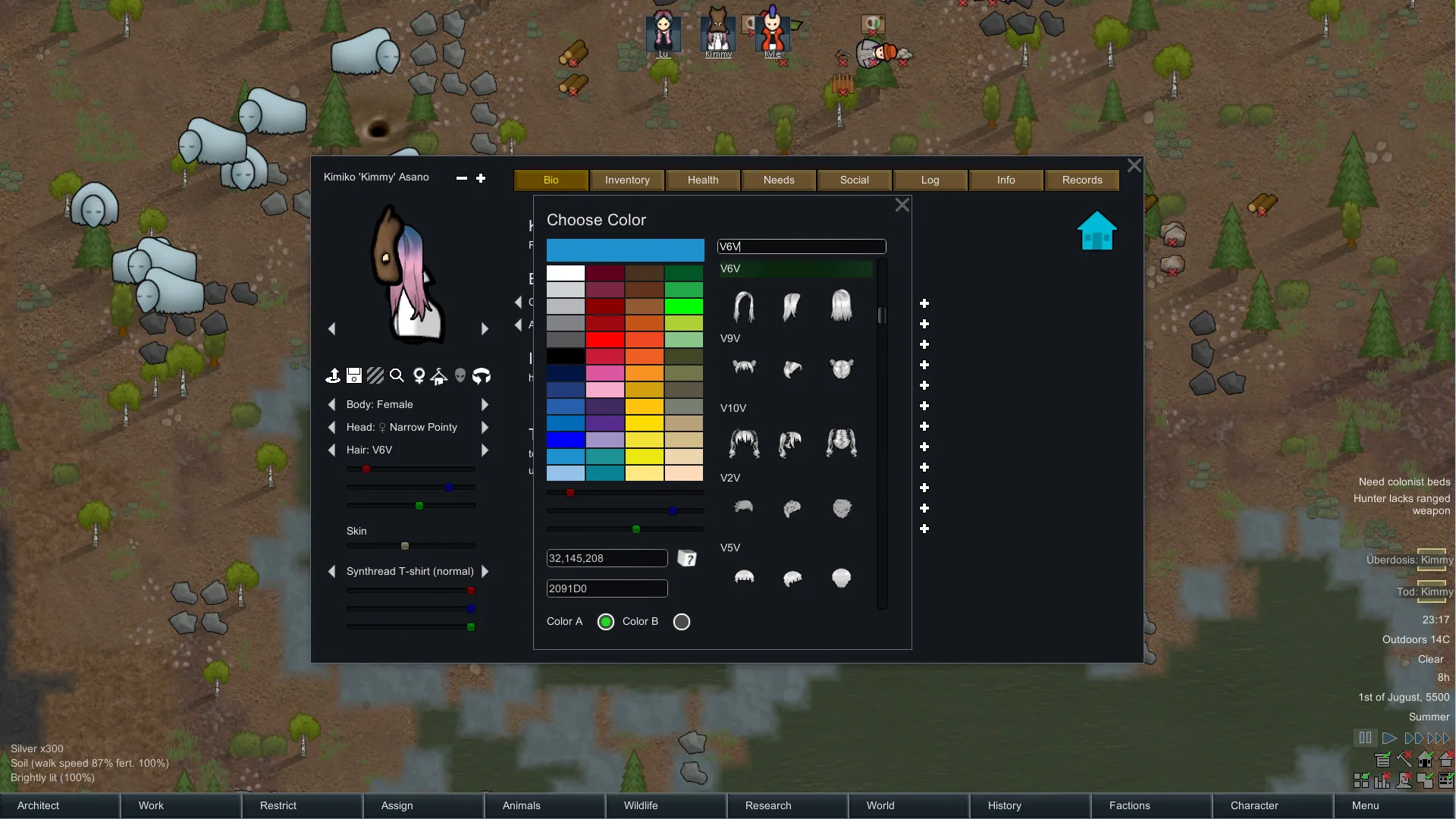
The star button beside the Bio tab reveals extended creation and removal controls. Clicking the hair, skin or apparel label opens its colour picker.
Settings include automatic pausing, a compact view, interface visibility and pawn-generation options.
Requirements and optional features
Requires Harmony. Load Character Editor after Core, enabled DLCs and supporting libraries.
Royalty, Ideology, Biotech, Anomaly and HugsLib are optional. Available editing features depend on the content installed.
Gradient hair colours require Gradient Hair. With it enabled, click the hair label to choose ColorA and ColorB.
Full interface language support includes English, German, French, Polish, Spanish, Russian, Japanese and Simplified Chinese.
Screenshots 11
Comments 0
No comments yet — be the first.
Log in or sign up to leave a comment.