













Protect your GTA 6 progress with manual saves, separate archive slots and careful loading. Learn what autosave overwrites, why sleep is different and how to choose a wake-up time.
Contents
Saving and Sleeping in GTA 6: Keep Progress and Control the Clock
Saving a playthrough and advancing the clock are different actions in GTA 6. Manual files are created through the pause menu, while your safehouse bed lets you select a wake-up time.
Keep those functions separate before quitting or revisiting an earlier chapter. Resting should not be treated as confirmation that your latest journey, purchases and activities have been preserved in a dedicated save file.
Create a manual save
- Return to free roam outside an active mission.
- Open the pause menu with Options on PS5 or Menu on Xbox.
- Select Game → Save Game.
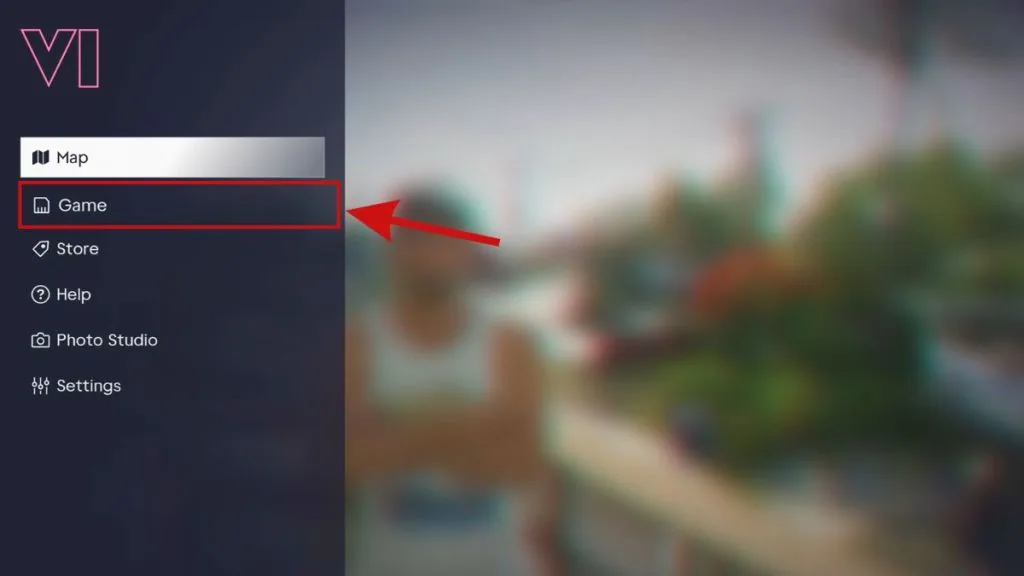
- Choose an empty slot or deliberately select a file to replace.
- Confirm and check that saving has finished.
If the option is greyed out during a mission, finish that section first. Cheats can also disable saving. Do not try to solve this by loading your only older file before preserving the progress you want to keep.
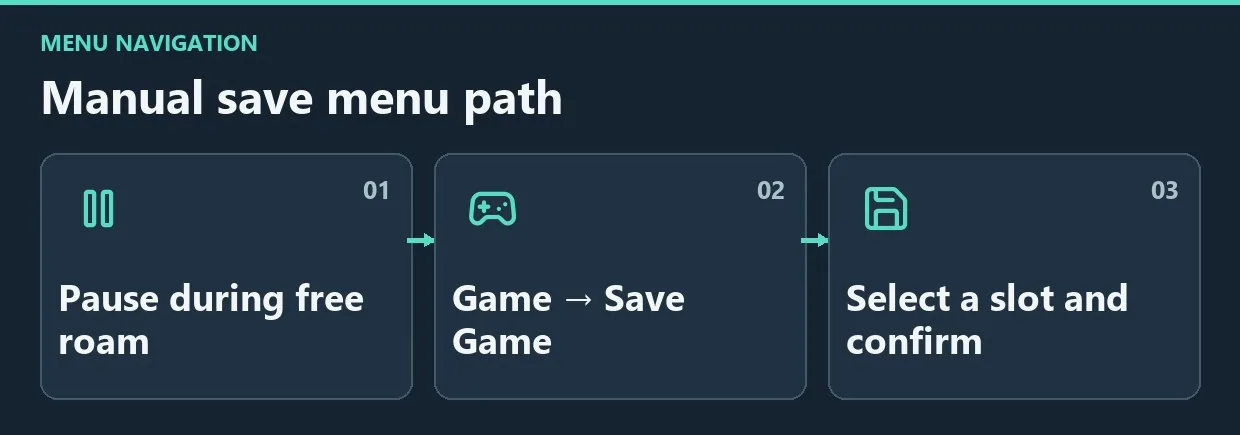
Diagram. Manual save menu path.
Organize the 15 manual slots
Overwriting one file is convenient until you want to revisit an earlier decision. A simple personal arrangement makes the available slots more useful:
| Purpose | Suggested use |
|---|---|
| Chapter archive | Preserve important transitions instead of overwriting them during routine play |
| Current progress | Rotate between several files after missions |
| Experiments | Make a separate file before risky tests or cheats |
Decide how many files each group needs. Several clearly identifiable return points are more useful than fifteen nearly identical records.
Check before loading
Autosave uses a separate record that gets overwritten. Loading an older manual save can also replace the current autosave. Preserve your present playthrough manually before opening Game → Load Game.
Compare the save time and story stage carefully. Loading does not merge two branches: purchases and actions completed only in the later playthrough will not appear in the older file.
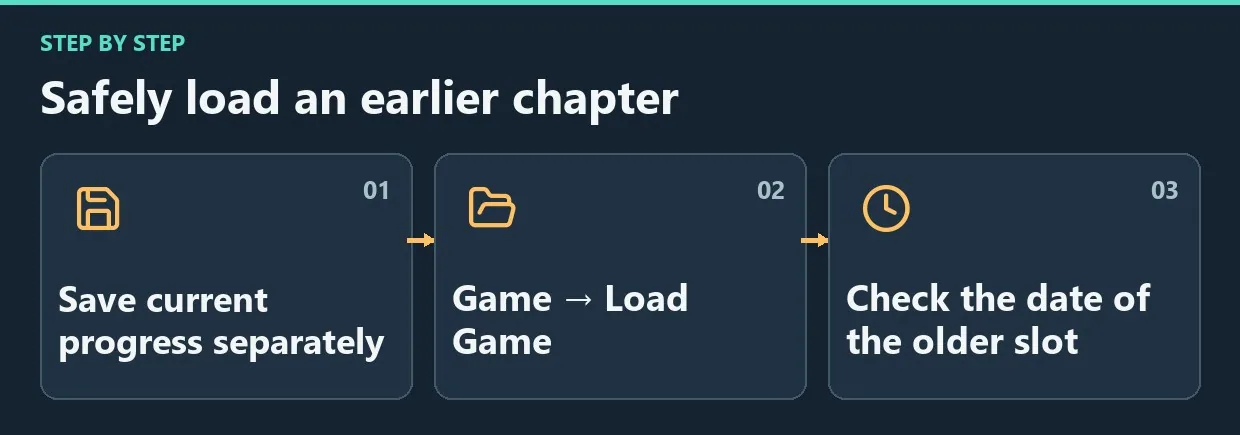
Diagram. Safely load an earlier chapter.
Advance time by sleeping
Approach your own safehouse bed, select Sleep and choose a wake-up option:
| Option | Wake-up time |
|---|---|
| Morning | 7:00 AM |
| Noon | 12:30 PM |
| Evening | 6:00 PM |
| Night | 12:01 AM |
Sleep is useful when you need a different time of day. If you intend to quit afterward, make a separate manual save.
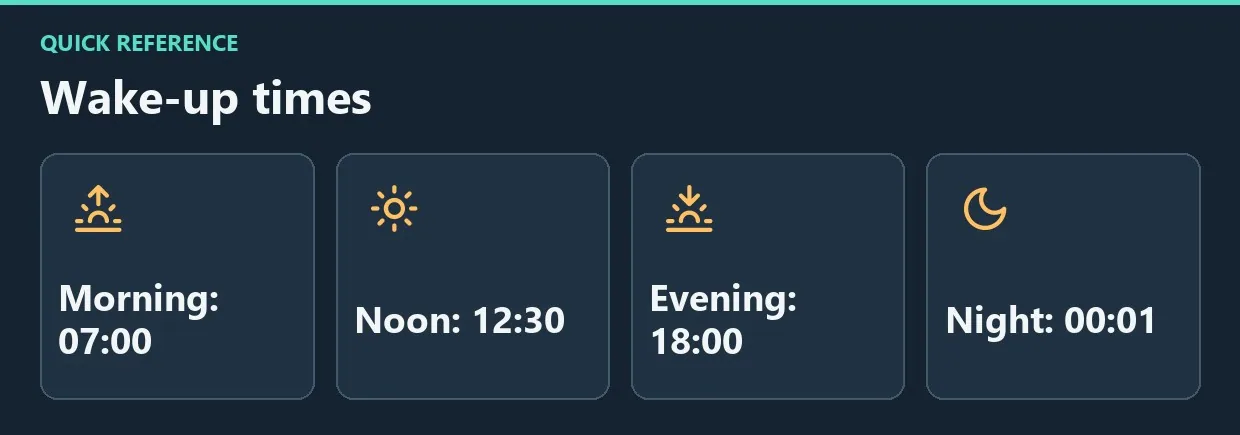
Diagram. Wake-up times.
Frequently asked questions
Must you return home to save?
No. Use the pause menu during free roam.
Why did sleeping not create a dedicated file?
Sleep advances time. Save Game creates the controlled return point you need.
Is autosave enough on its own?
It is not an archive: a single record keeps changing. Make manual saves before major transitions and before quitting.
A dependable routine
Preserve current progress before experimenting or loading an archive. Use sleep to manage the in-game clock and separate slots to keep different stages of the story available.


Comments 0
No comments yet — be the first.
Log in or sign up to leave a comment.