














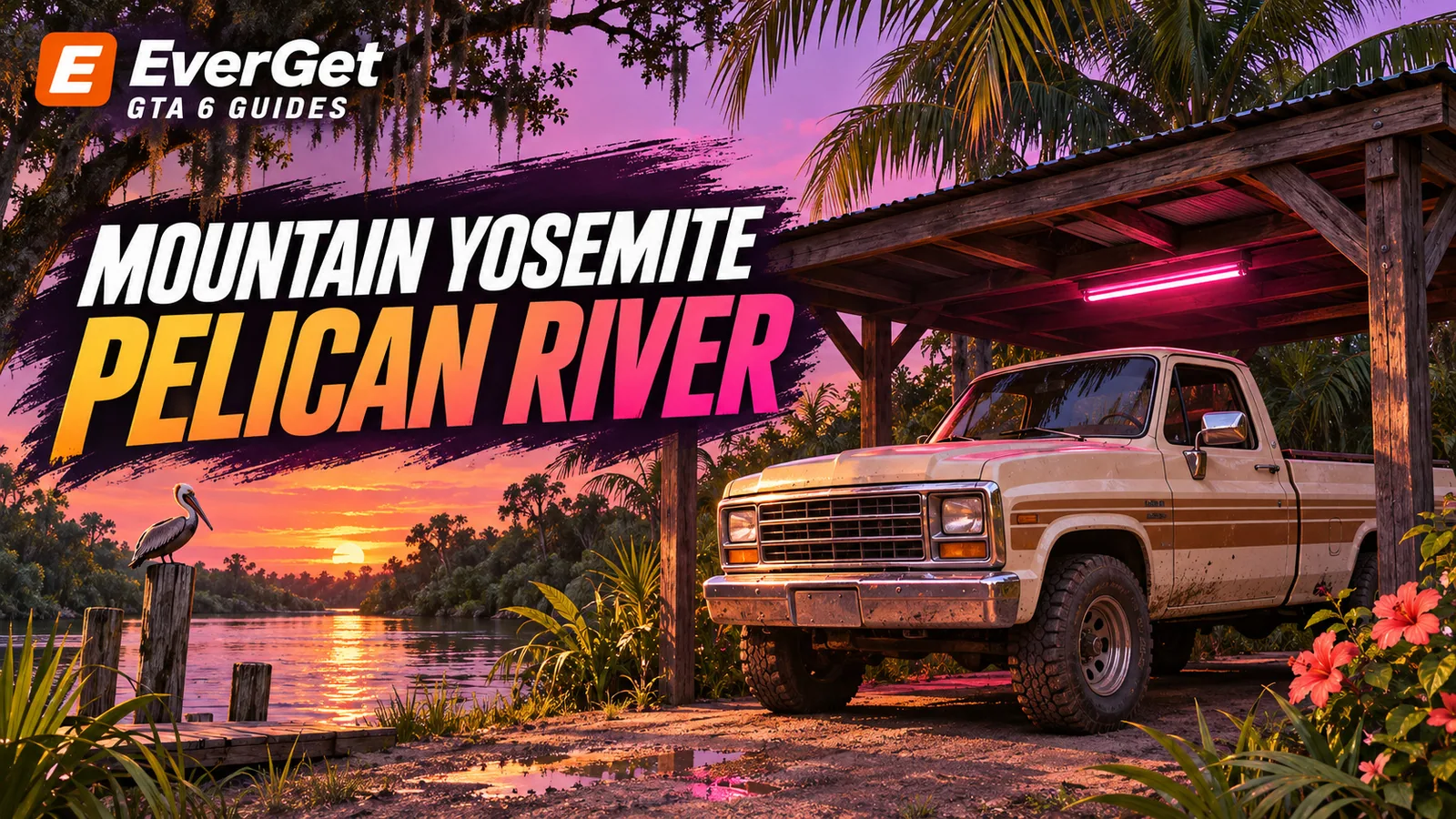



Find the turnoff by the eastern Watson Bay bridge, identify the Mountain Yosemite and scan the pickup with WAiNK.
Contents
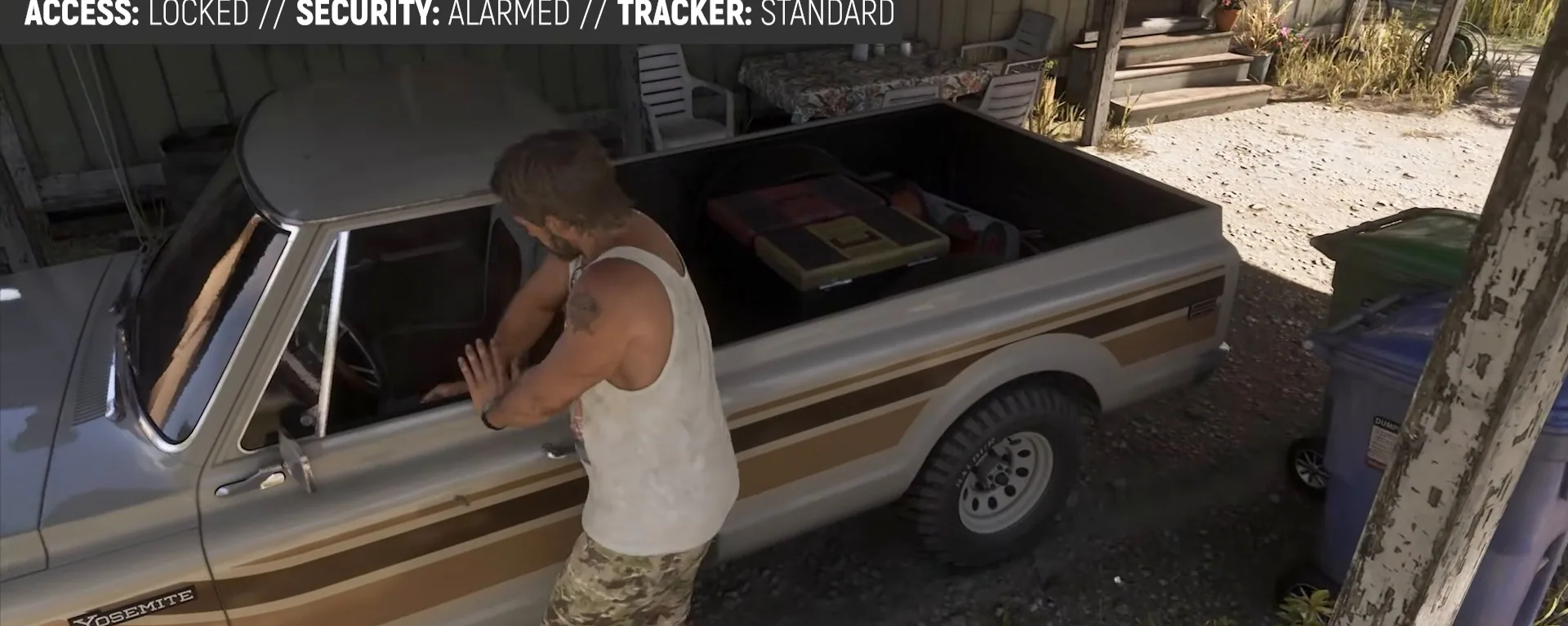
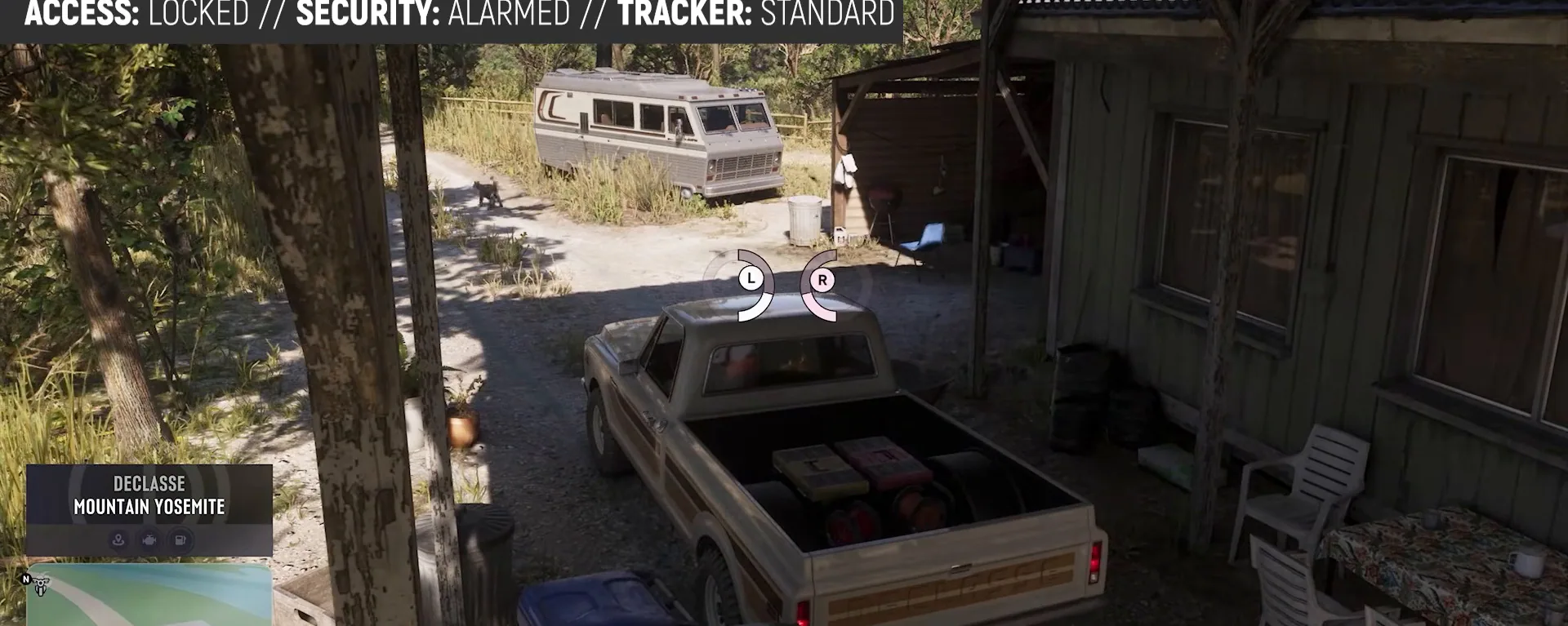
A cream Mountain Yosemite sits under a carport by a weathered shack on the west bank of the Pelican River. The light-colored trailer is the easiest landmark from the road. Walk up to the carport for a better look at the pickup in the shade.
Turn toward the river before the bridge
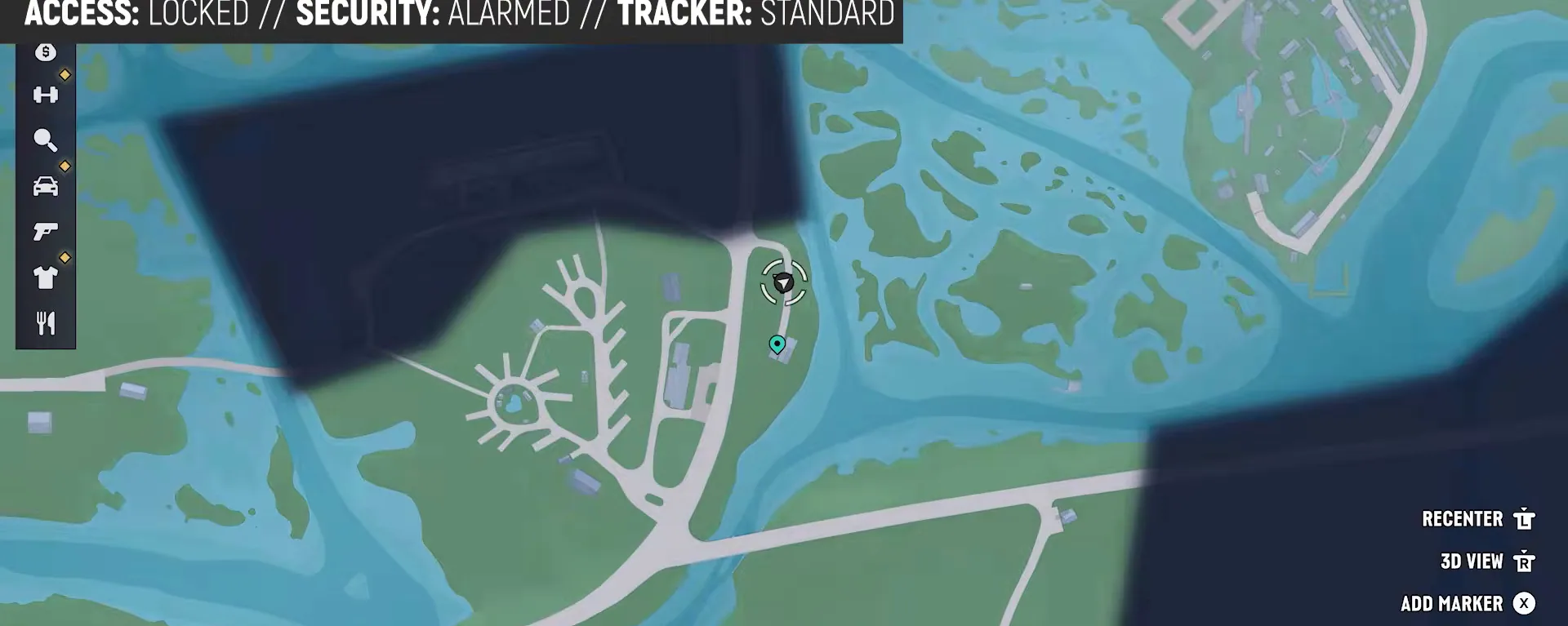
Zoom in on eastern Watson Bay until you see the main highway crossing the river. From the west side of the bridge, follow the bank road north. Look for two short loops on the inland side. The dirt turnoff you want leads to buildings behind the trees.
Find the pickup past the light trailer
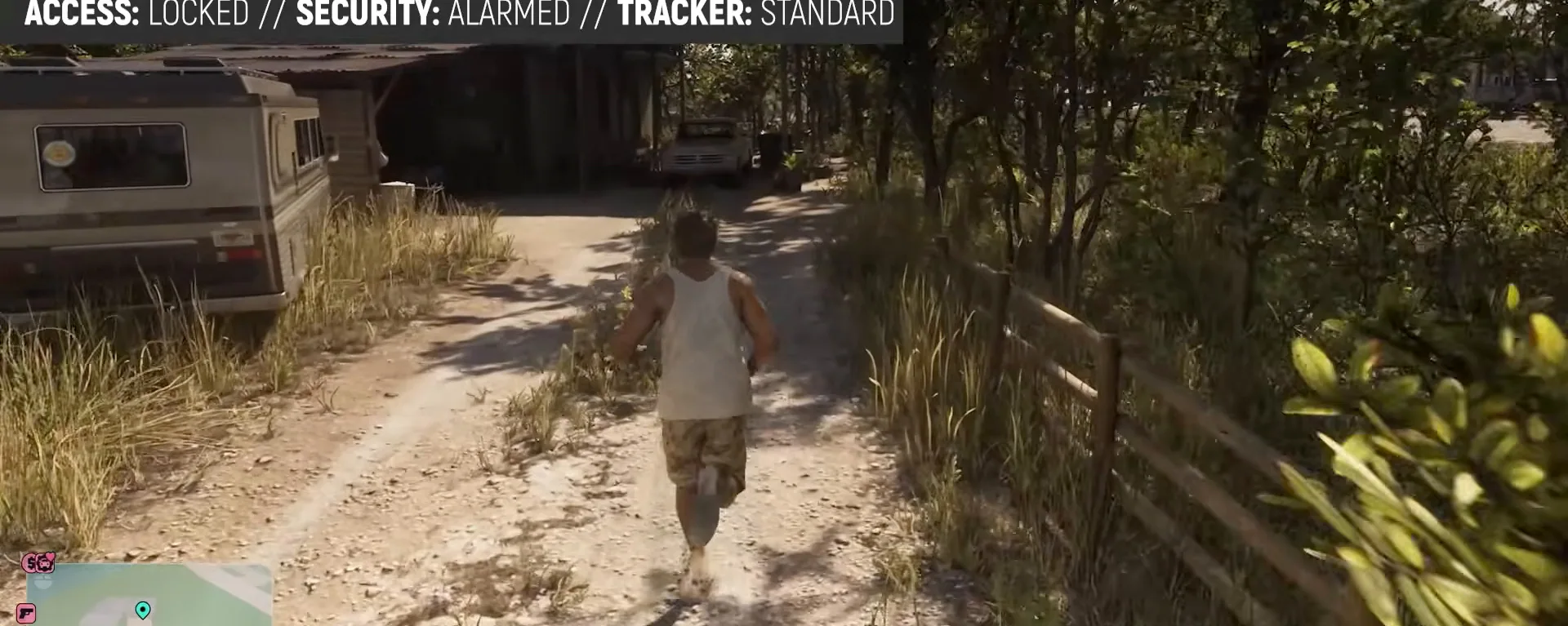
Follow the dirt lane past the fence and the old light-colored trailer. Check the open carport beside the dark wooden building. The Mountain Yosemite has cream paint and a long brown and tan stripe across the doors. Stand on the driver’s side for a clear view beneath the roof.
Check the full name in WAiNK
Open WAiNK and wait for the Mountain Yosemite label. The recorded pickup was locked and alarmed and showed a standard tracker. If you only need the collection entry, finish the scan by the carport and check that the variant appears in the list.


Comments 0
No comments yet — be the first.
Log in or sign up to leave a comment.