









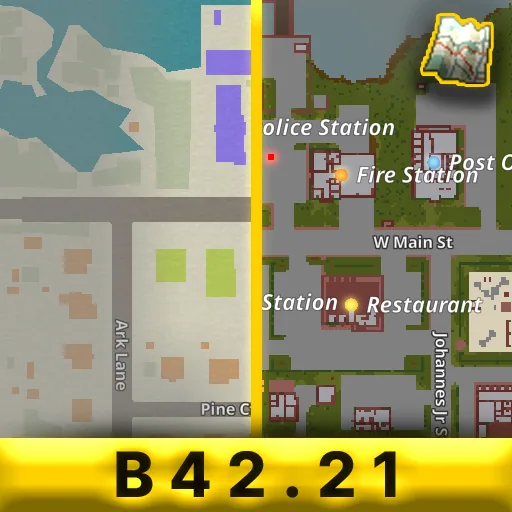



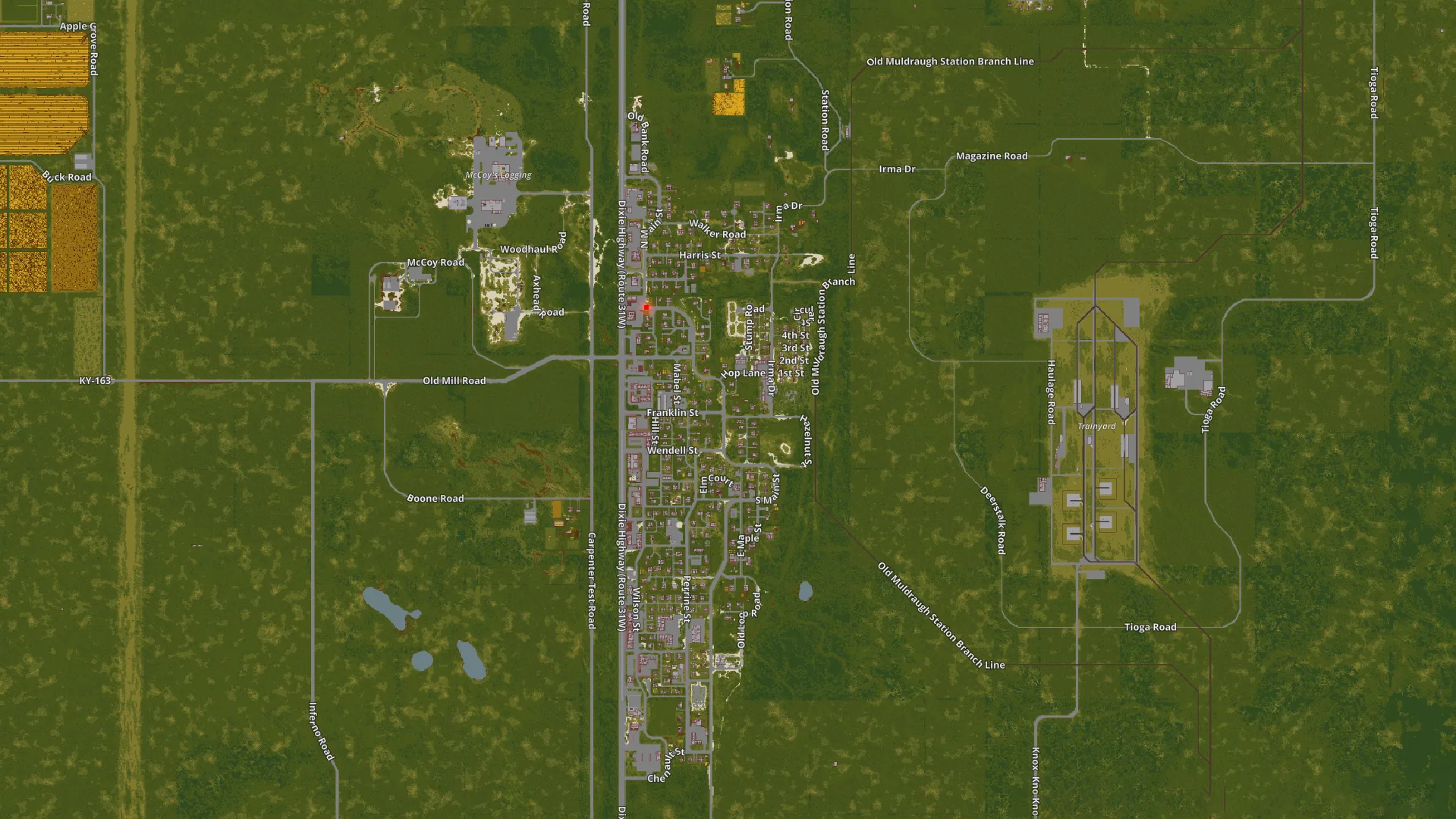
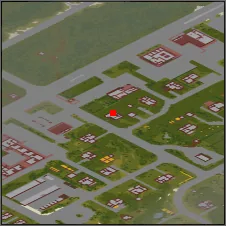
Better World Map gives the world map and minimap a full-color terrain view in Project Zomboid. It shows building footprints and roof colors, roads, forests, fields, grass and other terrain. The terrain view is on by default. Switch back with the world map…
Contents
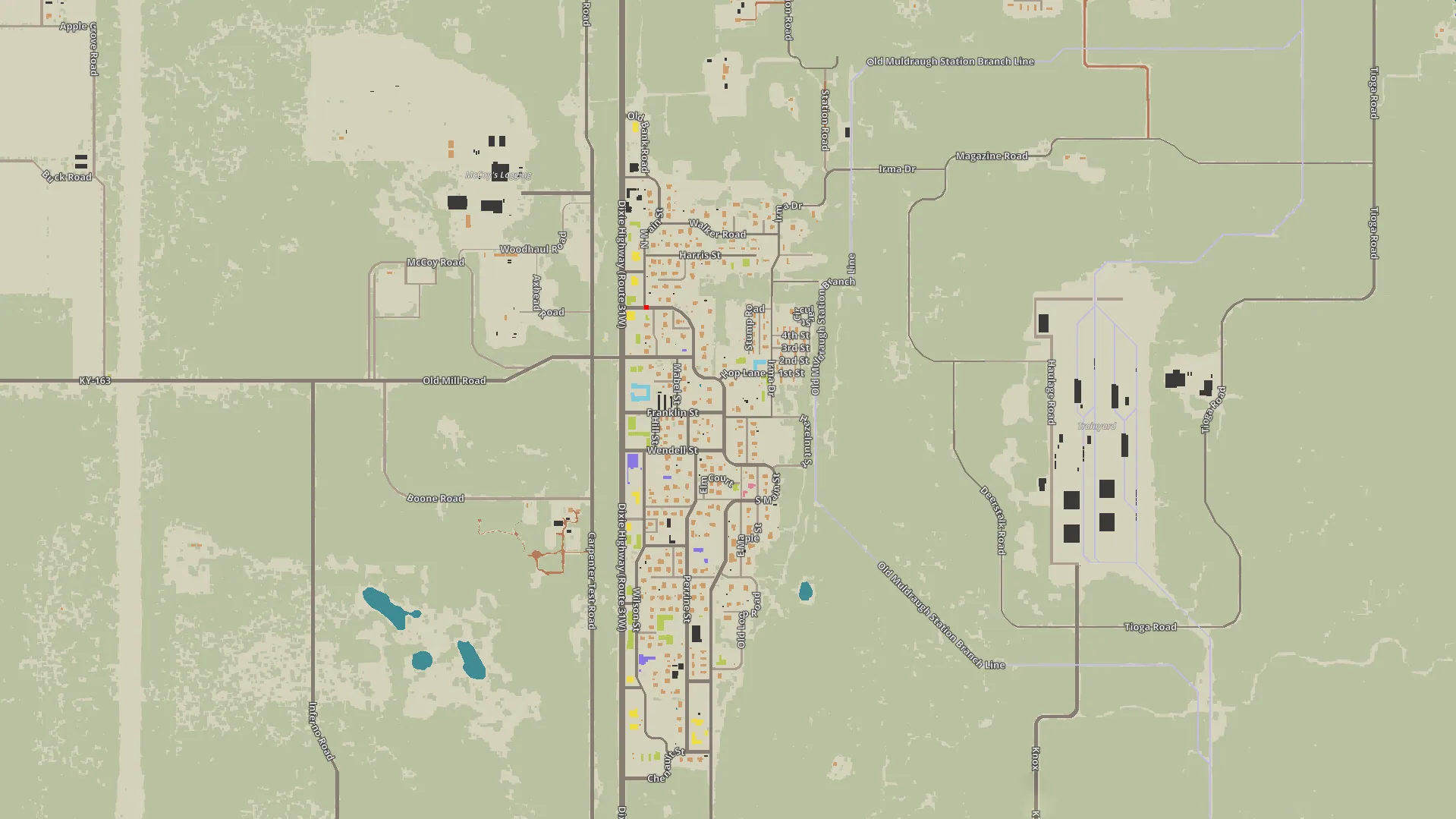
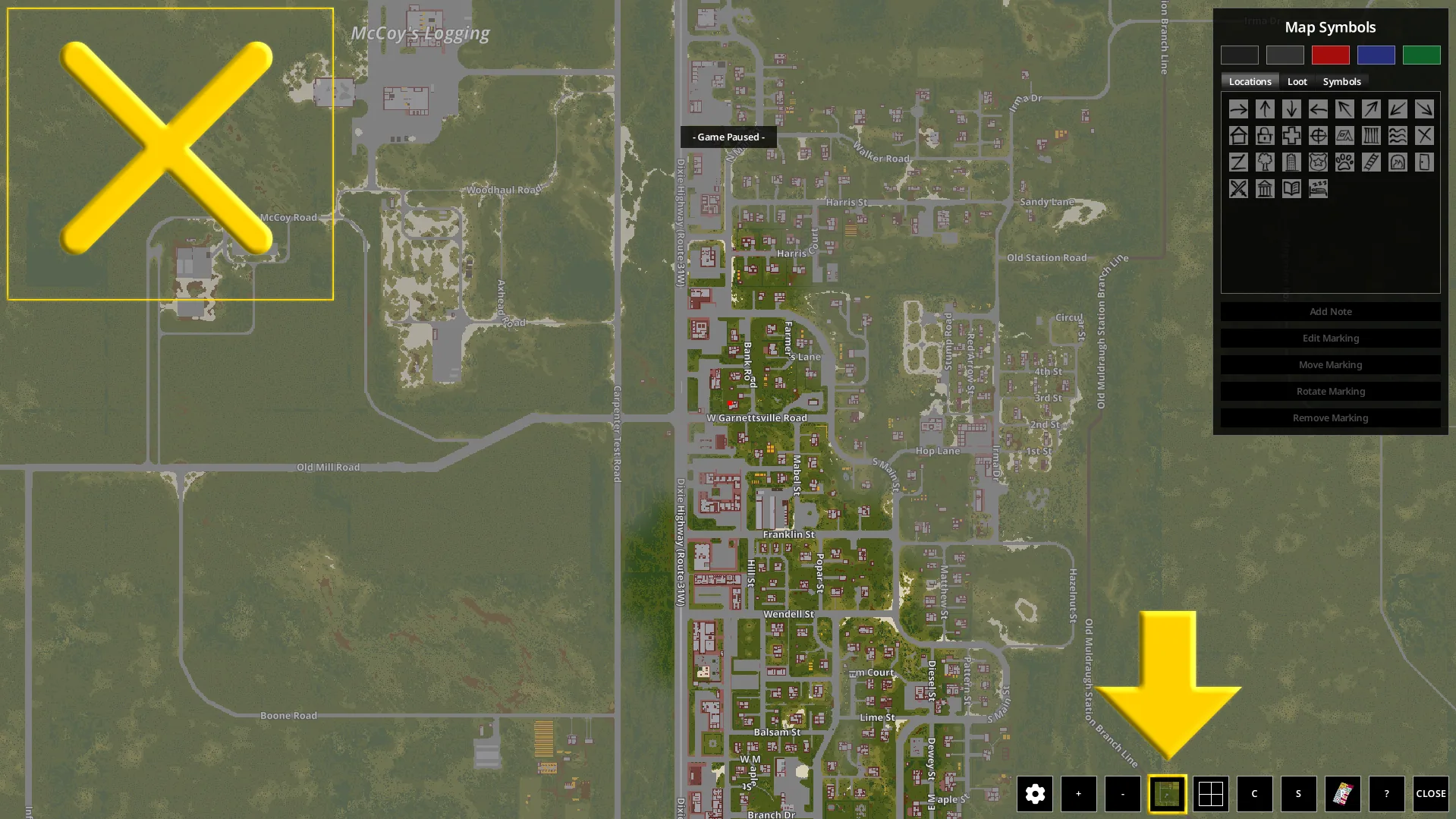
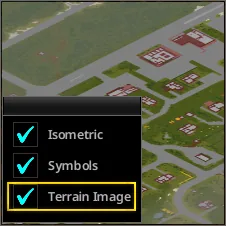
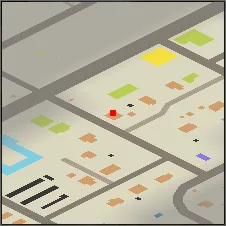
Better World Map gives the world map and minimap a full-color terrain view in Project Zomboid. It shows building footprints and roof colors, roads, forests, fields, grass and other terrain. The terrain view is on by default. Switch back with the world map terrain button or the minimap's Terrain Image option. Your choice is remembered. The vanilla legend hides in terrain mode and follows your saved visibility choice in paper mode.
Points of interest
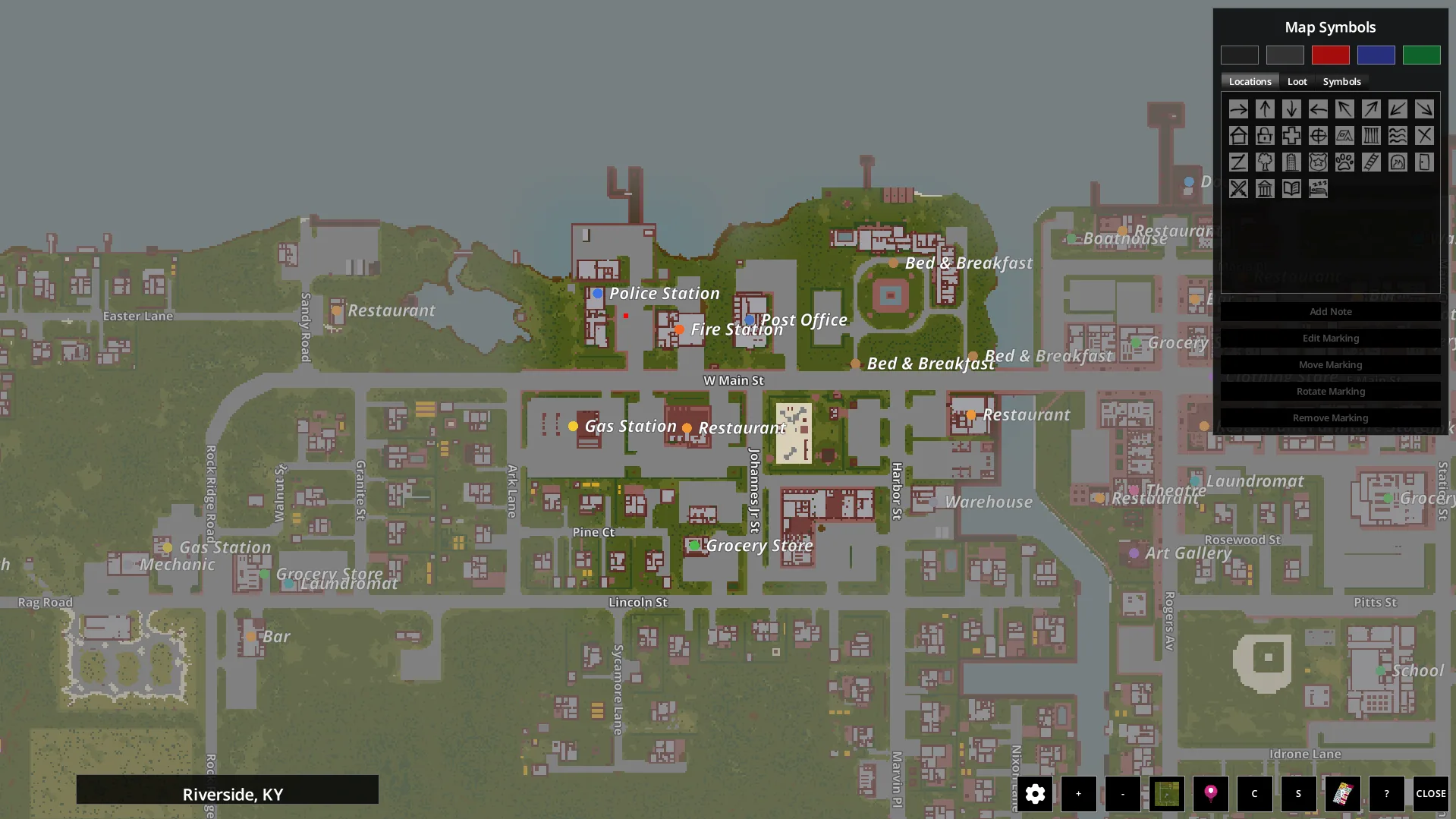
About 700 locations are marked by type, including police stations, fire stations, gas stations, hospitals and schools. Dot colors distinguish categories such as blue for police, red for hospitals, orange for food and green for schools. The pin button hides or shows the labels. Hovering enlarges or reveals translated names. On the world map the text is drawn on the UI layer so it remains visible at full zoom without duplicates. Minimap names are clipped to its edges.
Version 1.4.5 shows POIs only in explored areas on the world map, readable paper maps and minimap. Walking into an area or reading a map of it reveals the labels, and they refresh while the map is open. Turn off Show POIs only in explored areas to show every POI immediately. Previous updates added dark outlines to dots and text and fixed the legend being forced on in paper view.
Compatibility
Build 42.20+ (tested on 42.21), single-player and co-op, all game languages. No debug mode is required. Only the map screens change. Modded maps show the terrain layer if they include terrain pyramid data. Without that data the area still works without the overlay. Compatibility with small hidden map instances, including Loot Run Assistant, was improved. Thanks to Prof.Liebstrumpf for the original Detailed Map concept.
Screenshots 7

Comments 0
No comments yet — be the first.
Log in or sign up to leave a comment.