














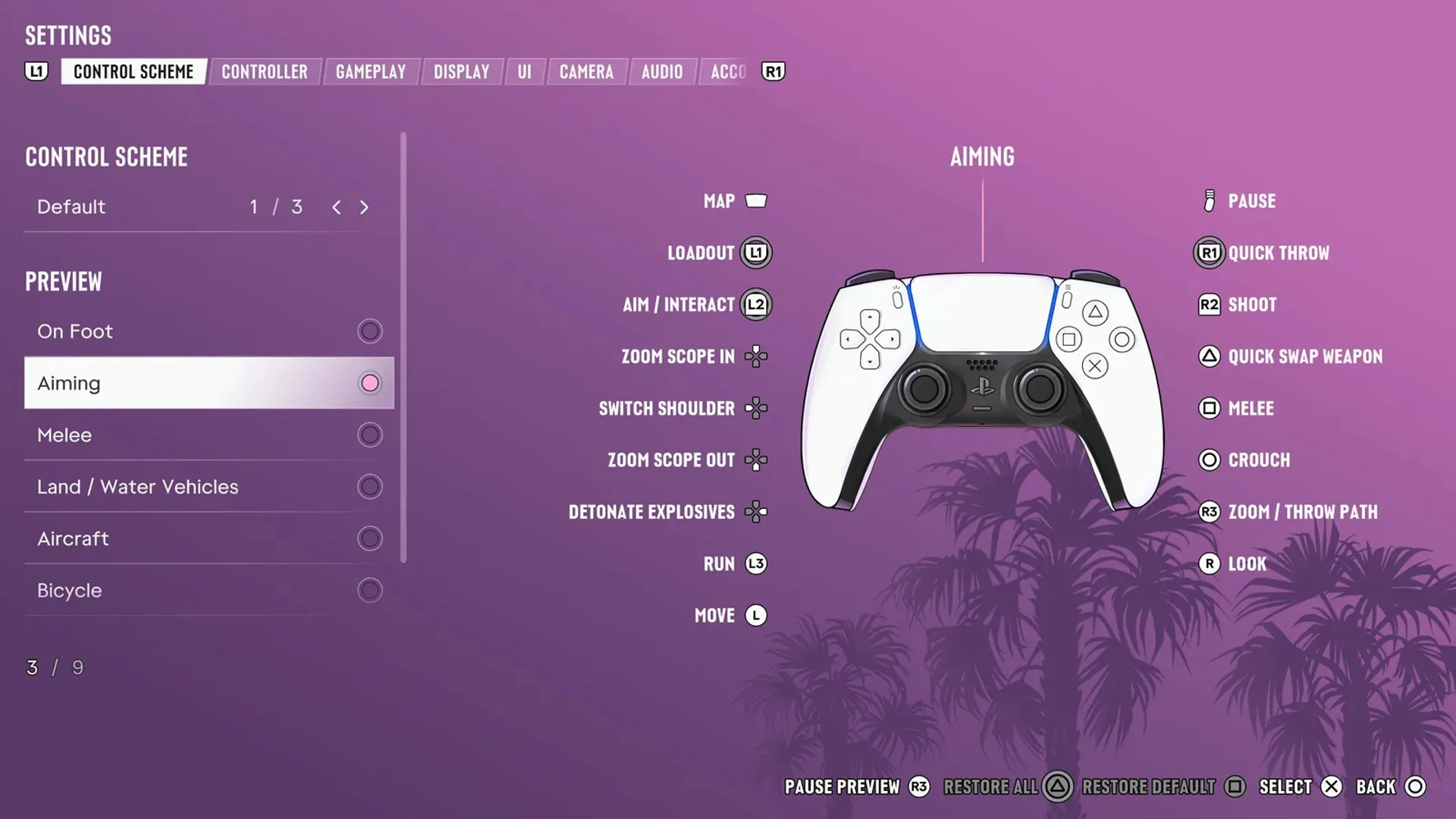
Default PS5 and Xbox inputs for the GTA 6 loadout, Quick Swap and Quick Throw while aiming.
Contents
These inputs use the default layout. Check your loadout beforehand so that a swap or throw uses the gear you expect.
Set up your equipment in the loadout
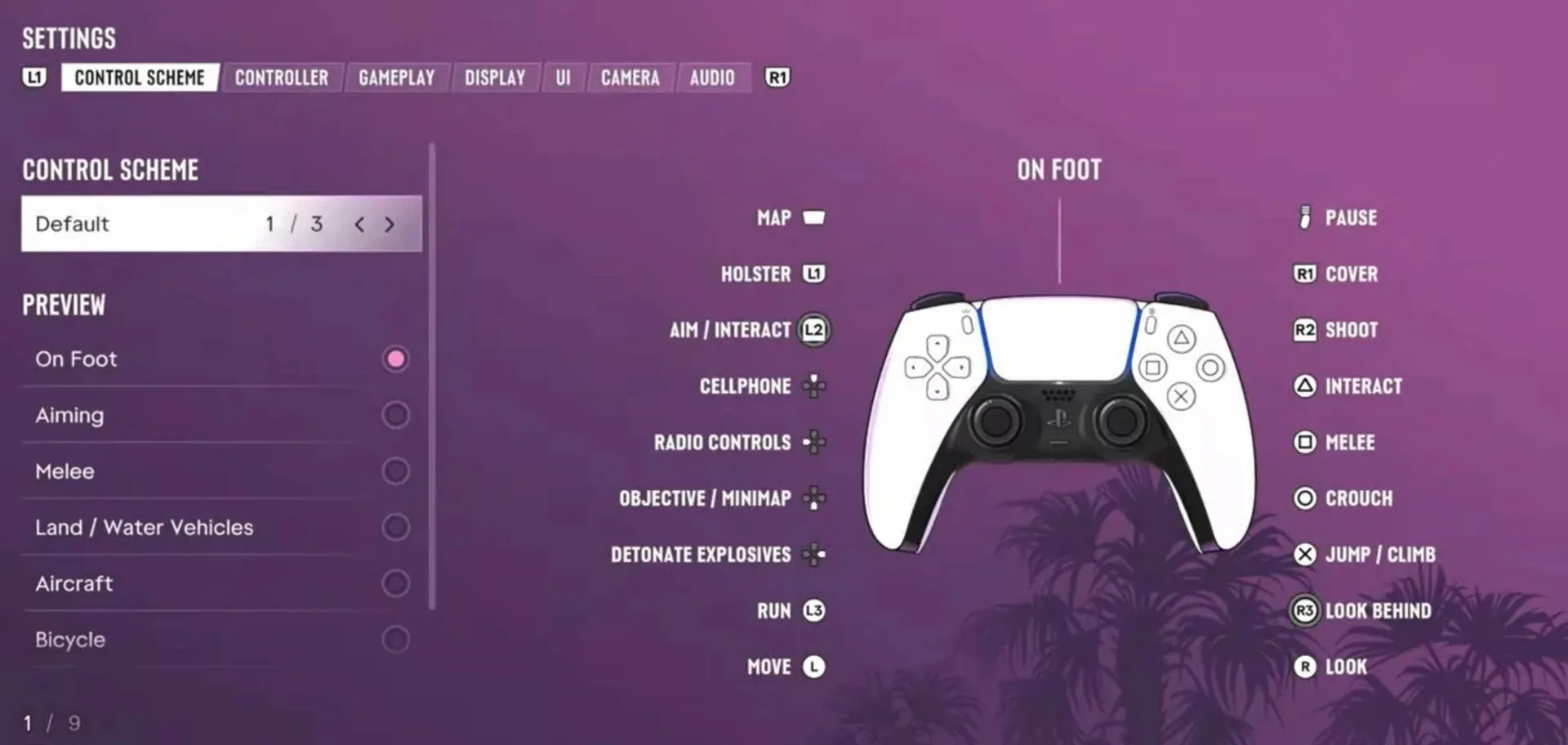
Tap L1 on PS5 or LB on Xbox to equip or holster the selected weapon. Hold the same button to open the loadout. Check the selected weapons and throwable for the character you are playing.
Swap weapons without releasing aim
Hold L2 on PS5 or LT on Xbox to aim. Tap Triangle on PS5 or Y on Xbox for Quick Swap. Check the ammo indicator after switching. Open the full loadout again when you need to select a specific slot.
Use Quick Throw while aiming
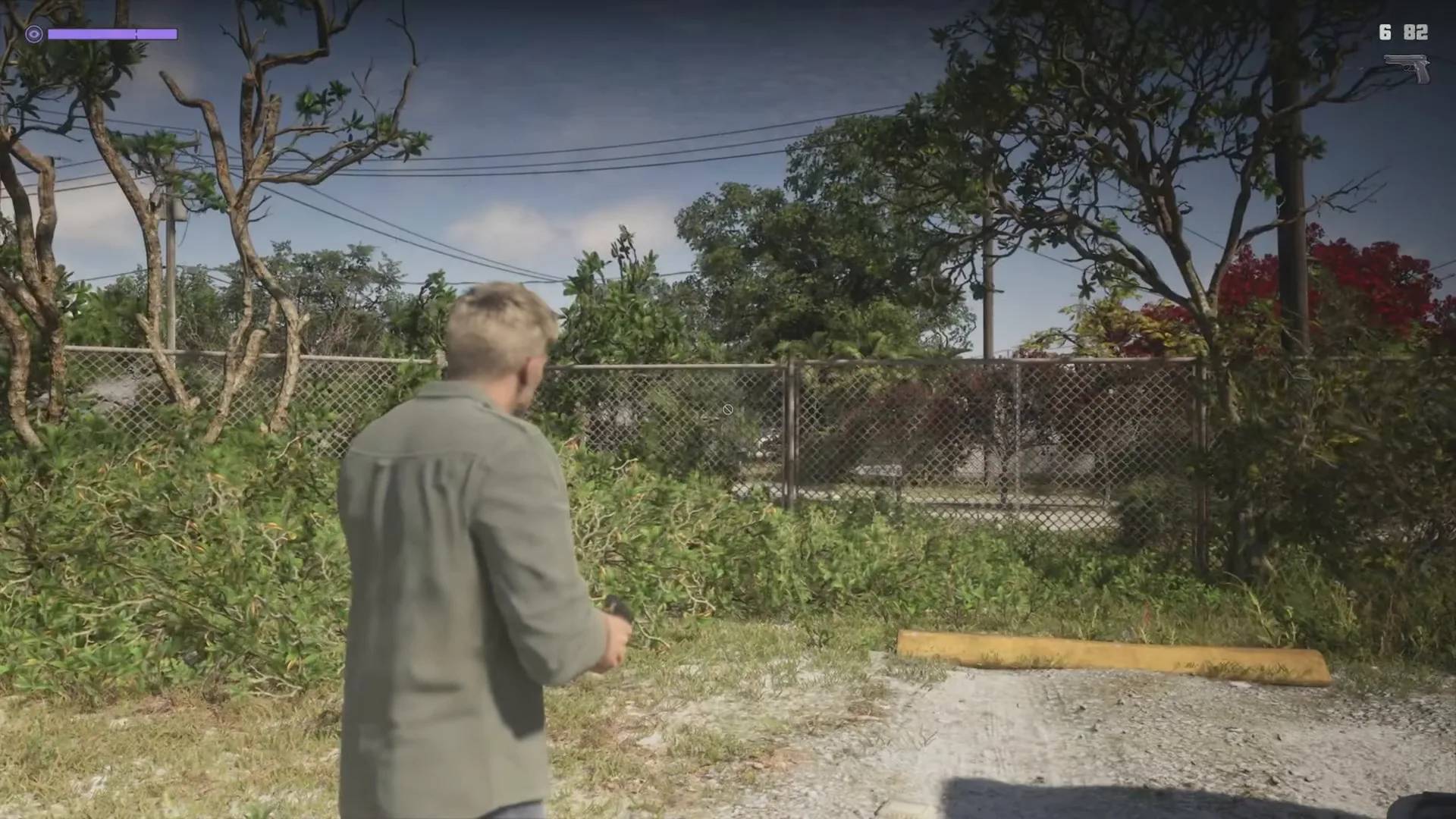
While still aiming, hold R1 on PS5 or RB on Xbox for Quick Throw. This uses the throwable you selected earlier. If the prompt differs or nothing is equipped, check the control layout and the corresponding slot in the loadout.


Comments 0
No comments yet — be the first.
Log in or sign up to leave a comment.