








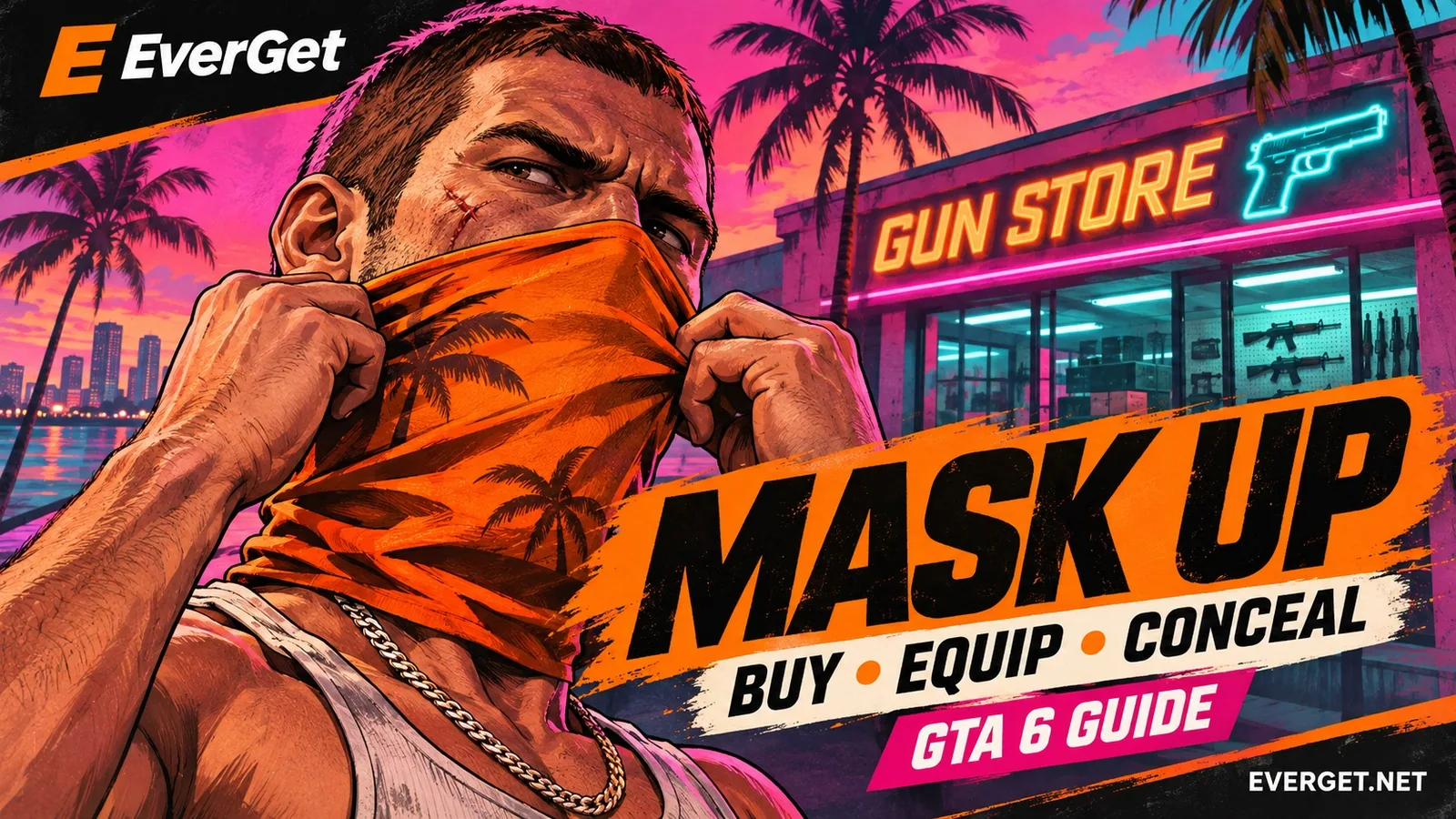



GTA 6: Find the Neckwear shelf at Chuck’s Tackle & Shot and equip a face covering on PS5 or Xbox. Learn why a gaiter stays around your neck and how to select the raised wear style.
Contents
GTA 6 Masks: Buy a Face Covering and Wear It Correctly
Buying a mask in GTA 6 does not always cover your character’s face immediately. Some Neckwear items sit around the neck by default, so you must change their wear style before using them for a robbery.
The first convenient shop is in Key Lento near Jason’s house. Here is how to find the right shelf, unlock purchases and equip the covering on PS5 or Xbox without leaving the gaiter lowered.

Key Lento. Select Chuck’s Tackle & Shot from the shop list on the map.
Where to buy your first mask
Find Chuck’s Tackle & Shot through the Ammu-Nation map index. This Key Lento gun shop also stocks face accessories.
Inside the store:
- Turn right from the entrance.
- Walk a short distance forward.
- Turn left into the aisle.
- Inspect the shelf on your right and open Neckwear.
A starting option costs around $35; check the displayed price for the selected item. That is not a universal price for every mask in the game.
Why shopping may be unavailable
Early shop access is tied to Gear Up. Complete the required longarm purchase first. Simply reaching the store before finishing that story step may not unlock the rest of its stock.
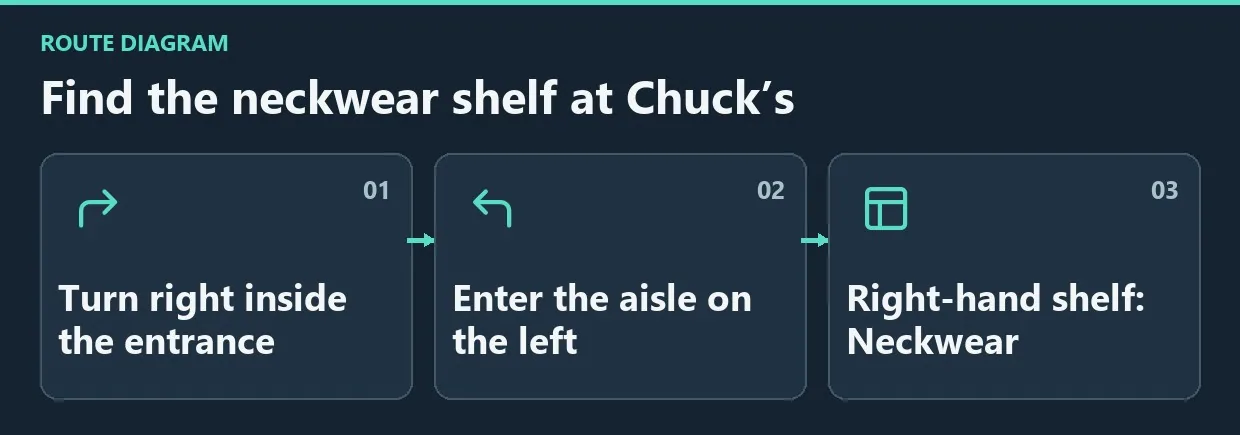
Diagram. Find the neckwear shelf at Chuck’s.
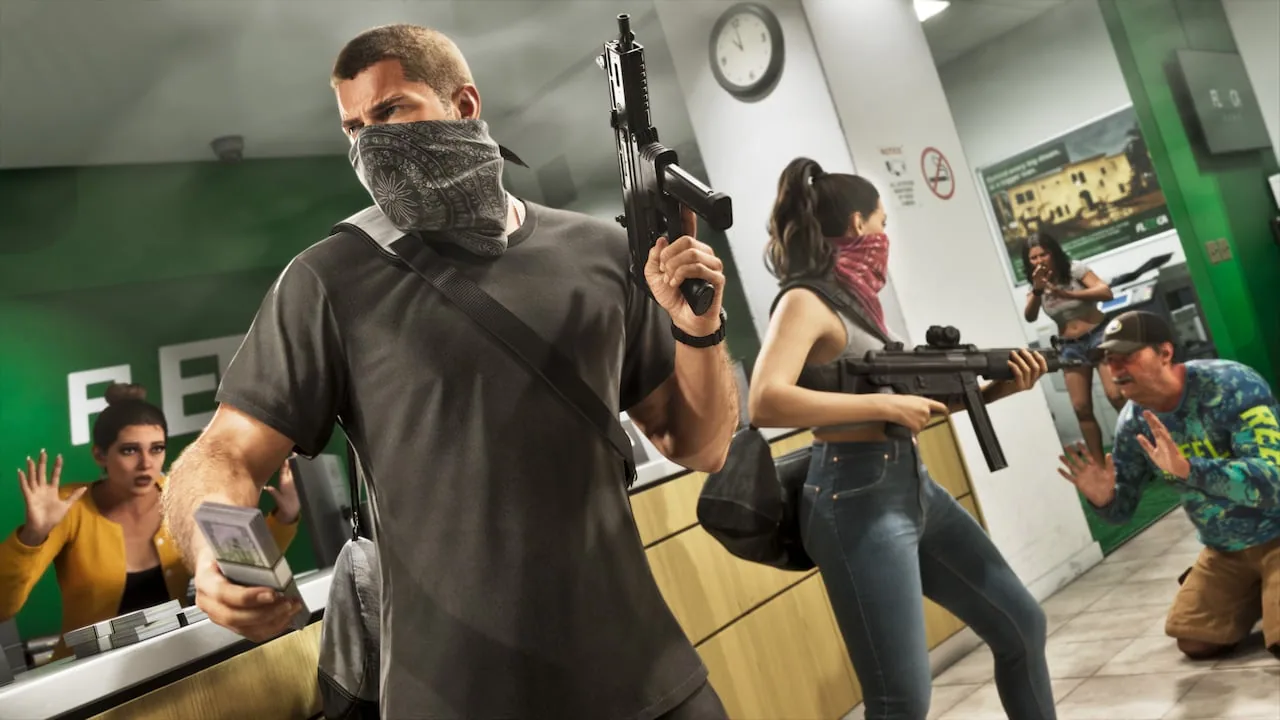
The covering must be raised over the face.
Raise the covering over your face
After buying it, open the item wheel and select the appropriate icon.
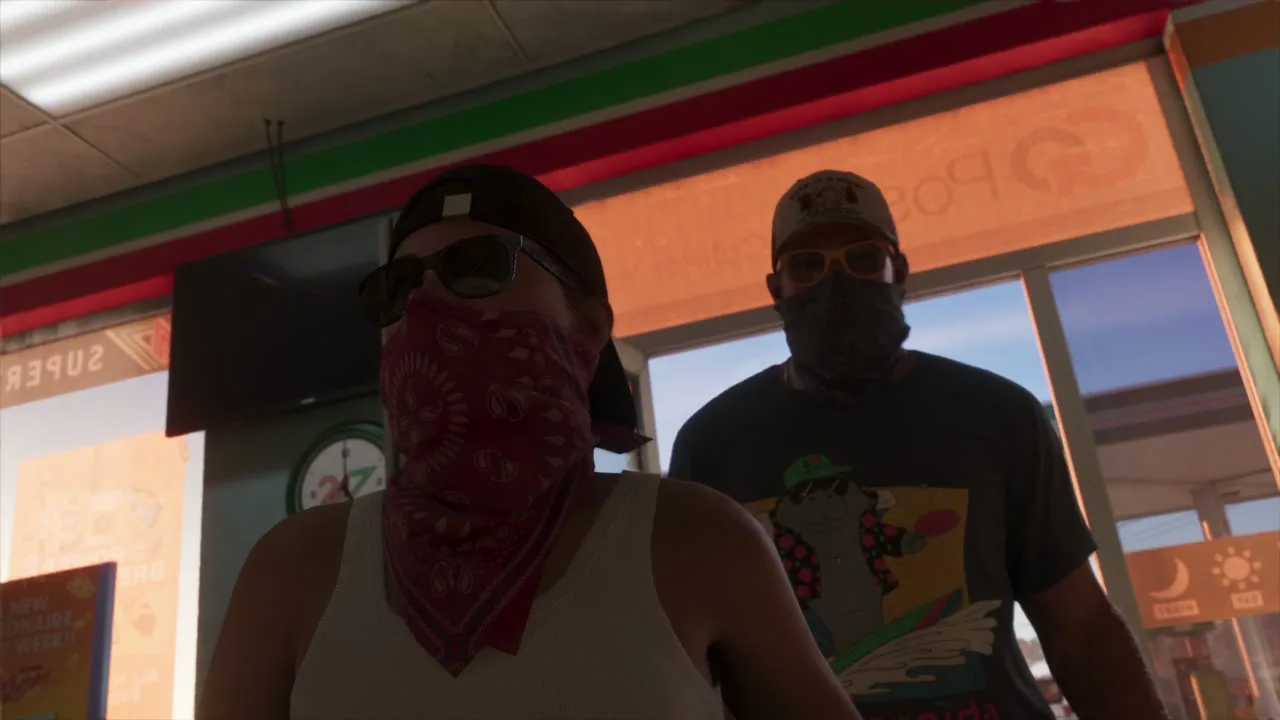
With the covering raised, the mouth and nose are hidden. Check this after choosing Wear Style.
| Action | PS5 | Xbox |
|---|---|---|
| Open the wheel | Hold L1 | Hold LB |
| Switch to Items | R1 | RB |
| Select the mask | Move the stick to its icon | Move the stick to its icon |
| Change Wear Style | Follow the D-pad prompt | Follow the D-pad prompt |
For the starting gaiter, press D-pad Up and switch to Wear Style 1. Close the wheel and inspect the character: the fabric should cover the nose and mouth.
If it still sits around the neck, return to the icon and check its wear style. Buying the item, selecting it and raising it are separate actions.
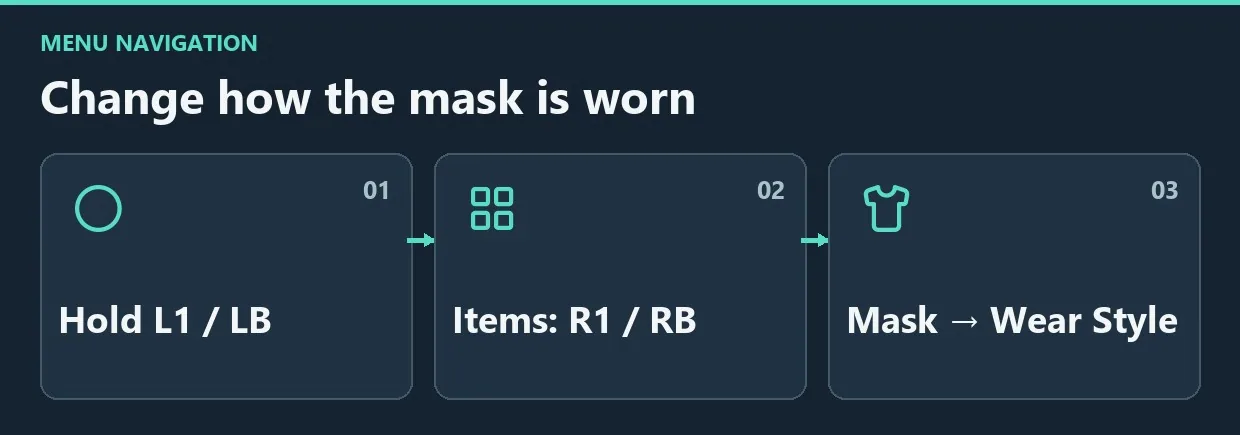
Diagram. Change how the mask is worn.
When to wear a mask
Cover your face before committing a crime and before witnesses see it. That allows the mask to do its intended job: obstruct facial identification.
It does not erase every other recognition factor. Clothing and vehicles can also be recognizable, so one accessory does not guarantee an escape from every pursuit. If somebody already saw your face, do not expect putting the mask on afterward to delete that description.
Practise the controls somewhere quiet before using them under pressure:
- Locate the mask icon in Items.
- Raise the covering and check the character’s face.
- Lower it with the same style control.
- Raise it again to remember the sequence.
This avoids having to learn the menu directly in front of witnesses.
Frequently asked questions
Why does the mask look like a scarf?
The lowered style is selected. Change Wear Style; there is no need to buy a second copy.
Must you revisit the shop to remove it?
No. Manage it through the same item-wheel slot.
Does a mask clear your wanted level?
Do not treat it as a wanted-level reset. It helps conceal the face but does not automatically solve recognizable clothing, vehicles or an existing description.
What if you use another control scheme?
Read the prompts in Items. The table describes the standard sequence; individual button assignments may differ.
Check before heading out
Always inspect the covering on your character after buying it. Raise it in advance, then handle any clothing or vehicle recognition separately as the situation requires.


Comments 0
No comments yet — be the first.
Log in or sign up to leave a comment.