













GTA 6: Find your first rod in Key Lento, learn PS5 and Xbox fishing controls, change the reeling input and tackle Cal’s first challenge. Includes practical fixes for missed bites and difficult catches.
Contents
GTA 6 Fishing: From Your First Rod to Cal’s Challenge
You do not need to buy a boat or expensive tackle to start fishing in GTA 6. A rod is available beside Jason’s house in Key Lento once you can explore freely.
The difficult part comes after the bite. Reeling as fast as possible throughout the fight is not a substitute for controlling the fish. This guide covers lures, casting, hooking and the right moment to retrieve, followed by Cal’s first fishing target.
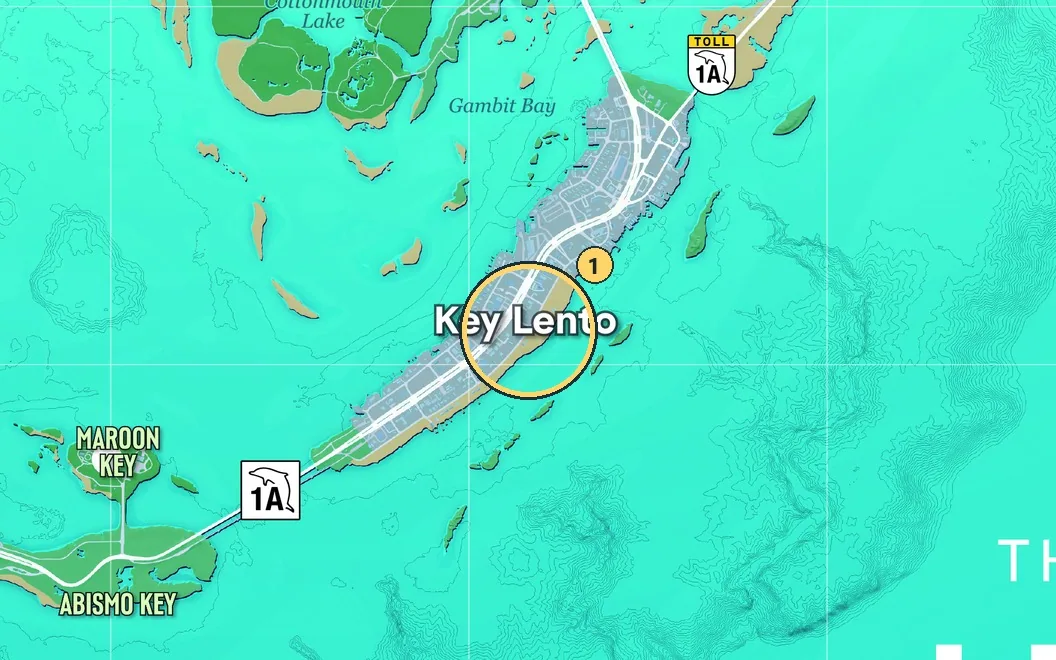
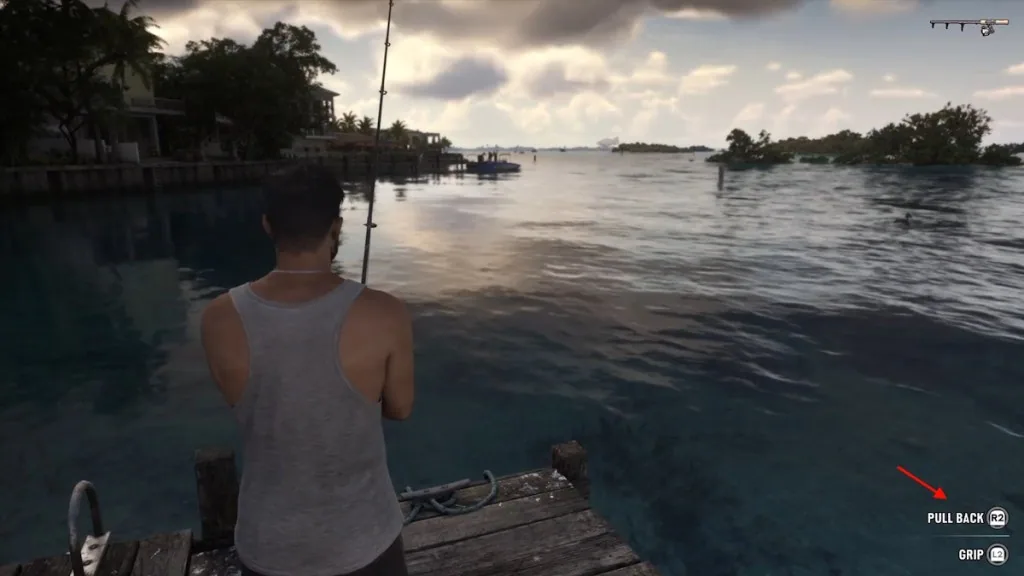
Key Lento in the Keys. At Jason’s house, go around to the dock for the rod.
Where to get a fishing rod
Walk to the pier behind Jason’s house in Key Lento and collect a rod. To equip it later, hold L1 on PS5 or LB on Xbox, open Equipment and cycle to Fishing Rod.
Free-roam fishing does not require replaying the story mission Gone Fishing. Once you have the equipment, you can practise from an accessible pier or boat.
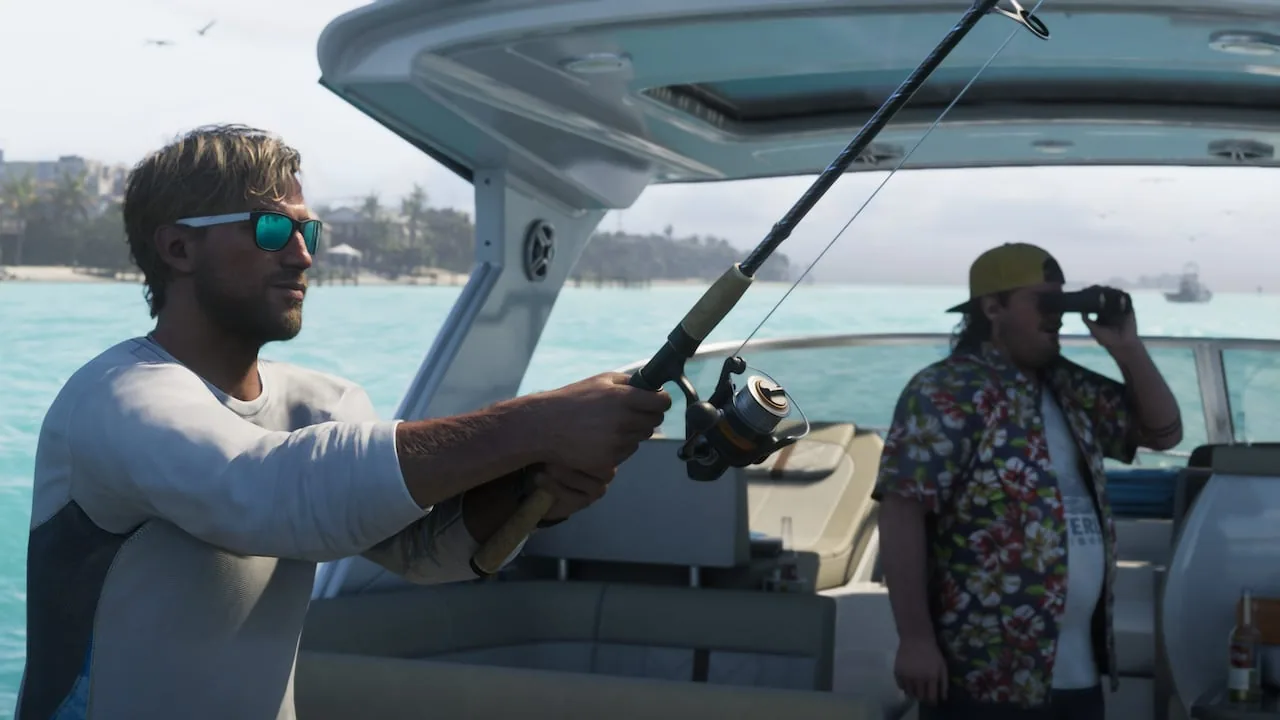
Fishing from a boat.
Choose a suitable lure
| Water | Starting lure |
|---|---|
| Coast and saltwater | Small Saltwater Lure |
| Freshwater | Small Freshwater Lure |
Chuck’s Tackle & Shot sells additional lures. The basic equipment is enough for your first attempts. Learn to recognize a bite and manage the struggle before spending more: a larger lure does not correct poor timing.
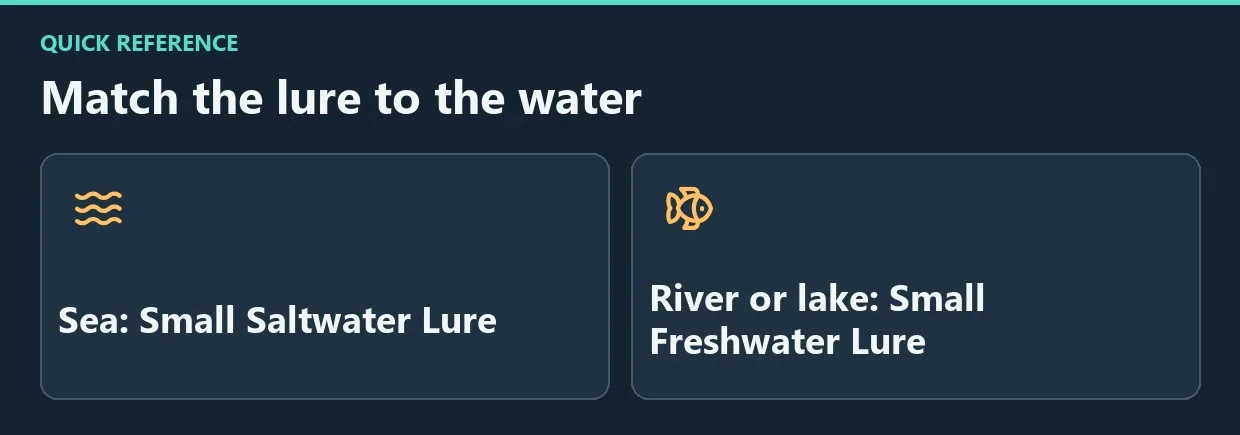
Diagram. Match the lure to the water.
Fishing controls on PS5 and Xbox
| Action | PS5 | Xbox |
|---|---|---|
| Grip the rod | L2 | LT |
| Charge a cast | Hold R2 | Hold RT |
| Cast | Release R2 | Release RT |
| Hook | R2 after the bite | RT after the bite |
| Control the rod | Left stick | Left stick |
| Reel with the default scheme | Rotate right stick | Rotate right stick |
If you use remapped controls, follow the on-screen prompts.
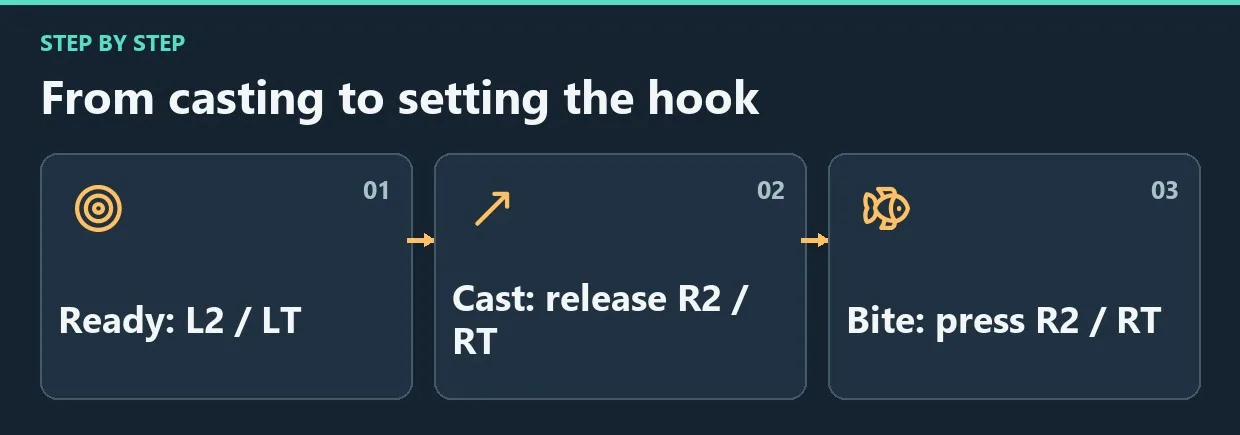
Diagram. From casting to setting the hook.
Catch your first fish
- Look for fish near the surface. Cast slightly beyond them so the lure travels through their position.
- Retrieve slowly. Moving the lure too quickly can pull it away from approaching fish.
- Wait for a real bite and the active hook prompt. A fish approaching is not yet a secured catch.
- Press the hook input.
- While the fish struggles, steer the rod against its movement with the left stick.
- Reel quickly when it tires. If it starts running again, return to controlling the rod.
- Alternate those responses until the catch screen appears.
If fish approach without getting hooked, check your timing. If fights drag on, avoid trying to solve everything through constant stick rotation; use the pauses to retrieve line.
Change uncomfortable reeling controls
Open Settings → Gameplay → Fishing and inspect the available reeling options. Alternatives to rotating the stick are provided. Read the updated prompts after changing them, since the controls may no longer match the table above.
Complete Cal’s first challenge
After Feng Shui, wait for Cal’s message identifying a fishing area. His first target is a Stoplight Parrotfish weighing more than 2 lb inside that marked area. A small saltwater lure is sufficient.
Check the species and weight on the catch screen, then send the requested photo. If the objective does not register, check the location and species as well as the weight, and make sure you completed the photo step.
Frequently asked questions
Can you sell fish?
Ordinary free-roam catches are released with Throw Back. Do not plan on selling fish as an income method.
Do you need to buy your first rod?
No. Start with the rod on the pier behind Jason’s house.
Should you buy a large lure immediately?
No. The starter equipment is enough to learn, and a small saltwater lure works for Cal’s first challenge.
A reliable way to learn
Choose a quiet spot and a lure suited to the water. Practise slow retrieval, a well-timed hook and fast reeling during pauses as separate actions. Once those feel comfortable, work toward Cal’s species and weight requirements.


Comments 0
No comments yet — be the first.
Log in or sign up to leave a comment.