













Unlock GTA 6 character switching, arrange a meetup and hand loot bags to your partner. Includes PS5 and Xbox commands, mission restrictions and the limits of shared equipment.
Contents
Jason and Lucia in GTA 6: Switching, Meeting and Sharing Bags
Controlling GTA 6's two protagonists involves several different commands. You can switch to the other character, invite them to meet you or pass over loot during a shared activity.
Free switching is not available immediately. A missing command is normal before the required story milestone, even if the game has already briefly placed you in control of Lucia. The unlock below names the mission without retelling its events.
Unlock free character switching
Complete Coffee Break in Chapter 2. Once the feature is available, hold Right on the D-pad and press R1 on PS5 or RB on Xbox to change protagonists.
| Goal | Input |
|---|---|
| Switch protagonist | Hold Right, then R1 / RB |
| Arrange a meetup | Hold Right, then Triangle / Y when that command is available |
| Open shared-action commands | Hold Right near your partner |
Read the action label: commands vary with the situation. The same button does not guarantee the same function in every context.
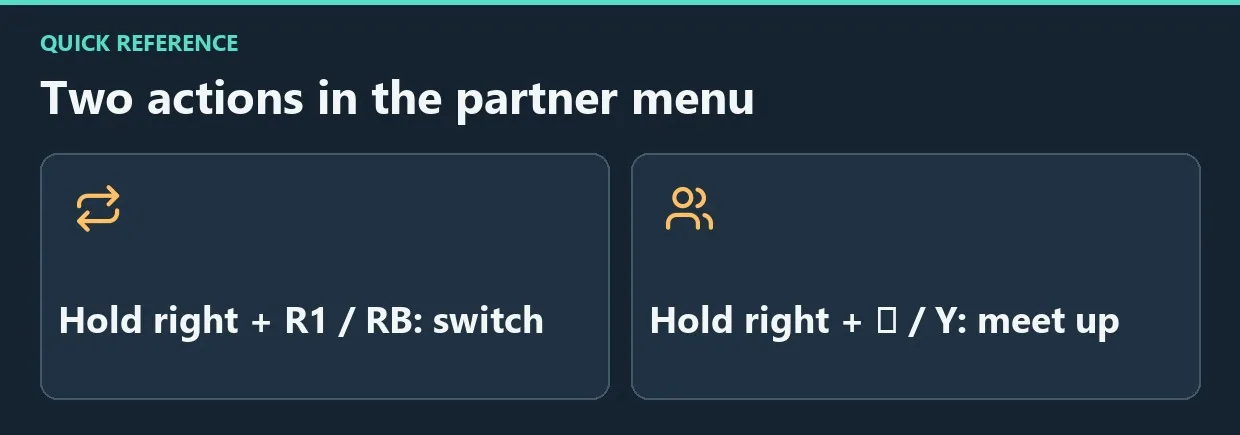
Diagram. Two actions in the partner menu.
Meet up and separate again
Select the meetup command when available, or call your partner through Contacts. They will head toward you; if a destination is set, the meeting can use that point.
When your time together is finished, hold Right again and choose the available split-up command. Some story sections restrict those decisions.

Travelling together with bags.
Hand over a loot bag
- Make sure the protagonists are together and you are carrying a bag.
- Hold Right on the D-pad to open the commands.
- Select Hand Over Bag. The standard PS5 input is Circle; follow the current prompt on another scheme.
- Wait for the handover and check who is carrying it afterward.
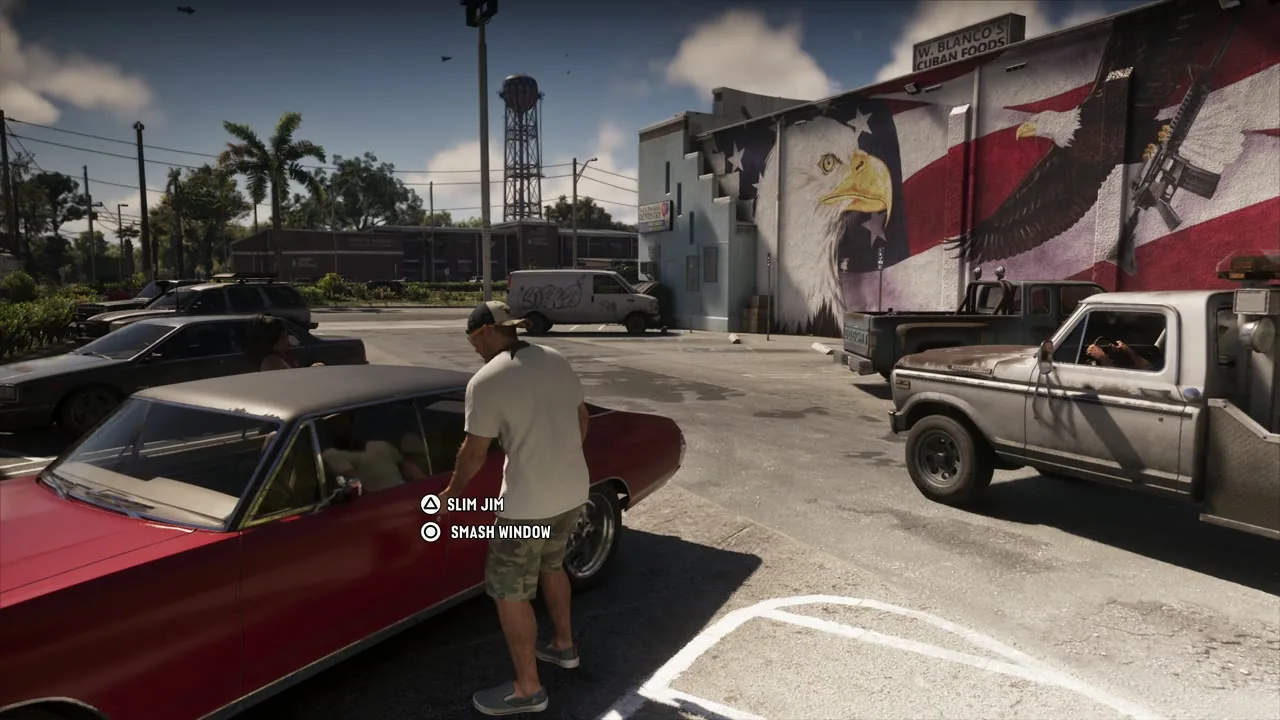
Carry the bag to the rear of the vehicle to access the trunk.
Each protagonist can carry up to two bags, allowing four to be distributed between the pair. This is not an unlimited shared inventory: keep track of both characters' loads.
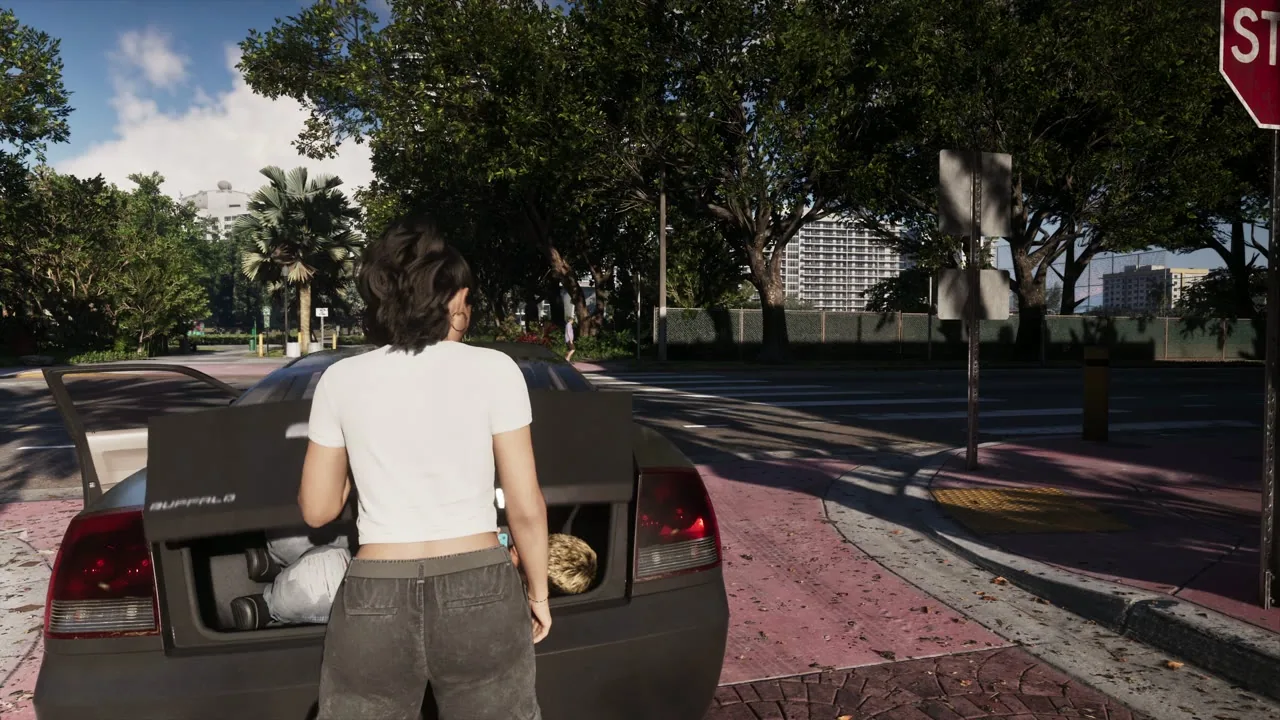
With the lid raised, the character can interact with the trunk’s contents.
Longarms can also be passed over when the appropriate command is available. Do not treat pistols, revolvers, compact weapons and regular equipment as one freely combined stock shared by both characters.
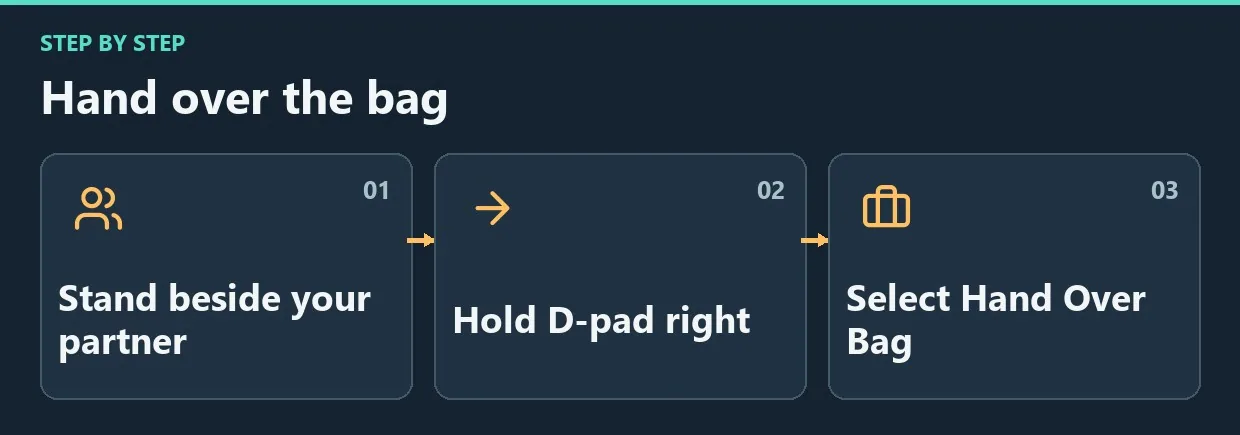
Diagram. Hand over the bag.
When commands are unavailable
Check your story progress and active mission. Some jobs require a specific protagonist, indicated on the map. The other character's portrait may also be inactive at home; leave for free roam and check the menu again.
Do not overwrite useful saves simply because a portrait is temporarily grey. Complete the current section's required action, then check outside that restricted context.
Frequently asked questions
Can you freely switch during Chapter 1?
The full feature opens after Coffee Break in Chapter 2. Scripted switches before that are not the same as unrestricted selection.
Does handing over a bag sell its contents?
No. It changes who carries the bag. Selling to a fence is a separate action.
Why can you not pass over every weapon?
The protagonists have separate inventories. Sharing depends on item type and the available command.
A useful sequence
Arrange a meetup before a shared job, then distribute bags and suitable weapons. For an individual mission, check the required protagonist and switching availability instead of confusing a character change with a meetup invitation.


Comments 0
No comments yet — be the first.
Log in or sign up to leave a comment.