







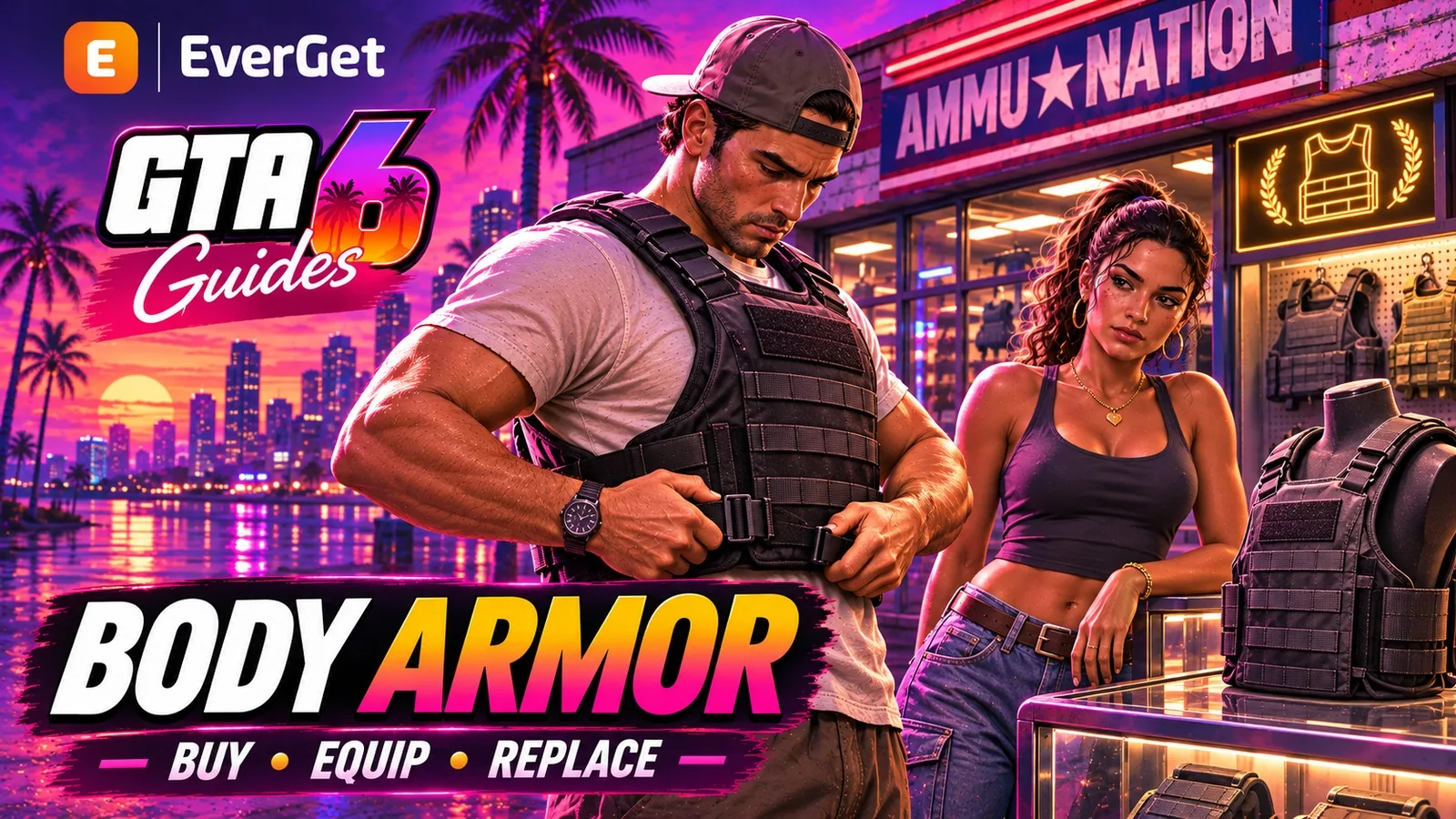



Bought body armor in GTA 6 but cannot see the blue bar? Learn where to find Equipment at Ammu-Nation, activate the vest in the item wheel and replace protection after it runs out.
Contents
GTA 6 Body Armor: Buying, Activating and Replacing Protection
Buying body armor in GTA 6 is only part of equipping it. The vest must also be activated in the item wheel. If there is no blue bar above health after a purchase, check your equipment before entering a firefight.
Protection has a limited reserve. It absorbs bullet damage until the bar is depleted, so the remaining reserve matters more than simply owning the item. The steps below use the standard PS5 and Xbox controls.
Find armor at Ammu-Nation
Visit an Ammu-Nation and open the clerk's Equipment category. The early Key Lento store also displays a vest on the right wall. Check the selected item's name and price before confirming the purchase.
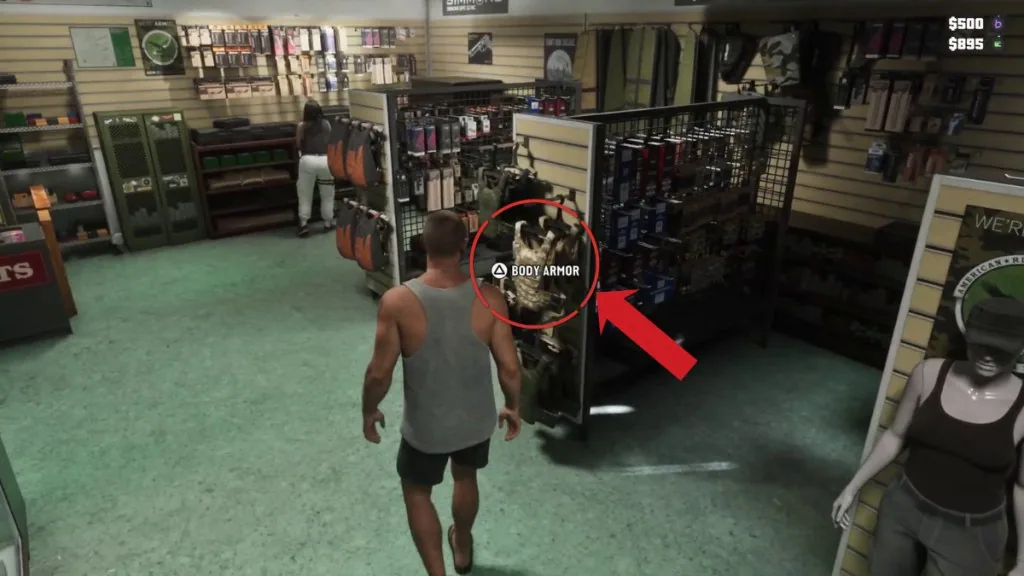
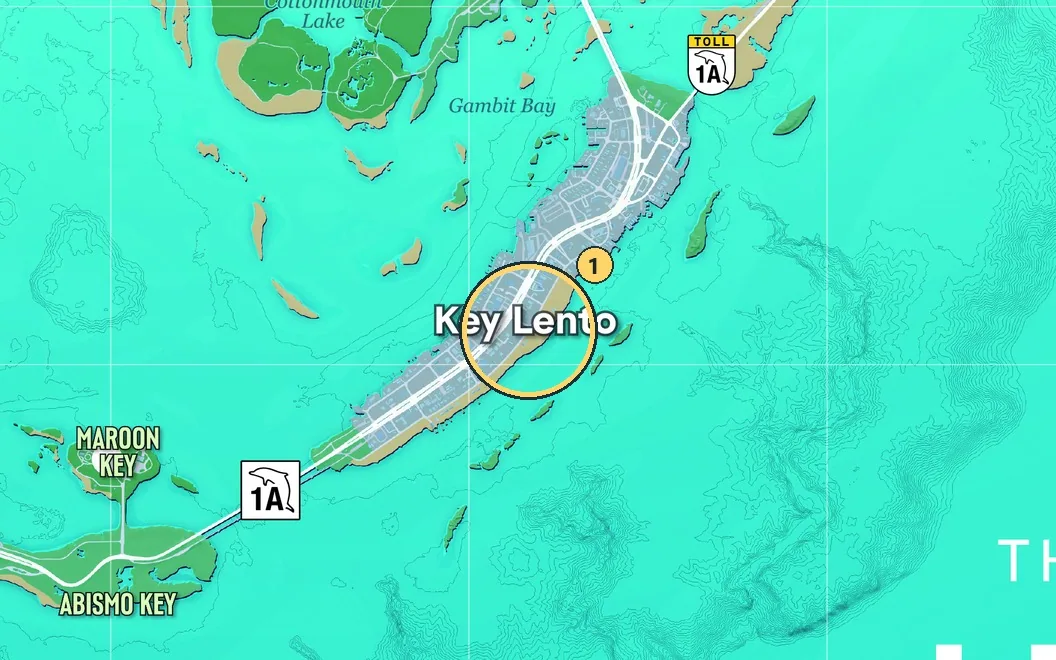
Key Lento. In the local Ammu-Nation, look along the right-hand wall for vests.
If you are still completing the introductory shop visit, finish its required story actions before browsing the remaining stock. Weapon upgrades and protective equipment serve different purposes and appear in different parts of the shop.
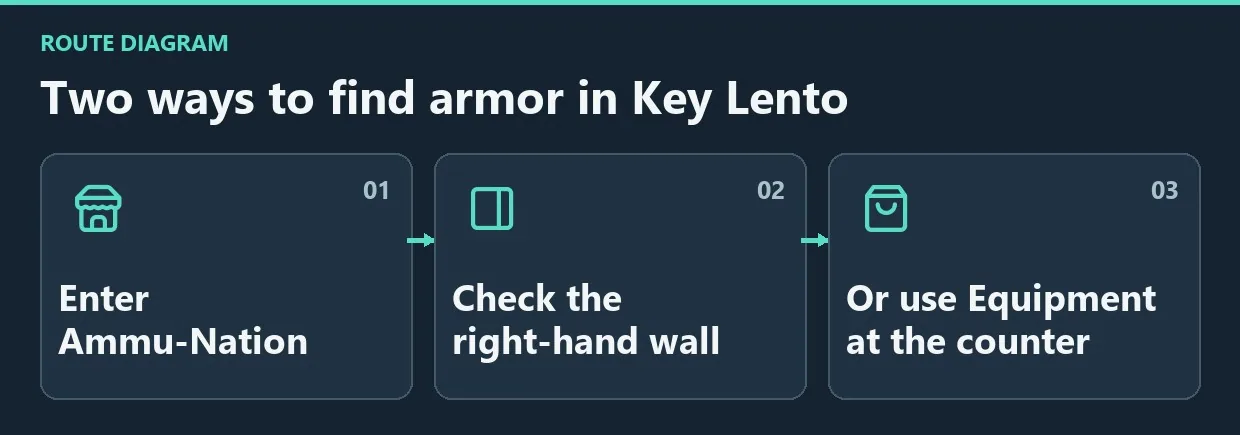
Diagram. Two ways to find armor in Key Lento.
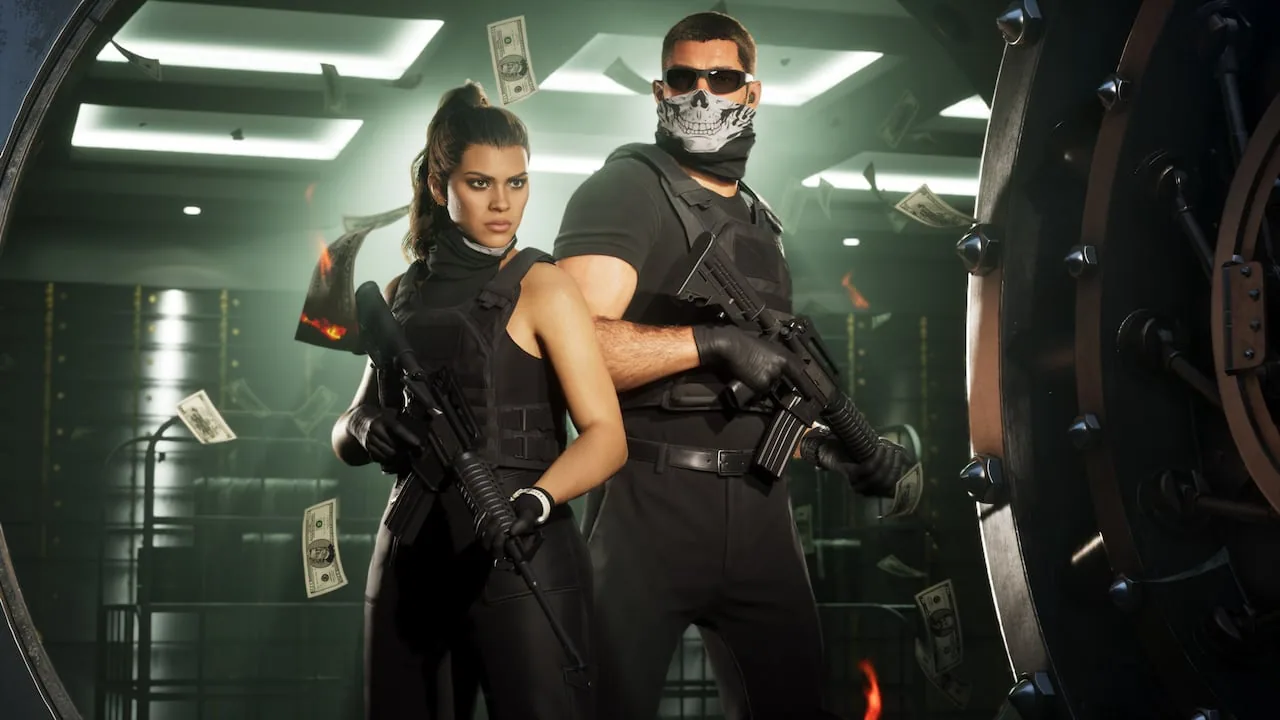
Protective equipment worn by the protagonists.
Activate the vest
- Hold L1 on PS5 or LB on Xbox.
- Switch to items with R1 or RB.
- Highlight the body armor icon.
- Press X on PS5 or A on Xbox to switch it on.
- Close the wheel and check for the blue bar above health.
The X listed here is the PlayStation Cross button. It does not mean the Xbox X button.
| Action | PS5 | Xbox |
|---|---|---|
| Open wheel | L1 | LB |
| Switch to items | R1 | RB |
| Activate selected armor | X / Cross | A |
If you have remapped the controls, follow the prompt displayed for the selected slot. Before buying another vest, make sure the first one has not simply remained switched off.
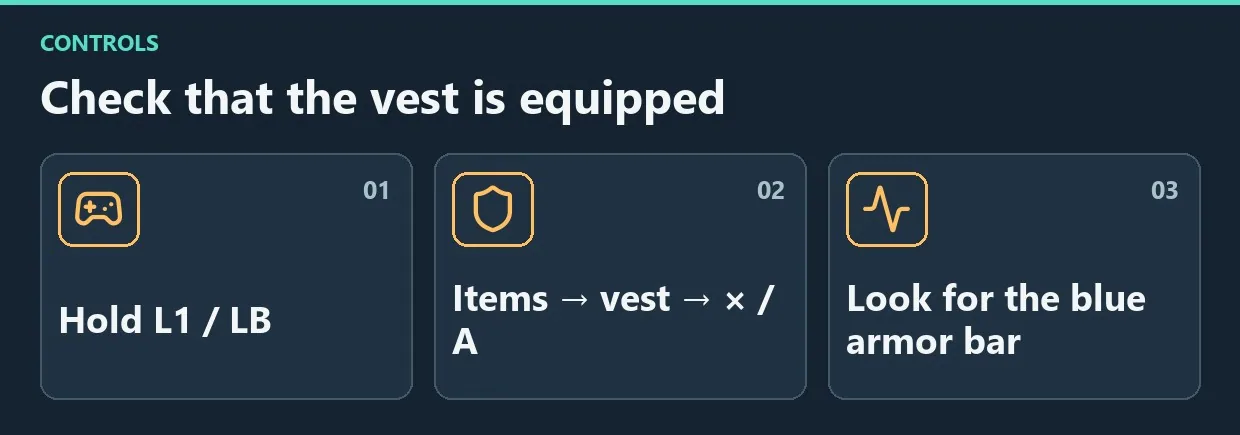
Diagram. Check that the vest is equipped.
Replace depleted protection
When the blue bar runs out, find or buy another vest. Toggling the old item off and on should not be treated as a free refill method.
Check health and armor separately after a major firefight. A full health bar does not mean the protective reserve has also recovered. Visiting a shop on the way to the next job is easier than discovering depleted armor once enemies start shooting.
Frequently asked questions
Why is the blue bar missing after buying armor?
First check that the item is activated in the wheel. Purchase and activation are separate steps.
Should you wait for armor to regenerate?
Refilling requires new armor, either found or bought. Waiting alone does not replace it.
Does a vest guarantee survival?
No. Its reserve is finite. Continue using cover and watching your health while protection is active.
Check before combat
Confirm that the armor has been acquired, activated and still has protection remaining. This is more useful than repeatedly buying equipment without checking its state and helps identify loadout problems before a fight.

Comments 0
No comments yet — be the first.
Log in or sign up to leave a comment.