















A Lua-based framework for Project Zomboid Build 42 that allows modders to create and manage custom main menu themes with audio, images, and video. Does not change the menu by itself.
[B42] Menu Theme Framework
v13.11.2026 · ModsFire, 10.5 МБ ·
8 downloads
Contents
Menu Theme Framework (MTF) is a Lua-only framework for Project Zomboid Build 42, designed to enable modders to create and manage custom main menu themes. It does not alter the menu on its own; instead, it provides the necessary infrastructure for theme mods to replace the appearance and sound of the title menu. Without a separate theme mod installed, there are no visual or audio changes.
Key Features
- Main Menu Hook: Allows themes to draw custom backgrounds and overlays before and after the vanilla menu buttons.
- Image & Video Backgrounds: Supports cycling through images with slideshow animations (horizontal slide, vertical slide, or fade), custom backgrounds, and playing video clips with synchronized sound. Multiple clips can be chained, with optional fade transitions.
- Button Layouts: Themes can use the vanilla list, a bottom strip, a carousel, or horizontal/vertical cards. The framework manages sizing, scrolling, hover, focus, and clicks. Players can select their preferred layout in the Menu Theme Settings window.
- Mouse & Controller Support: All layouts support both mouse and controller input. The D-Pad navigates buttons, and X/Square opens the settings window.
- Theme Styling: Elements like cards, strips, arrows, logos, and menu fades can be styled or replaced by the theme through style tables.
- Audio Playback: Themes can set audio fade-in, shuffle, and track selection. Videos can be paired with separate sound files (as .bik videos do not play audio in Project Zomboid).
- Logo Replacements: The vanilla logo is hidden so themes can display their own logo by filename. If none is provided, a vanilla-style logo is used.
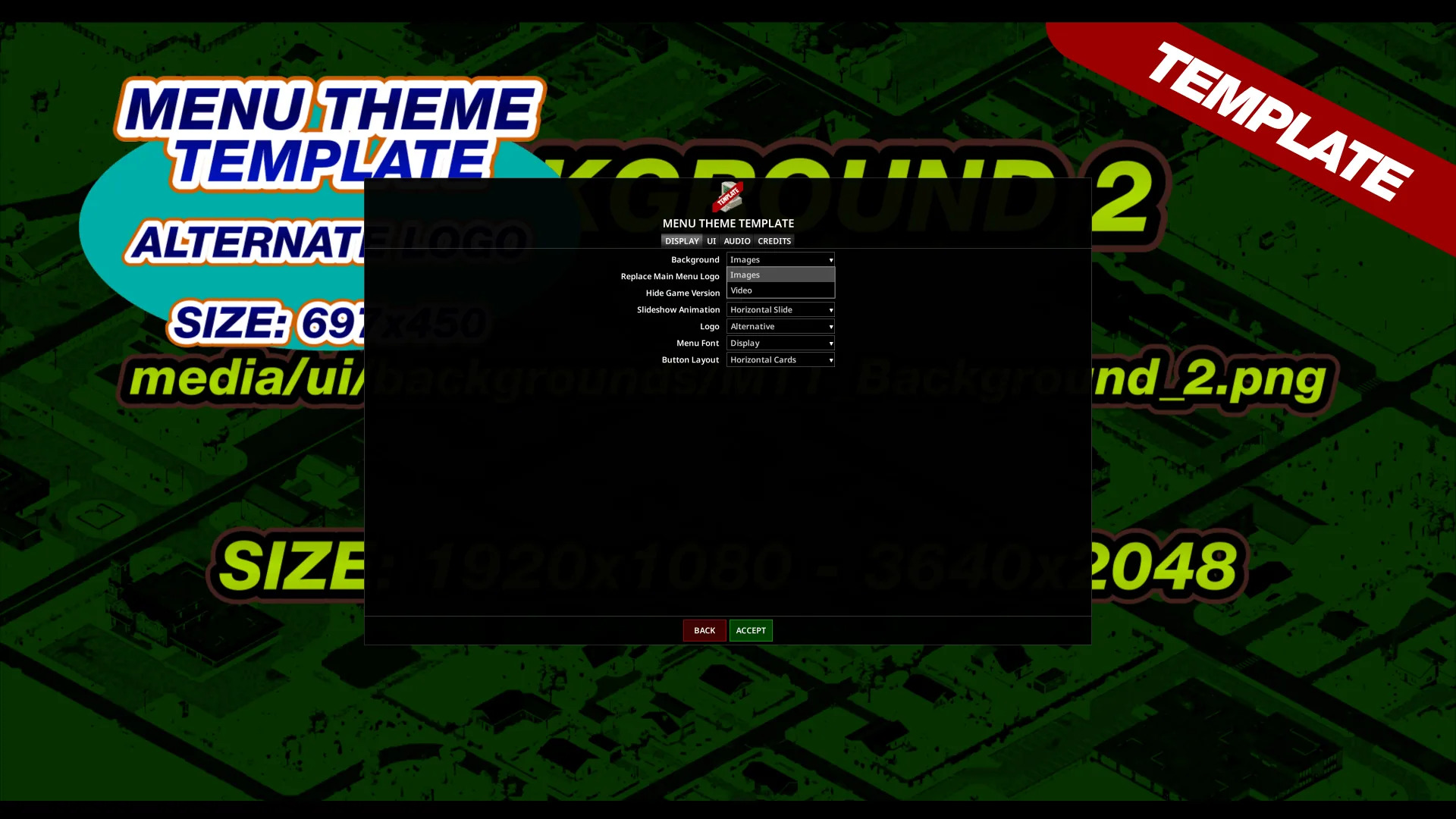
- Settings Window: Adds a Menu Theme Settings button (bottom left of the title menu) with tabs for display, UI (show/hide individual buttons), audio, and credits. All settings persist between sessions.
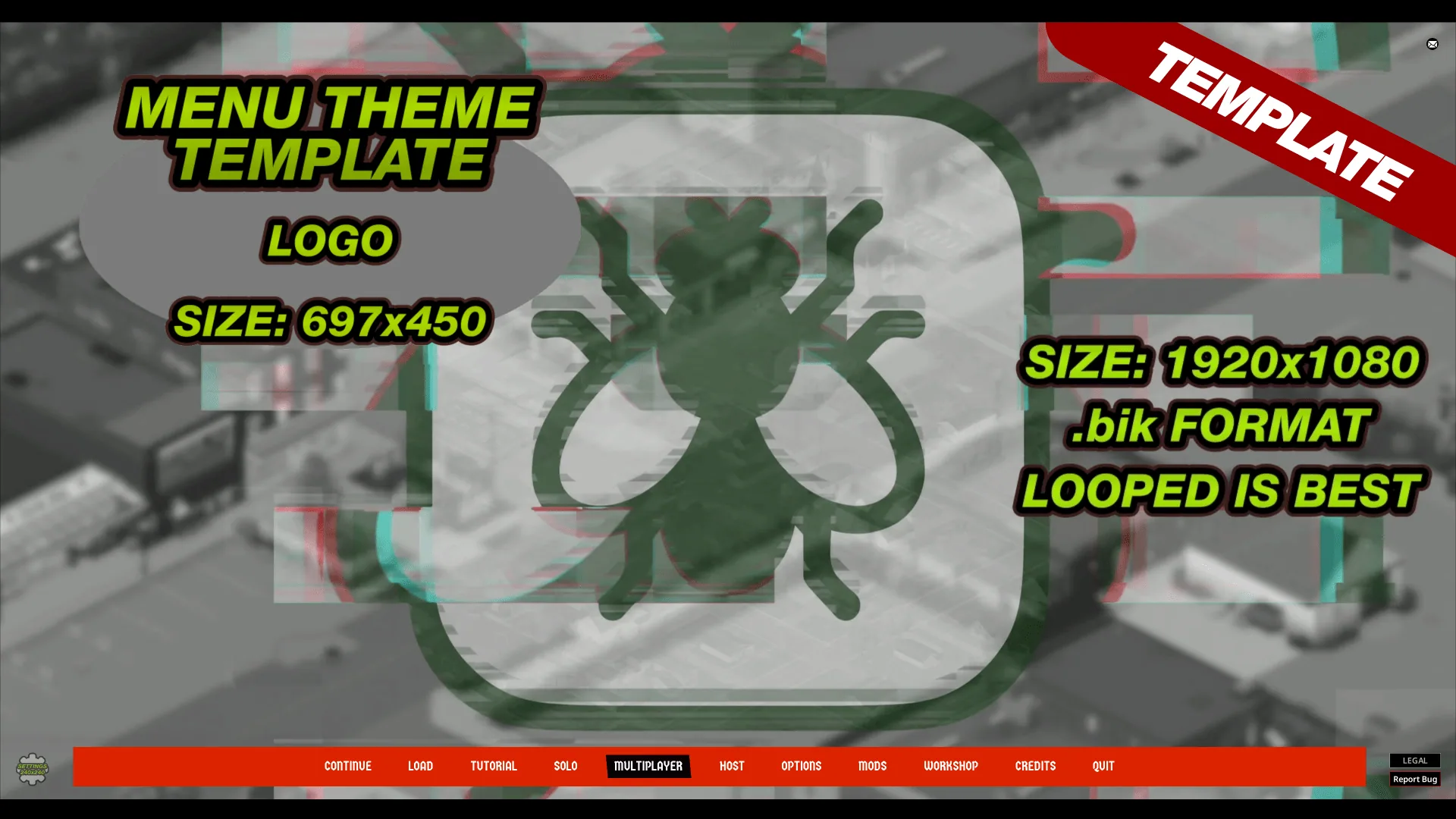
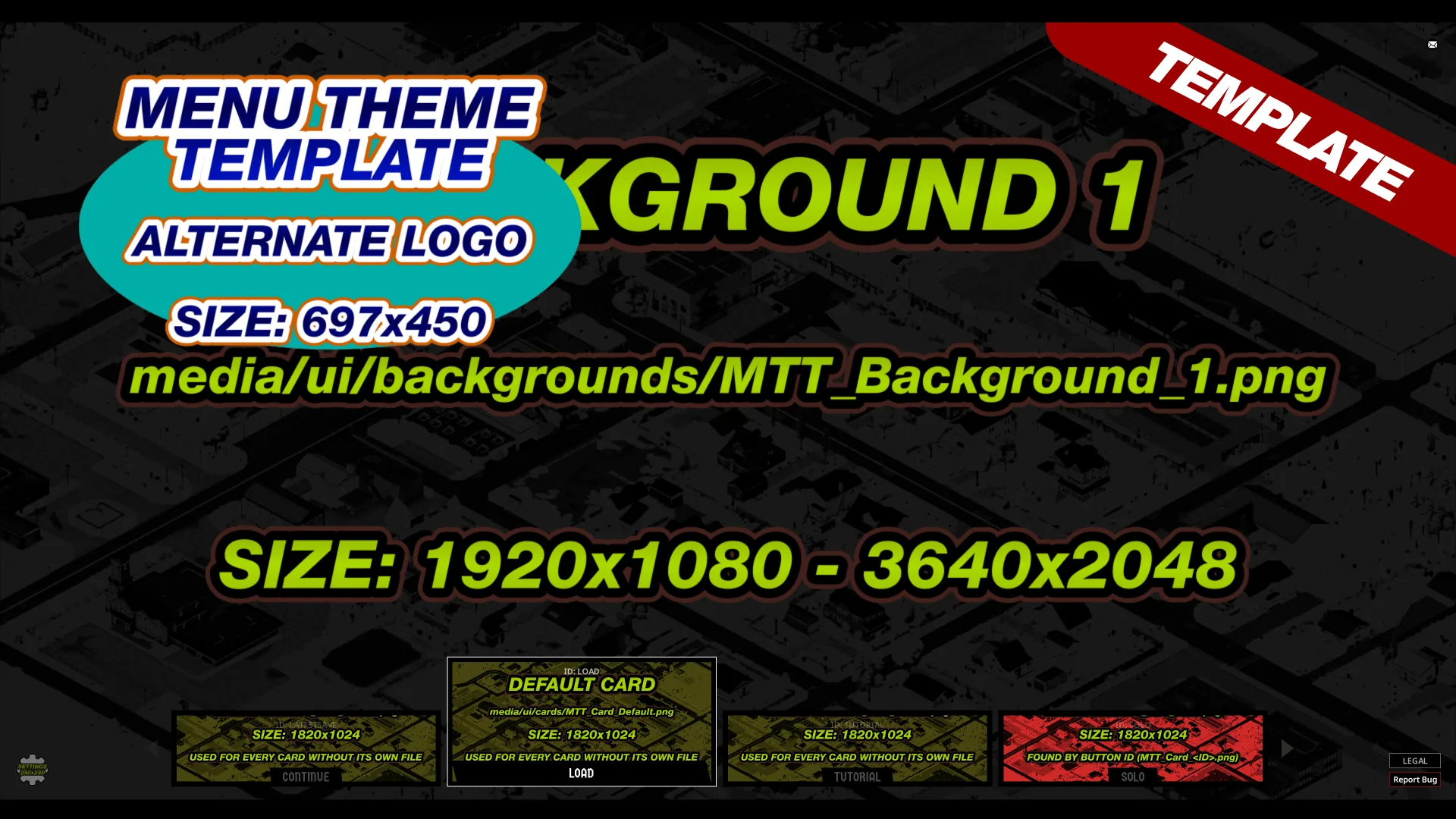
- Theme Template: Includes a documented template mod that demonstrates registration, video, images, music, cards, and settings. Modders can copy and modify this template to create their own themes.
Technical Details
- The framework activates only when a theme registers. If multiple themes are installed, the first to register is used; others are listed as ignored in the settings window.
- Themes run from the title menu until the game loading state. The framework wraps the menu's draw call to allow themes to render before and after the vanilla buttons.
Audio
- Theme music, video sound, and UI sounds play through the shared UI emitter, each with its own volume.
- While a theme is active, the framework mutes the game's music and sound effects volumes each frame, restoring them before entering the game loading state. Player settings are not changed.
Images
- Background images are scaled and centered to fit any resolution or aspect ratio. Slideshow animations default to 15 seconds per image. Cards with images fade in after textures load.
- Image effects like blur or color grading must be pre-applied, as Lua in Build 42 does not provide shader or color access.
Video
- Build 42.22+ allows mods to load custom Bink (.bik) videos, but these do not play audio. A separate sound file is started in sync with the video. The framework keeps video and sound synchronized and supports chaining or randomizing clips with optional fade transitions.
- While a theme is active, the framework disables the vanilla menu video, restoring the player's setting before certain screens and the game loading state. If 'Do Video Effects' is off, the theme shows a still image instead of video.
Compatibility and Requirements
- Requires Project Zomboid Build 42.19 or newer (Build 42.22+ needed for video themes).
- No Java code, no manual installation, and no file replacements are required.
- Includes translations for all supported Project Zomboid languages.
- Compatible with all aspect ratios, resolutions, and font sizes.
- Controller compatible.
- Client-side only; contains no server code.
- Does not modify vanilla game files. Theme settings are saved locally in your Zomboid/Lua/MenuThemeFramework folder.
- Compatible with mods that add main menu buttons.
- Not compatible with mods that replace the main menu's background, logo, music, or video, or that restyle or move its buttons.
Theme Development
- The framework includes a Menu Theme Template-a working theme mod that can be enabled alone to demonstrate functionality. To create a new theme, copy and rename the template and follow the included comments.
- Full documentation for theme authors (covering audio, graphics, video, button layouts, styling, settings, and a complete reference) is available separately.
Note: This framework is required by menu theme mods such as GTA Menu Theme or RDR Menu Theme.
Screenshots 4

Comments 0
No comments yet — be the first.
Log in or sign up to leave a comment.