












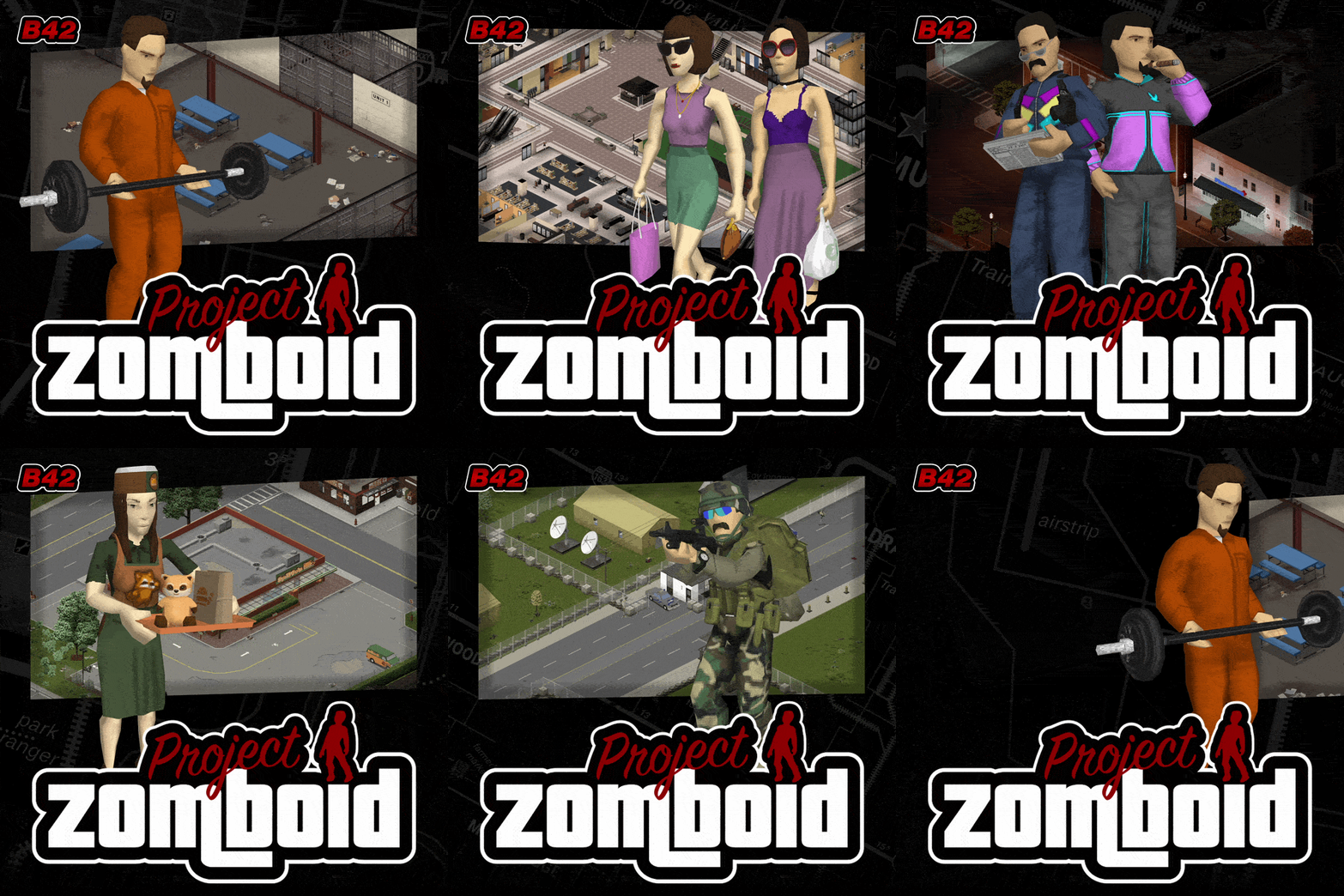



Adds a GTA-inspired menu theme to Project Zomboid, featuring music from the GTA series, custom backgrounds, button layouts, and multiple customization options. Requires Menu Theme Framework.
[B42] GTA Menu Theme
v09.11.2026 · ModsFire, 186.0 МБ ·
7 downloads
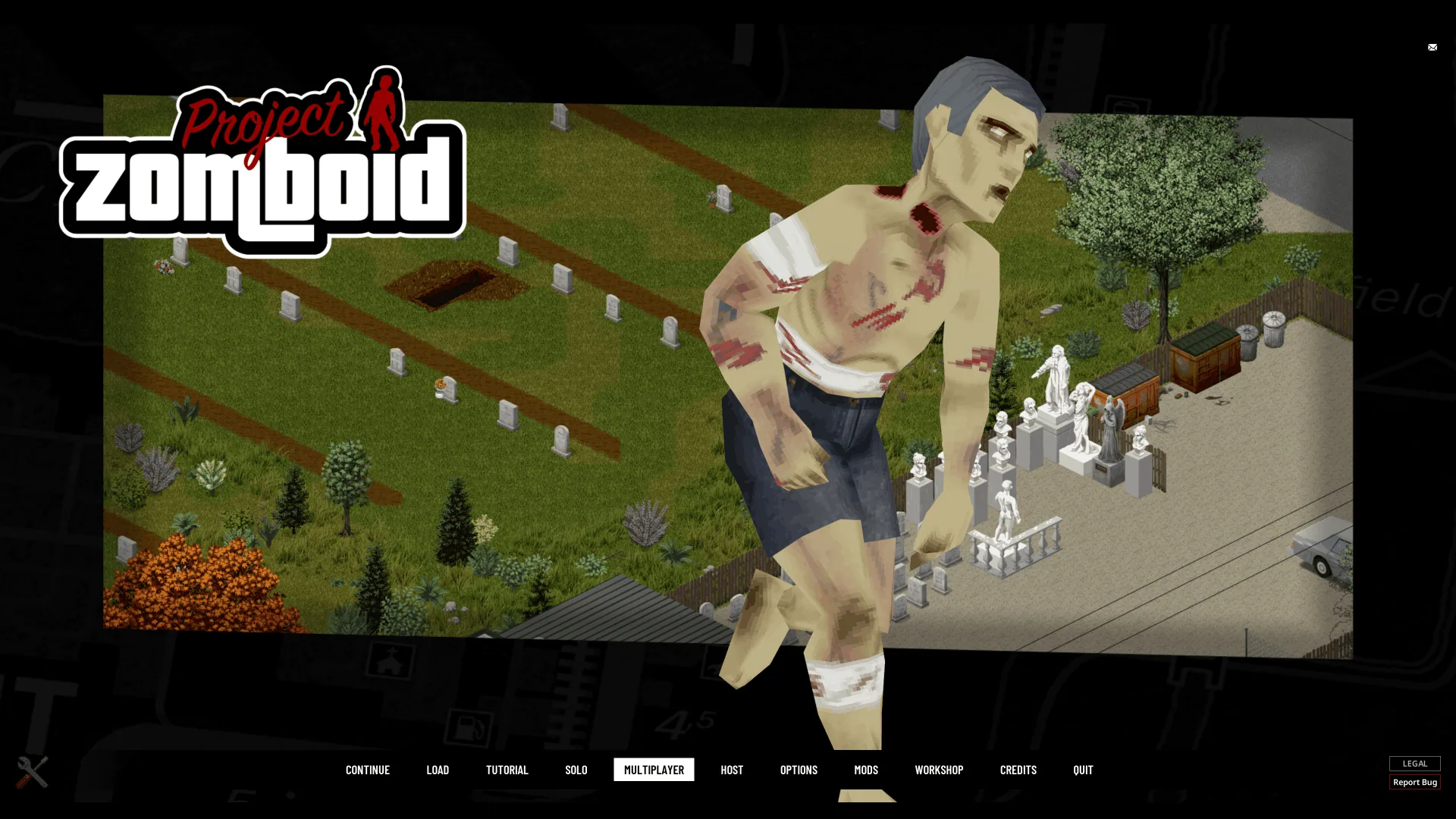
The B42 GTA Menu Theme mod brings a Grand Theft Auto-inspired visual and audio experience to the main menu of Project Zomboid. It integrates GTA-style menu, loading, and pause screen elements with Project Zomboid's map, lore, characters, and locations. This mod is purely cosmetic and affects only the main menu and its submenus.
Features
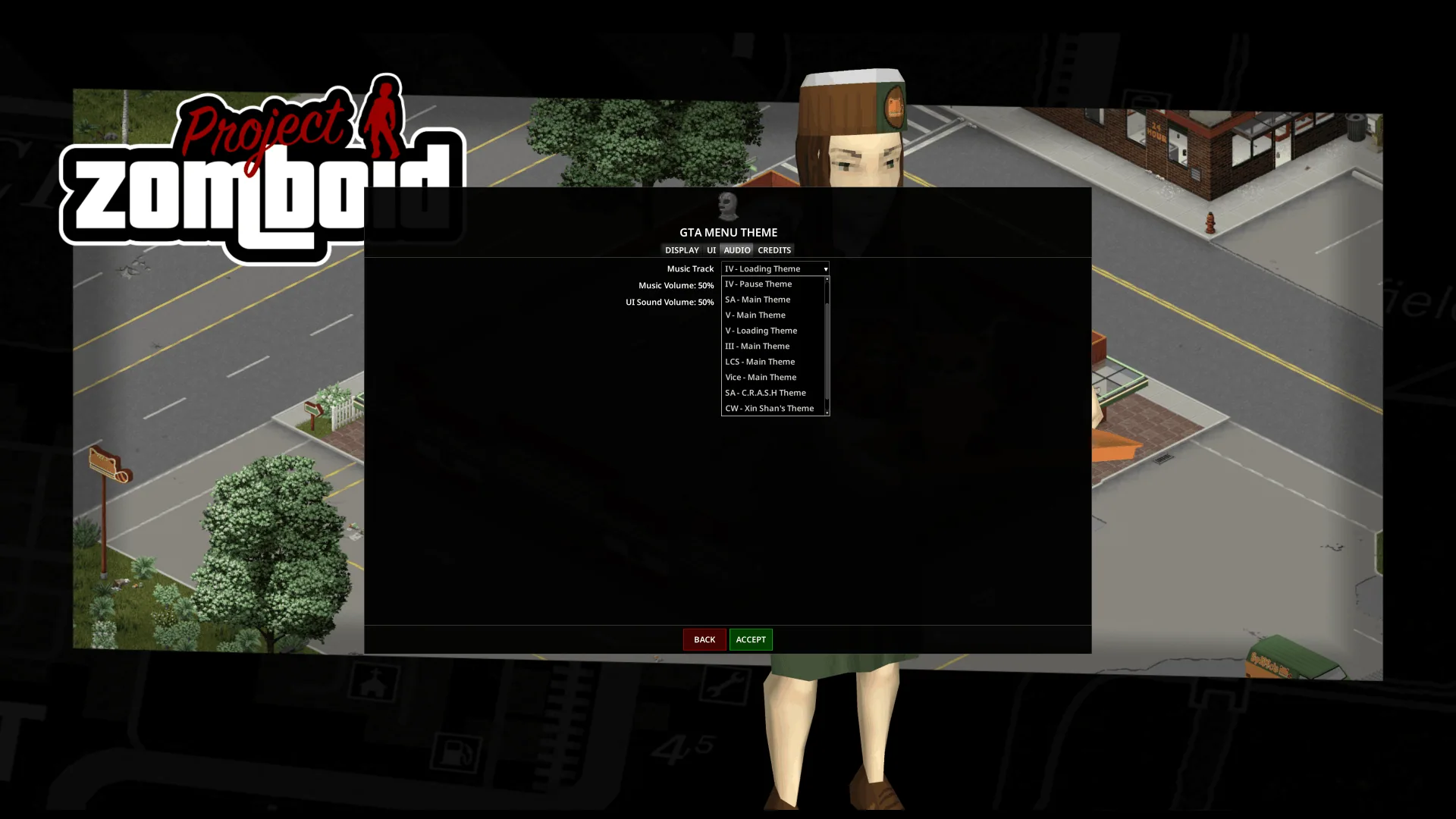
- Menu Music: Includes 11 handpicked tracks from GTA III, Vice City, San Andreas, Liberty City Stories, Chinatown Wars, IV, and V. By default, tracks play in a shuffled order, but you can select a single track to loop.
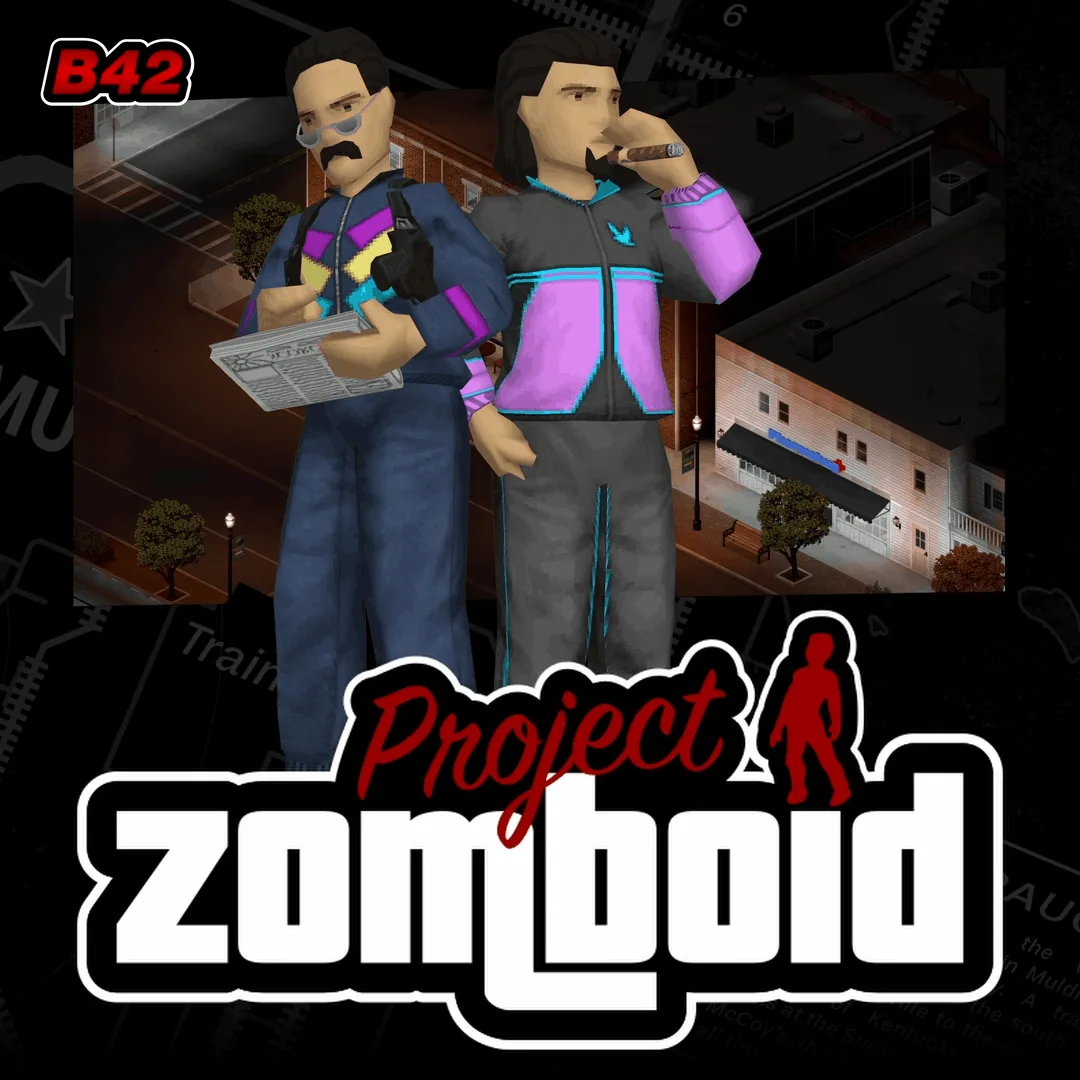
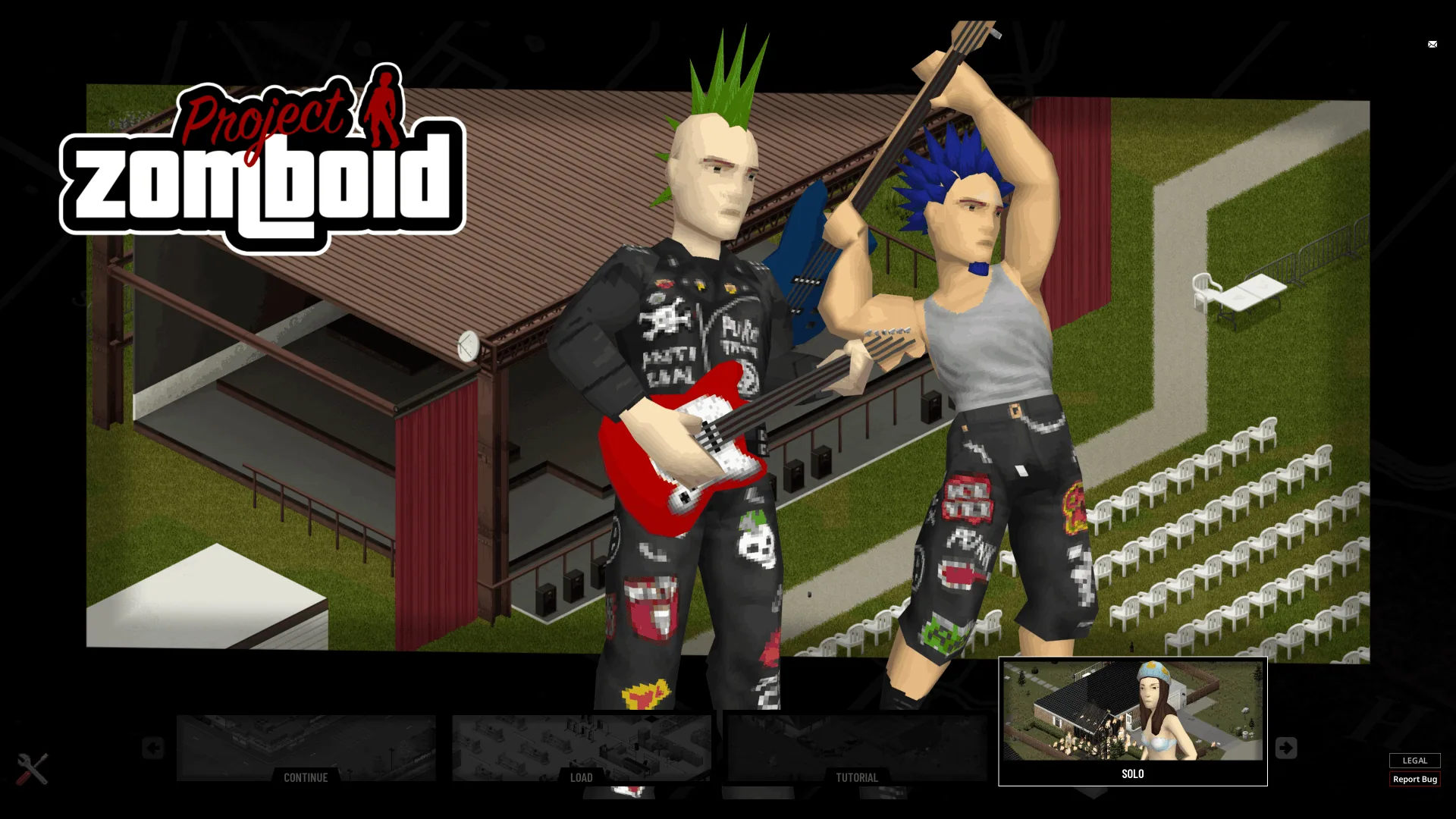
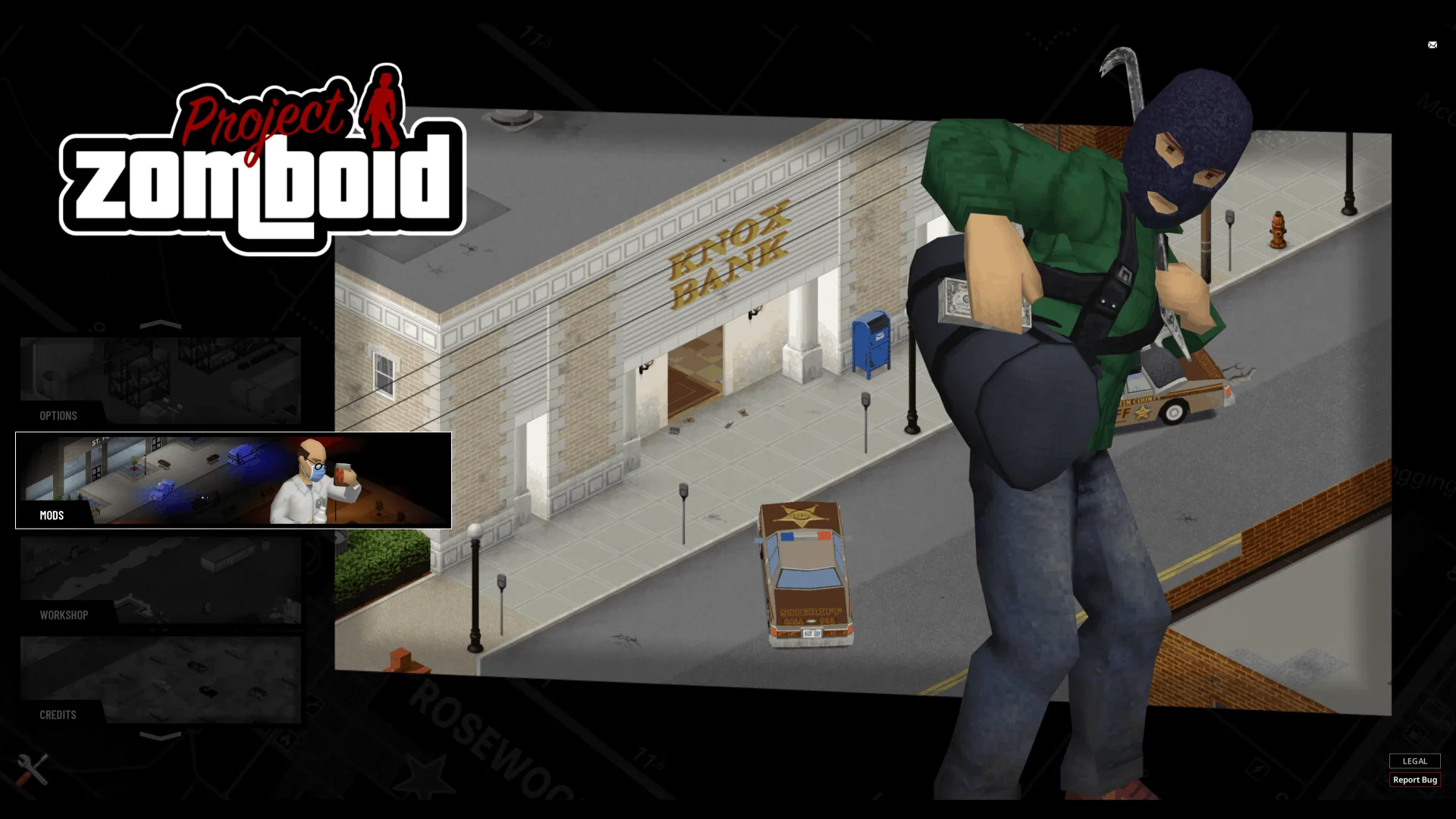
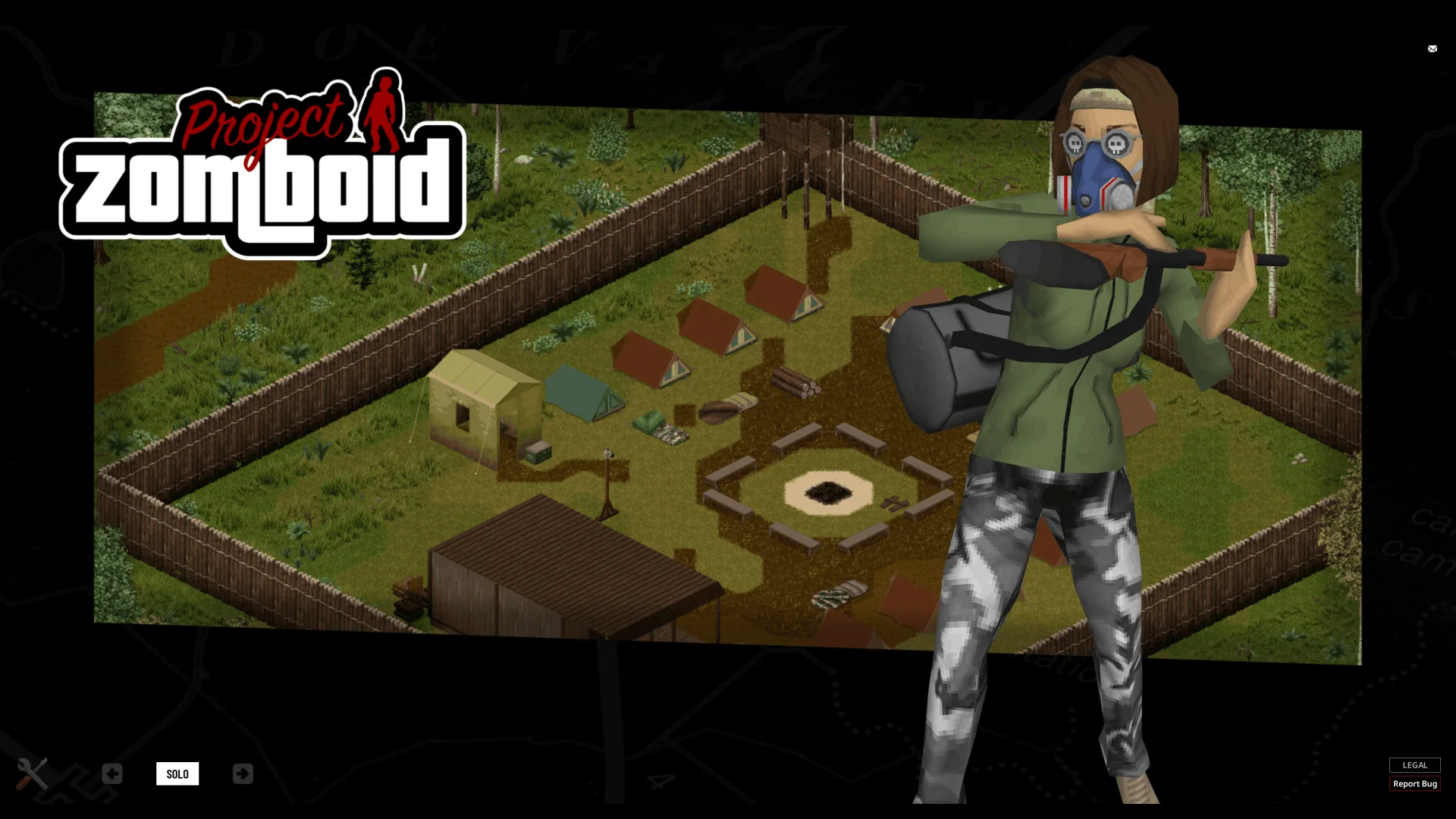
- Parallax Slideshow: Features over 40 background and character pairs, each displayed in a cut-out frame made from the Zomboid map. Choose between 'Horizontal Slide', 'Vertical Slide', or 'Fade' slideshow modes (default: Horizontal Slide).
- Five Button Layouts: Offers Zomboid (classic style), Strip, Carousel, Horizontal Cards, and Vertical Cards layouts. All layouts support mouse and controller input. The scroll wheel allows rapid navigation through Cards and Carousel options (default: Horizontal Cards).
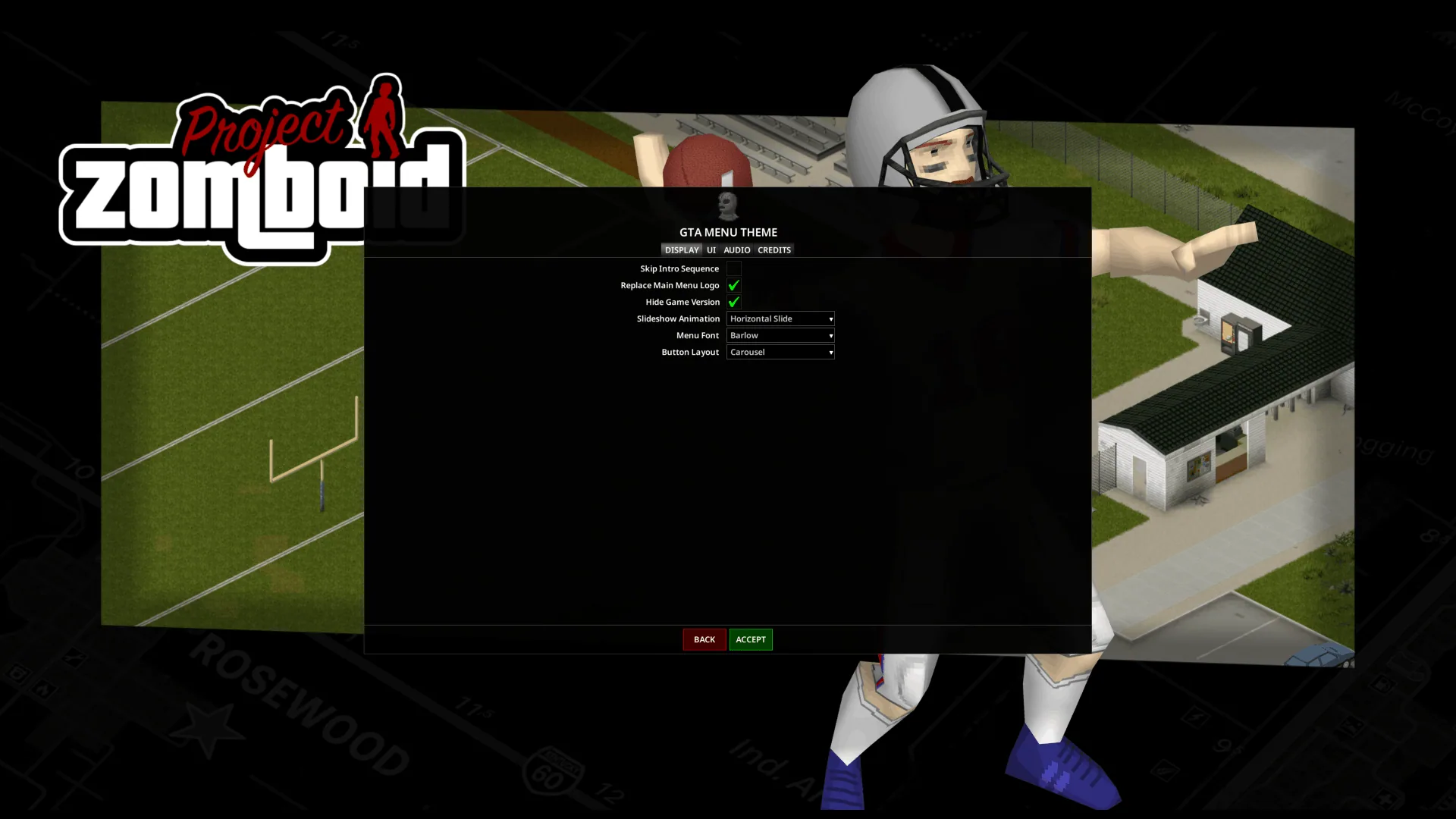
- Menu Font: Choose between Barlow (default), Inter, or the classic Zomboid menu font. For non-Latin languages not supported by these fonts, the game automatically uses its default font.
- Menu Logo: Optionally replaces the menu logo with a GTA-themed version.
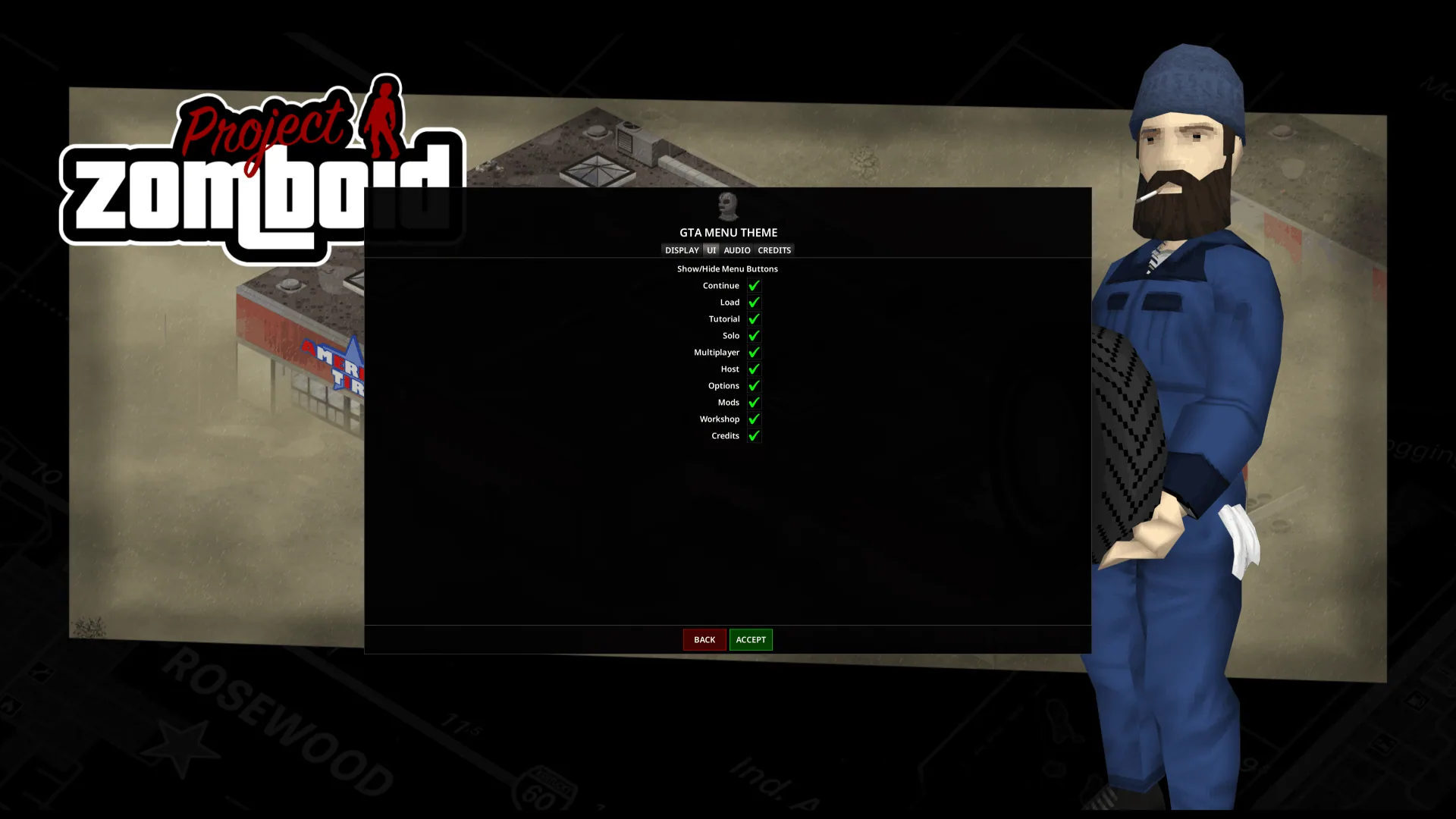
- Show/Hide Menu Options: Allows hiding specific menu options (such as Tutorial or Multiplayer) to keep the menu organized.
- Intro Sequence: Plays a short Rockstar Games-style intro once at each game launch. This can be disabled in the Menu Theme Settings.
- Hide Game Version: Option to hide the Project Zomboid version line at the bottom of the menu screen (default: enabled).
All features can be customized, enabled, or disabled via the Menu Theme Settings button in the bottom left corner of the main menu.
Technical Details and Requirements
- Only affects visuals and audio in the main menu and its sub-screens (Solo, Multiplayer, Mods, Options, etc.). The mod is inactive once the game loading state begins.
- Utilizes layered images and Lua-based movement code.
- Requires Menu Theme Framework (mandatory dependency).
- Compatible with Project Zomboid Build 42.19 or newer.
- Does not require ZombieBuddy, Java code, manual installation, or file replacements. Activate via the mod menu.
- Includes translations for all supported Project Zomboid languages.
- Compatible with all aspect ratios, resolutions, and font sizes.
- Supports controller input.
- Client-side only; contains no server code.
- Does not modify vanilla game files.
- Only one menu theme can be active at a time (managed via Menu Theme Framework).
- Compatible with mods that add main menu buttons.
- Not compatible with mods that replace the main menu's background, logo, music, video, or restyle/move its buttons.
Additional Information
- Music remixes provided by 1DERER1.
- For menu theme requests, use the Menu Theme Framework's dedicated discussion area.
- For more details on creating your own menu themes, refer to the Menu Theme Framework mod description.
Screenshots 8

Comments 0
No comments yet — be the first.
Log in or sign up to leave a comment.