
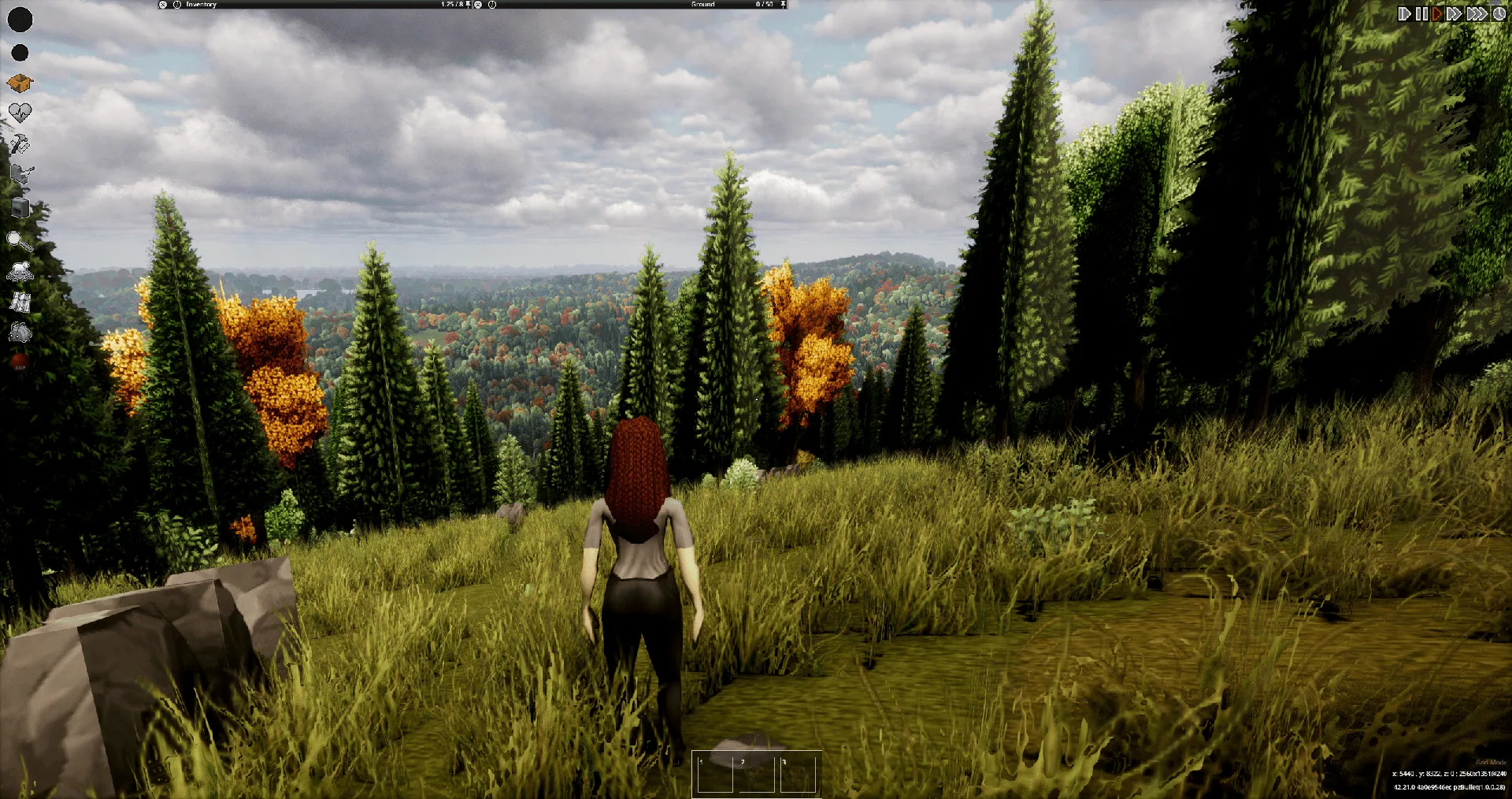
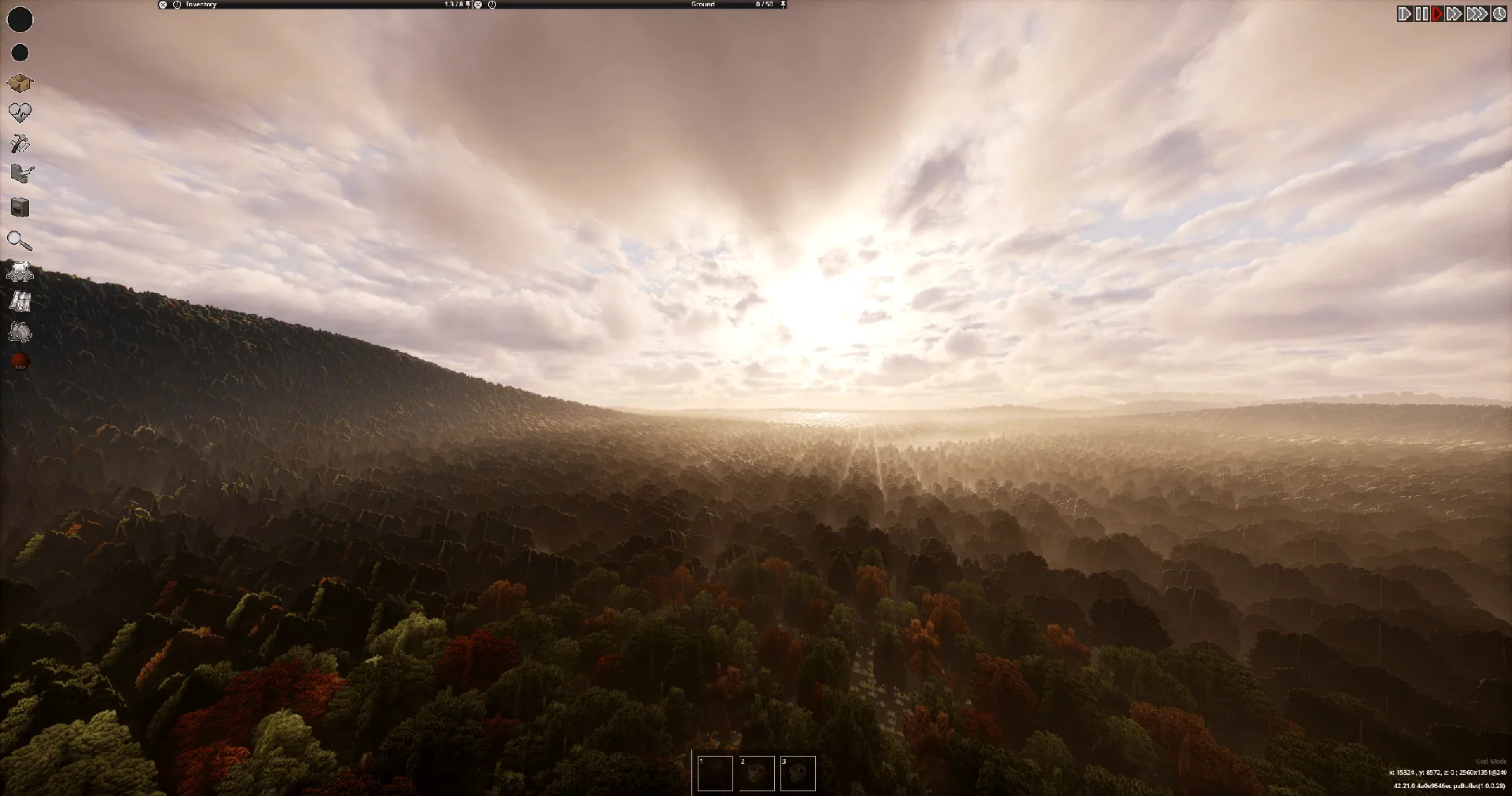
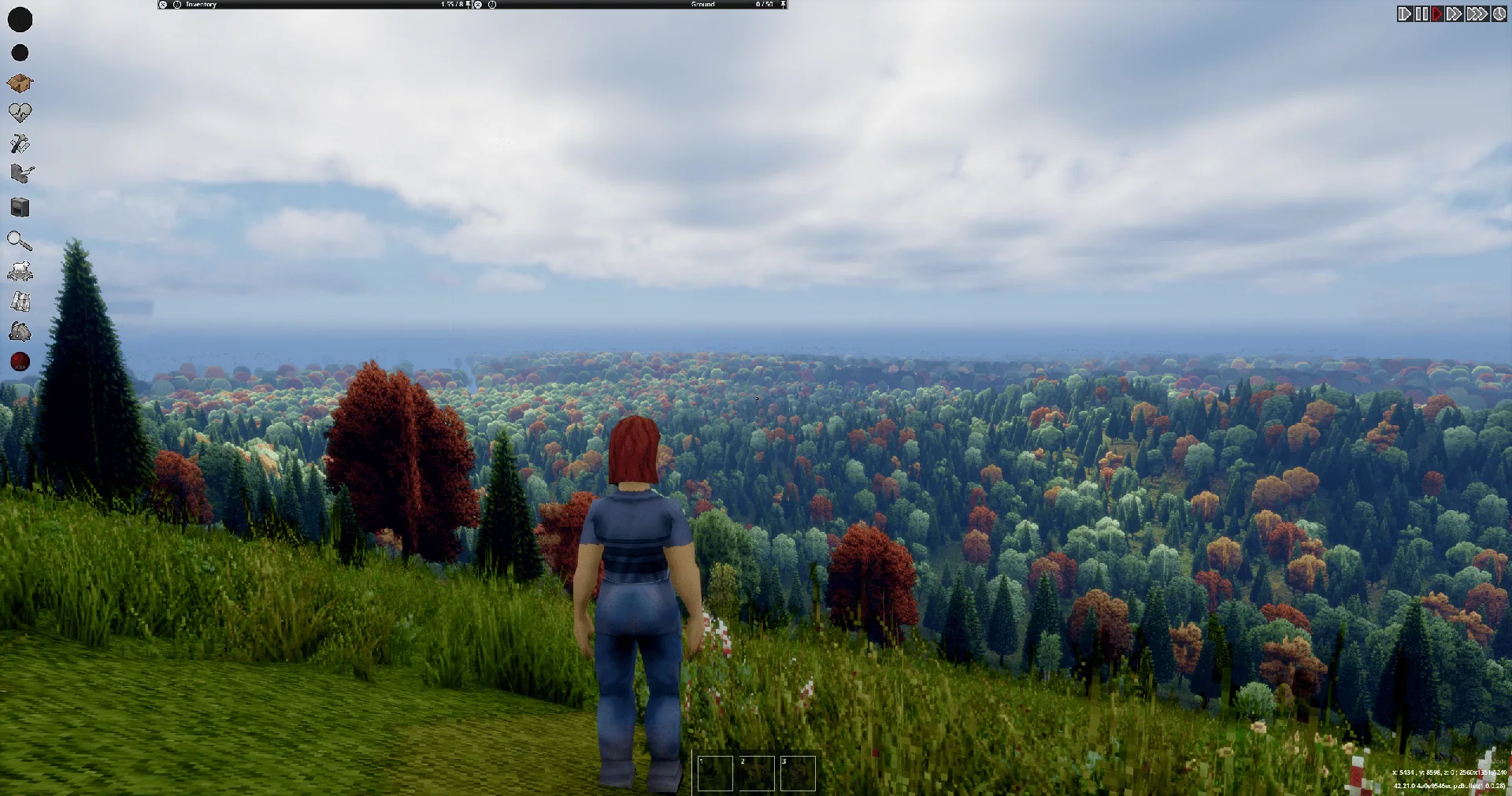
Viewpoint Rolling Hills reshapes the landscape seen through Project Viewpoint. Open countryside becomes rolling terrain, remote forests gain taller hills, and the deep eastern woods feature Appalachian-inspired mountains.
Contents
Viewpoint Rolling Hills — Hills and Mountains for Project Zomboid
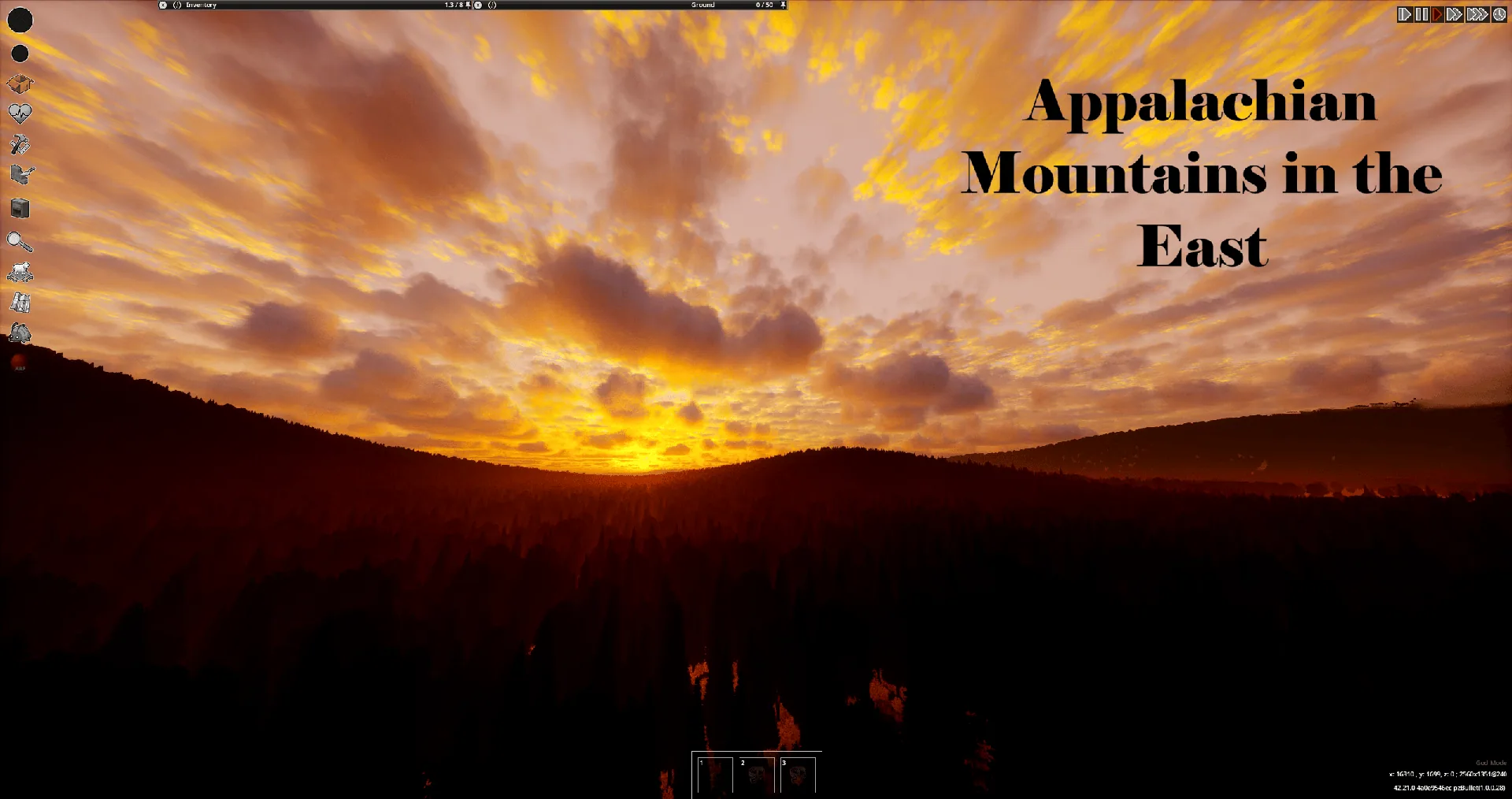
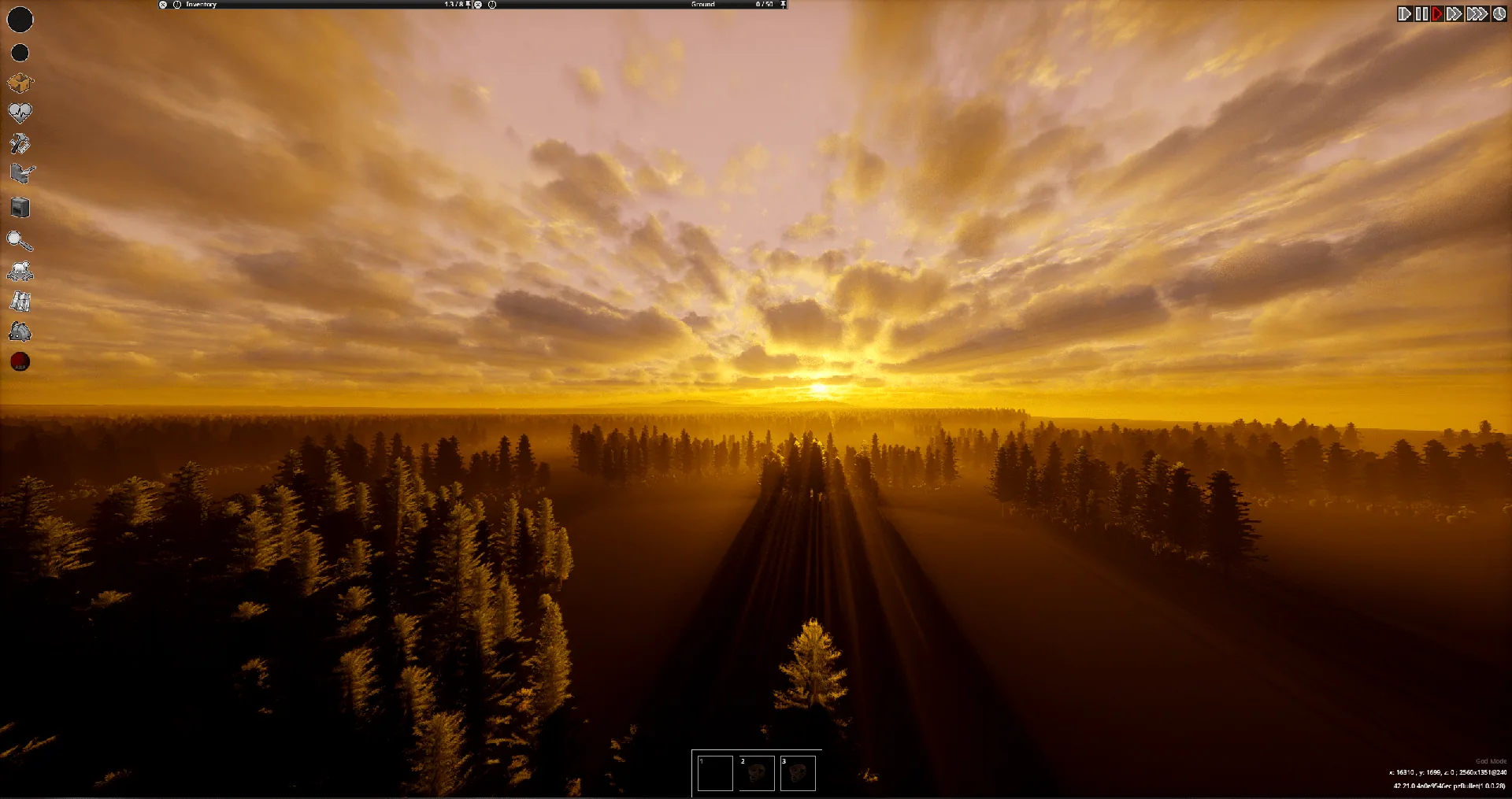
Viewpoint Rolling Hills reshapes the landscape seen through Project Viewpoint. Open countryside becomes rolling terrain, remote forests gain taller hills, and the deep eastern woods feature Appalachian-inspired mountains.
Characters, vehicles, trees, and cameras visually follow the terrain. Vehicles tilt with slopes without distorting their models.
The main mod changes rendered terrain and visual elevation. It does not rebuild the underlying world collision. Driving forces require the separate Physics addon.
A different countryside
In the default Rolling Hills mode, major towns retain their original elevation. Rural buildings follow the landscape with level foundations, while water surfaces remain flat. Crops, major highways, and mapped shorelines receive protection from the terrain changes.
The landscape includes rounded peaks, saddles, branching ridges, and selected riverside bluffs and valleys. It is inspired by Appalachia rather than based on a real elevation survey.
Terrain placement remains consistent for the same map and settings. Three intensity presets are available: Mild, Balanced, and More dramatic. Balanced is the default; intensity is not a maximum-height limit.
Choose your terrain source
Open Delete → World → Rolling Hills → Terrain source, or use the mod’s Options menu.
Available modes are:
- Rolling Hills: the add-on’s own landscape.
- Viewpoint terrain: Viewpoint’s relief across the map.
- Viewpoint cities + Rolling Hills countryside: Viewpoint terrain in major cities, blended into Rolling Hills outside them.
No new world is required. Generation can take a minute or longer, and the default mode deliberately leaves major towns flat.
Optional driving physics
Rolling Hills Physics adds downhill coasting, uphill resistance, grass drag, optional crest jumps, and reduced traction near cliffs.
Experimental cliff falls use native gravity and crash damage in single-player only.
Without this addon, the visual slopes do not introduce corresponding driving forces; collision and navigation retain the original ground behaviour.
Installation
Requires Project Zomboid Build 42.21, Project Viewpoint, and ZombieBuddy.
- Complete ZombieBuddy’s installation and use its installed launch mode.
- Enable ZombieBuddy → Project Viewpoint → Viewpoint Rolling Hills.
- Fully restart and approve the required Java components.
- Load a save and enter Viewpoint with
O. UseShift + Oto switch first- and third-person views.
For an existing save, enable the mod through More → Choose Mods. Updated Java files may require renewed approval.
Multiplayer and compatibility
Add the required entries to the server’s existing lists:
Mods=ZombieBuddy;Viewpoint;ViewpointRollingHills
WorkshopItems=3619862853;3809306528;3815630947
Players need matching versions, maps, and terrain settings, plus local ZombieBuddy installation and Java approval.
For the optional Physics addon, also add RollingHillsPhysics and Workshop ID 3817555882. Multiplayer terrain forces require Rolling Hills mode; they suspend with Viewpoint-only or combined visual terrain.
The combined mode has not been tested in a live multiplayer session. Player-built structures are not automatically levelled.
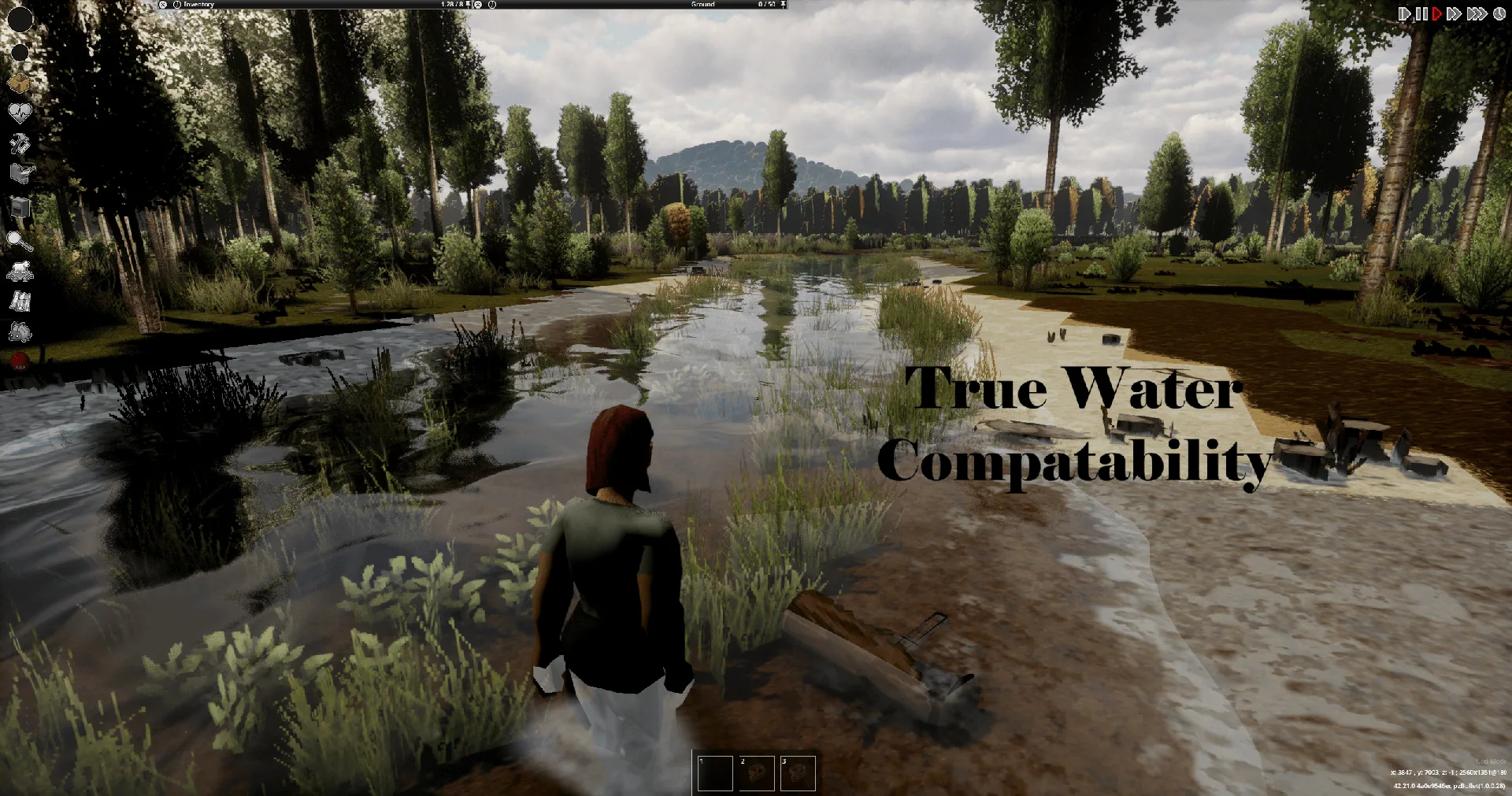
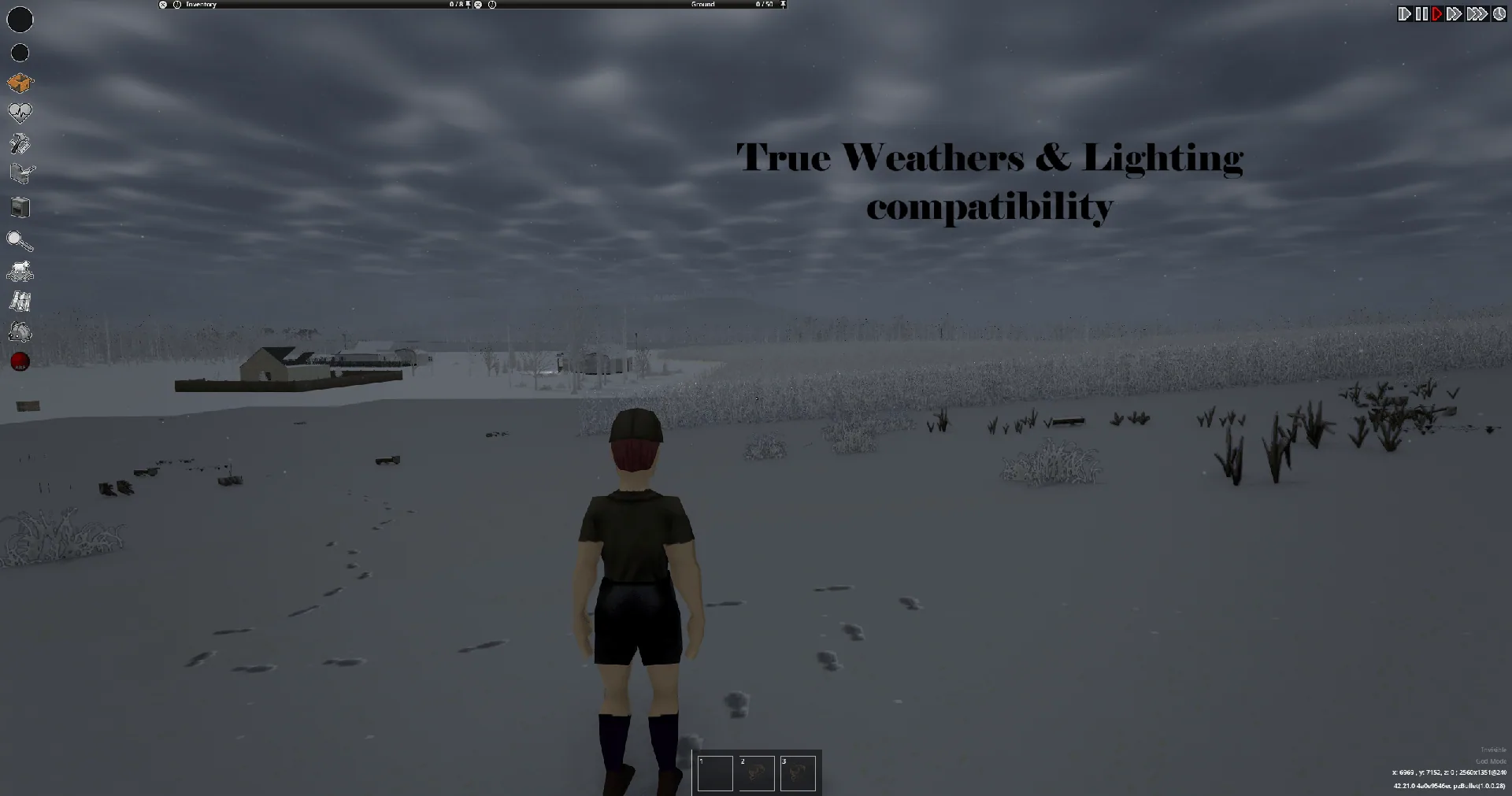
Integration includes Viewpoint’s shader bridge, with Bliss and Photon tested, plus support for True Weathers & Lighting and Blood VFX terrain effects. Individual mod combinations still need checking.
Screenshots 7

Comments 0
No comments yet — be the first.
Log in or sign up to leave a comment.