









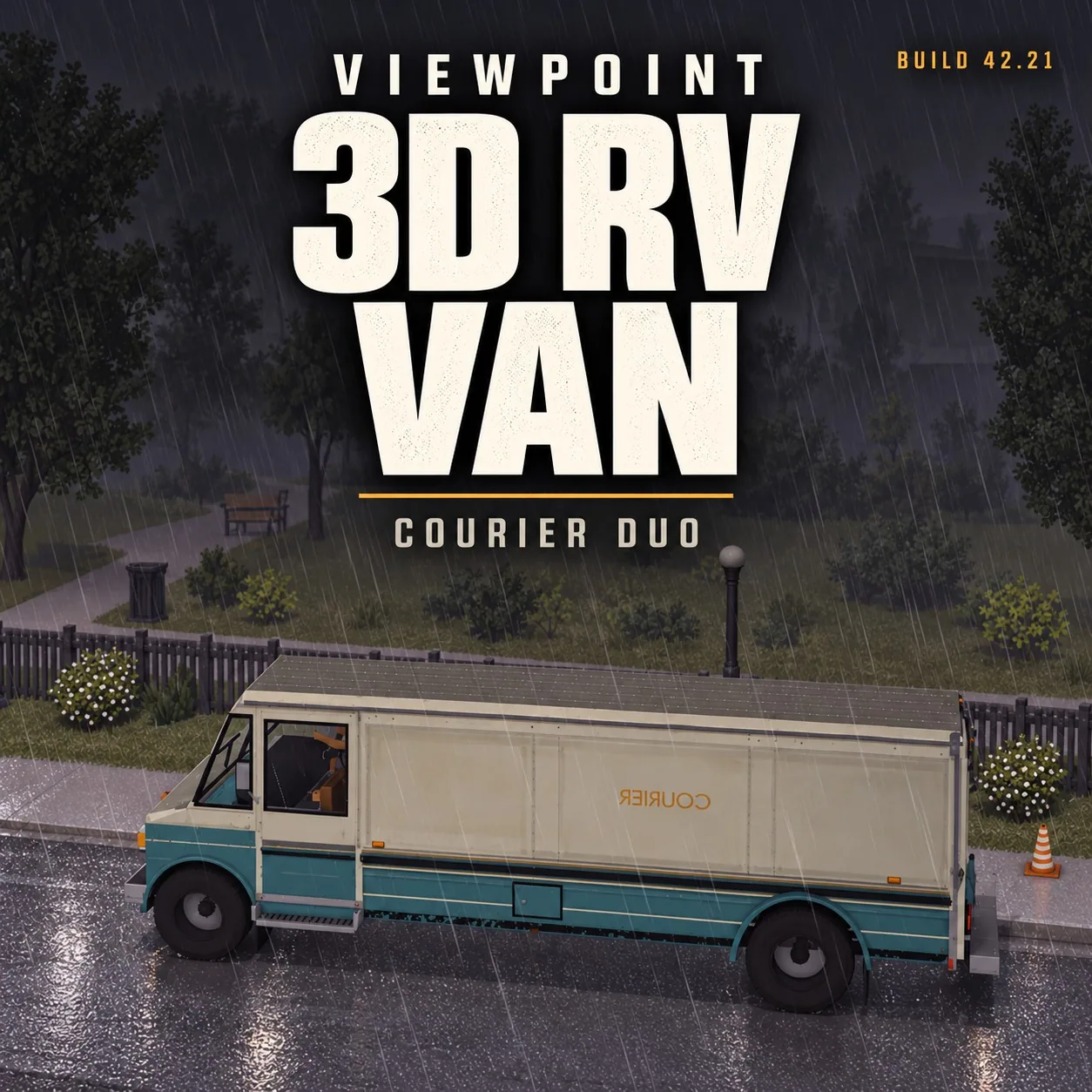



Turn the Courier Duo step van into your own home on wheels.
Contents
Turn the Courier Duo step van into your own home on wheels.
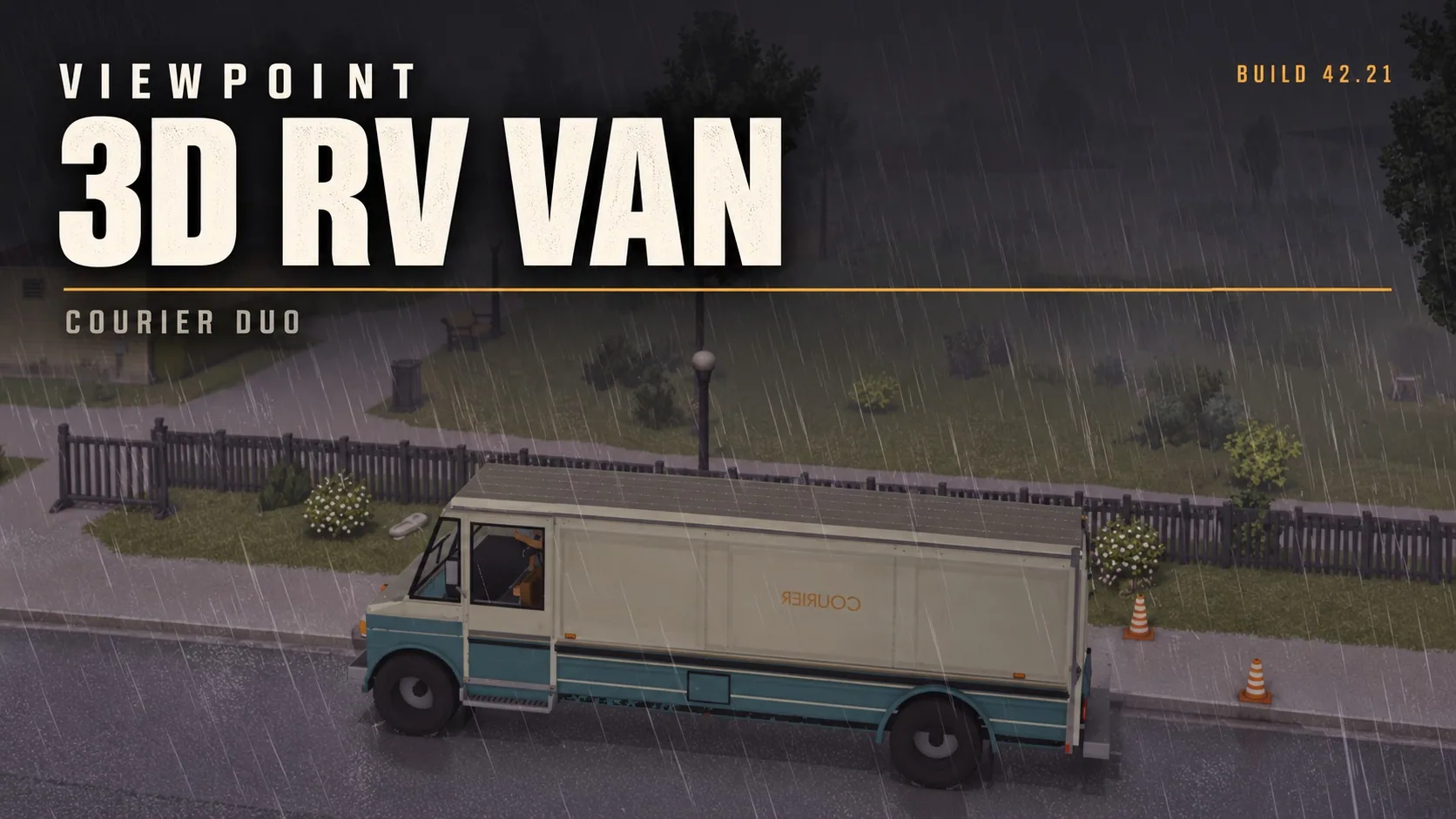
A van you can build around
The cargo area starts empty, with a walkable 2 x 5 floor. Bring furniture and arrange your own storage, cooking area and sleeping space. Open the rear cargo doors and walk aboard using the permanent rear steps.
- Animated rear cargo doors and separate cab doors.
- Furniture placement, rotation, relocation, storage and pickup.
- Supported lamps, refrigerators, ovens and radios connected to the van battery.
- A warm cargo ceiling lamp with its own wall switch.
- Synchronized multiplayer interior interactions and passenger movement.
Finding a Courier Duo
The van uses the same rare spawn-pool weights as our RV mod: parking areas, trailer parks, farms and road traffic jams, plus campground/RV-park pools when available. Normal sandbox vehicle settings apply. Keys use Project Zomboid's normal generation and sandbox key settings; some vans may have a key, others may not.
You can add the mod to an existing save. Explore newly generated vehicle areas to find natural spawns. Previously explored areas are not automatically repopulated.
Requirements and setup
For Project Zomboid Build 42.21. Requires ZombieBuddy, Project Viewpoint and 6277 3D Models for Viewpoint by sour_kisel. The original 3D RVs mod is not required.
Enable BOTH modules included in this download: GridVans and GridVansHost. All players and the server must use matching versions and fully restart after updating. For furniture placement, use one compatible construction companion: Construction 1P Viewpoint or Project Viewpoint: Visible Construction.
Enter the cab through its exterior doors. The solid bulkhead separates the cab from the cargo area. This vehicle is designed for Viewpoint's 3D view.
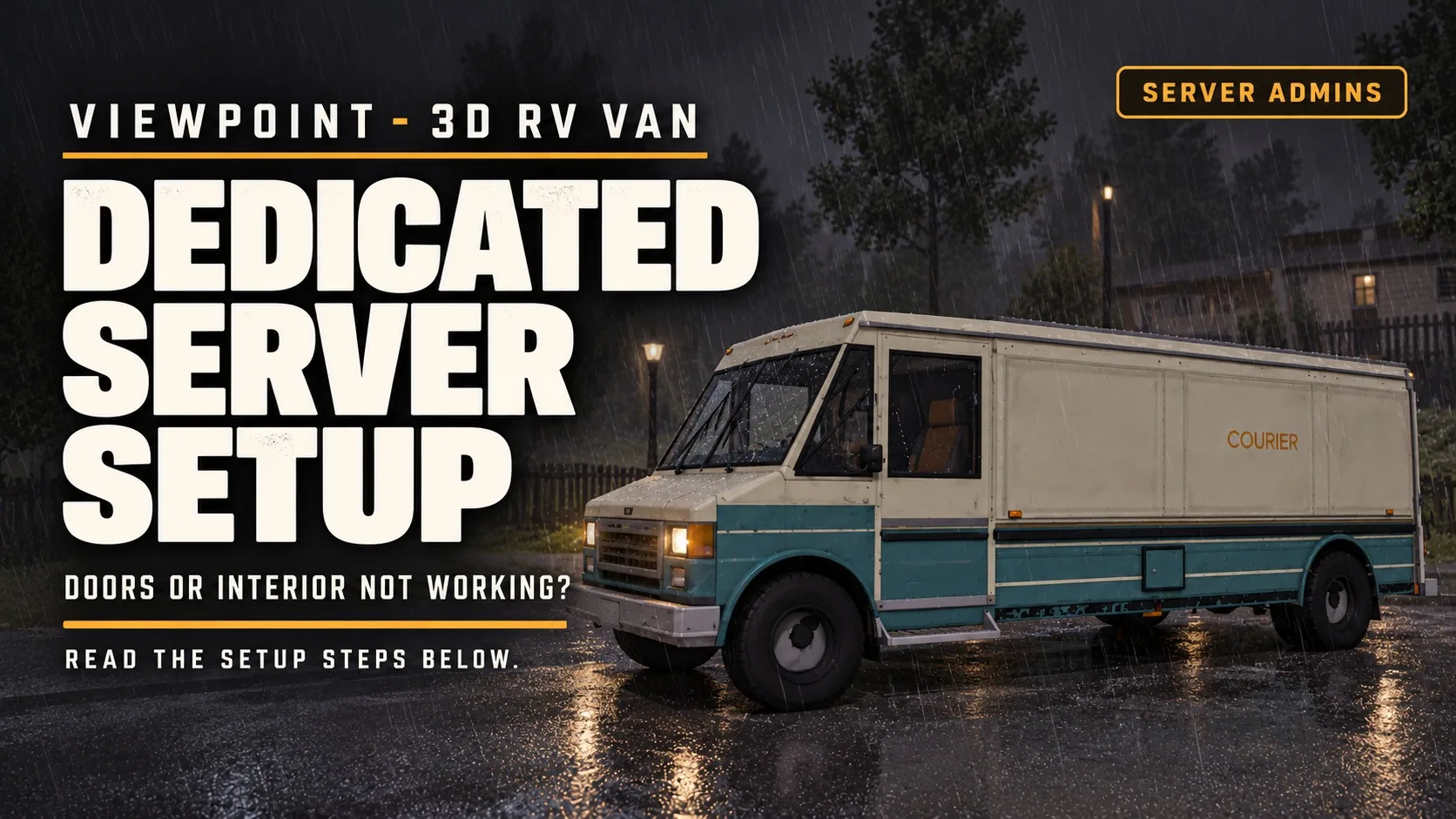
Dedicated server setup
For dedicated server admins only. Singleplayer and the in-game Host option handle the bootstrap automatically. Players joining a server do not add this launch option.
ZombieBuddy 2.3.4 can misdetect dedicated servers and skip GridVansHost. If the backend already loads and everything works, this extra option is not needed. If doors or interior interactions fail and GridVansHost is absent from the server log, follow these steps:
- Stop the server. Complete ZombieBuddy's installation. Enable GridVans and GridVansHost, plus ZombieBuddy, Viewpoint and PZVoxelStudioViewpoint. Include Workshop item 3821174725 and its required items in the server setup.
- Find this JAR on the server:
<SERVERFOLDER>/steamapps/workshop/content/108600/3821174725/mods/GridVans/42/media/java/client/GridVans.jar
Use the server's actual full path. The bootstrap is in GridVans.jar, even though its folder says client; do not point this option at GridVansHost.jar. 1. For ProjectZomboid64.json: add this quoted entry inside the existing vmArgs array, after the existing ZombieBuddy Java-agent entry:
"-javaagent:<FULL-PATH-TO-GridVans.jar>"
Replace the placeholder with the complete path found above. Use forward slashes on Windows to avoid JSON backslash escaping. Separate array entries with commas, with no comma after the final entry. Keep the existing ZombieBuddy agent and other settings. 1. For StartServer64.bat, a Linux start script or a hosting panel: add the same JVM argument after ZombieBuddy's agent and before the Java main class. Use the panel's Java/JVM arguments field, not its game/server arguments field. Quote the whole argument if the path contains spaces. No JSON comma is used here. 1. Restart and check the server log. Look for both:
[GridVansHost] Host bootstrap installed
[GridVansHost] 0.1.8 loaded
The log lines continue with more text. The second line confirms the actual backend loaded; the bootstrap message alone is not enough. If it is missing, check the JAR path, enabled modules and ZombieBuddy installation/load errors.
Do not insert a space between -javaagent: and the JAR path. Linux paths are case-sensitive. This does not replace ZombieBuddy's installation or Java agent.
All players and the server need matching versions. A new Courier Duo intentionally has an empty cargo area: bring your own furniture. An empty new van alone is not a backend failure.
Vehicle script: Base.VansCourierDuo Version: 0.1.8
Screenshots 2


Comments 0
No comments yet — be the first.
Log in or sign up to leave a comment.