












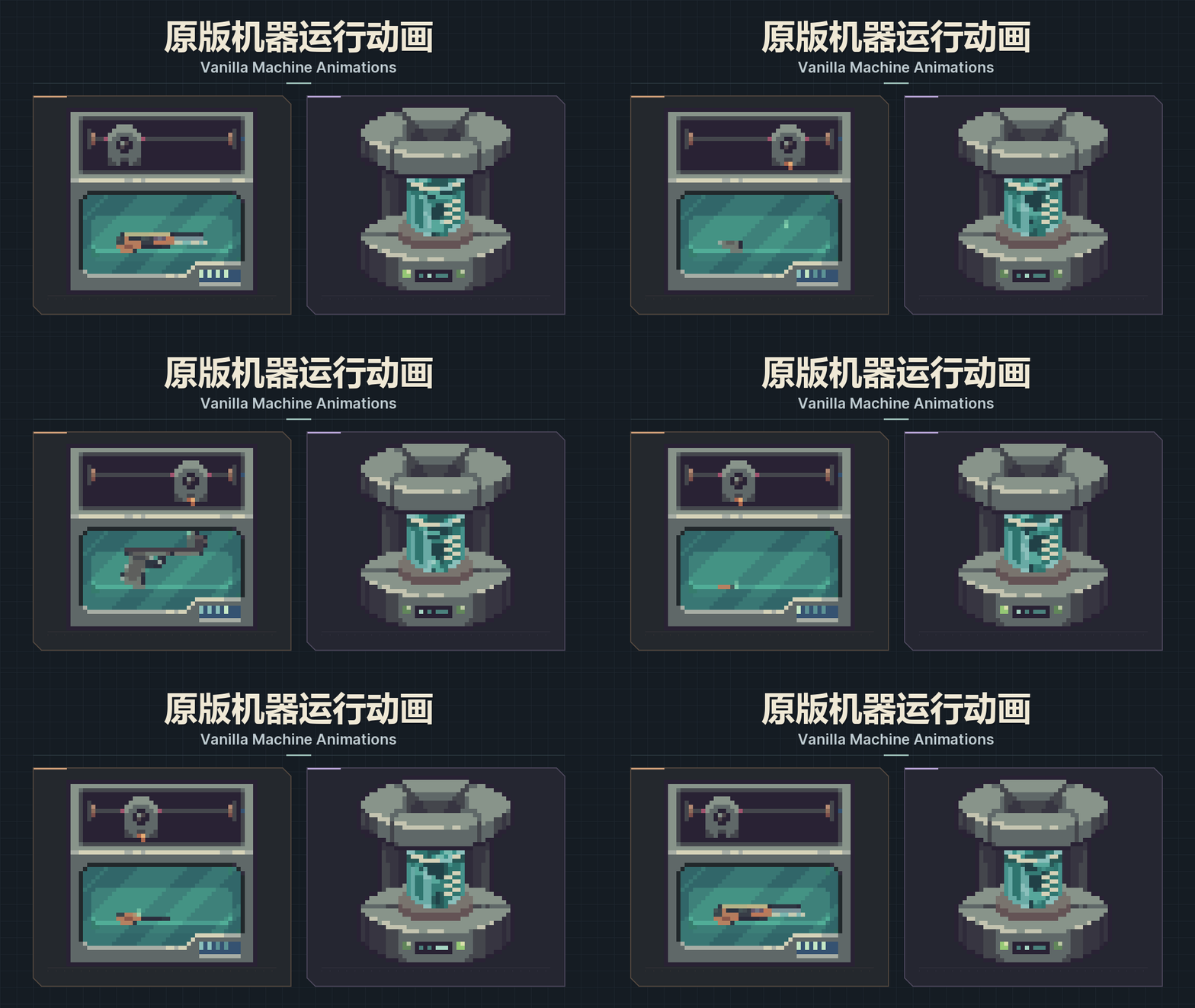



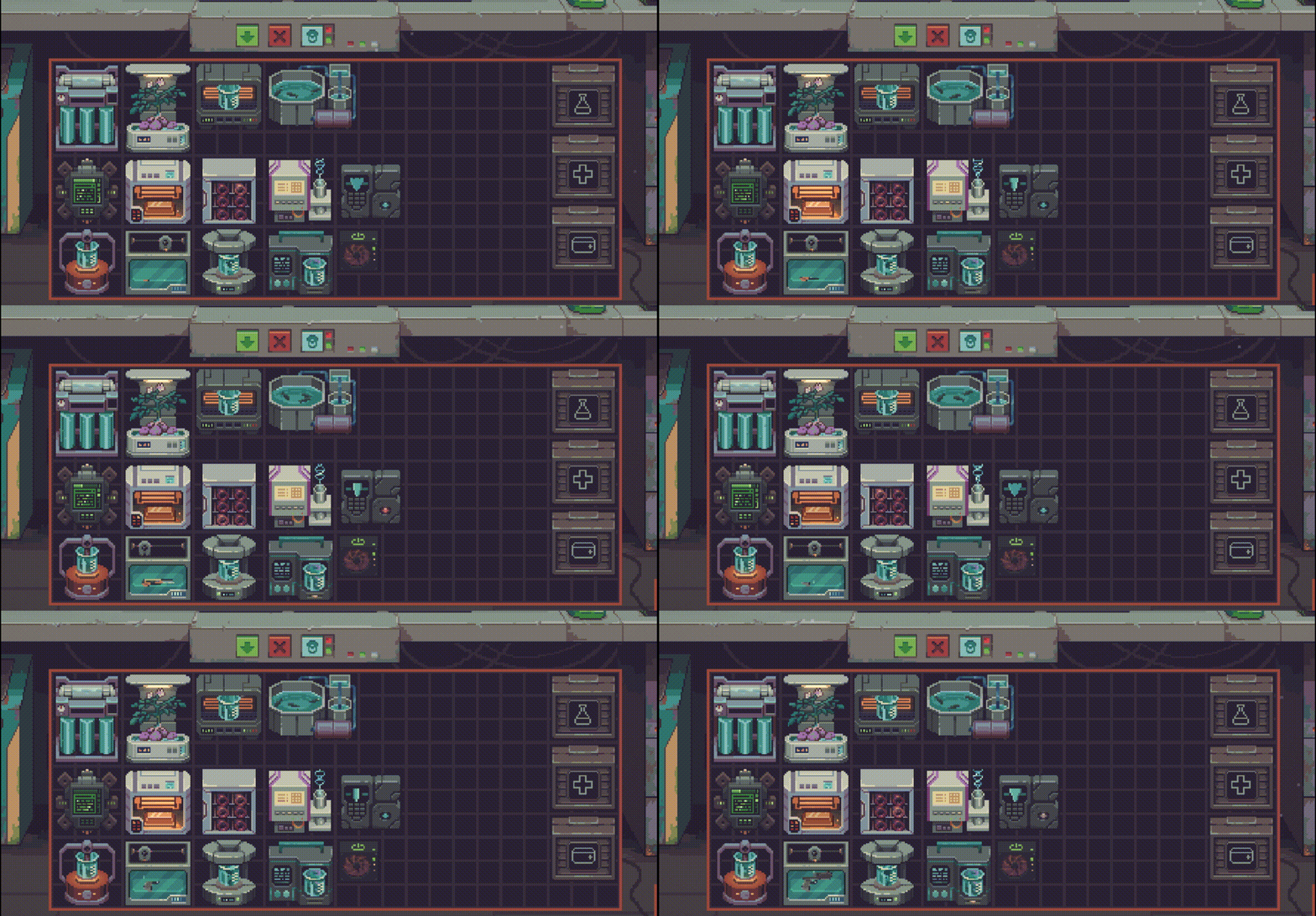
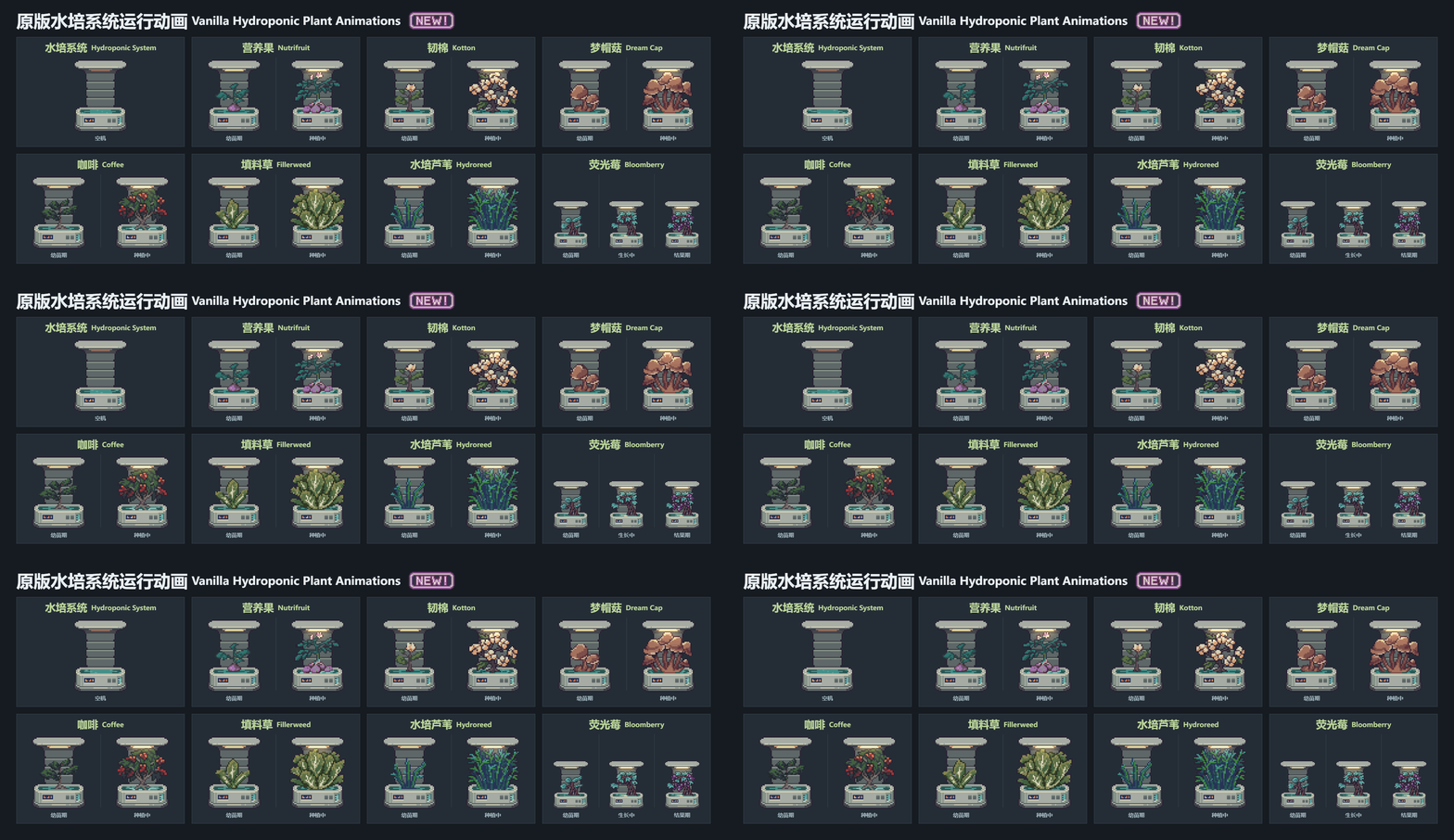
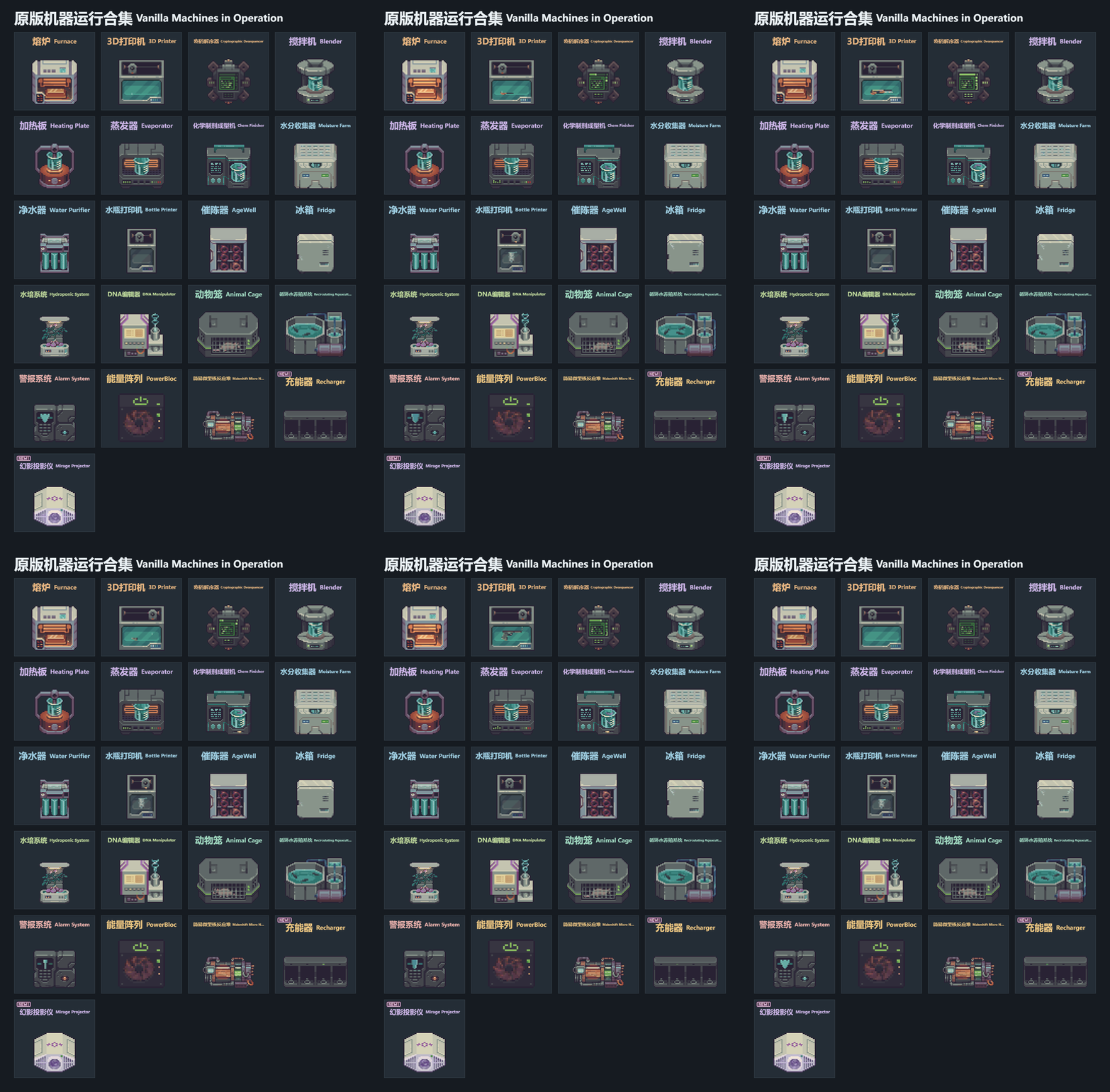
Adds visual animations to 21 vanilla machines and lets you switch each machine’s appearance. Includes playback settings and per-machine saved choices.
Contents
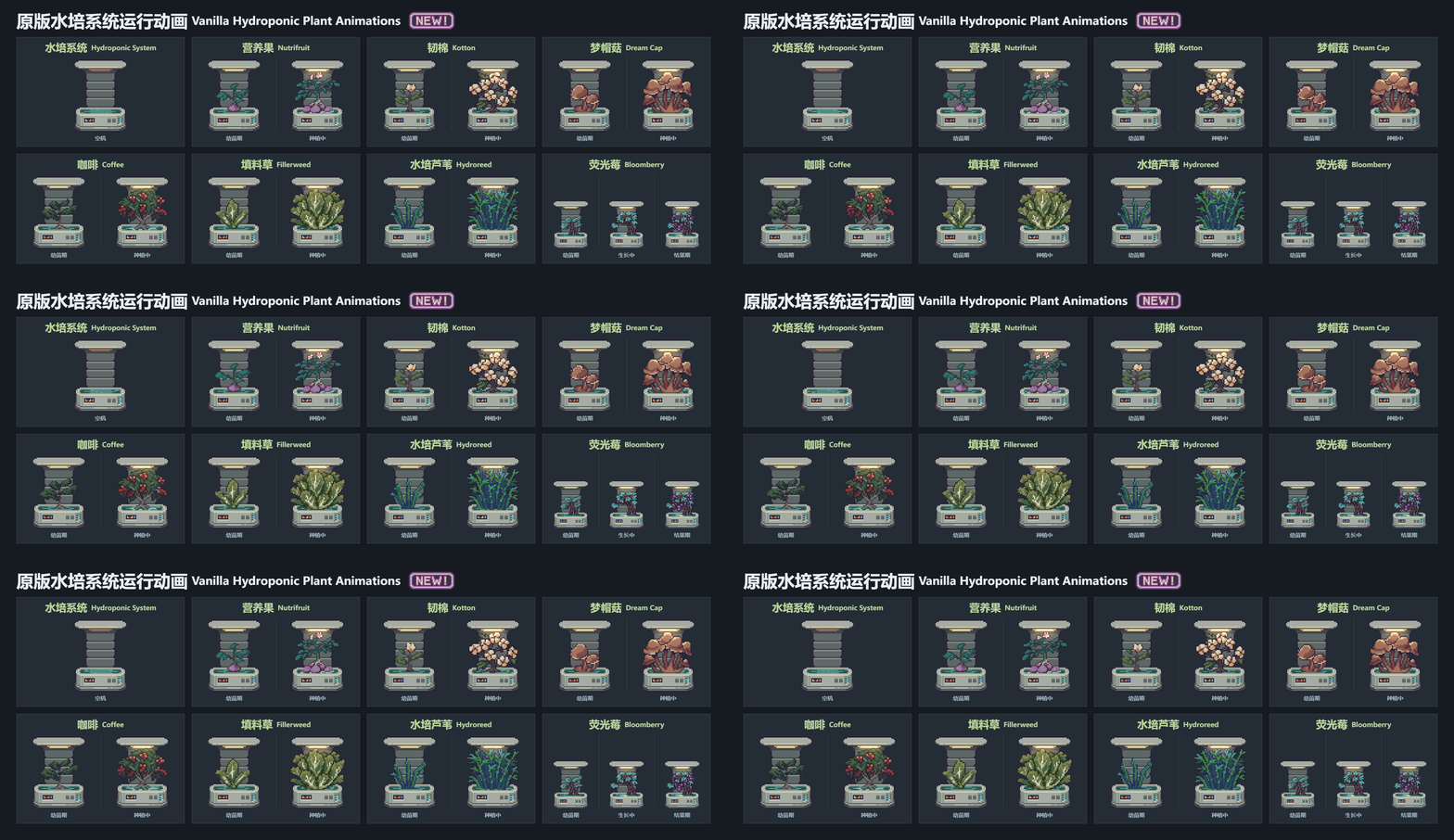
Vanilla Machine Animations adds visual animations to 21 vanilla machines, including 3D printers, furnaces, purifiers, hydroponics and aquaculture equipment. These are appearance changes. Version 1.0.7 is described for game version 0.46D.
Choosing an appearance
Enable the mod in Mods and restart the game. Right-click a machine and choose Toggle, or hover over it and press F7, to open the Appearance menu. Variants appear side by side, and the choice is saved for that machine.
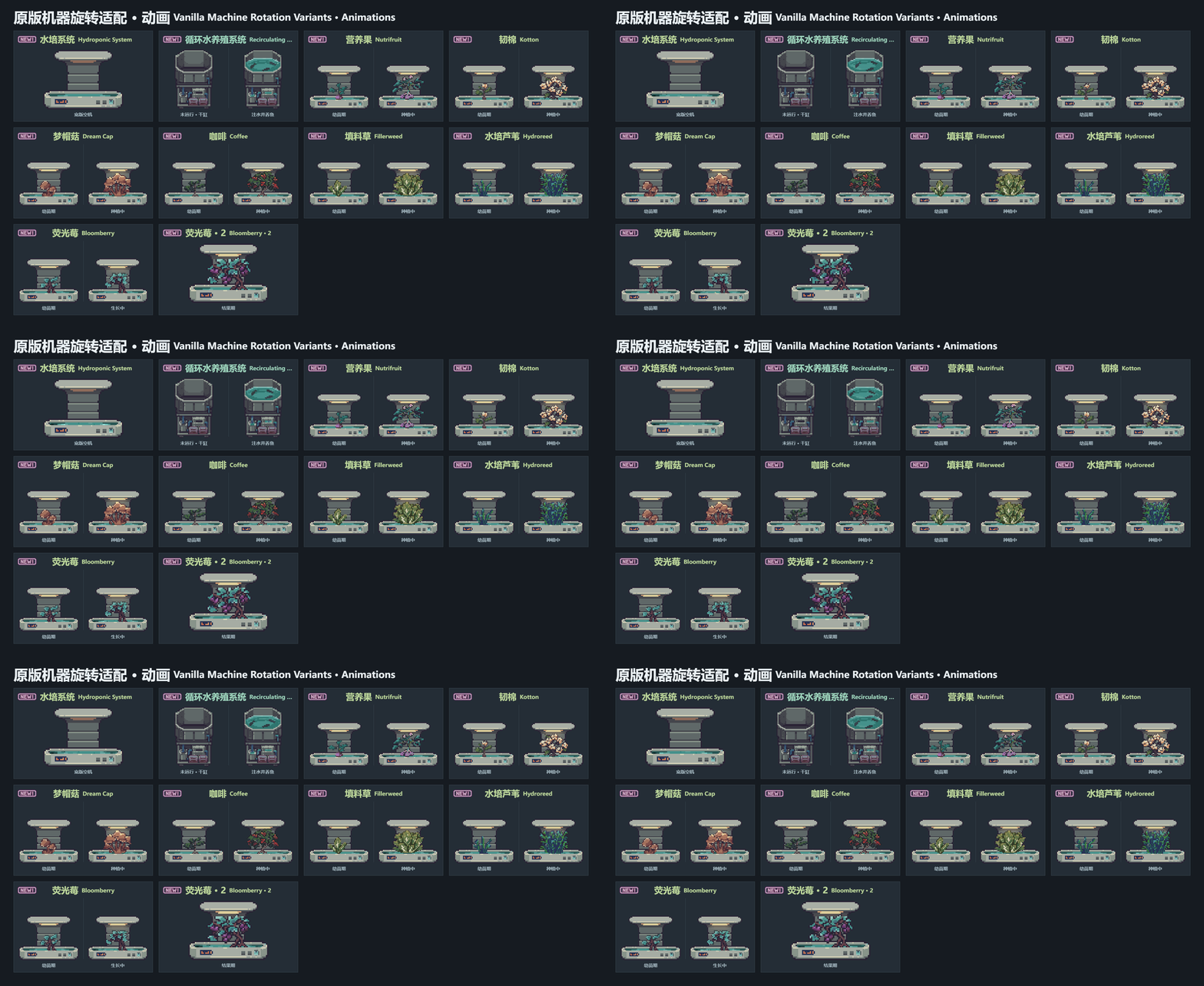
Playback choices include Use game sprite, Automatic mode and Always animate, even when empty. To rebind the key, open the gear settings, click the binding, press the new key and choose Apply; the binding can also be disabled.
Automatic playback
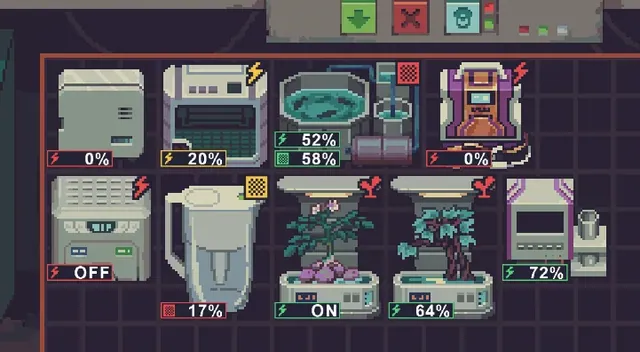
Under Mods → Vanilla Machine Animations → Gear settings → Playback → Automatic mode, the option to follow vanilla sprite changes switches between working and idle animations when the game changes the machine's sprite. Machines without these sprite changes retain fallback conditions, including the recharger and AgeWell behavior.
DNA machines default to Items in work slots, which animates while items are present. Following vanilla sprite behavior applies only when selected; Vanilla operating logic follows the working state.
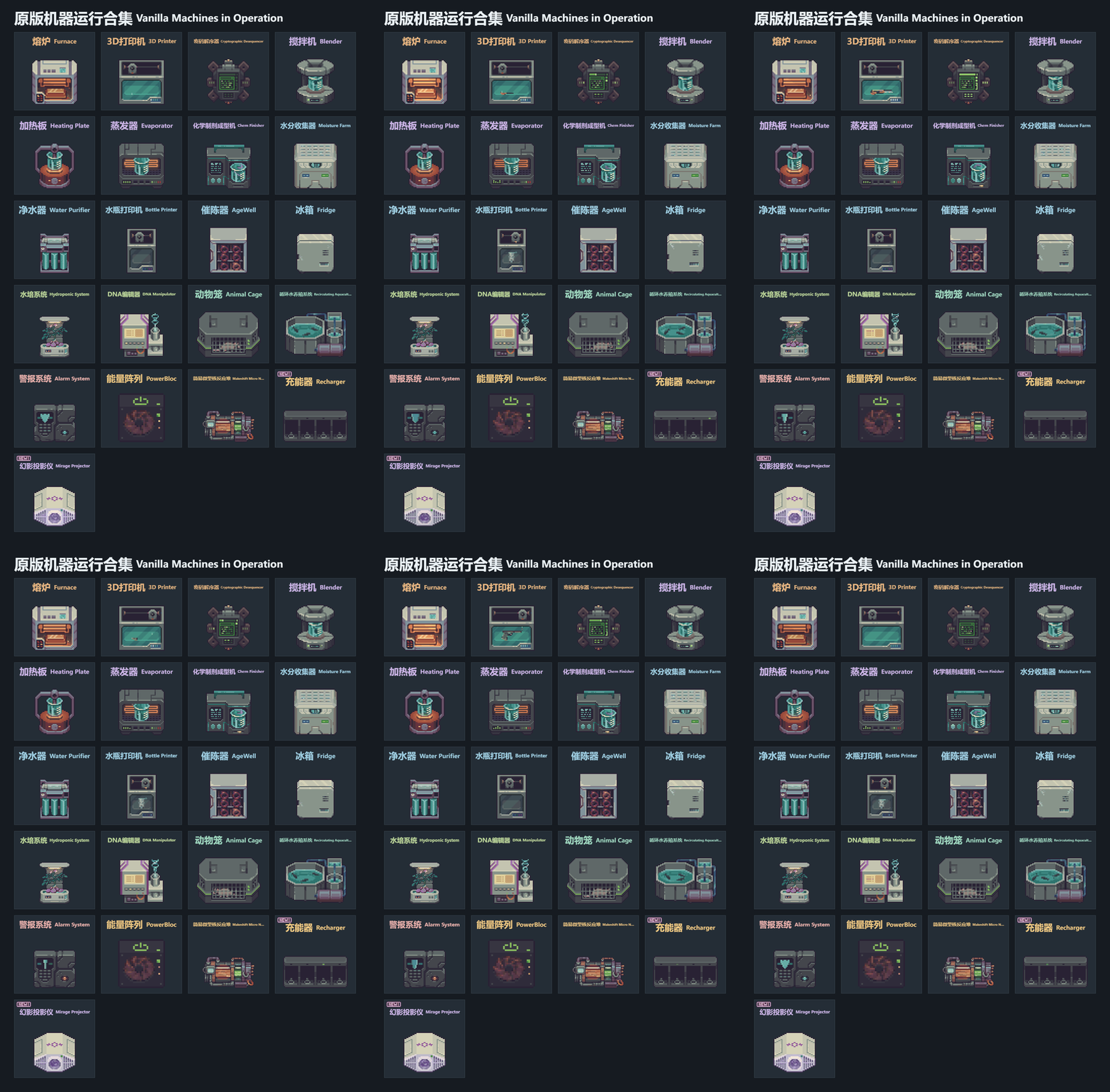
Works standalone or alongside Storage Bay Appearance. Languages: Simplified Chinese, English, Japanese, German, Russian, French, Spanish and Polish.
Screenshots 3
Comments 0
No comments yet — be the first.
Log in or sign up to leave a comment.