













## BETA
Contents
BETA
Early release (0.9.3). Please back up your saves and report any bugs!
Description
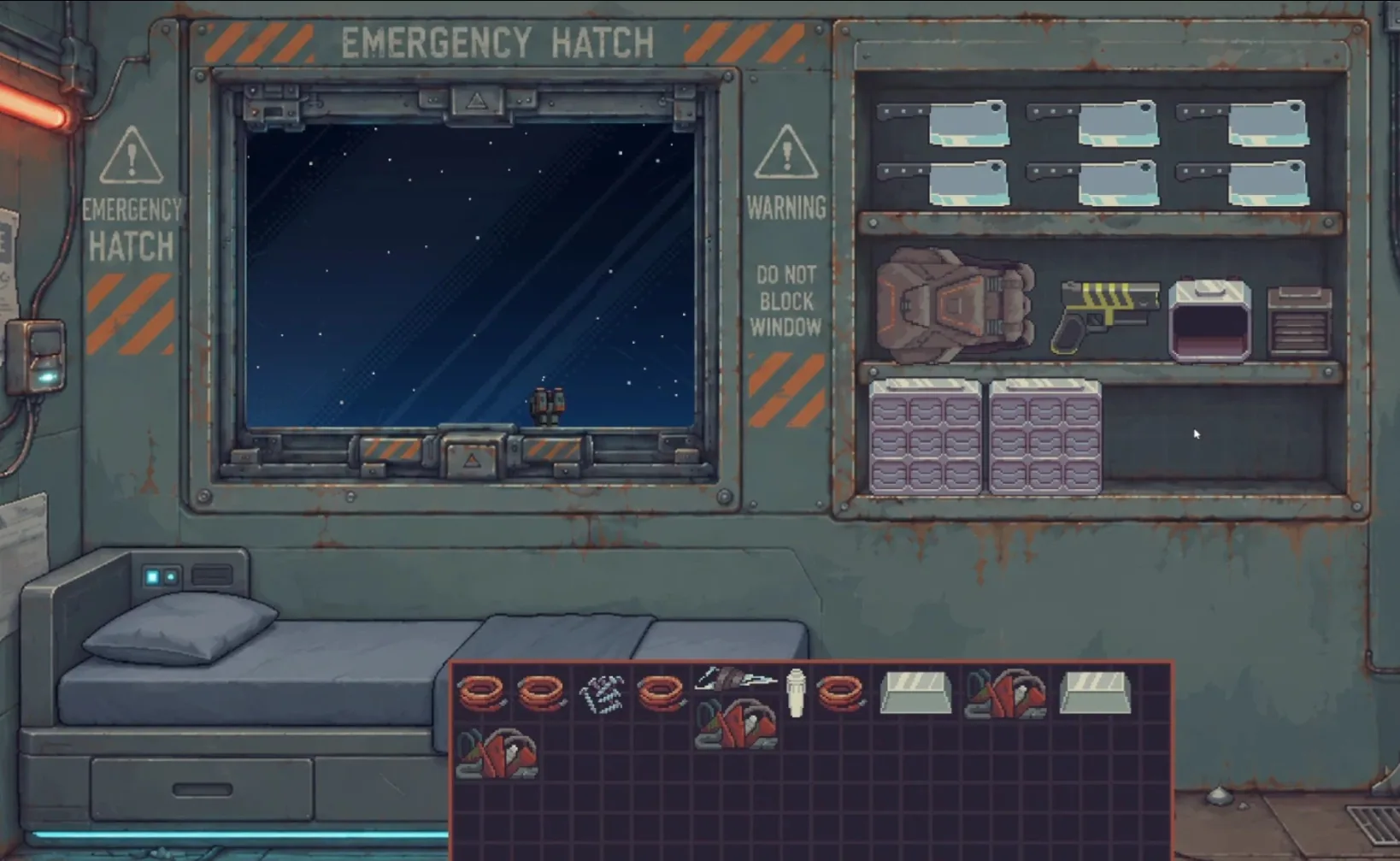
Your shop is cramped. Shop Expansion fixes that by adding a brand new storage room to the left of your shop, complete with three big shelves, a window looking out into space, and a smooth scrolling transition between the two rooms.
Press A (or click the little arrow tab on the edge of the screen) and the view glides over to your new back room. Press D to glide back. Your table stays right where it is, so moving items from your table to the shelves is as easy as dragging them over.
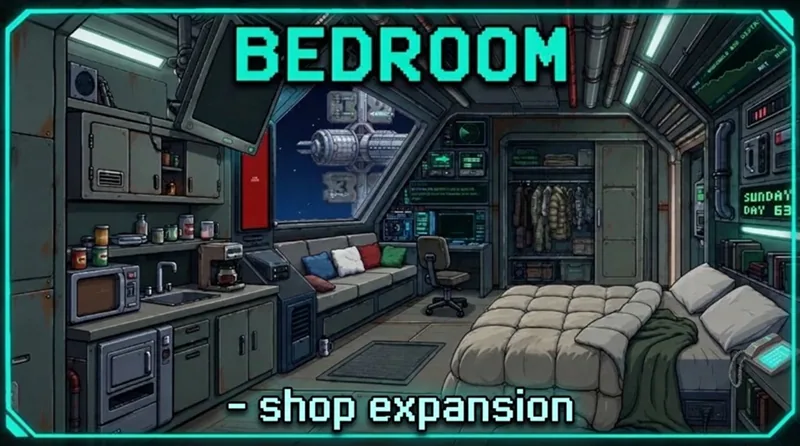
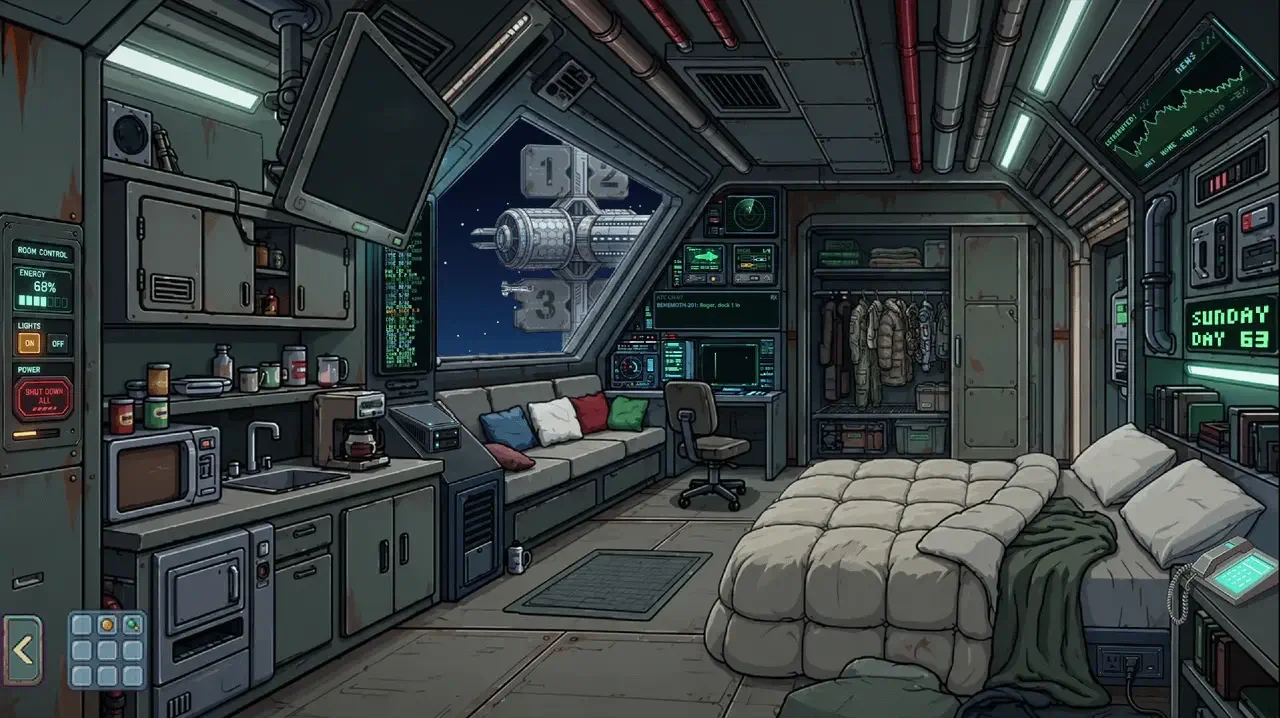
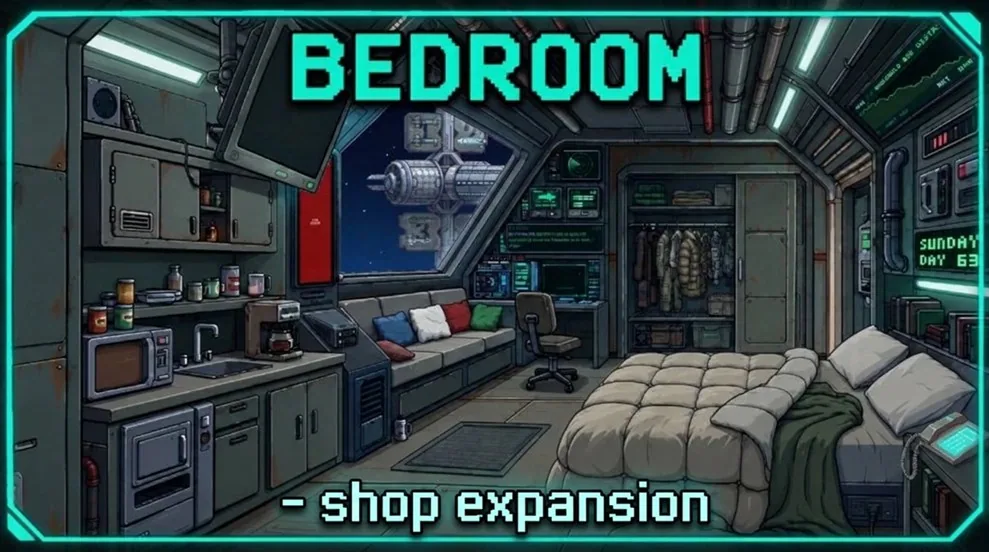
And the storage room is only the beginning. Behind its locked door waits a second room with its own story, which you can turn into a bedroom overlooking the station docks.
Installation
- Click Subscribe.
- Launch the game and open the Mods menu. Subscribed mods start disabled, so enable Shop Expansion there.
- Restart the game when asked. Mods only load on startup.
- Load your save and wait for the visitor with a business card, or call MSSC right away (number below).
Installed it from Nexus before? Delete the *Probably Stolen\Mods\ShopExpansion* folder. A manual copy of the same mod always wins over the Workshop one, so you would keep playing the old files. Your saves are not affected, both copies are the same mod.
Updating: Steam updates the mod for you. Restart the game to load the new version. Saves from older versions keep working.
To uninstall: disable the mod in the in-game mod list or unsubscribe. Items sitting on the new shelves will disappear from the game while the mod is off, but they are not deleted. Re-enable the mod and they come back. Please keep a backup of your save, as with any mod.
Main features
- A new storage room to the left of your shop, connected by a smooth scrolling transition with a soft blur while you move.
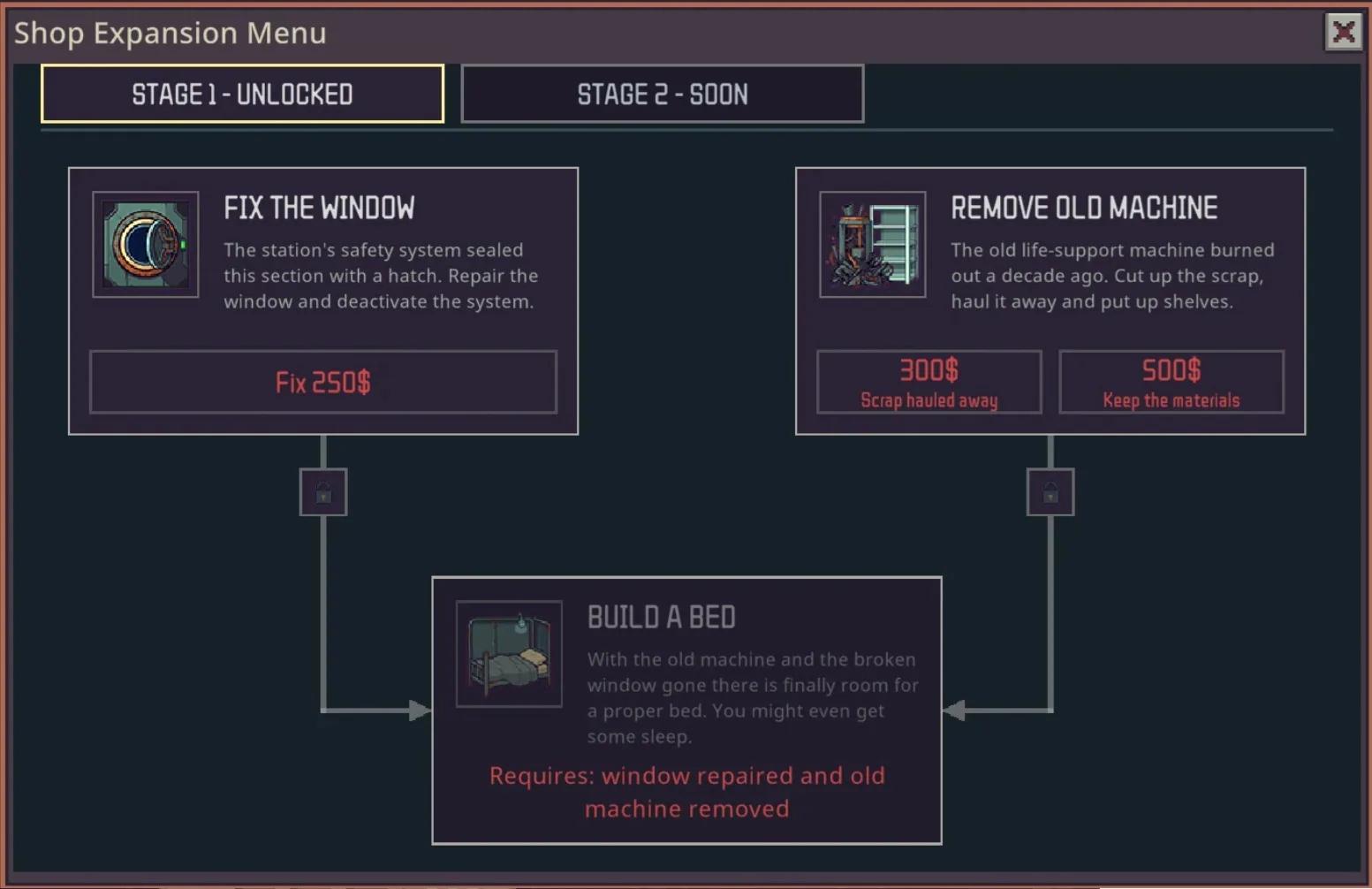
- Room expansion panel: the room starts sealed off. Phone the Metal Services Company to fix the window, remove the old machine and build a bed, step by step.
- Three extra shelves, each with 16x4 slots of storage.
- Shelves are saved with your game, items keep their properties after loading.
- Shelves are part of your shop: items on them count toward your total wealth, machines and containers keep working overnight, and they can be targeted by burglars and repo men just like the rest of your stock.
- A window to space: watch slowly drifting, twinkling stars.
- A bed in the back room: click the pillow to sleep once the shop is closed.
- Easy navigation: use the arrow tab on the screen edge (hover it for a hint) or the keyboard.
- Your table stays put, so you can move items between the shop and the shelves without losing your place.
- In-game settings: change the keys, hide the arrow tab, toggle the blur, animated scrolling and fade to black. Open them from the game's mod list or with the Settings button in the expansion panel. Changes apply right after you press Apply.
- Translated into English, Polish, German, French, Spanish, Italian, Brazilian Portuguese, Russian, Japanese, Korean and Chinese.
Stage 2: the room behind the door (new in 0.9.3)
Once your bed from Stage 1 is built, the expansion panel unlocks a second tab. Each step stays hidden until you finish the previous one, so the story unfolds as you play.
- A sealed door at the back of the storage room, and a few people who know more about it than they say.
- Lease it or buy it: get the paperwork sorted and decide whether you want to pay rent every week or own the room outright.
- A wrecked hangar full of scrap. Dig through it at night for useful parts (at your own risk) or let the MSSC crew haul it out.
- The bedroom: furnish the room and get a big bed, a window to the station docks with ships coming and going, and a radio strip with live chatter from dock control.
- A well rested night: sleeping in the big bed lets you go out twice the next evening.
- Upgrades with a story: two more steps bring new equipment to the bedroom, new contacts and weekly rewards. Not everyone you deal with is on the right side of the law.
Business card and phone
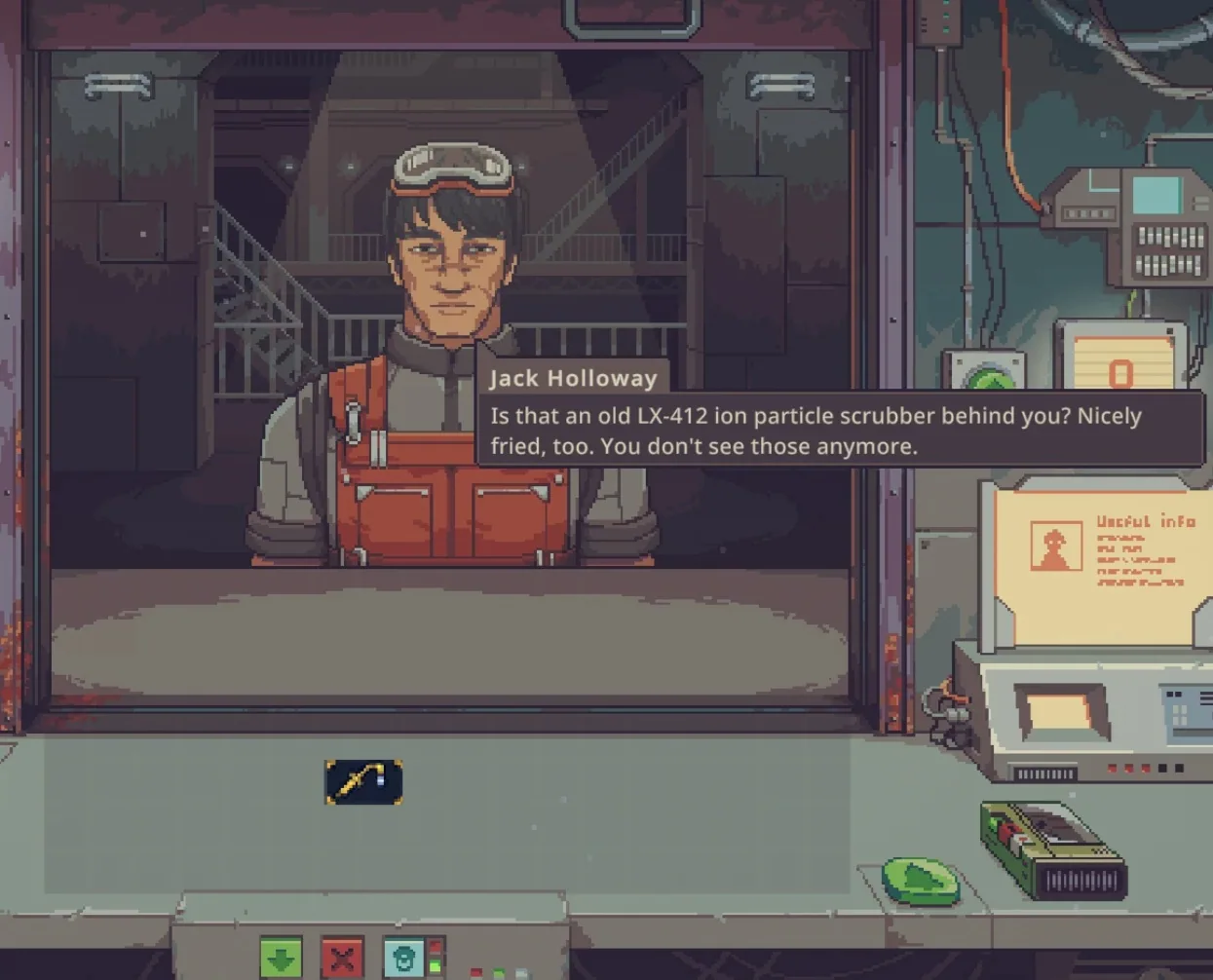
On day 1 an employee of the Metal Services Company (MSSC) visits your shop and hands you a business card. Call the number on it to open the room expansion panel.
If for some reason the employee never reaches you, the card will show up in your inventory from day 2 onward. And even if you never get the card, you can still call MSSC without it, the number is the same for everyone: 5207348
Default controls
- A: scroll to the storage room
- D: scroll back to the shop
Saves and permissions
The mod stores its own data (shelf contents and expansion progress) inside your save file. It requests no special permissions: it only reads its own files through the game's mod API and, with the debug option on, writes a log into the game's ModData folder.
Incompatible mods
QuickSlots (details: see this comment) QuickSlots' quicksave (F5) bypasses the game's normal save, so shelf contents may be lost or duplicated.
Screenshots 4

Comments 0
No comments yet — be the first.
Log in or sign up to leave a comment.