












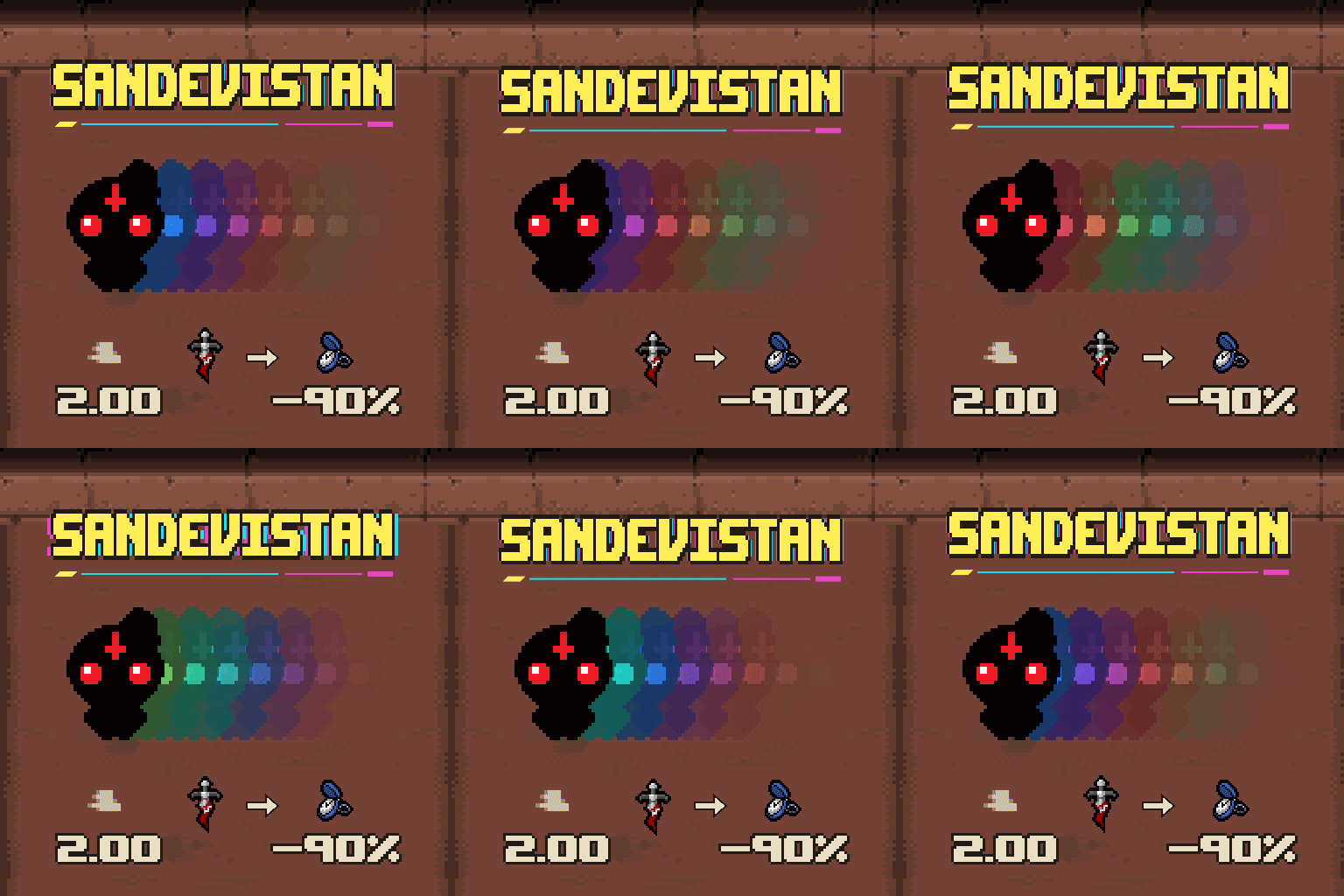



Adds configurable world slowdown and colored afterimages to Dark Arts. Requires Repentance+ and REPENTOGON.
Contents
Sandevistan for Dark Arts slows the world during Dark Arts while preserving the character's movement and normal animations in its main slowdown modes.
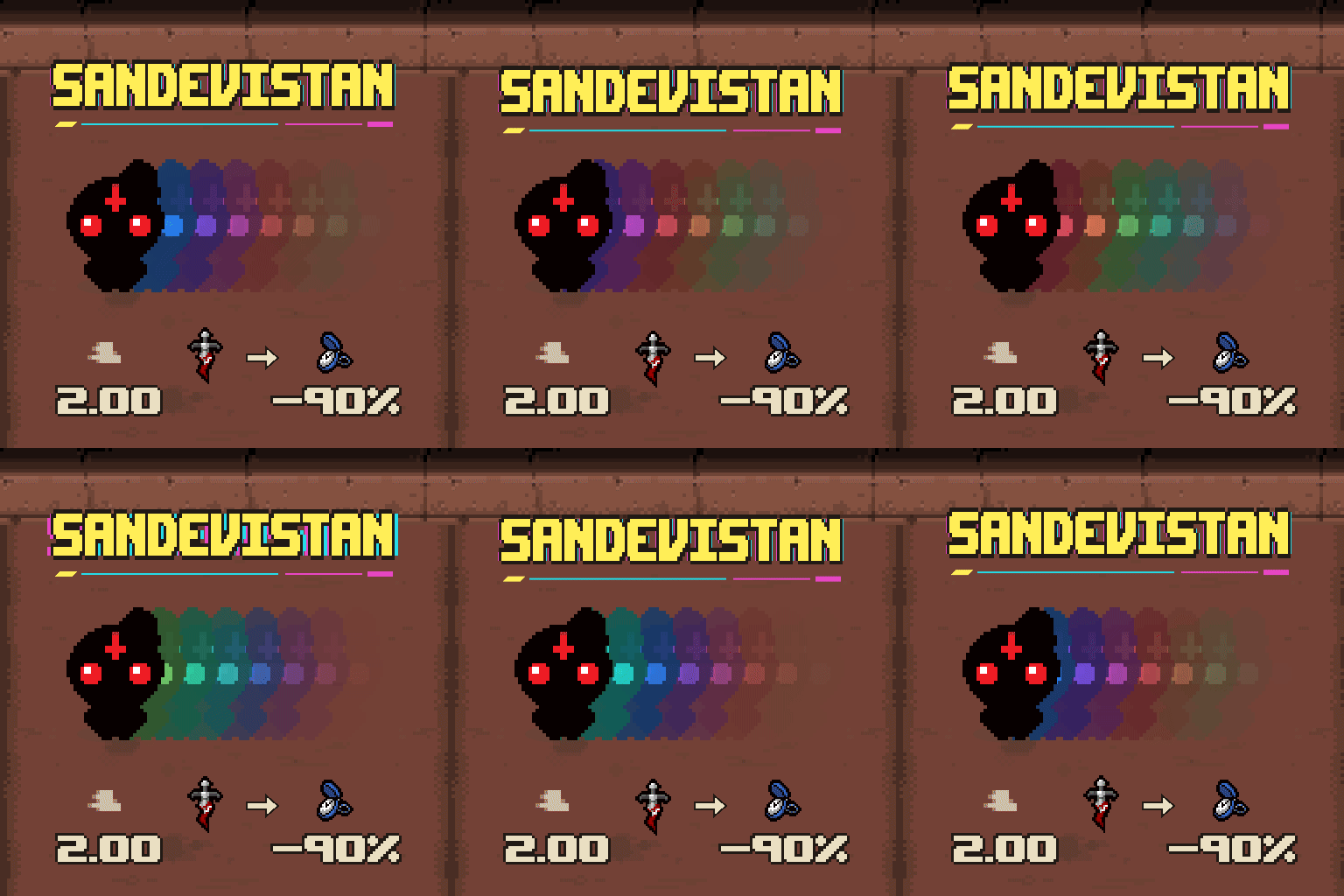
- Speed scaling, the default: higher pre-activation movement speed means stronger slowdown. At 2.00 movement speed, the world runs at 10% while the character keeps their pre-activation speed.
- Custom: set world speed to 10–100%.
- Effects only: keep colored afterimages and screen colors without changing speed or native Dark Arts behavior.
The original global-slowdown mode, which slows both the player and the world, remains available. In slowdown modes, release and press the skill button again to end Dark Arts early.
Effects
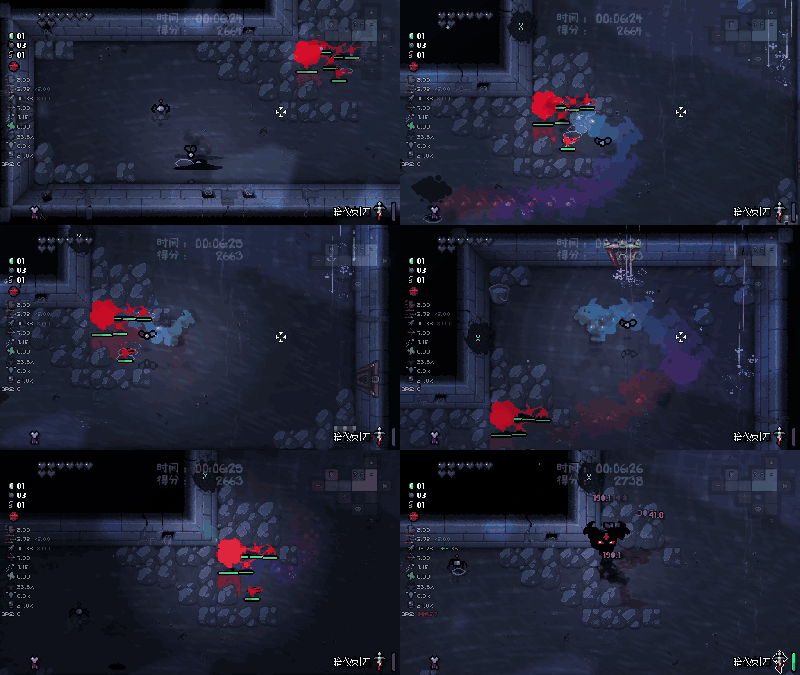
Older afterimages fade, overlapping does not increase their opacity, and the character stays in front of the trail. After the skill ends, the trail disappears oldest-first within 0.25 seconds. Set 0–30 afterimages per real-time second and 0–100% initial opacity; defaults are 10 and 100%. Stronger colors are optional. Smooth obstacles, off by default, lets the character slide along obstacle edges during slowdown.
Requirements and configuration
Requires Repentance+ and REPENTOGON; see the REPENTOGON installation instructions. Use Mod Config Menu to change settings under Dark Arts Slowmo > Settings. Settings save automatically; the menu follows the game's Chinese or English language.
DarkArtPlus is optional and supplies the red enemy highlighting seen in the demonstrations, plus a ready flash, dark trails and screen darkening. This mod works without it.
Screenshots 2
Comments 0
No comments yet — be the first.
Log in or sign up to leave a comment.