












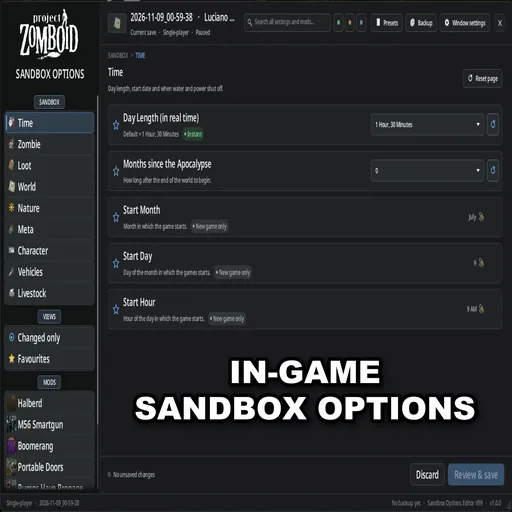



Edit all sandbox options in Project Zomboid Build 42 saves without starting a new game. Features presets, search, backup, and multiplayer support.
Sandbox Options Editor V99 [B42]
v15.11.2026 · ModsFire, 981.3 КБ ·
3 downloads
The Sandbox Options Editor V99 [B42] mod for Project Zomboid lets you change sandbox settings of your save at any time, without starting a new game. You can access the editor from the Esc menu, a customizable hotkey, the admin panel on servers, or the main menu before loading a save. It also replaces the Sandbox step in new game creation and the Sandbox pages for HOST servers.
Features
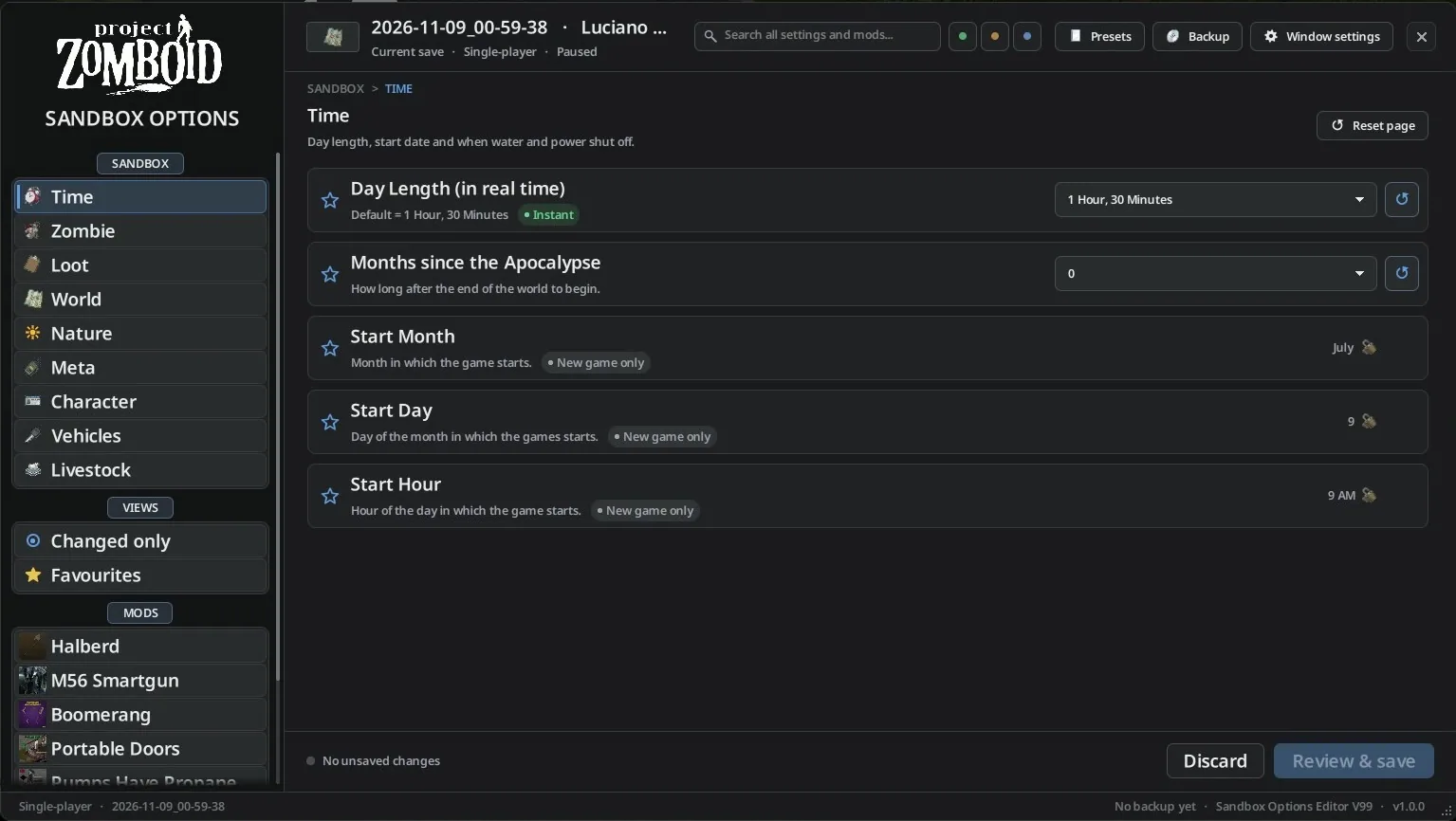
- Large, resizable window with a sidebar for every vanilla and modded page, each mod has its own icon.
- Each setting displays a short description, default value, and a tag showing when changes take effect: instantly, on save reload, in unexplored areas only, or only for new games.
- Search all pages and mods at once, with matching text highlighted.
- "Changed only" and "Favourites" views, and collapsible sections.
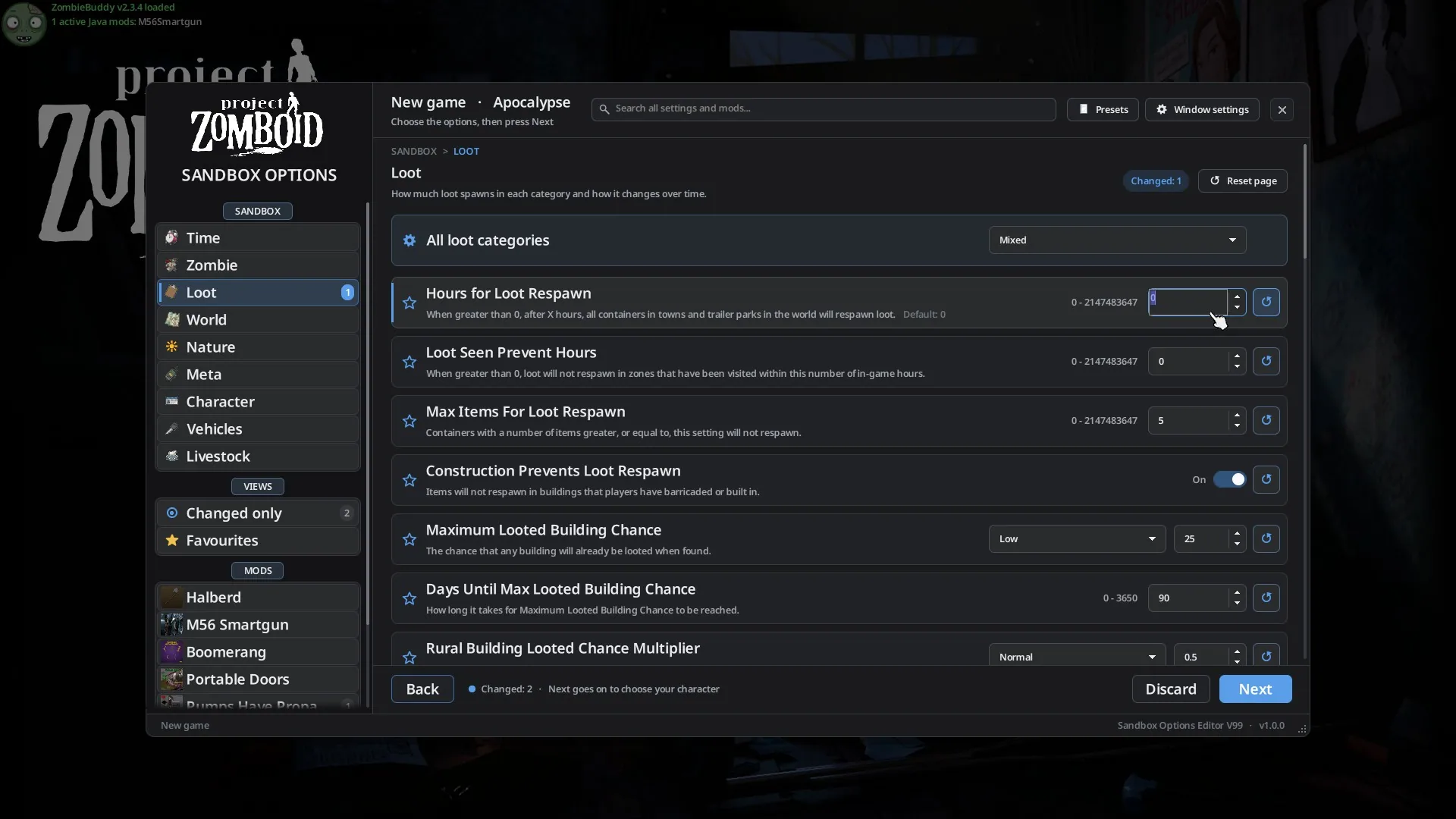
- Number boxes with arrows and visible range; out-of-range values are marked and cannot be saved. Warnings for extreme or laggy values.
- Set all loot categories to one level at once, then fine-tune individually.
- Reset individual settings, entire pages, or all options to defaults.
- Review screen before saving: see every change with old and new values. Closing with unsaved changes prompts a warning.
- Presets: load game or custom presets, save current values as a preset, delete your presets, or copy settings from another save.
- Automatic backup of previous values with every save, with one-click restore.
- In single player, instant settings apply immediately when saving (including day length). On servers, loot settings are rebuilt after saving.
How to Access
- In-game: Open via SANDBOX OPTIONS in the Esc menu (under Options), or with a customizable hotkey in Window settings (press again to close). In single player, the game pauses while open.
- On servers: Access through the admin panel's Sandbox options button, Esc menu, or hotkey. Only available to players with sandbox editing permissions.
- Main menu: Use SANDBOX OPTIONS under Load. Select a save to edit; changes apply next time the save is loaded. You can add the editor to saves that didn't have it before with one click.
- New game: The Sandbox step opens this editor window, with Back and Next buttons like the default game setup.
- HOST servers: In server settings, the Sandbox entry opens this window. The editor must be in the server's mod list.
Window Settings
- Customizable hotkey to open/close the editor in-game.
- Six color themes and three font sizes.
- Option to show internal option names.
- Option to keep the game's default window for new game, HOST, or admin panel if preferred.
- Reset window size and position.
- These settings are available both in Options > Mods and within the editor; changes sync between both places.
Languages
Available in English, Spanish, German, French, Italian, Portuguese, Brazilian Portuguese, Simplified Chinese, Russian, and Polish.
Compatibility and Requirements
- For Project Zomboid Build 42 only.
- No other mods required.
- Works in multiplayer (servers and co-op); changes are sent to the server and logged in the admin log.
- Safe to add to an existing save. Editing a save from the main menu requires the mod to be enabled for that save.
Screenshots 2

Comments 0
No comments yet — be the first.
Log in or sign up to leave a comment.