













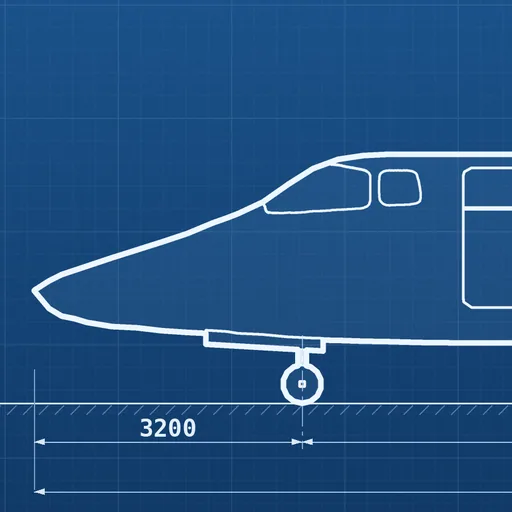



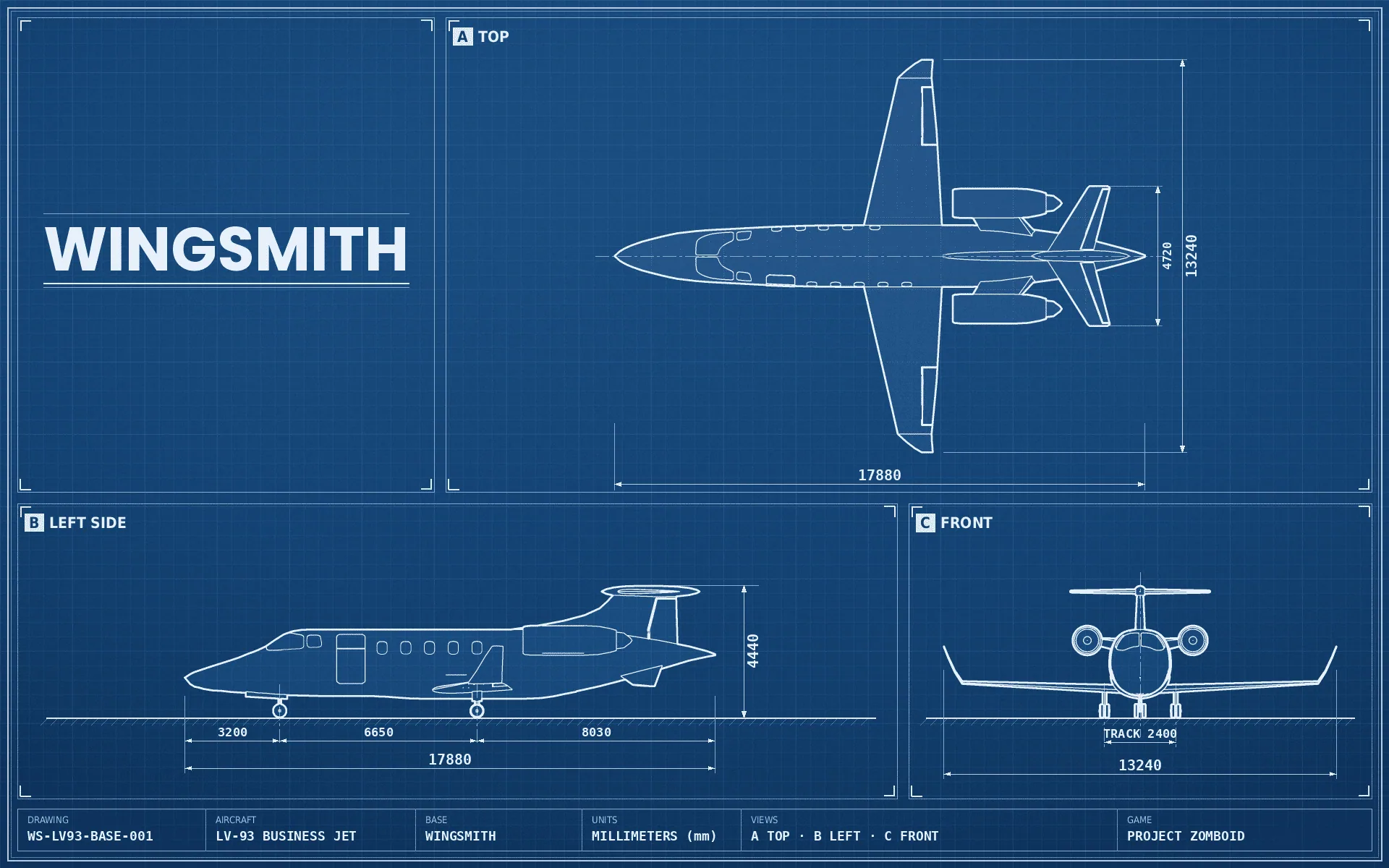
Provides flight systems for RKC aircraft such as the LV-93 Business Jet and BOEING 737-200 / RV-HOPE. Install a separate aircraft alongside it. For Build 42.21+ in solo and multiplayer.
Provides flight systems for RKC aircraft such as the LV-93 Business Jet and BOEING 737-200 / RV-HOPE. Install a separate aircraft alongside it. For Build 42.21+ in solo and multiplayer.
Flight and controls
Simulates thrust, lift, gliding, climbing and the landing roll. With an engine running, aircraft do not stall. Use E at the door or menu V to board and access mechanics or fuel. W/S adjusts throttle and reverses when holding S at zero on the ground. A/D steer, Up/Down climb and descend, and Space brakes. Hold Up at the altitude ceiling for the Knox Country flight map and Down at its floor to descend. Scroll to zoom. Aircraft have cockpits with flight readouts, gear, lights and assistance. Doors close in flight.
Takeoff and landing
Auto takeoff checks the ground and can steer up to 30°, brake or lift early. Flight keys cancel it. Manual takeoff uses W and Up at READY. For automatic landing, place the runway with the mouse and rotate with arrows. The aircraft scouts at 12 m and needs roughly 65/52/45 m of clearance, depending on the sandbox preset. After three failures the obstacle stays highlighted for a minute. For manual landing, lower gear, slow down and brake. The fuselage still hits obstacles.
Settings and compatibility
Sandbox options cover length, altitude, wear, bird strikes, crashes, flight events, fuel, spawns and noise. There is frame-rate slowdown at altitude and an optional 10-second descent fallback. Engine sound can attract zombies. Weld to repair wear, bird strikes, hard landings and fires. In network play the pilot flies and the server handles repairs and damage. The flight map covers vanilla Knox Country. Fly in normal view over mod maps. Safe to update mid-save. English, Korean and Chinese.
Screenshots 1

Comments 0
No comments yet — be the first.
Log in or sign up to leave a comment.